
Give points by scanning ID badges
Scan a badge to pull up a student without searching, using your camera or a handheld scanner.
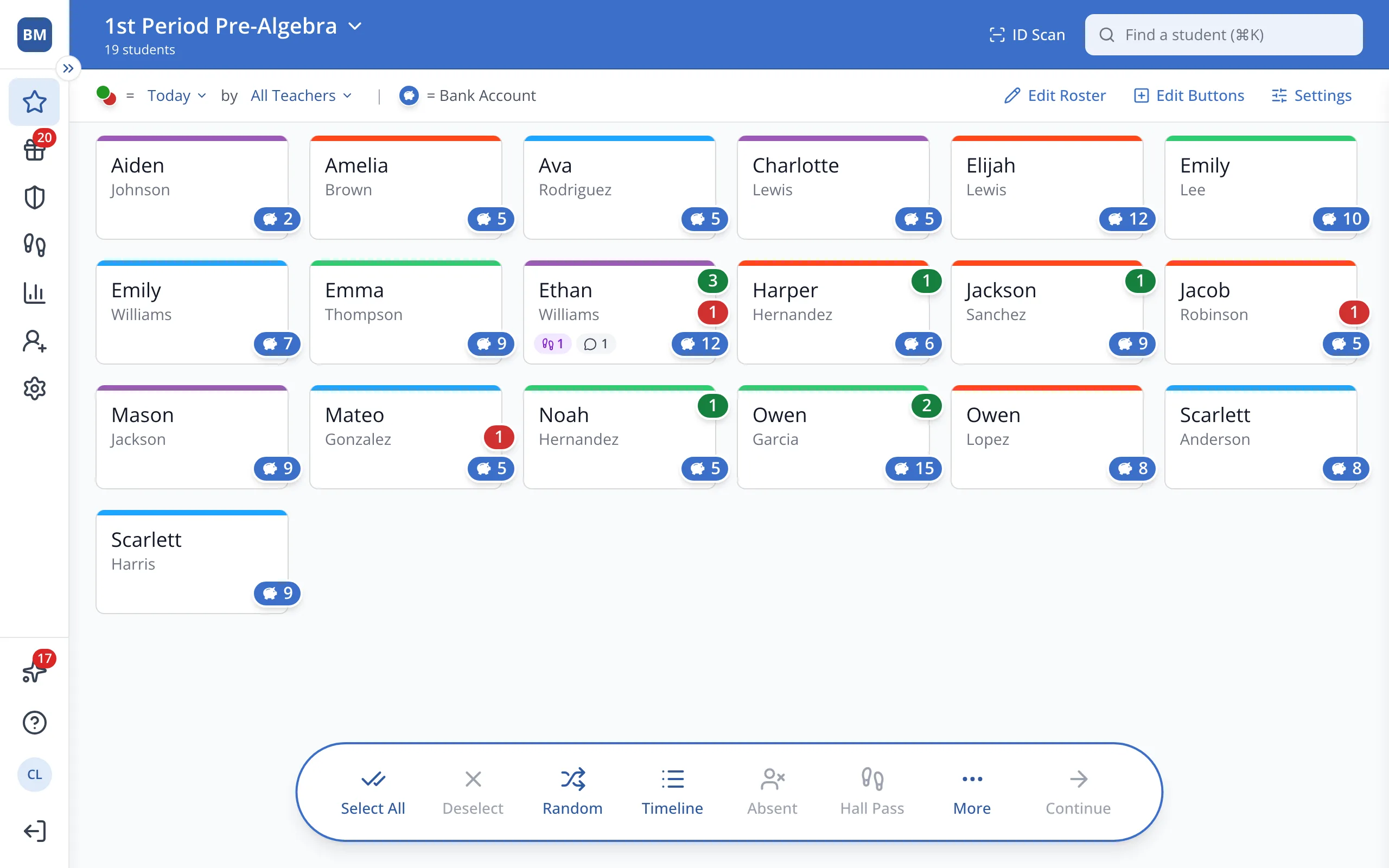
1 / 6At the top of the Points page, click ID Scan.
1.At the top of the Points page, click ID Scan.
2.Click Single Scan Mode.
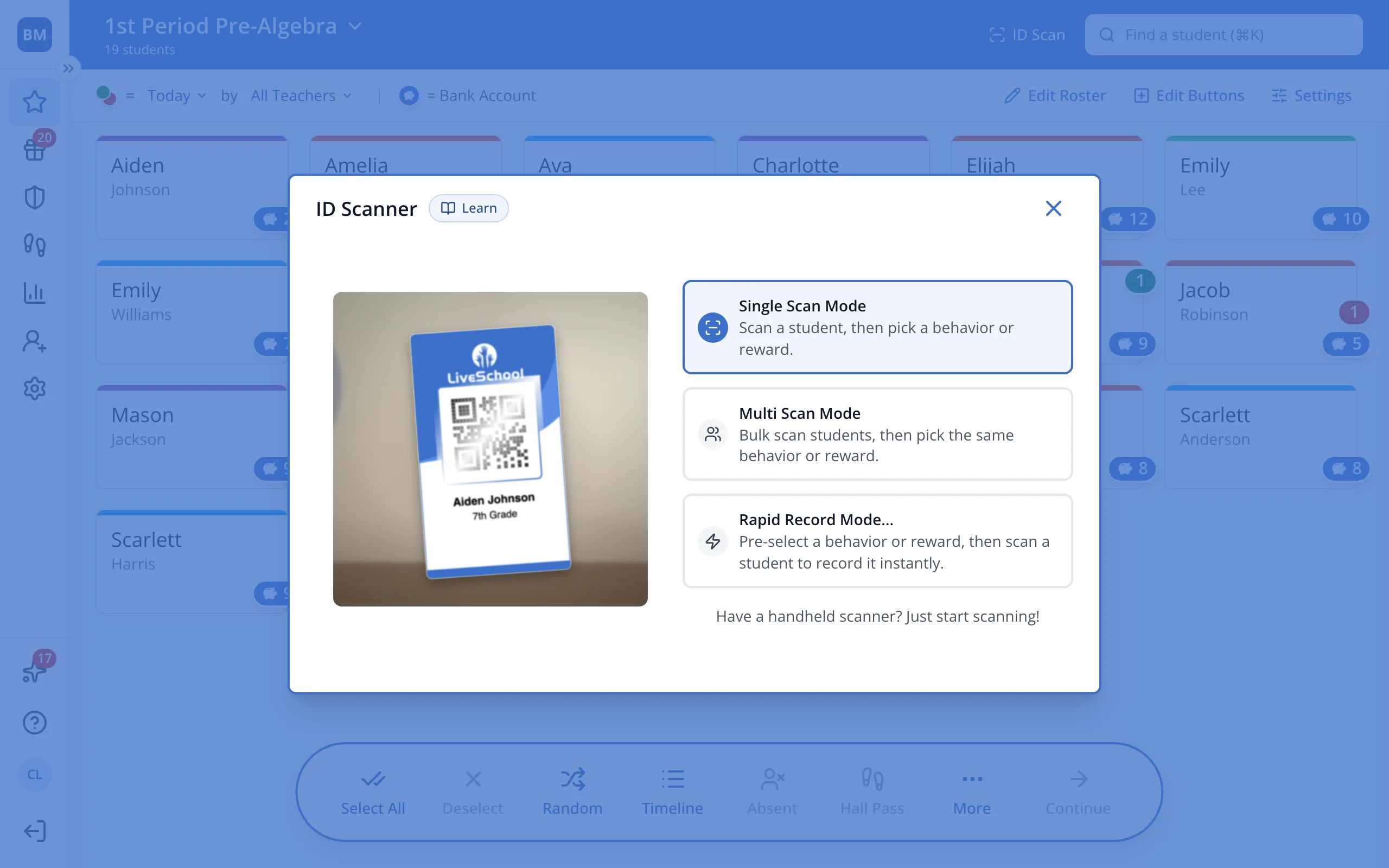
Tip: Use Rapid Record Mode to pick a behavior once, then scan a line of students.
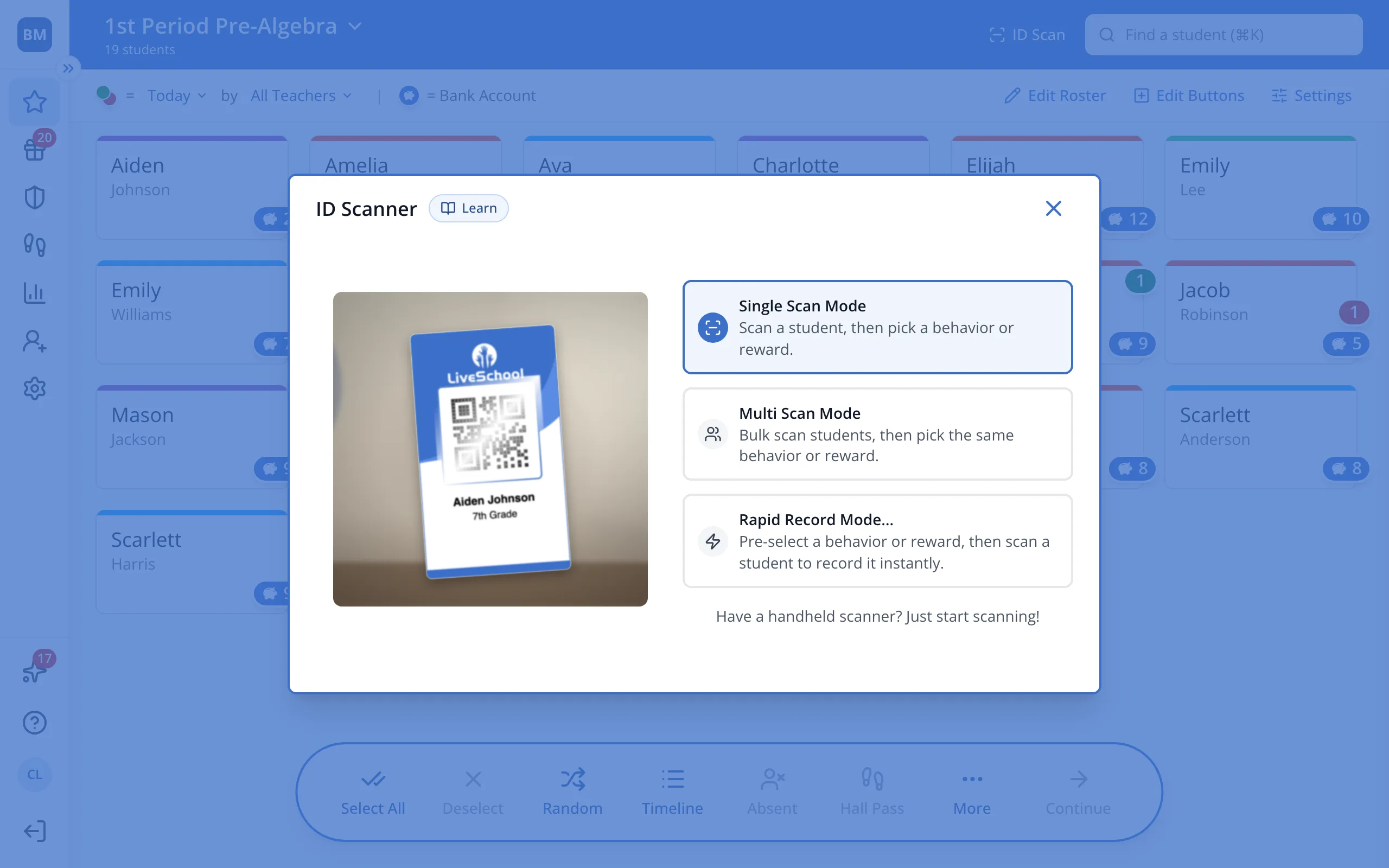
3.Hold the student's badge up to your camera, or scan it with a handheld scanner.
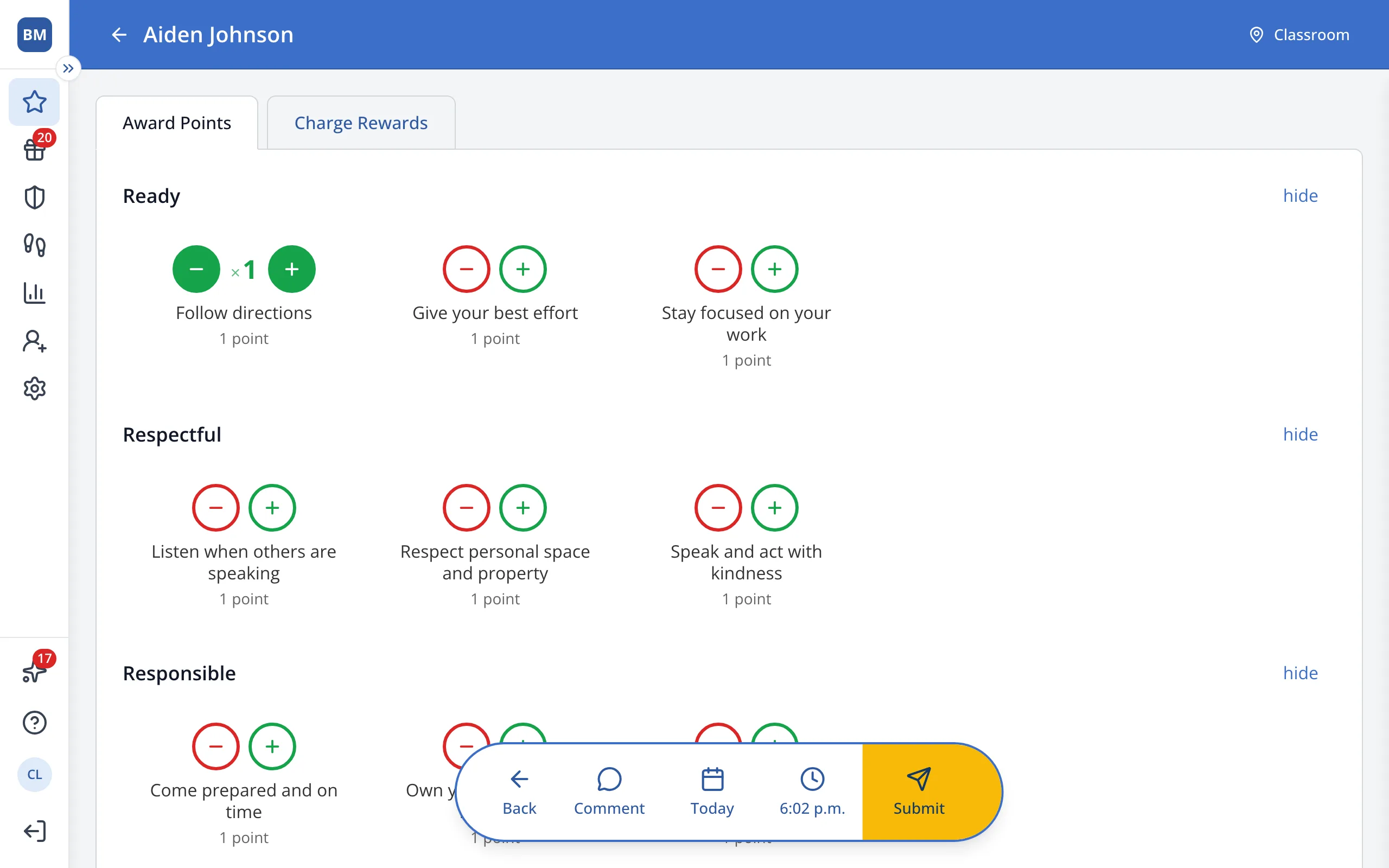
4.The student is selected. You can now pick the behavior you'd like to award: click the green + next to it.
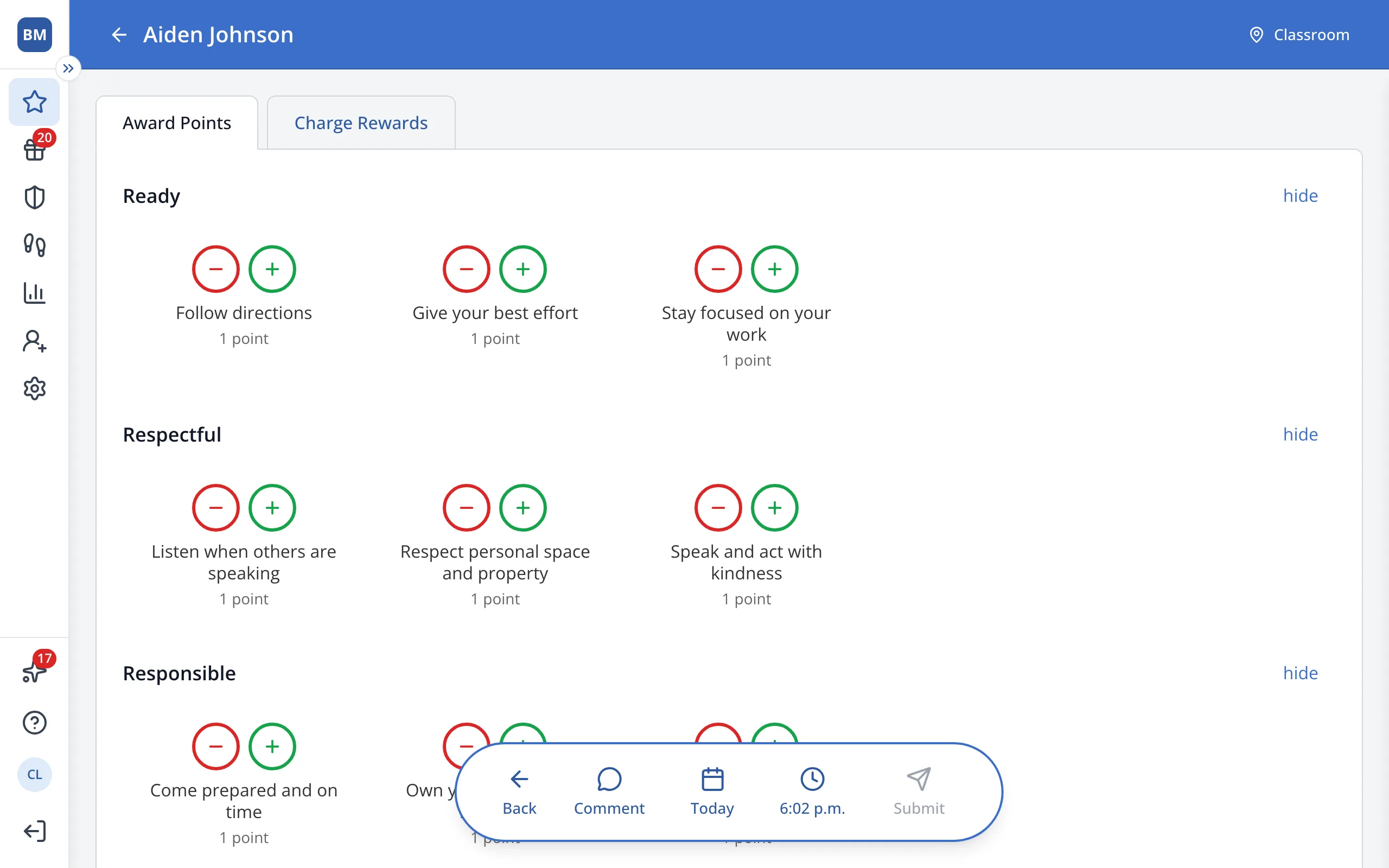
5.In the bar at the bottom, click Submit.
Was this helpful?