
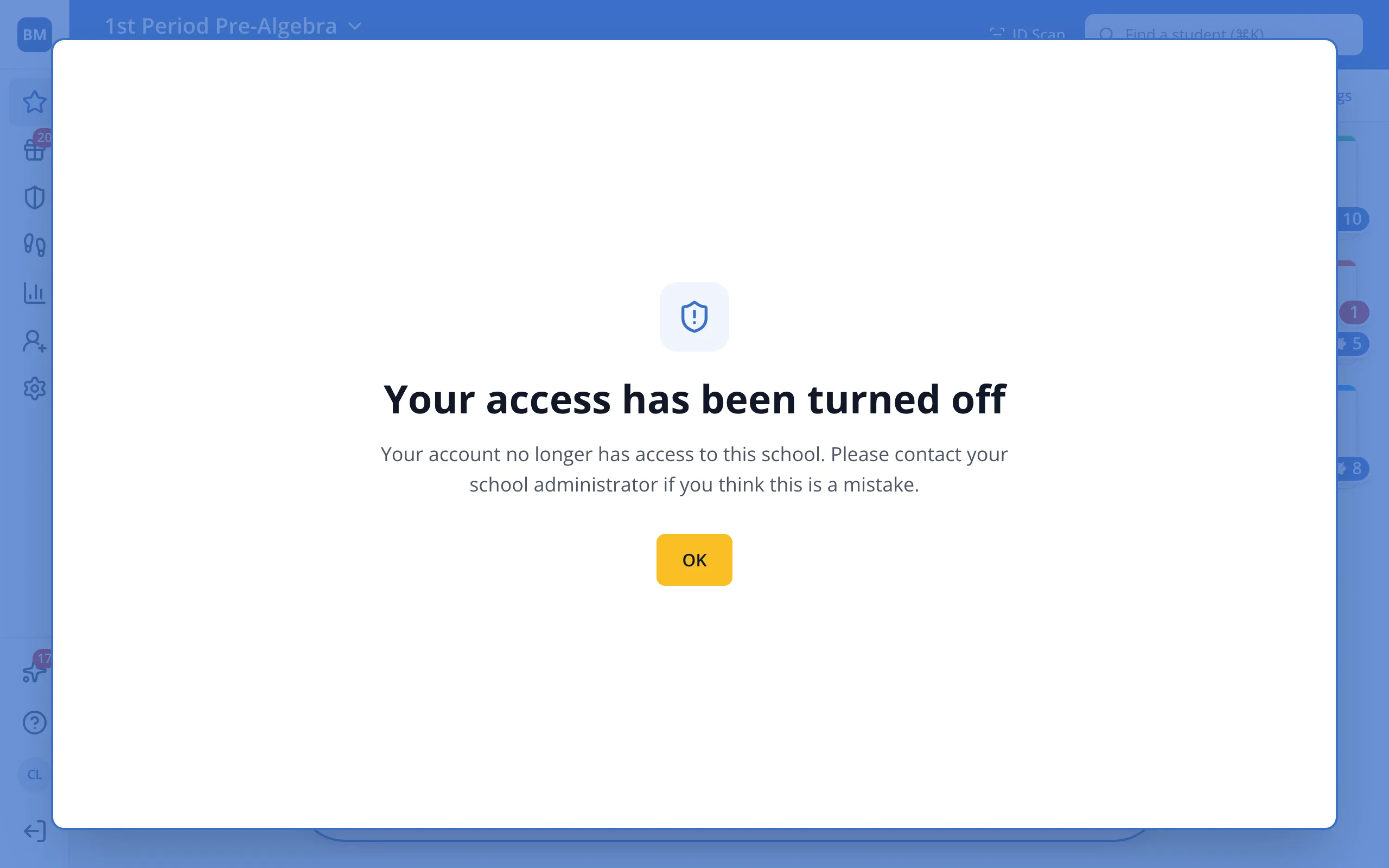
Get back in when your access has been turned off
Only your school administrator can turn your access back on. Your account and data aren't deleted.
Use the Left and Right arrow keys to move between steps, and Space to play or pause.
1.If you see Your access has been turned off, click OK to sign out. Then ask your school administrator to turn your access back on.