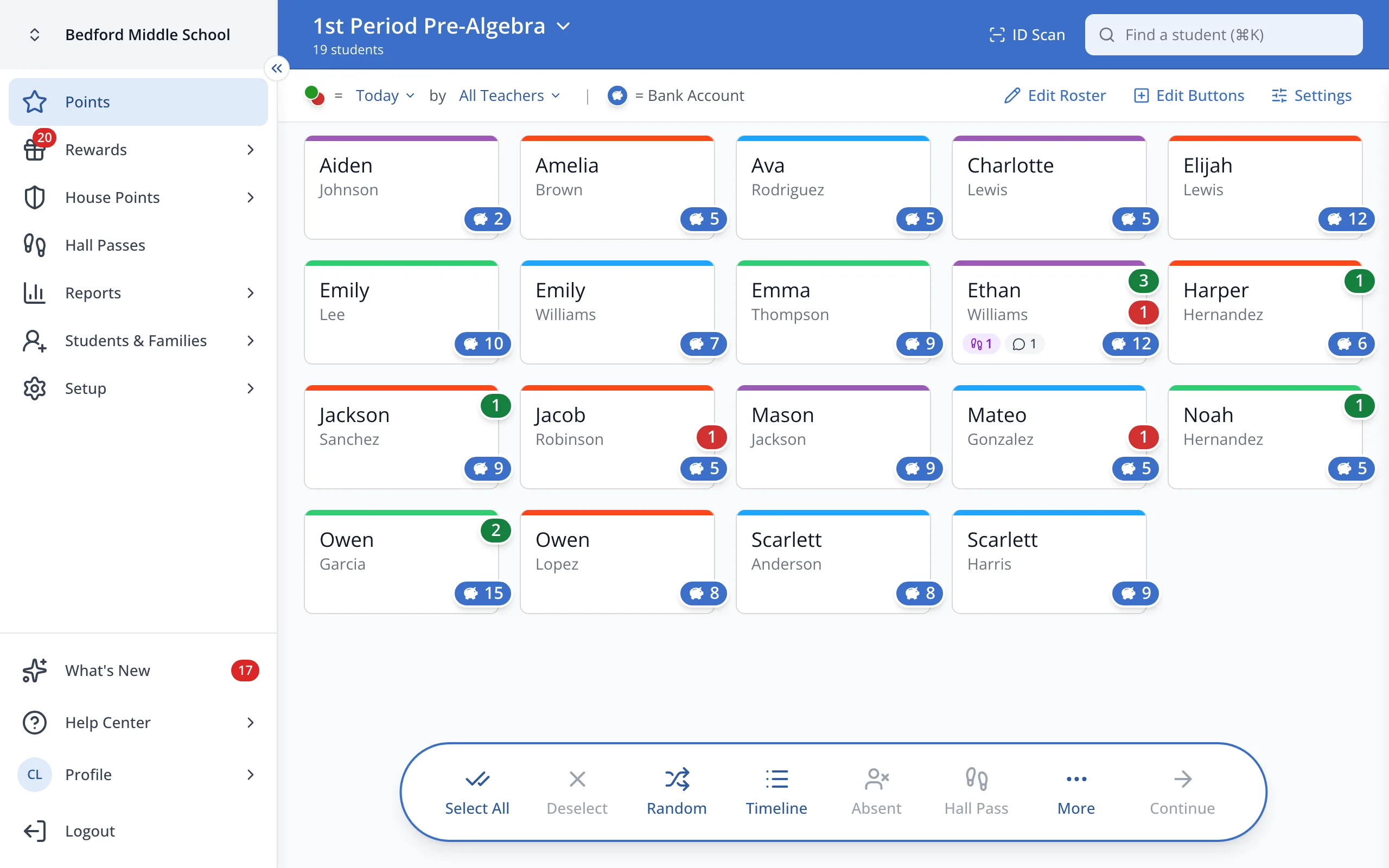
Choose which account to open when you have more than one
If you work at more than one school, or also have a family account, you pick one each time you sign in.
Use the Left and Right arrow keys to move between steps, and Space to play or pause.
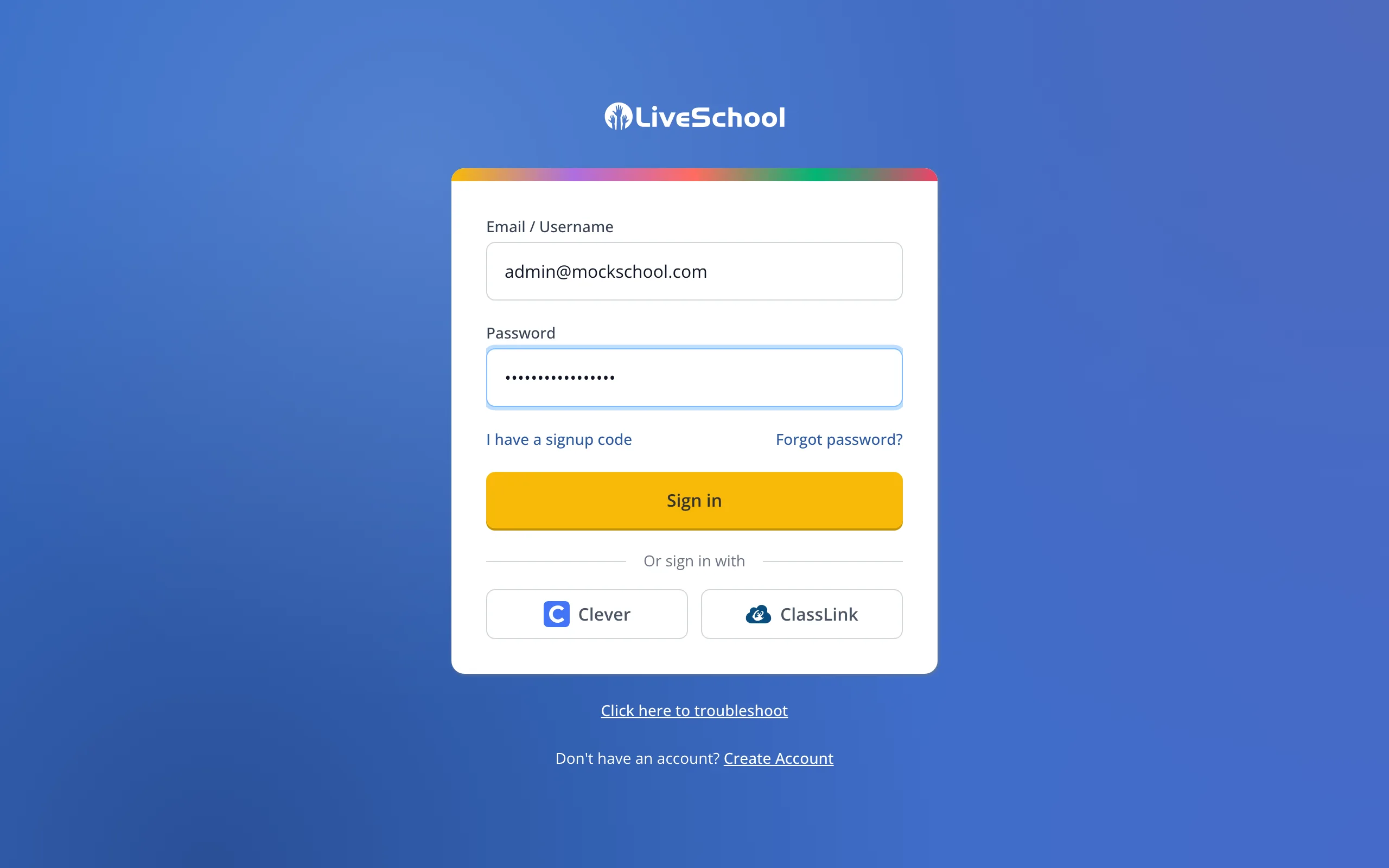
1.Sign in with your email and password as usual.
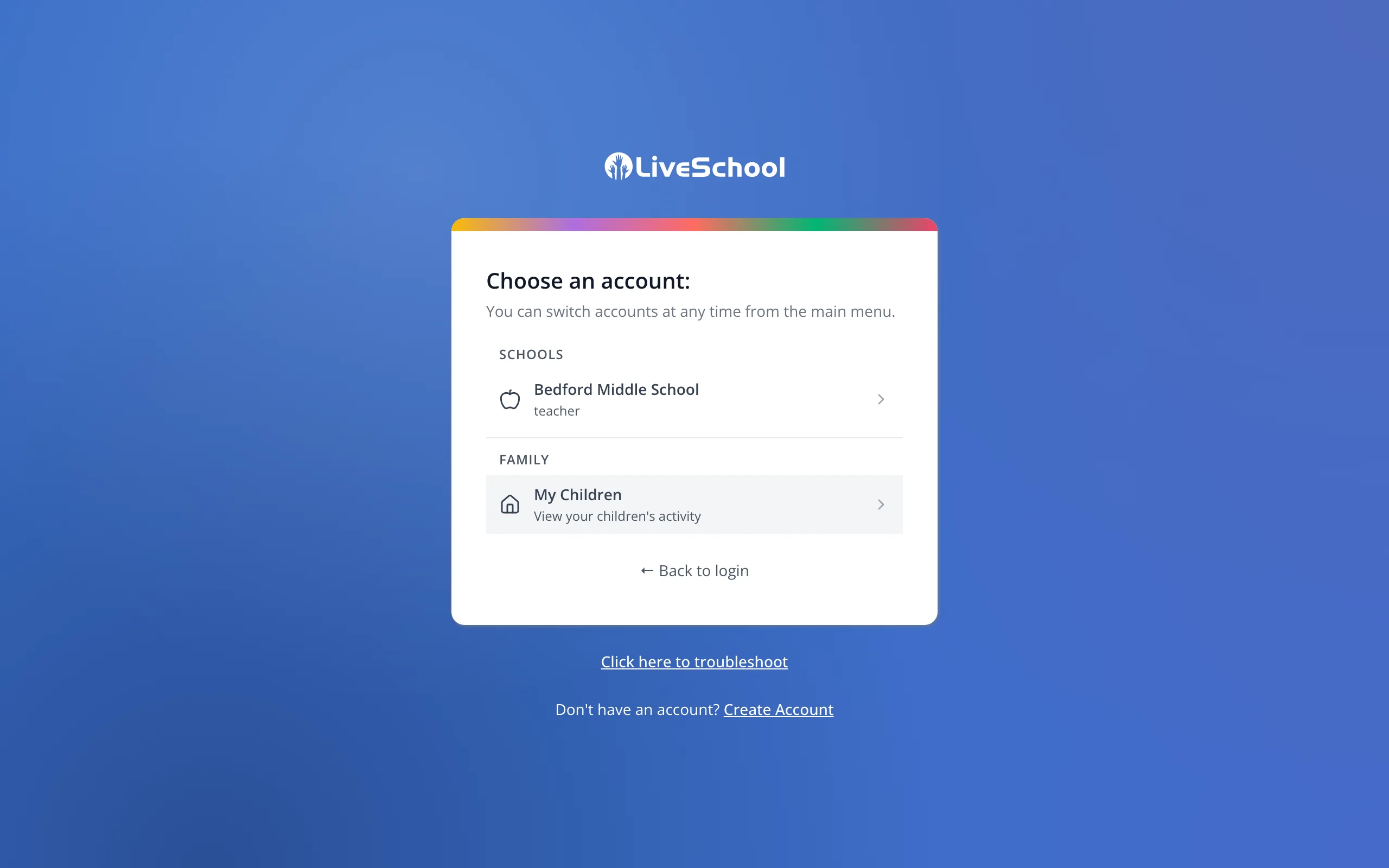
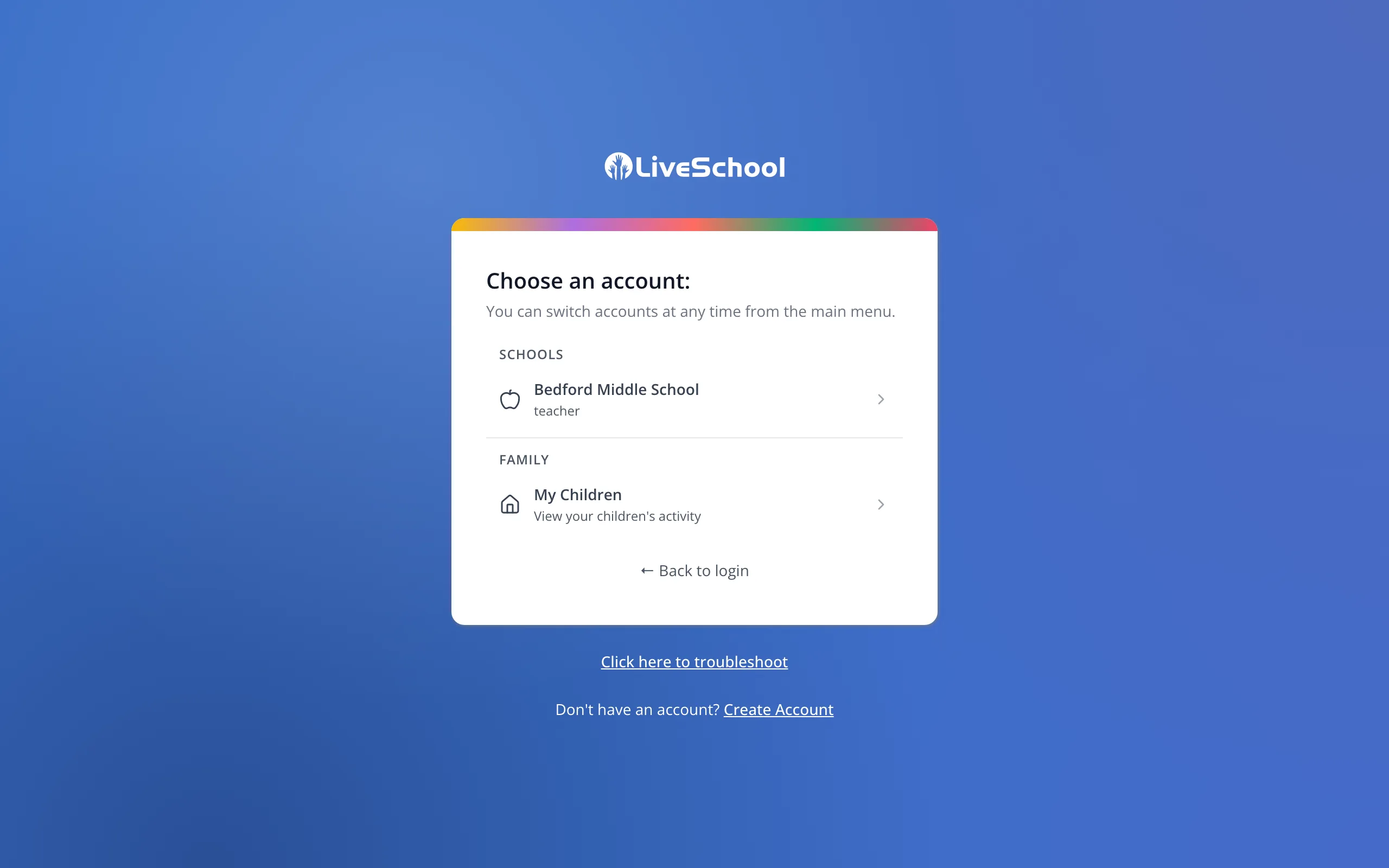
2.Click the account you'd like to open: a school under Schools, or your family account under Family.
3.To switch accounts later, click your school's name at the top of the sidebar.