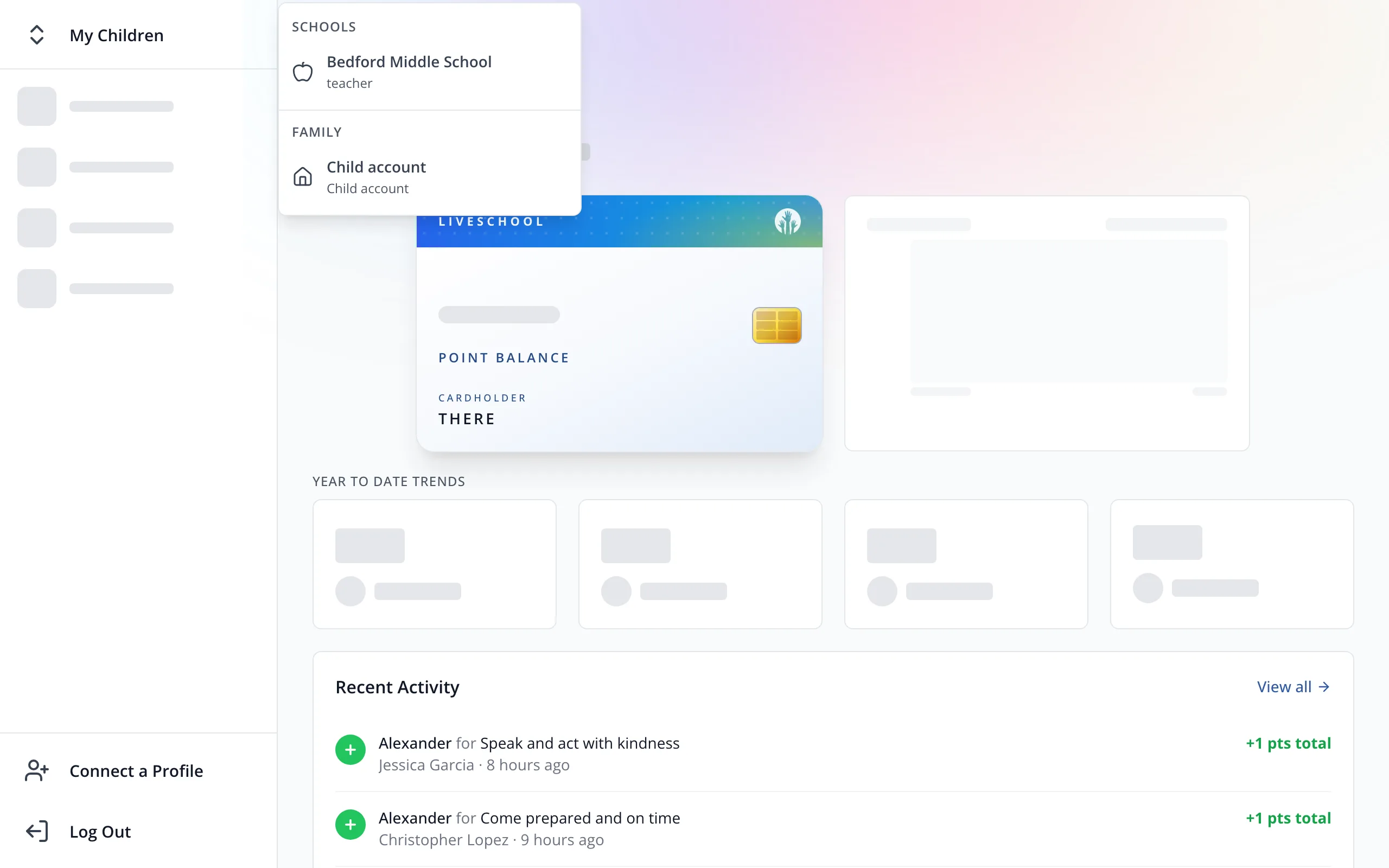
Switch between your staff and family accounts
When your staff and family accounts share an email, you can move between them without signing out.
Use the Left and Right arrow keys to move between steps, and Space to play or pause.
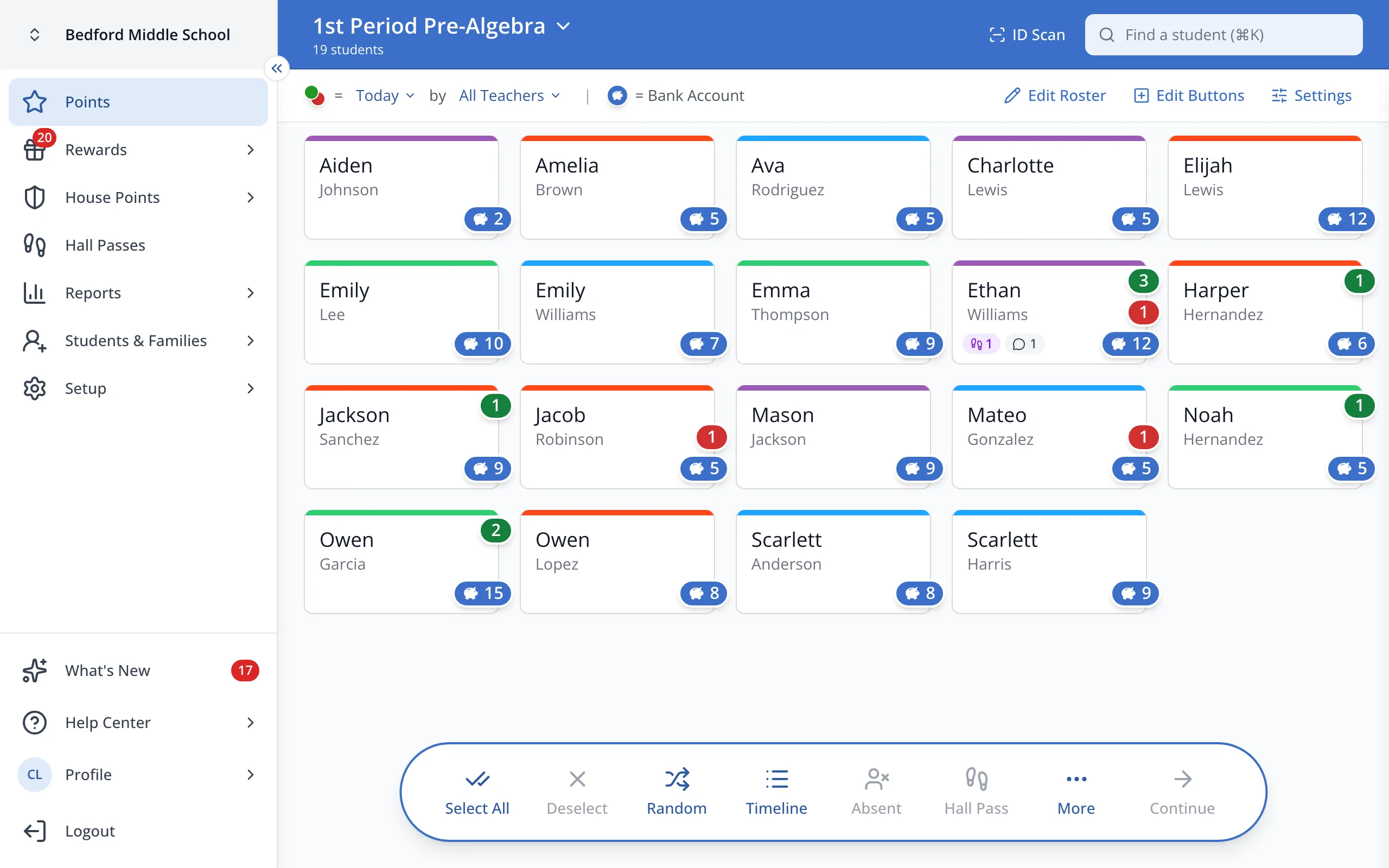
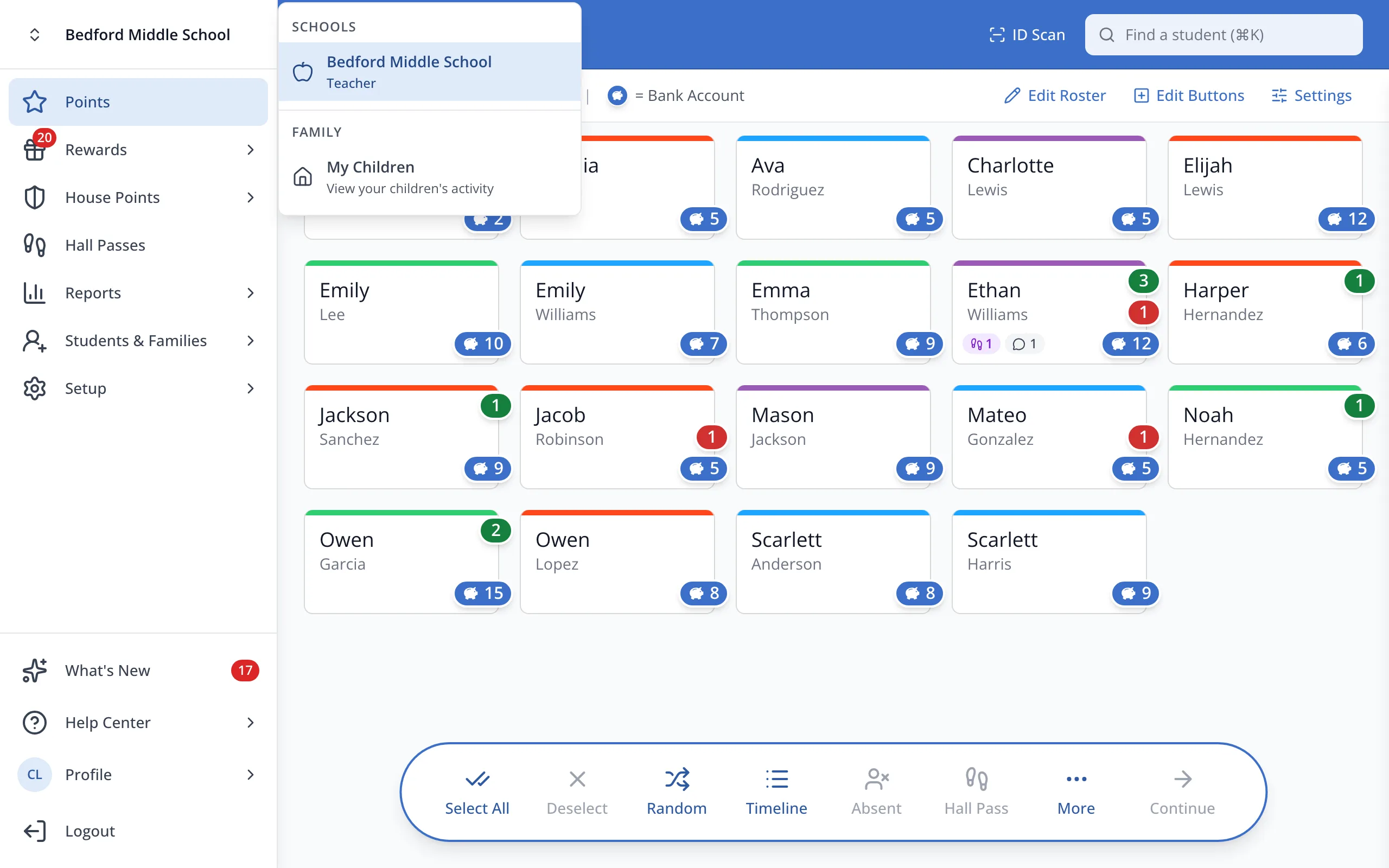
1.At the top of the sidebar, click your school's name.
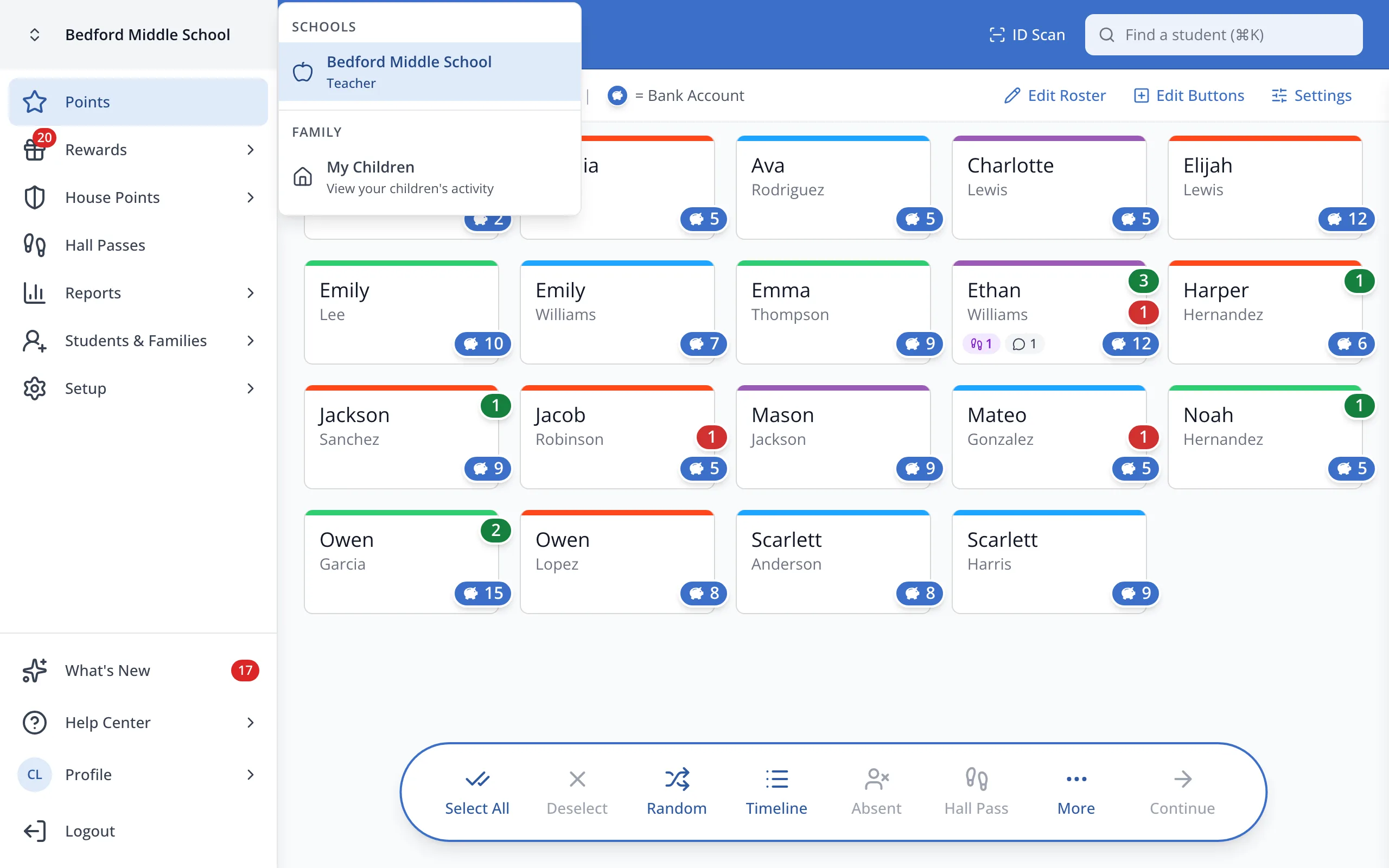
2.Under Family, click My Children.
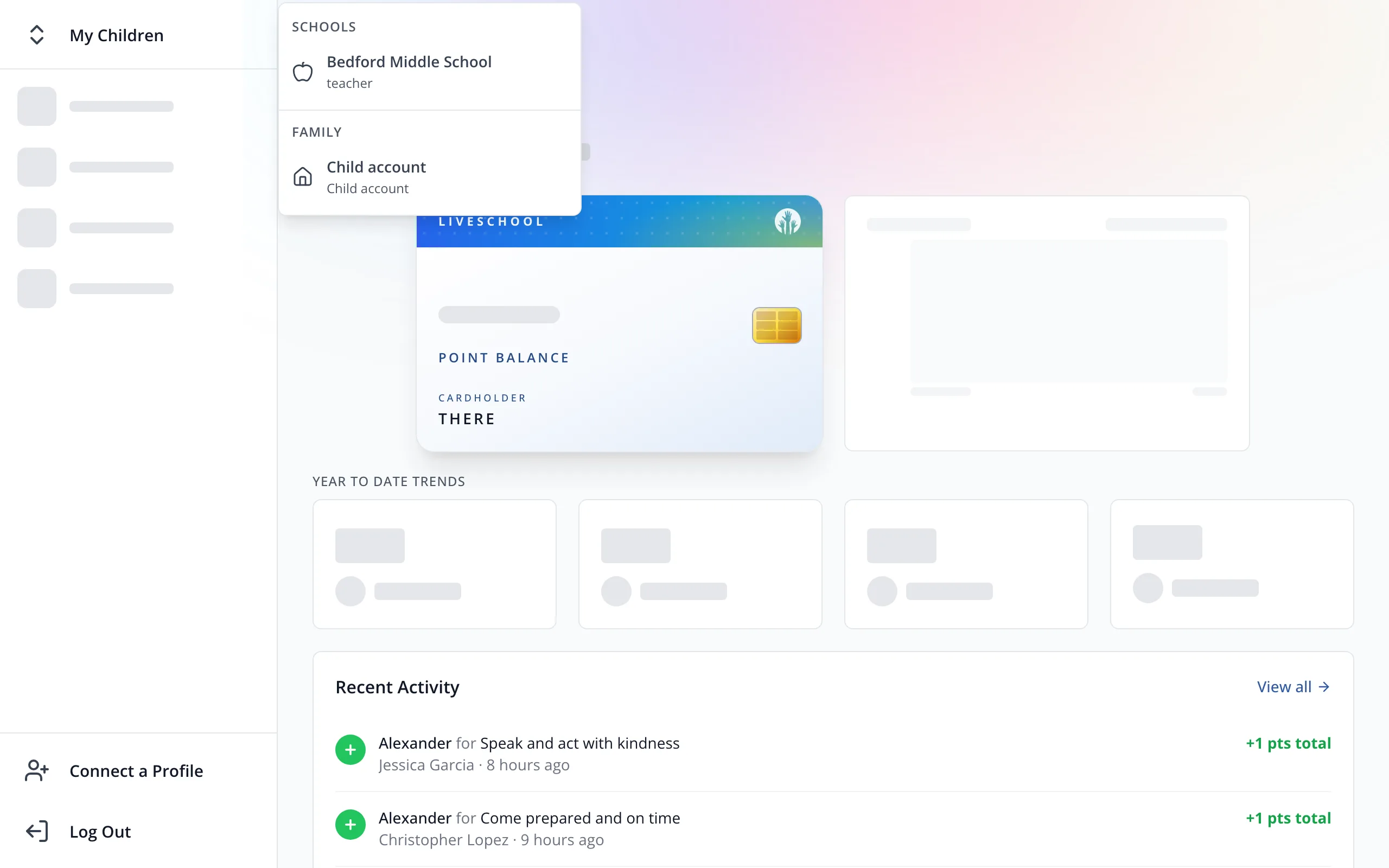
3.To go back, click My Children at the top of the sidebar.
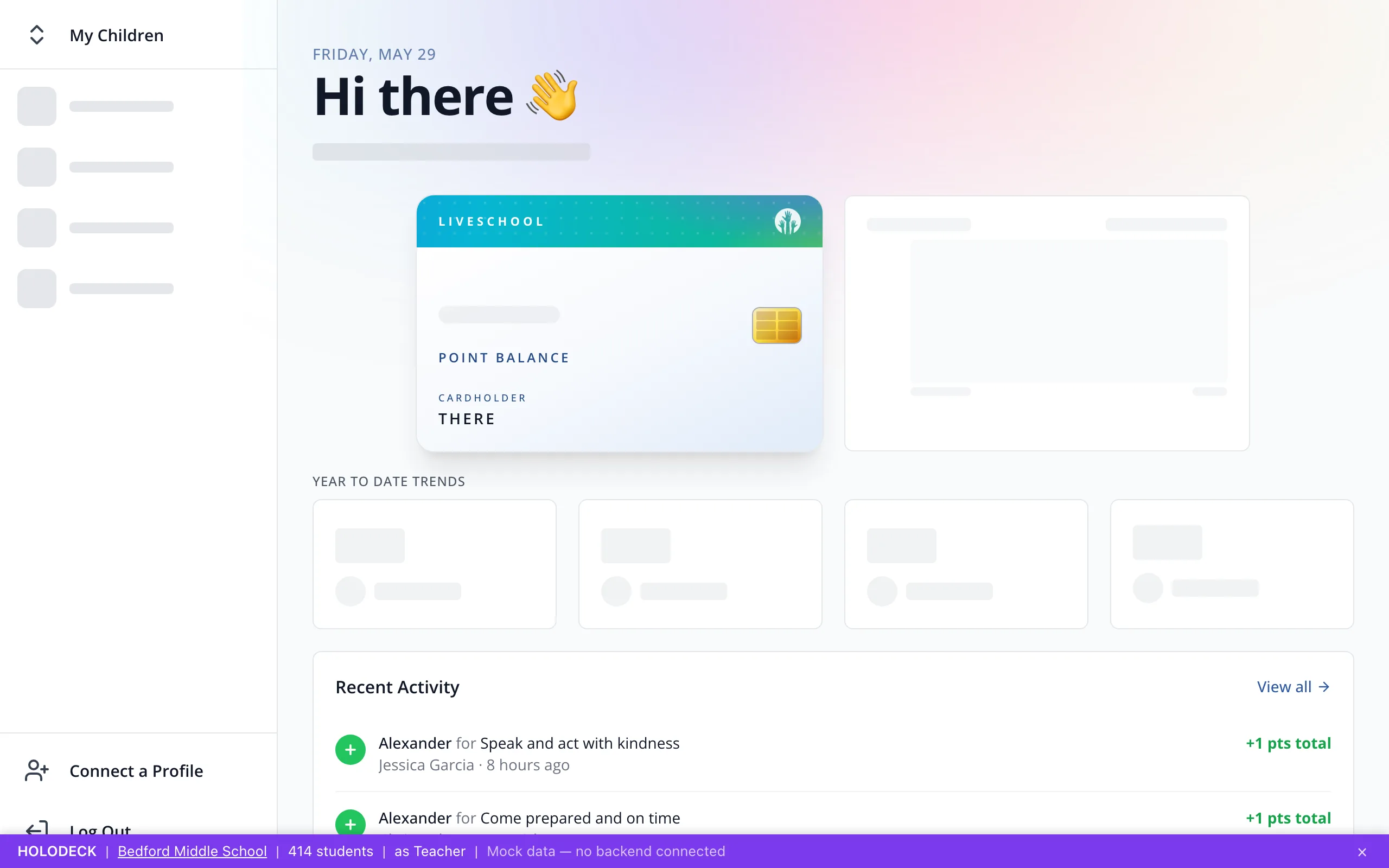
4.Under Schools, click your school to go back to your staff account.