
Clear your browser cache when pages won't load or you can't sign in
Clearing LiveSchool's stored data on your device fixes most sign-in and loading problems. You'll sign in again afterward.
Use the Left and Right arrow keys to move between steps, and Space to play or pause.
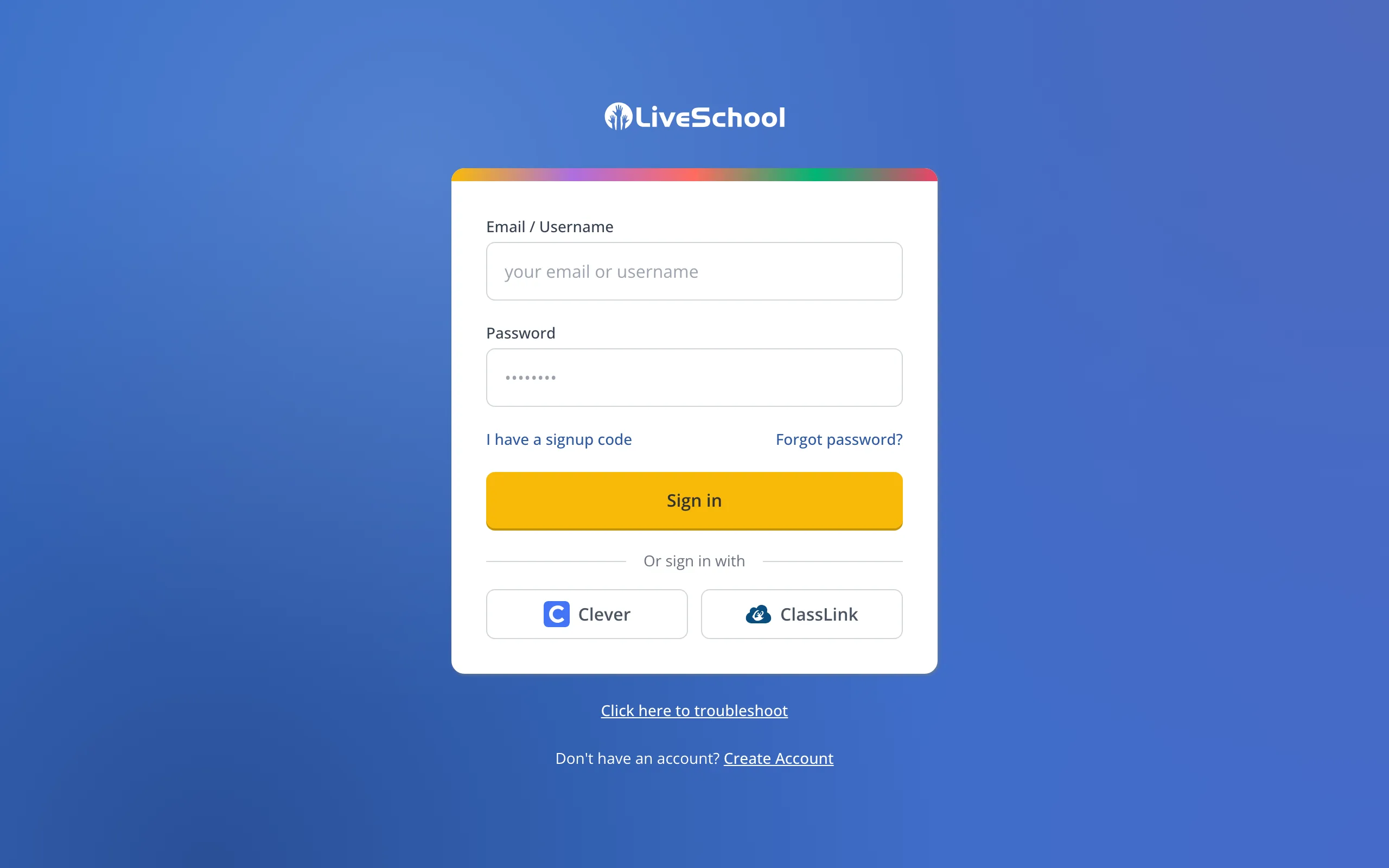
1.On the sign-in page, click Click here to troubleshoot.
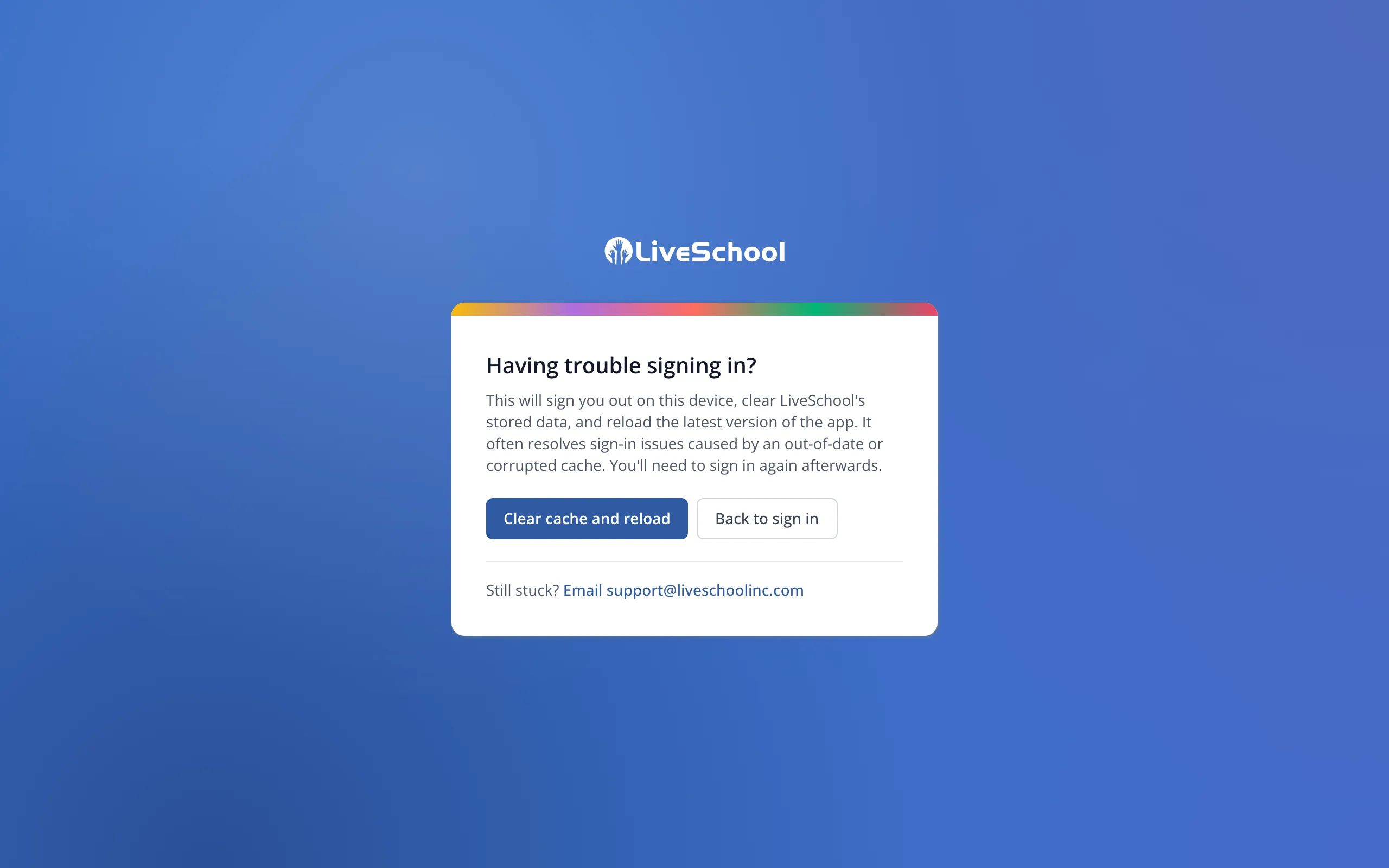
2.Click Clear cache and reload, then sign in again.
Did you know? Already signed in? Use Clear cache and sign in again on your Profile page.