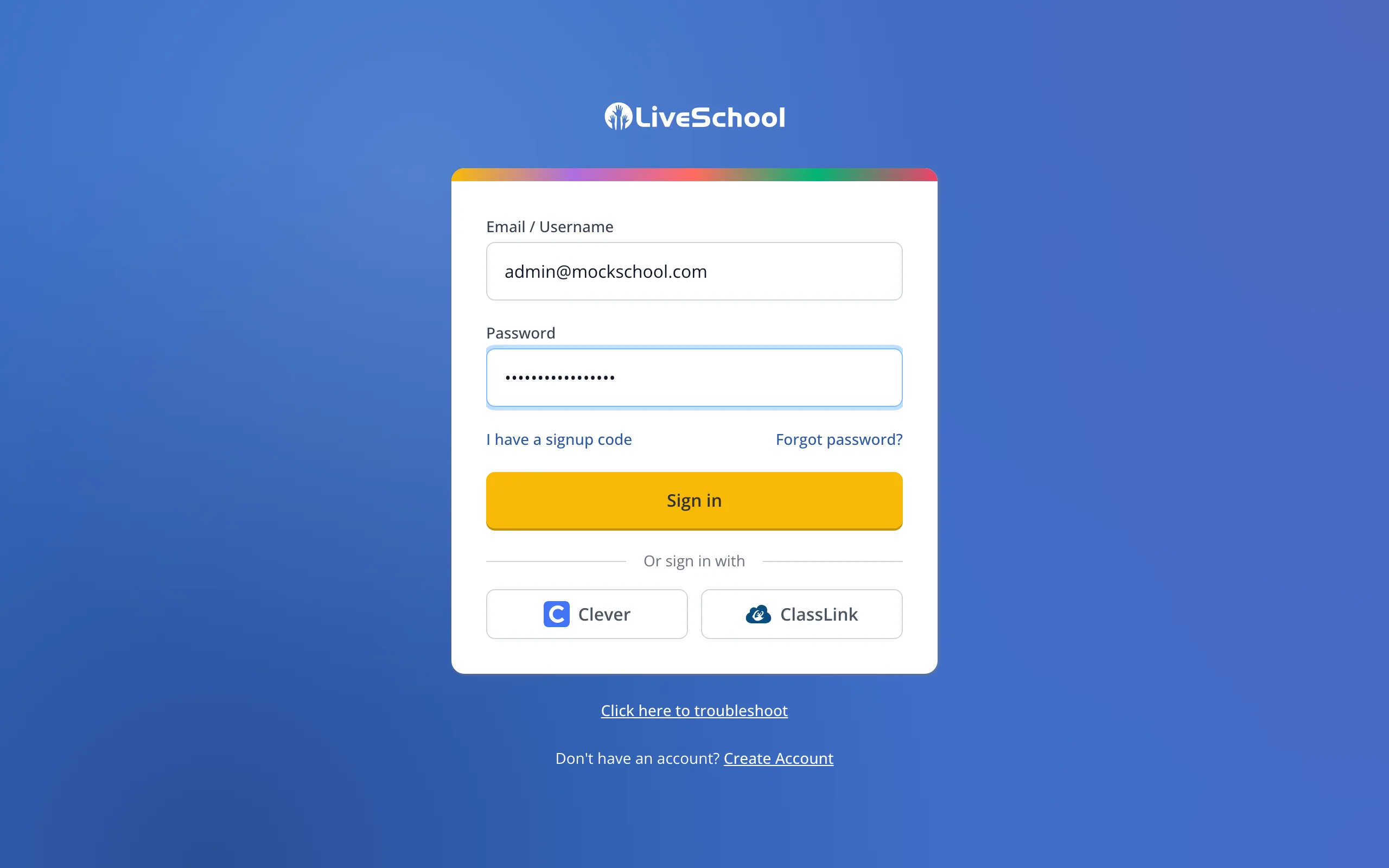
Sign in with email and password, Clever or ClassLink
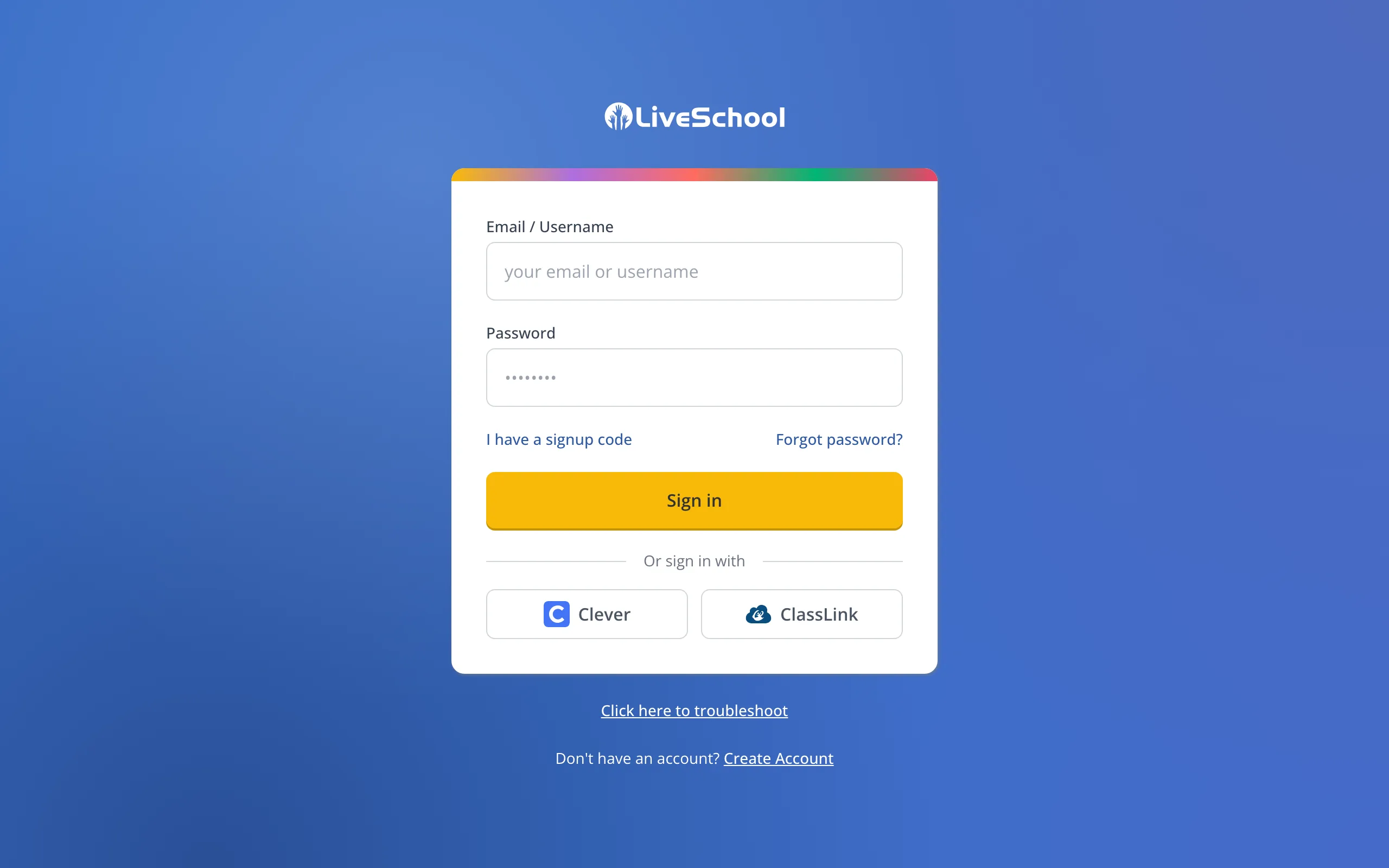
Use the email and password your school set you up with, or Clever or ClassLink if your school signs you in that way.
Use the Left and Right arrow keys to move between steps, and Space to play or pause.
1.If your school signs you in with Clever or ClassLink, click Clever or ClassLink and sign in there.
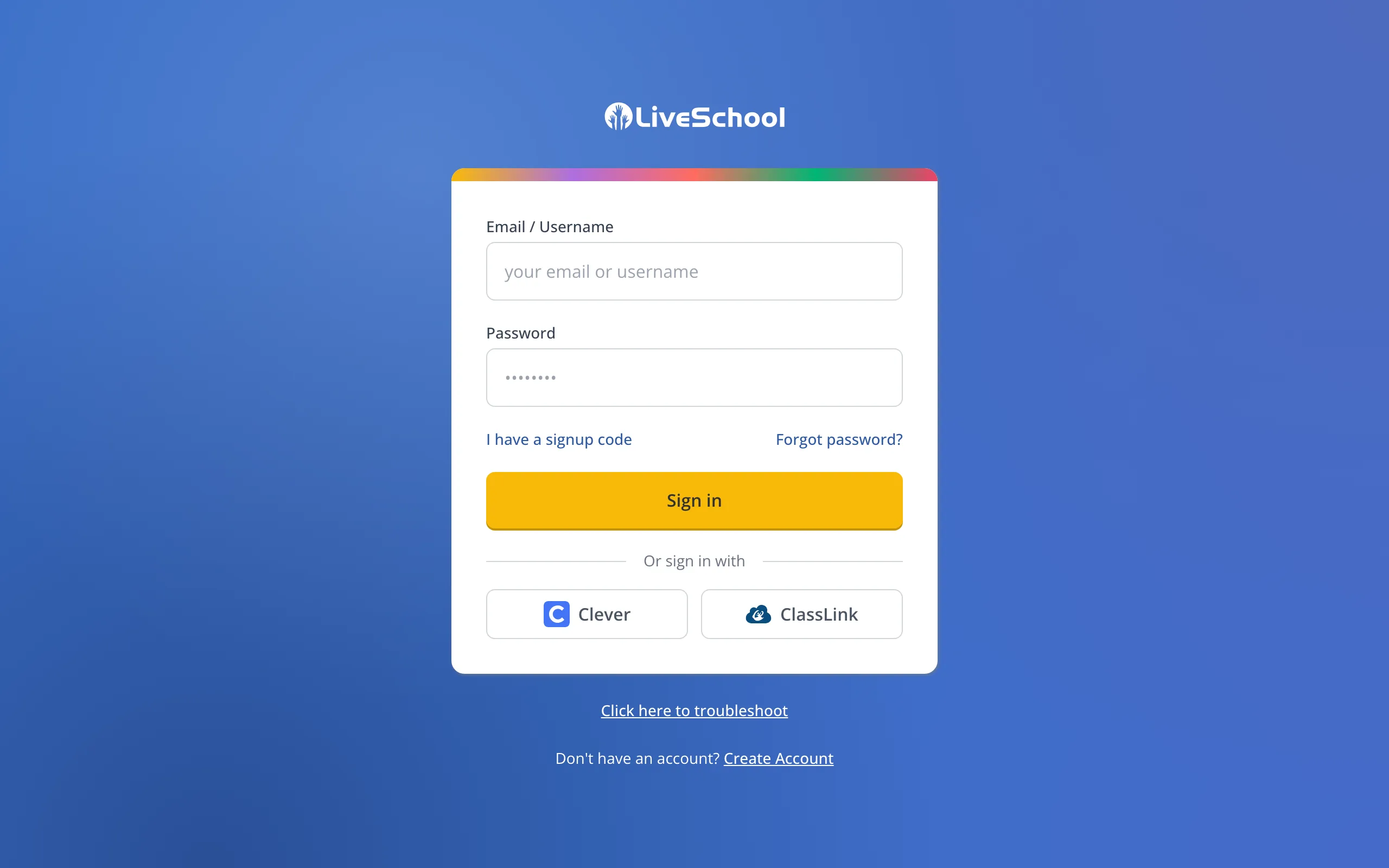
2.Otherwise, type your email or username.
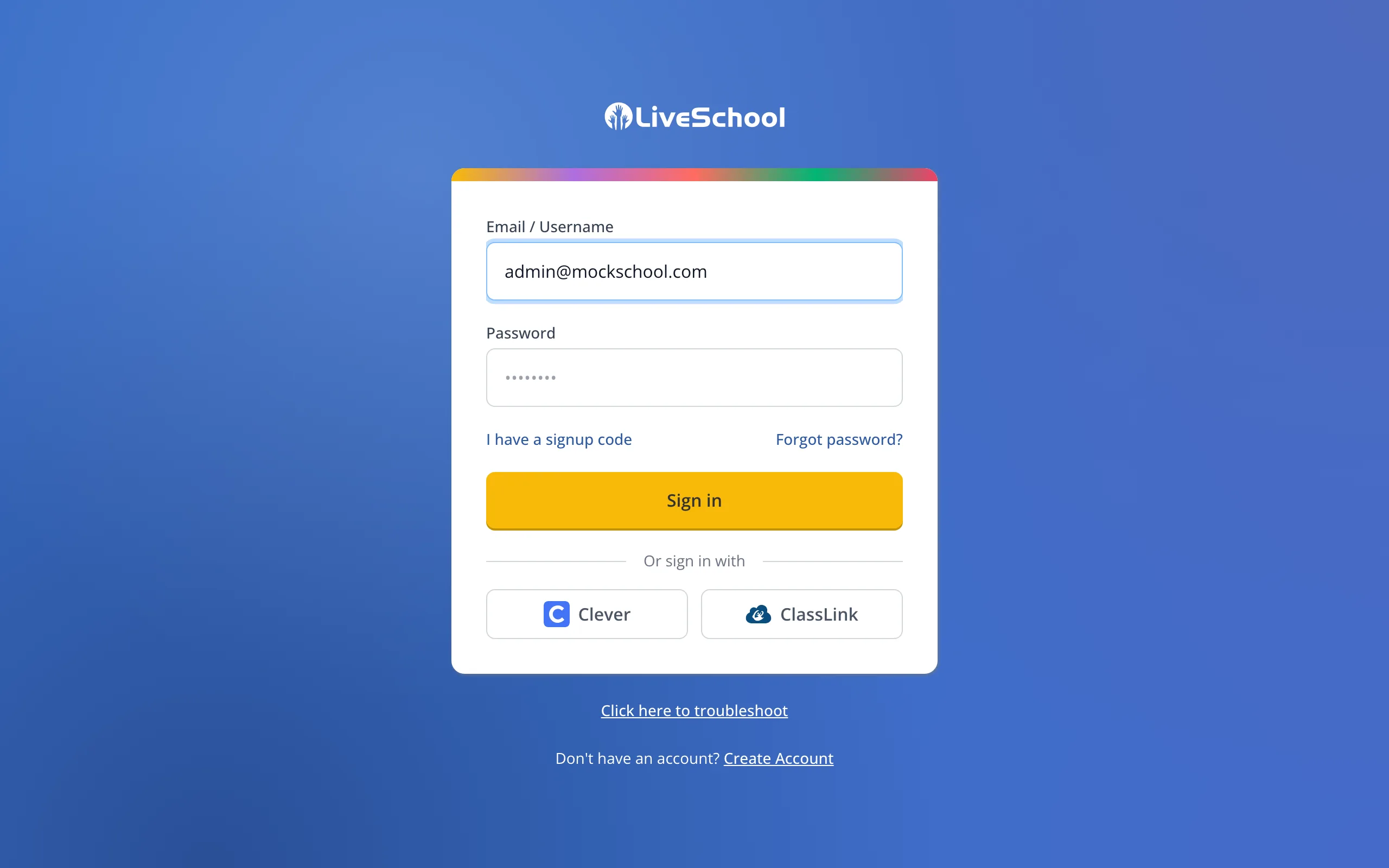
3.Type your password.
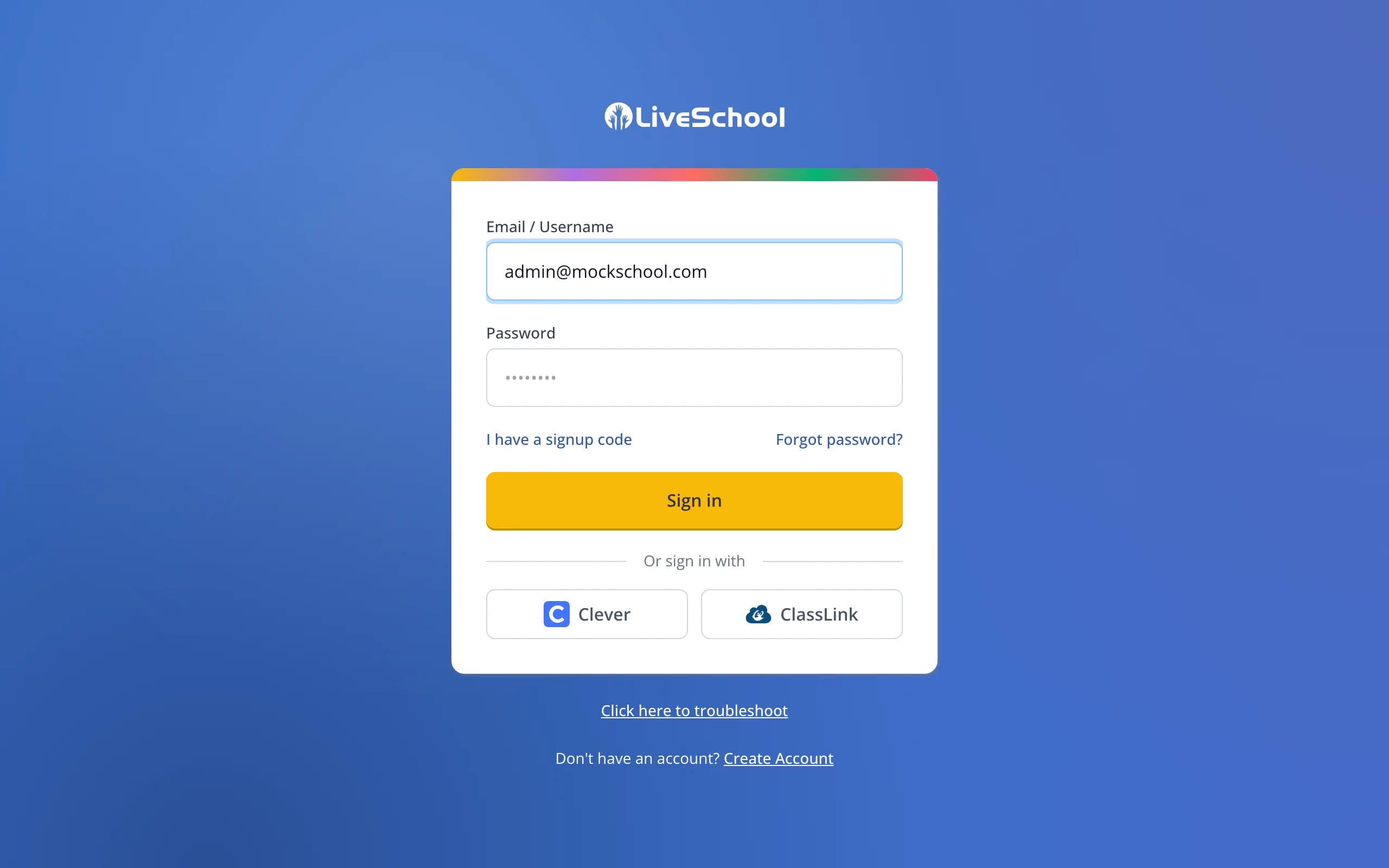
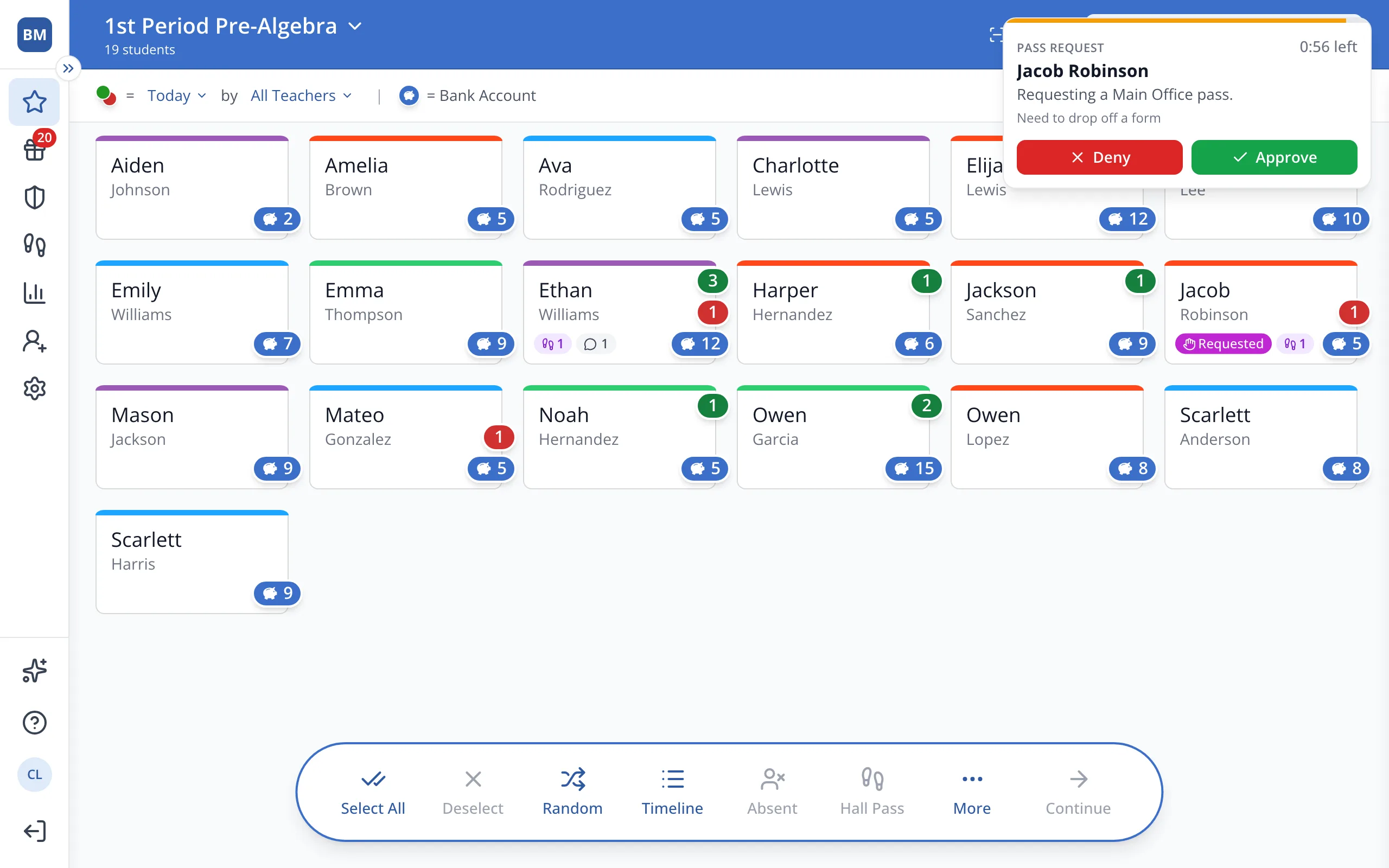
4.Click Sign in.