
Get back in when you sign in with Clever or ClassLink
Your Clever or ClassLink account signs you in. If you're unable to sign in, clear your cache or consider asking whoever manages your syncing data.
Use the Left and Right arrow keys to move between steps, and Space to play or pause.
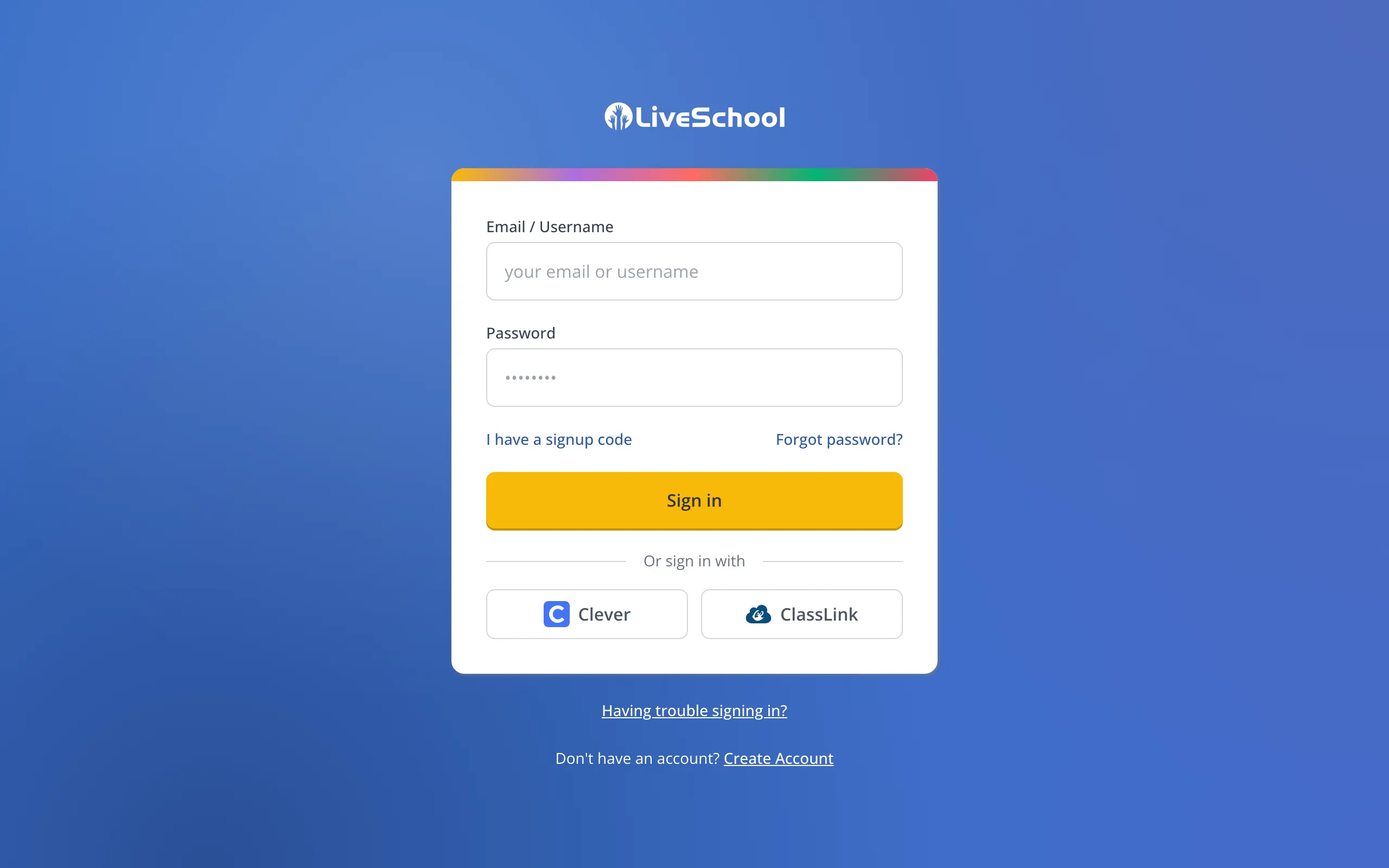
1.On the sign-in page, click Clever or ClassLink, whichever your school uses.
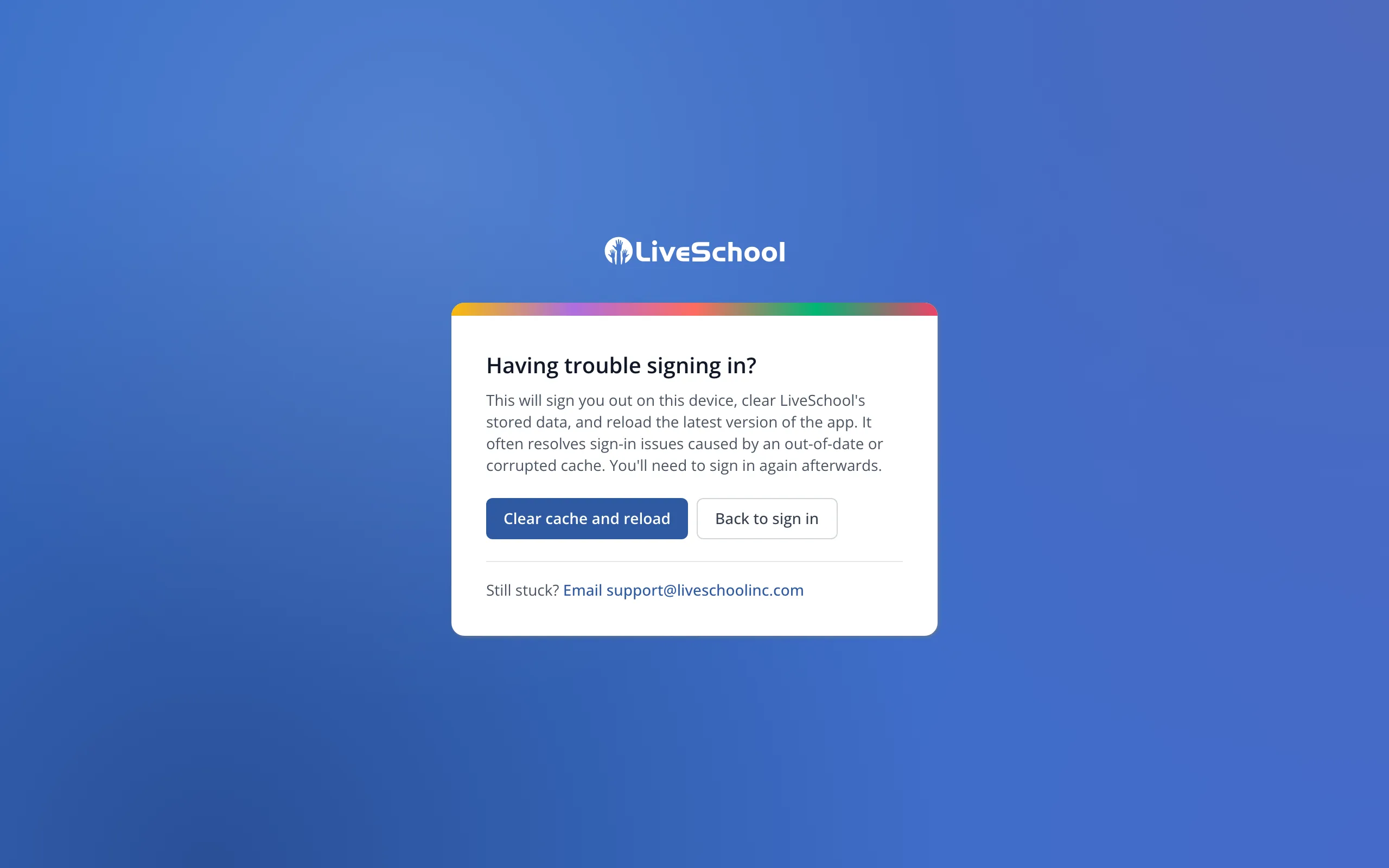
2.If it keeps bringing you back here, click Having trouble signing in?
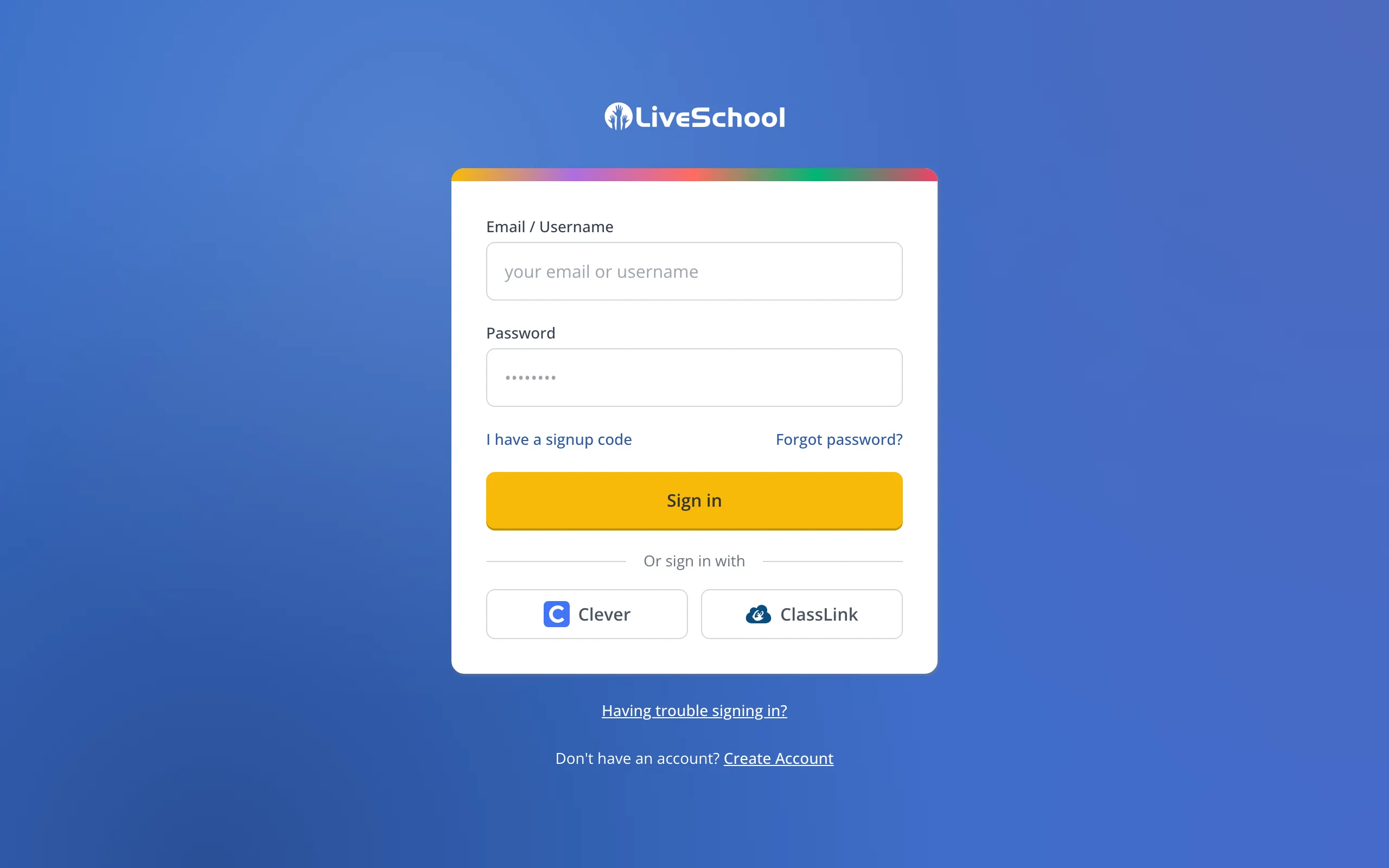
3.Click Clear cache and reload, then sign in with Clever or ClassLink again.
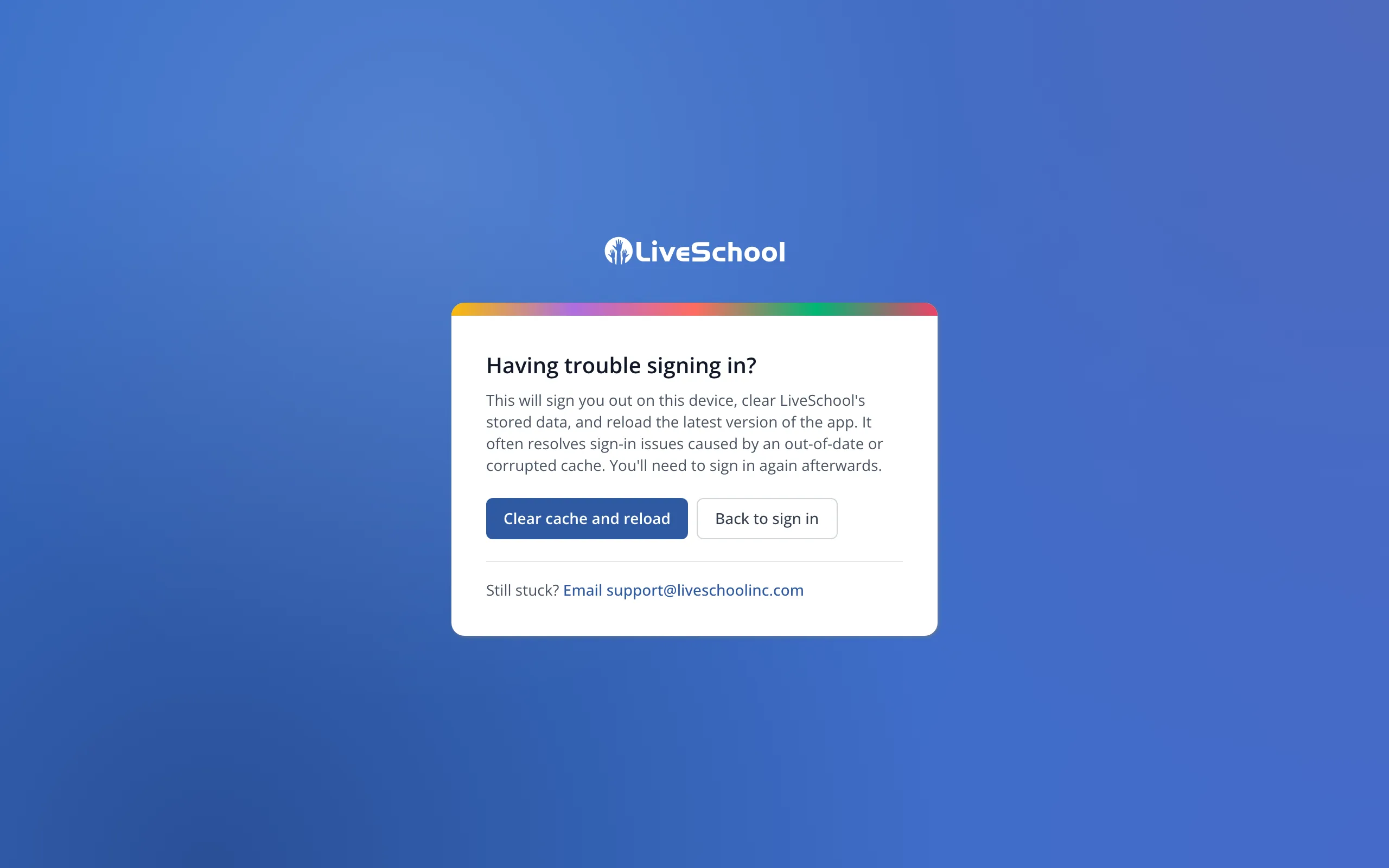
Did you know? Still stuck? Email support@liveschoolinc.com from the link on that screen.