Shuffle a student's avatar
Give a student a new avatar when they don't like the one they received.
Open in LiveSchool
Already signed in? Open this guide inside LiveSchool.
Use the Left and Right arrow keys to move between steps, and Space to play or pause.
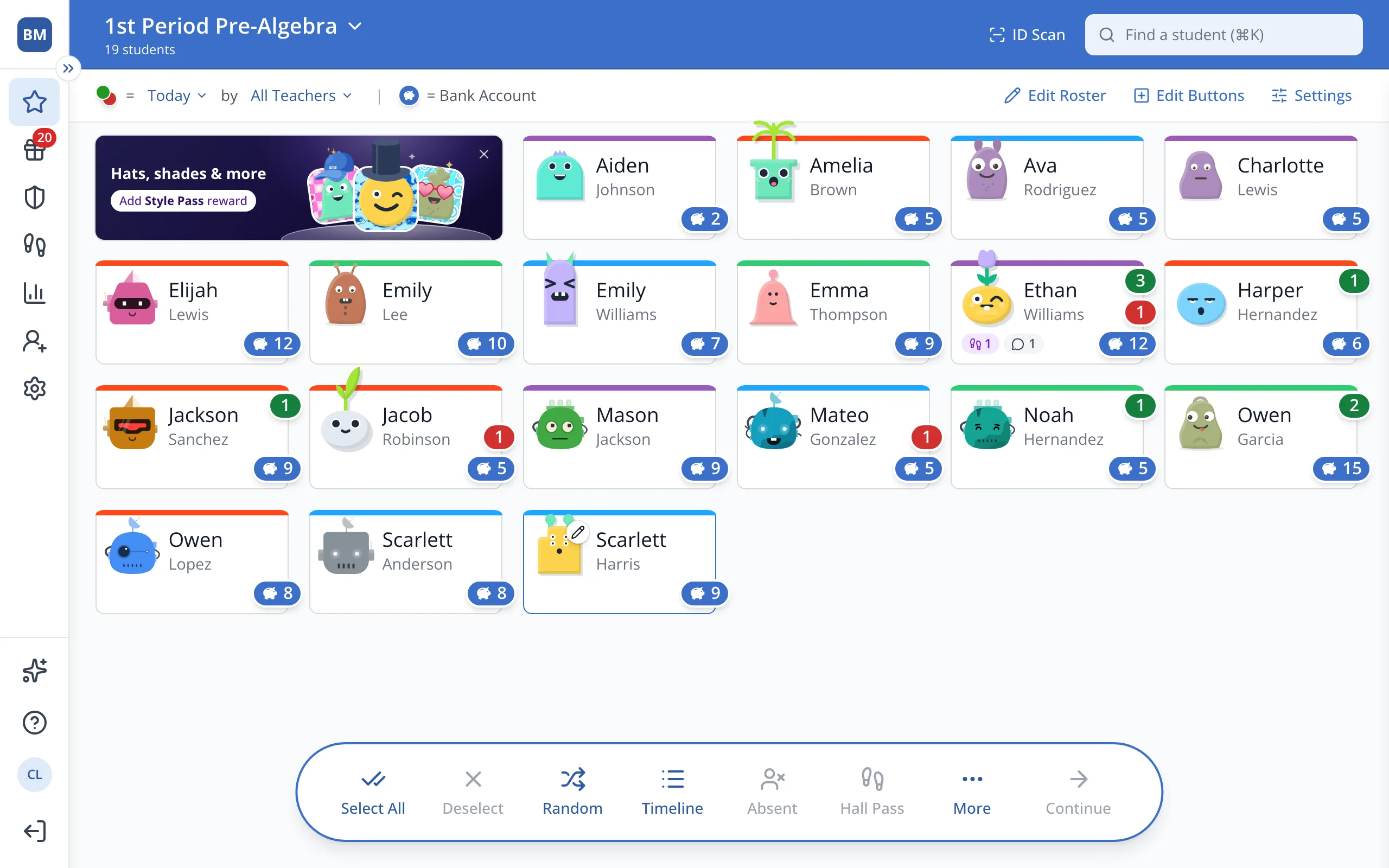
1.On the Points page, point to the student's avatar and click the pencil.
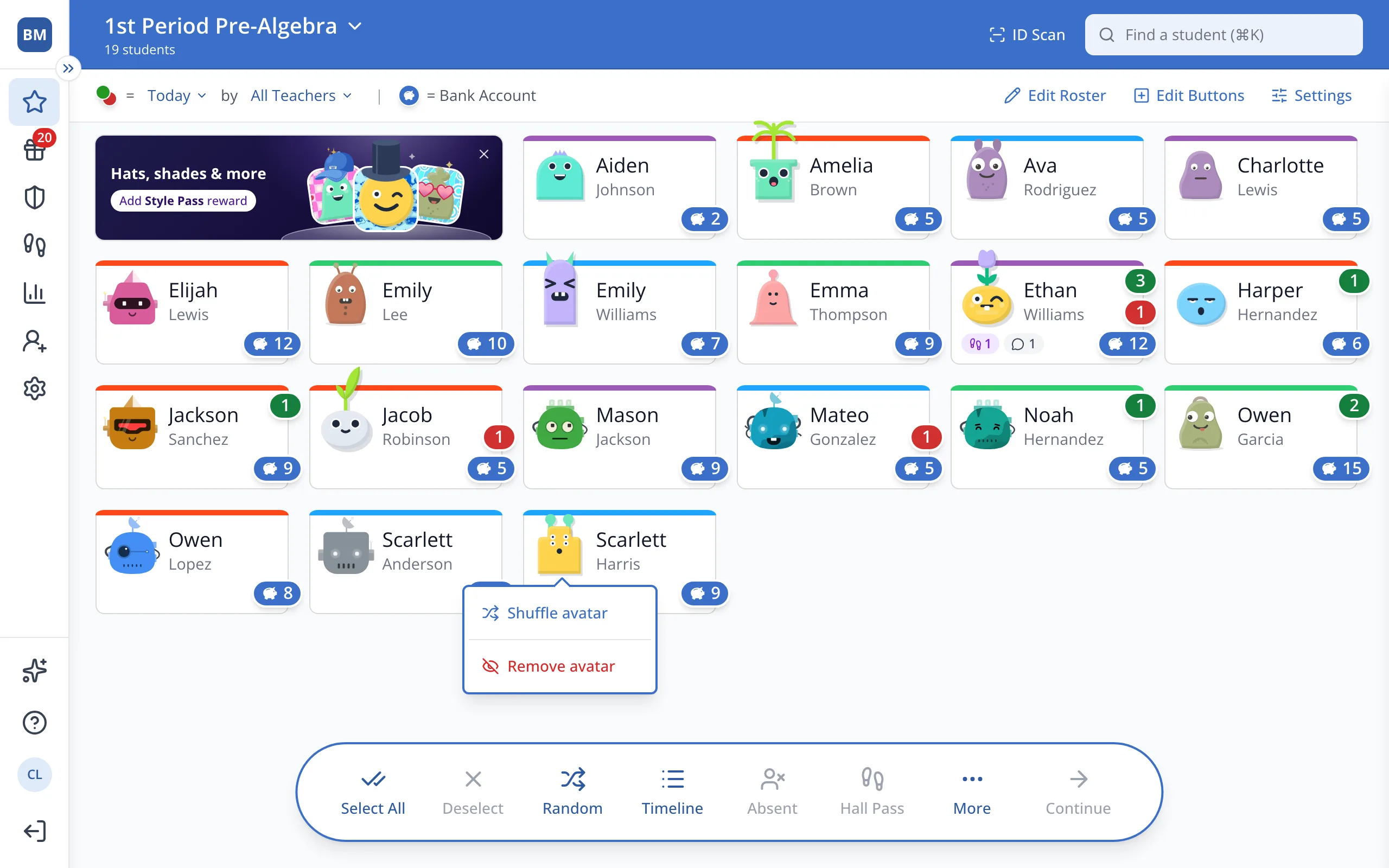
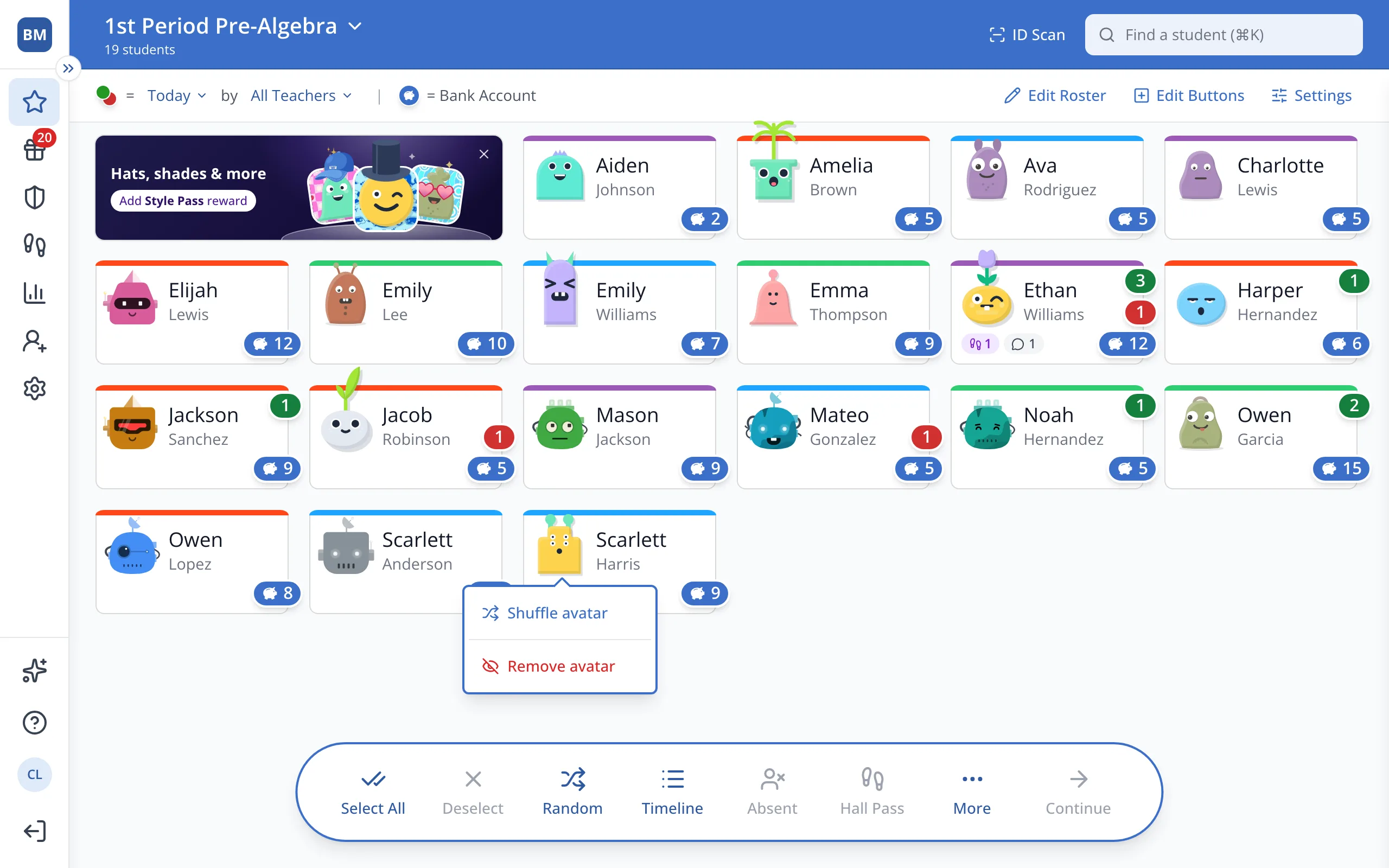
2.Click Shuffle avatar.
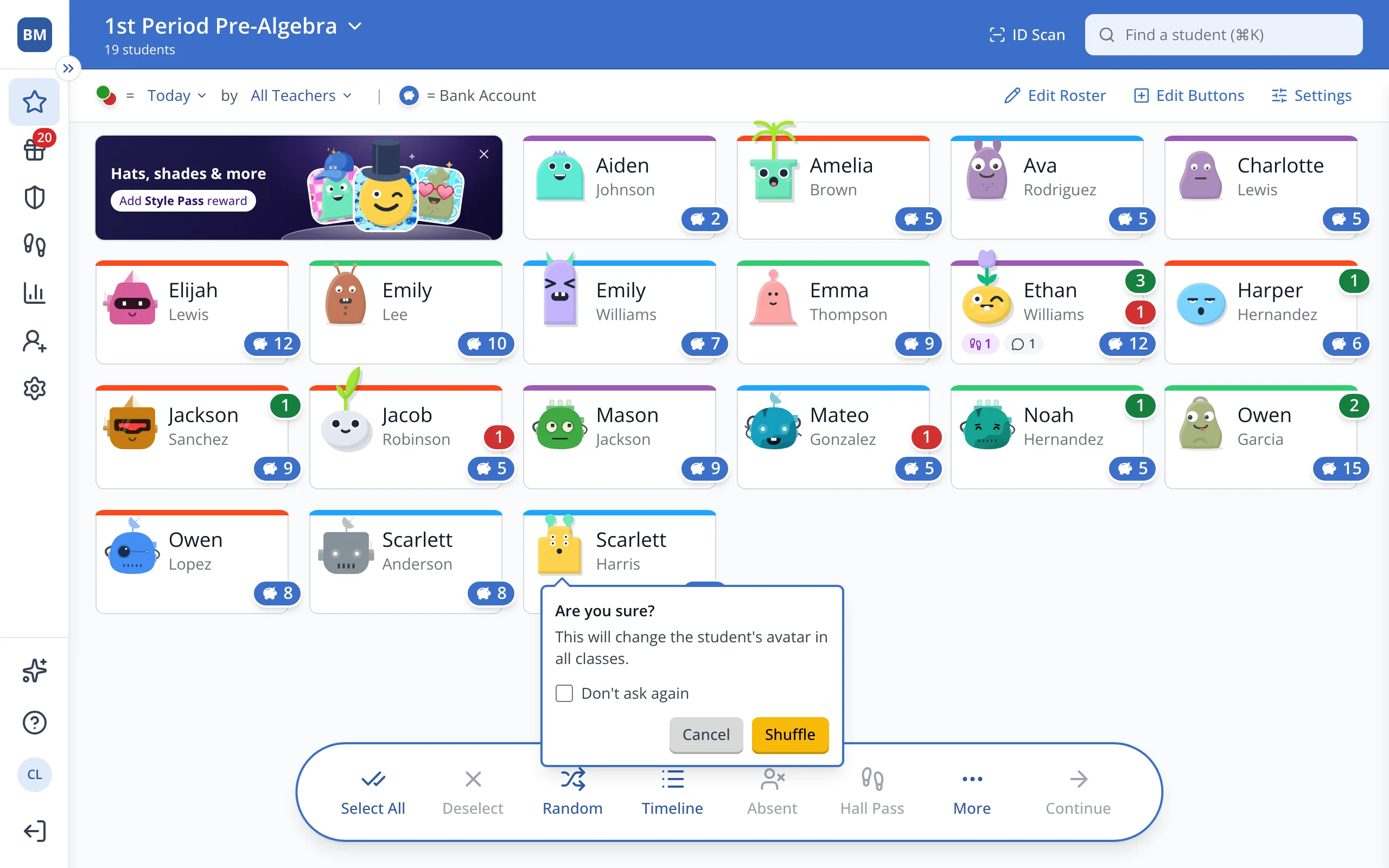
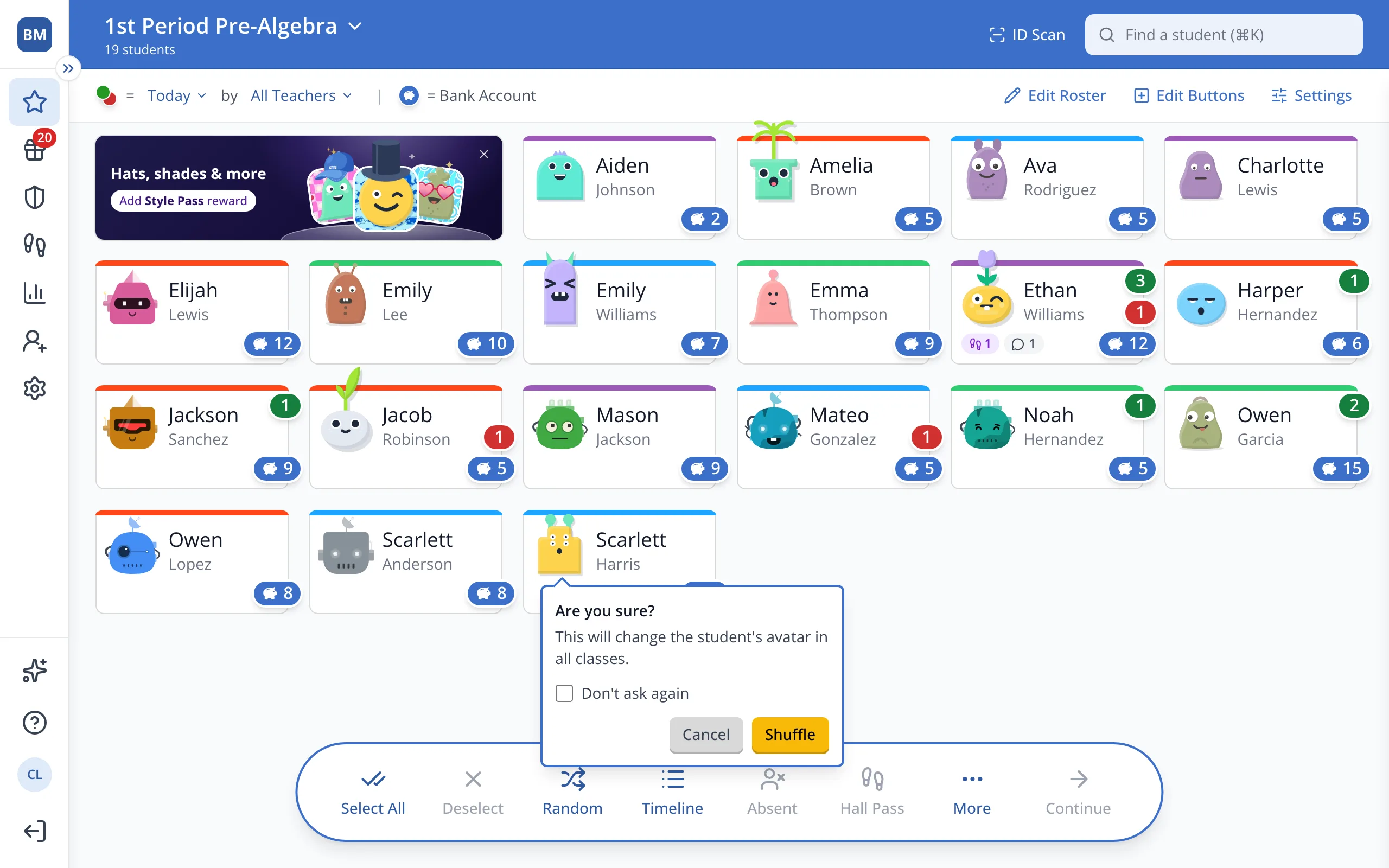
3.Click Shuffle. The student will get the new avatar in all of their classes.
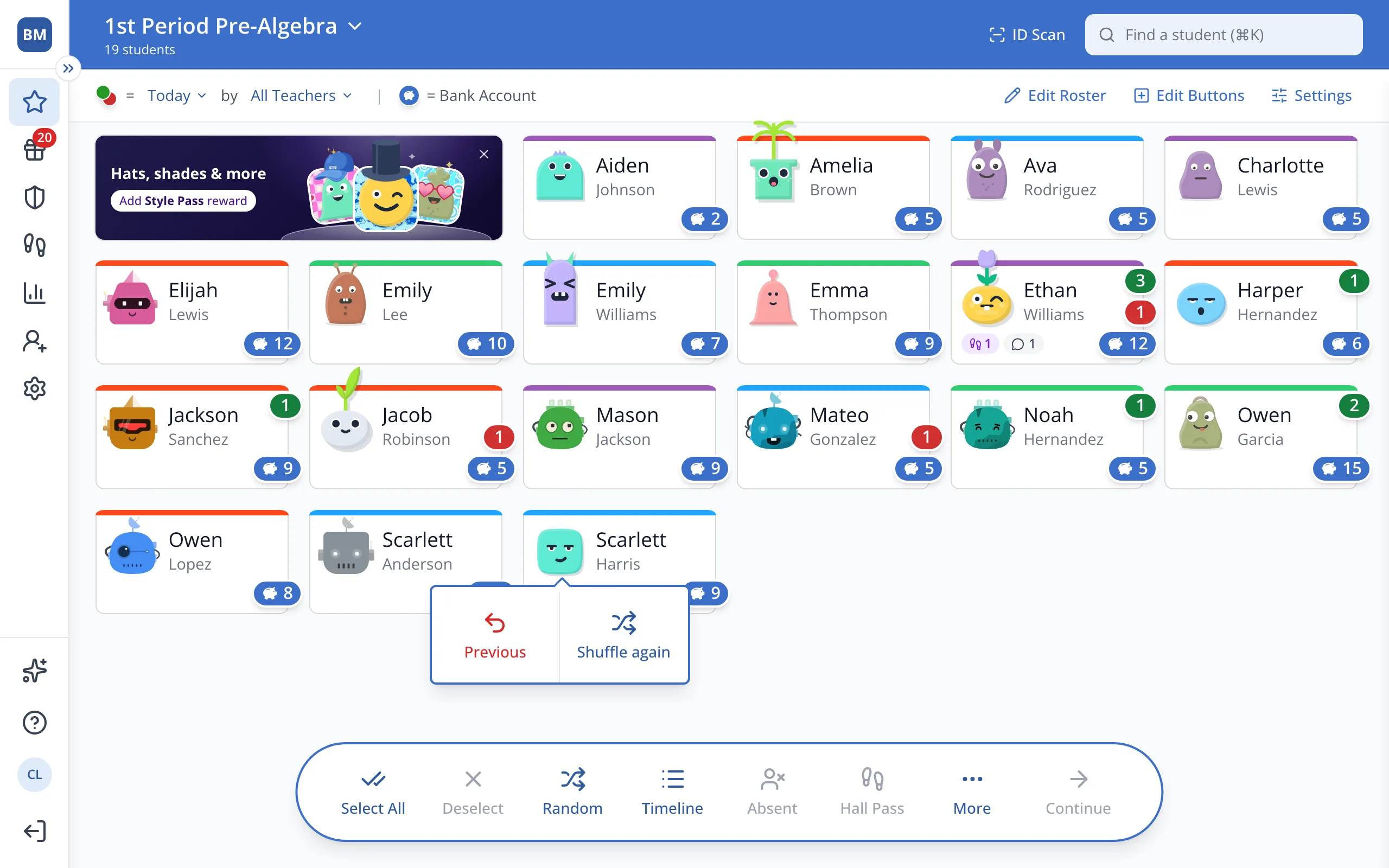
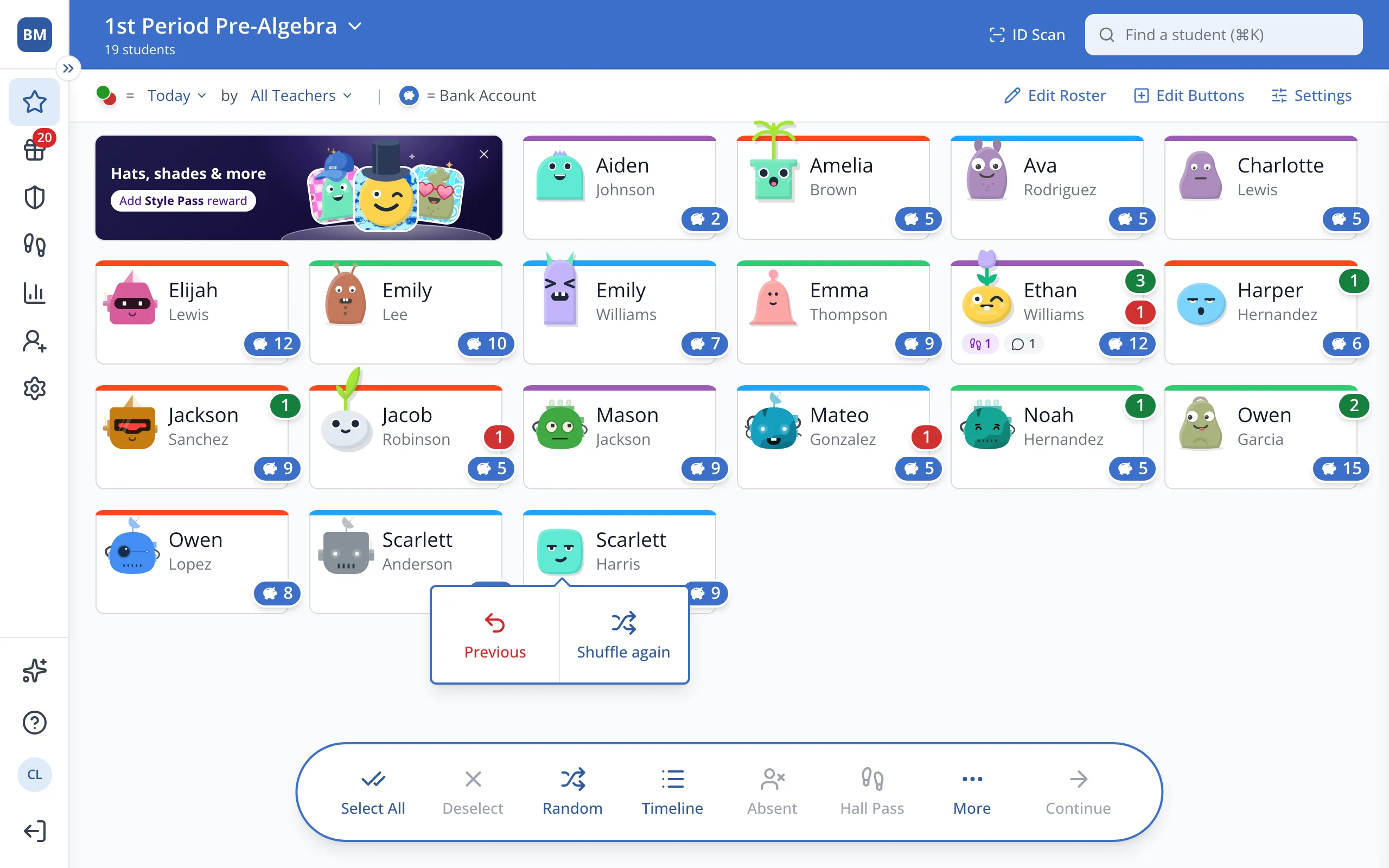
4.Click Shuffle again for a different avatar, or Previous to go back to the last one.