
Update or change a student's grade
Fix the grade for a student who was added to the wrong grade or moved grades over the course of the year. Only available if your site is not syncing its data from your SIS.
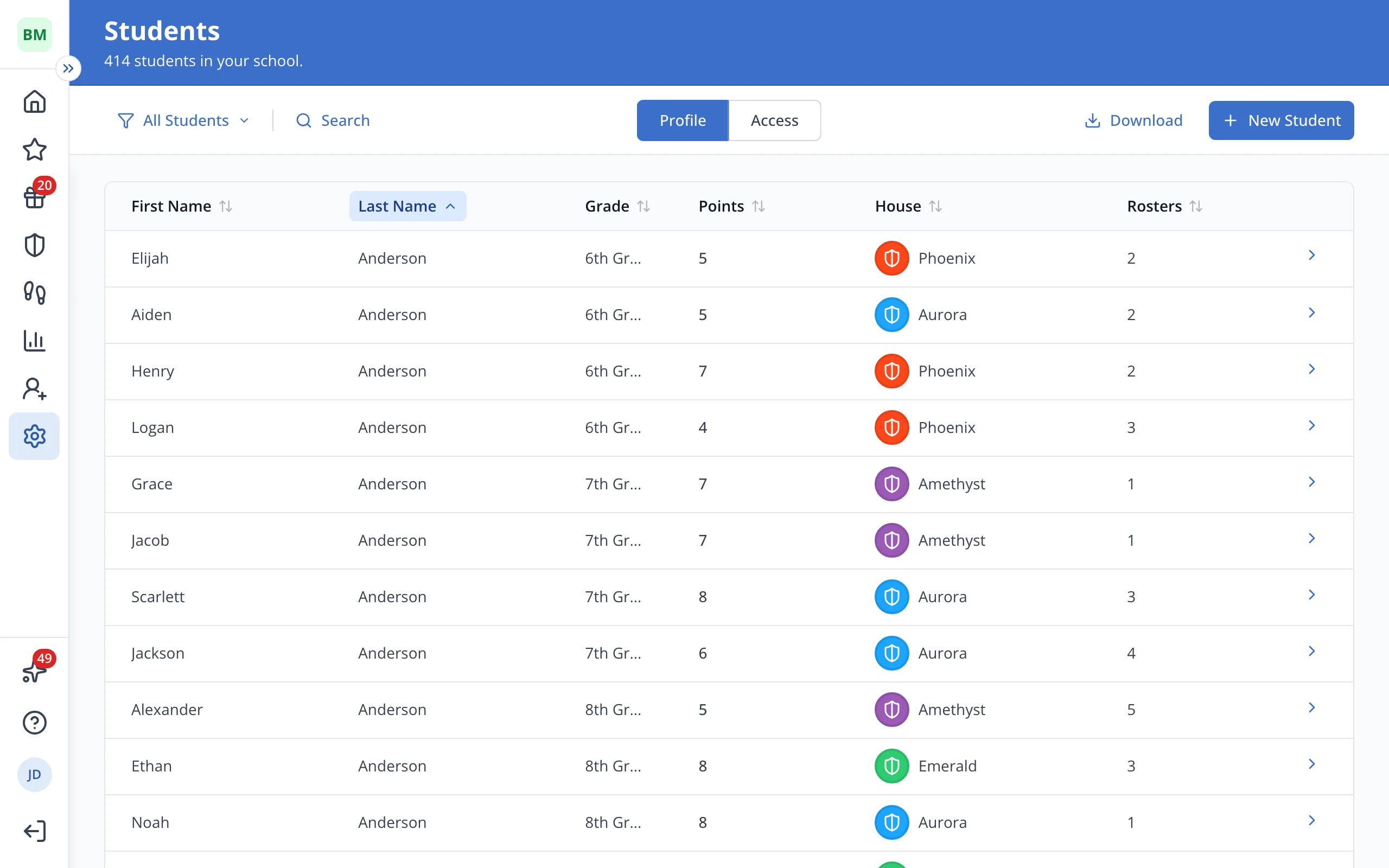
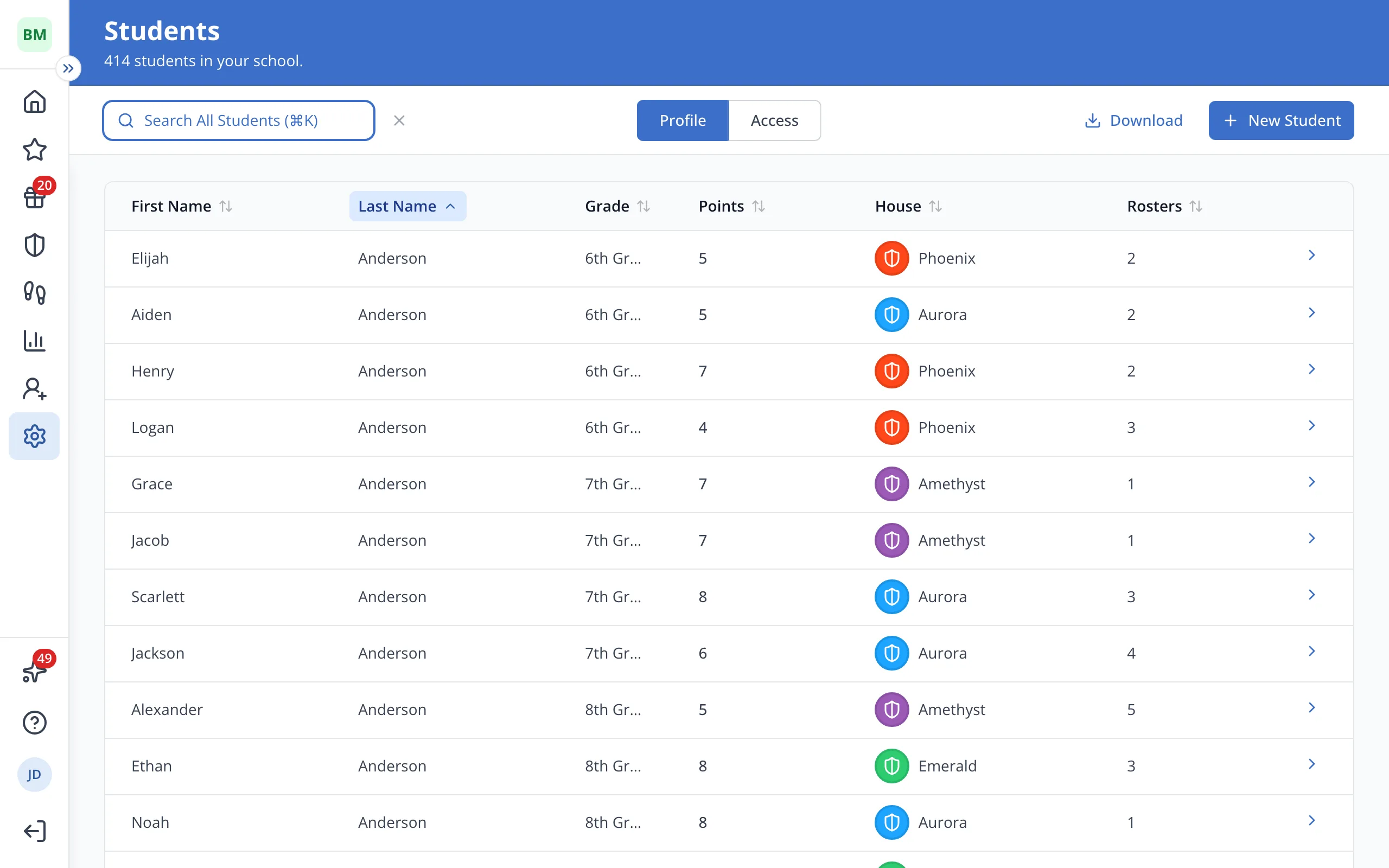
1 / 6In Setup, on the Students page, click Search.
1.In Setup, on the Students page, click Search.
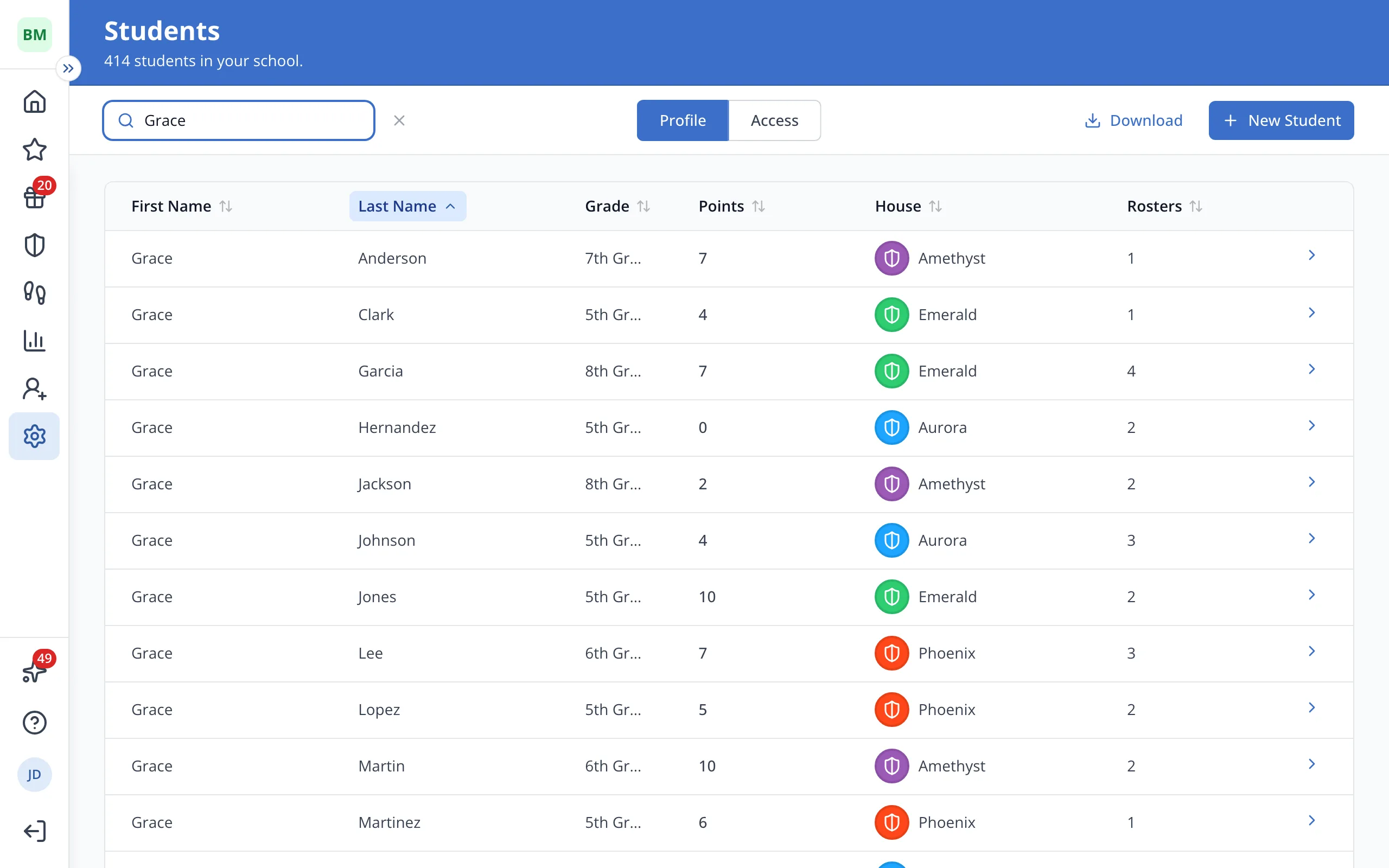
2.Type the student's name.
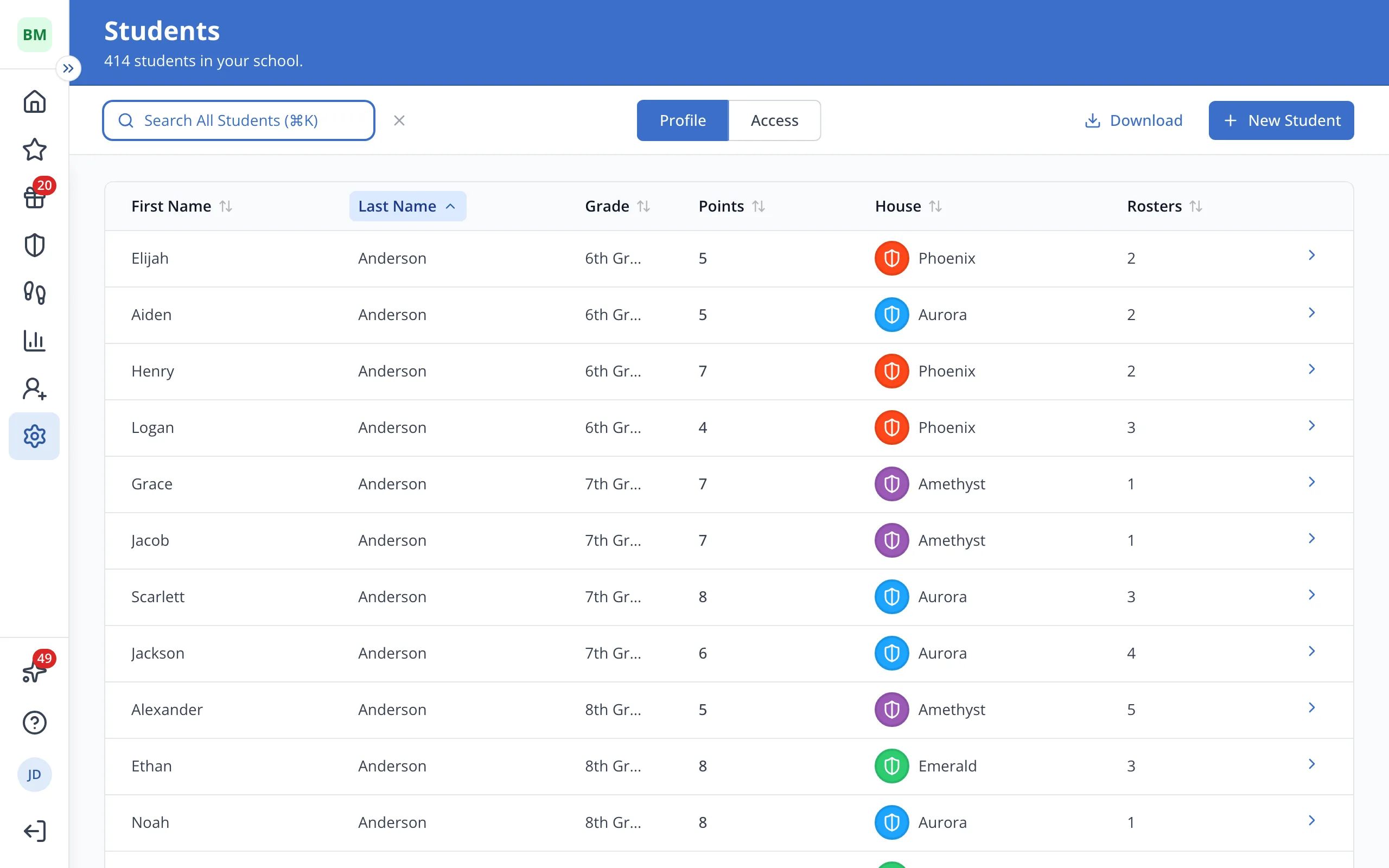
3.Click the student's name.
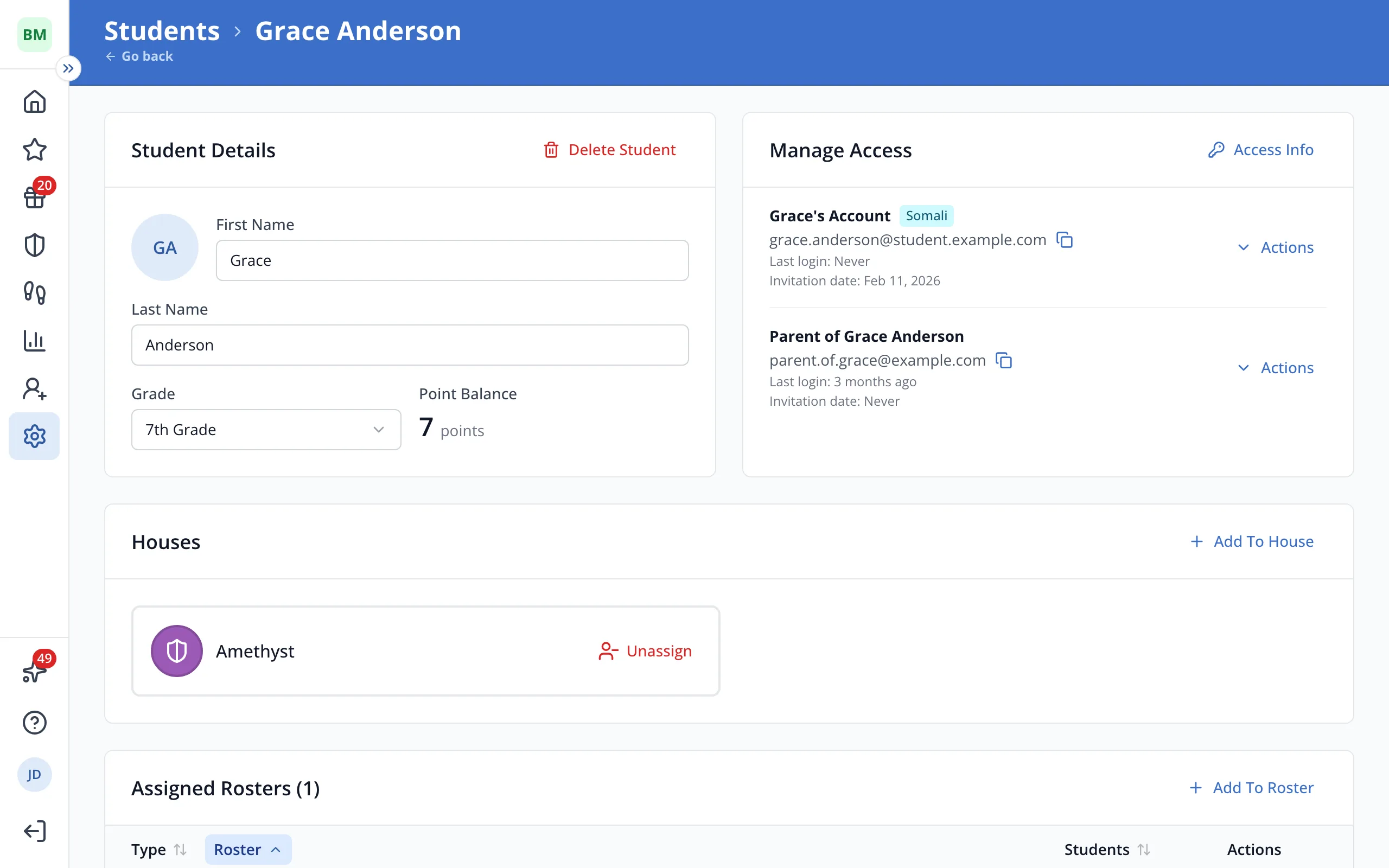
4.Under Student Details, click Grade.
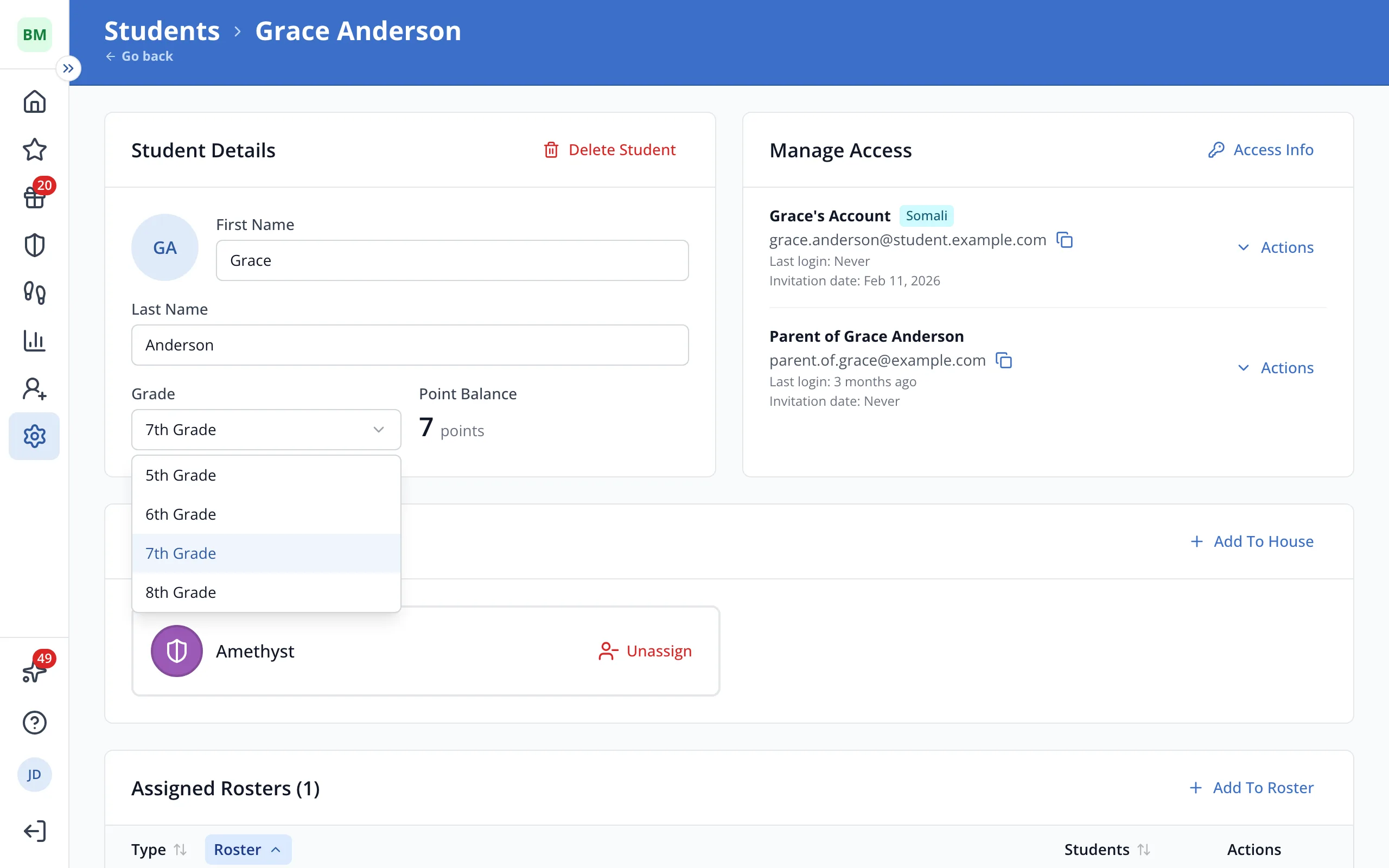
5.Click the student's new grade.
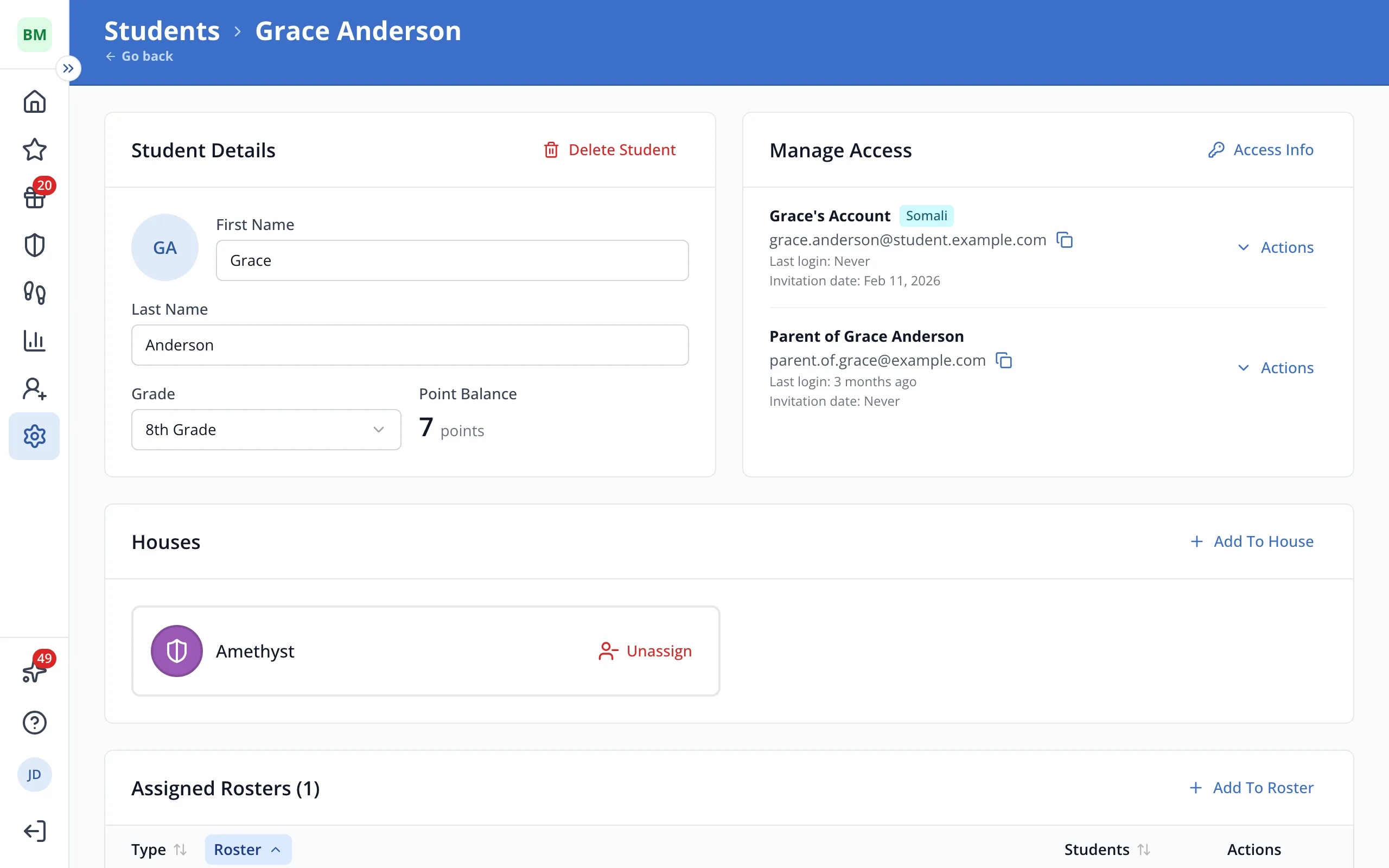
6.The new grade saves right away.
Was this helpful?