
Download a student list with grades and houses
The spreadsheet lists every student with their grade, House, homeroom, Bank Account points and sign-in details.
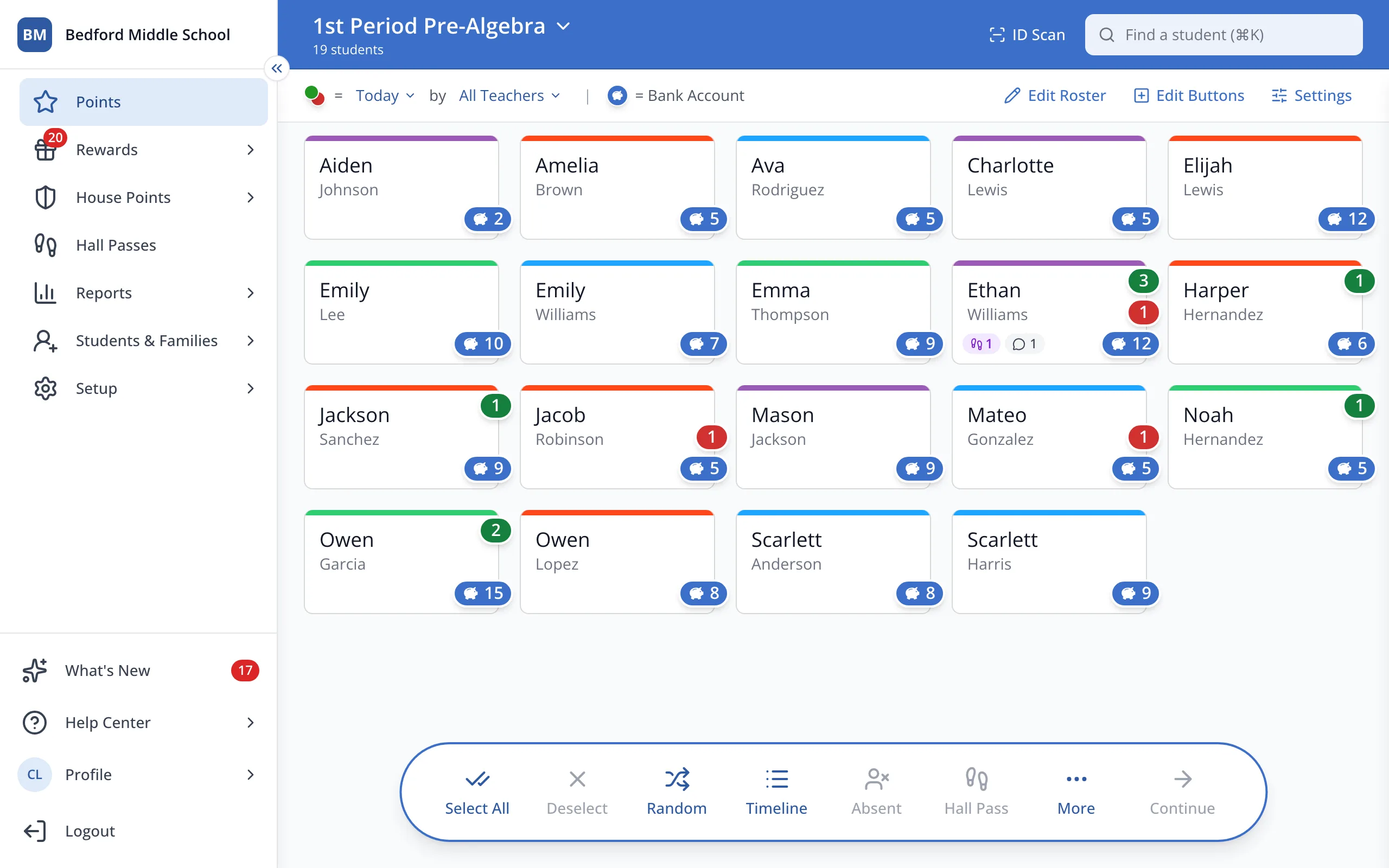
1 / 4In the sidebar, click Setup.
1.In the sidebar, click Setup.
2.Click Students.
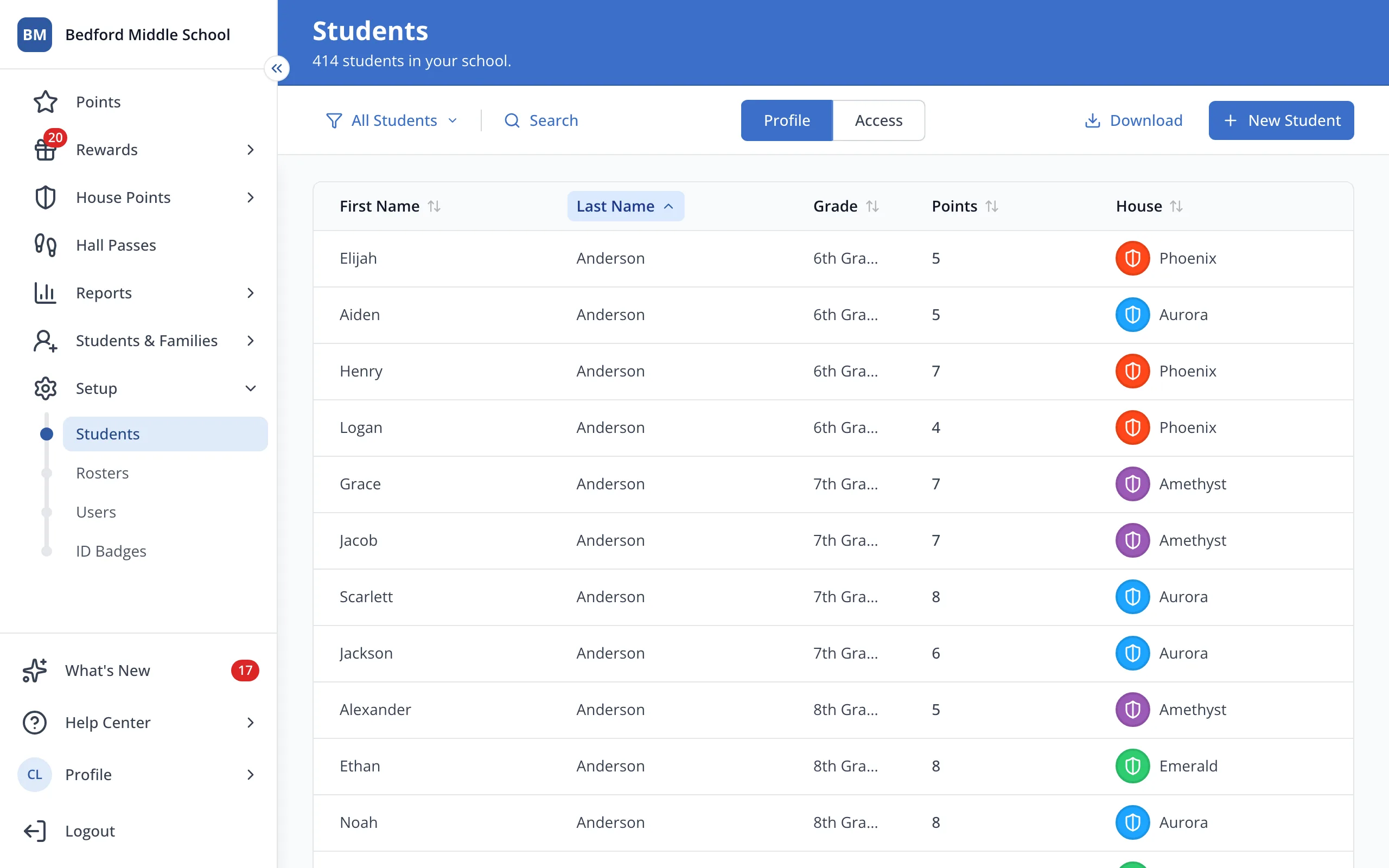
3.Click Download.
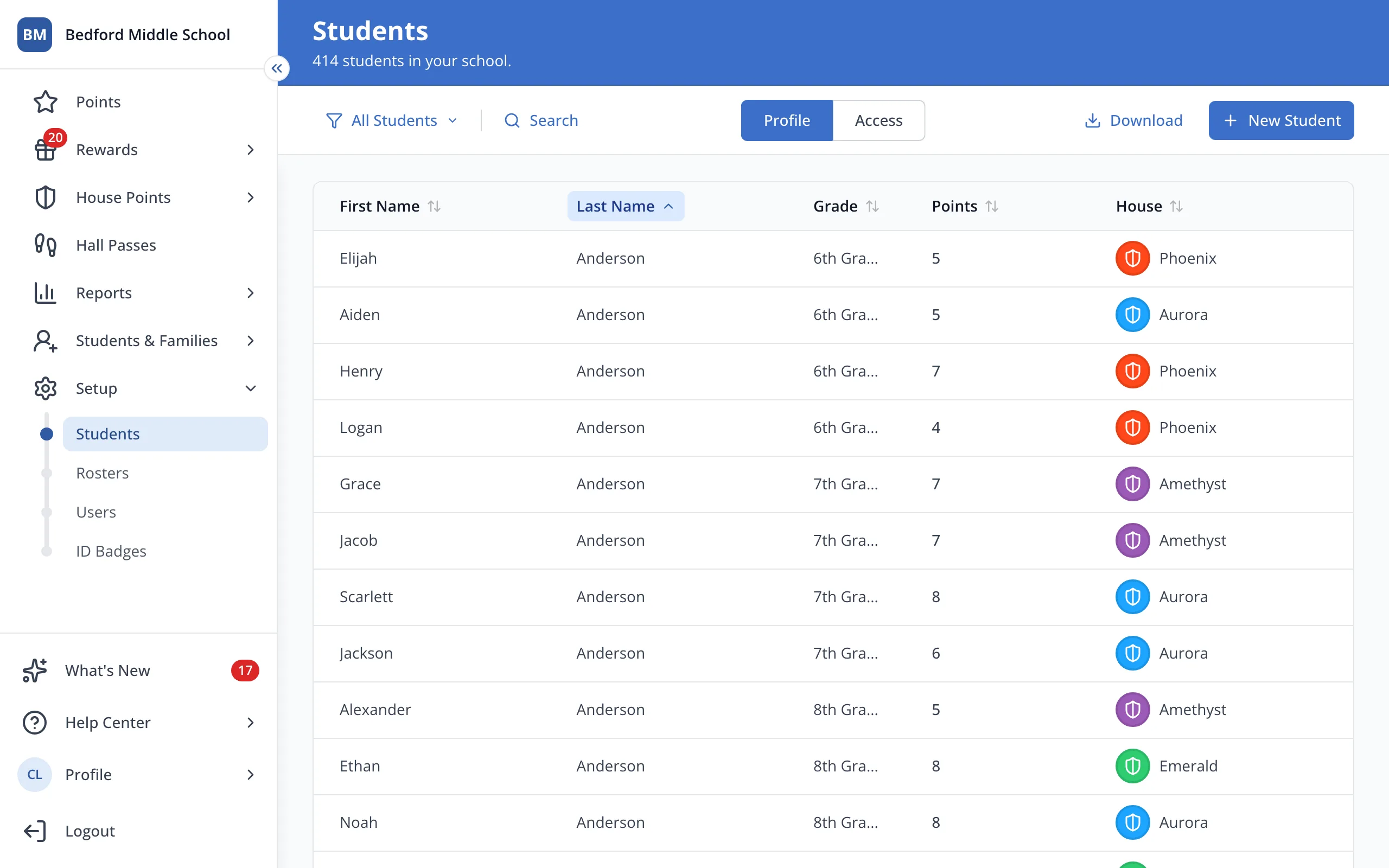
4.Open the downloaded file in Excel, Numbers or Google Sheets.
Was this helpful?