
Edit a student's name at a CSV school
Fix a misspelled name or use the name a student goes by. The new name shows everywhere in LiveSchool.
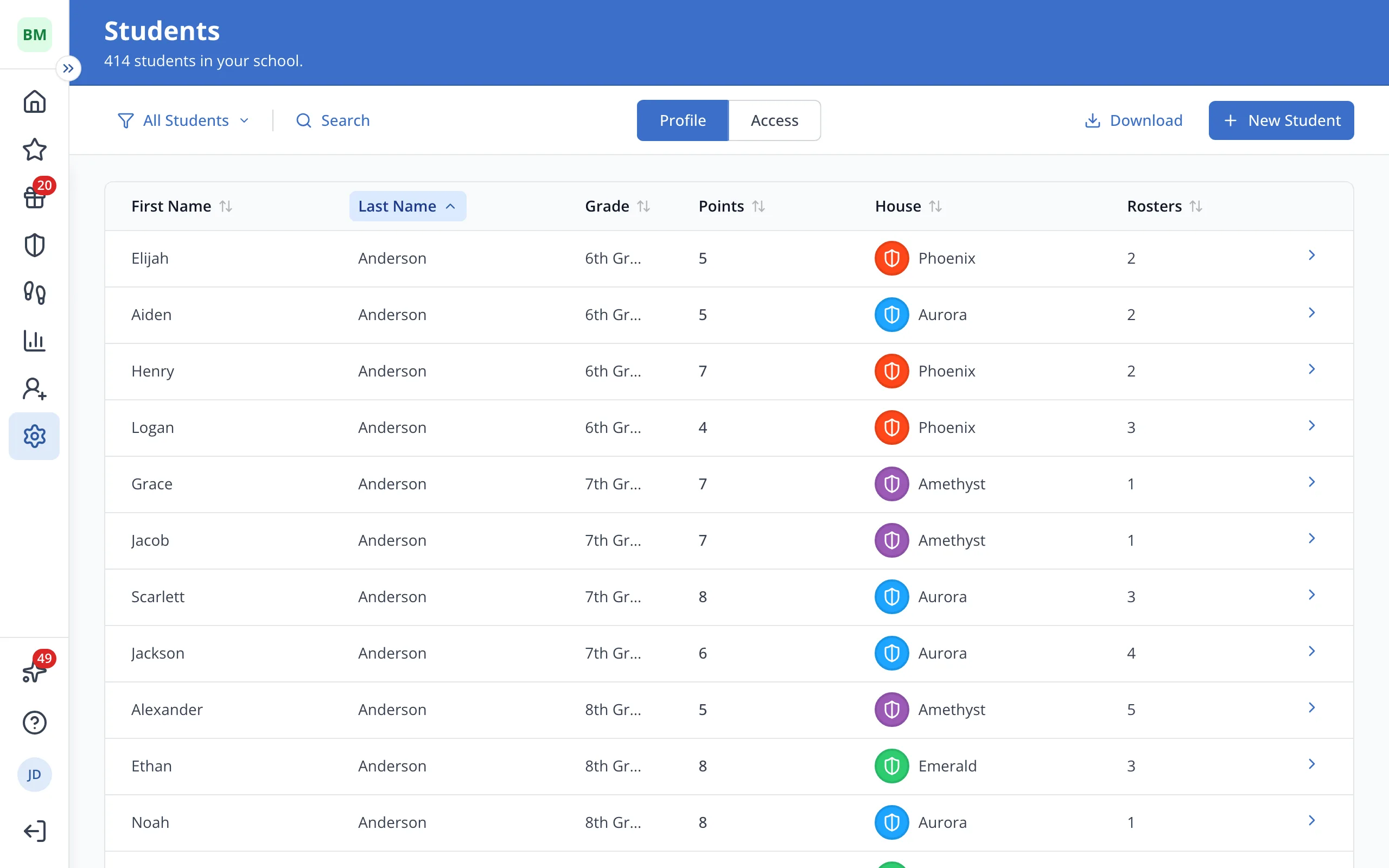
1 / 5In Setup, on the Students page, click Search.
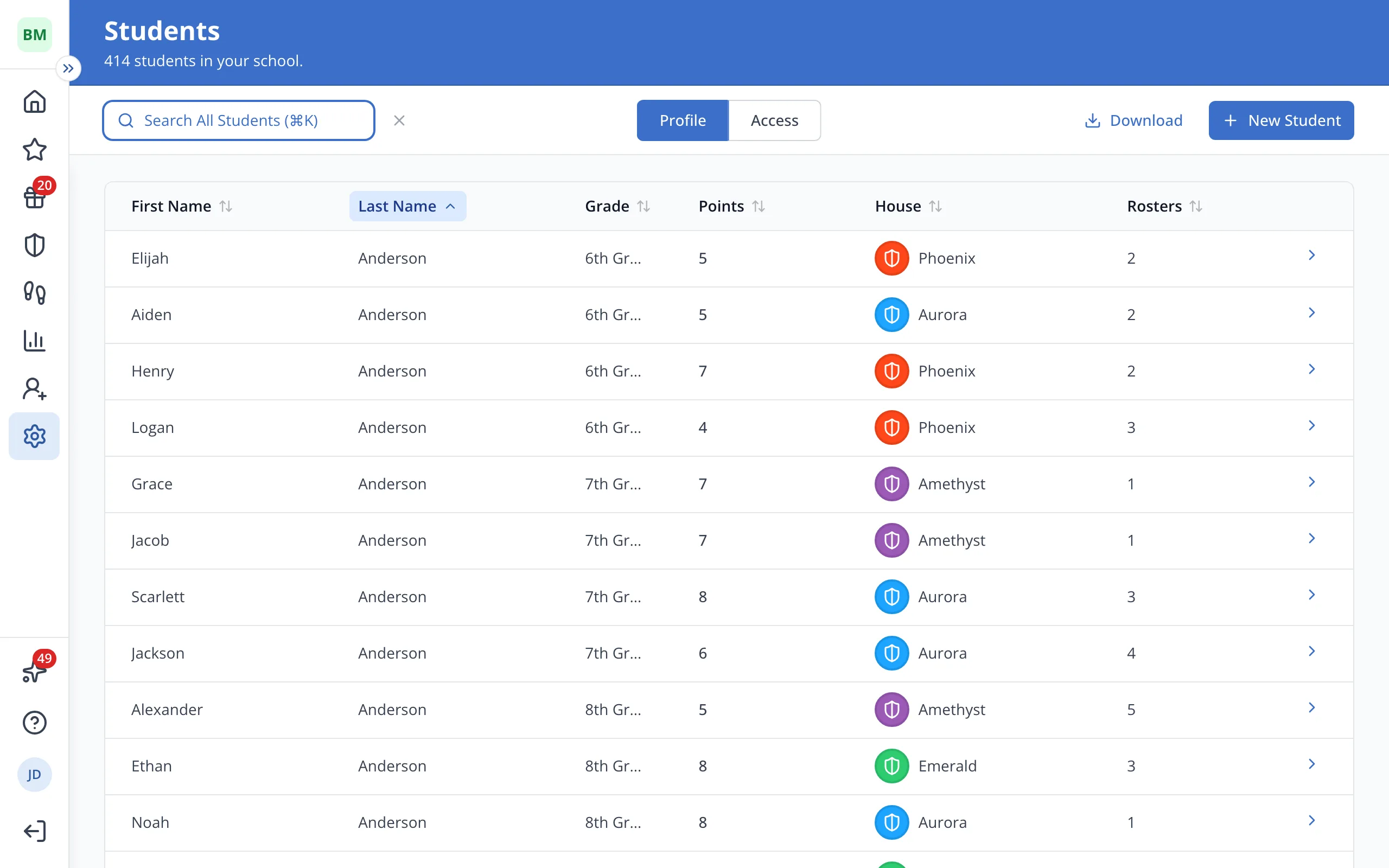
1.In Setup, on the Students page, click Search.
2.Type the student's name.
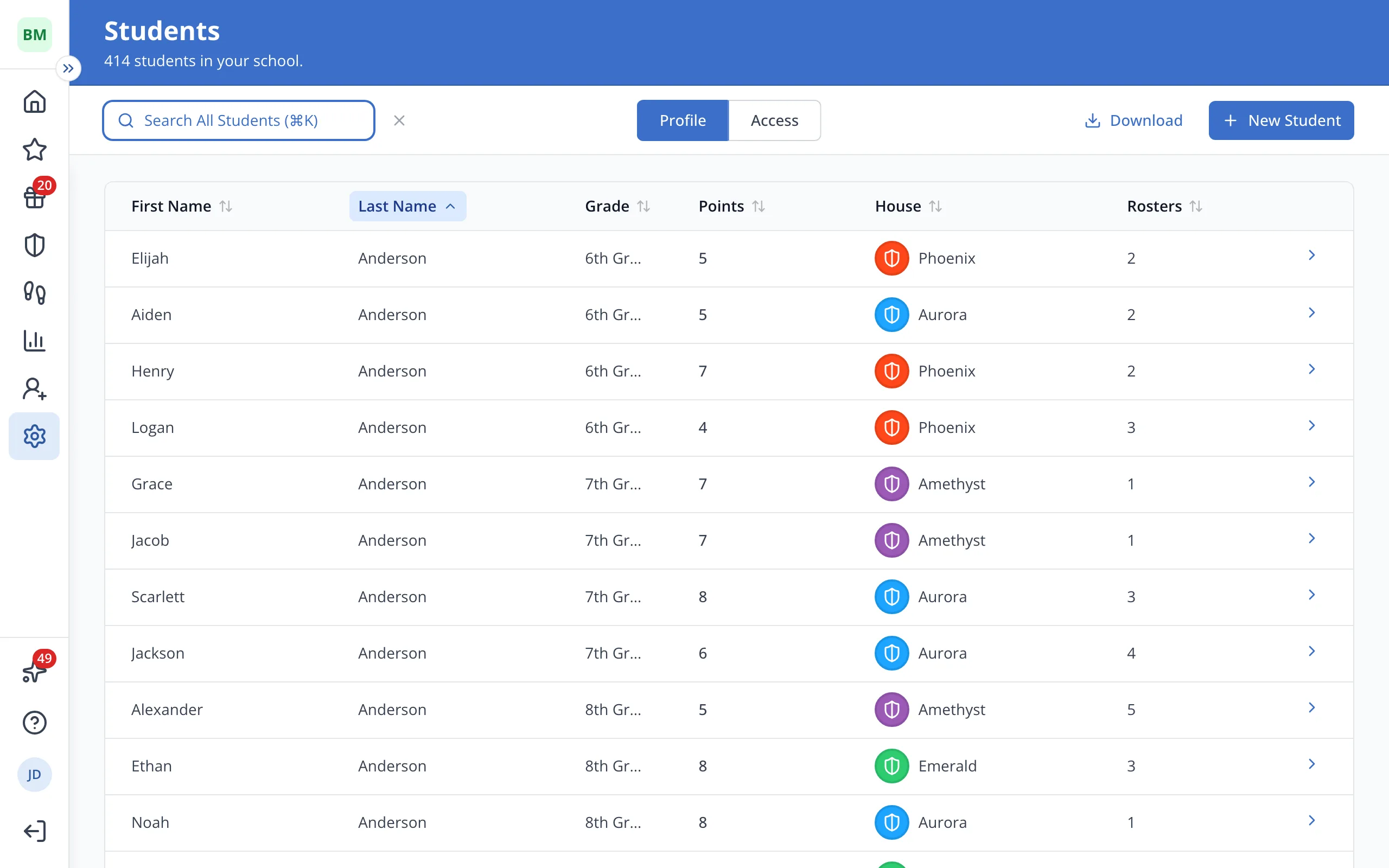
3.Click the student's name.
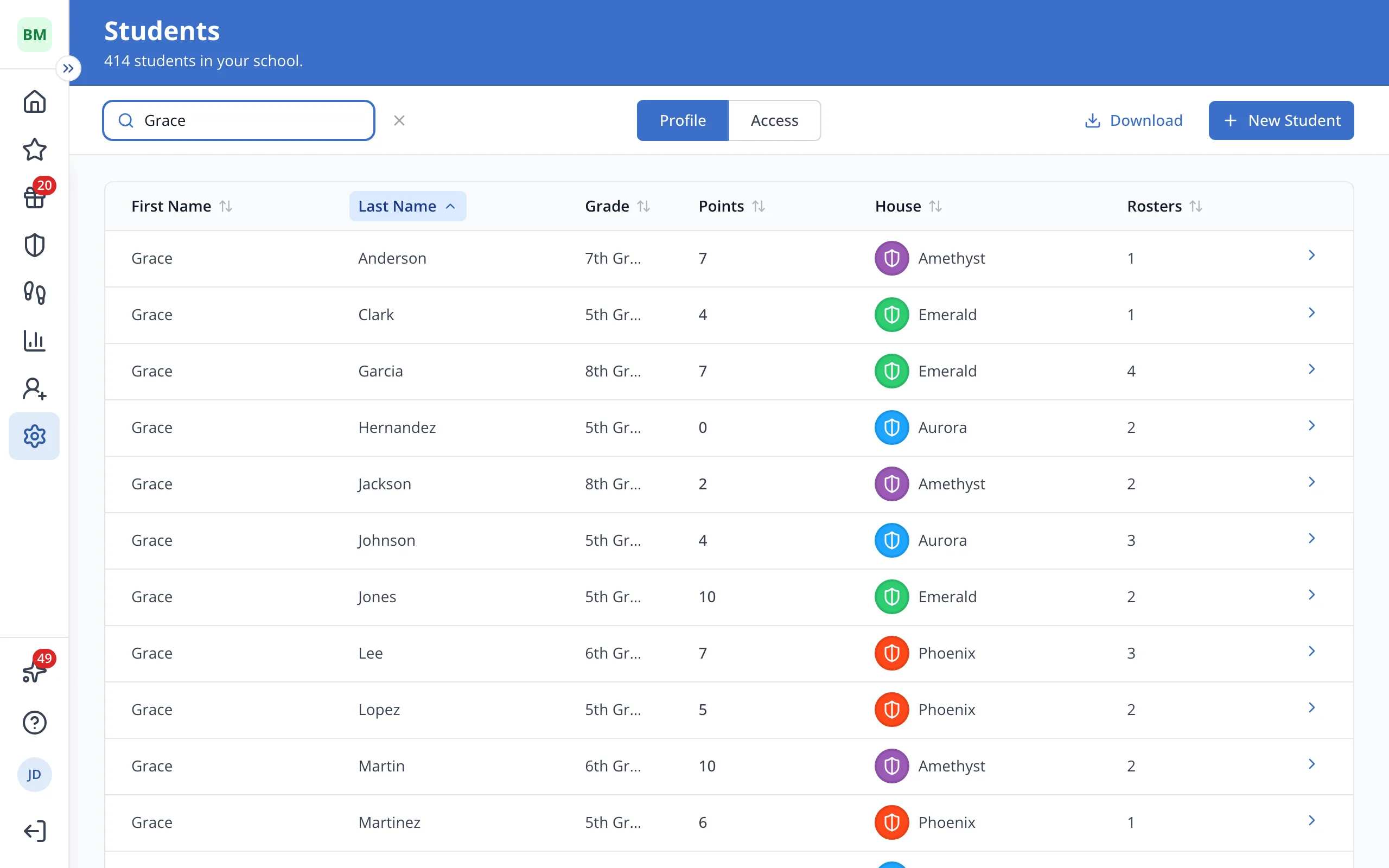
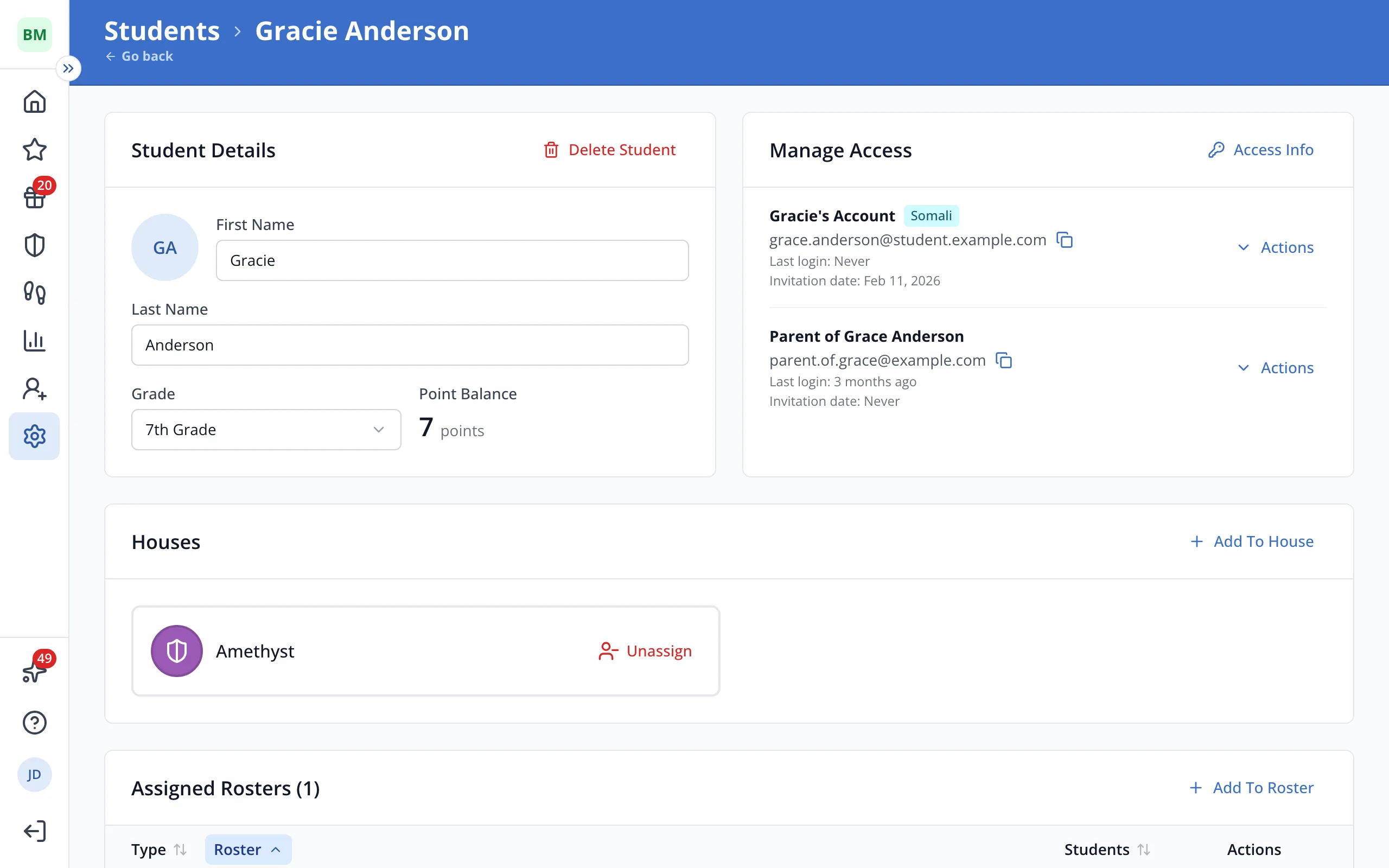
4.Under Student Details, type the new name in First Name or Last Name.
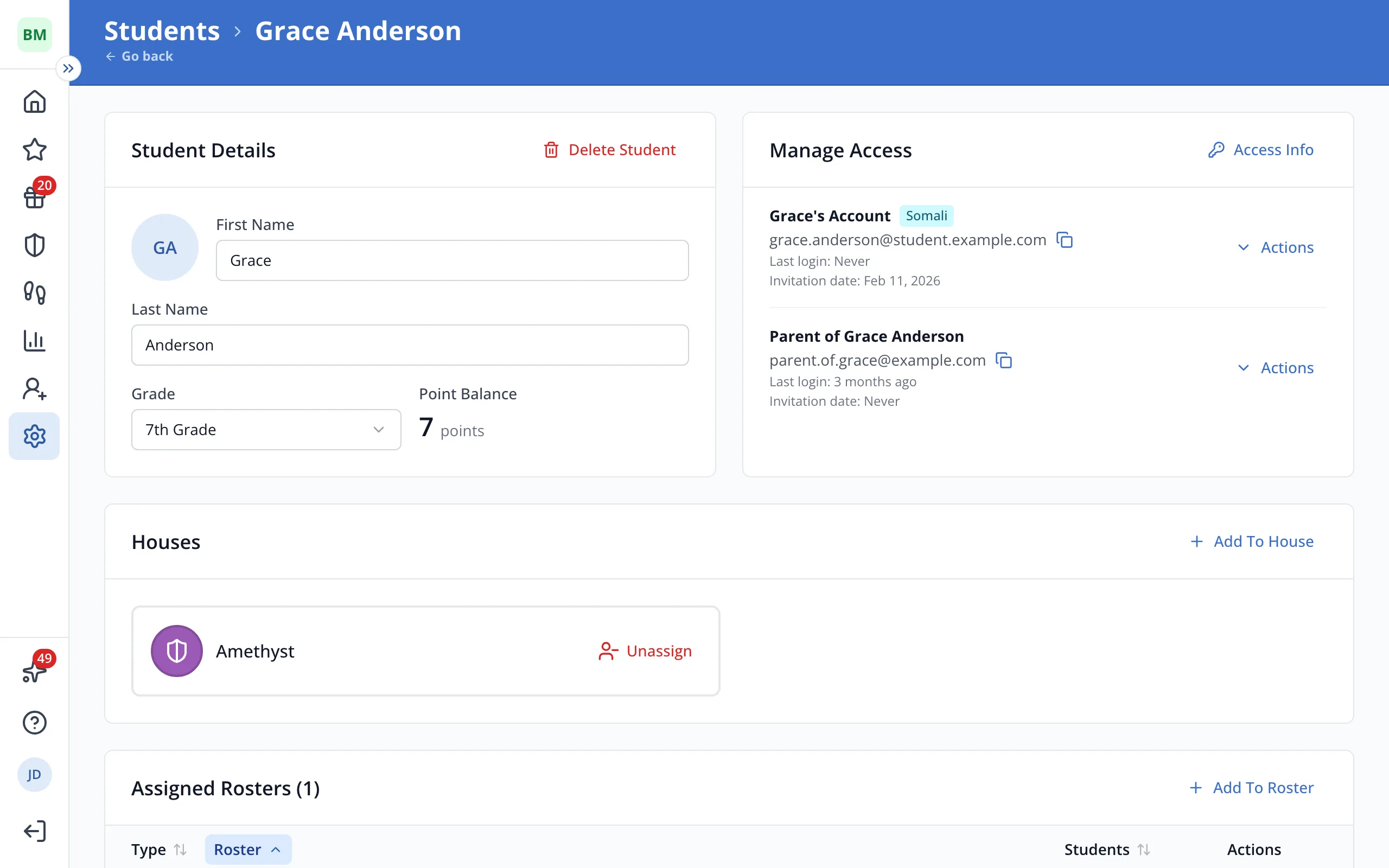
5.The new name saves as soon as you click outside the box.
Was this helpful?