
Check that Clever or ClassLink moved your students up a grade
Clever or ClassLink sets your students' grades, so new grades appear only after your district updates them there.
AdminSite Leader
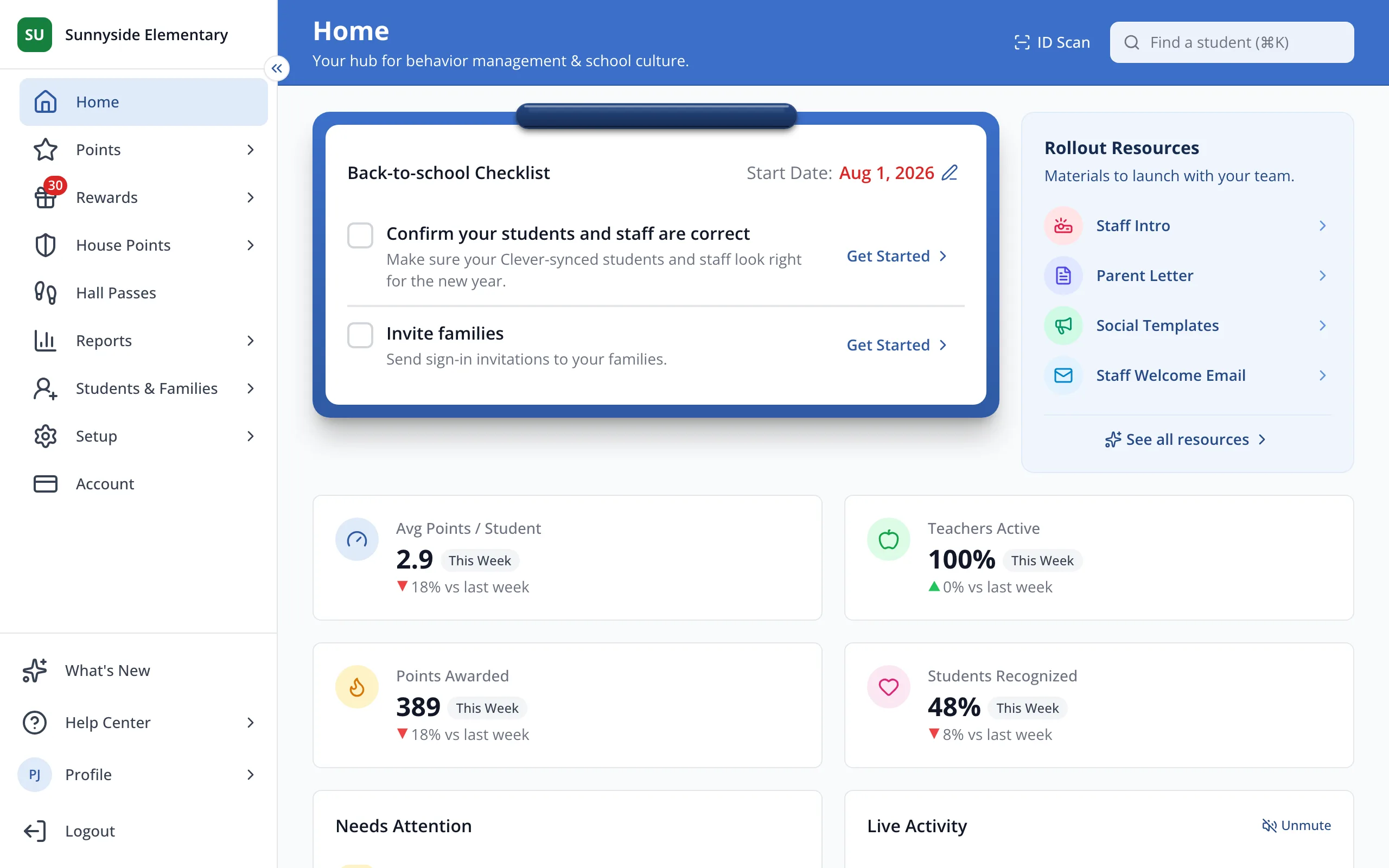
1 / 6In the sidebar, click Setup.
1.In the sidebar, click Setup.
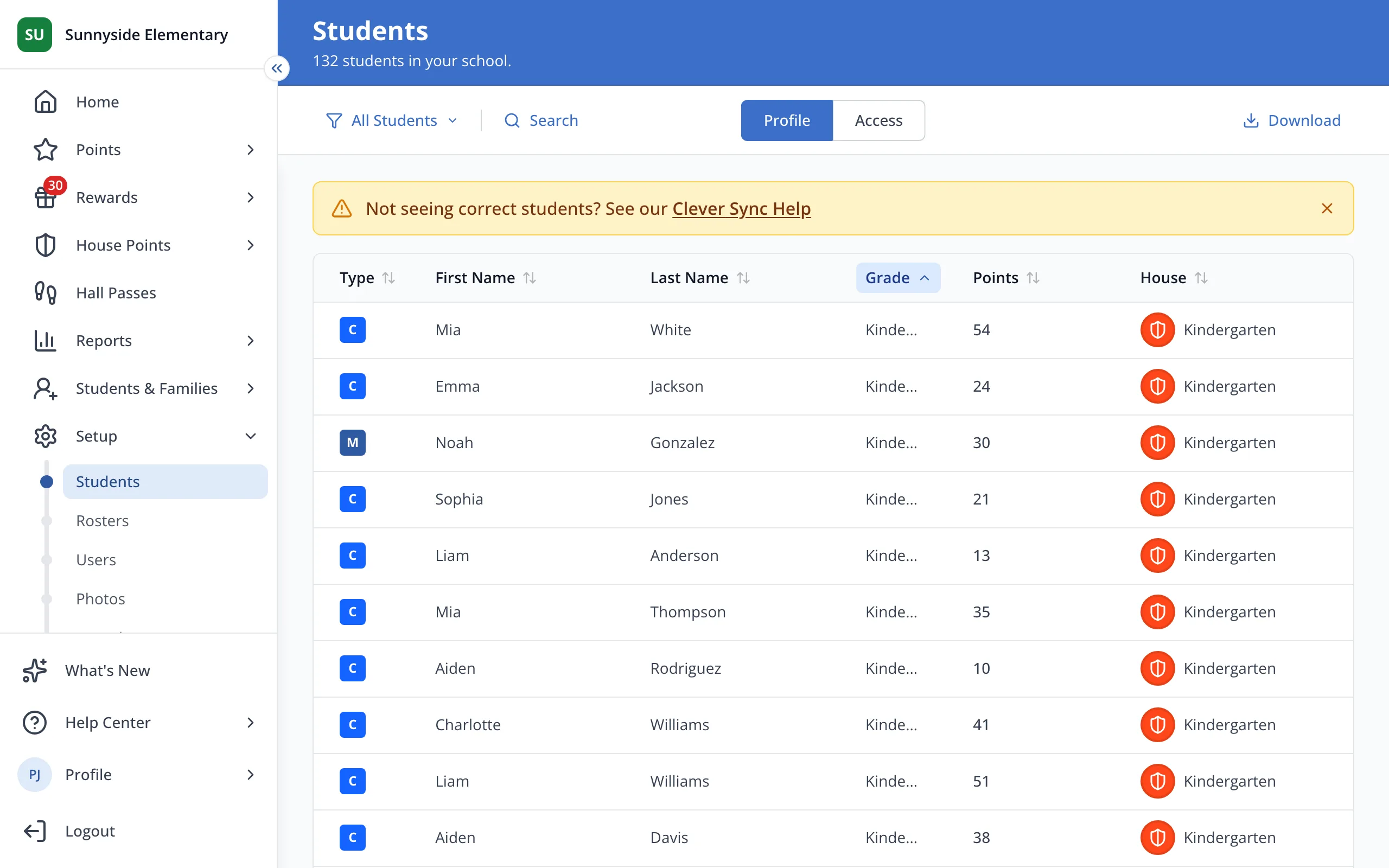
2.Click Students.
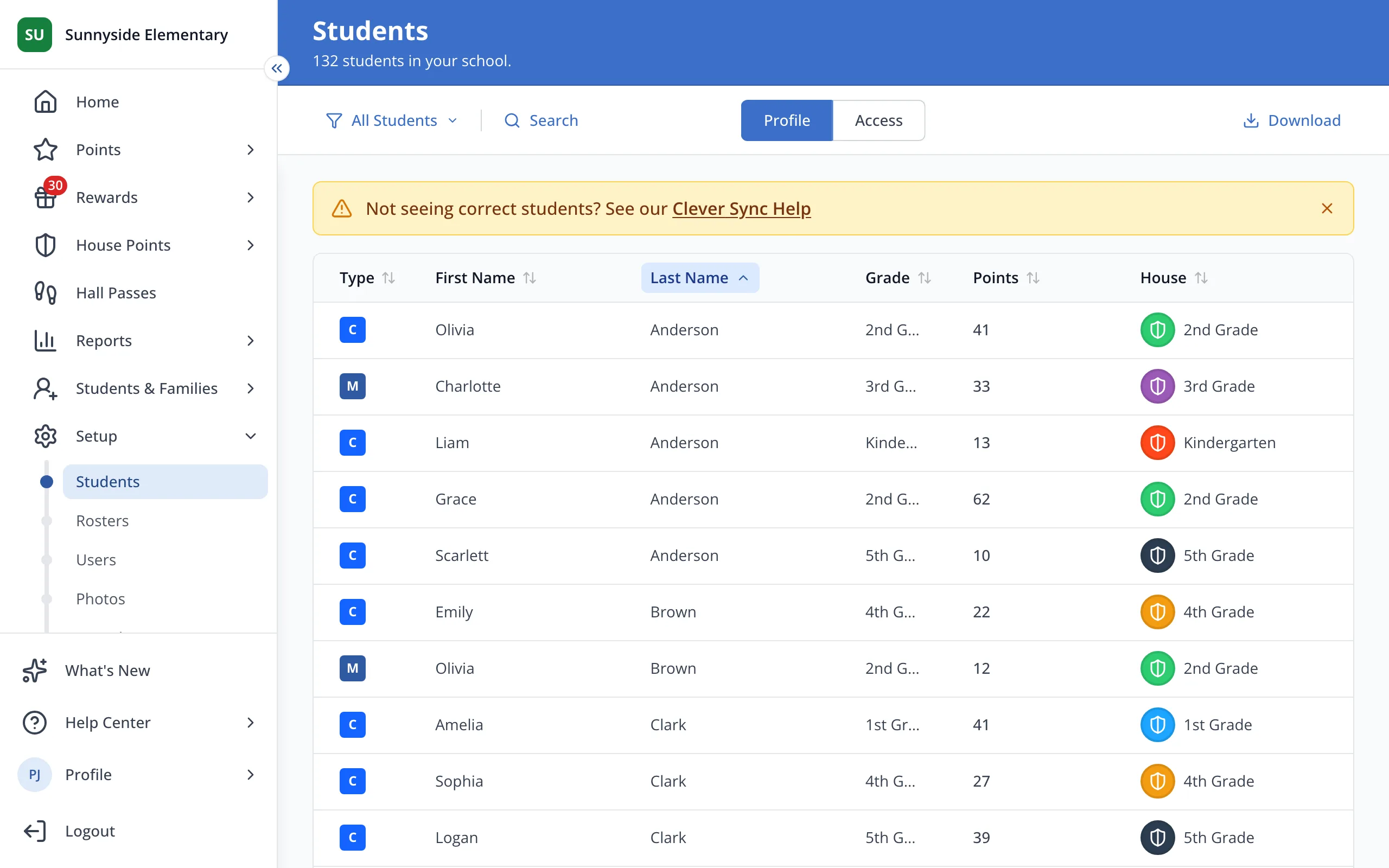
3.Click the Grade column to sort your students by grade.
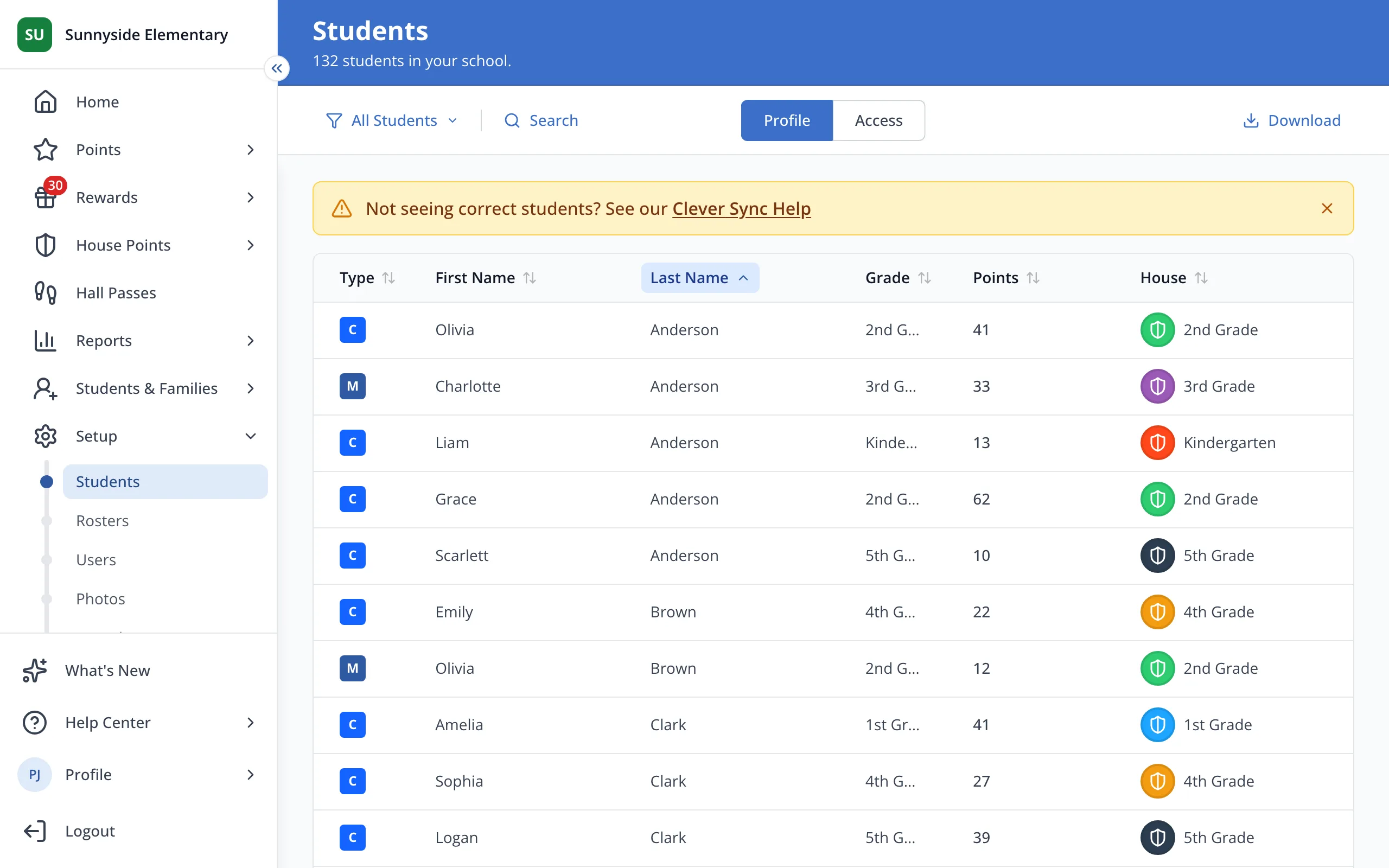
4.Check that your students show this year's grades.
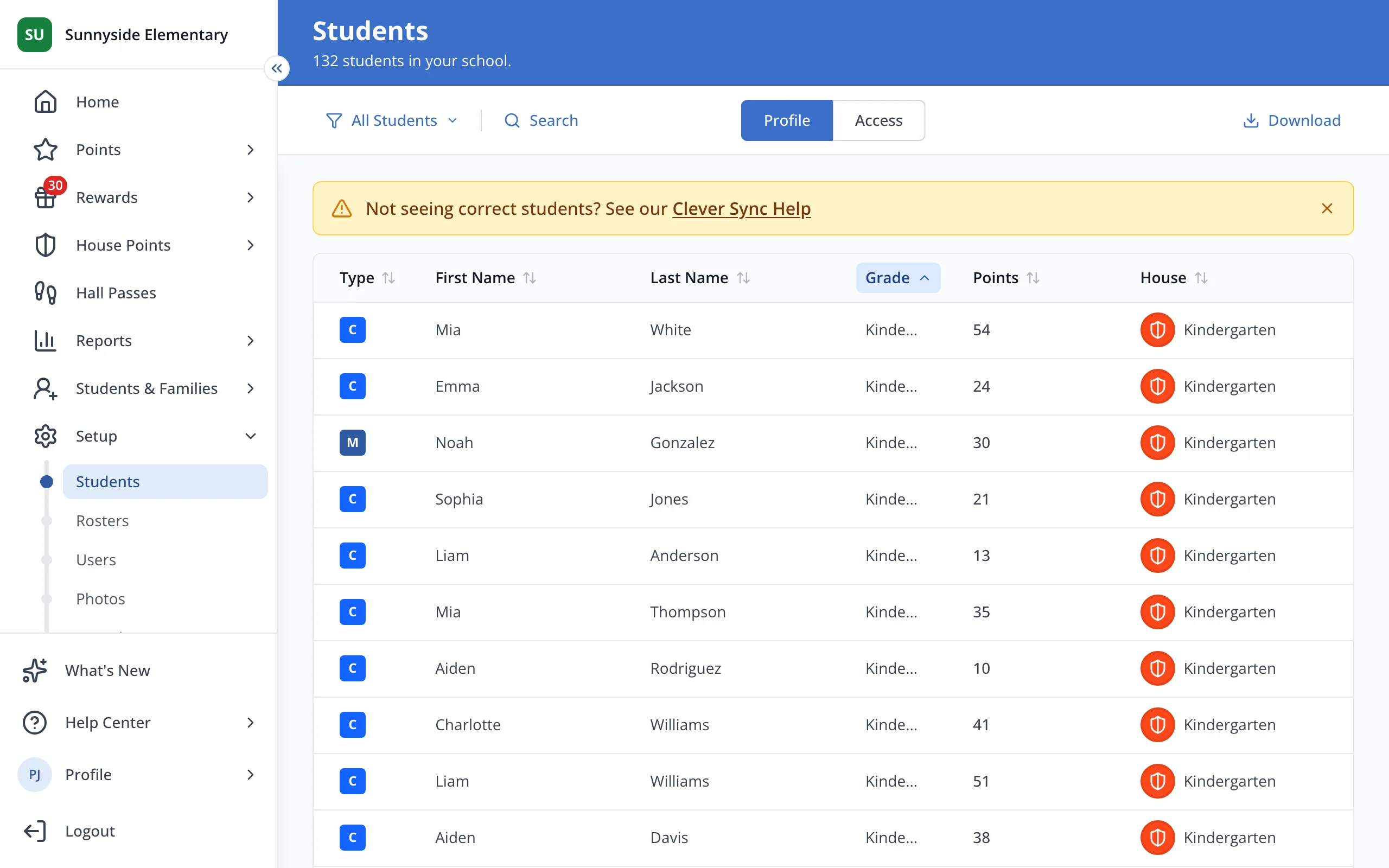
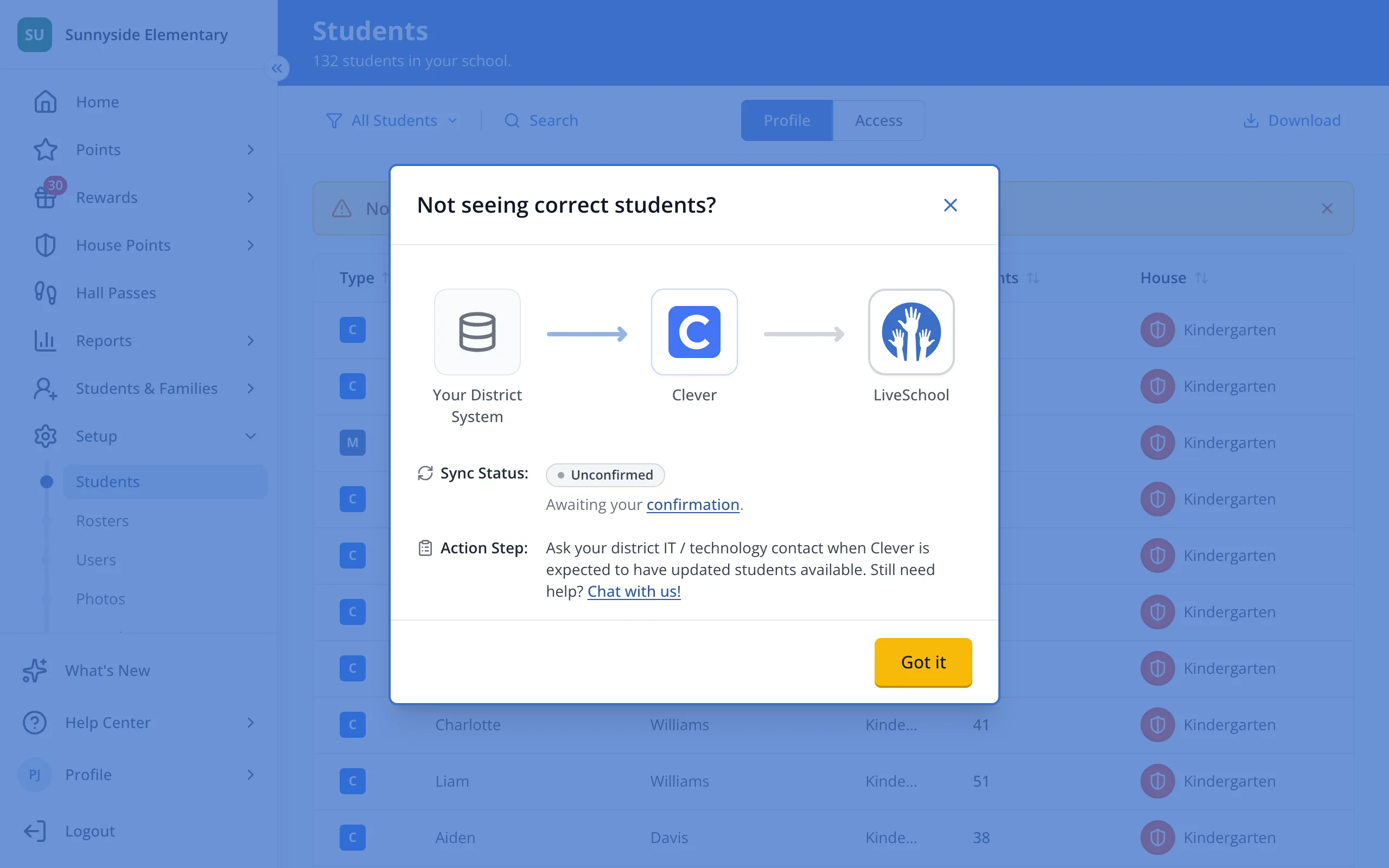
5.If students still show last year's grades, click Clever Sync Help (or ClassLink Sync Help) in the yellow banner.
6.Ask your district's technology contact when Clever will have this year's grades.
Was this helpful?