
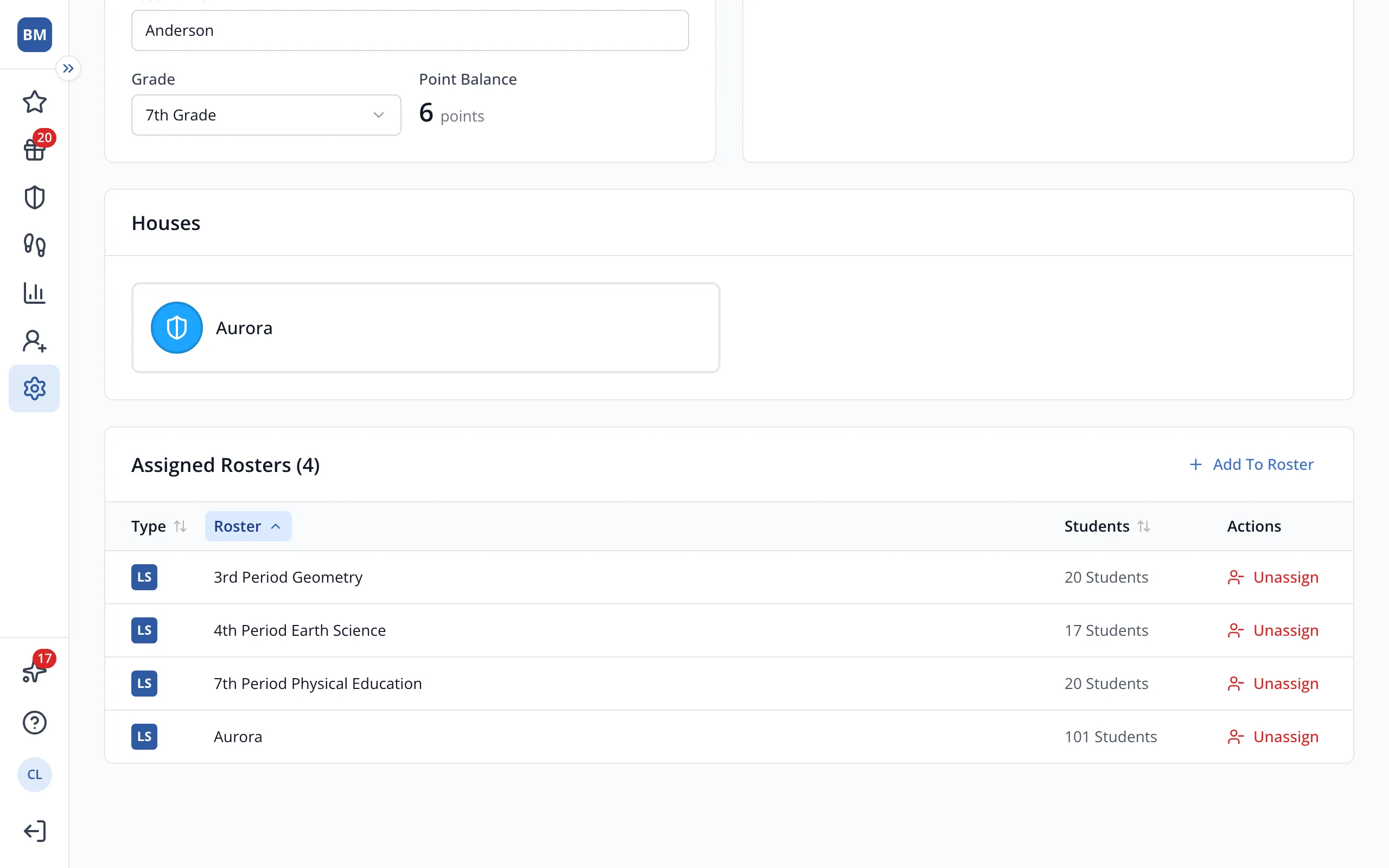
See which rosters a student is on
Every roster the student belongs to shows on their profile, including rosters other teachers own.
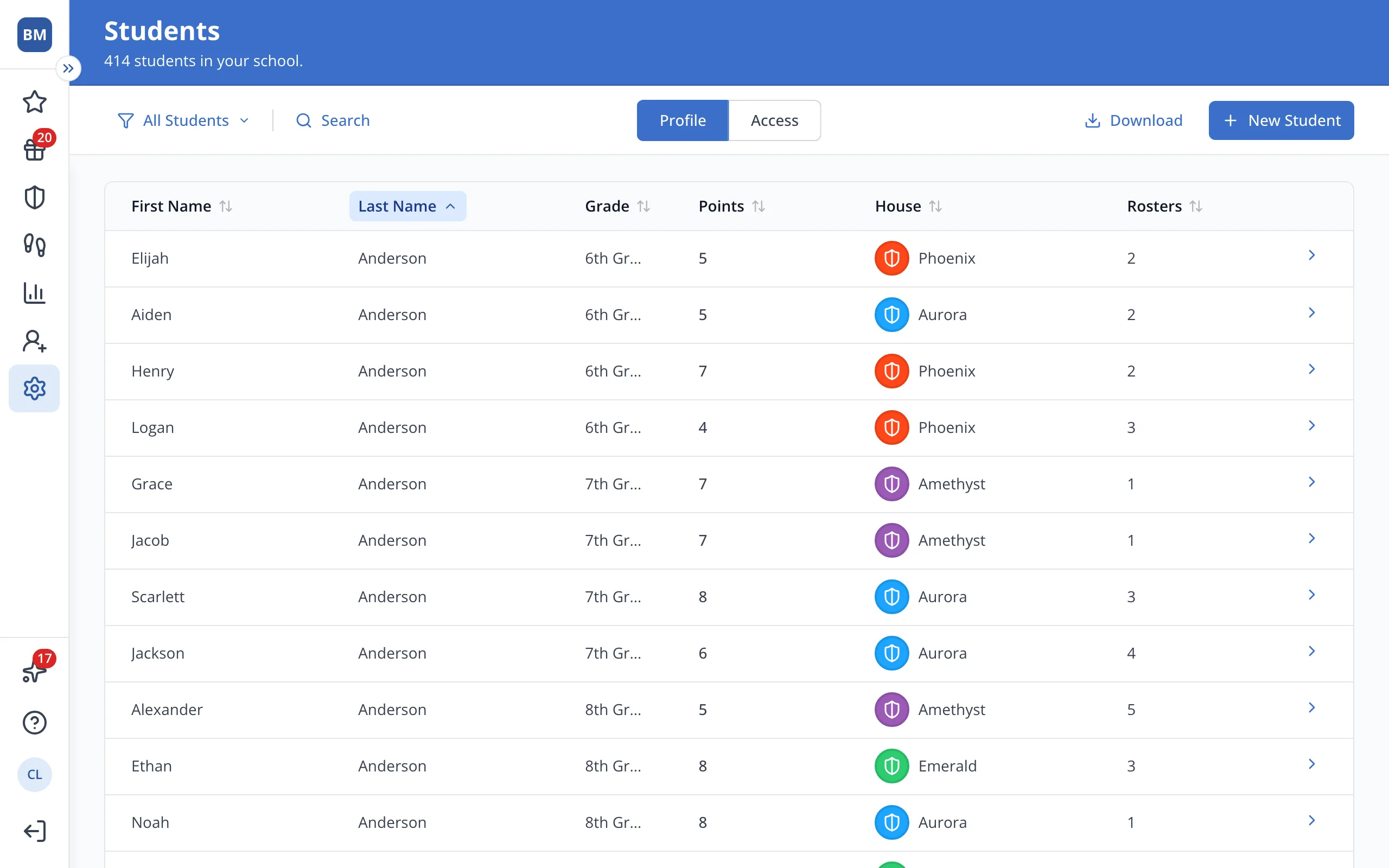
1 / 4In Setup, on the Students page, click Search.
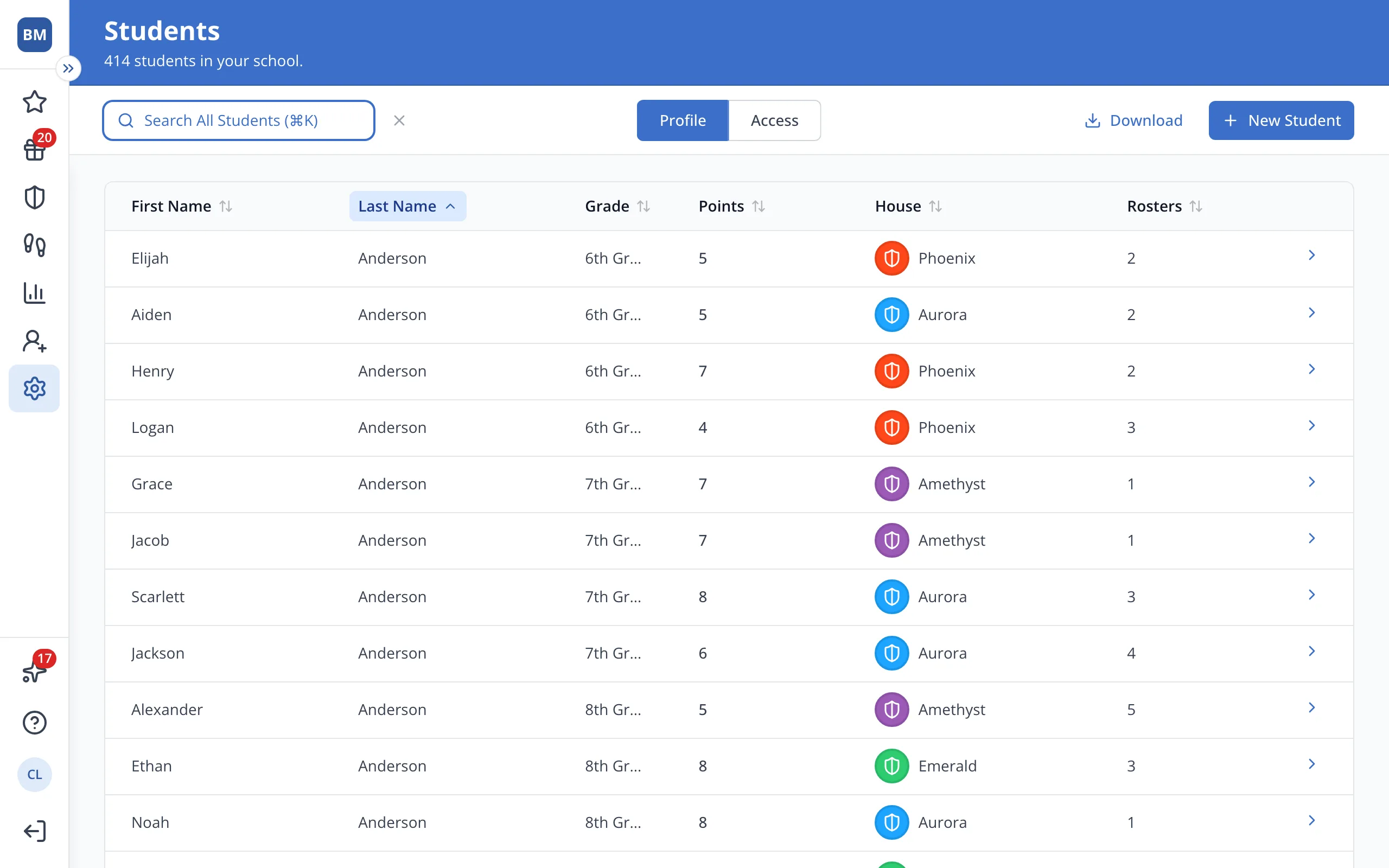
1.In Setup, on the Students page, click Search.
2.Type the student's name.
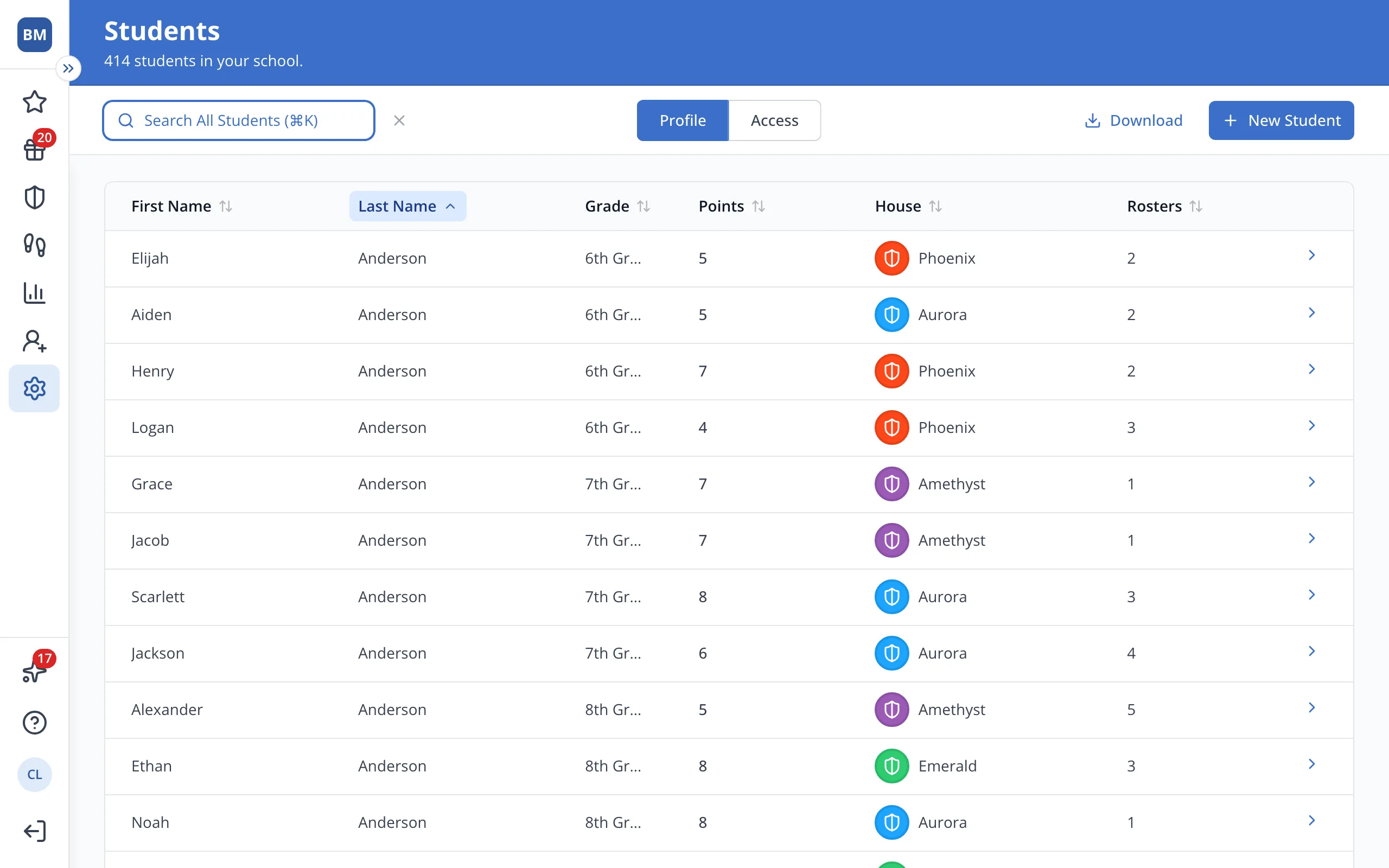
3.Click the student's name.
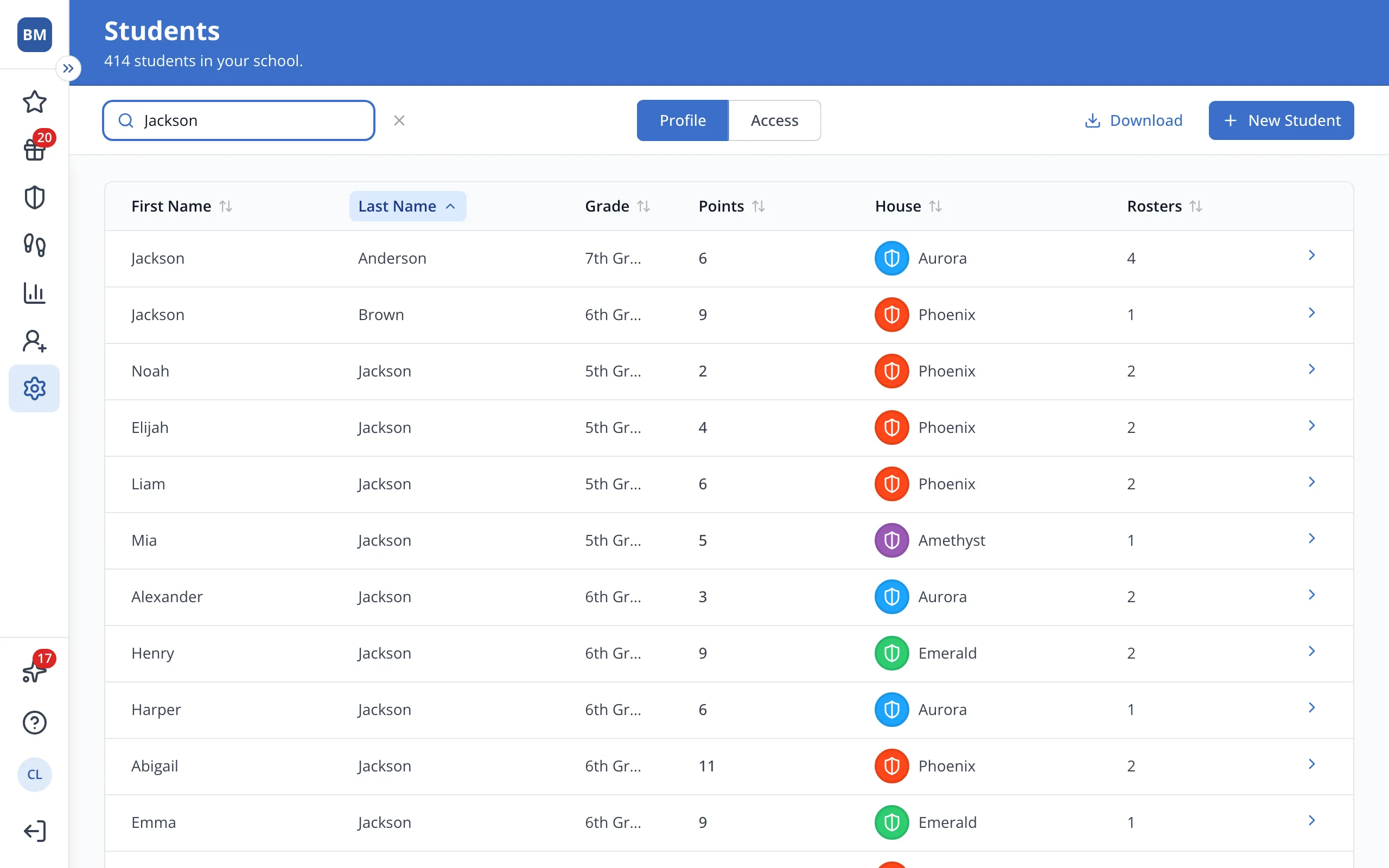
4.Look under Assigned Rosters for every roster the student is on.
Was this helpful?