
Switch to a different roster using the roster picker
Your rosters, Houses, grades and homerooms are all one click away from the top of the Points page.
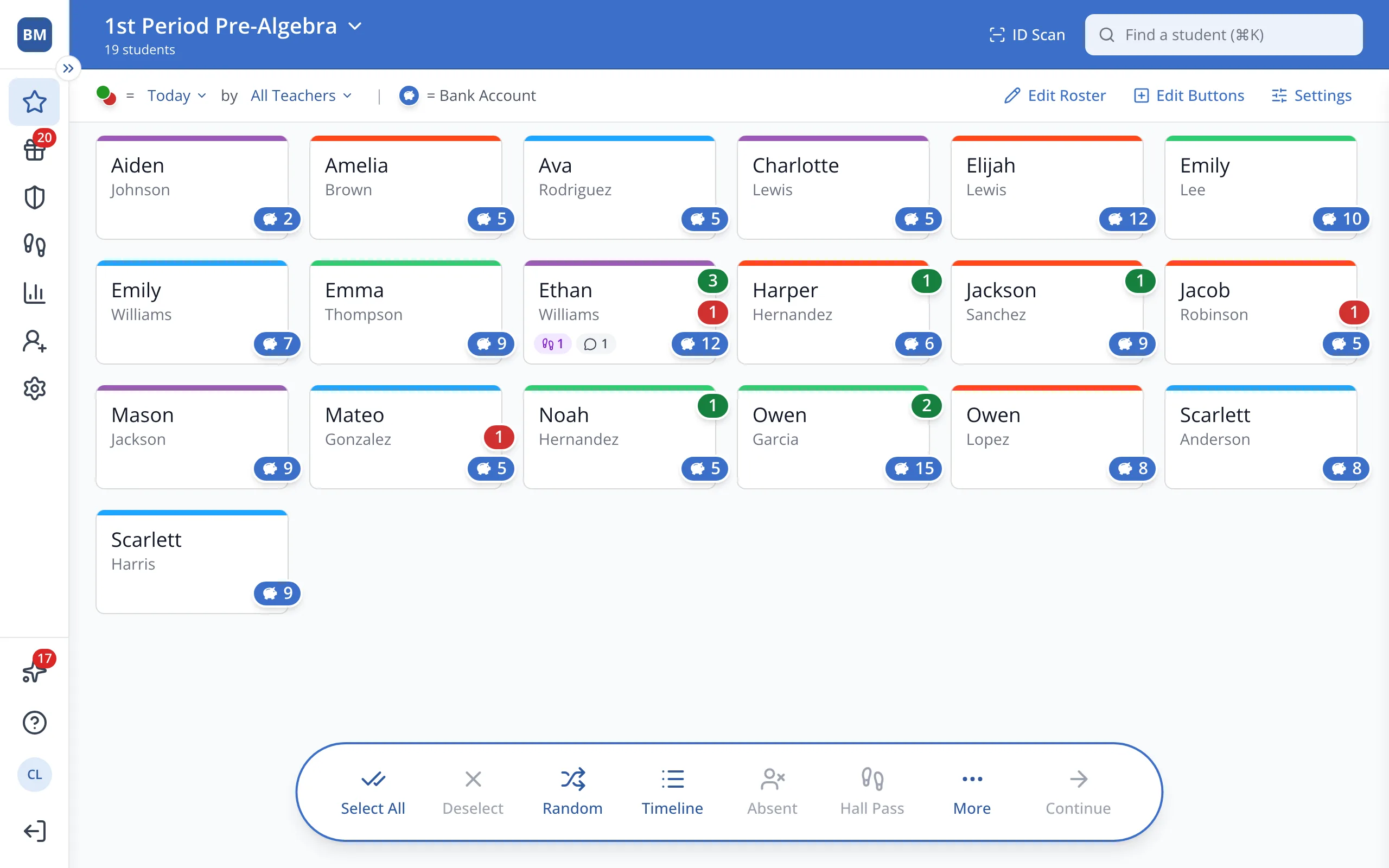
1 / 8At the top of the Points page, click the current roster name to open the Roster Picker.
1.At the top of the Points page, click the current roster's name to open the Roster Picker.
2.Navigate between the tabs to see available rosters.
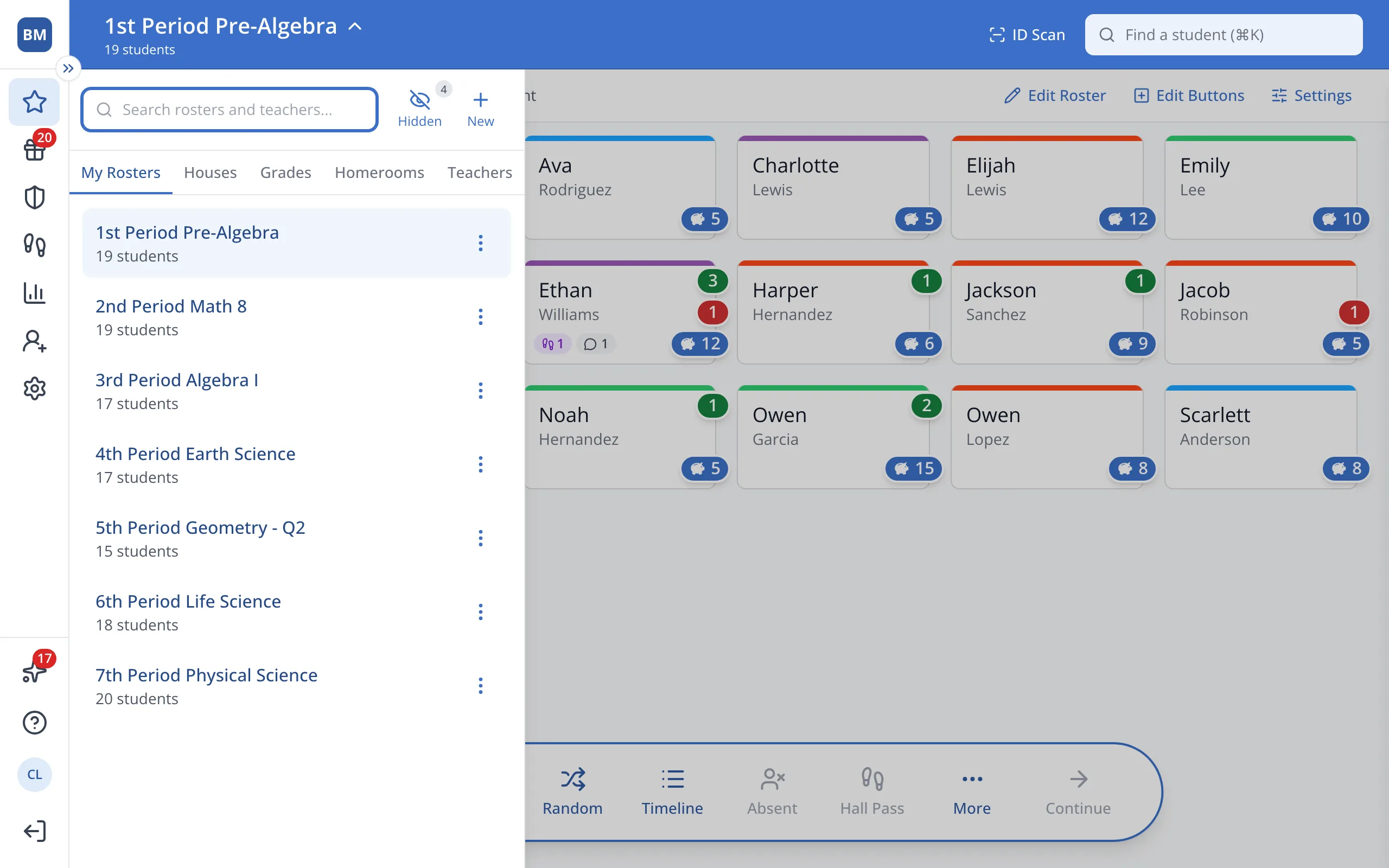
3.Click the roster you'd like.
Was this helpful?