
How do I clear LiveSchool's cache from the sign-in screen?
TeacherAdminSite LeaderFamilyStudentWorks on Web
- On the sign-in screen, select Having trouble signing in?
- Select Clear cache and reload.
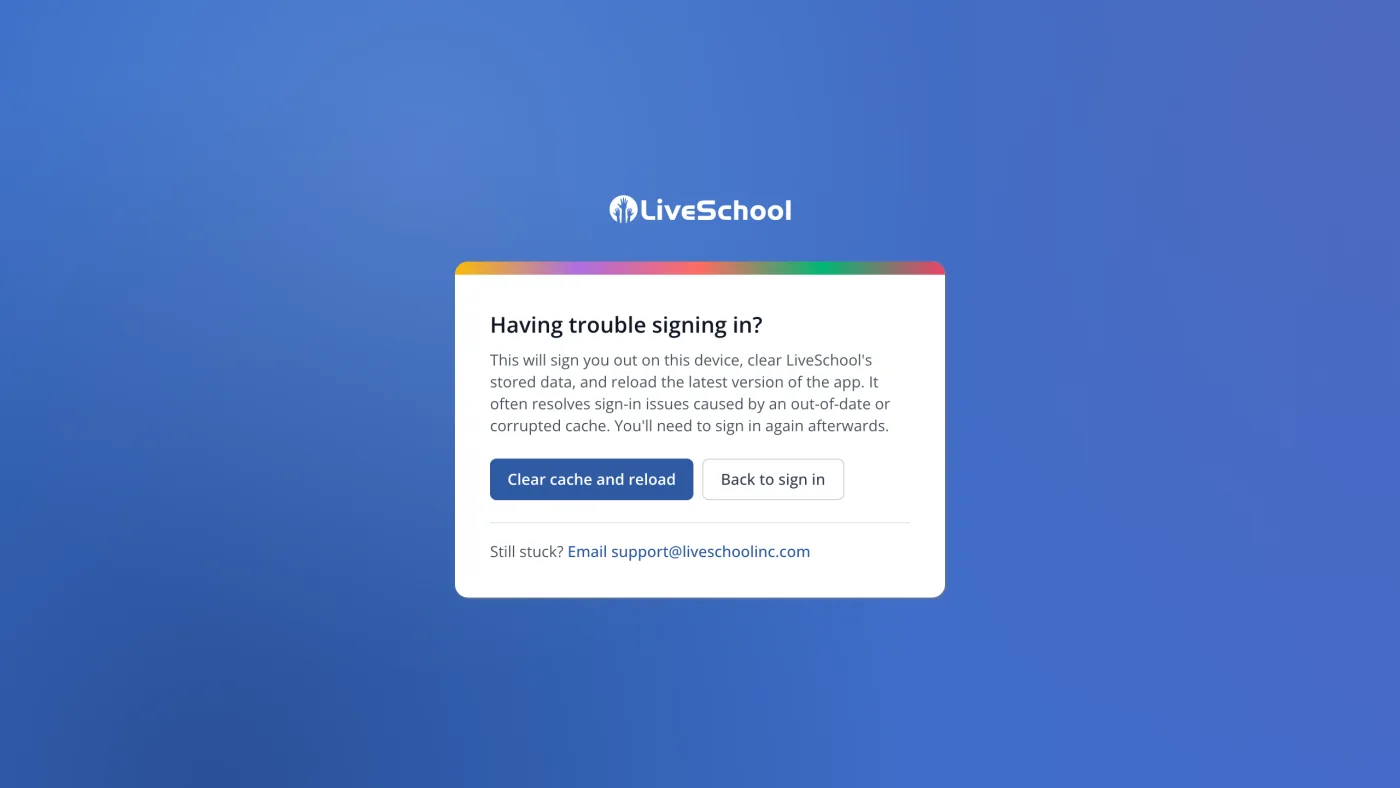
The page reloads and signs you out. Sign back in as usual.
Was this helpful?