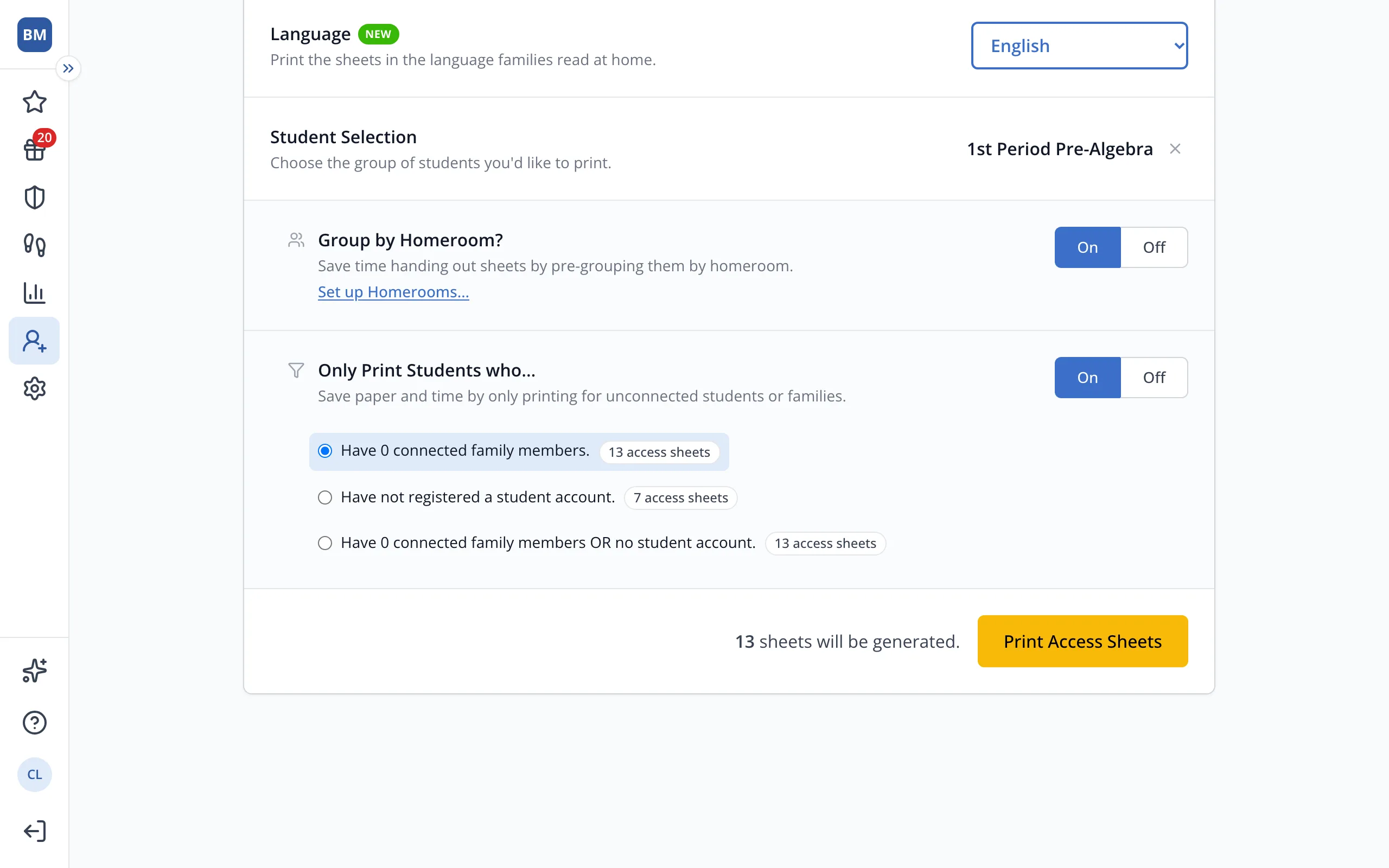
Group access sheets by homeroom
Sheets print in piles by homeroom, with the homeroom in the corner of each page, ready to hand out.
Open in LiveSchool
Already signed in? Open this guide inside LiveSchool.
Use the Left and Right arrow keys to move between steps, and Space to play or pause.
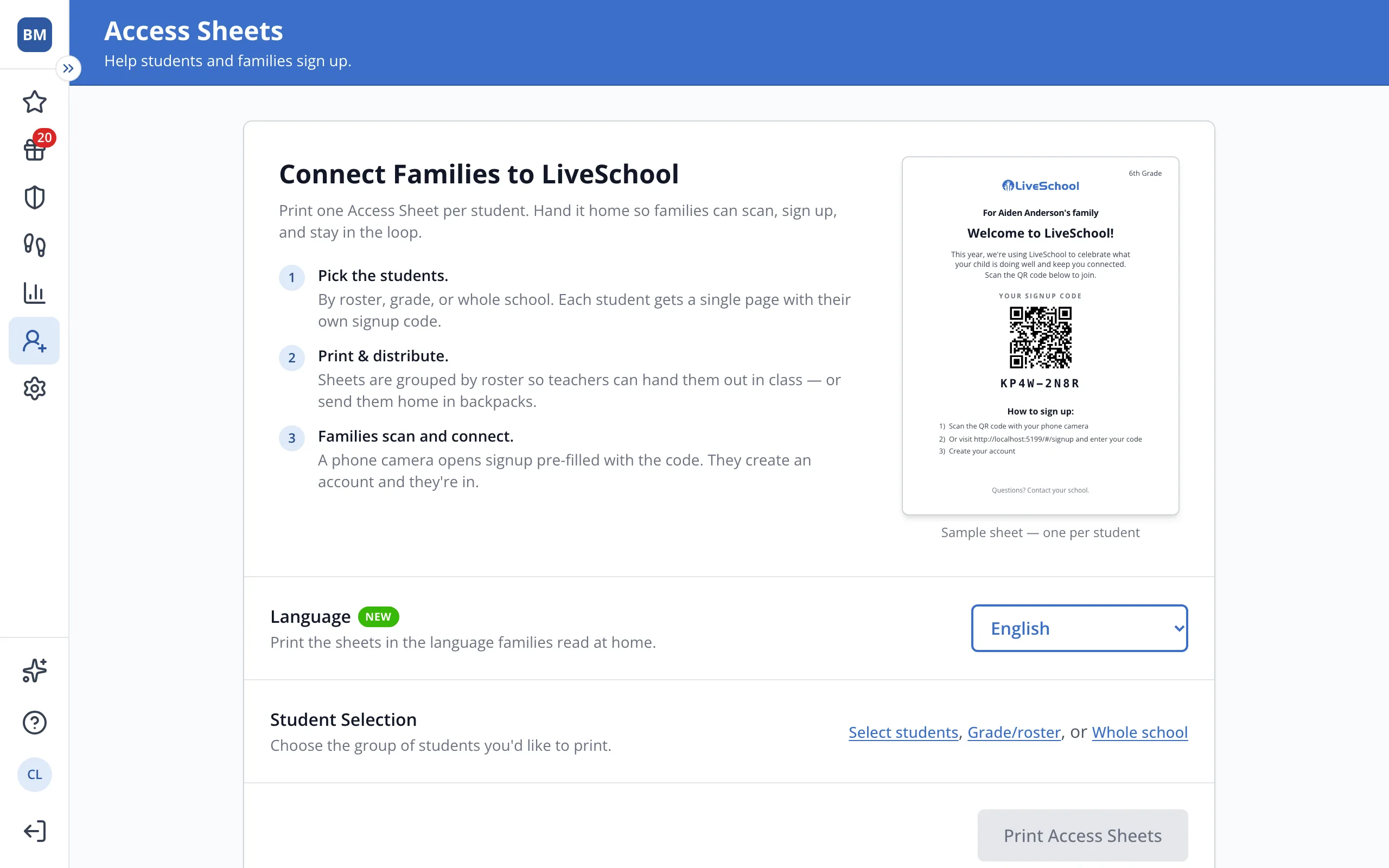
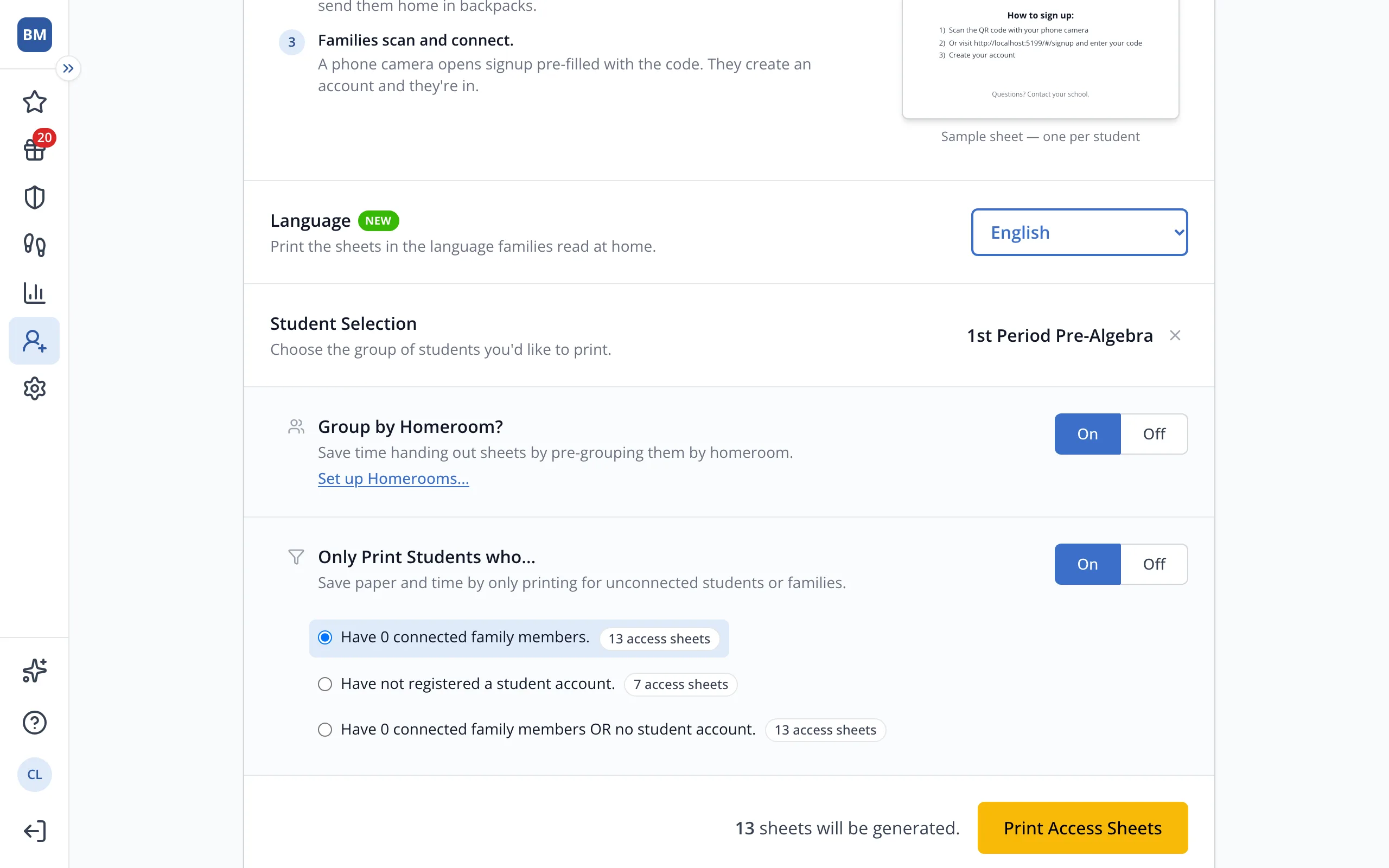
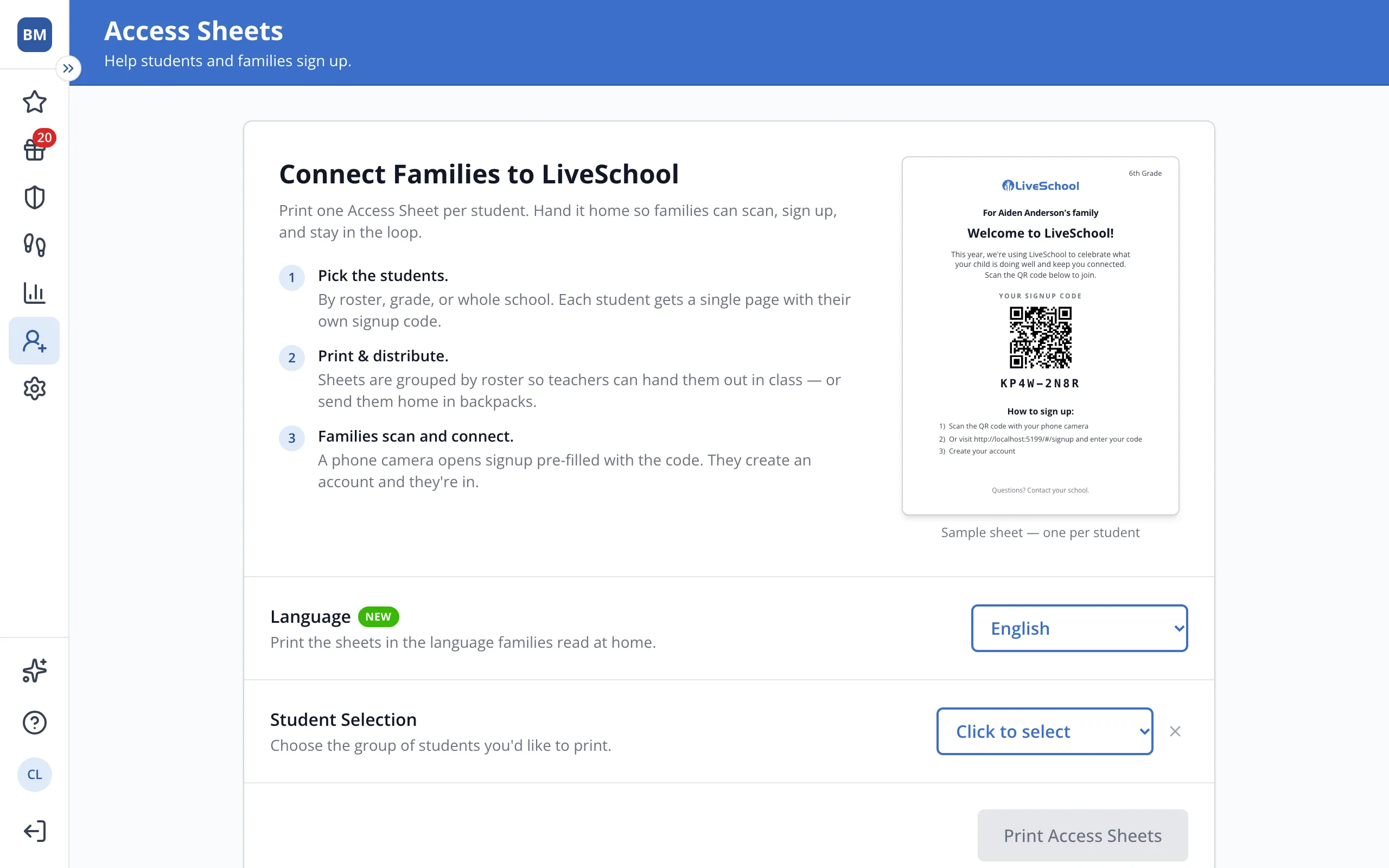
1.On the Access Sheets page under Students & Families, next to Student Selection, click Grade/roster.
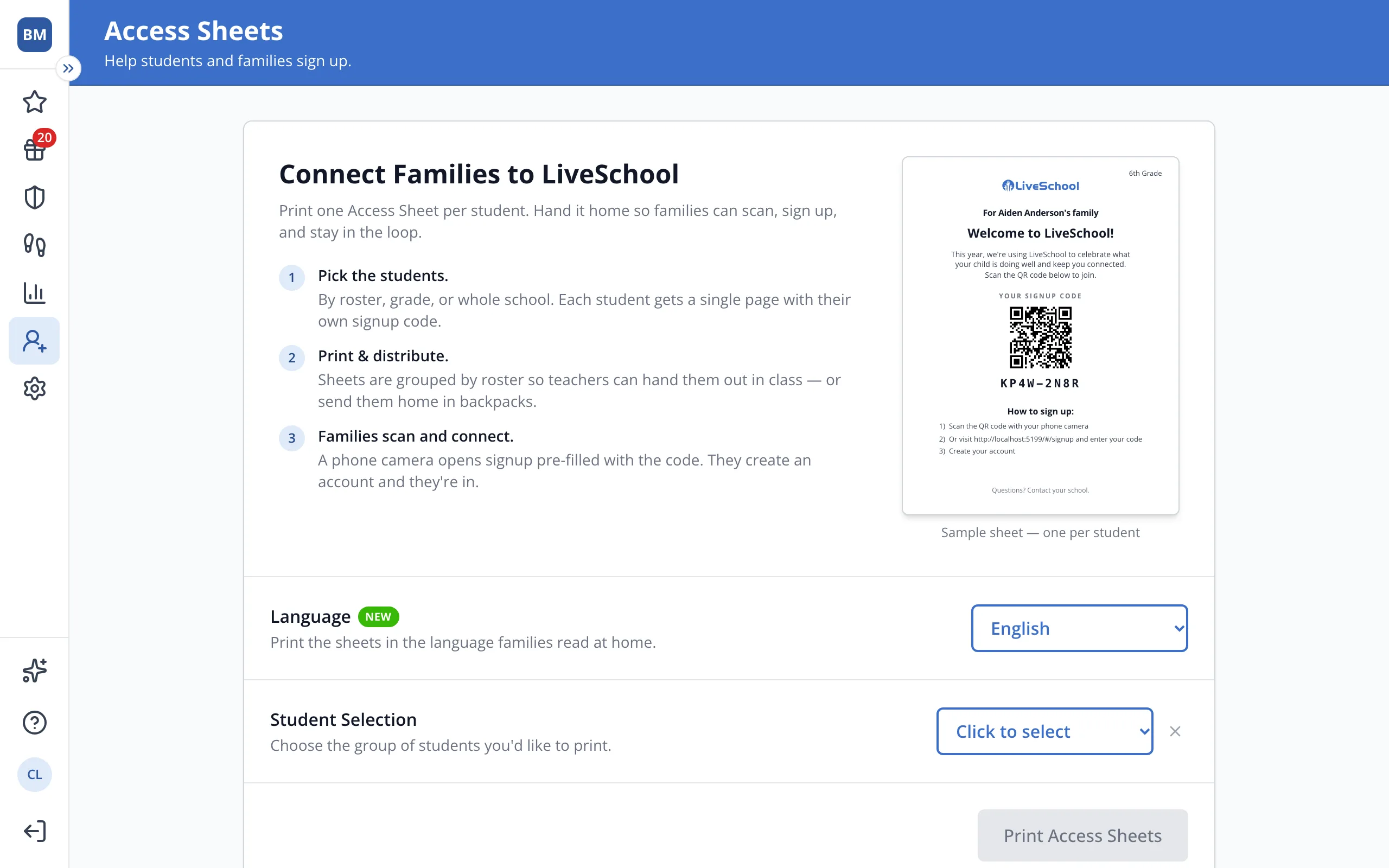
2.Pick the grade or roster you'd like to print.
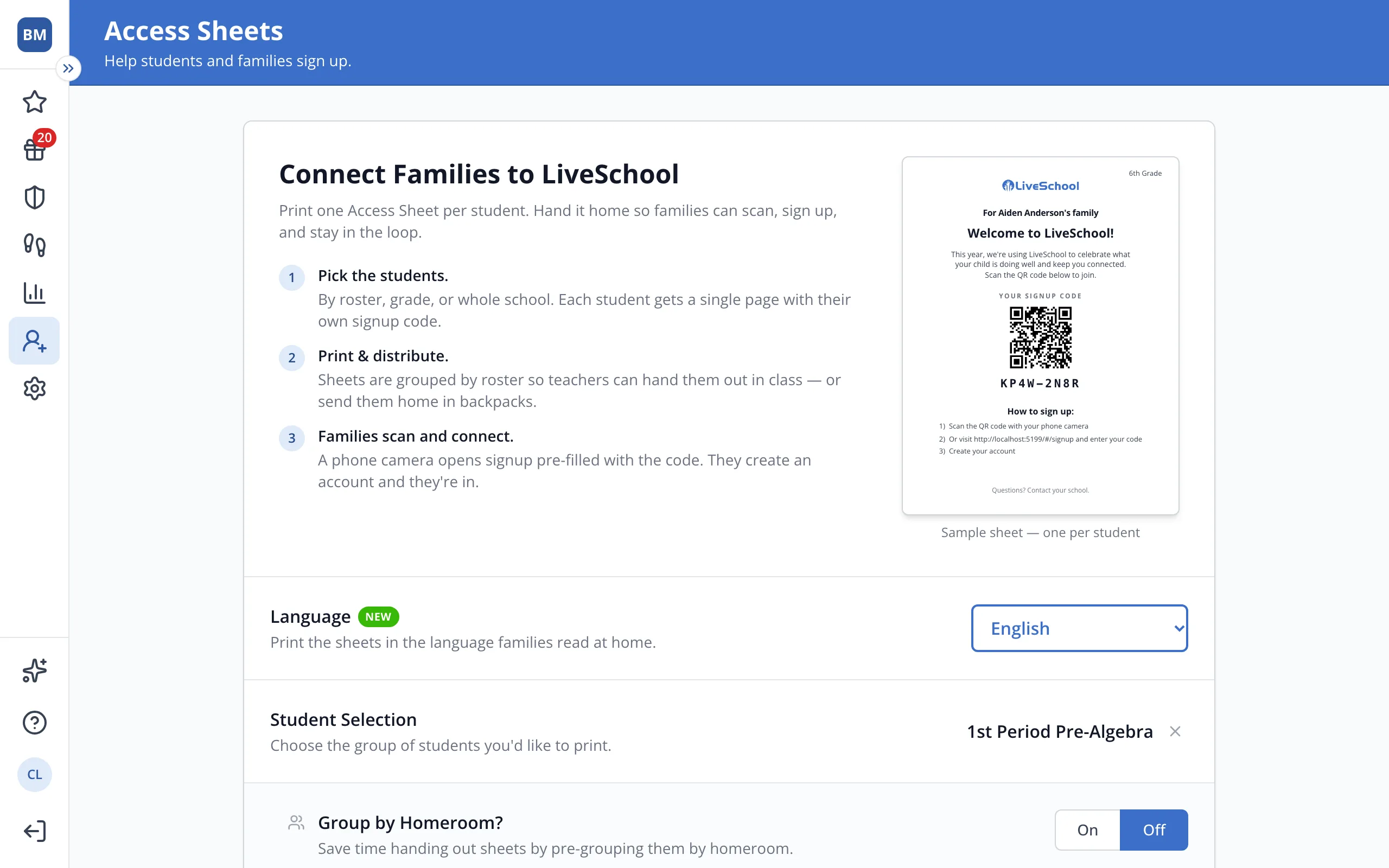
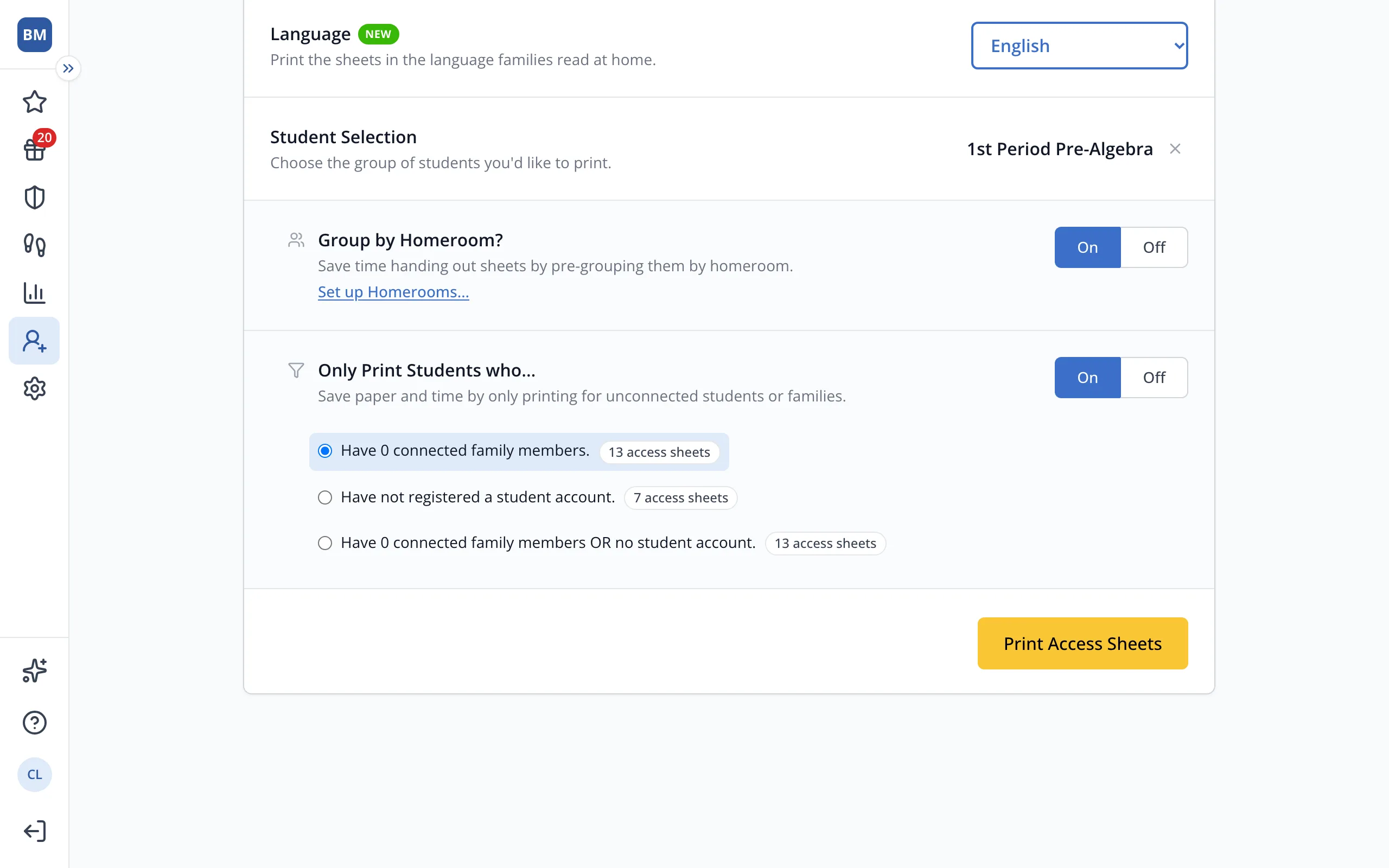
3.Next to Group by Homeroom?, click On.
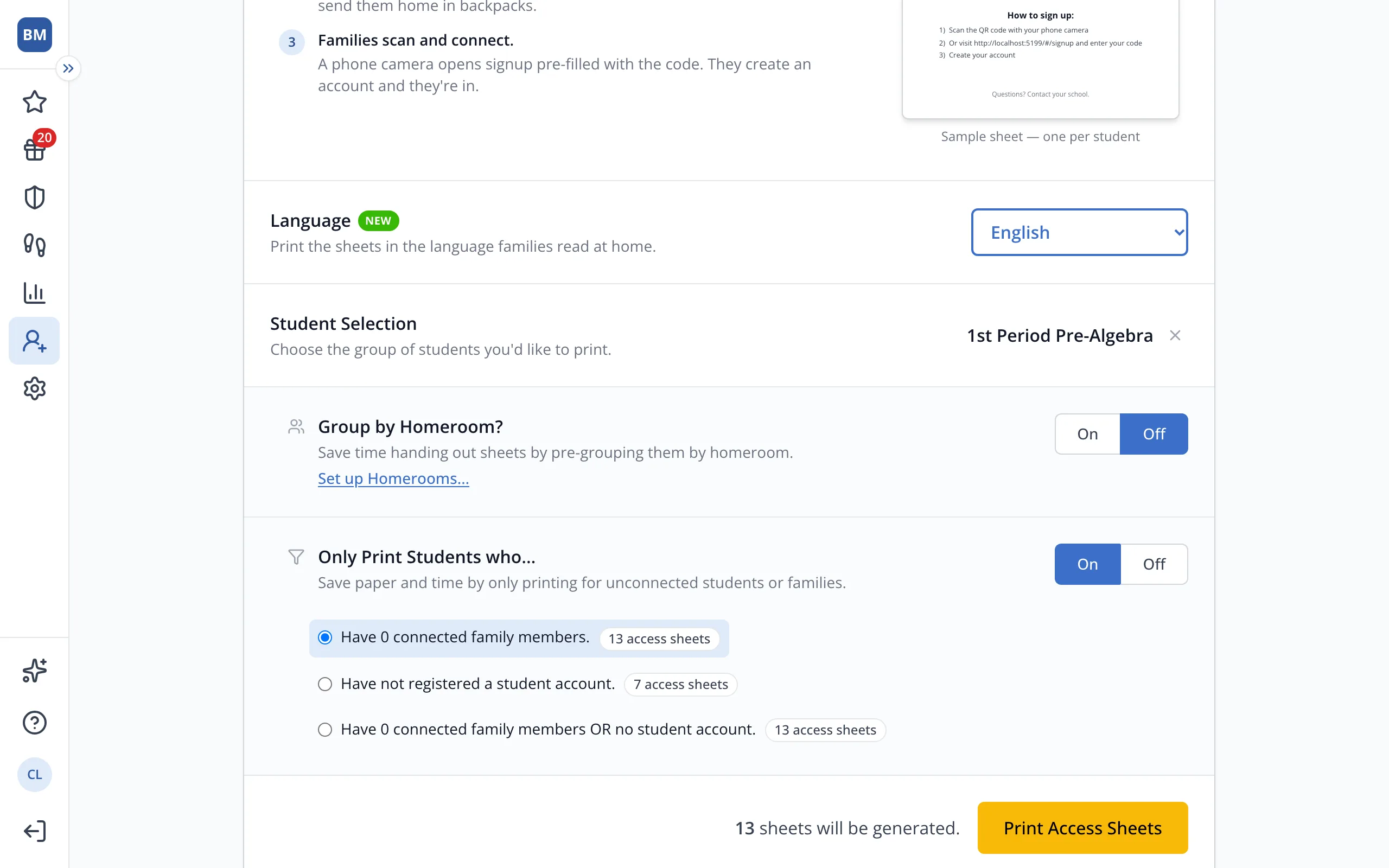
Did you know? Your school chooses its homerooms in Setup, under Rosters.
4.Click Print Access Sheets. A PDF downloads, ready to print.