
Export access codes to a spreadsheet for a mail merge
The download lists each student with their access code, so you can merge the codes into your own letters or emails.
Open in LiveSchool
Already signed in? Open this guide inside LiveSchool.
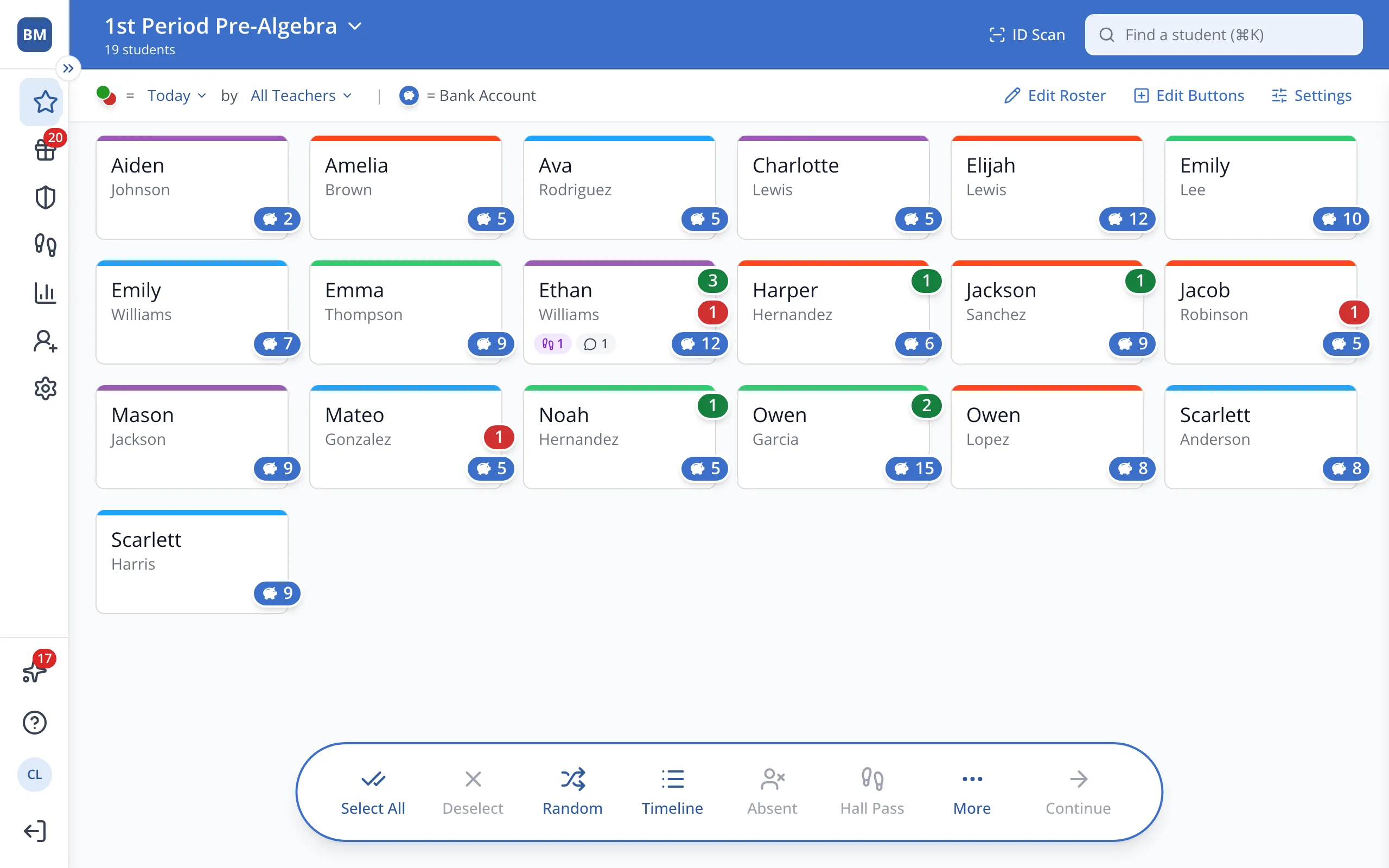
Use the Left and Right arrow keys to move between steps, and Space to play or pause.
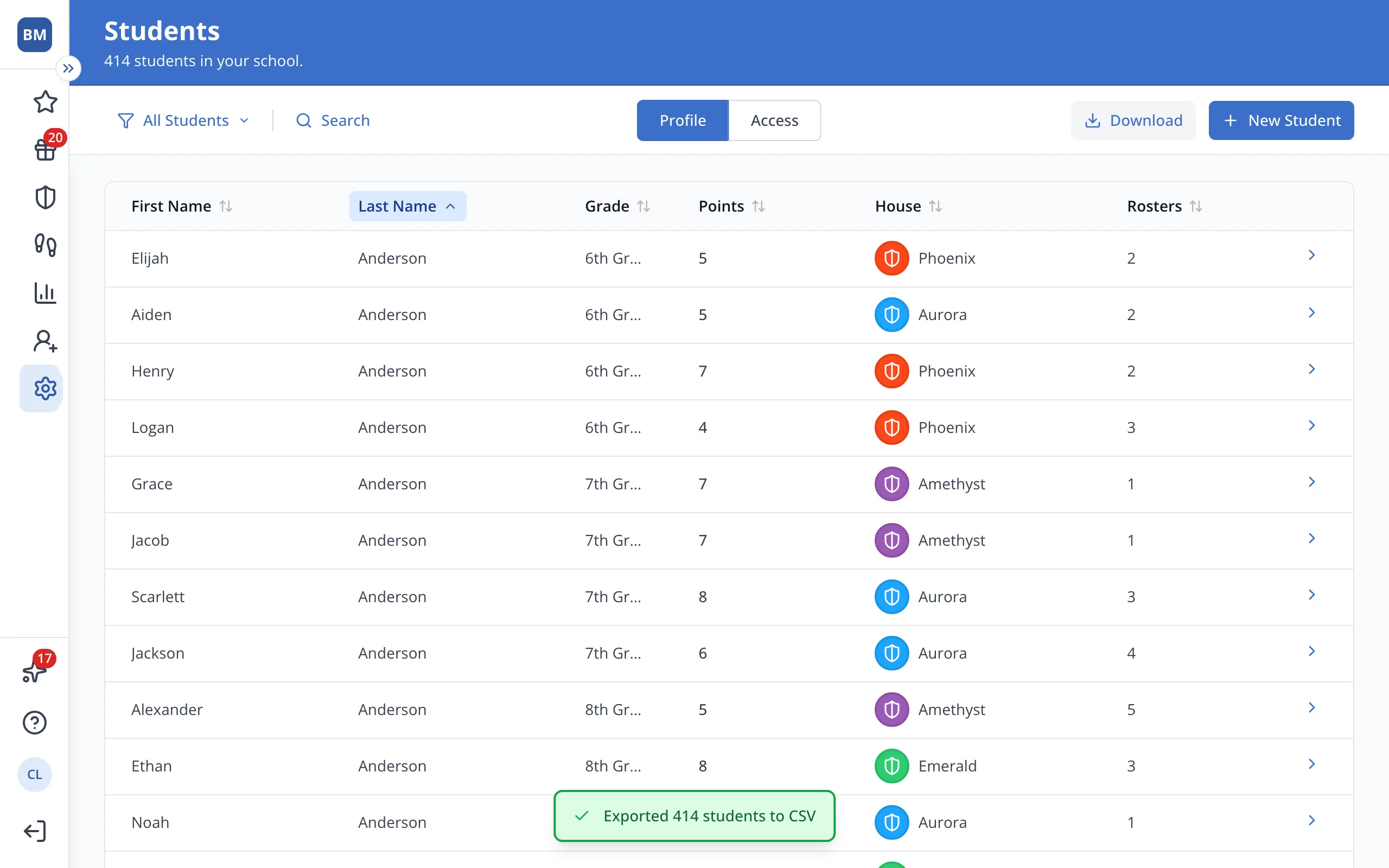
1.In the sidebar, click Setup.
2.Click Students.
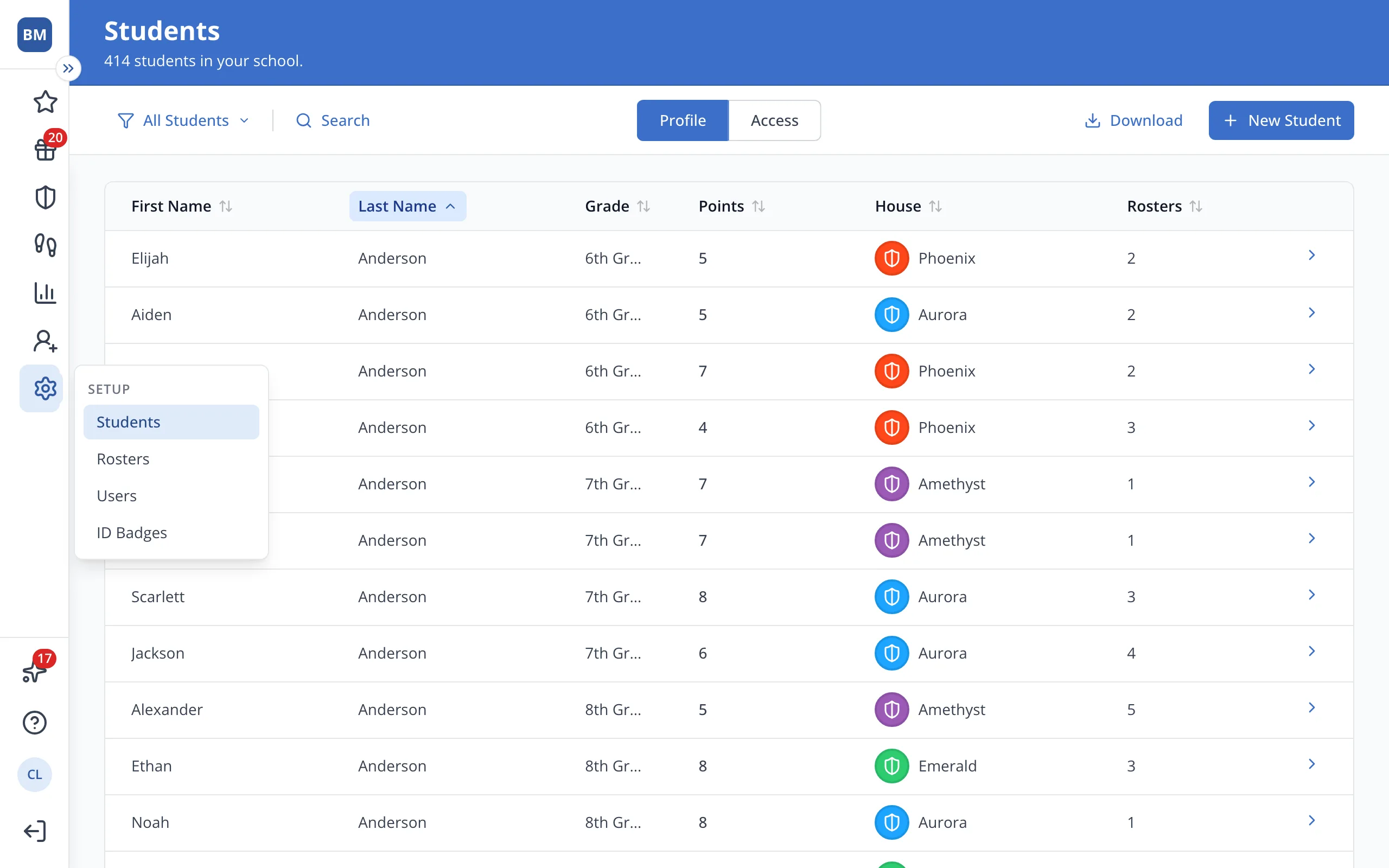
3.At the top right, click Download. A spreadsheet downloads with an Access Code column for each student.
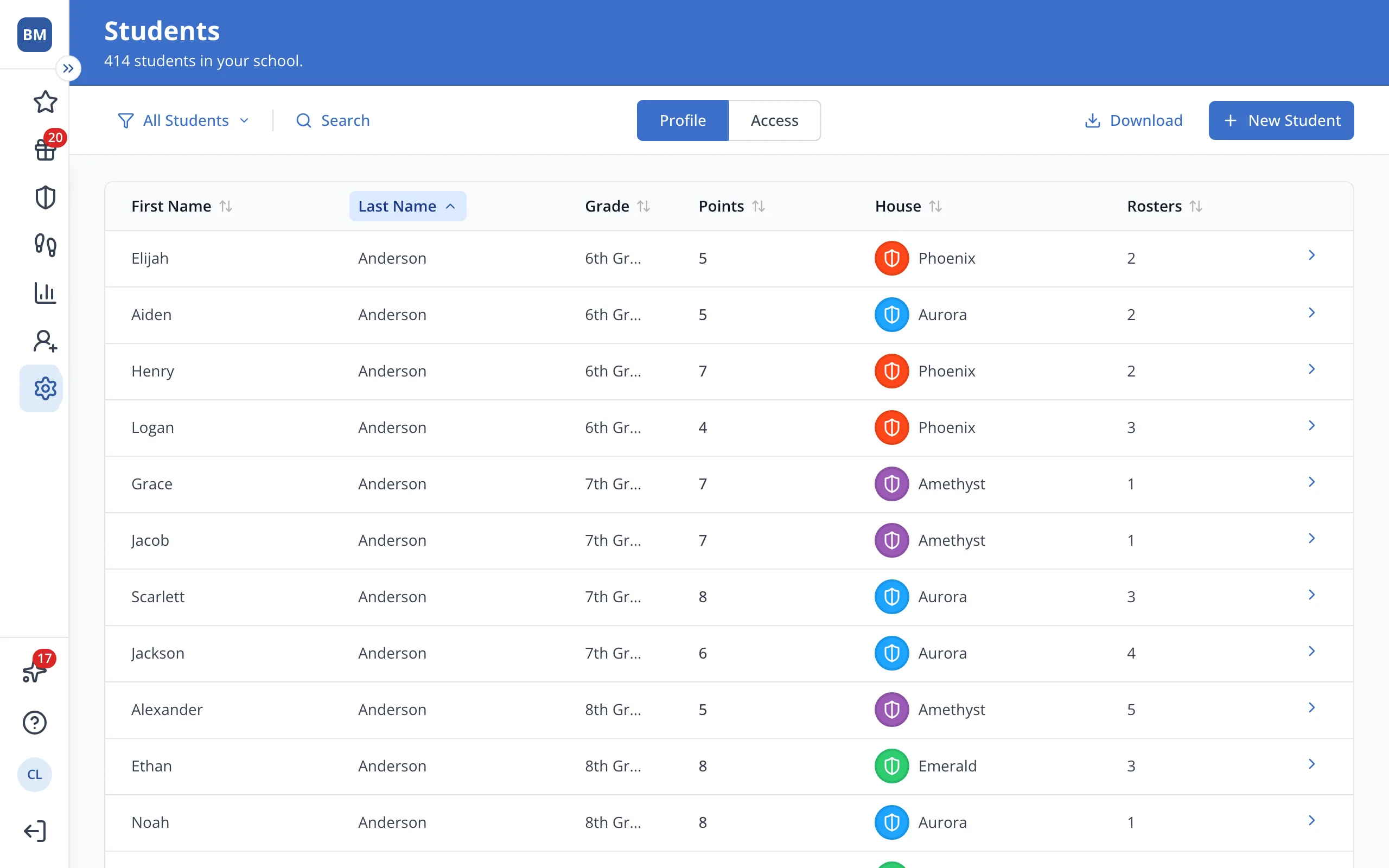
Did you know? Search for students first to download only the ones that match.