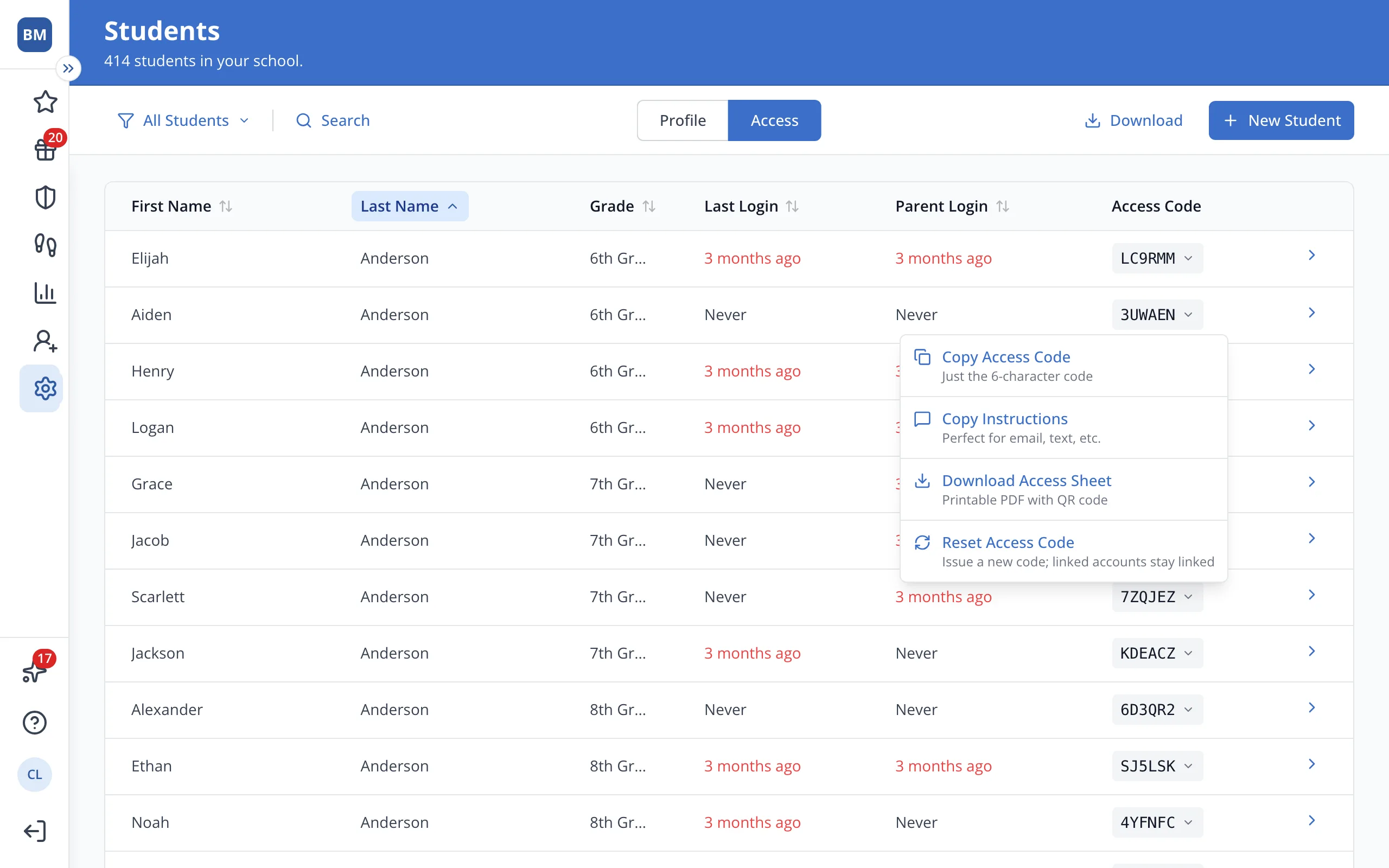
Print a student's access code and sign-in information
Each student's sheet has their own access code and QR code, for signing up as a student or family member.
Open in LiveSchool
Already signed in? Open this guide inside LiveSchool.
Use the Left and Right arrow keys to move between steps, and Space to play or pause.
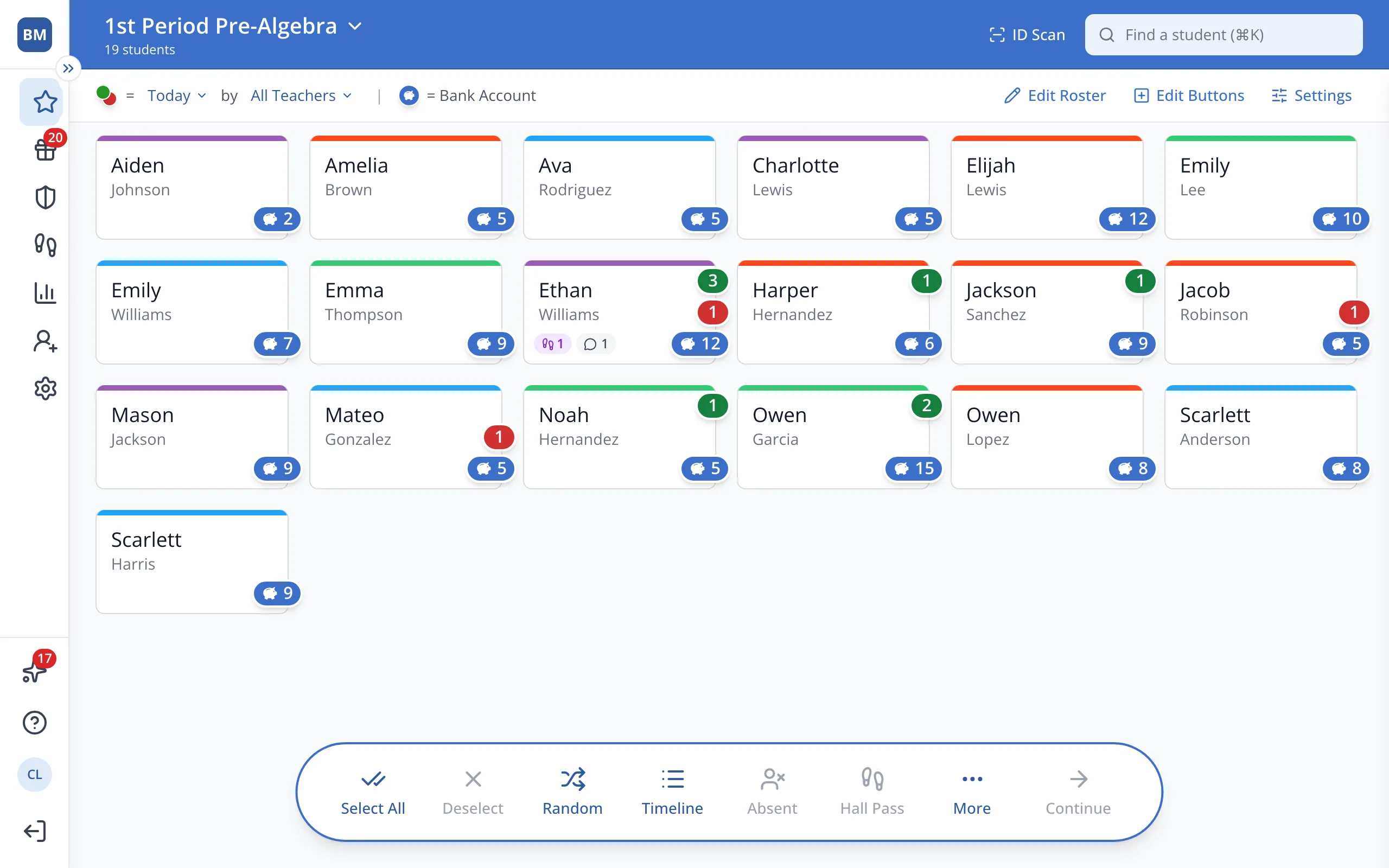
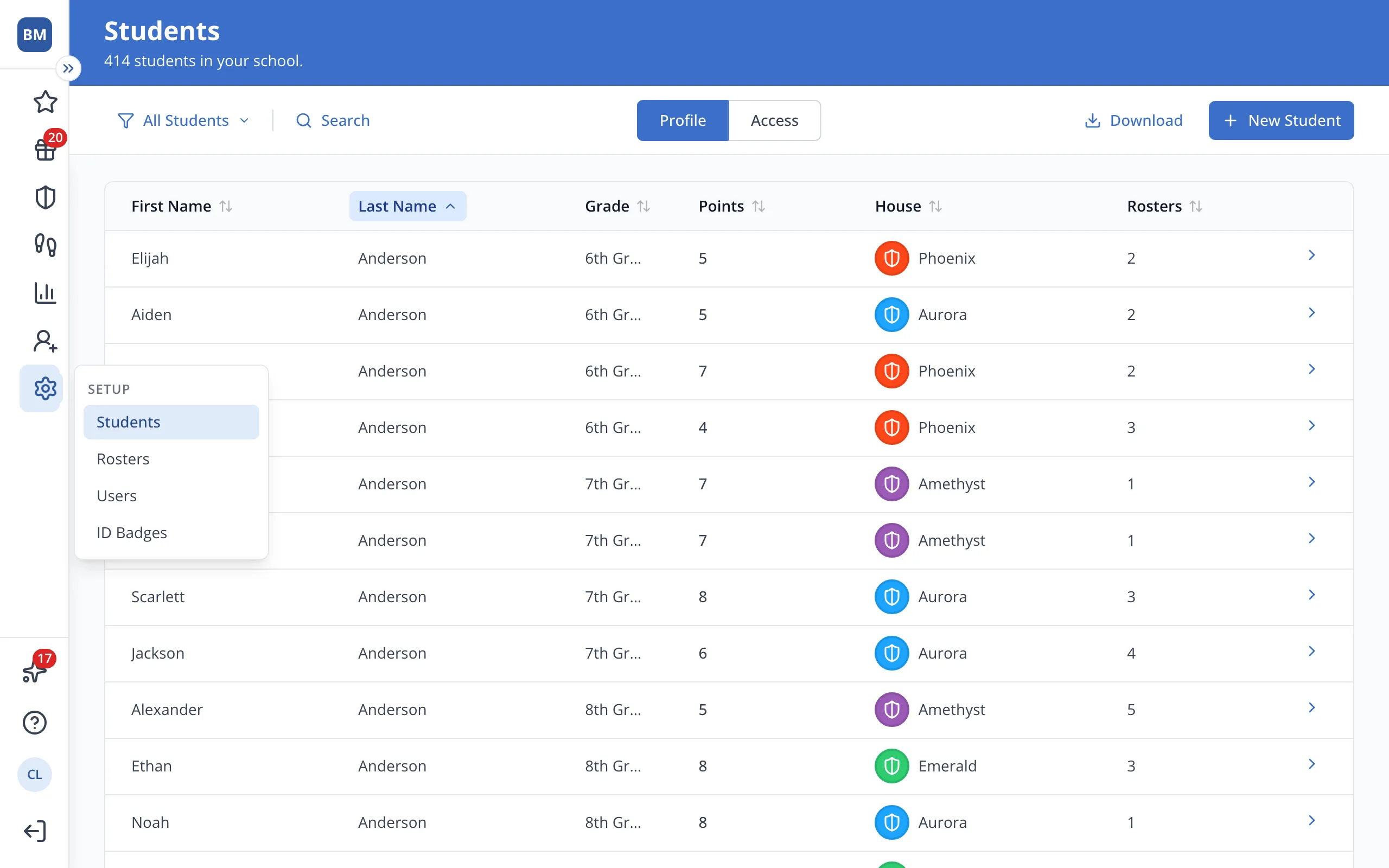
1.In the sidebar, click Setup.
2.Click Students.
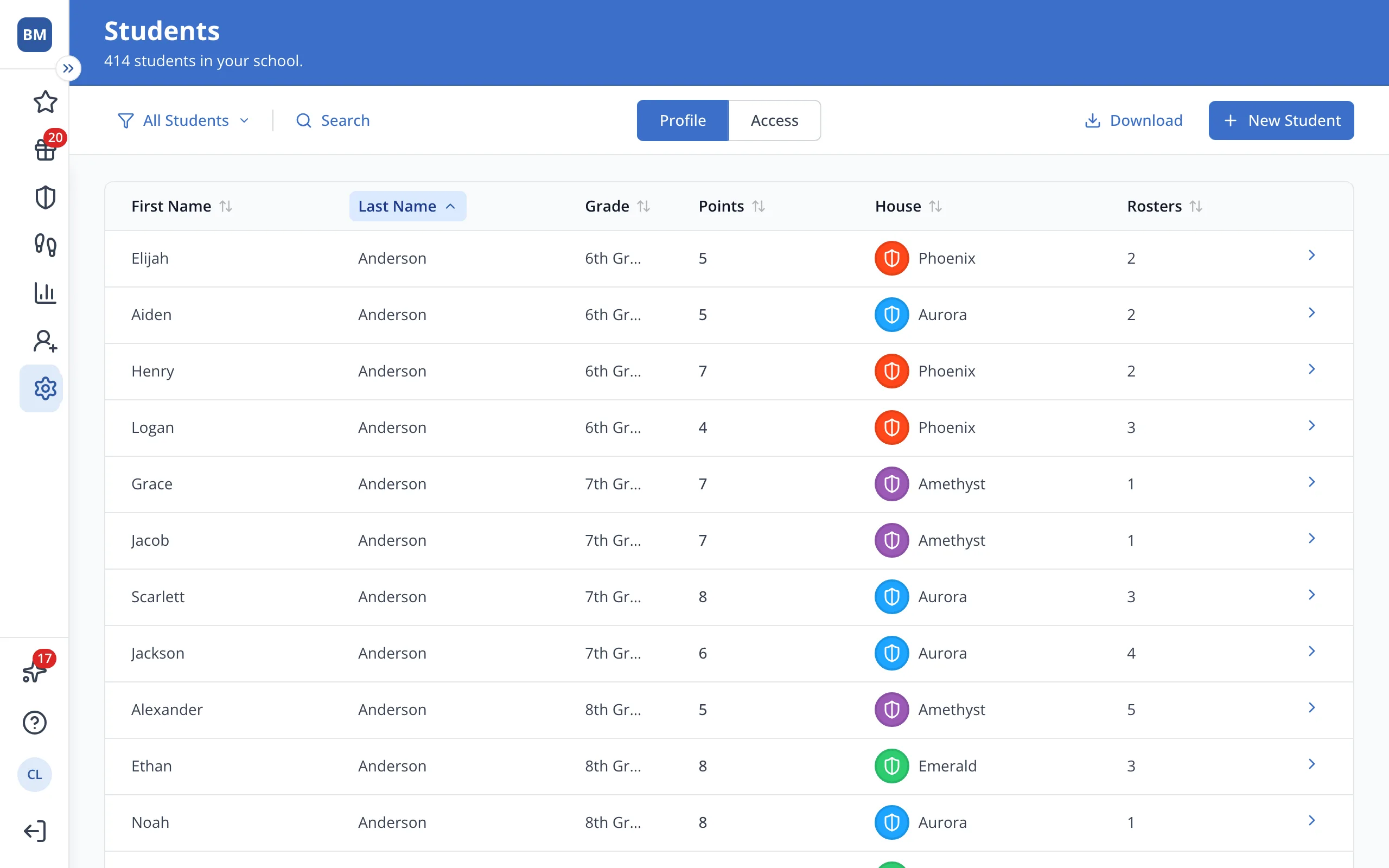
3.At the top, click Access.
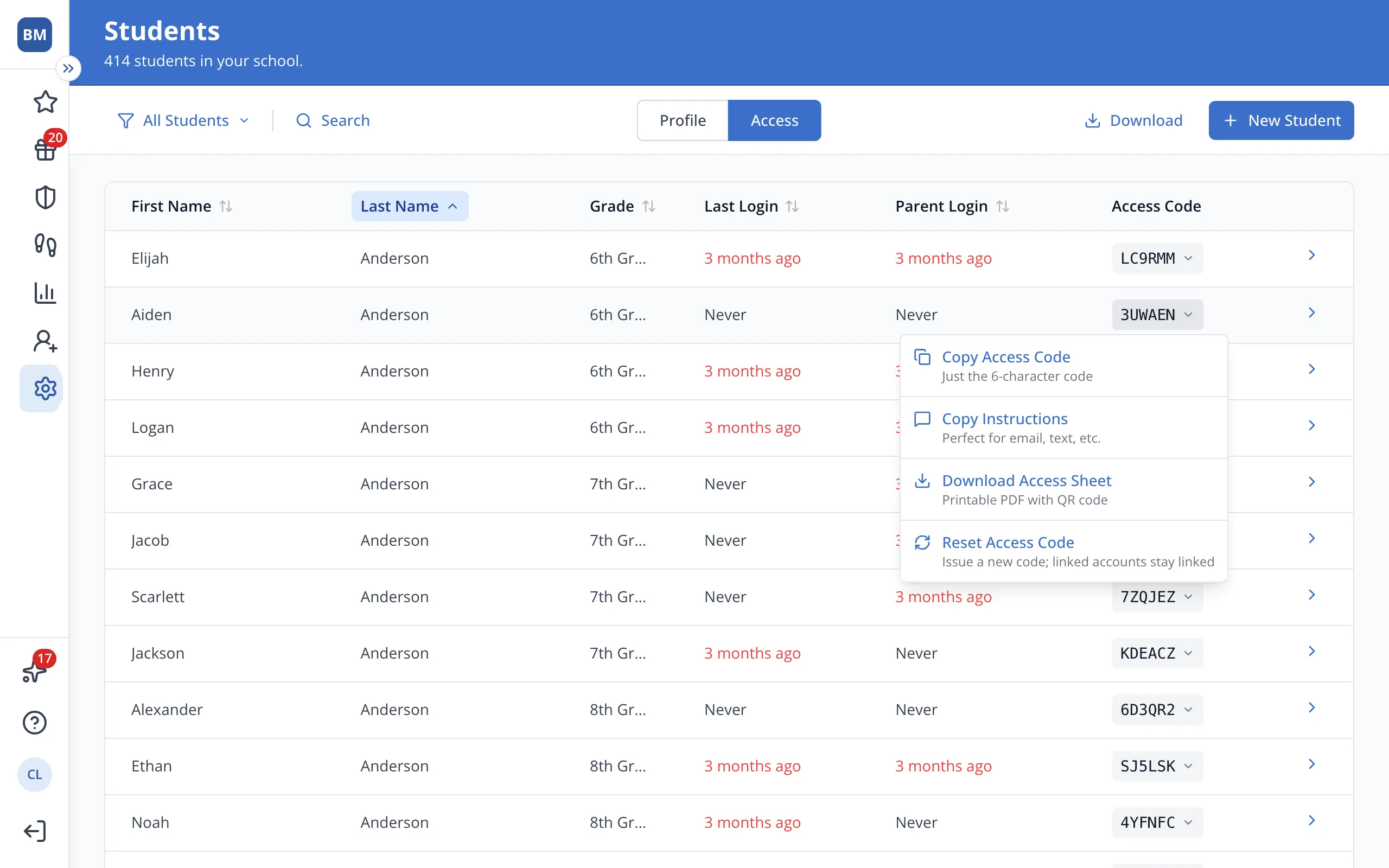
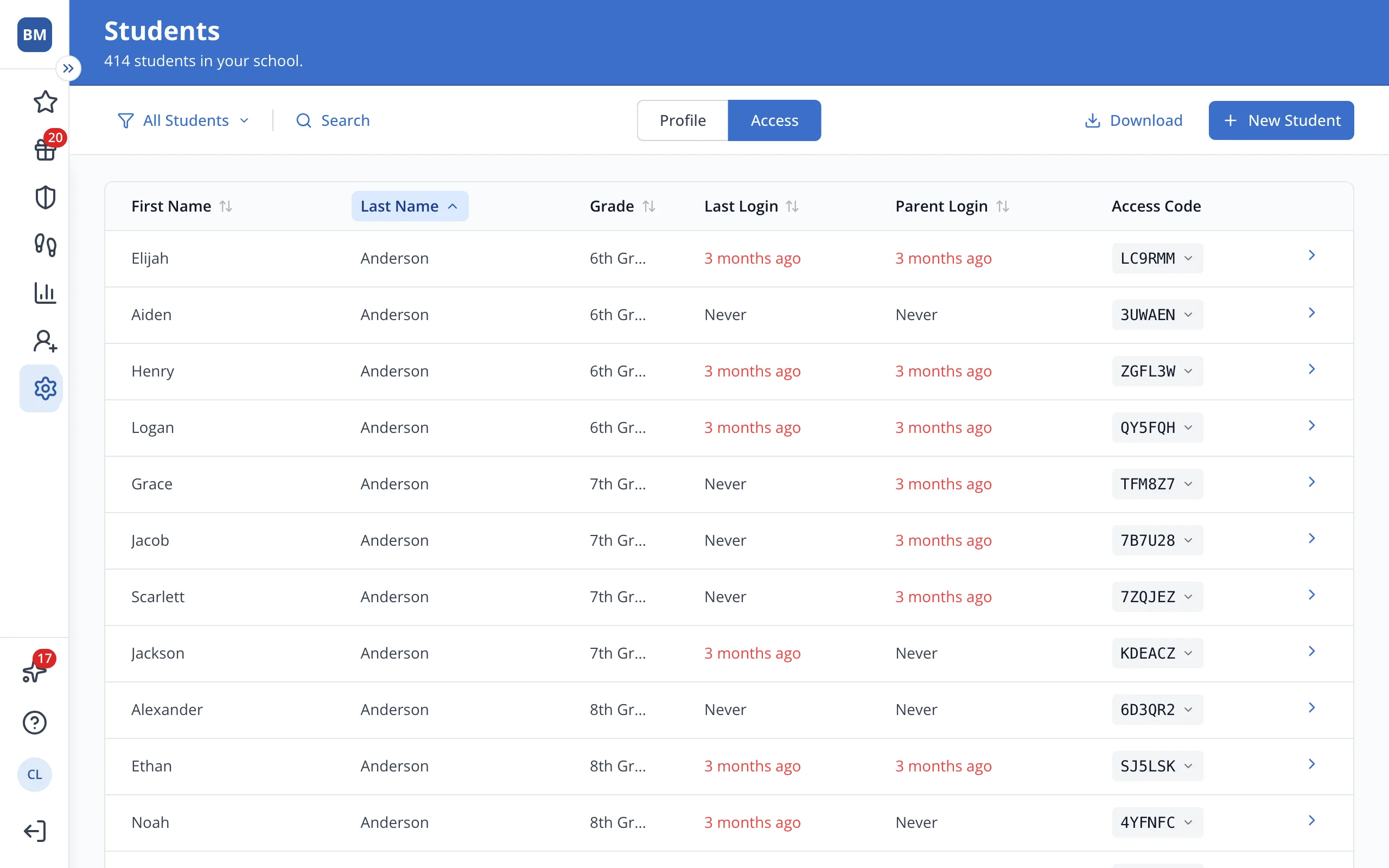
4.Click the student's access code.
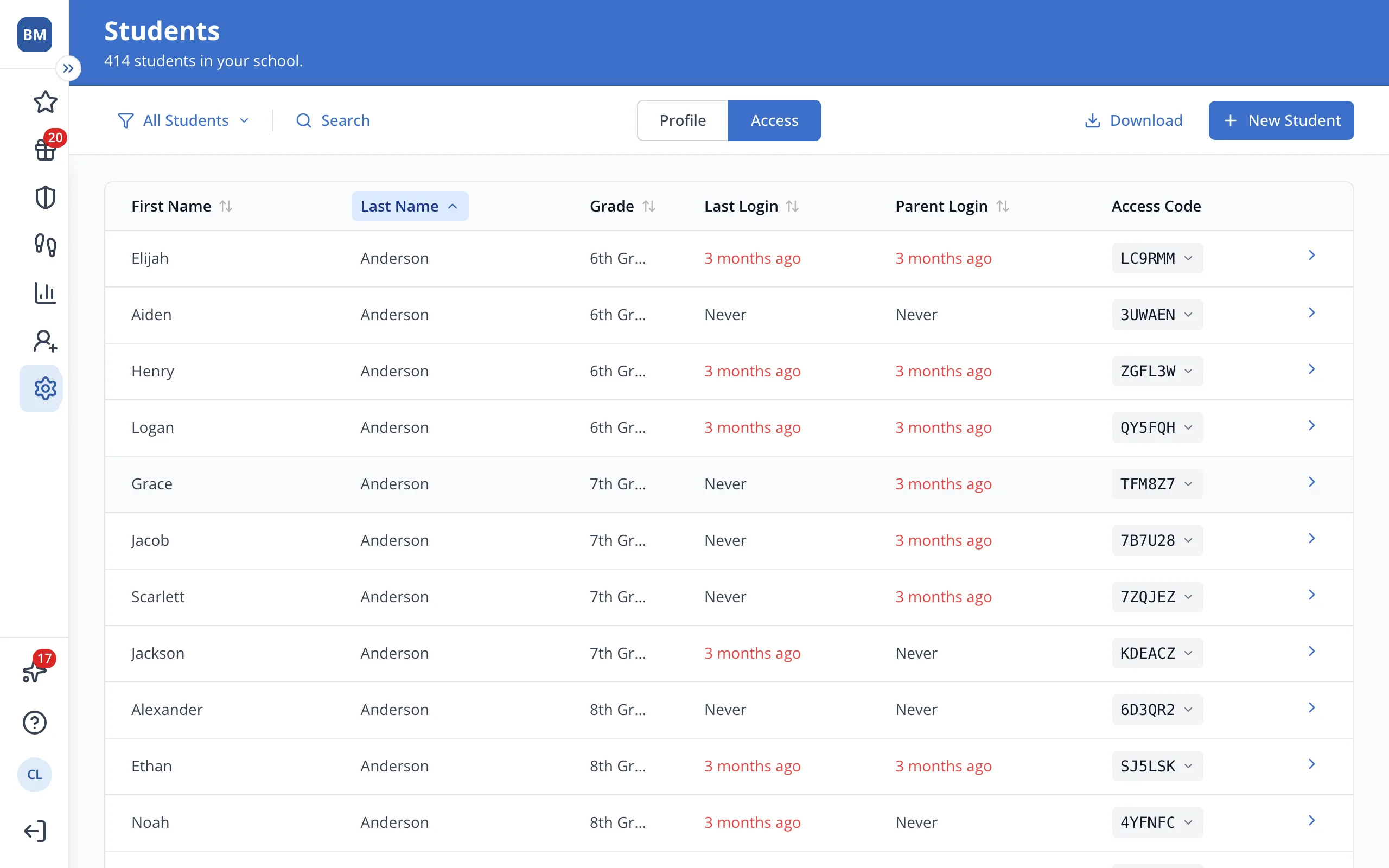
5.Click Download Access Sheet. A PDF downloads, ready to print.