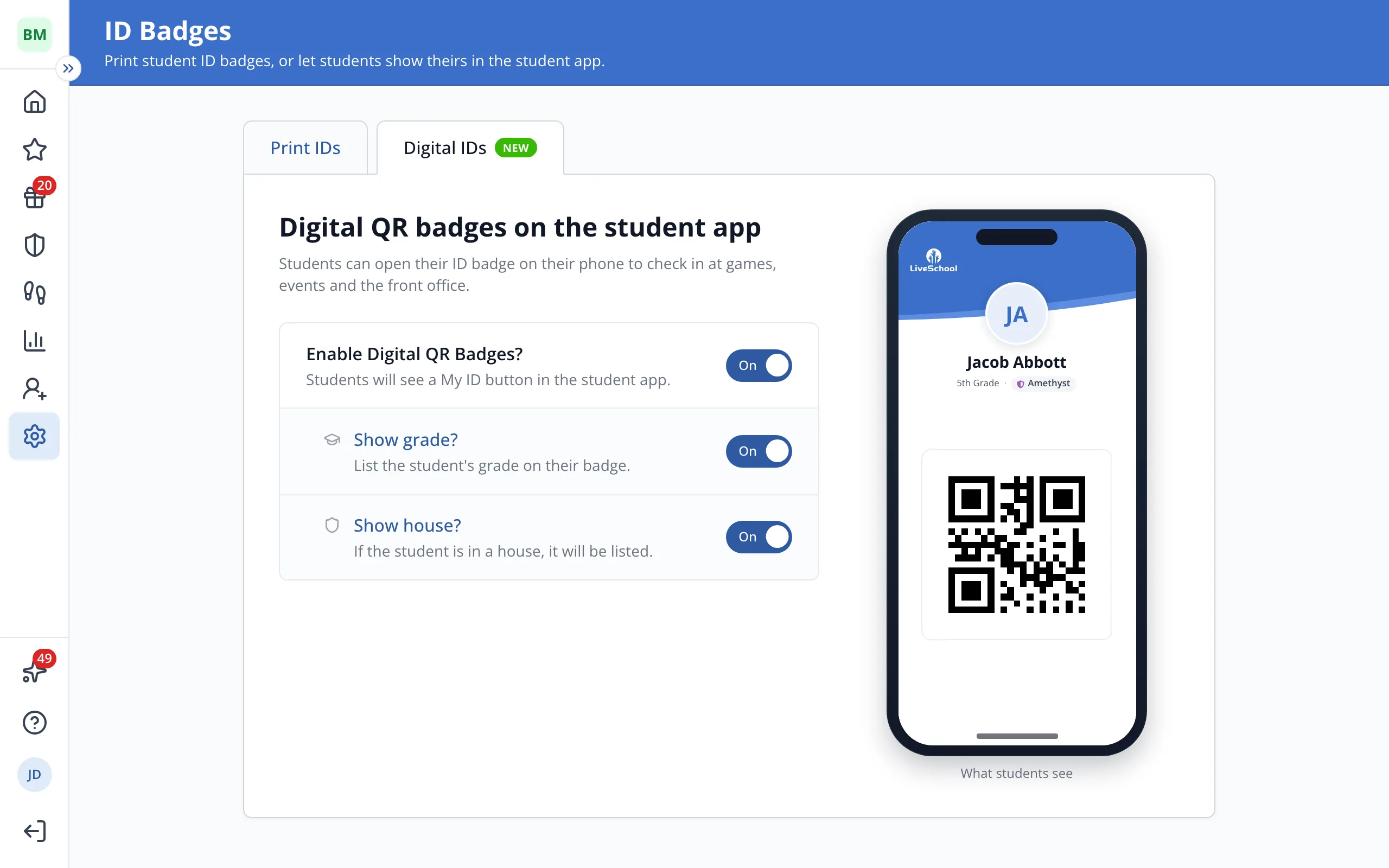
Turn on digital ID badges in the student app
Offer an alternative to printed QR badges by enabling digital badges within the app. When enabled, students can quick scan their badge.
AdminSite Leader
Open in LiveSchool
Already signed in? Open this guide inside LiveSchool.
Use the Left and Right arrow keys to move between steps, and Space to play or pause.
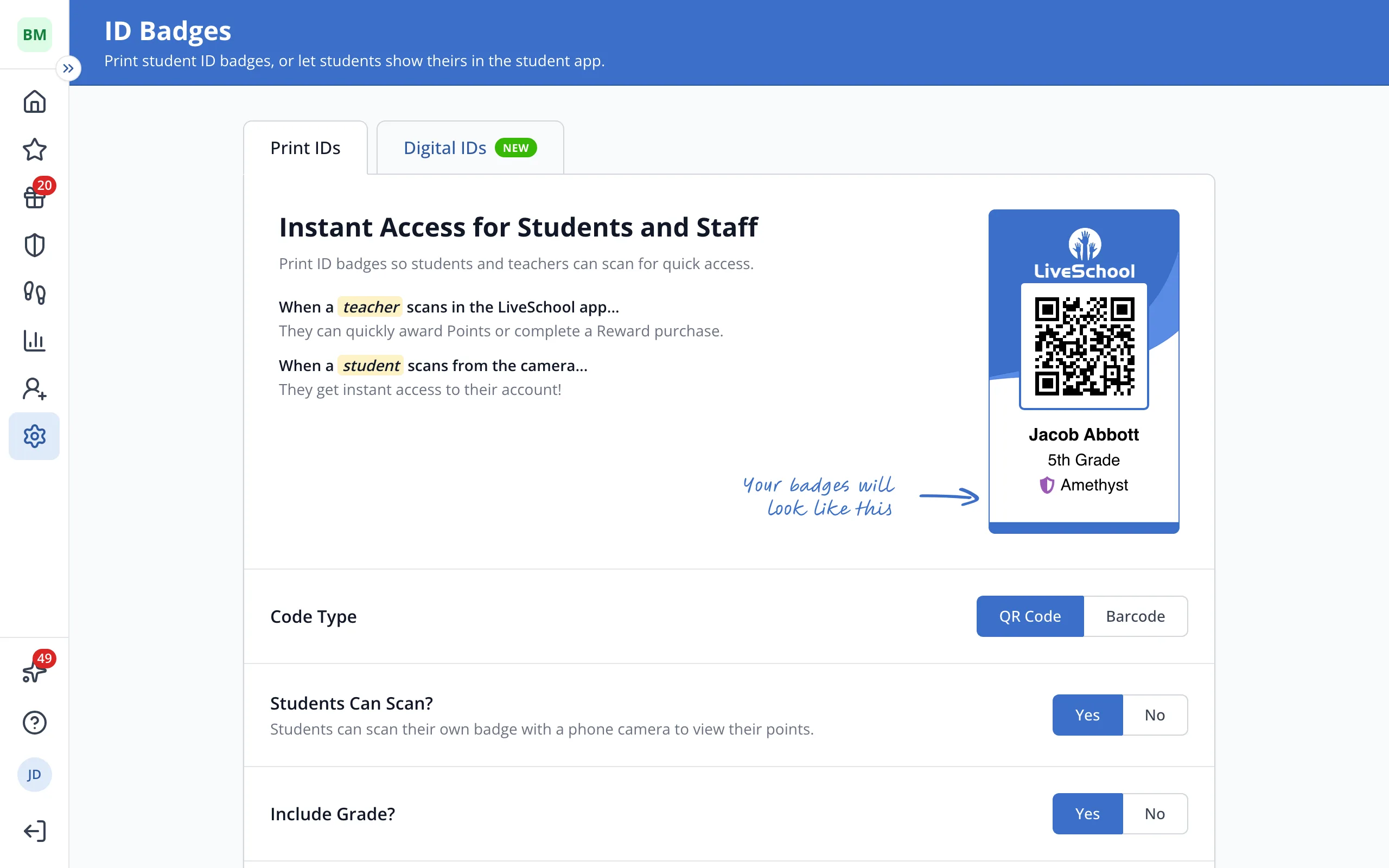
1.On the ID Badges page under Setup, click Digital IDs.
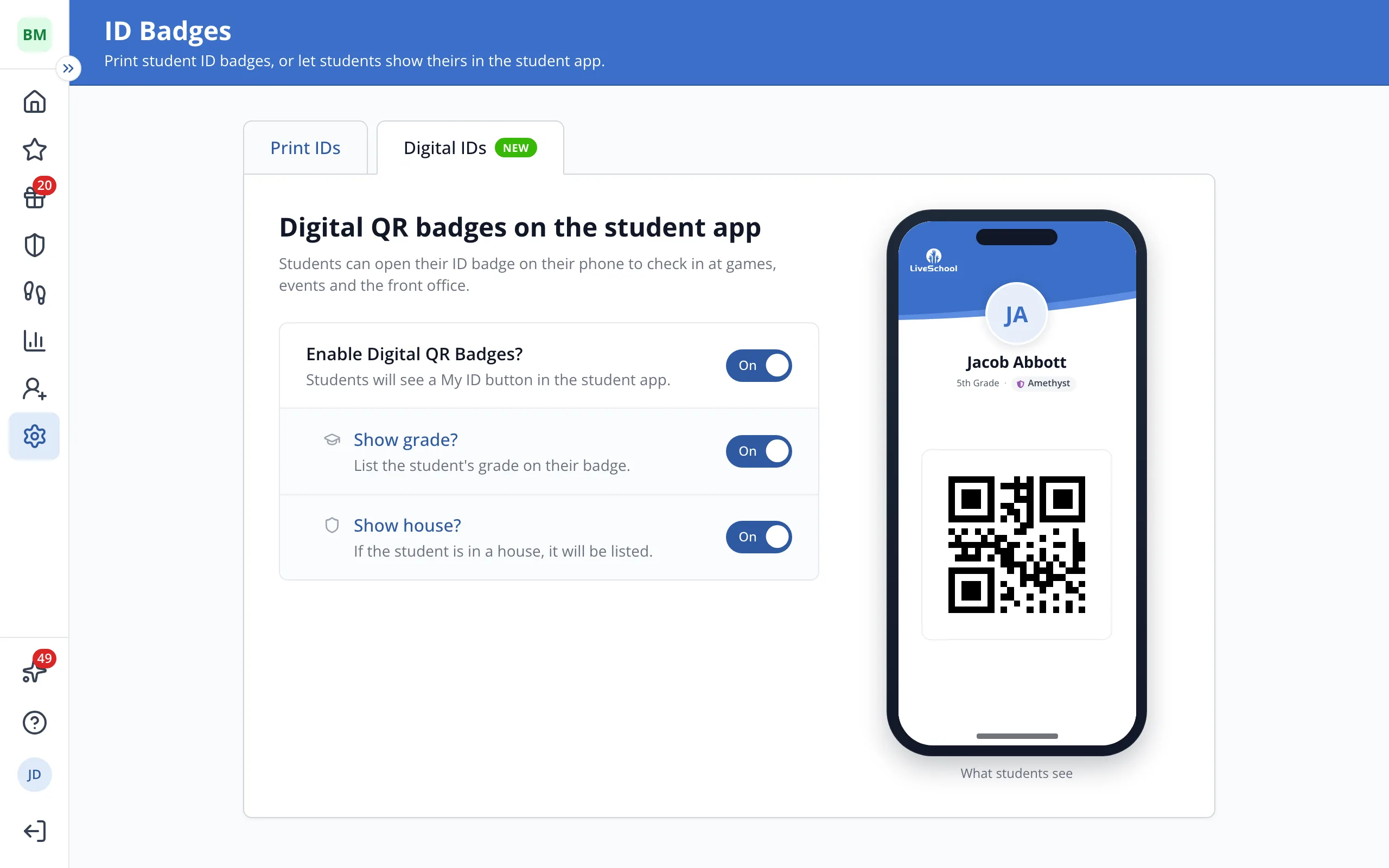
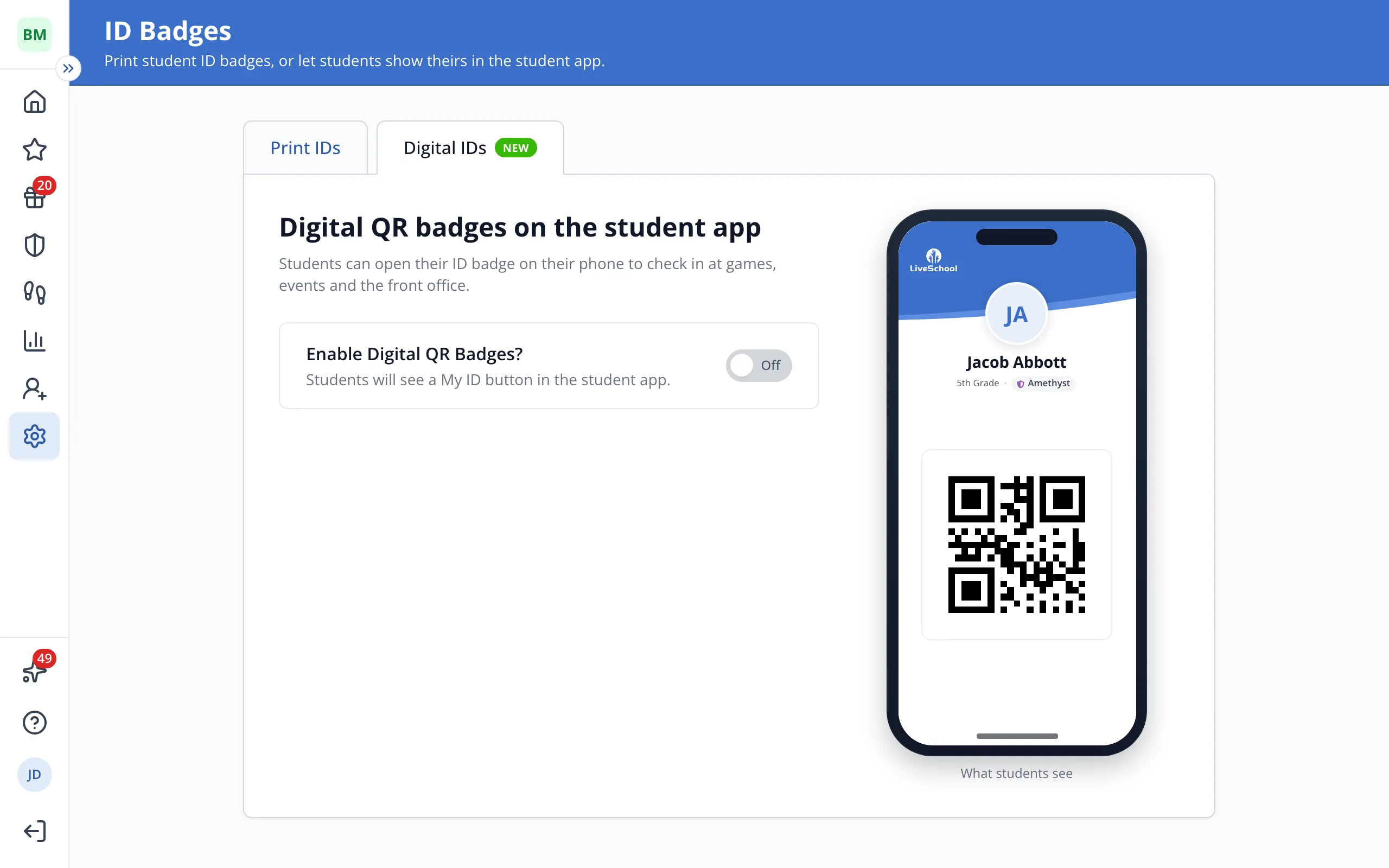
2.Turn on Enable Digital QR Badges?.
3.Turn Show grade? and Show house? on or off to choose what the badge shows.
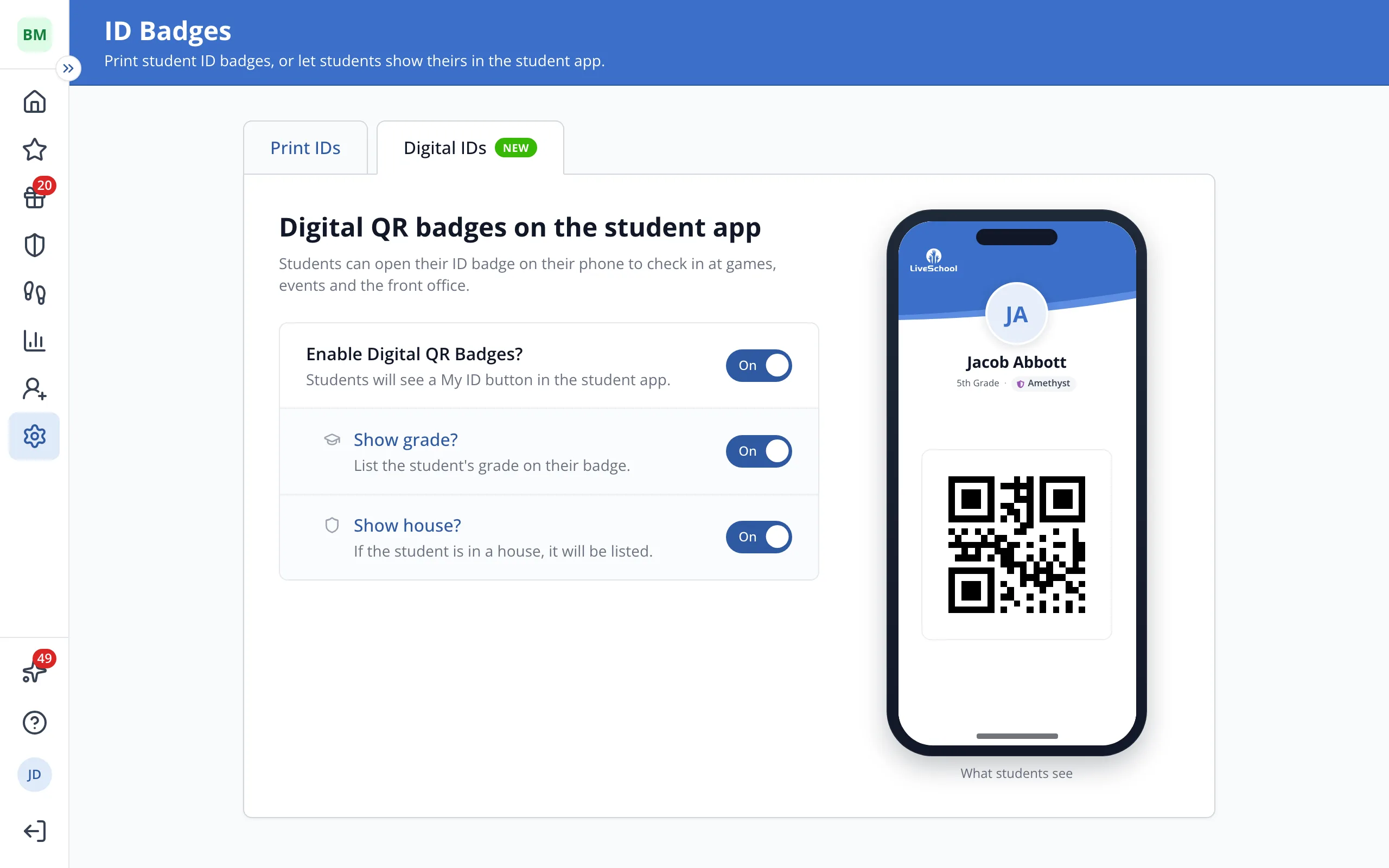
4.Students can now open their badge from the My ID button in the student app.