Use rapid record mode to let students scan their own badge for a set reward purchase
Set up a kiosk where students scan their own badge to pay for one reward from their Bank Account.
Open in LiveSchool
Already signed in? Open this guide inside LiveSchool.
Use the Left and Right arrow keys to move between steps, and Space to play or pause.
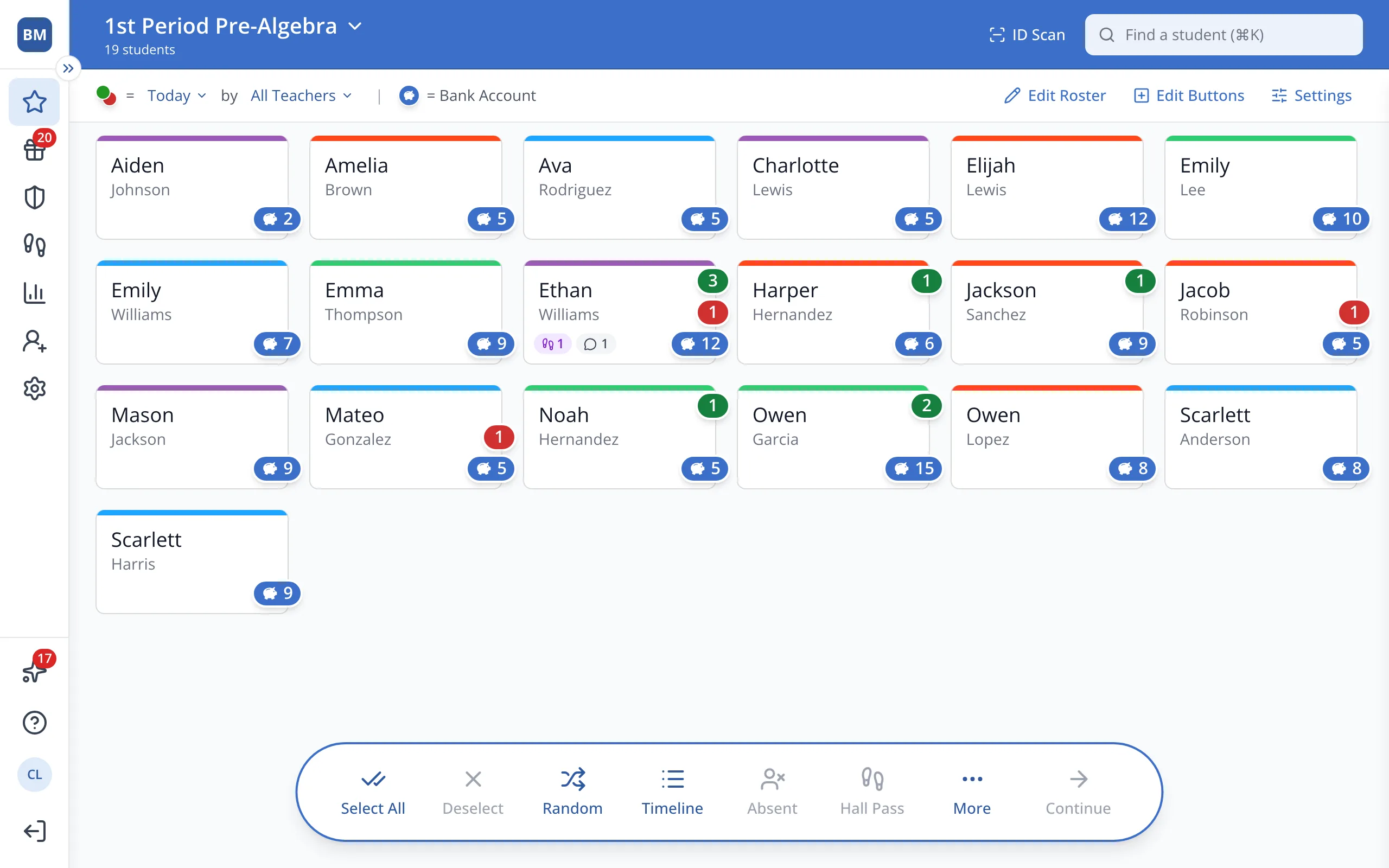
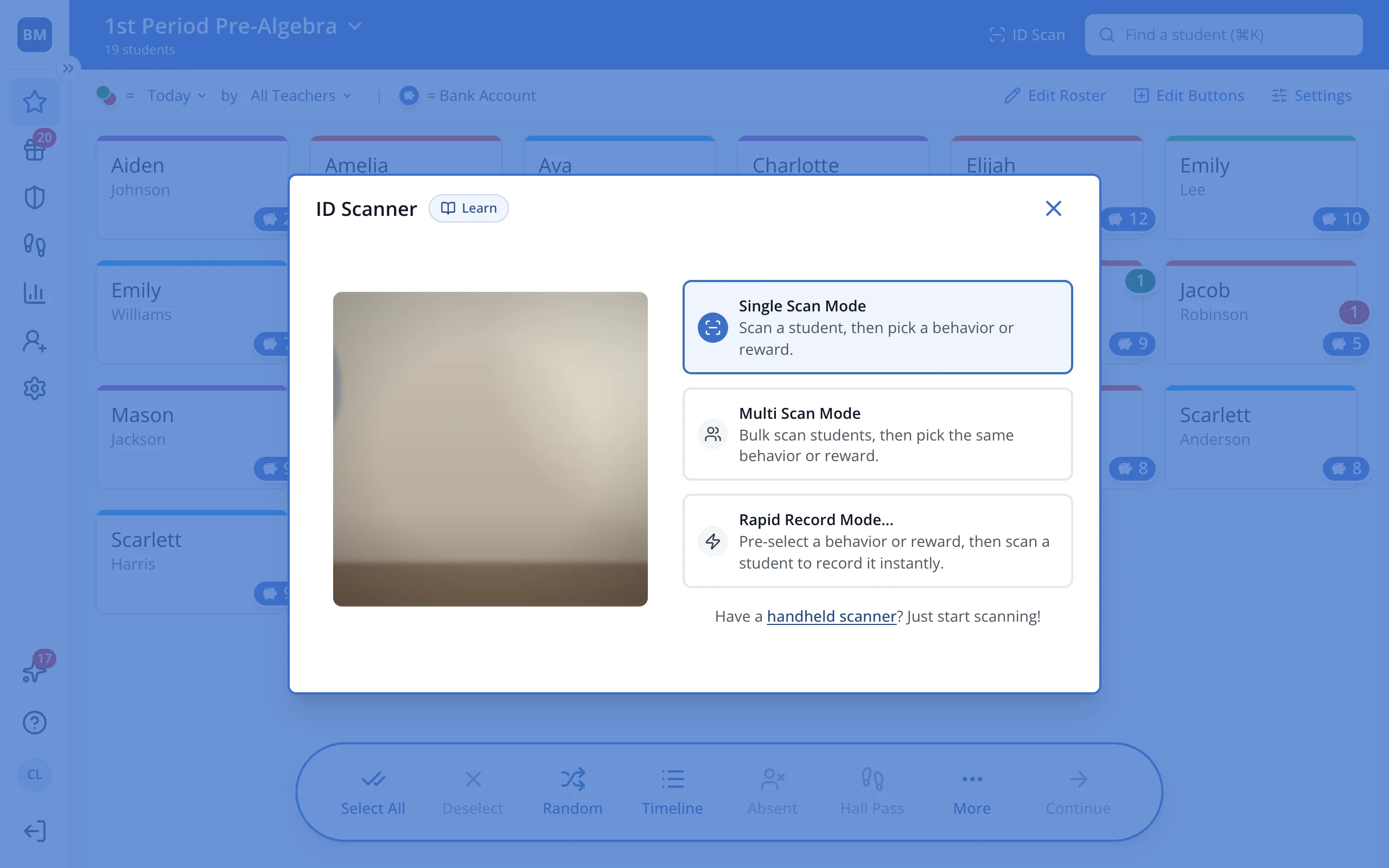
1.At the top of the Points page, click ID Scan.
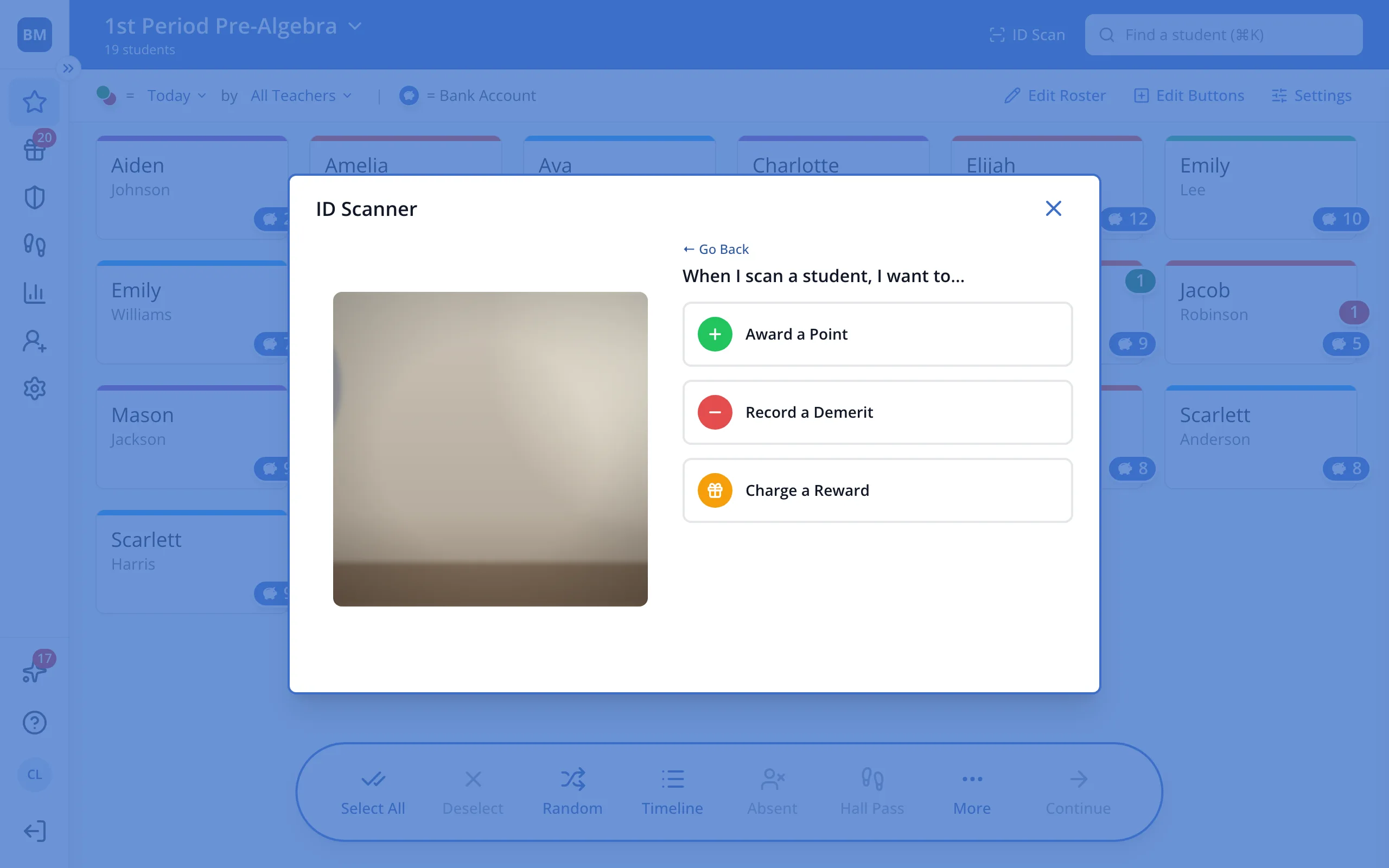
2.Click Rapid Record Mode.
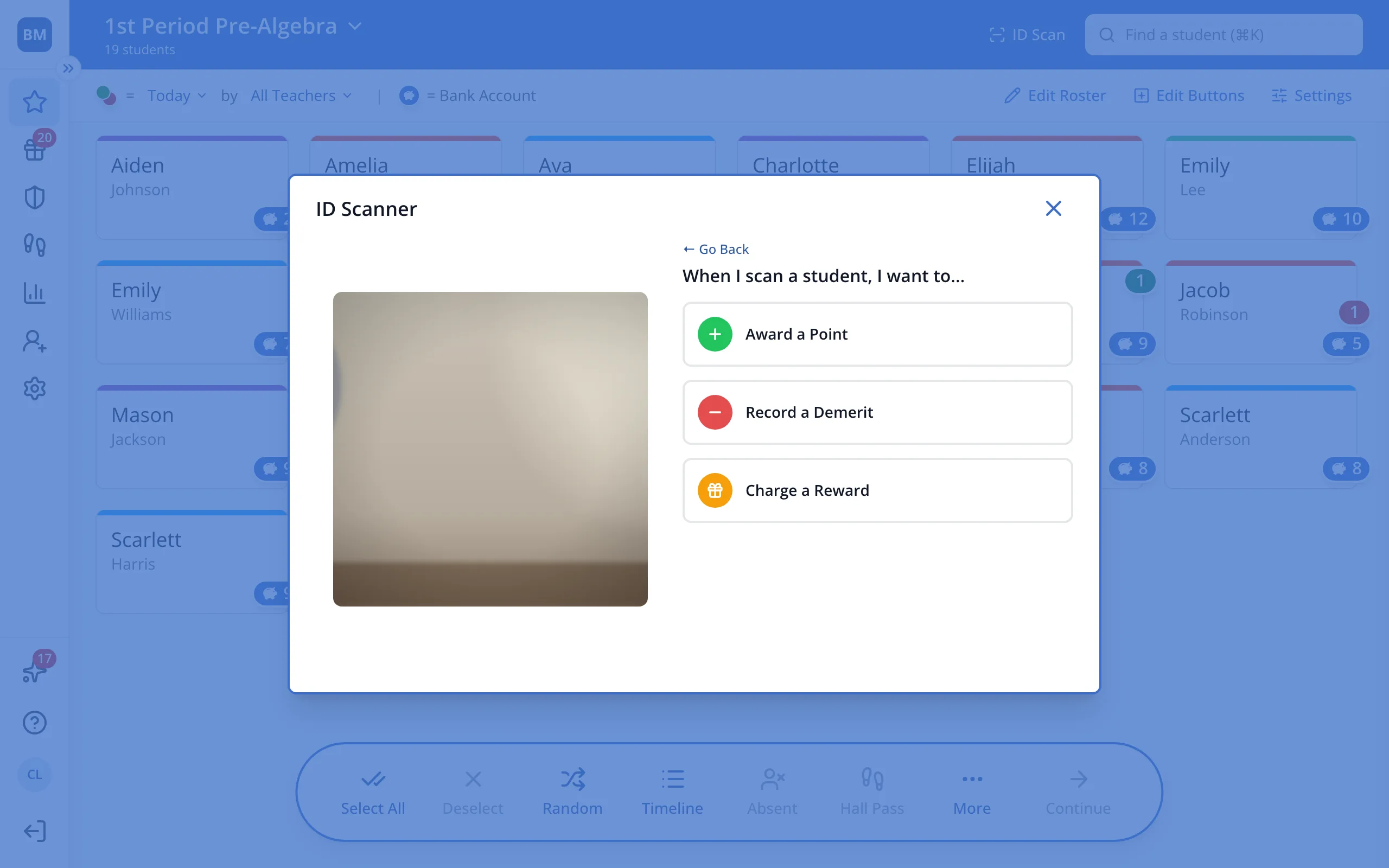
3.Click Charge a Reward.
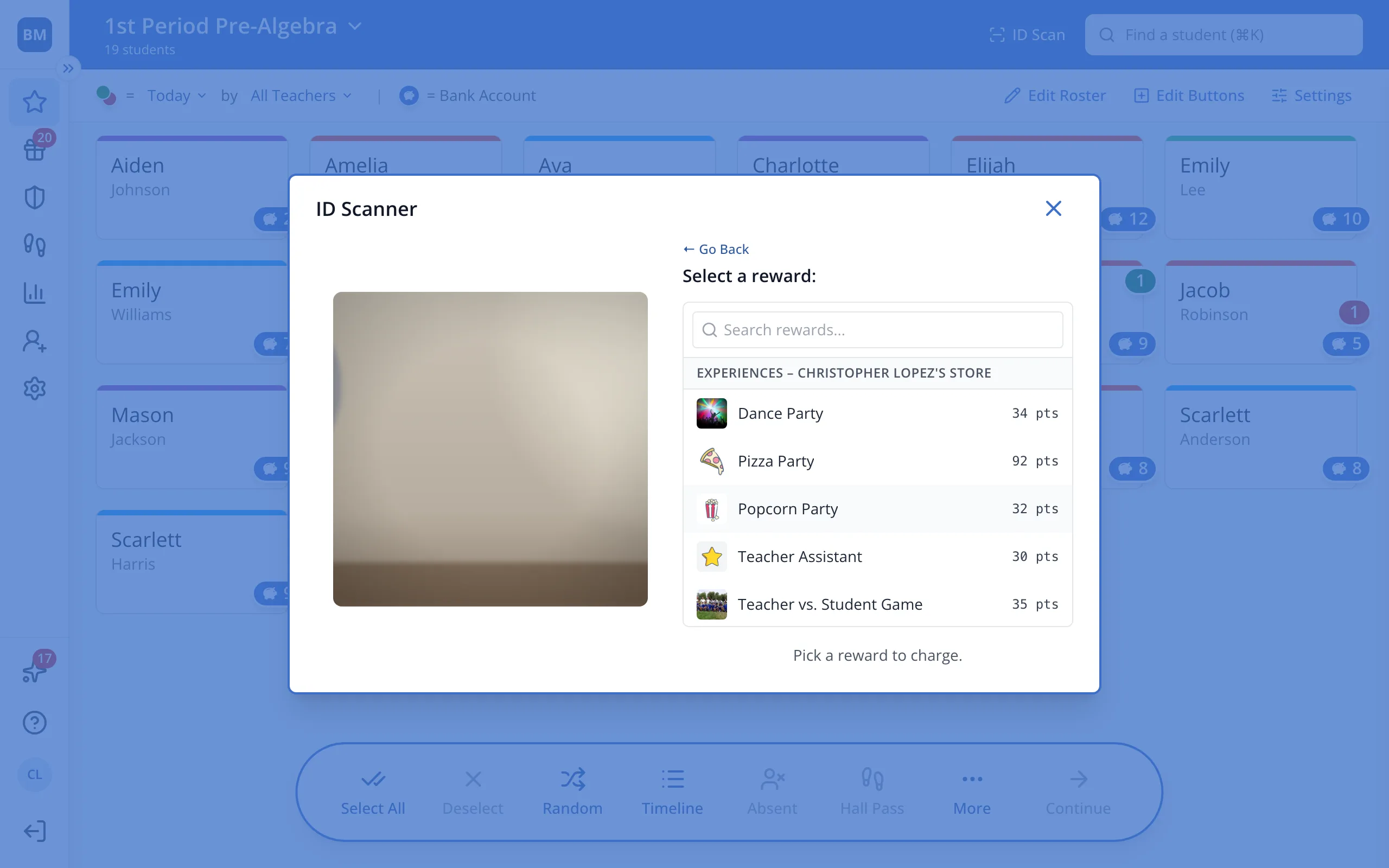
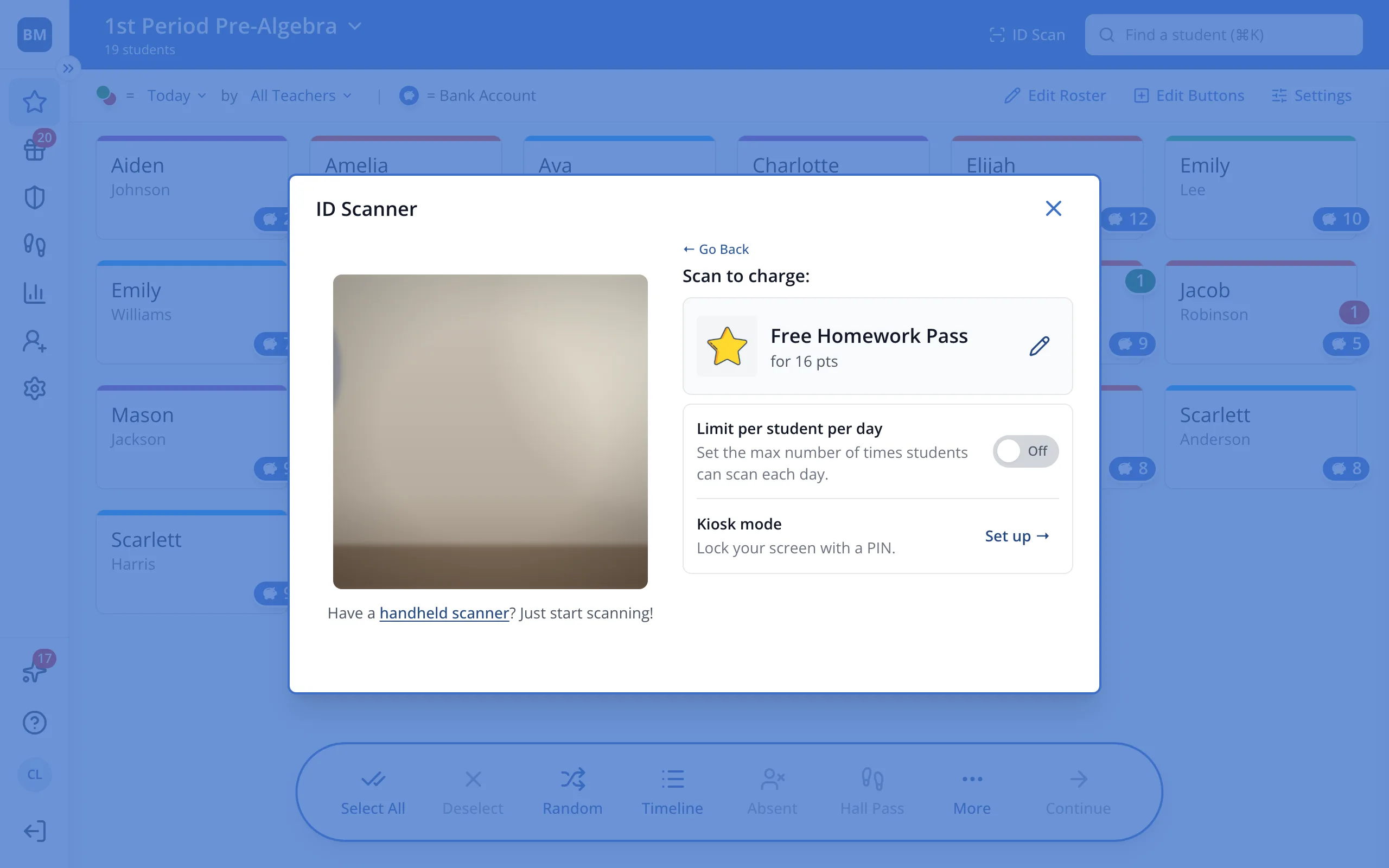
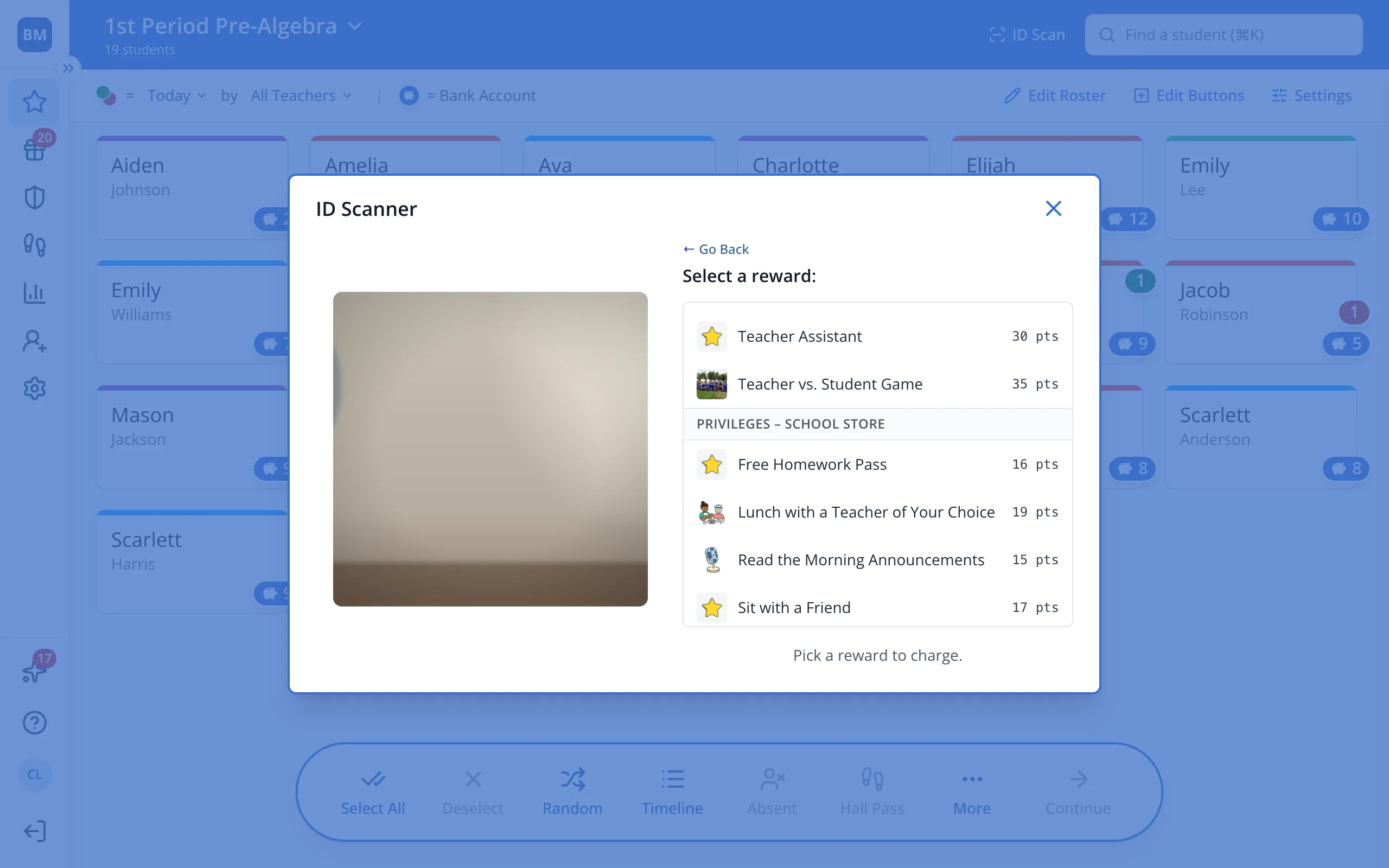
4.Click the reward students will buy.
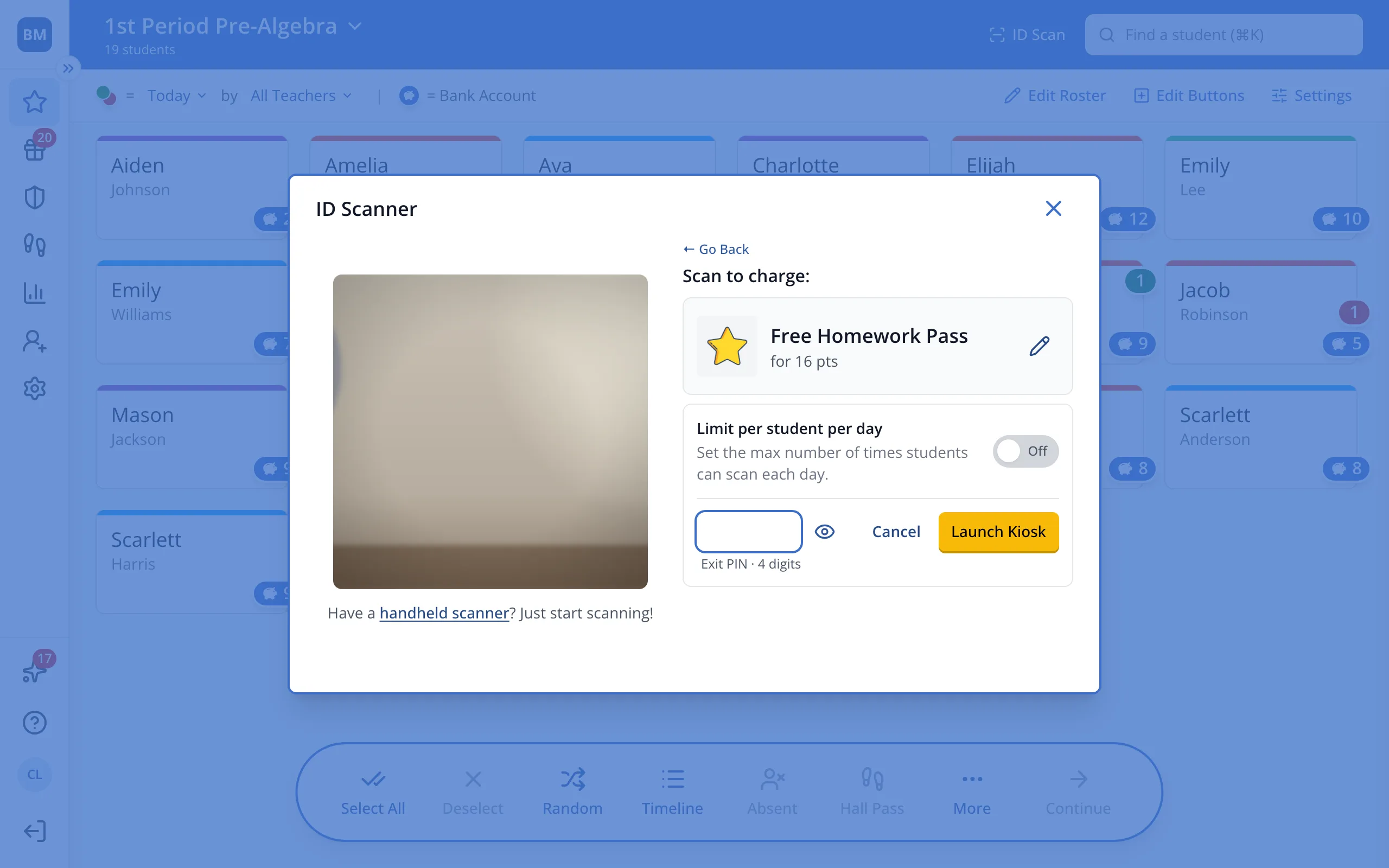
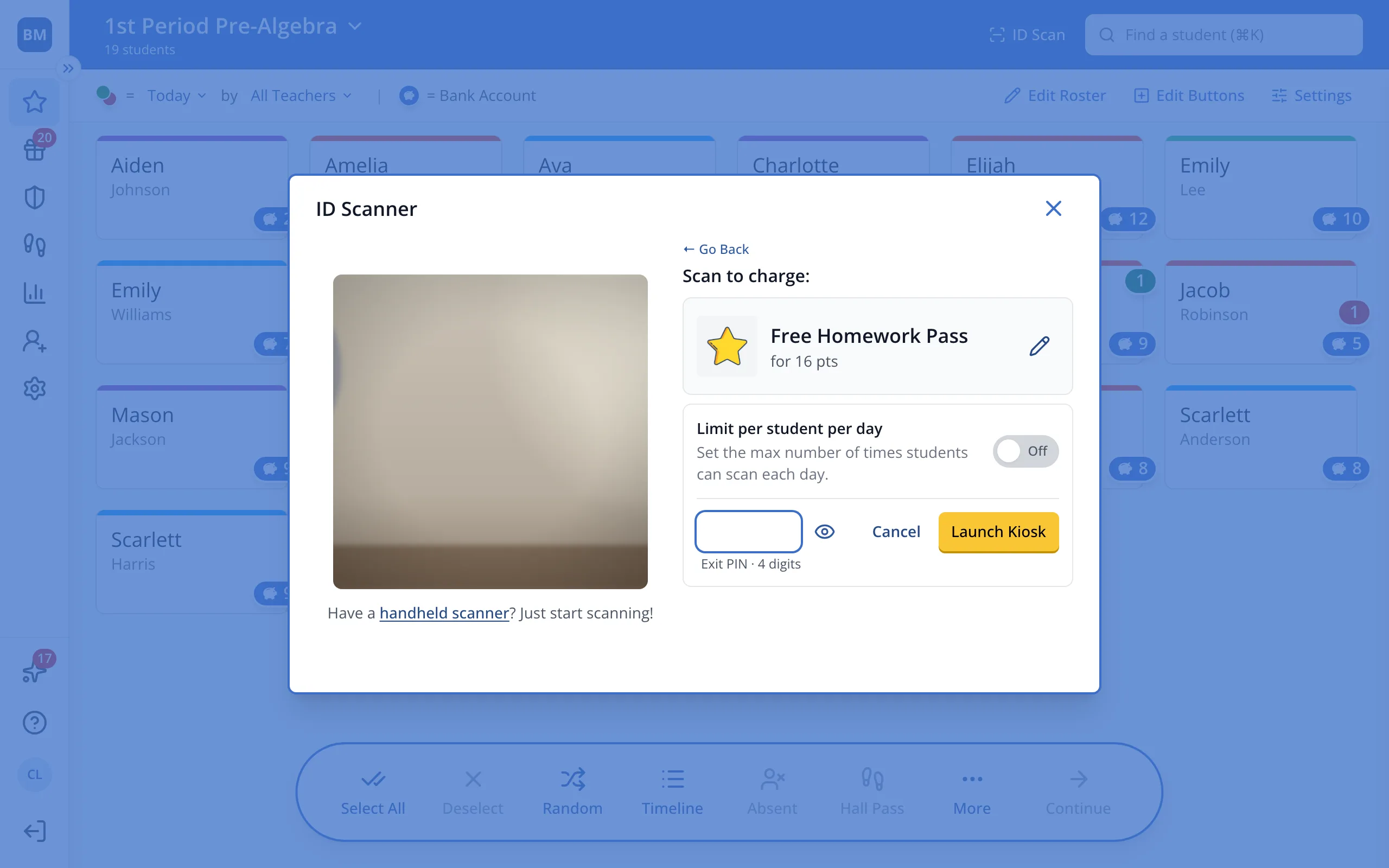
5.Next to Kiosk mode, click Set up.
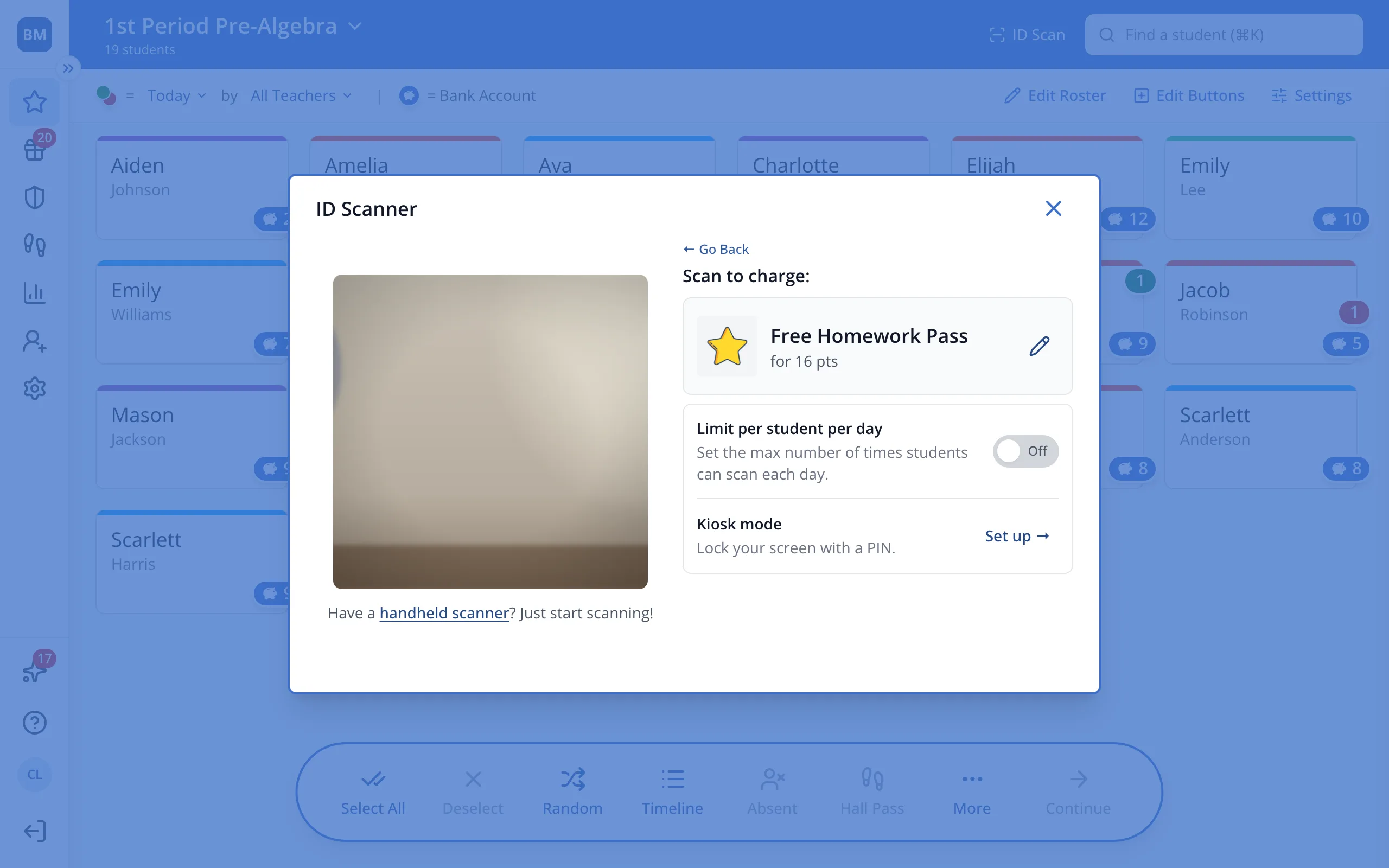
6.Type a 4-digit exit PIN, then click Launch Kiosk.