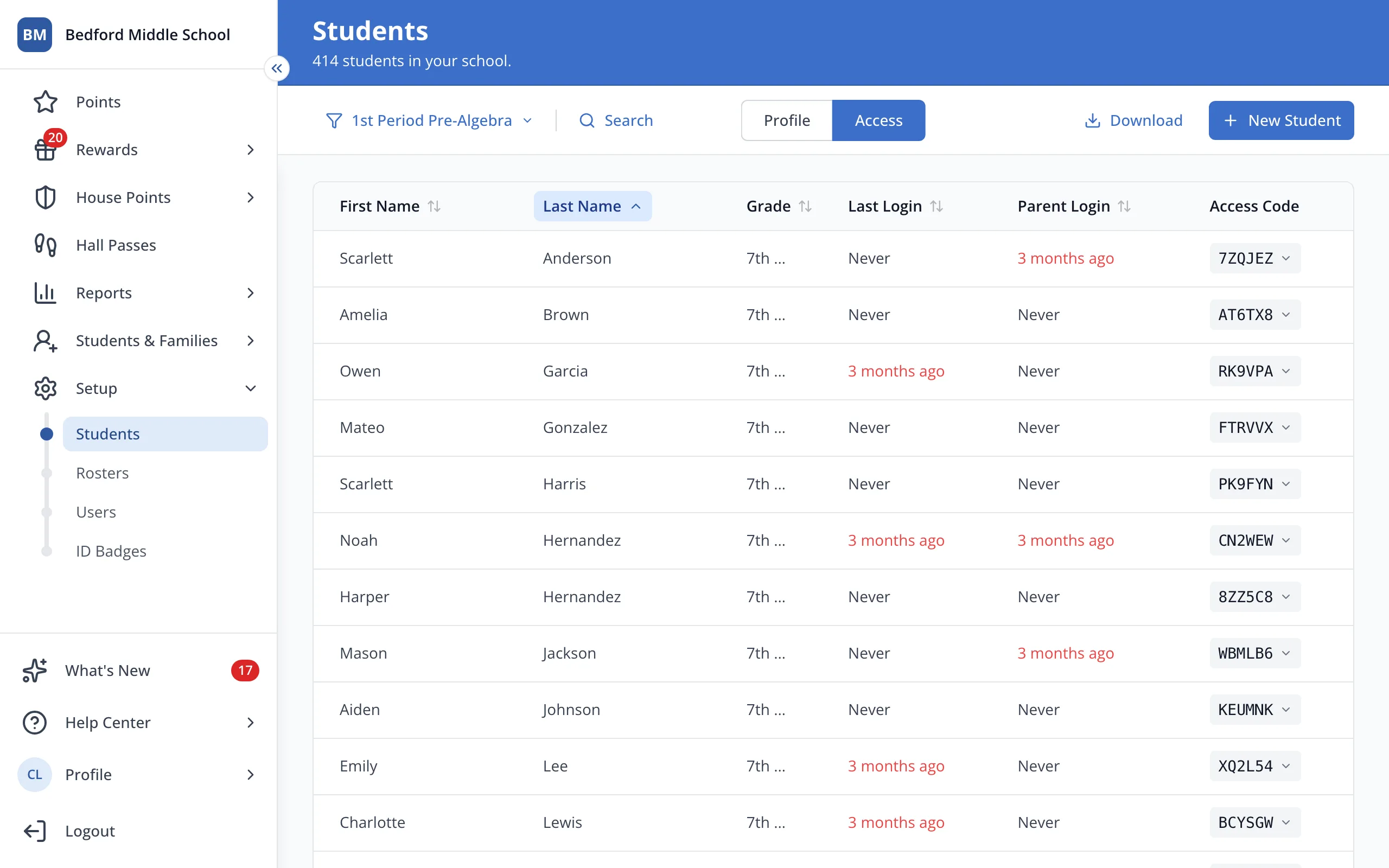
See which families have connected to LiveSchool filtered down to a single roster
Check a single roster, like a homeroom or an advisory, to see if parents/guardians have registered with LiveSchool.
Open in LiveSchool
Already signed in? Open this guide inside LiveSchool.
Use the Left and Right arrow keys to move between steps, and Space to play or pause.
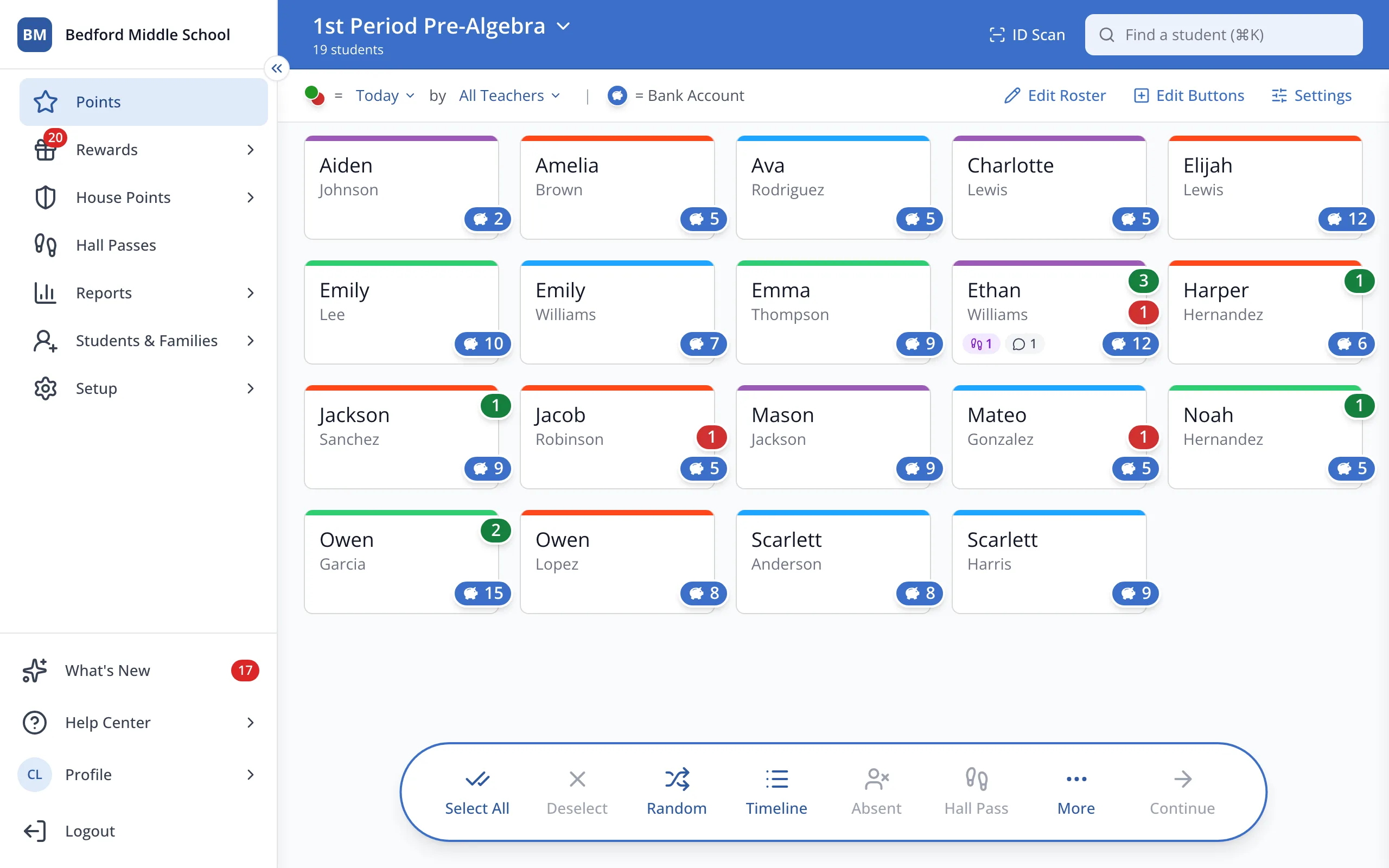
1.In the sidebar, click Setup.
2.At the top, click Access.
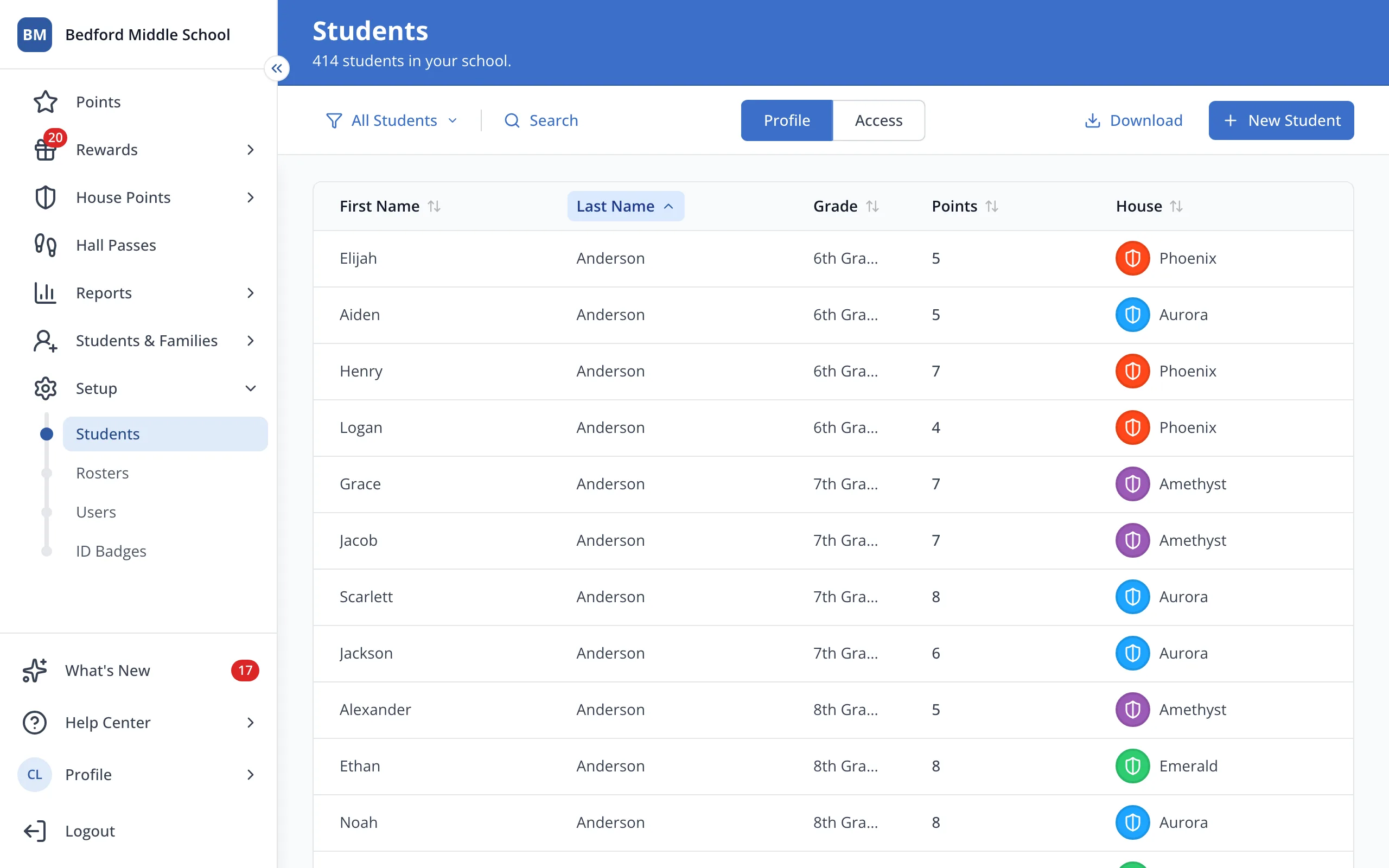
3.Click All Students.
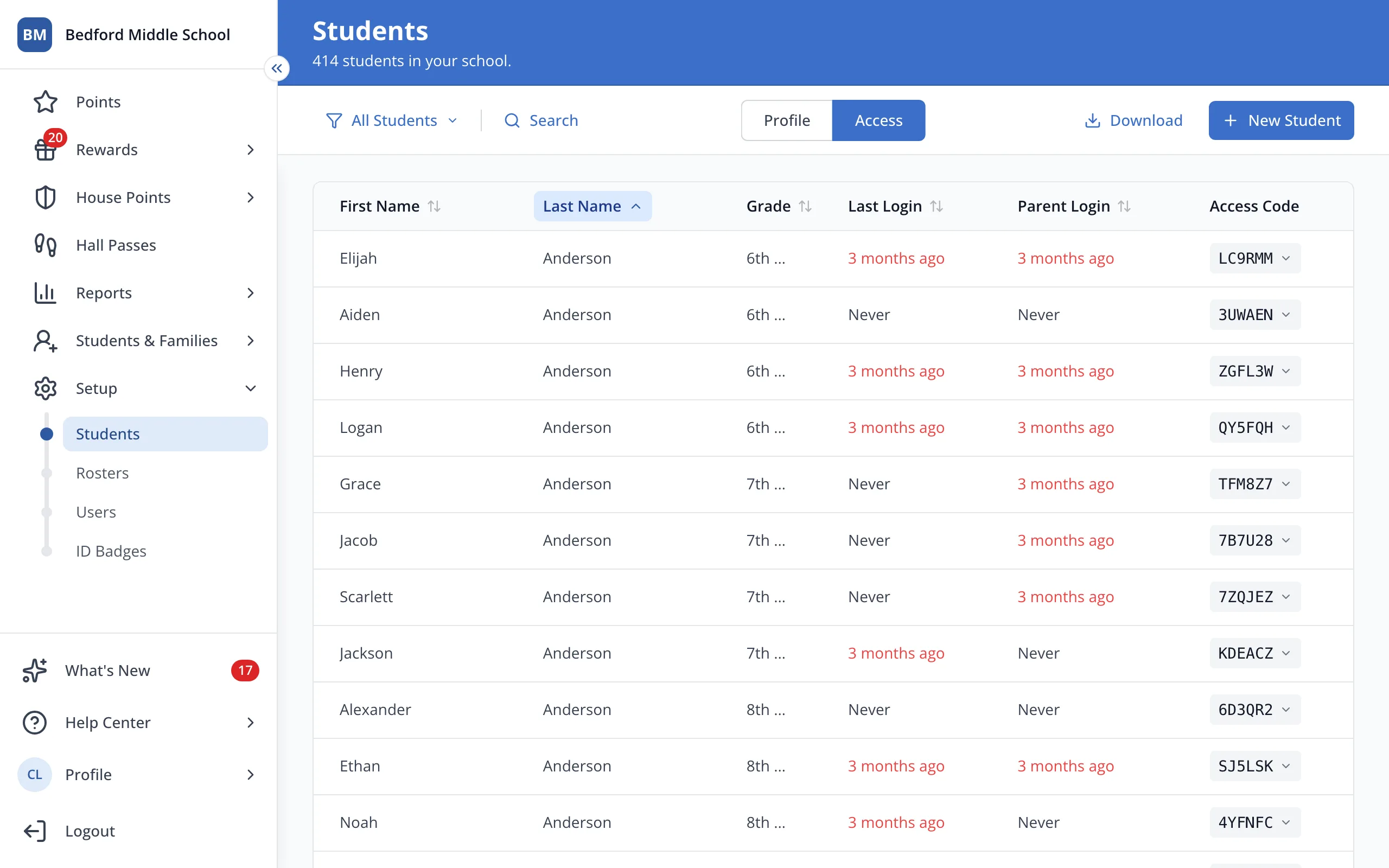
4.Click the roster you'd like to check.
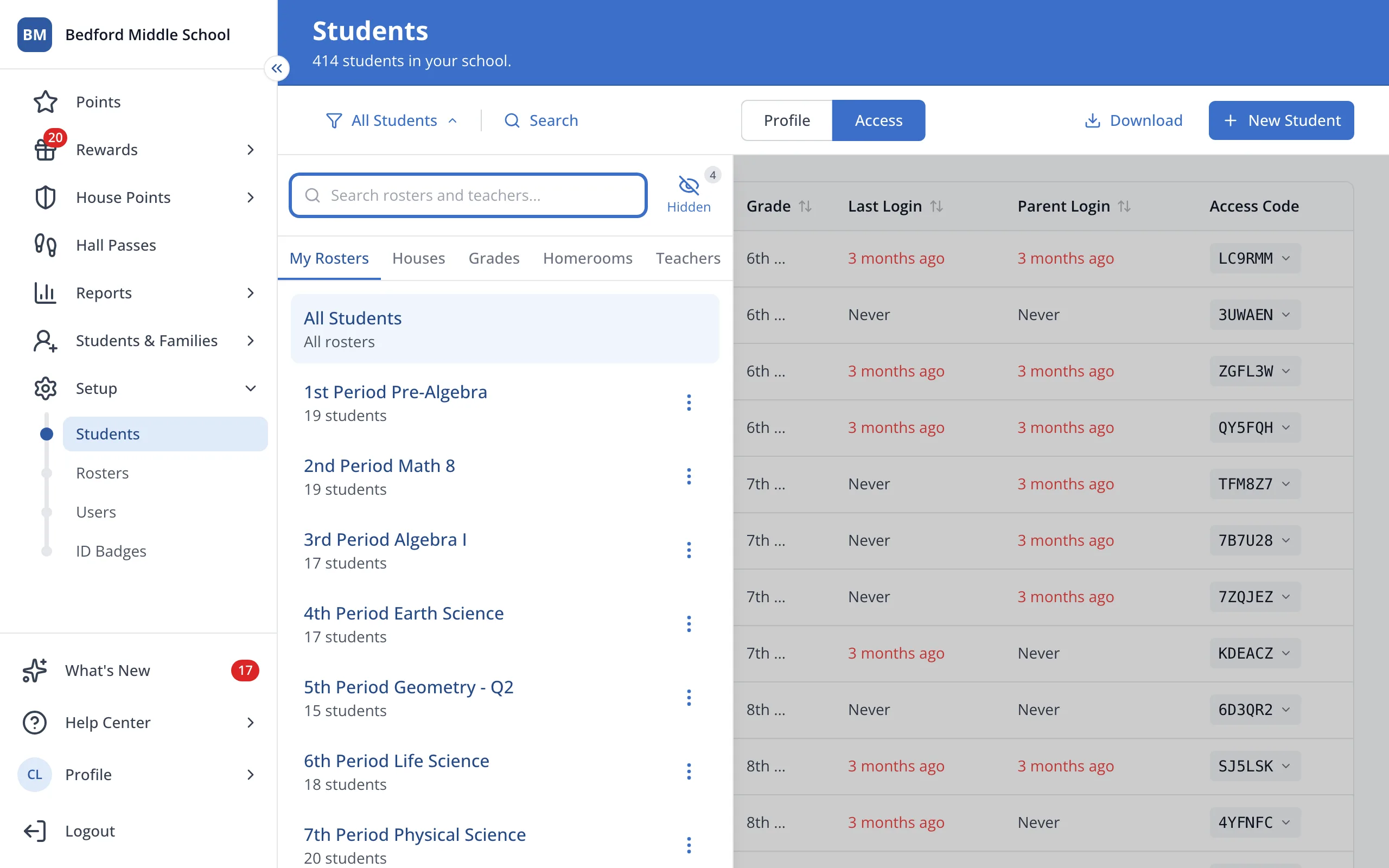
5.Last Login shows when each student last signed in, and Parent Login shows the same for their family. Never means they haven't signed in yet.