
Find students and families who haven't signed in yet
Get a list of everyone who hasn't signed in yet, including people you already invited, so you can follow up with them.
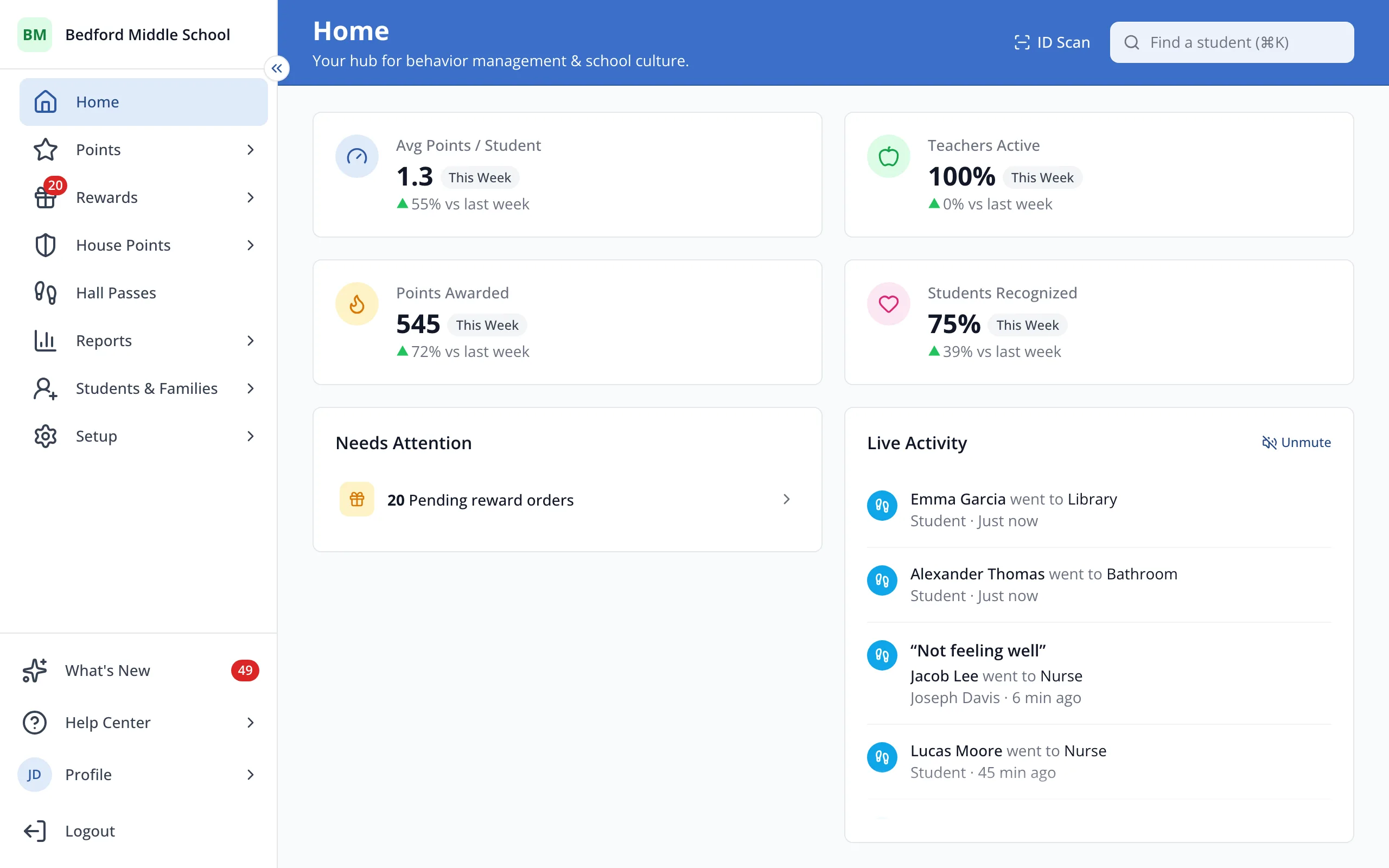
1 / 4In the sidebar, click Students & Families.
1.In the sidebar, click Students & Families.
2.Under Families Connected, click Continue Family Rollout.
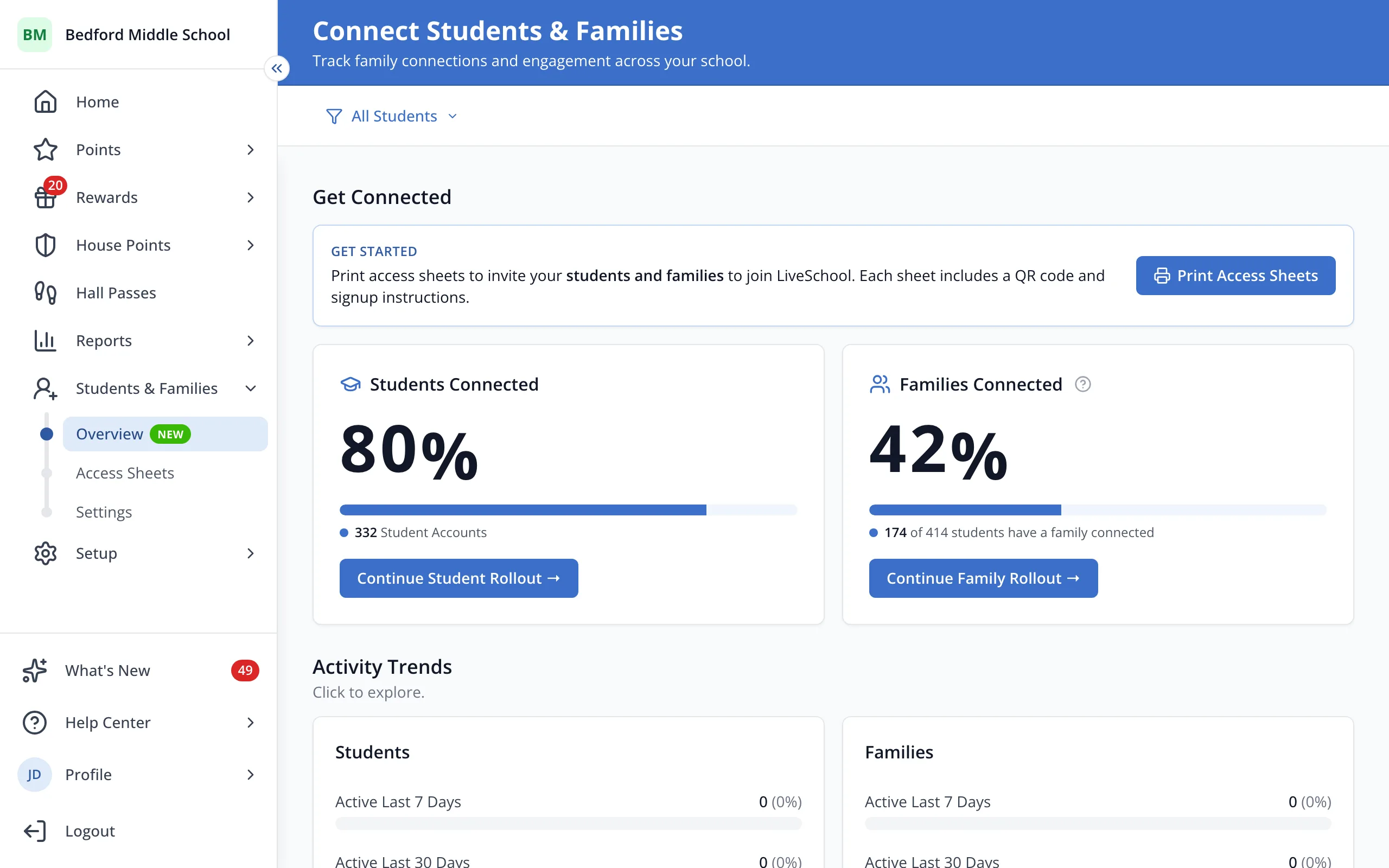
Tip: Under Students Connected, Continue Student Rollout leads to See Unconnected Students the same way.
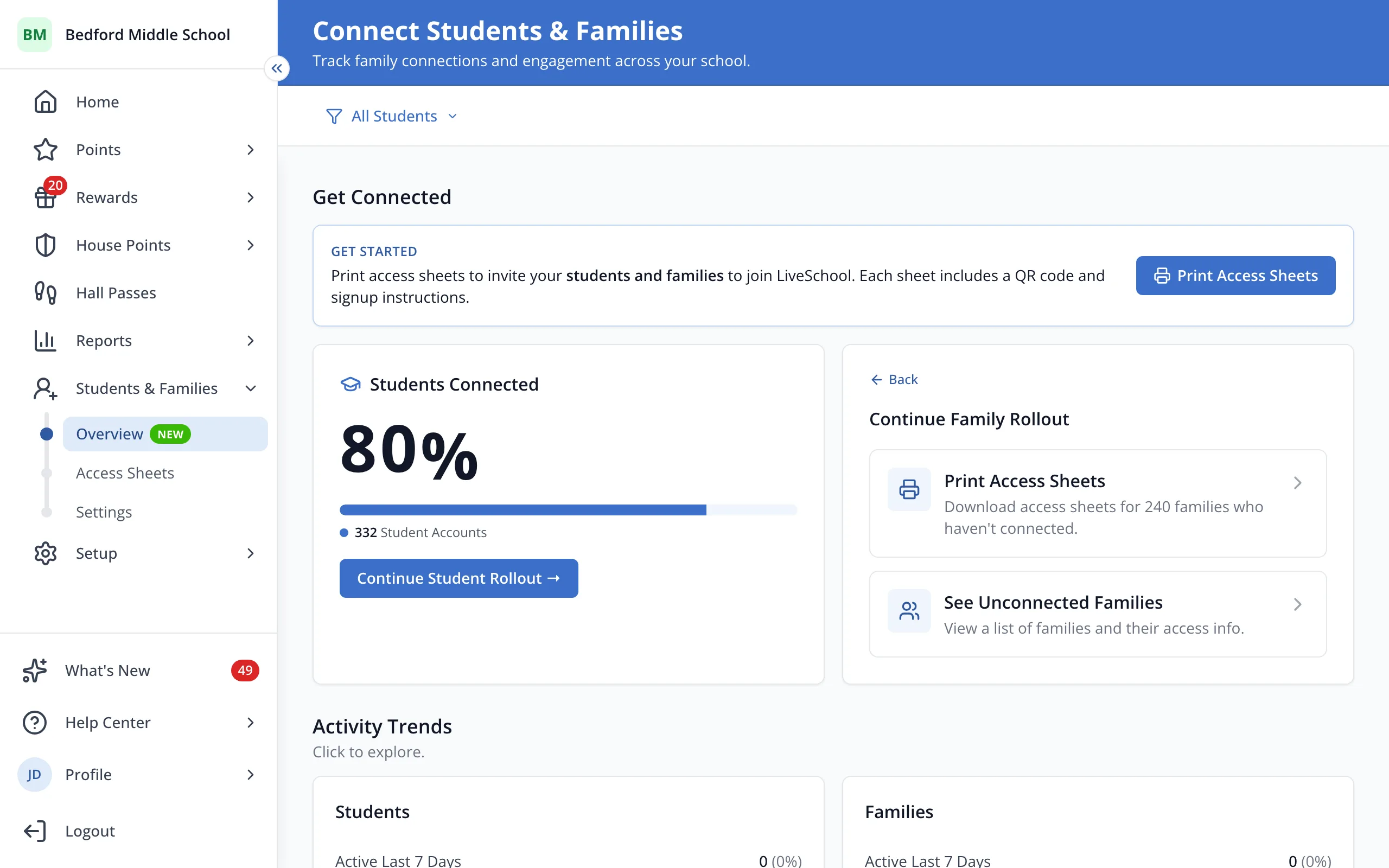
3.Click See Unconnected Families.
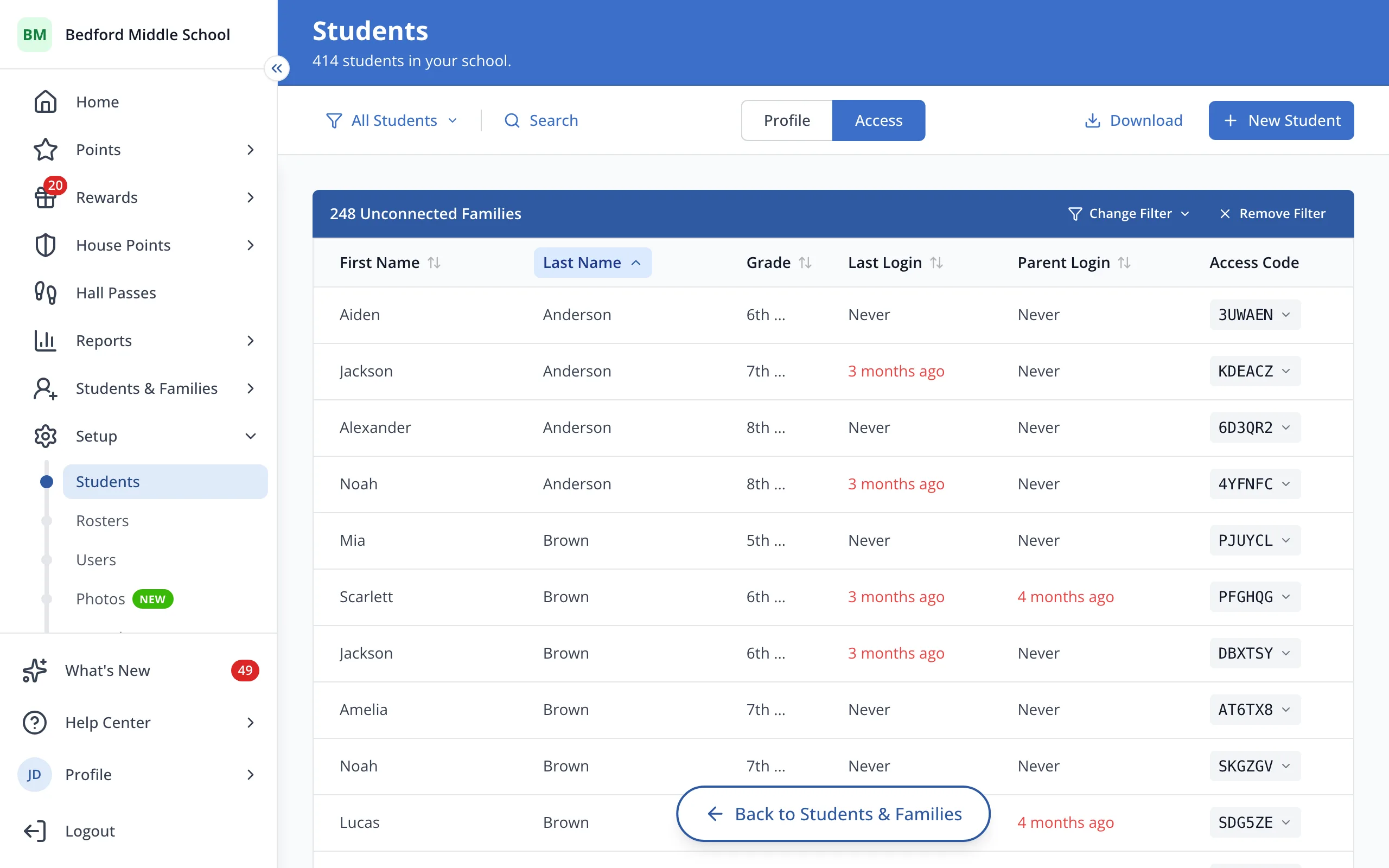
4.Click Change Filter to narrow the list, like to only the families you invited.
Was this helpful?