
Send email invitations to families
Families who haven't signed in yet get an email with a link to connect to their student.
AdminSite Leader
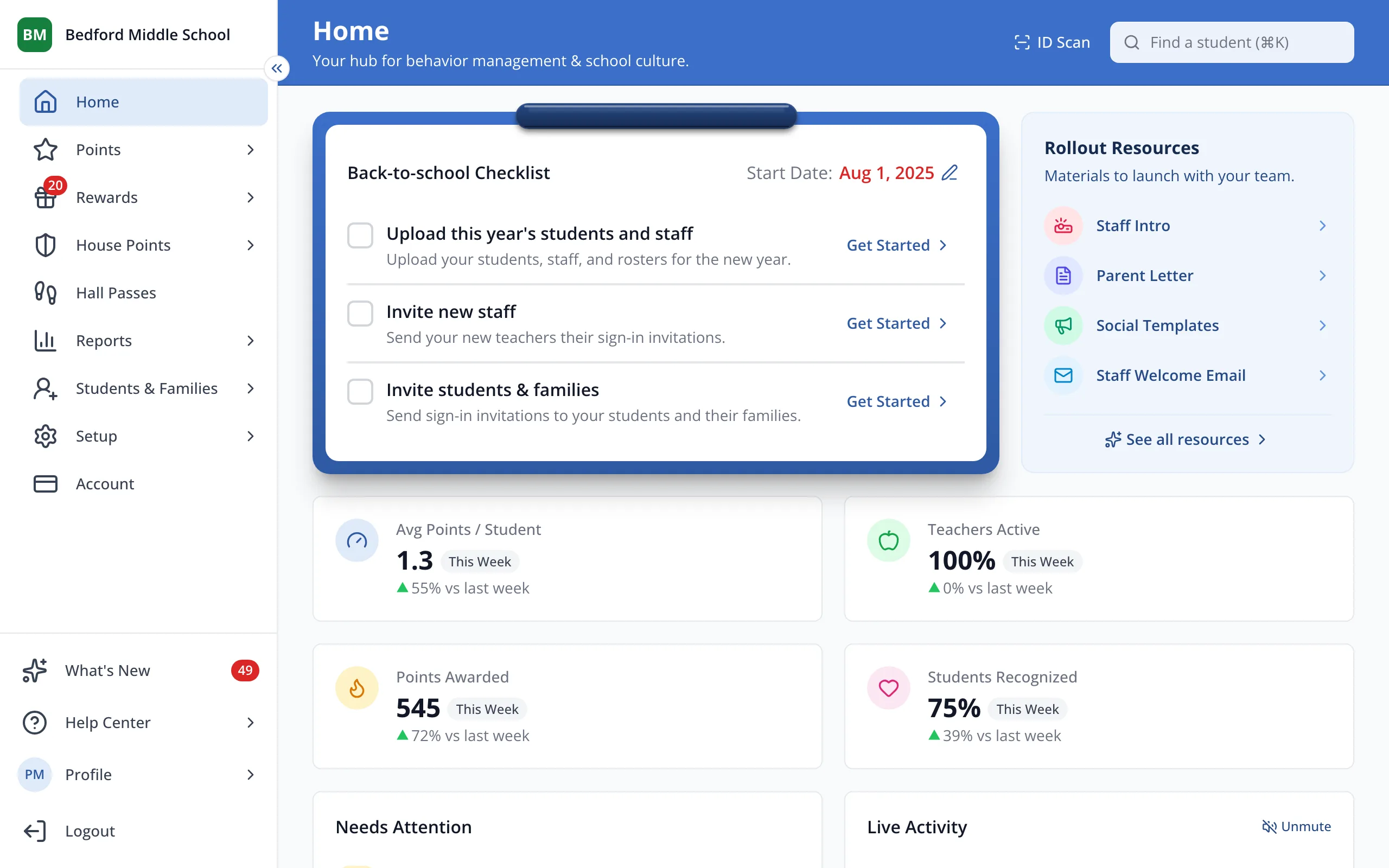
1 / 3In the sidebar, click Students & Families.
1.In the sidebar, click Students & Families.
2.Under Get Connected, click Invite 21 Families. Your button shows how many families can be invited.
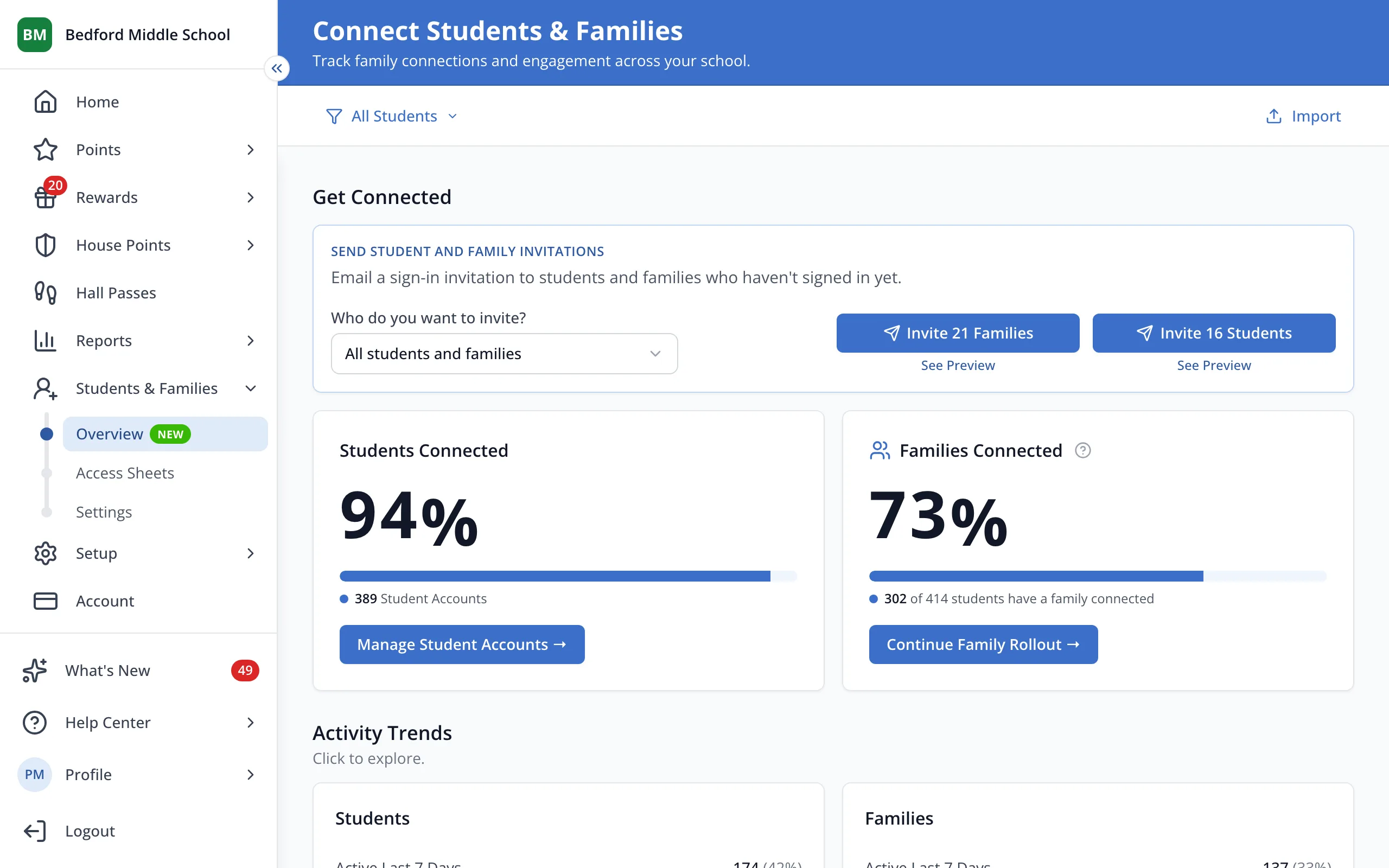
Tip: Families you invited before who still haven't signed in get the email again.
Was this helpful?