
Find families who haven't signed in yet
Get a list of families who haven't signed in yet, including ones you already invited, so you can follow up with them.
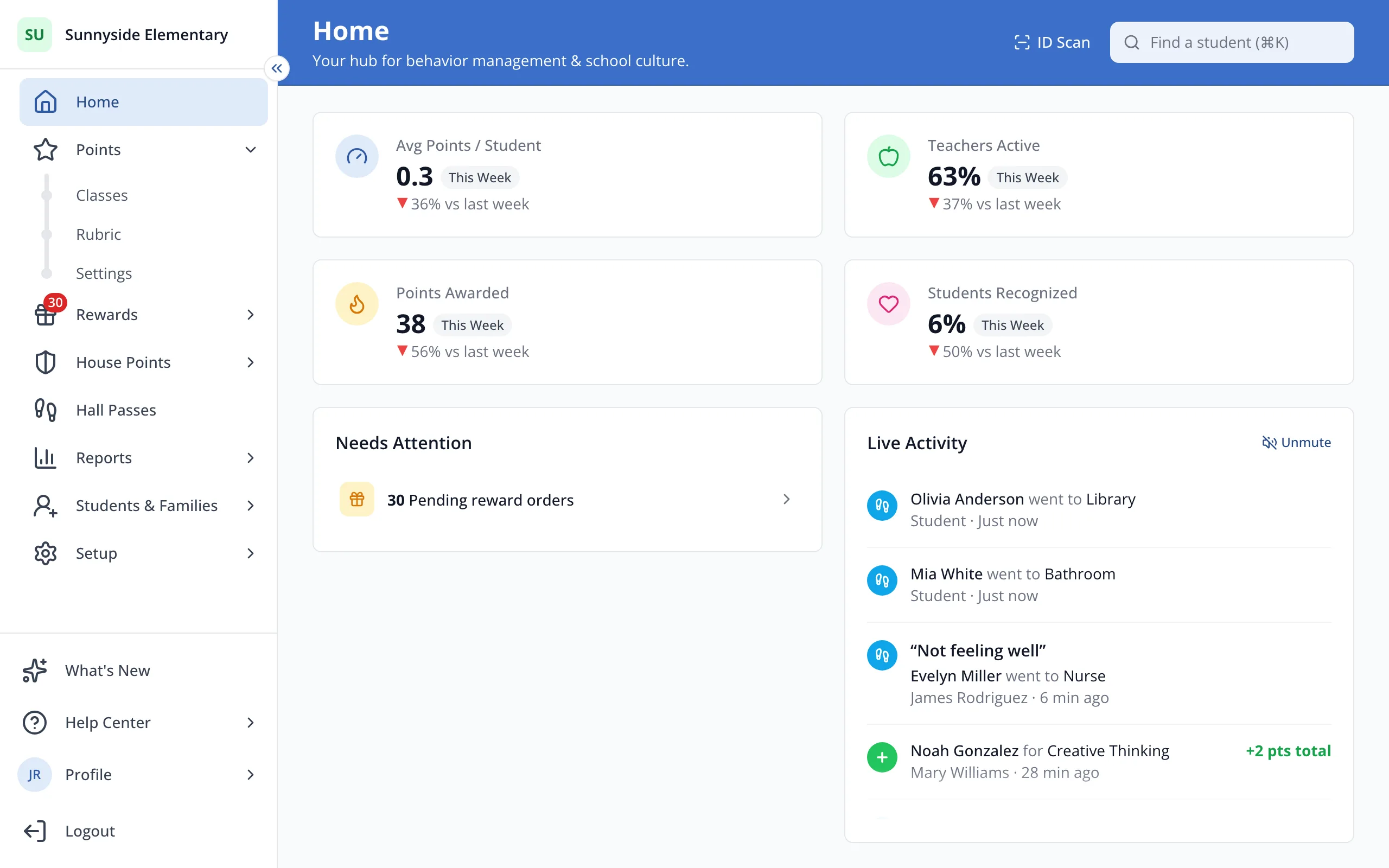
1 / 4In the sidebar, click Students & Families.
1.In the sidebar, click Students & Families.
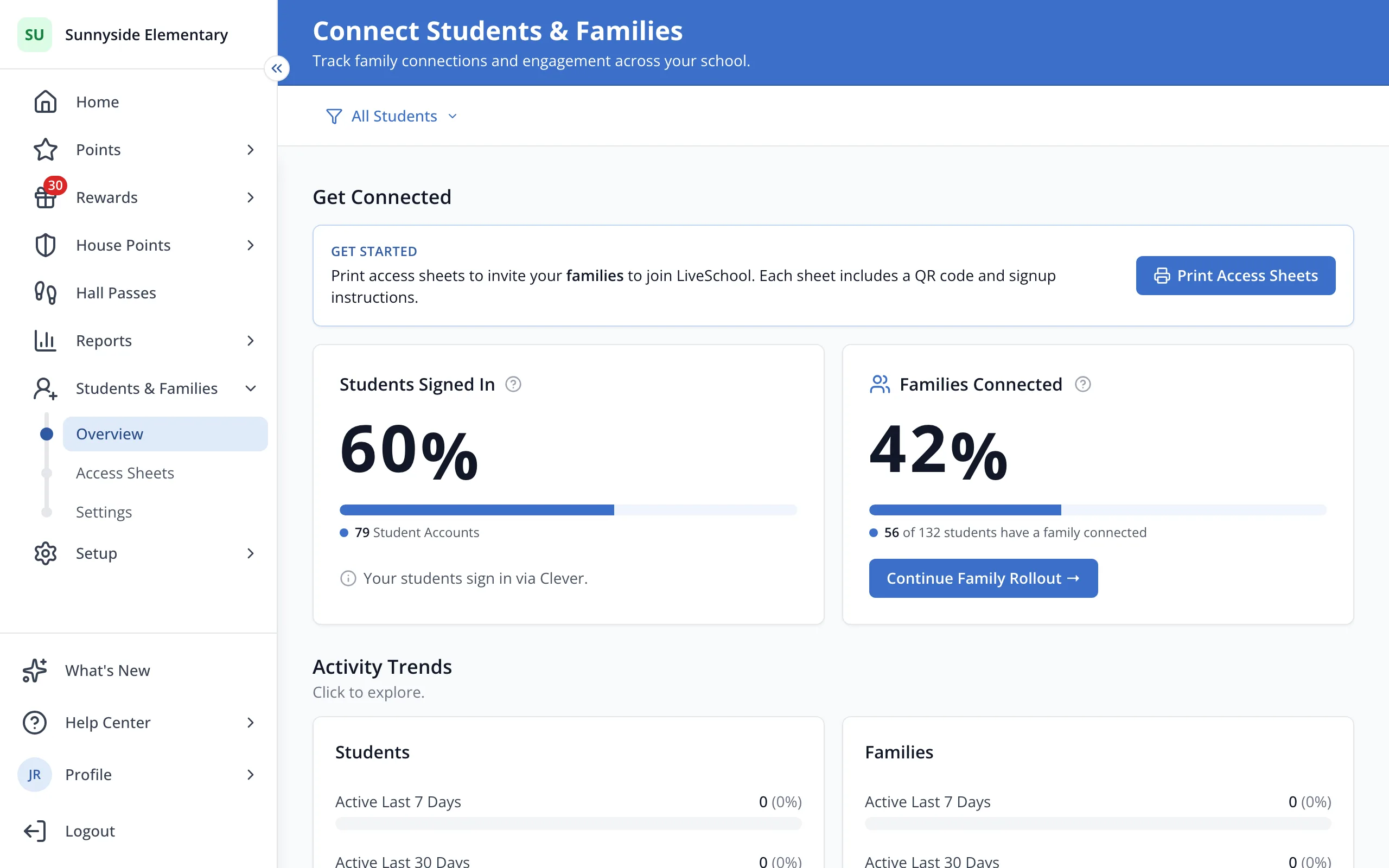
2.Under Families Connected, click Continue Family Rollout.
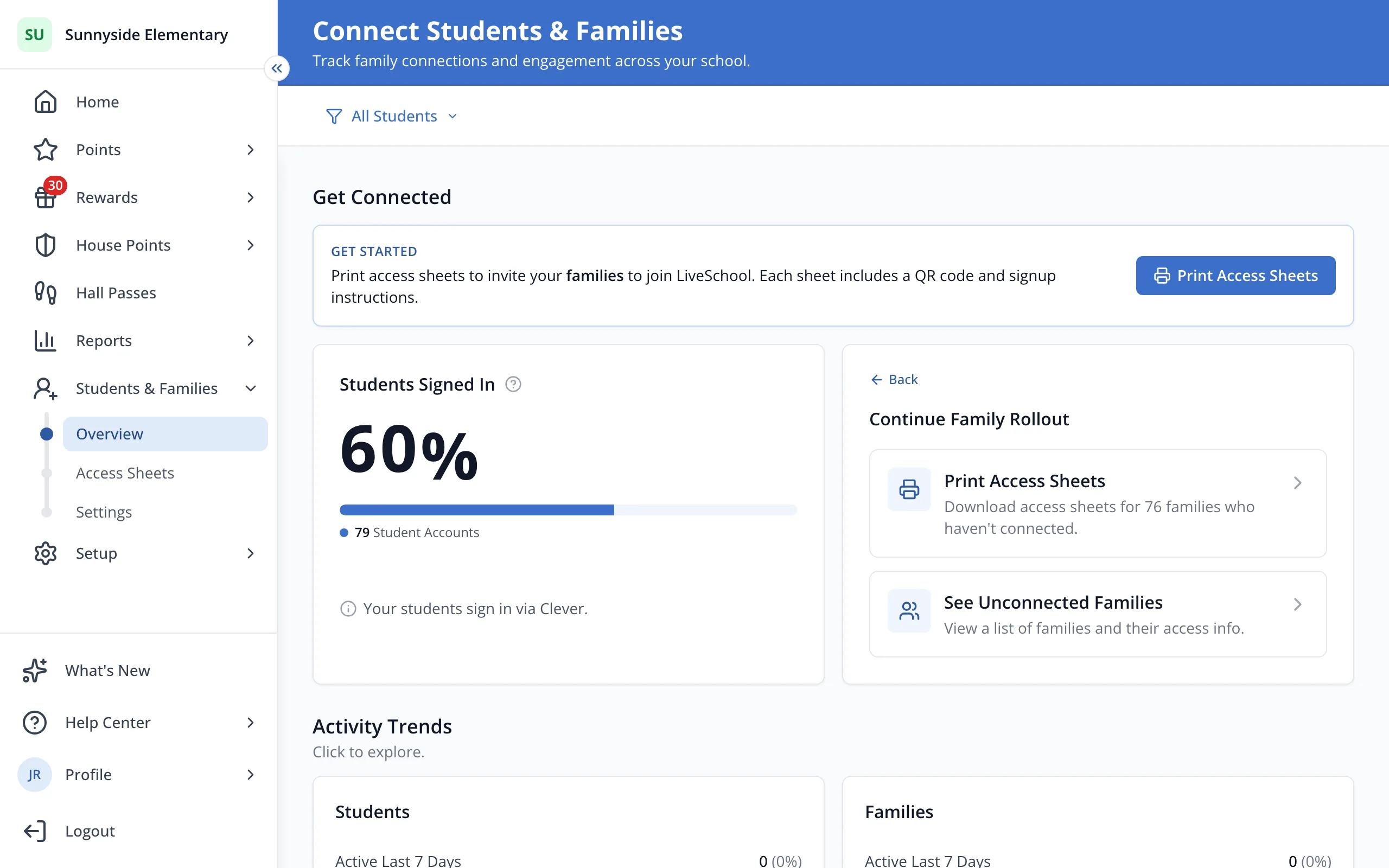
3.Click See Unconnected Families.
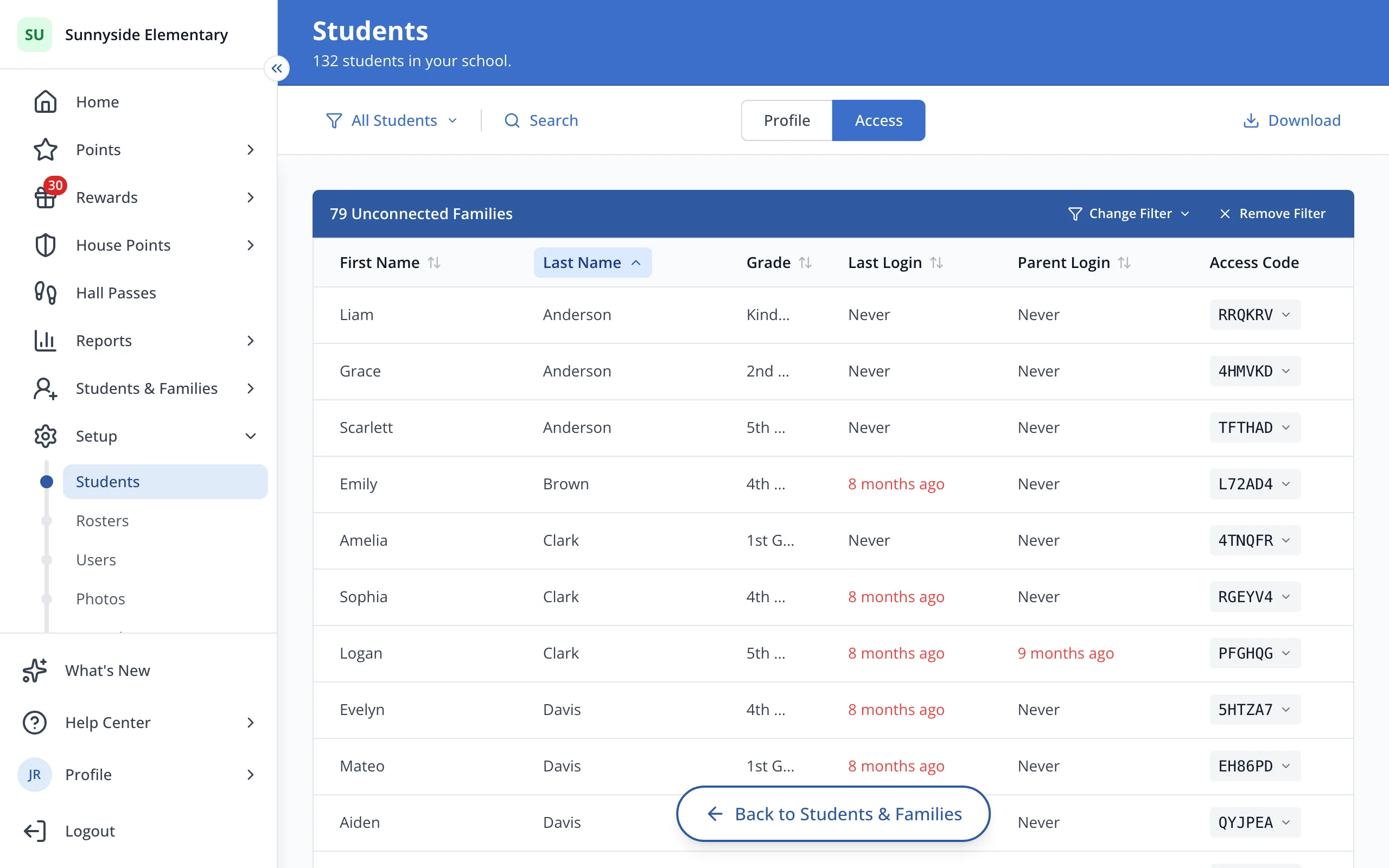
4.Click Change Filter to narrow the list, like to only the families you invited.
Was this helpful?