
Invite students and families to LiveSchool by importing their email addresses
Invitations can only go to students and families with an email on file.
AdminSite Leader
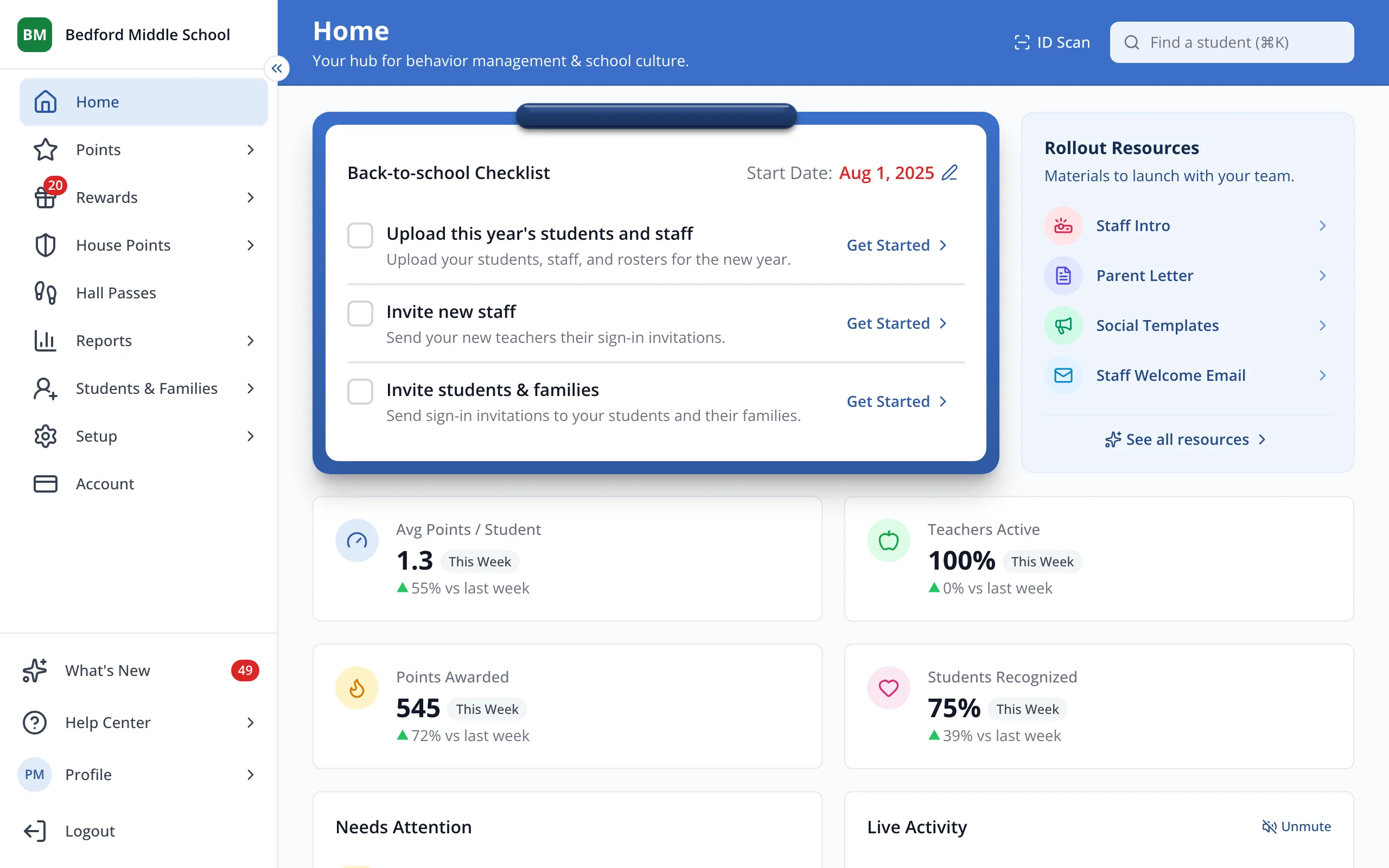
1 / 7In the sidebar, click Students & Families.
1.In the sidebar, click Students & Families.
2.At the top right, click Import.
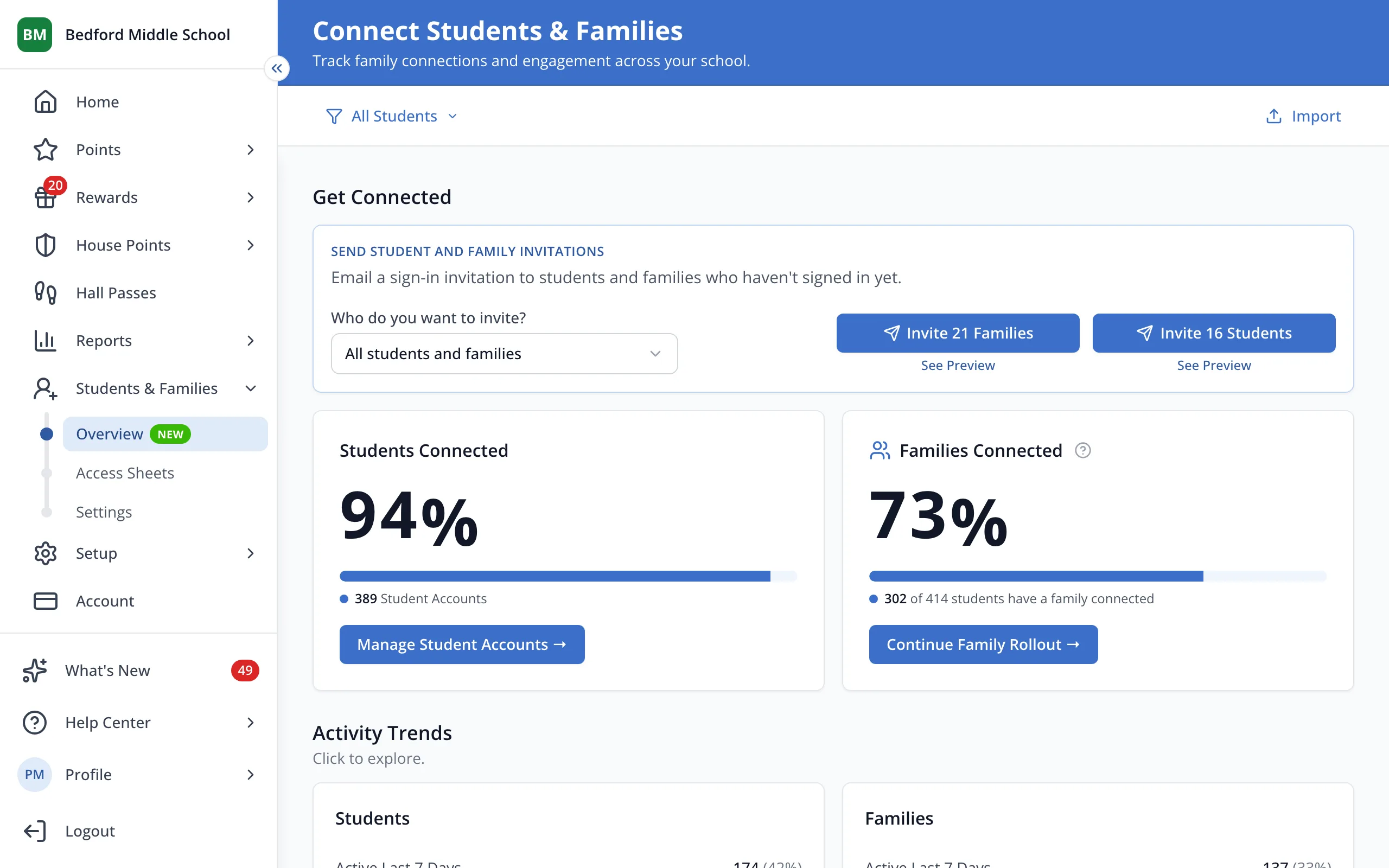
3.Click I understand, get started!
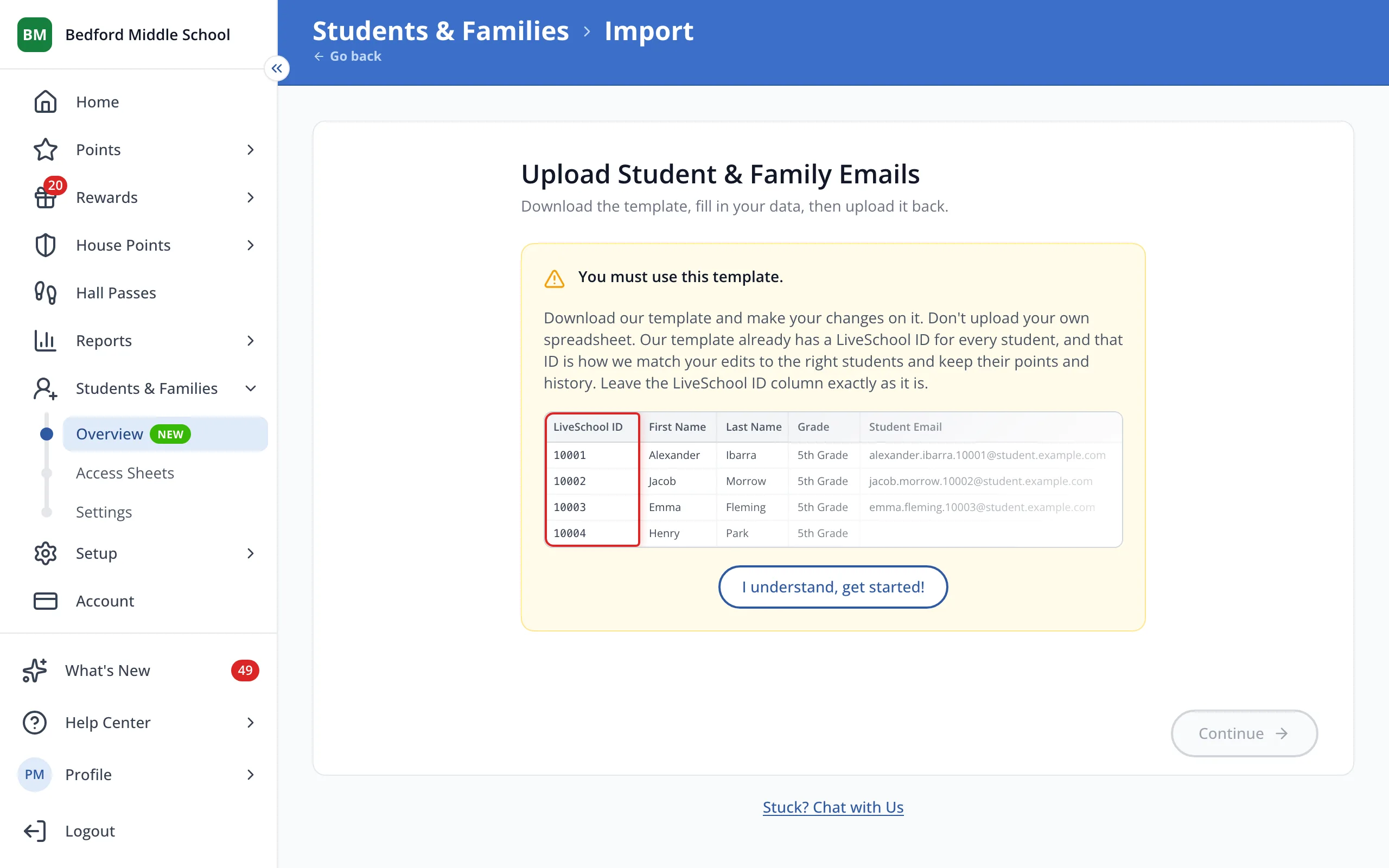
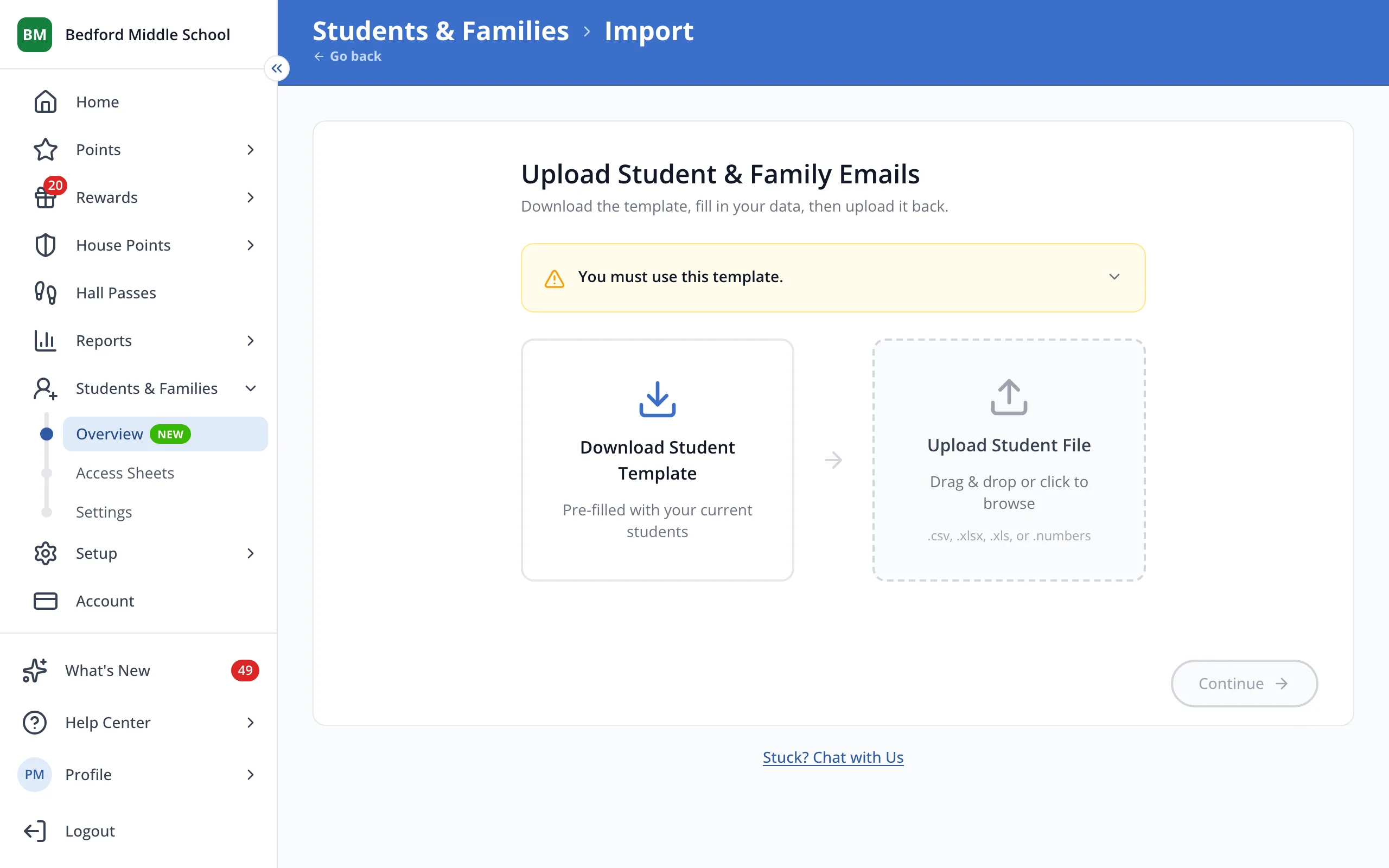
4.Click Download Student Template. It already lists every student.
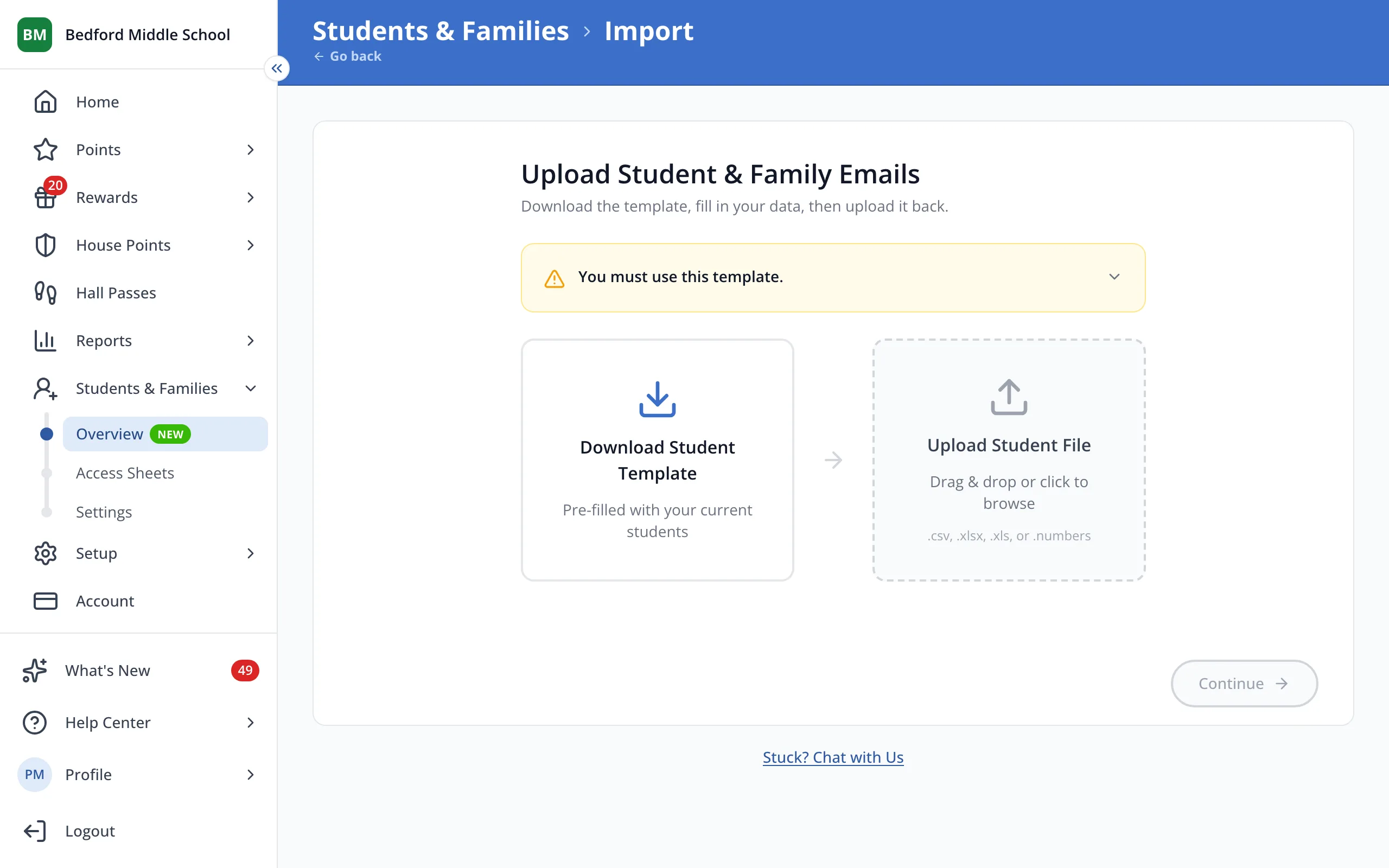
5.Fill in the Student Email and Family Email columns, leave LiveSchool ID as it is, and drop the file here.
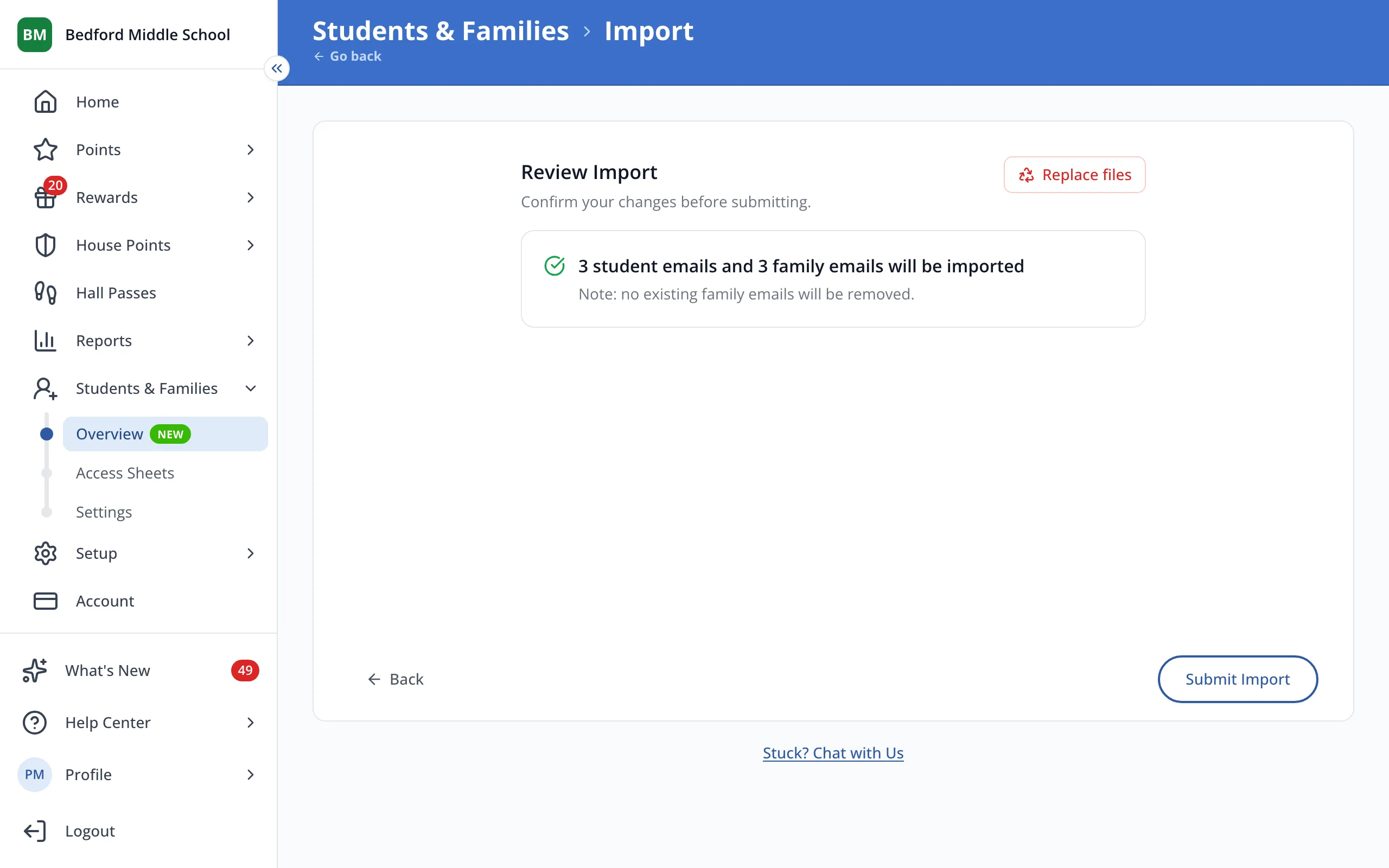
6.Check how many emails will be imported, then click Submit Import.
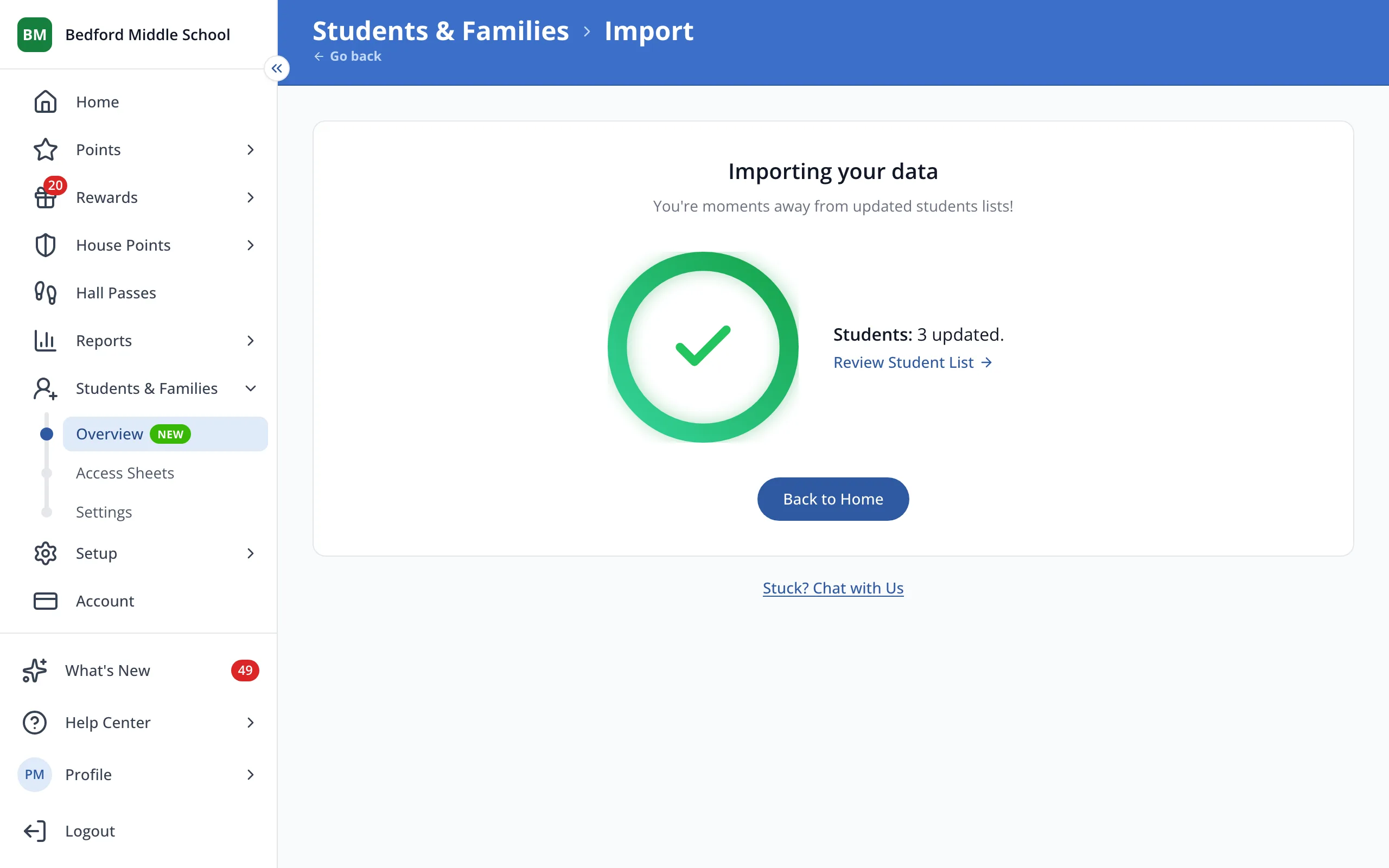
7.Click Students & Families at the top to go back and send your invitations.
Was this helpful?