
Invite families one grade at a time
Send invitations to families as you roll out LiveSchool to additional grades.
AdminSite Leader
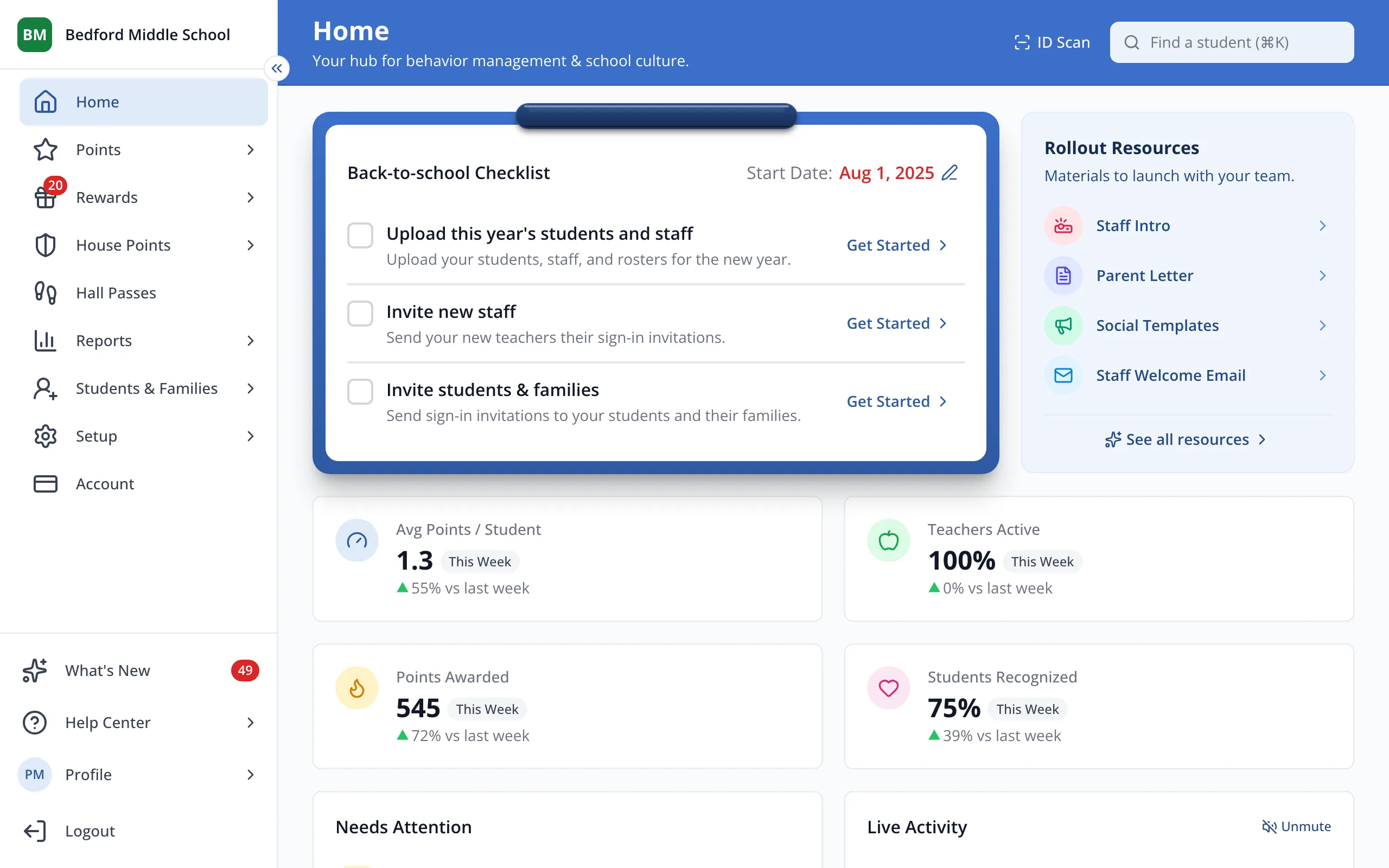
1 / 5In the sidebar, click Students & Families.
1.In the sidebar, click Students & Families.
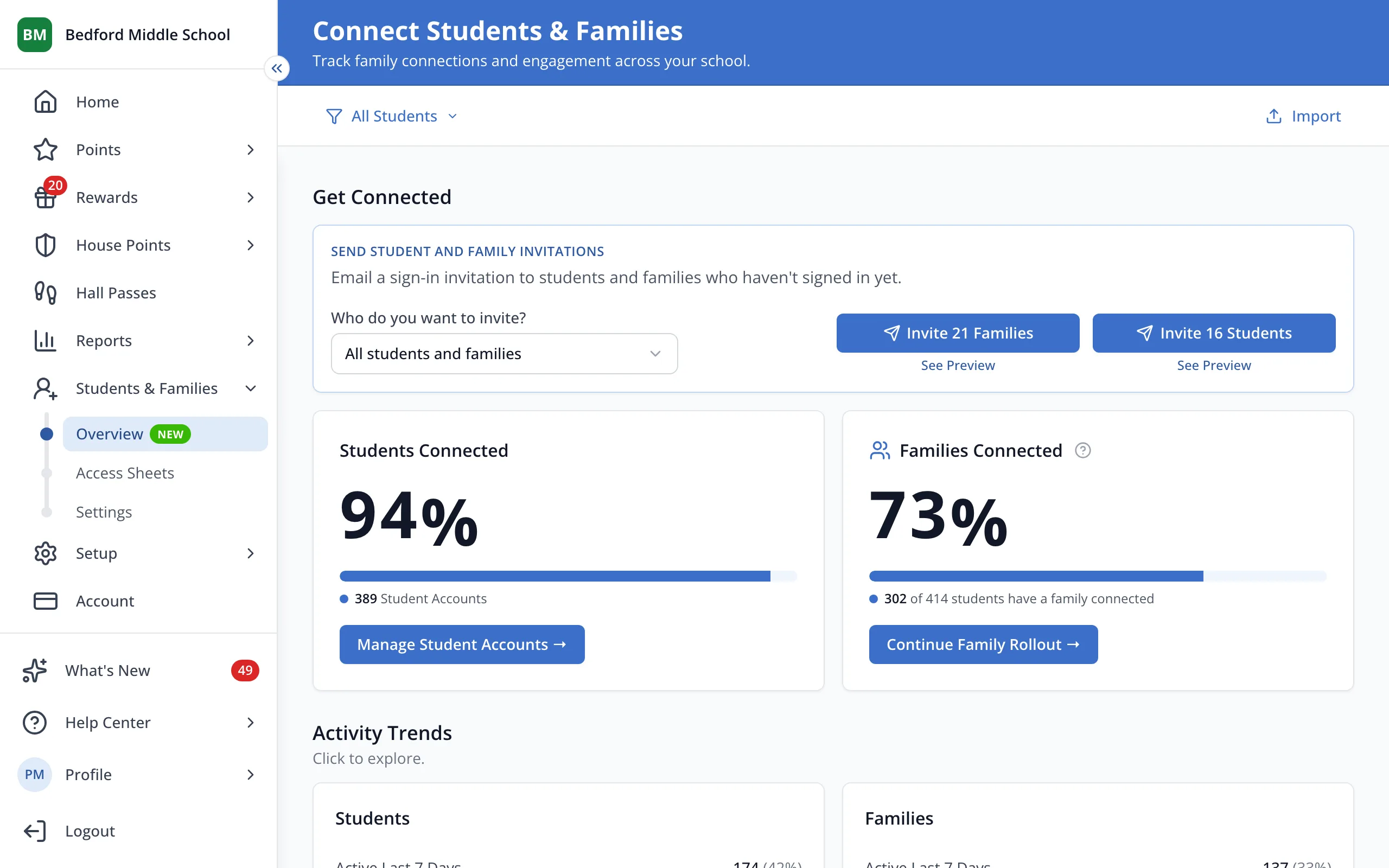
2.Under Who do you want to invite?, click All students and families.
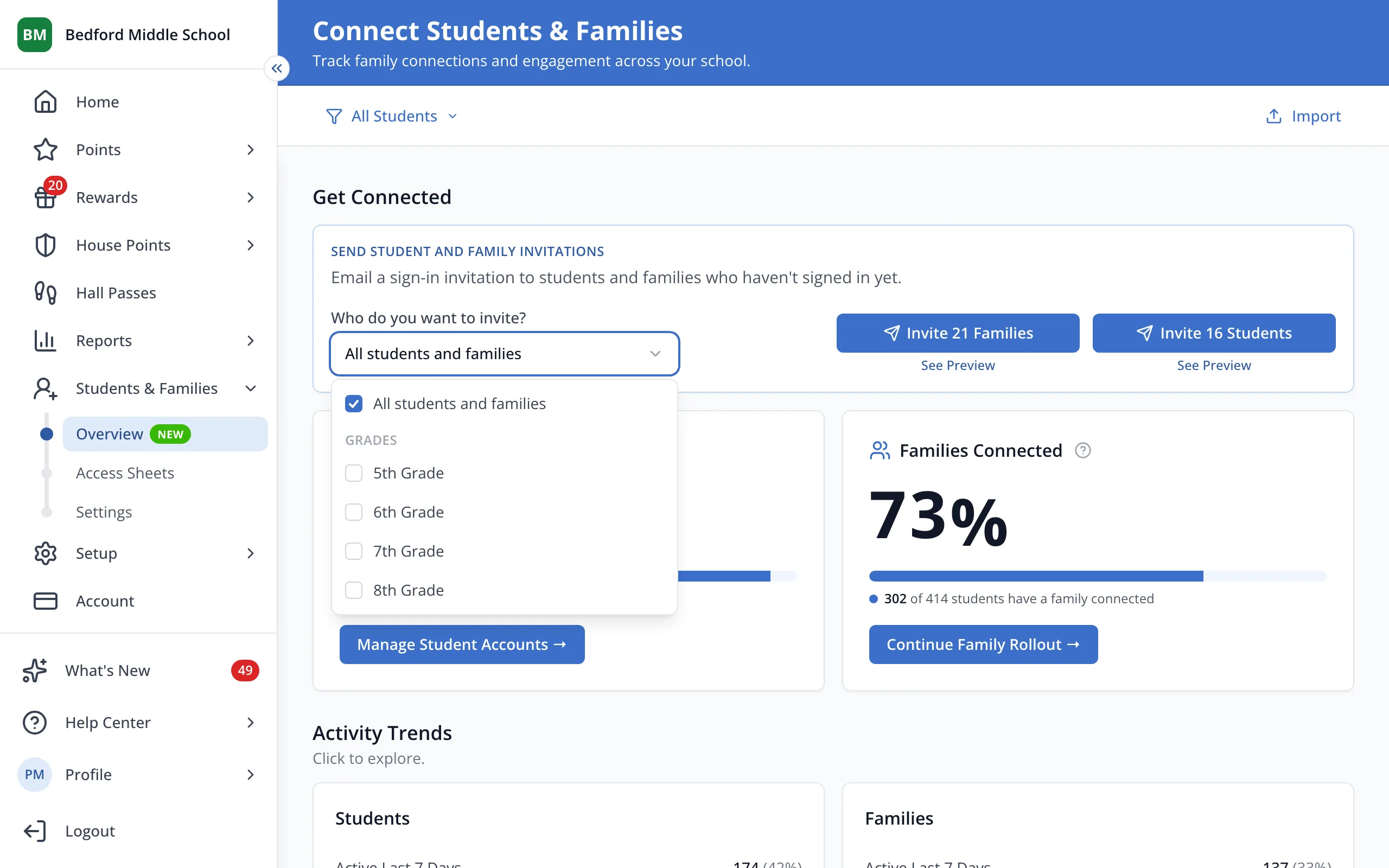
3.Click the grade you'd like to invite. You can pick more than one.
4.Click Invite 7 Families to email the families in that grade.
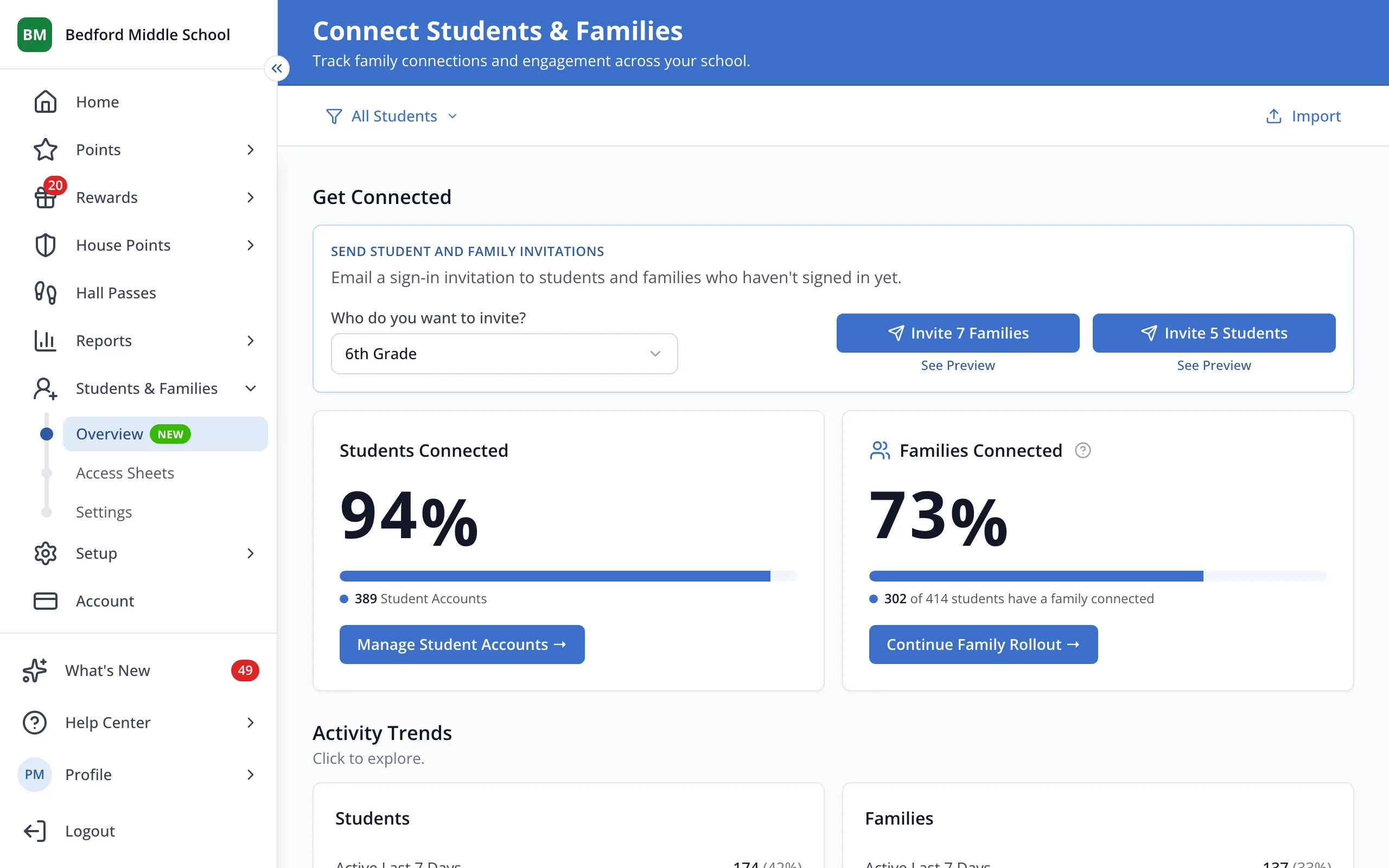
Tip: Invite 5 Students next to it emails the students in that grade.
Was this helpful?