
Choose the day recap emails go out
Recaps go out once a week, between 5PM and 9PM on the day you choose.
AdminSite Leader
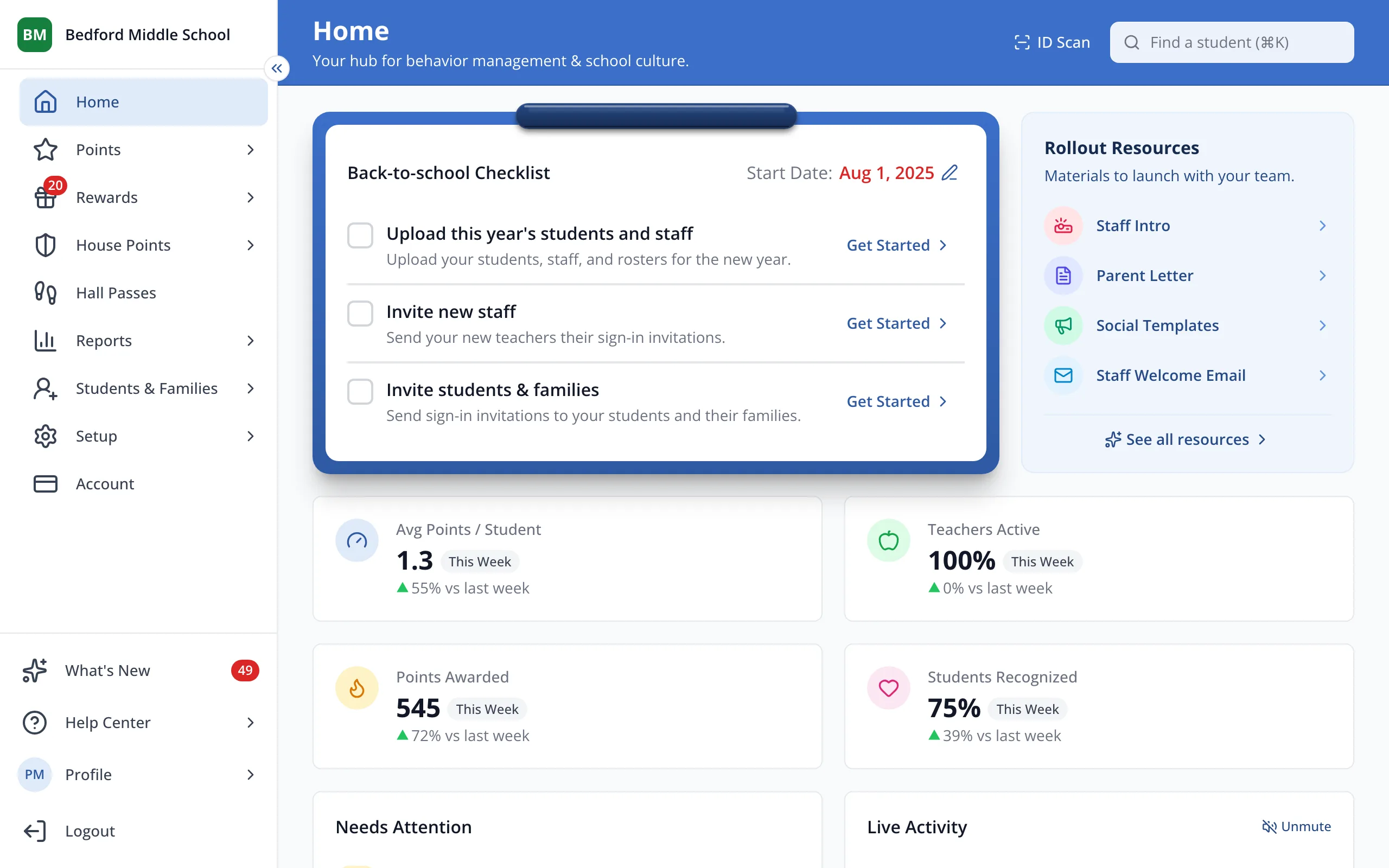
1 / 4In the sidebar, click Students & Families.
1.In the sidebar, click Students & Families.
2.Click Settings.
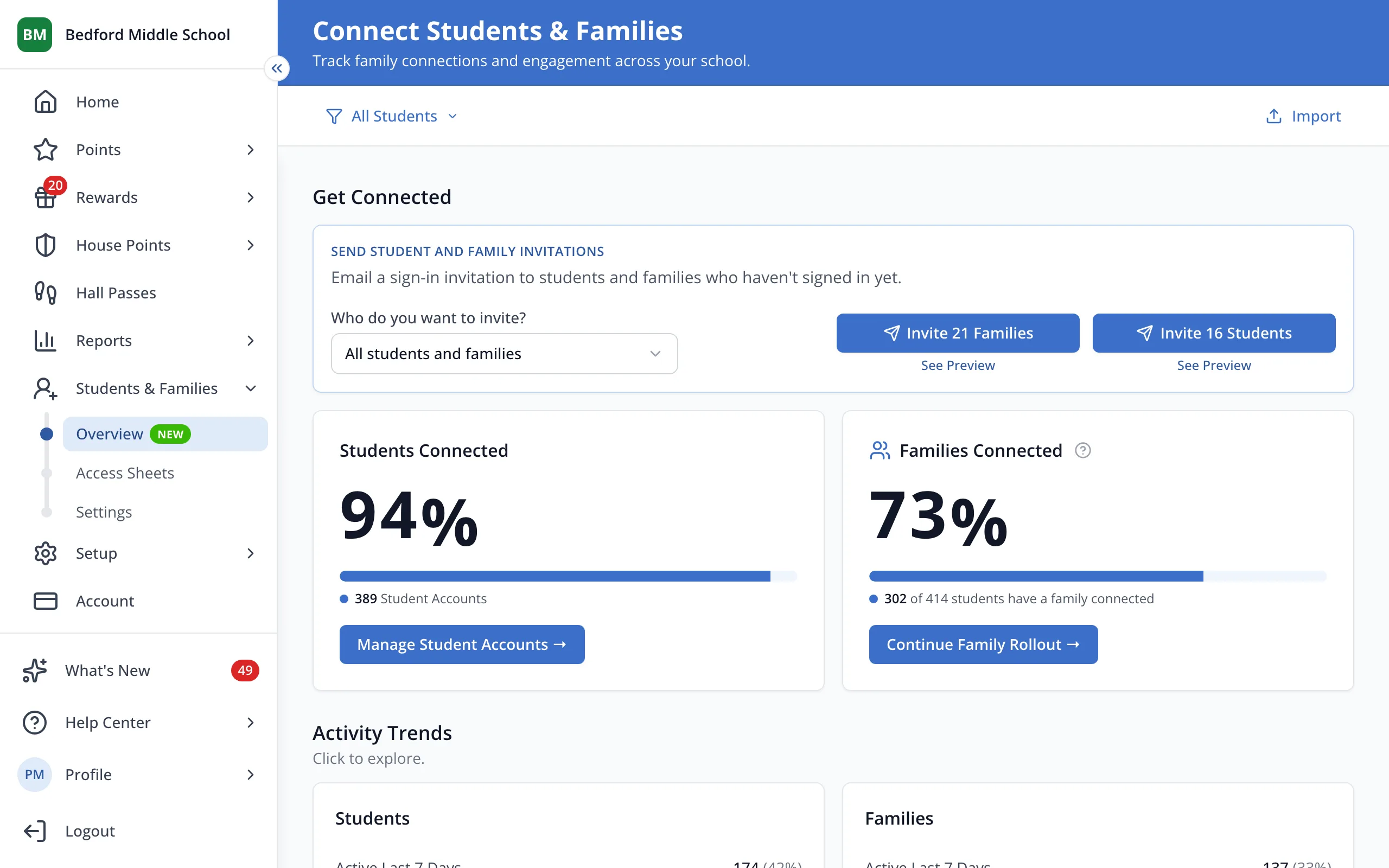
3.Under Delivery Day, click the day you'd like recaps to go out.
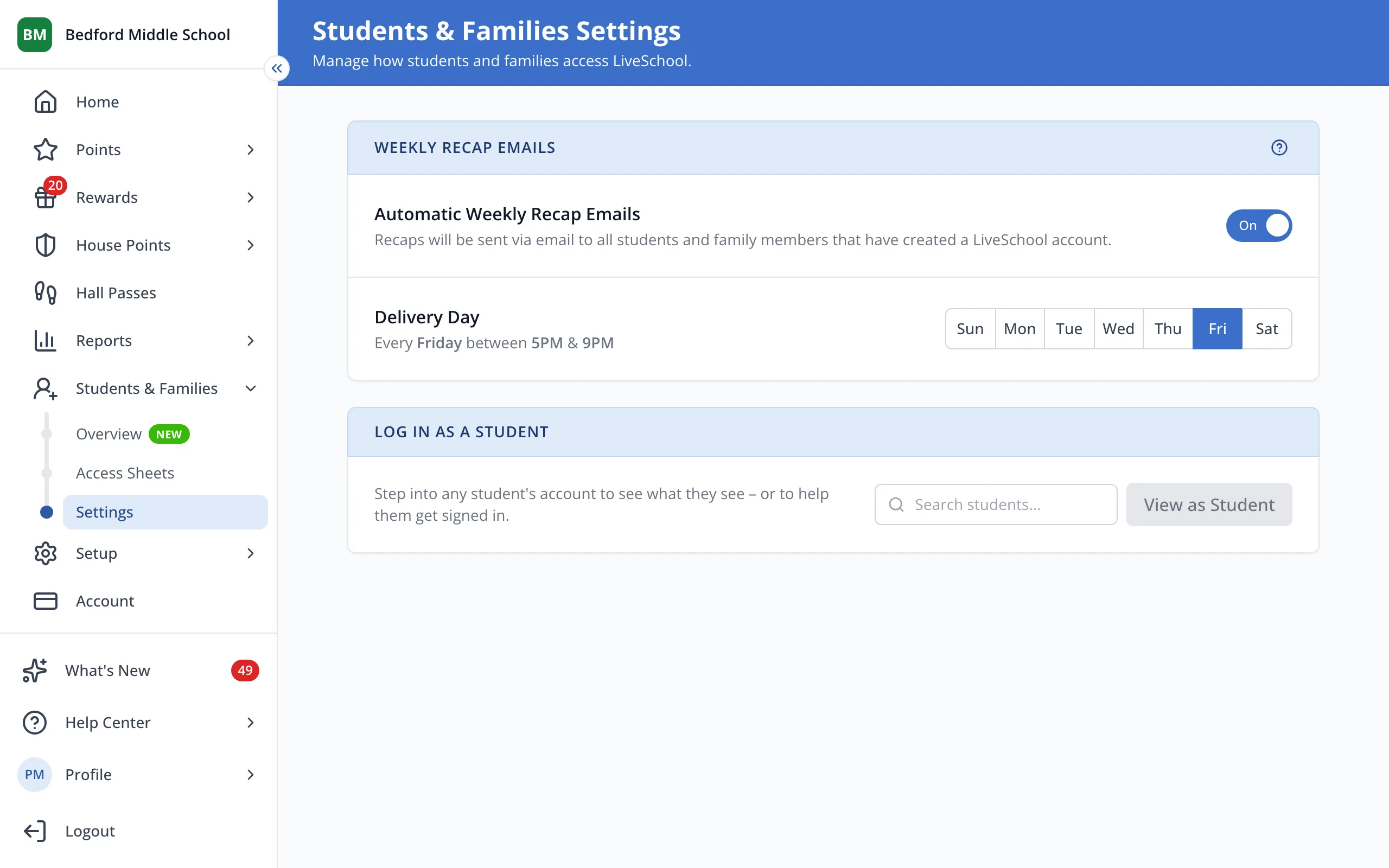
Tip: Don't see Delivery Day? Turn on Automatic Weekly Recap Emails first.
Was this helpful?