
Turn weekly recap emails on or off
Recaps go by email once a week to every student and family member who has created an account.
AdminSite Leader
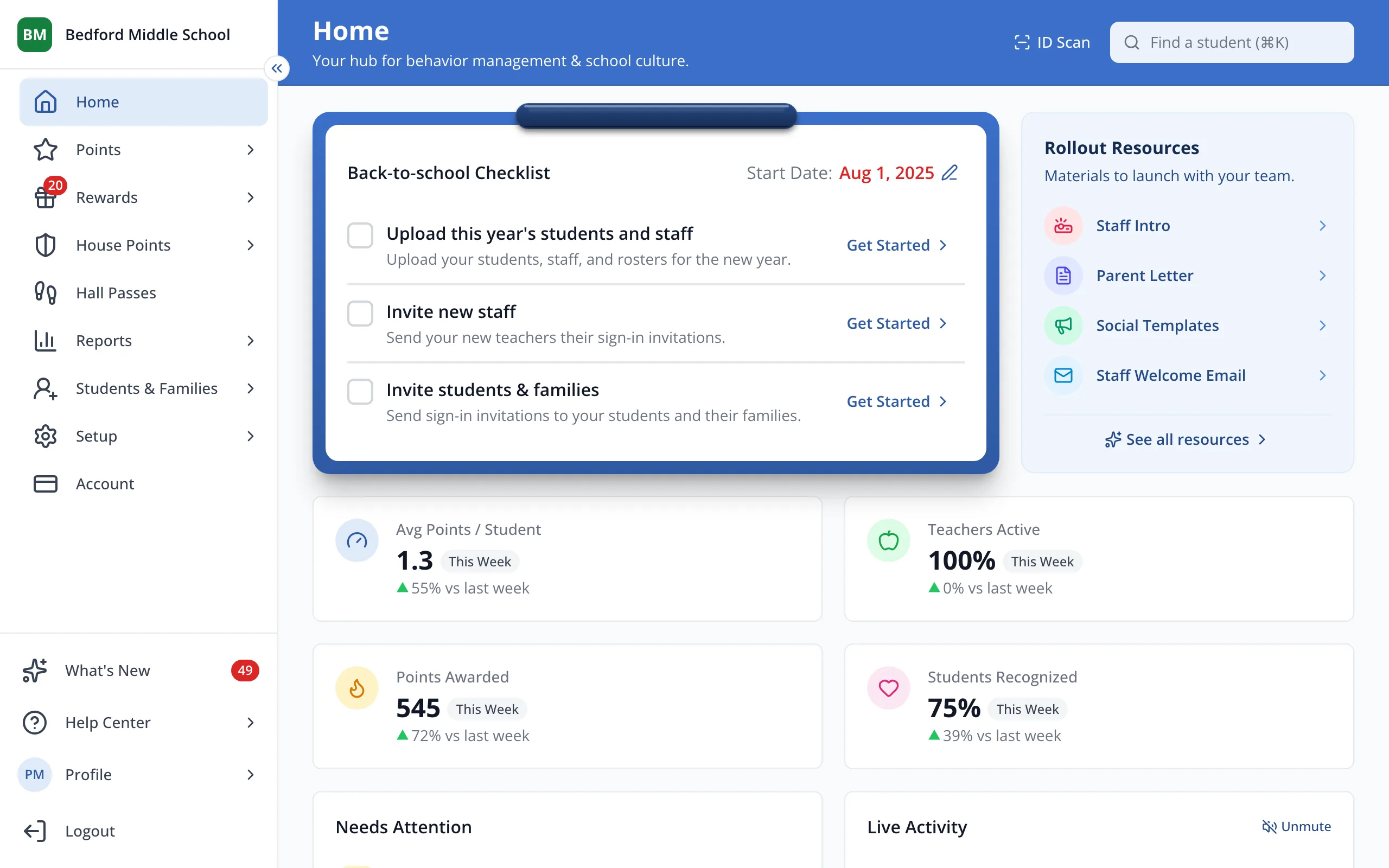
1 / 4In the sidebar, click Students & Families.
1.In the sidebar, click Students & Families.
2.Click Settings.
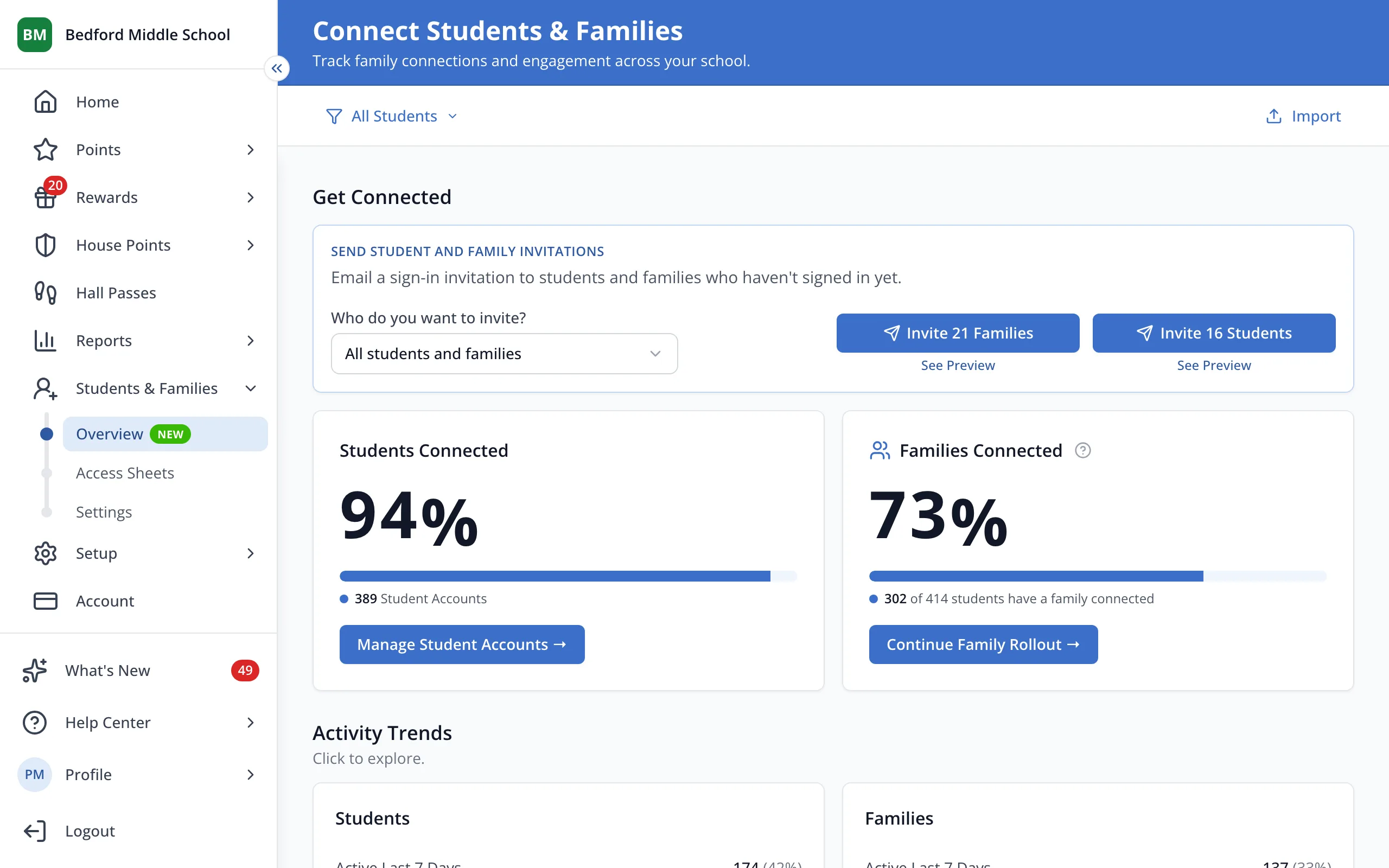
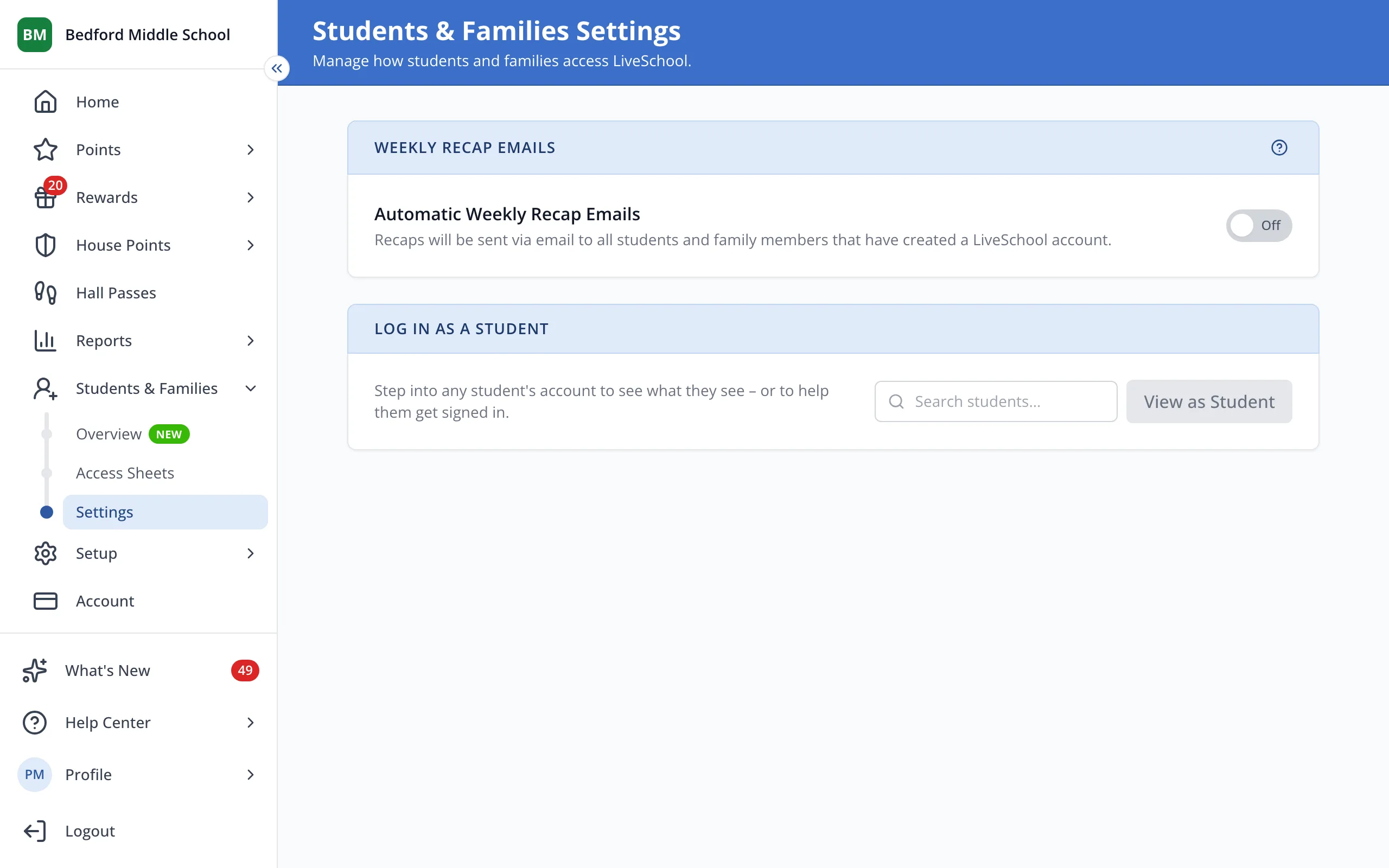
3.Next to Automatic Weekly Recap Emails, click the switch to turn recaps on or off.
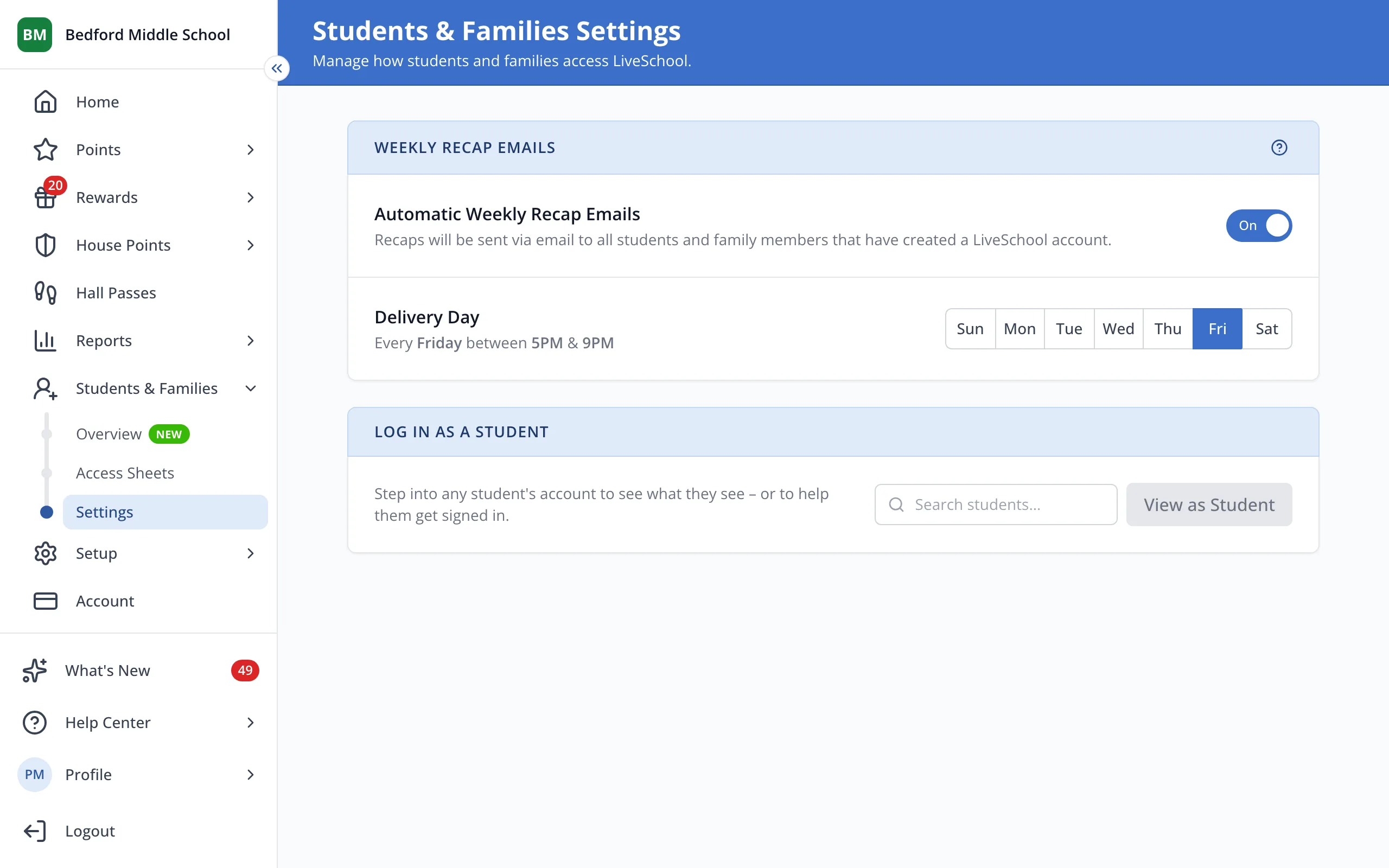
4.Under Delivery Day, pick the day recaps go out. Friday is the default.
Was this helpful?