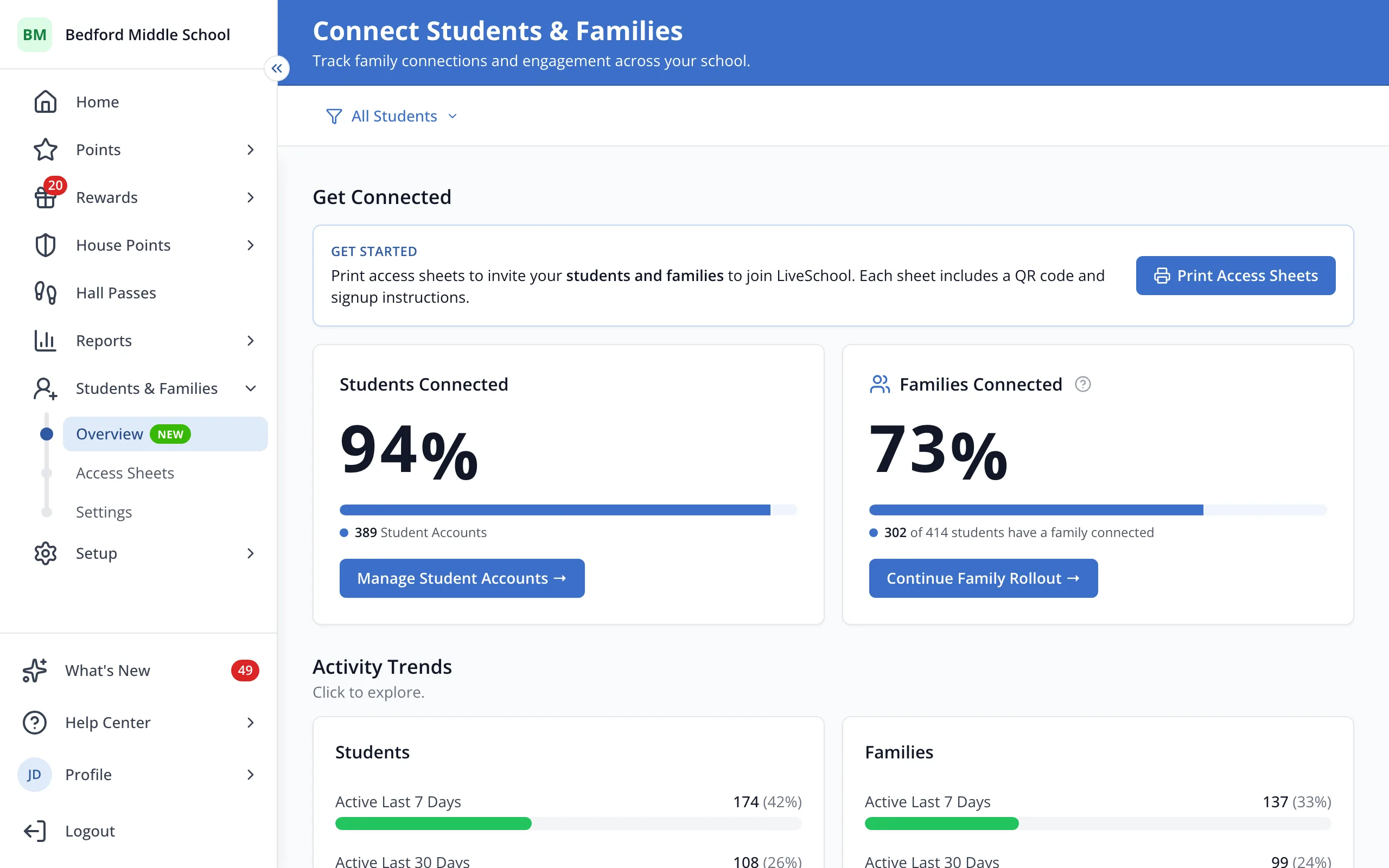
See how many students and families have connected
Students Connected counts students who have created an account. Families Connected counts students with at least one family member who has signed in.
Open in LiveSchool
Already signed in? Open this guide inside LiveSchool.
Use the Left and Right arrow keys to move between steps, and Space to play or pause.
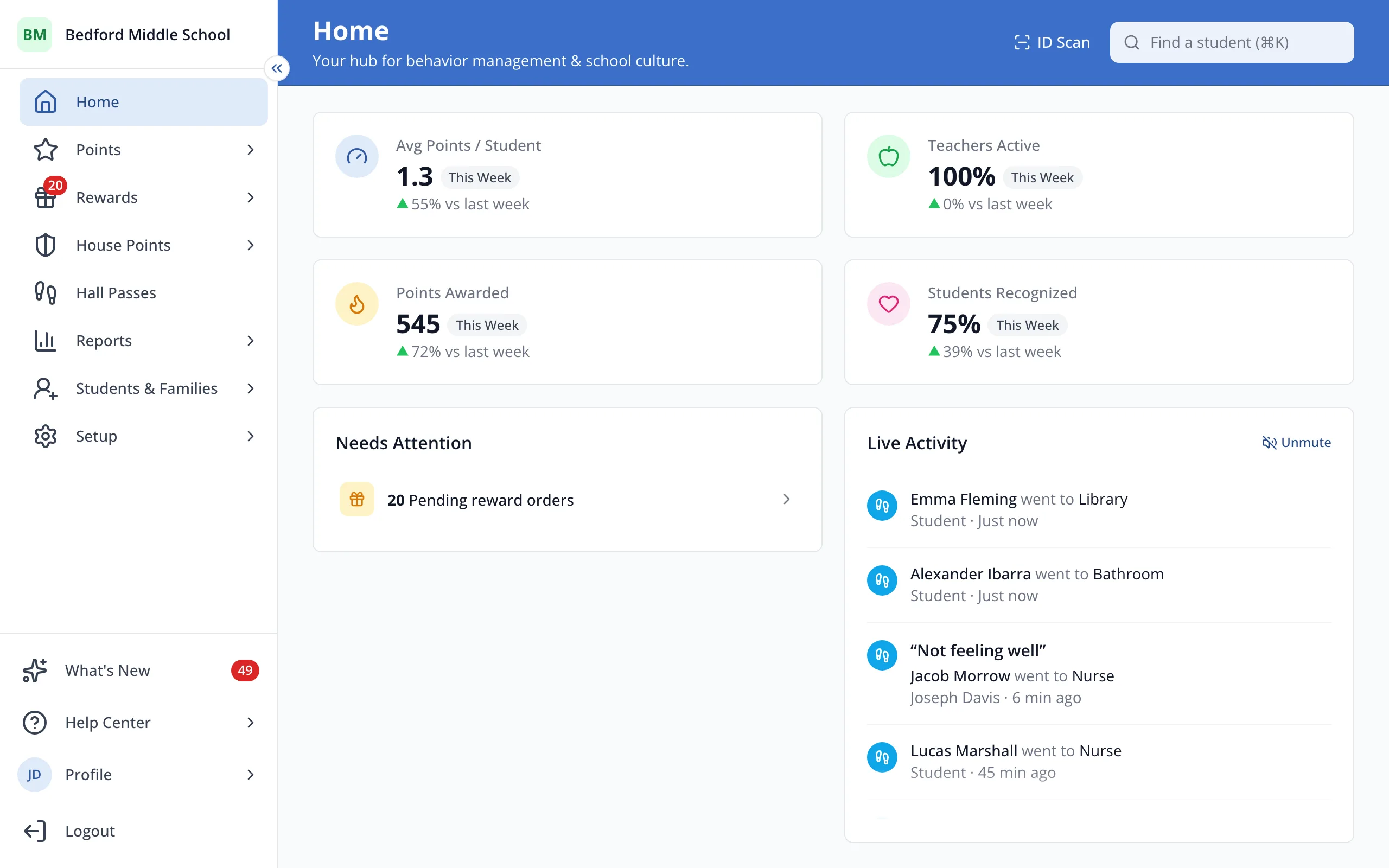
1.In the sidebar, click Students & Families.
2.Under Students Connected, read the share of students who have created their account.
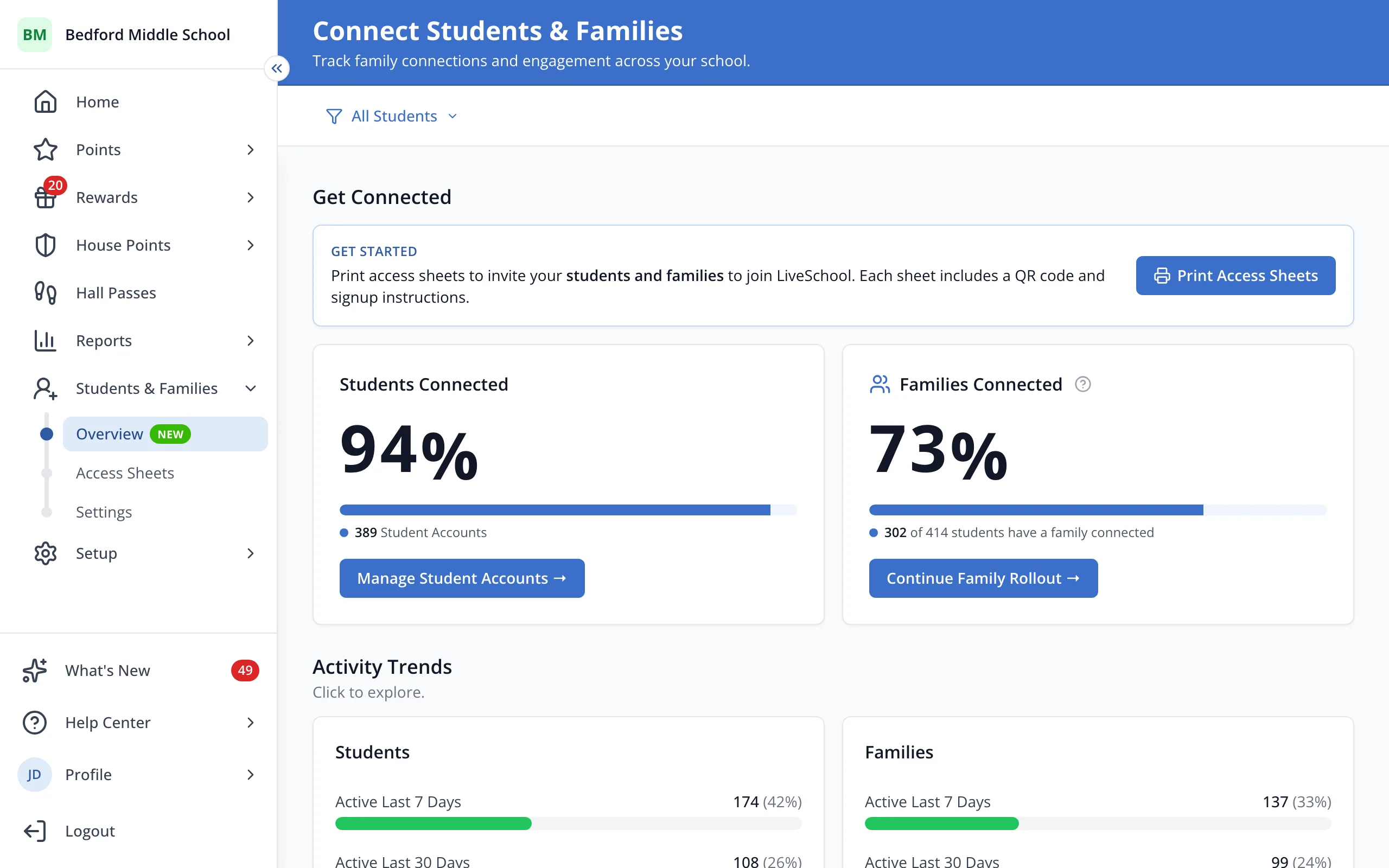
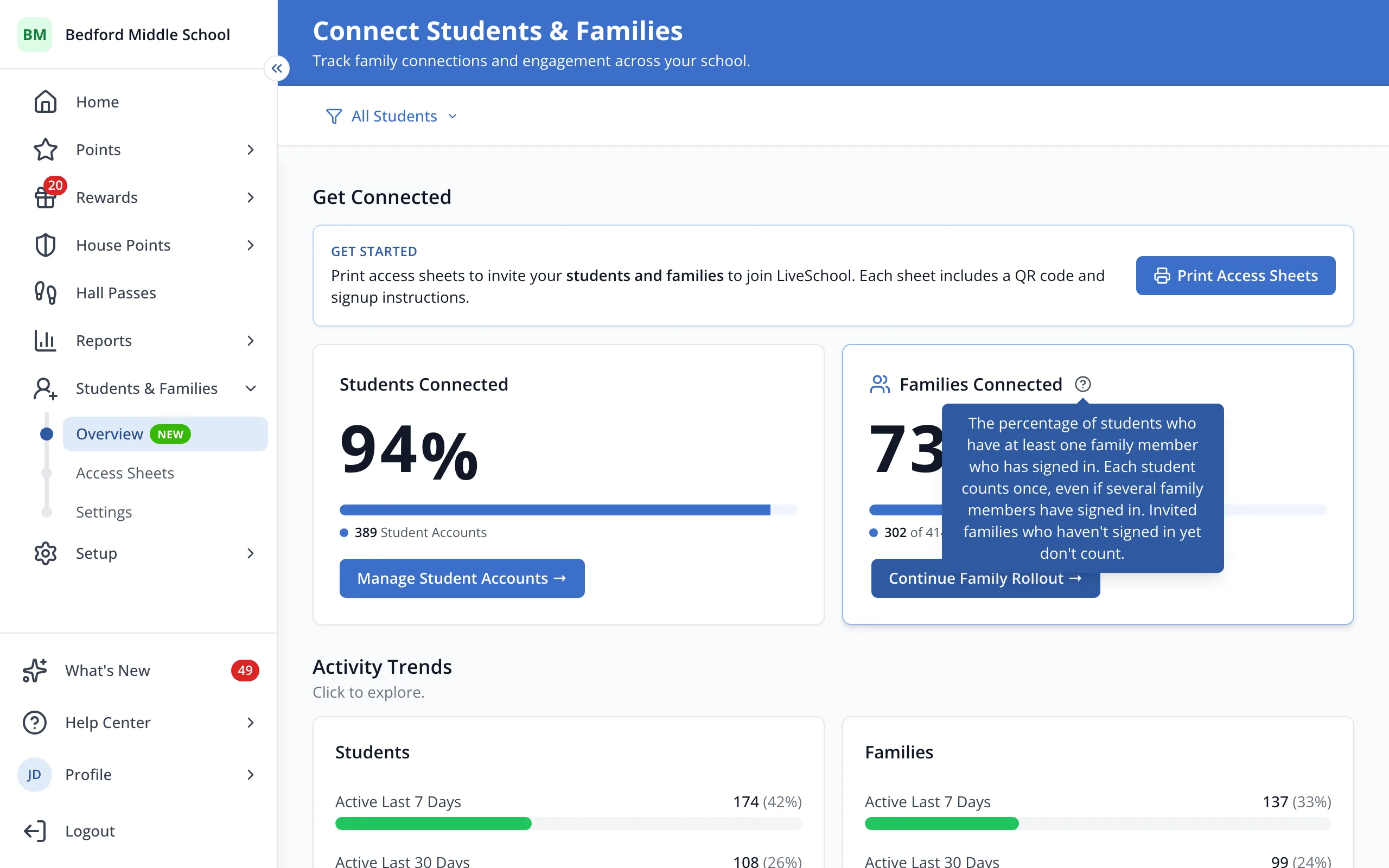
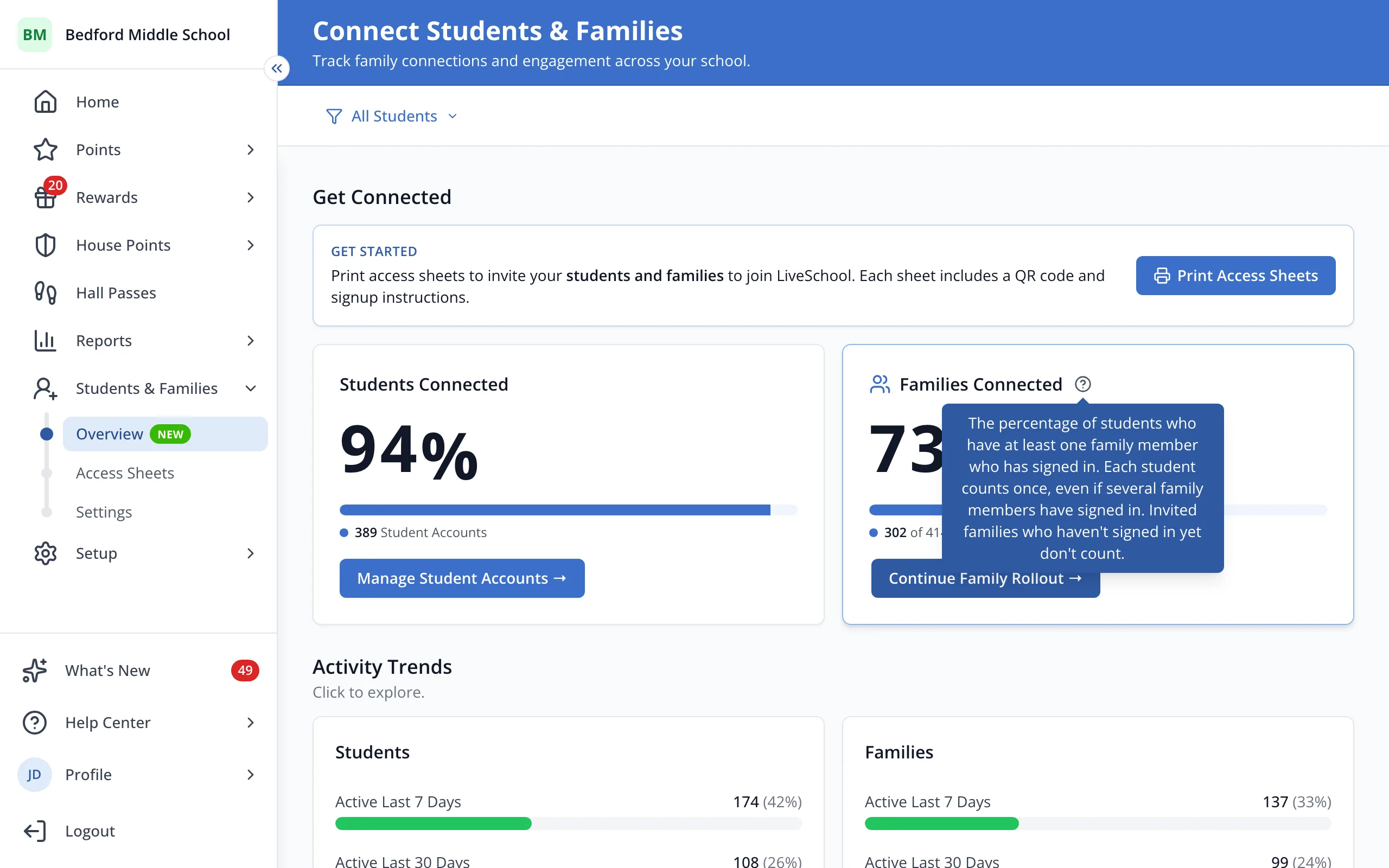
3.Point to the ? next to Families Connected to see how it's counted.