
See merit and demerit totals for this week or this month
Check how the week or month is going without adding up every point.
Open in LiveSchool
Already signed in? Open this guide inside LiveSchool.
Use the Left and Right arrow keys to move between steps, and Space to play or pause.
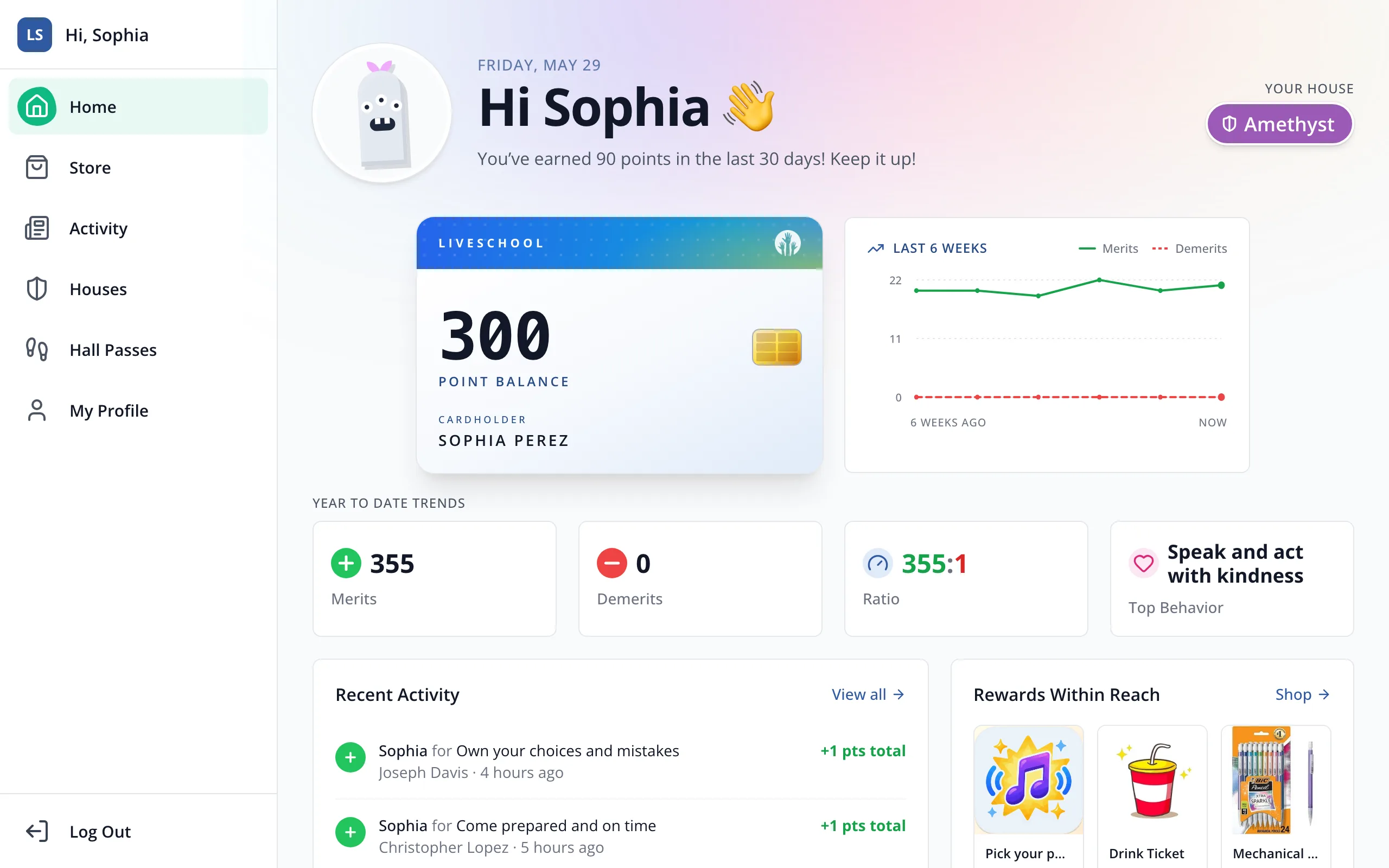
1.In the sidebar, click Activity.
Did you know? With more than one student, switch to one student to see their totals.
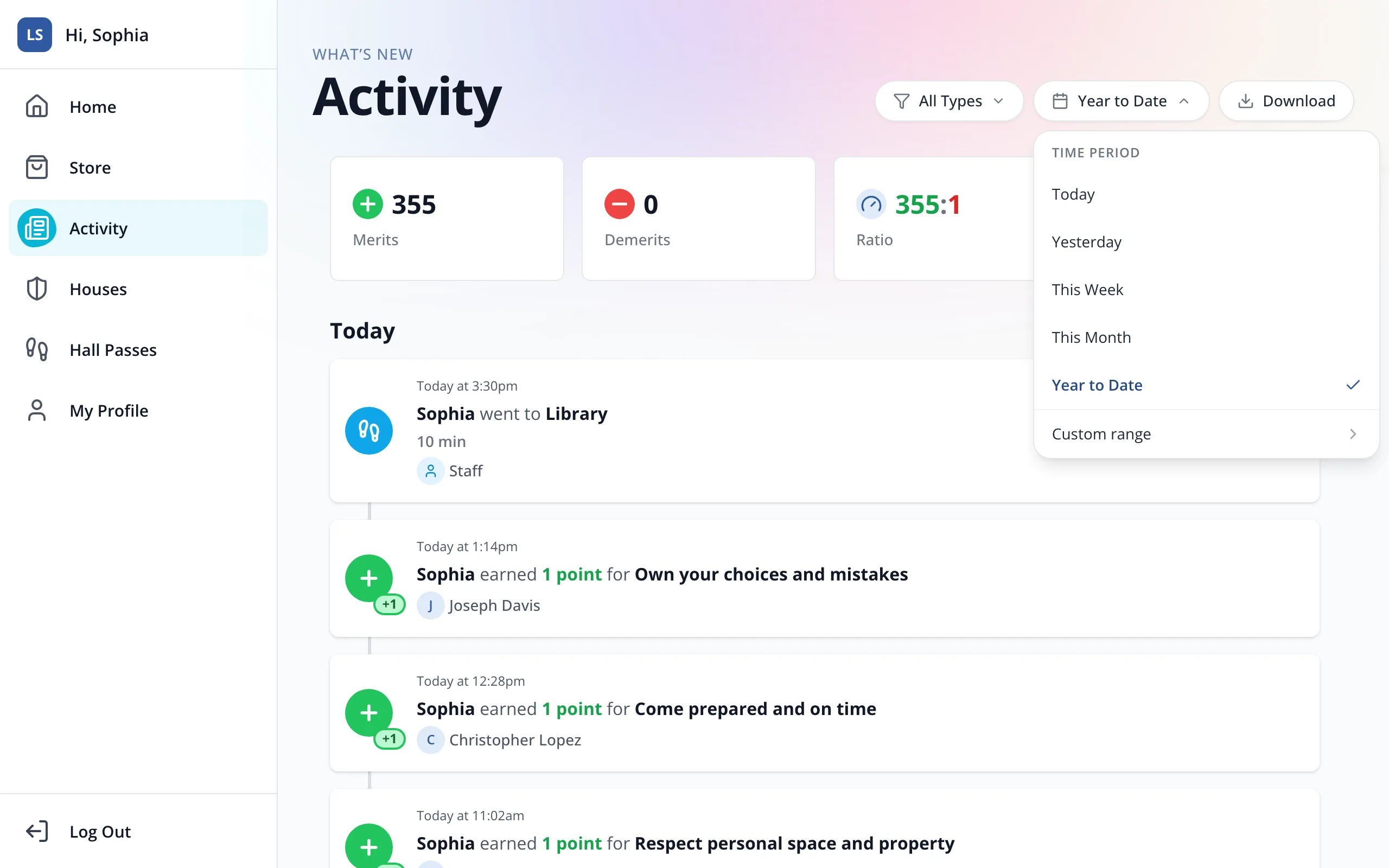
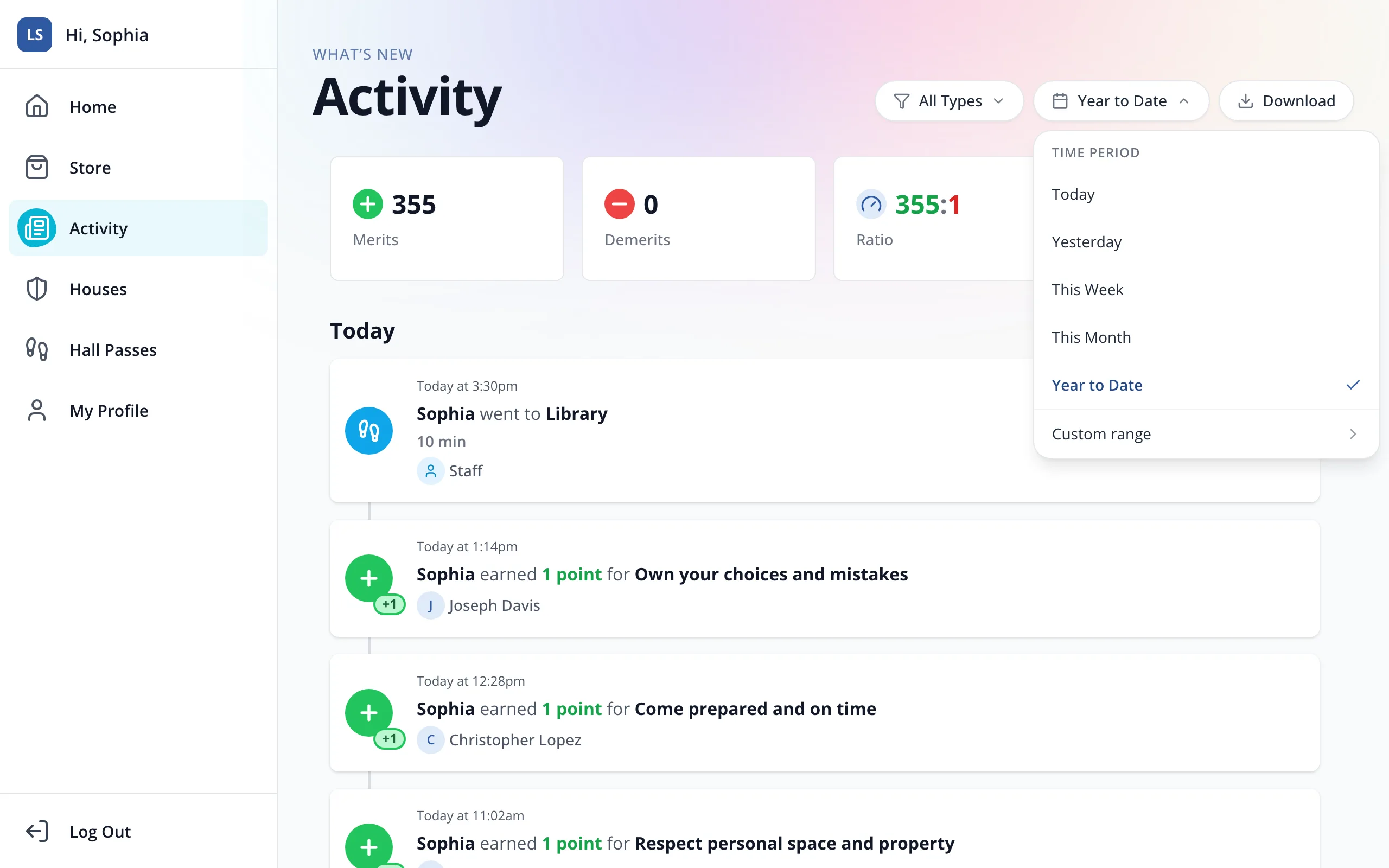
2.To change the time period, click Year to Date.
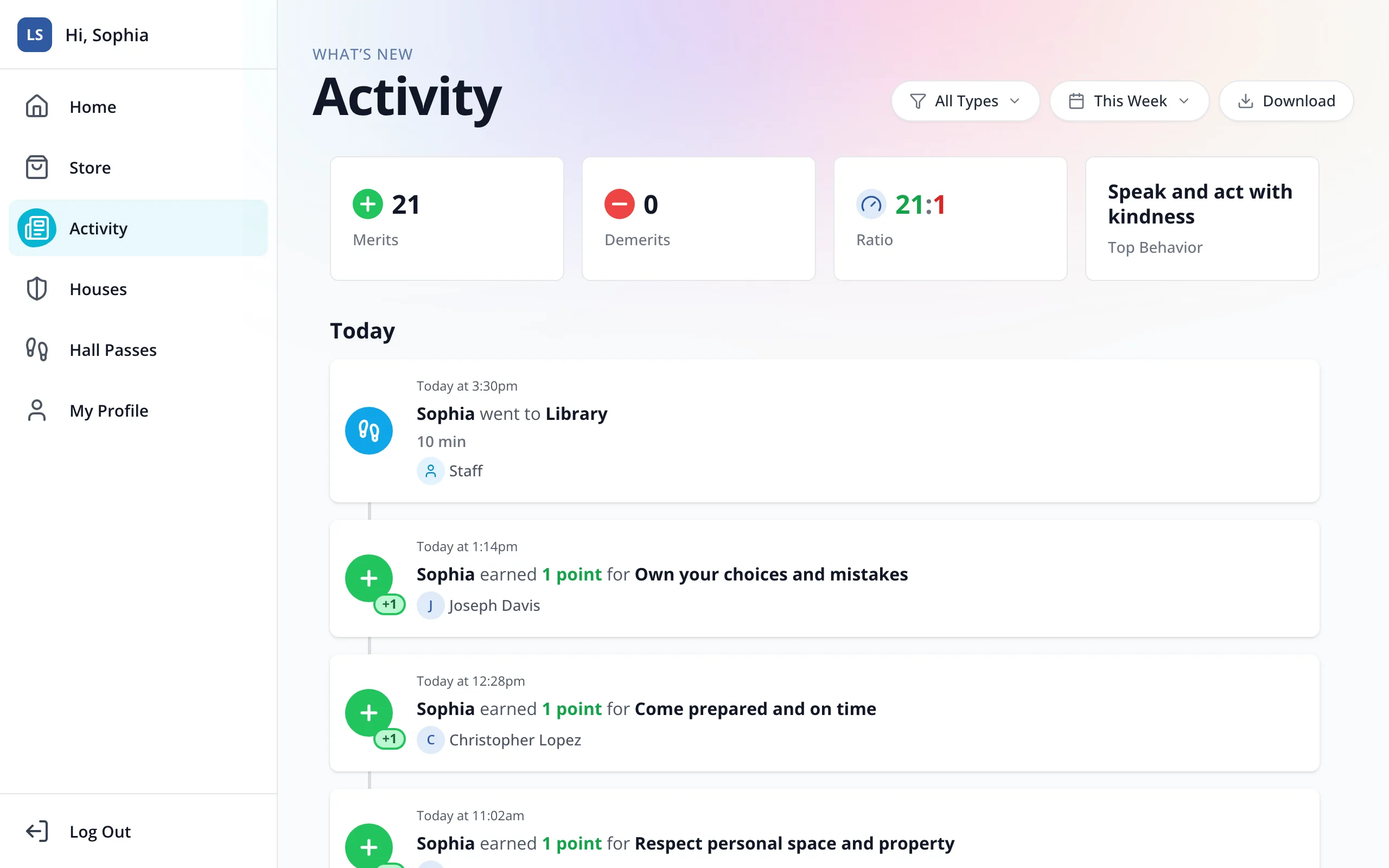
3.Click the time period you'd like, like This Week.
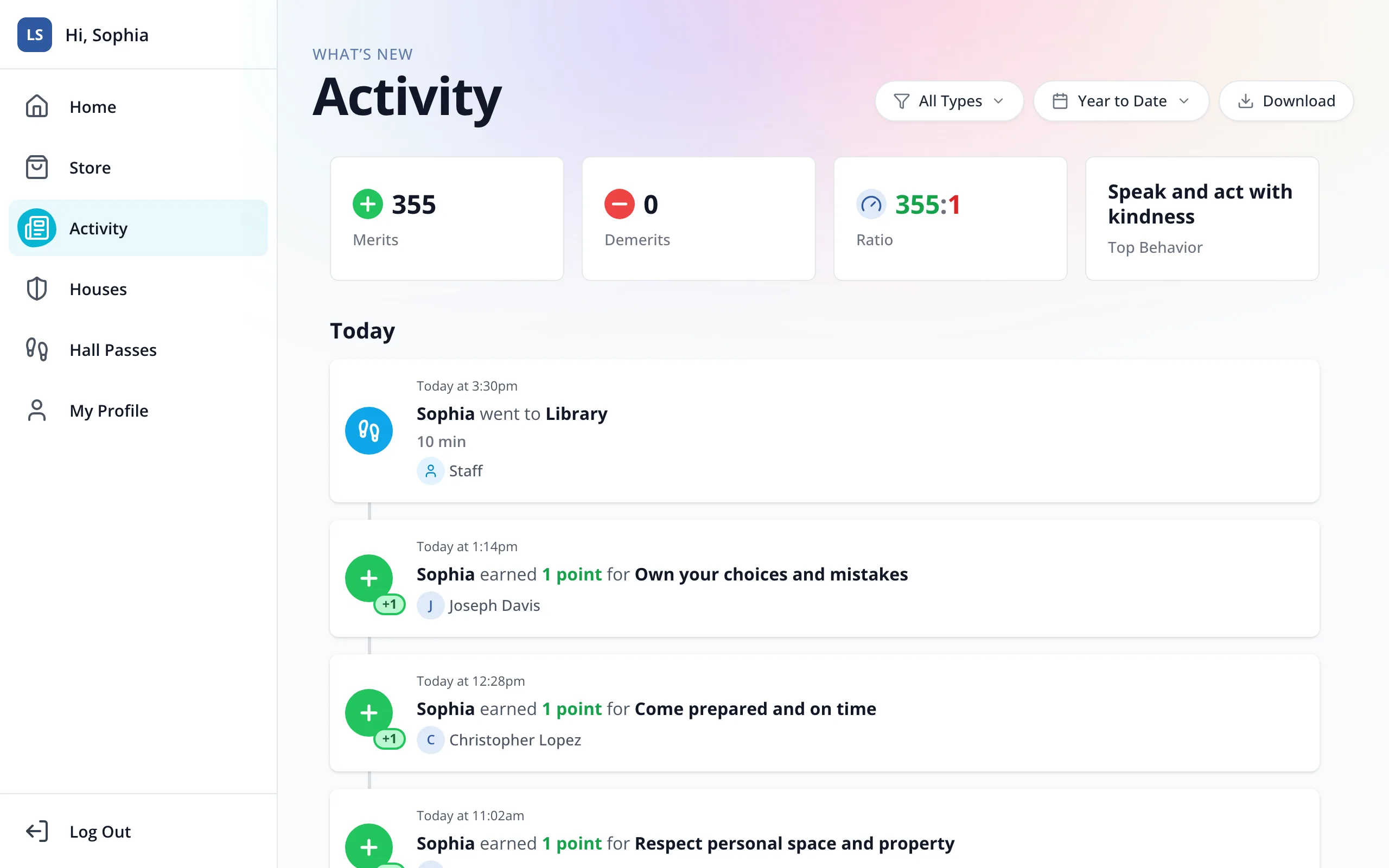
4.At the top, you'll see the merits, demerits and top behavior for that time period.
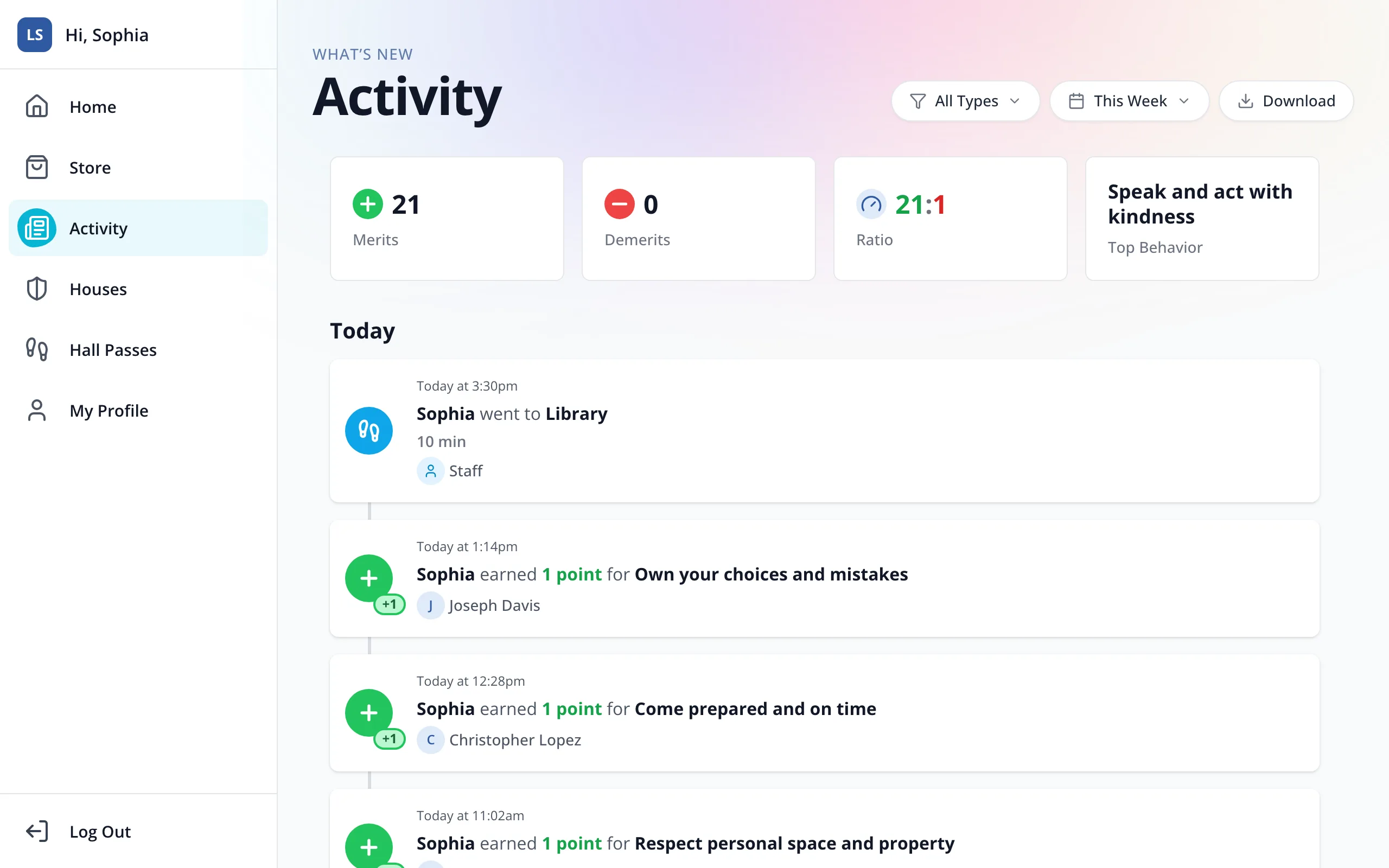
Did you know? Click Merits or Demerits to show only those in the list.