
See your student's points and activity
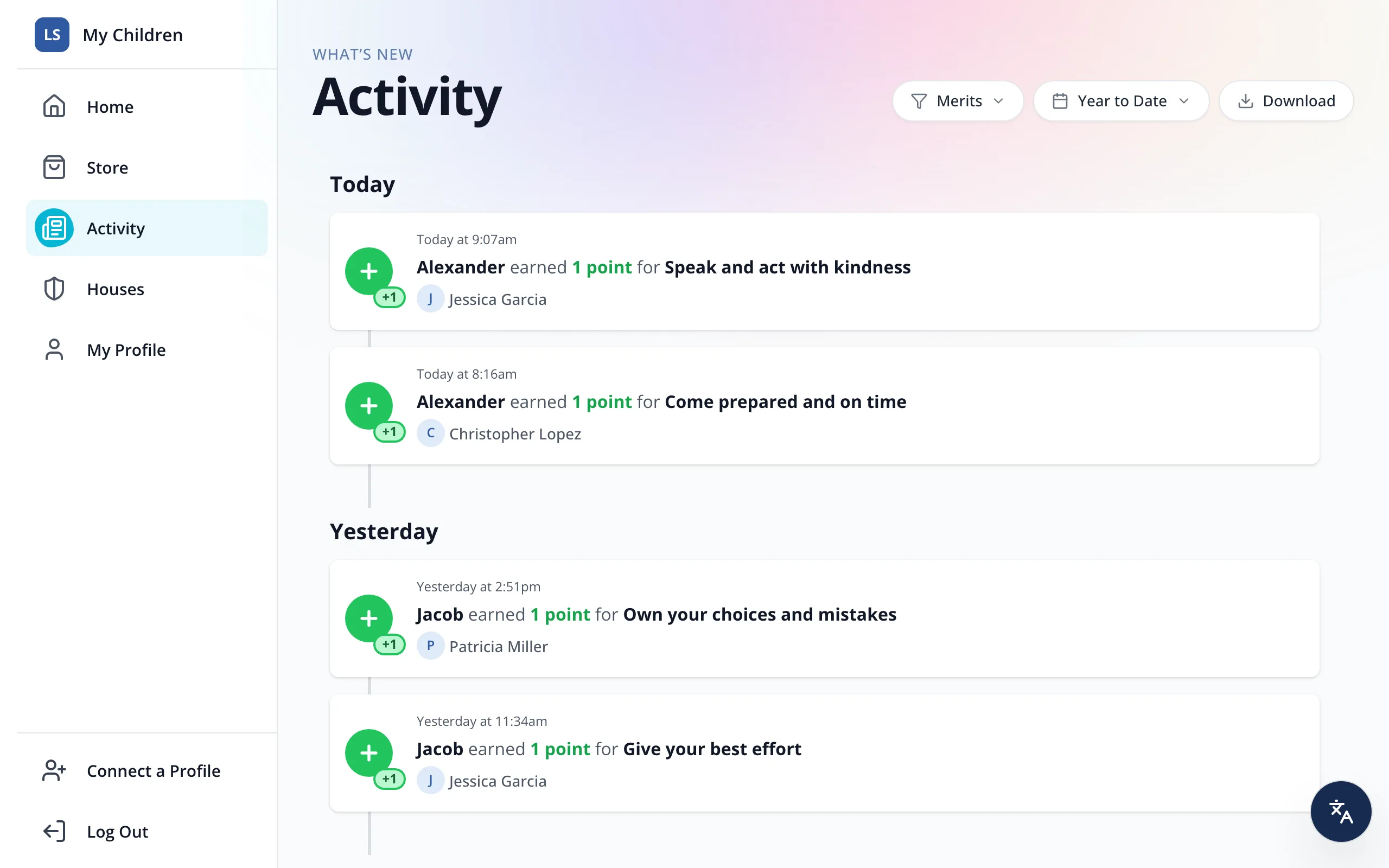
Activity lists every point, reward and hall pass for your student, newest first, with who gave each point.
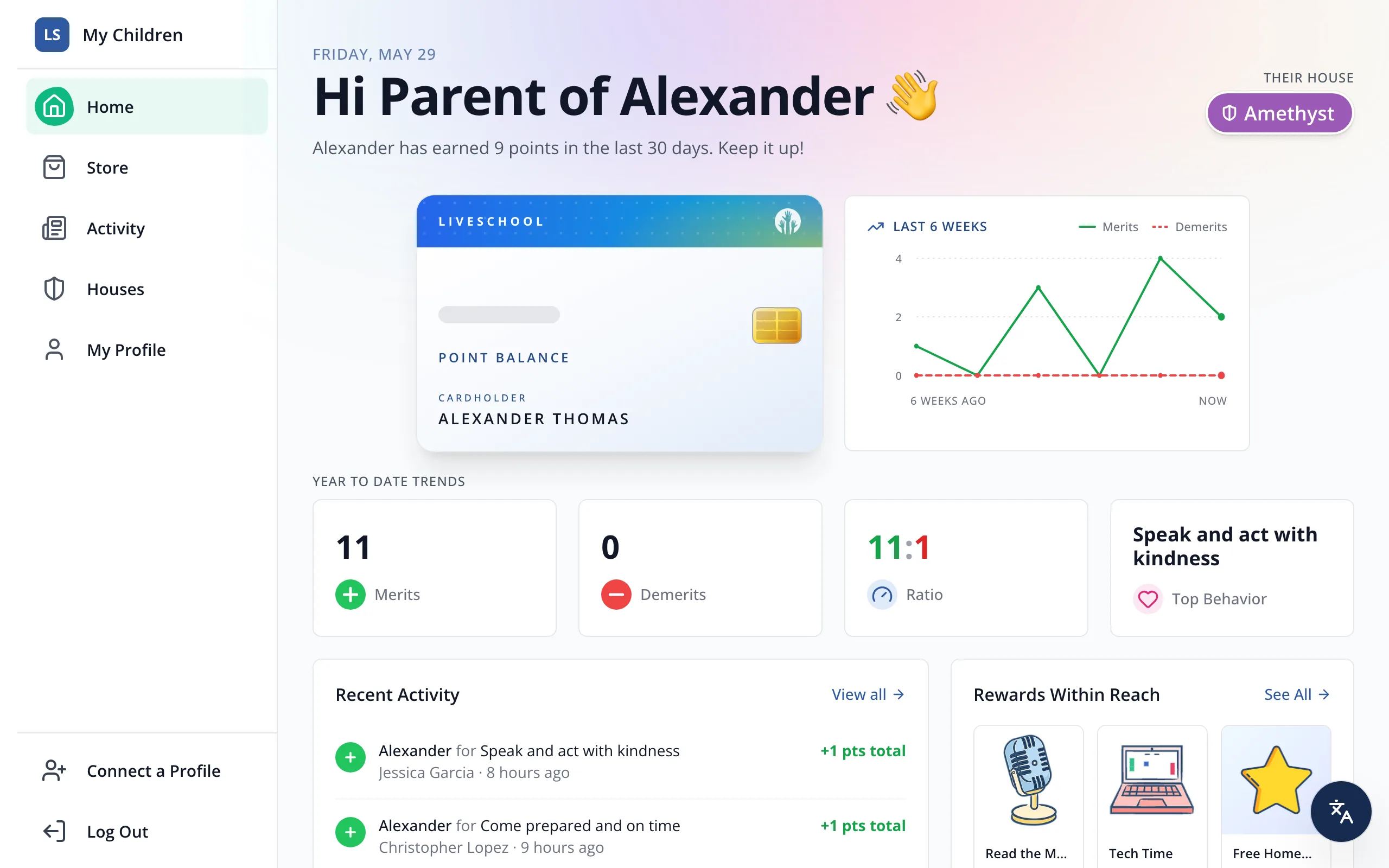
1 / 7In the sidebar, click Activity.
1.In the sidebar, click Activity.
2.To see only some kinds of activity, click All Types.
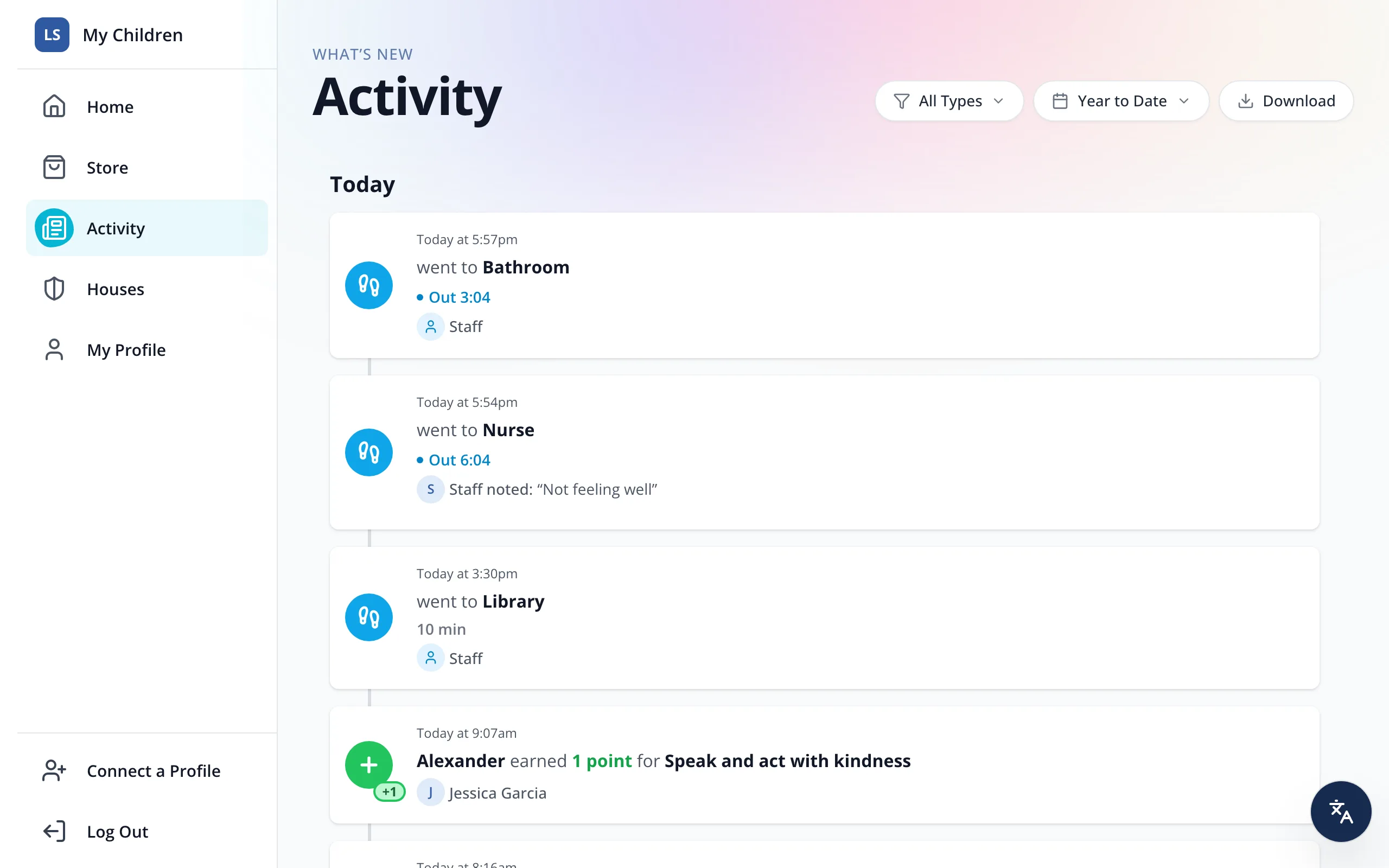
3.Click the kinds you'd like to see, like Merits.
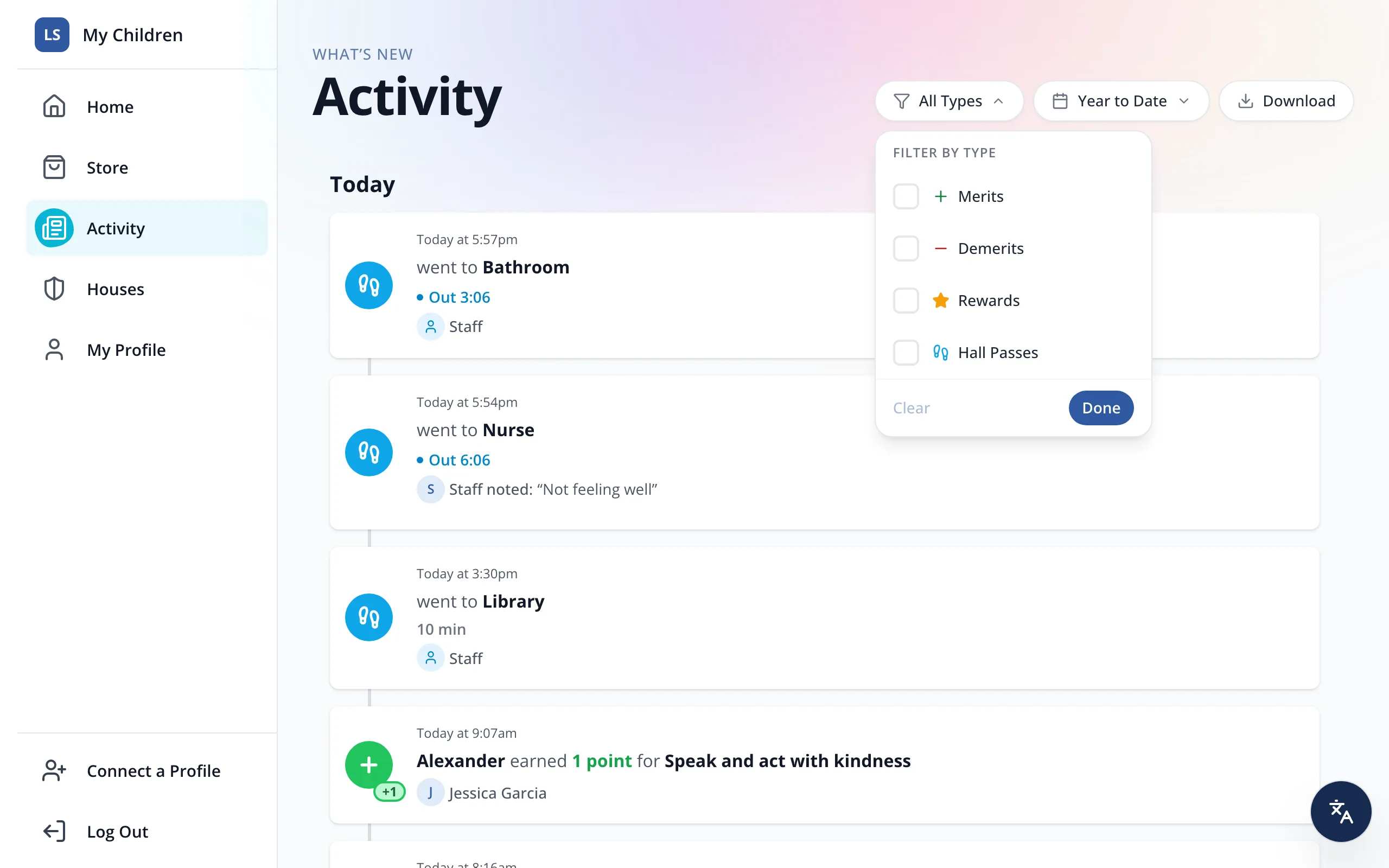
4.Click Done.
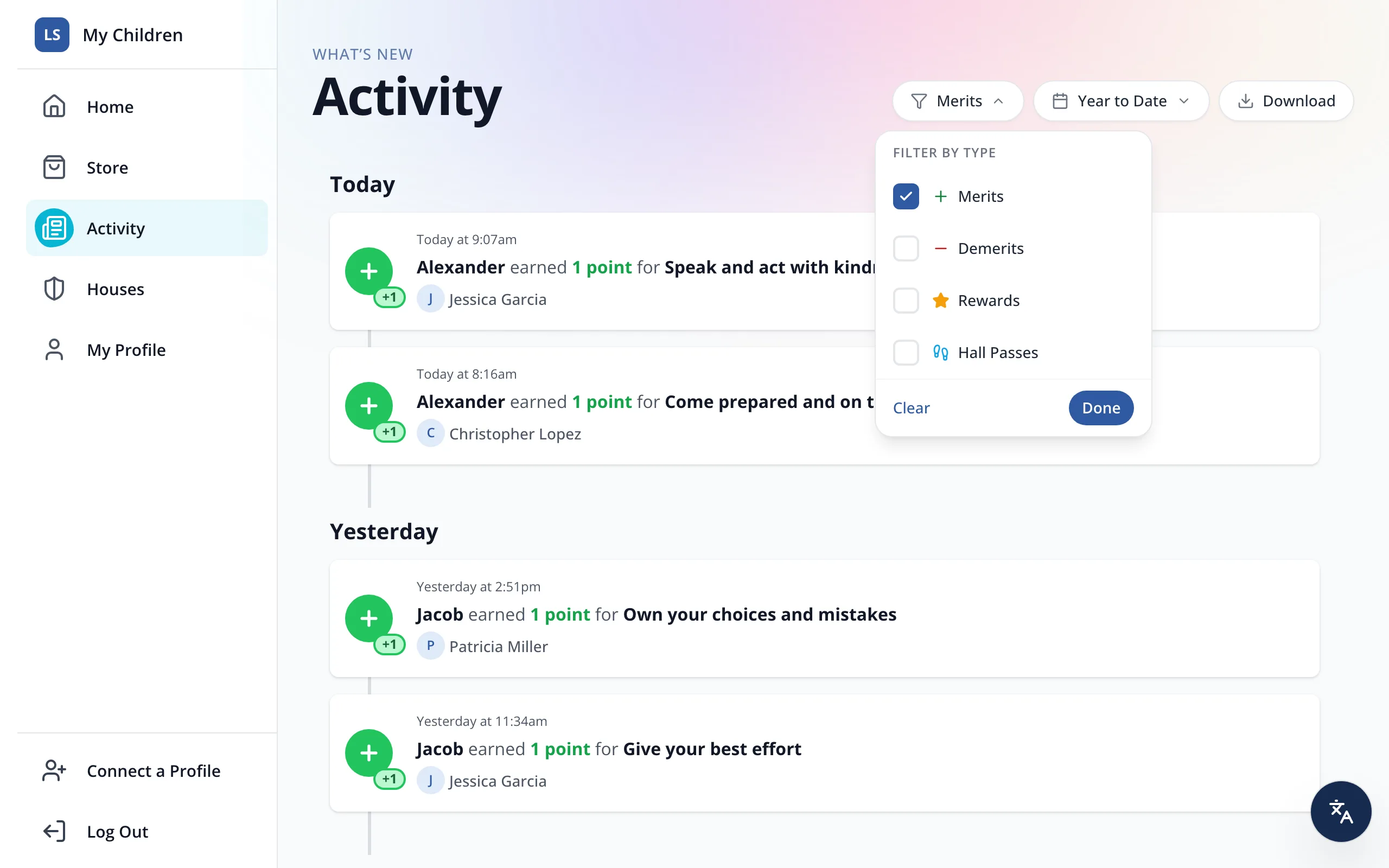
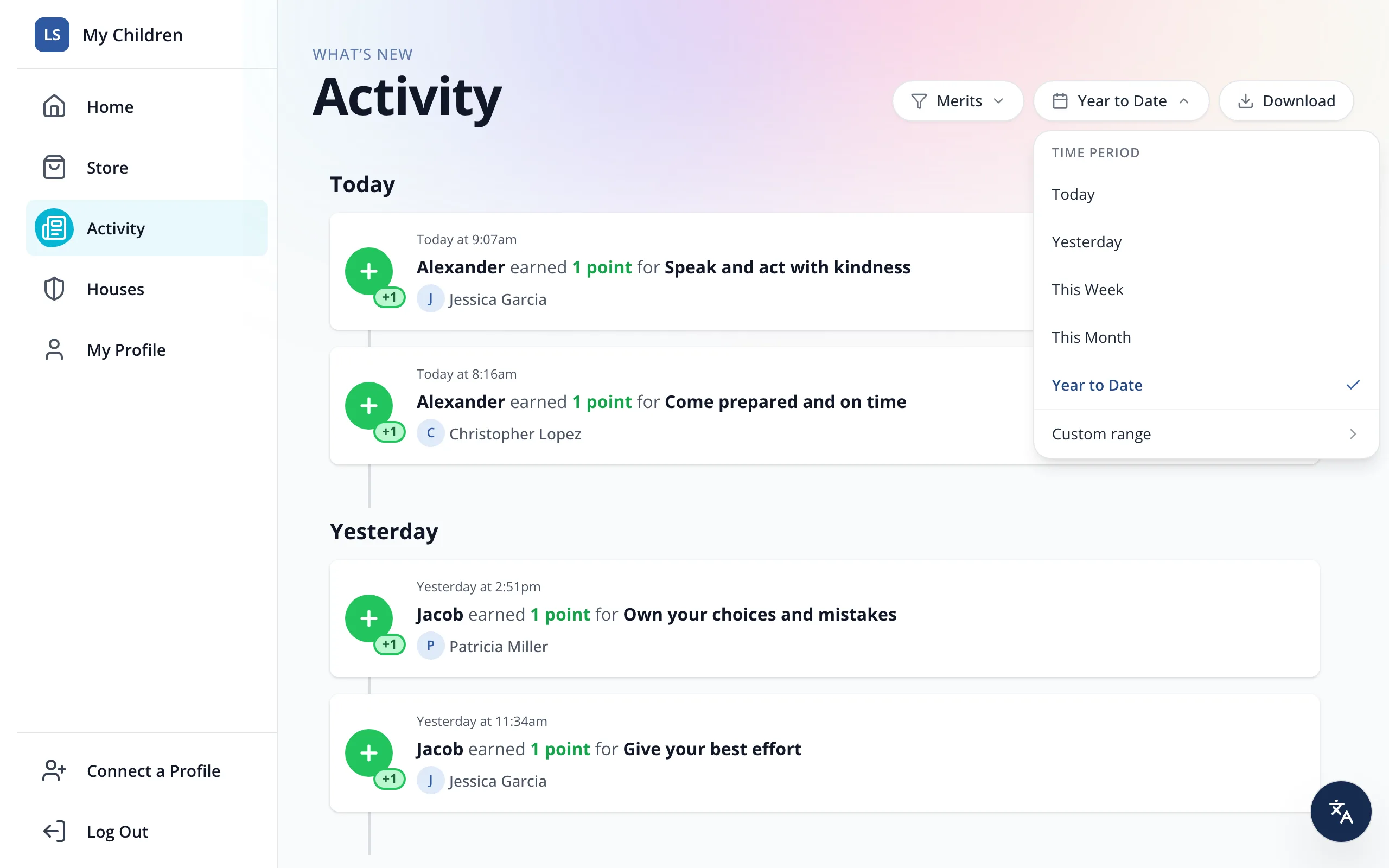
5.To change the dates, click Year to Date.
6.Click the time period you'd like, like This Month.
Was this helpful?