
Change the password for your existing parent/guardian account
Update the password when logged into your account.
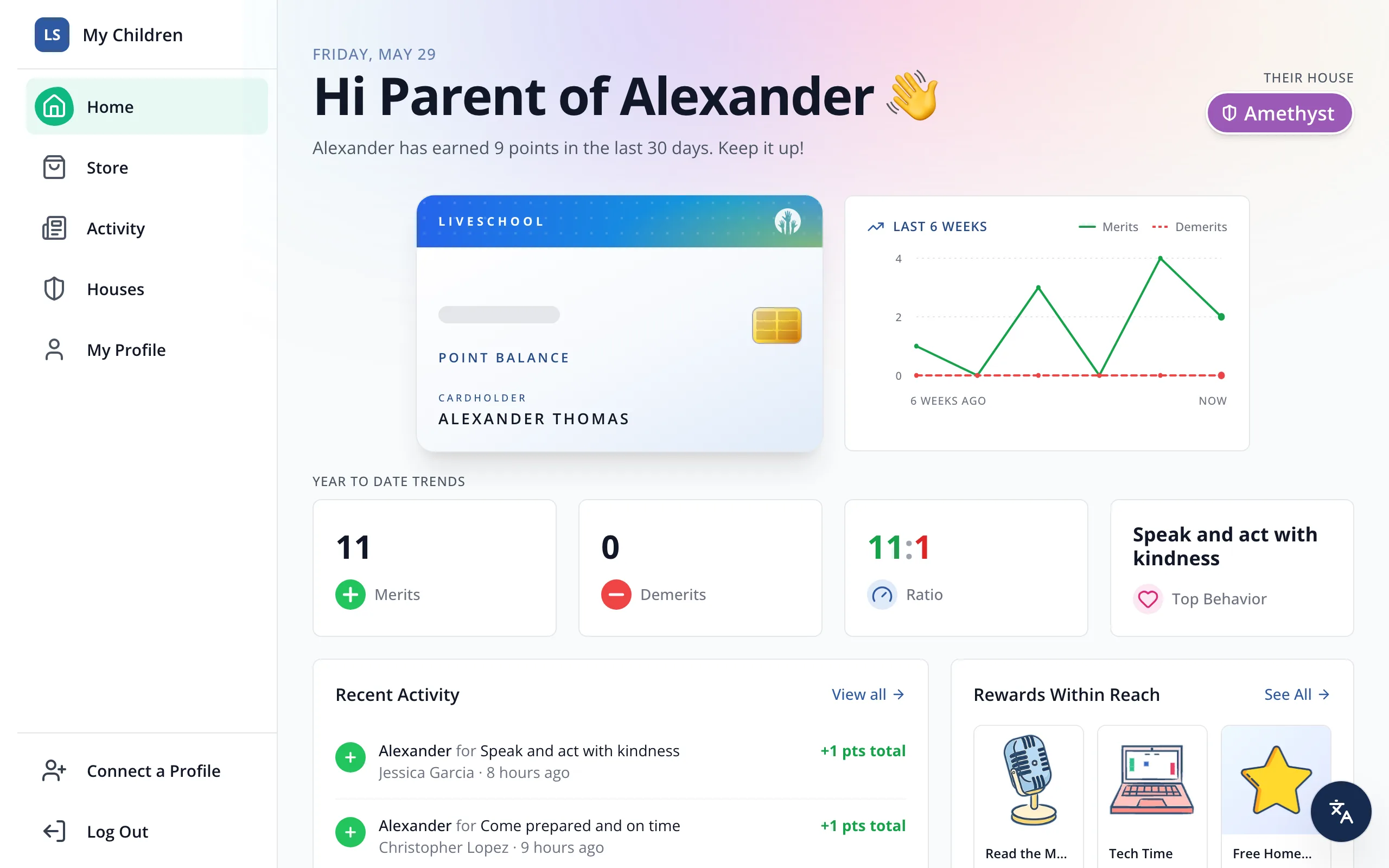
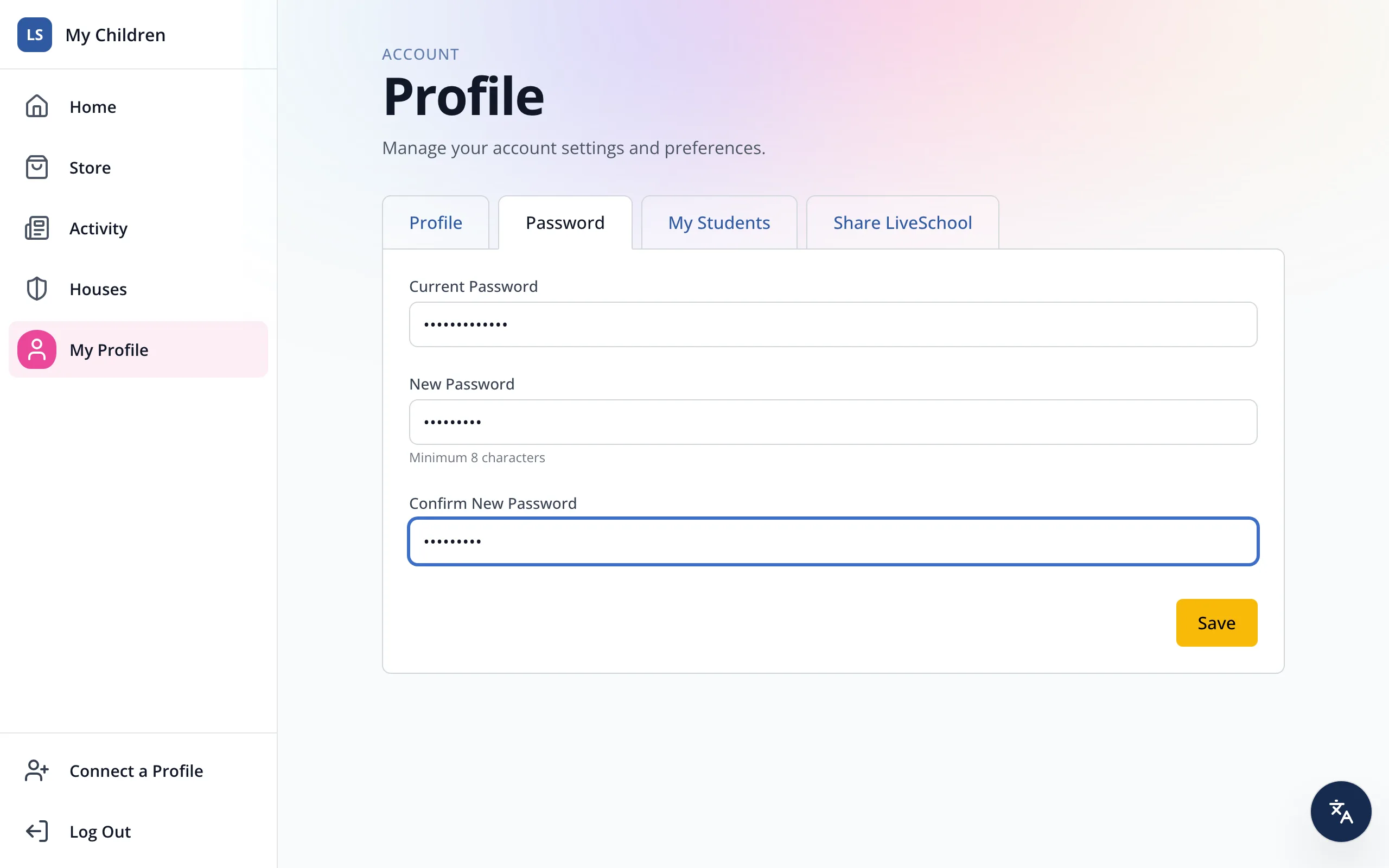
1 / 5In the sidebar, click My Profile.
1.In the sidebar, click My Profile.
2.Click Password.
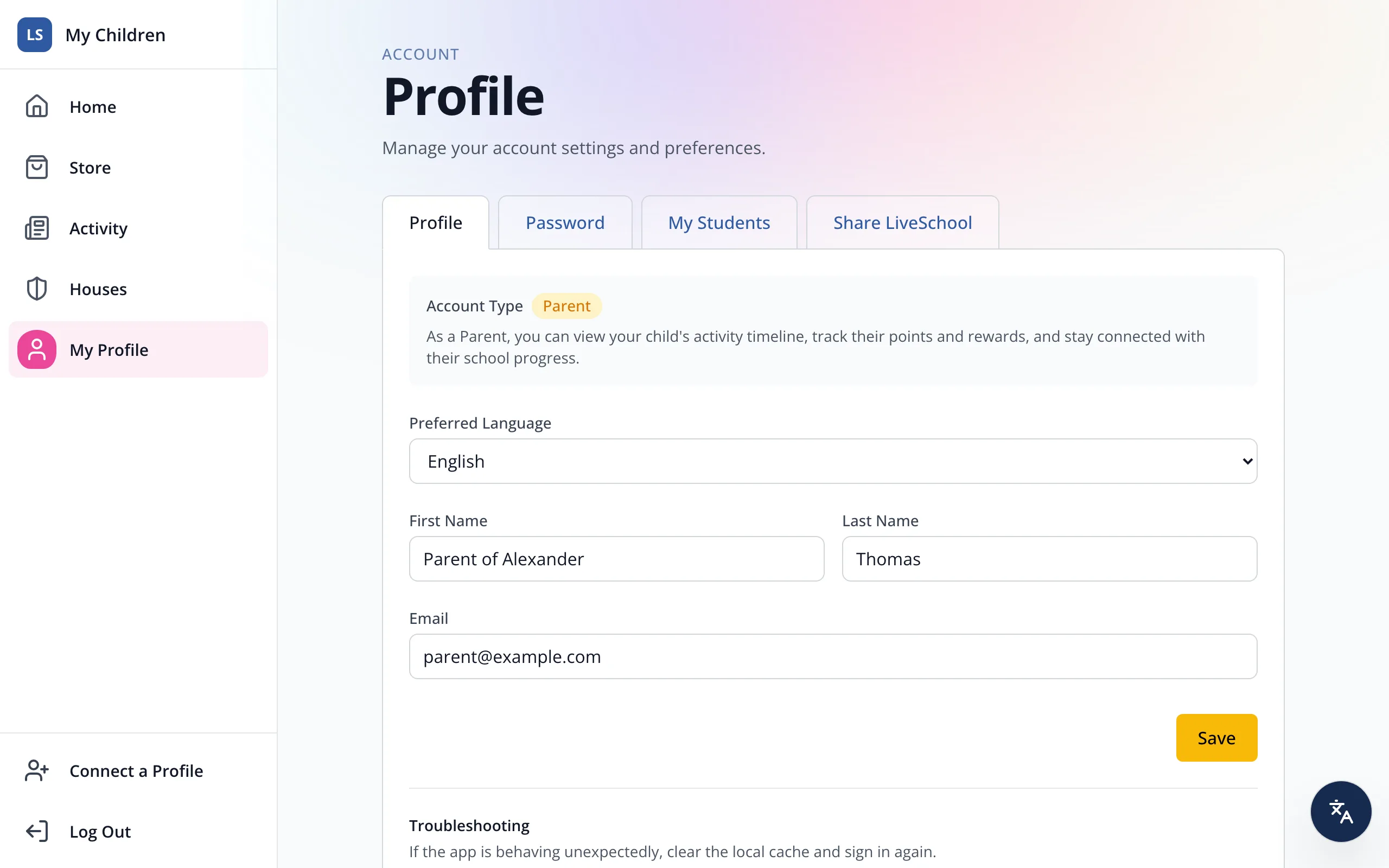
3.Type your current password.
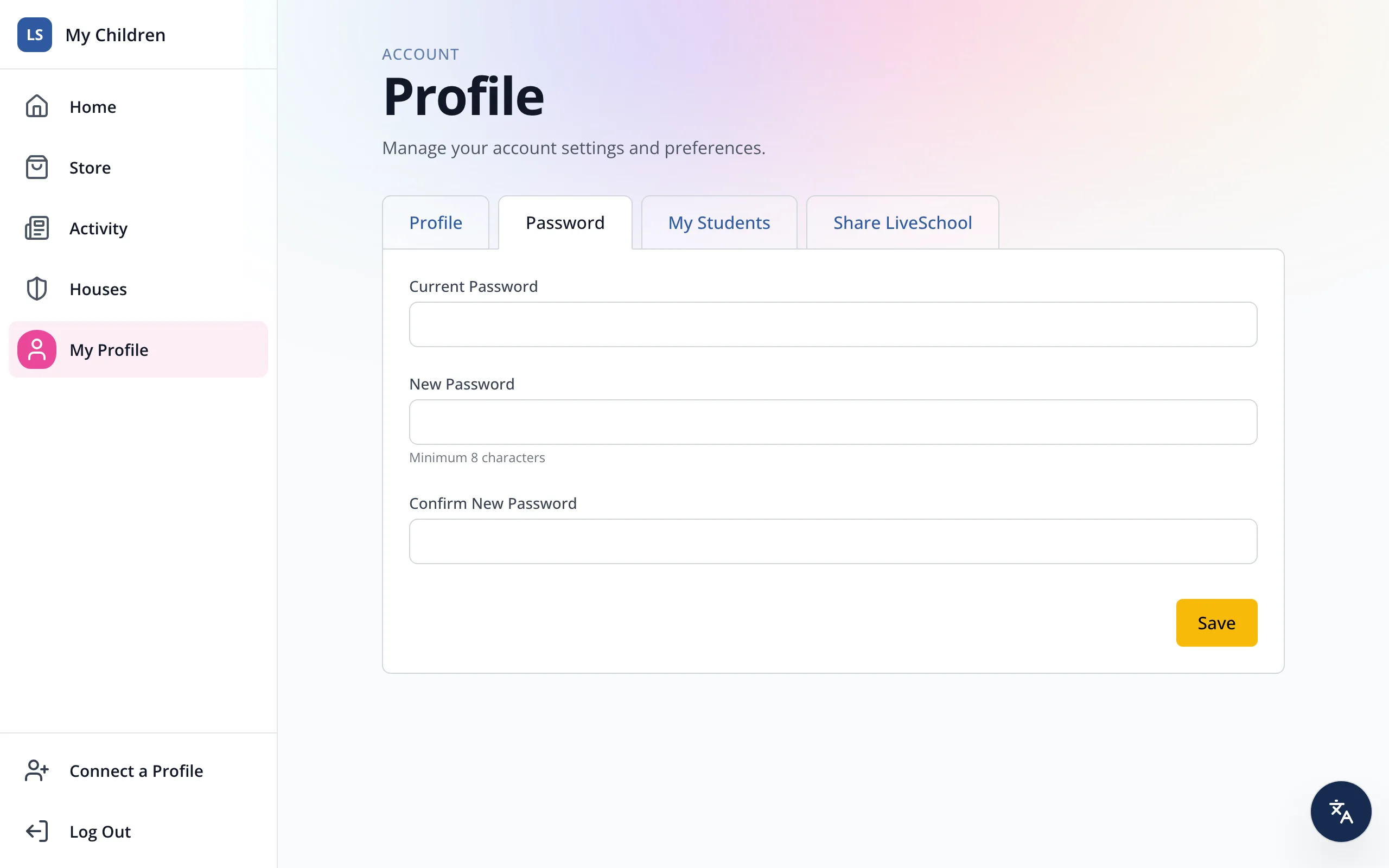
4.Type a new password with at least 8 characters, then type it again under Confirm New Password.
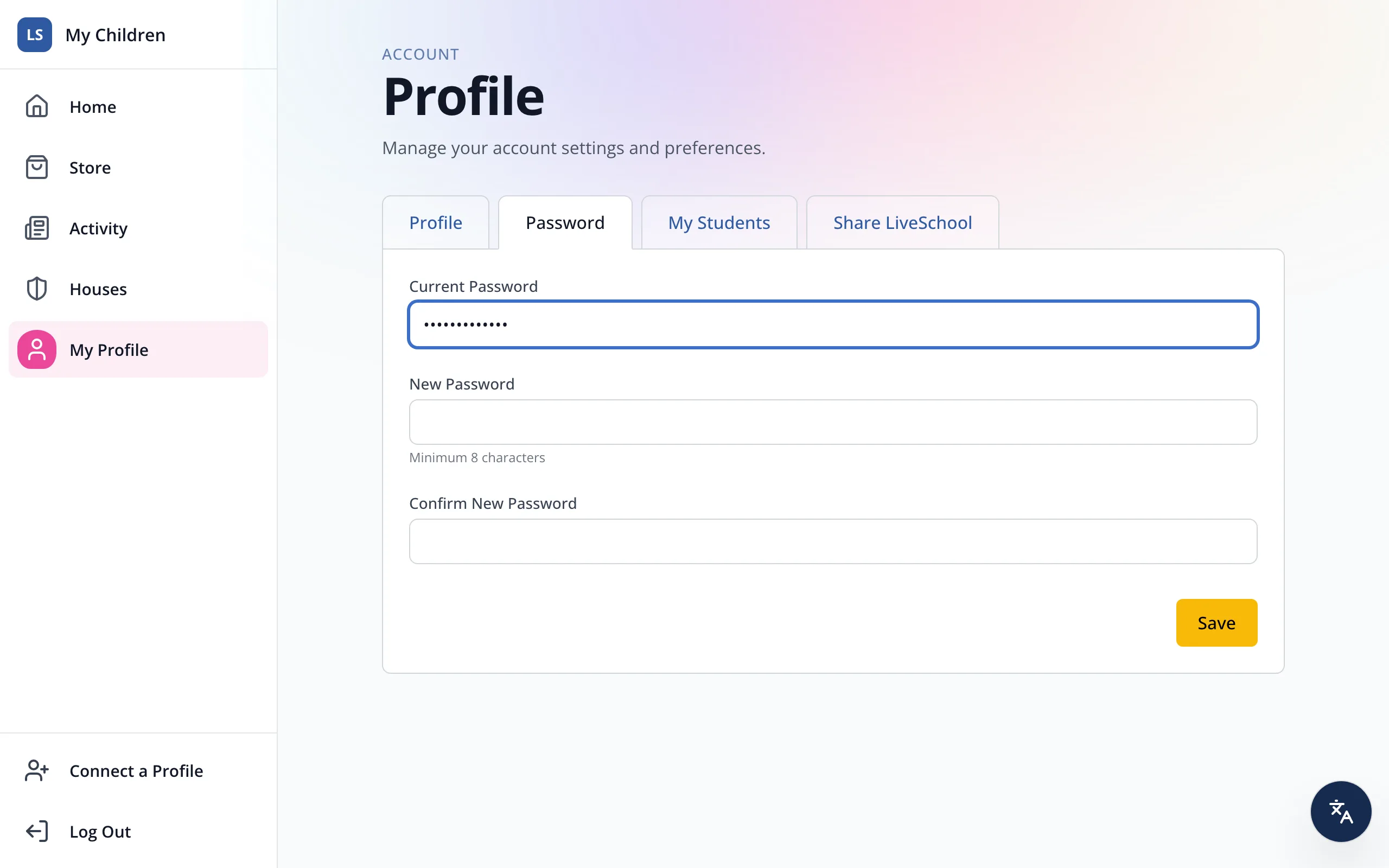
5.Click Save.
Was this helpful?