
Change the language the portal is shown in
Your choice is saved to your account, so the portal opens in that language on any device you sign in on.
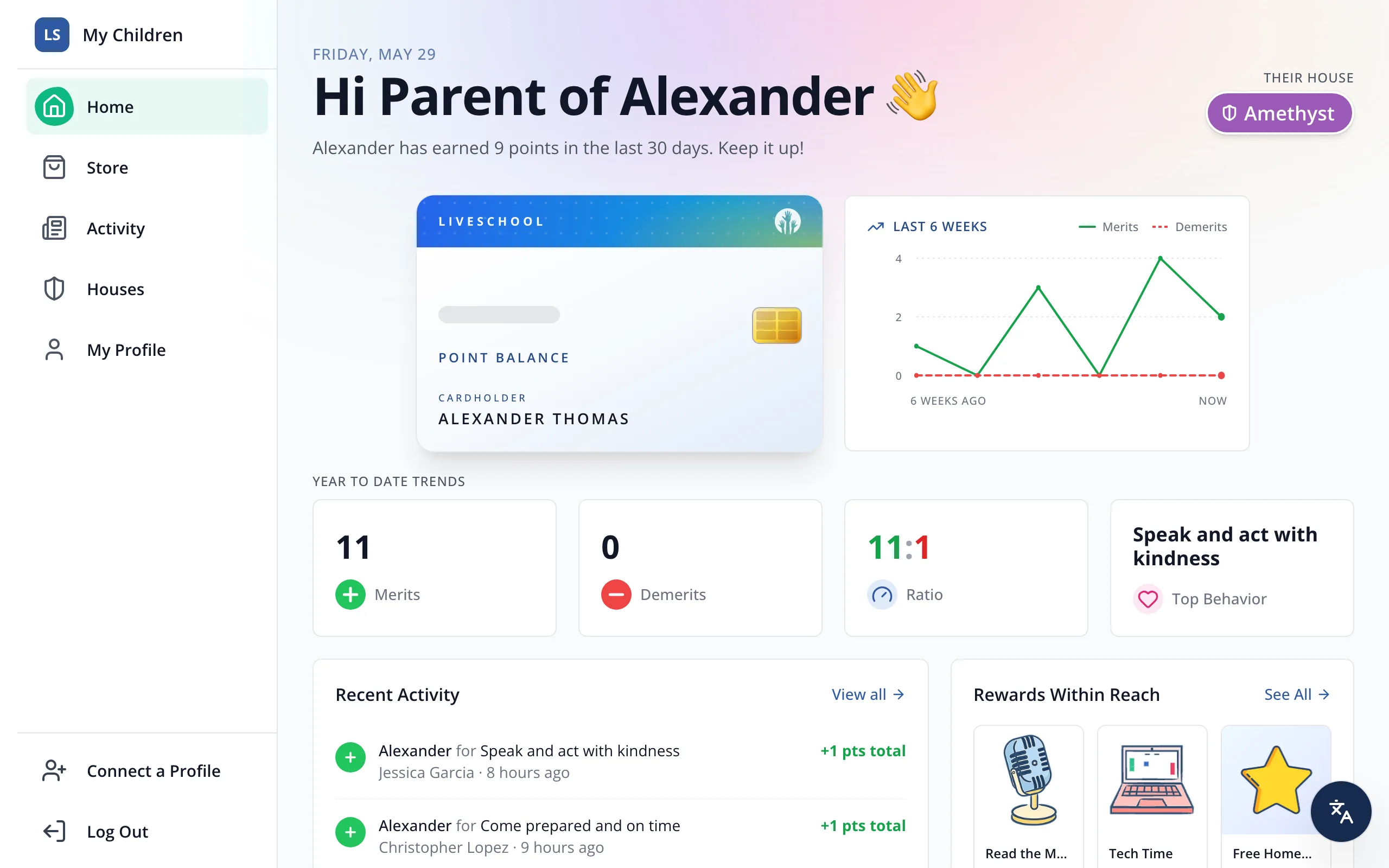
1 / 3In the sidebar, click My Profile.
1.In the sidebar, click My Profile.
2.Under Preferred Language, choose your language.
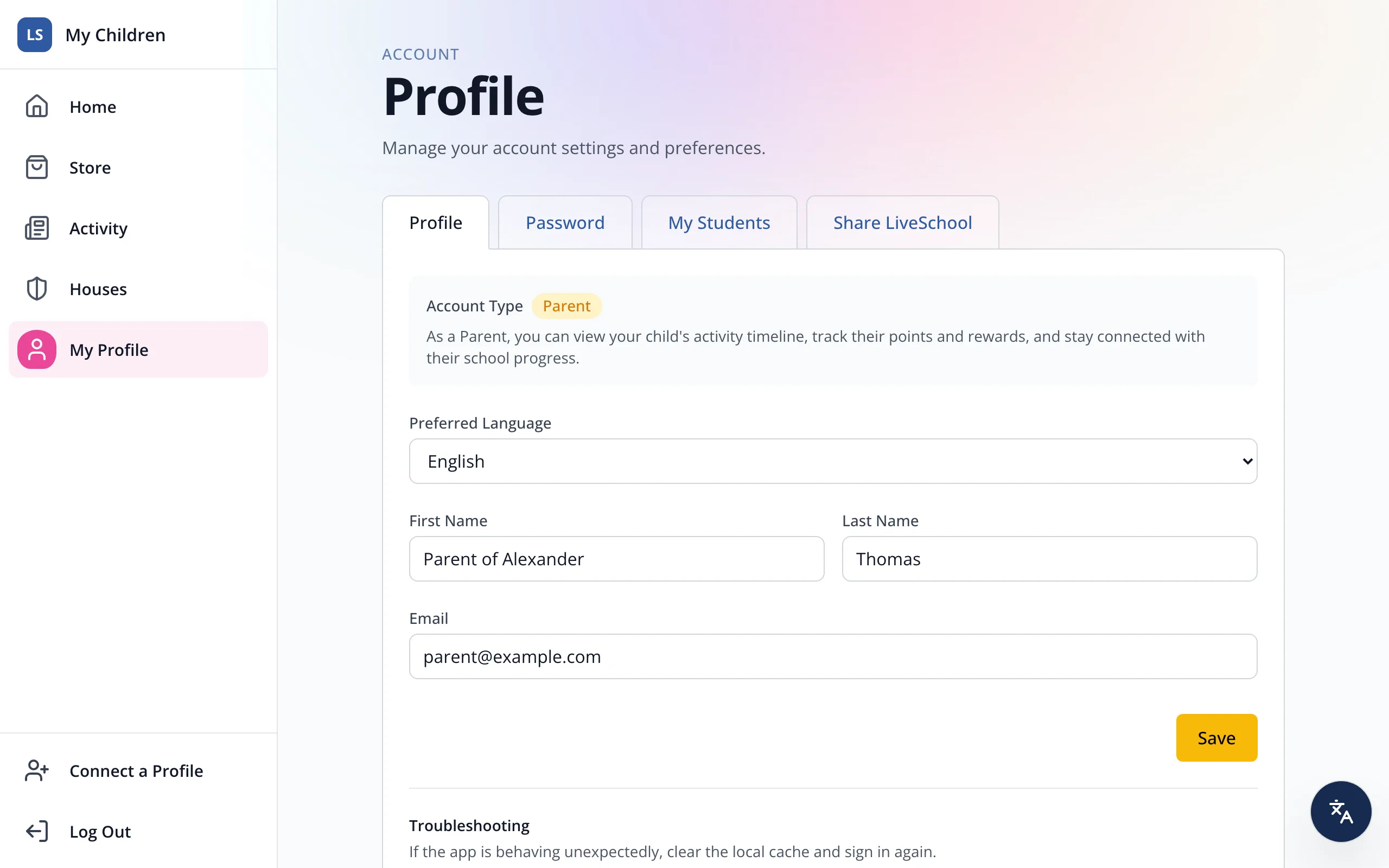
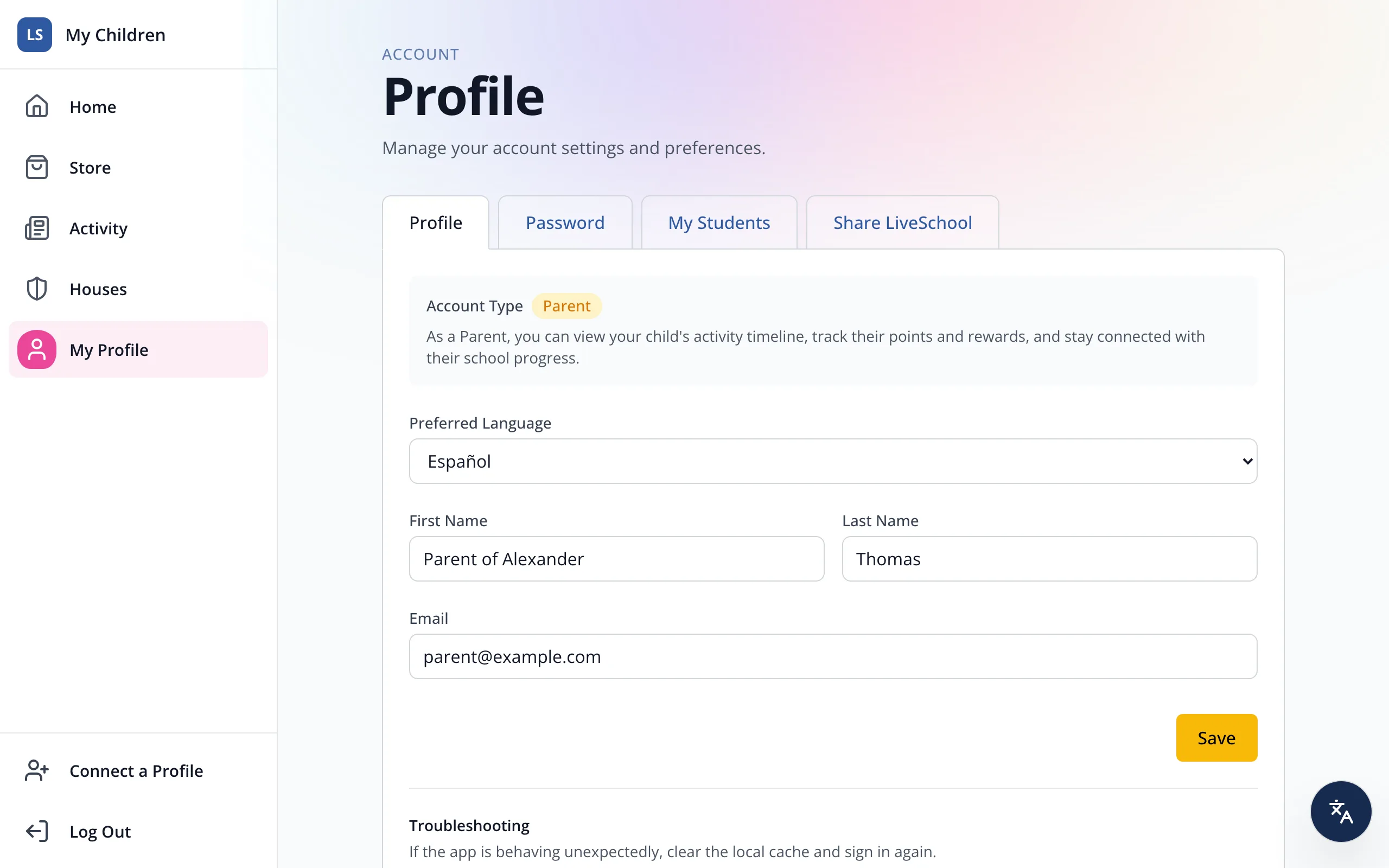
3.Click Save. The portal will switch to that language.
Was this helpful?