
Connect your existing parent/guardian account to a student with their signup code
Use one login for all of your students.
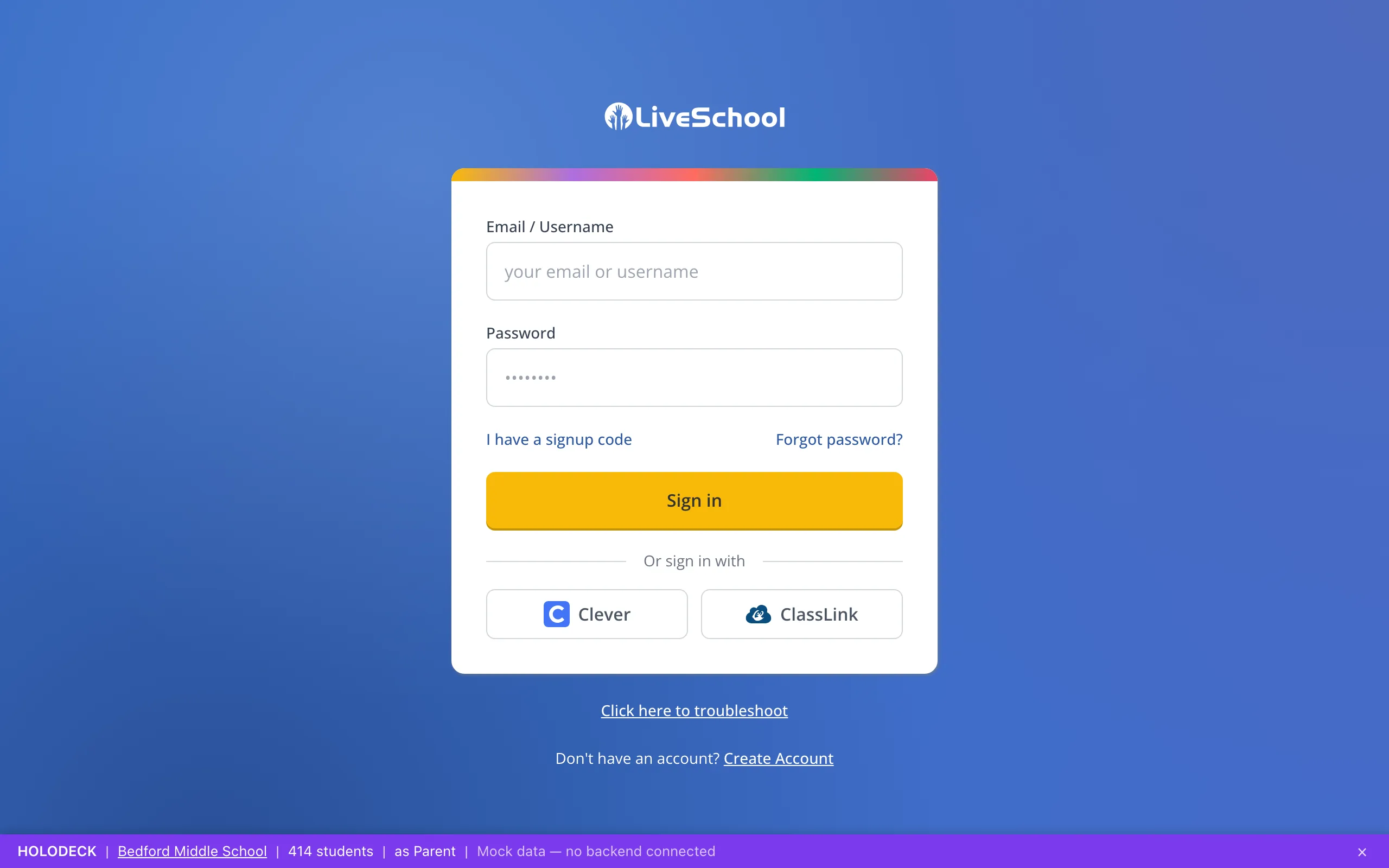
1 / 9On the LiveSchool sign-in page, click I have a signup code.
1.On the LiveSchool sign-in page, click I have a signup code.
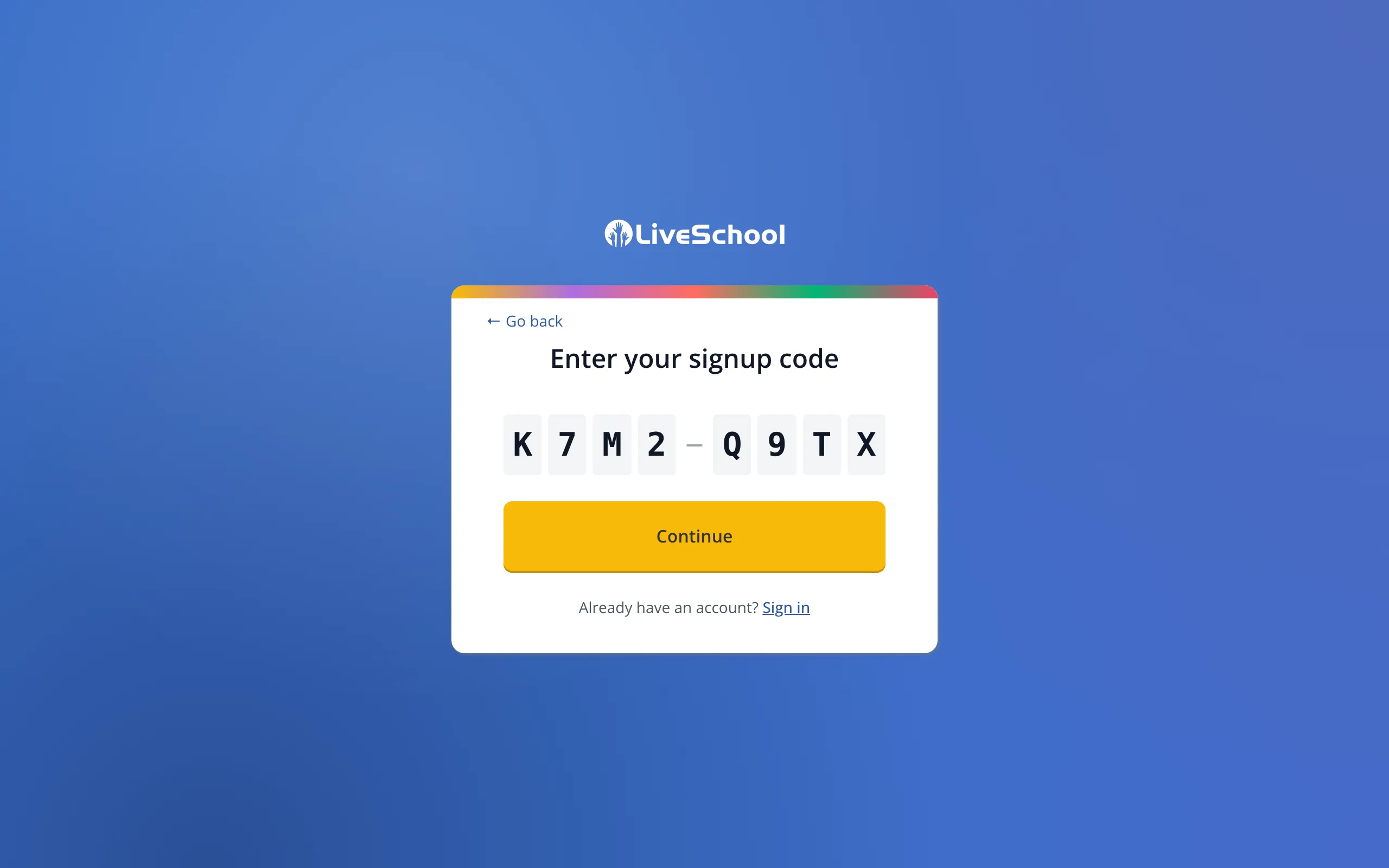
2.Type the new signup code from your student's school.
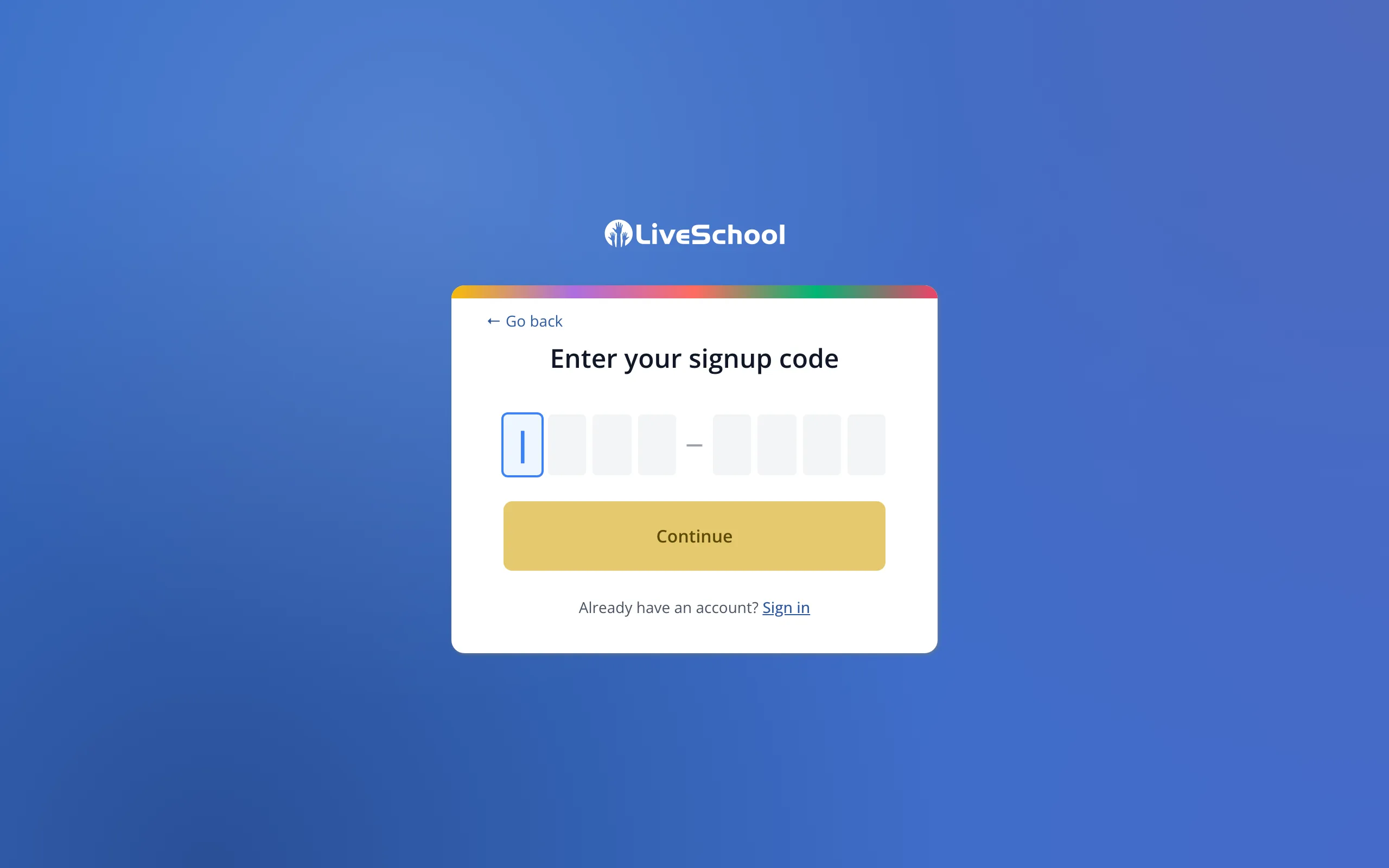
3.Click Continue.
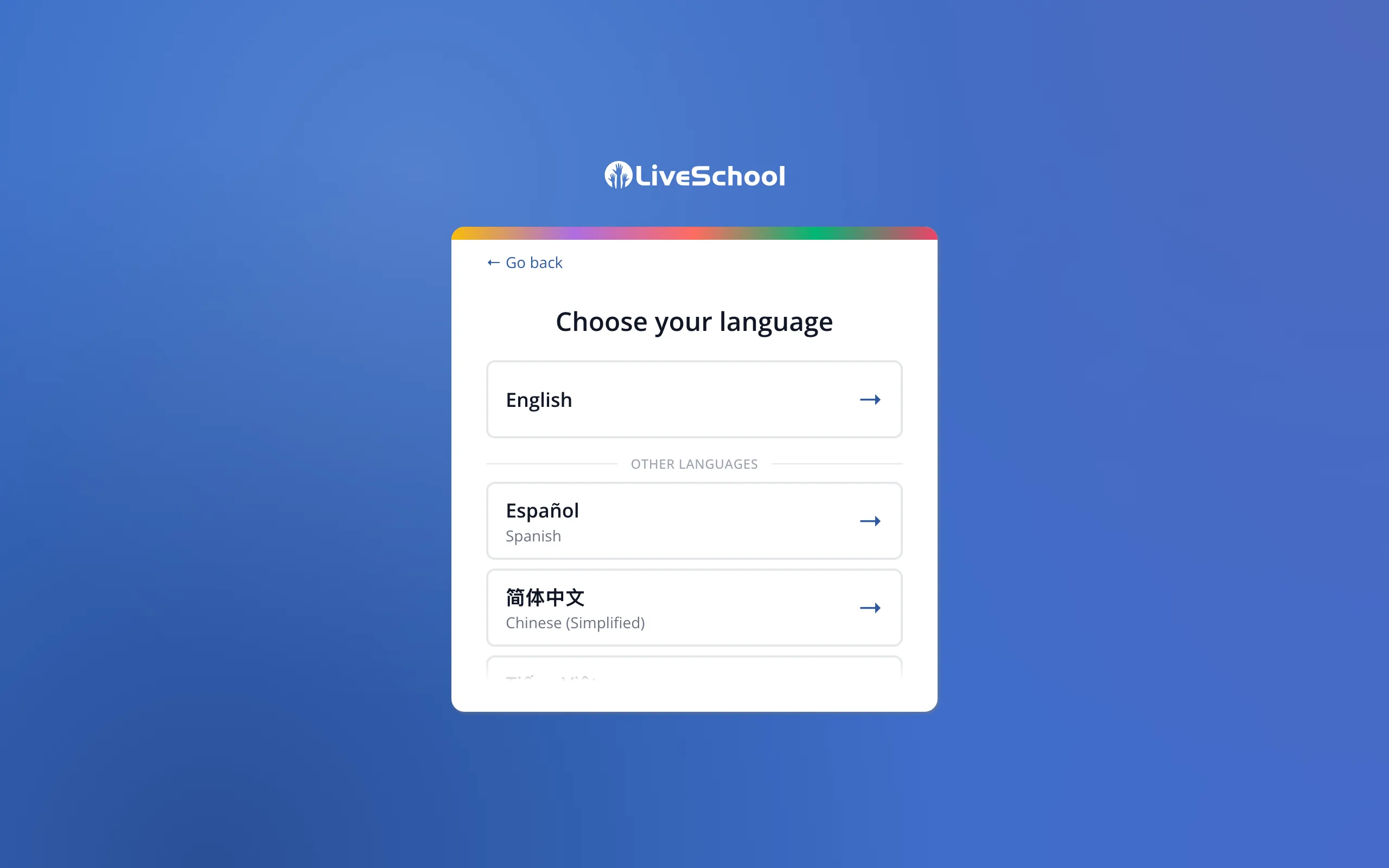
4.Click the language you'd like LiveSchool to use.
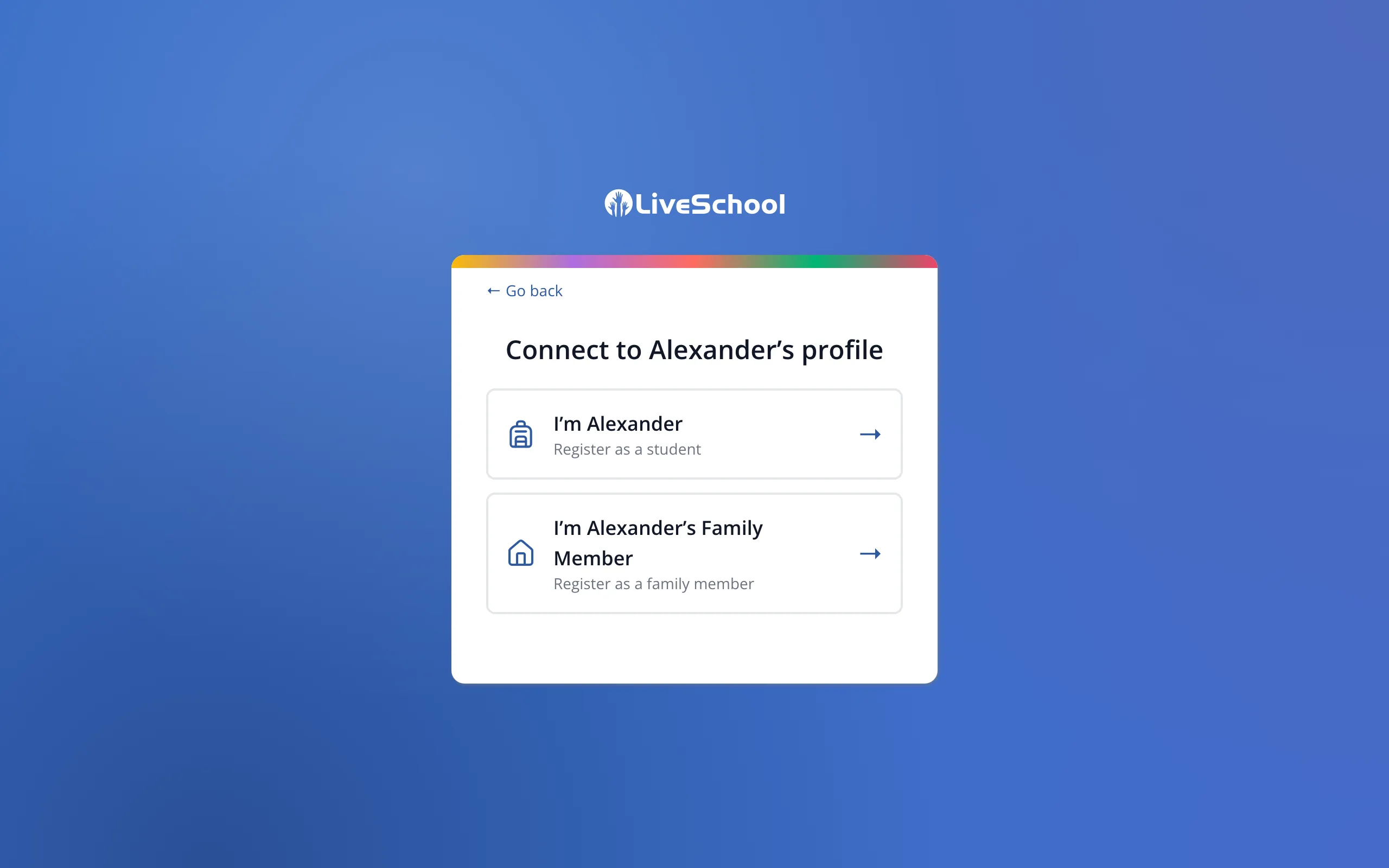
5.Click the button that says you're your student's family member.
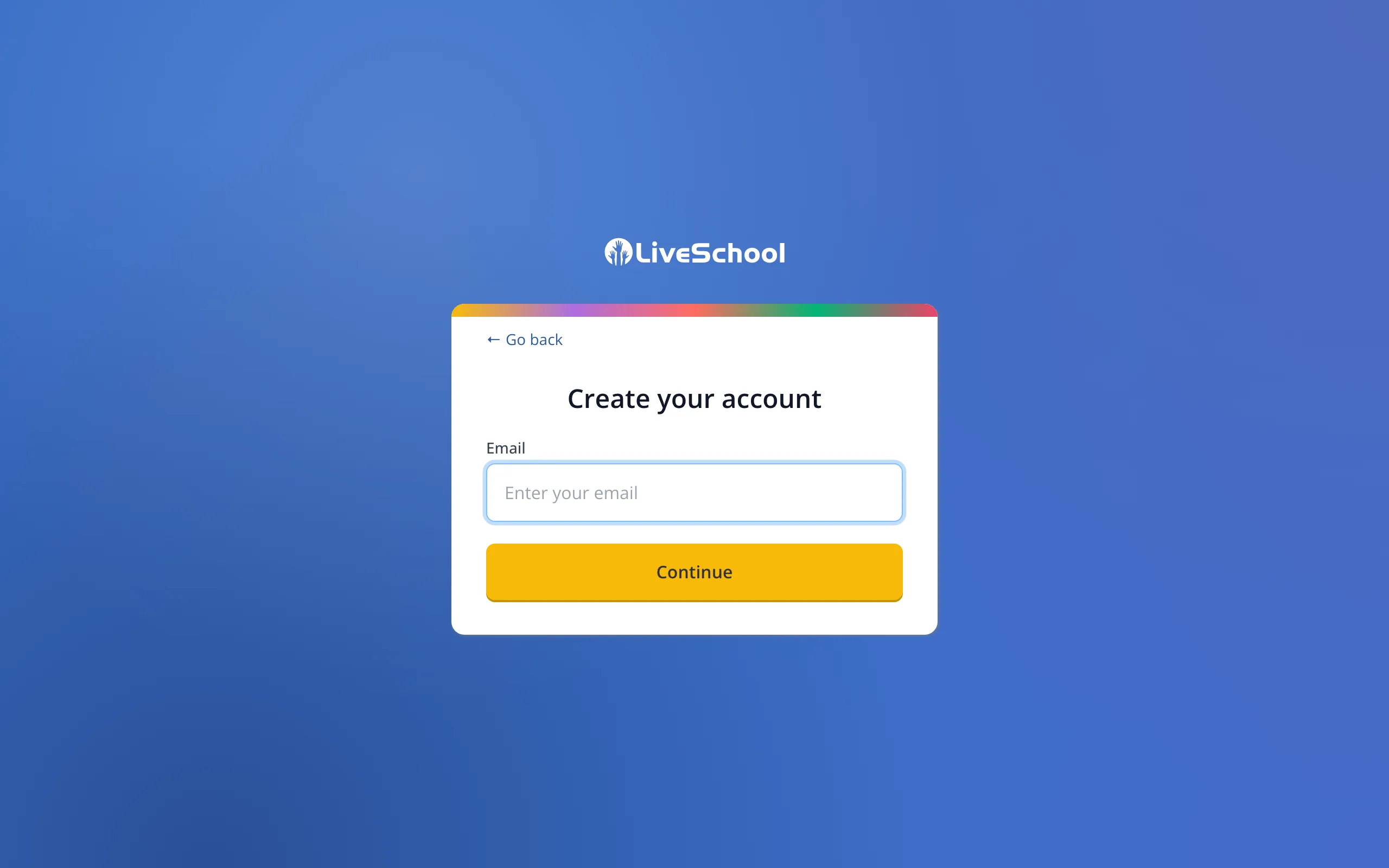
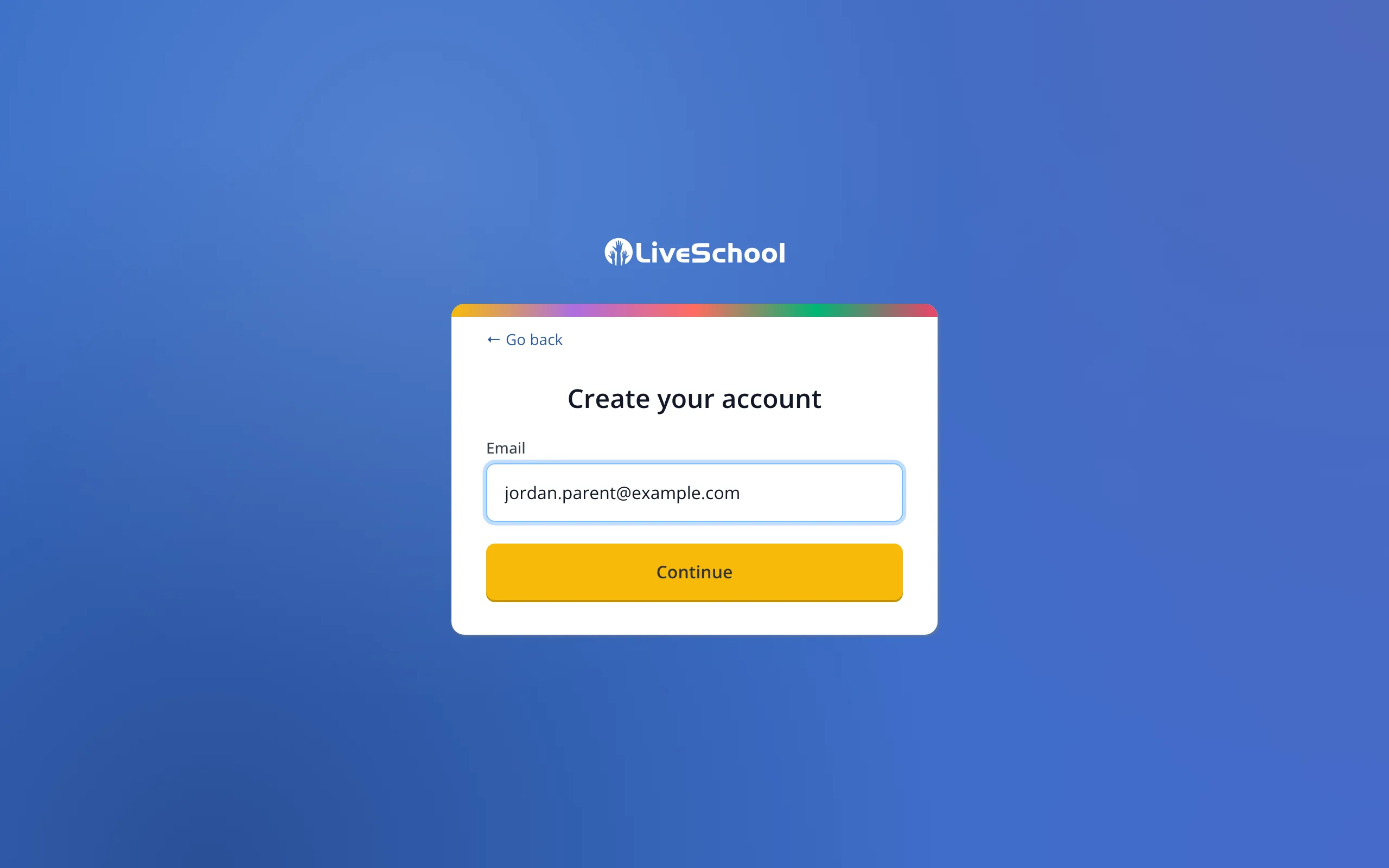
6.Type the email address you already use for LiveSchool.
7.Click Continue.
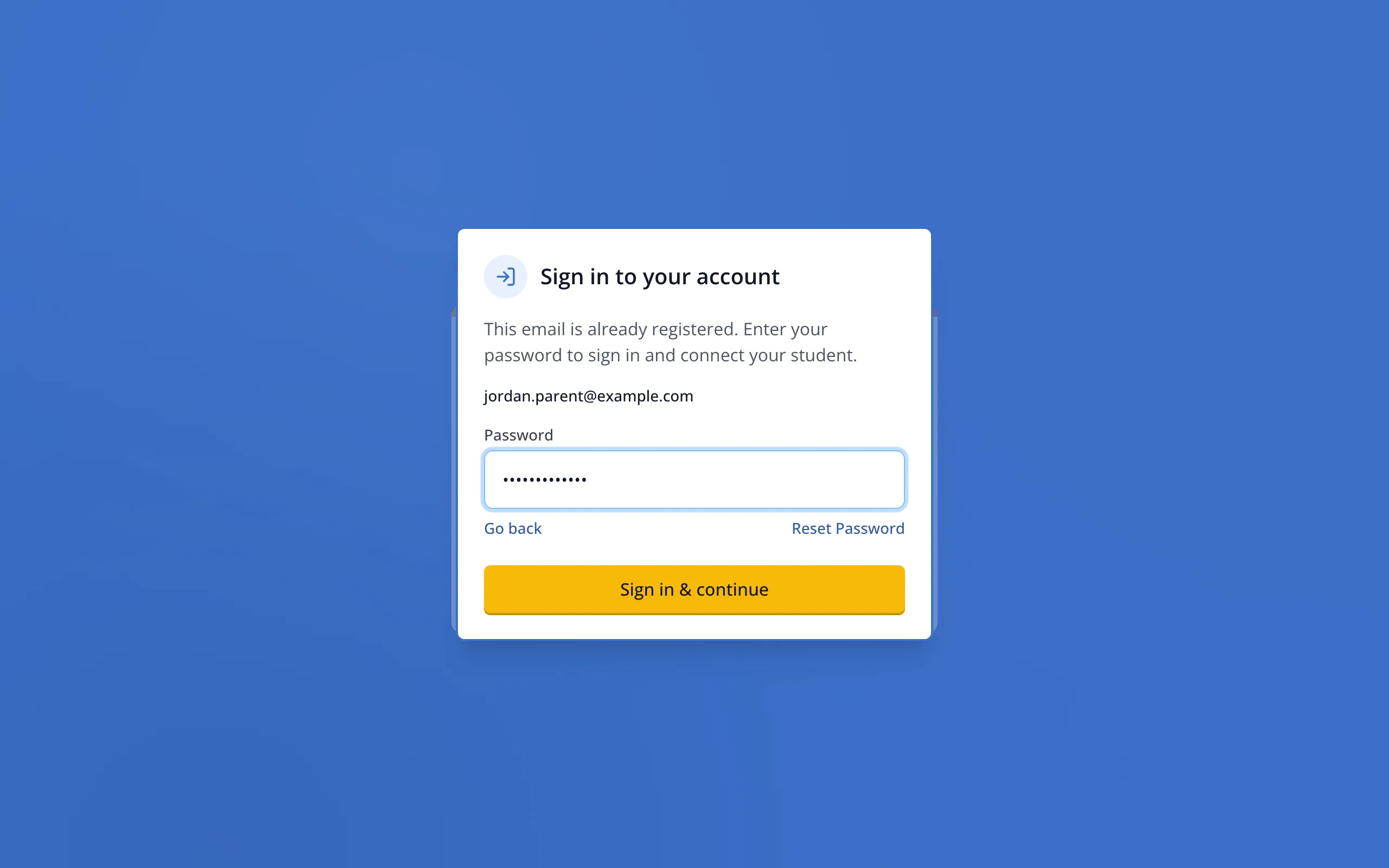
8.When it asks you to sign in, type your password.
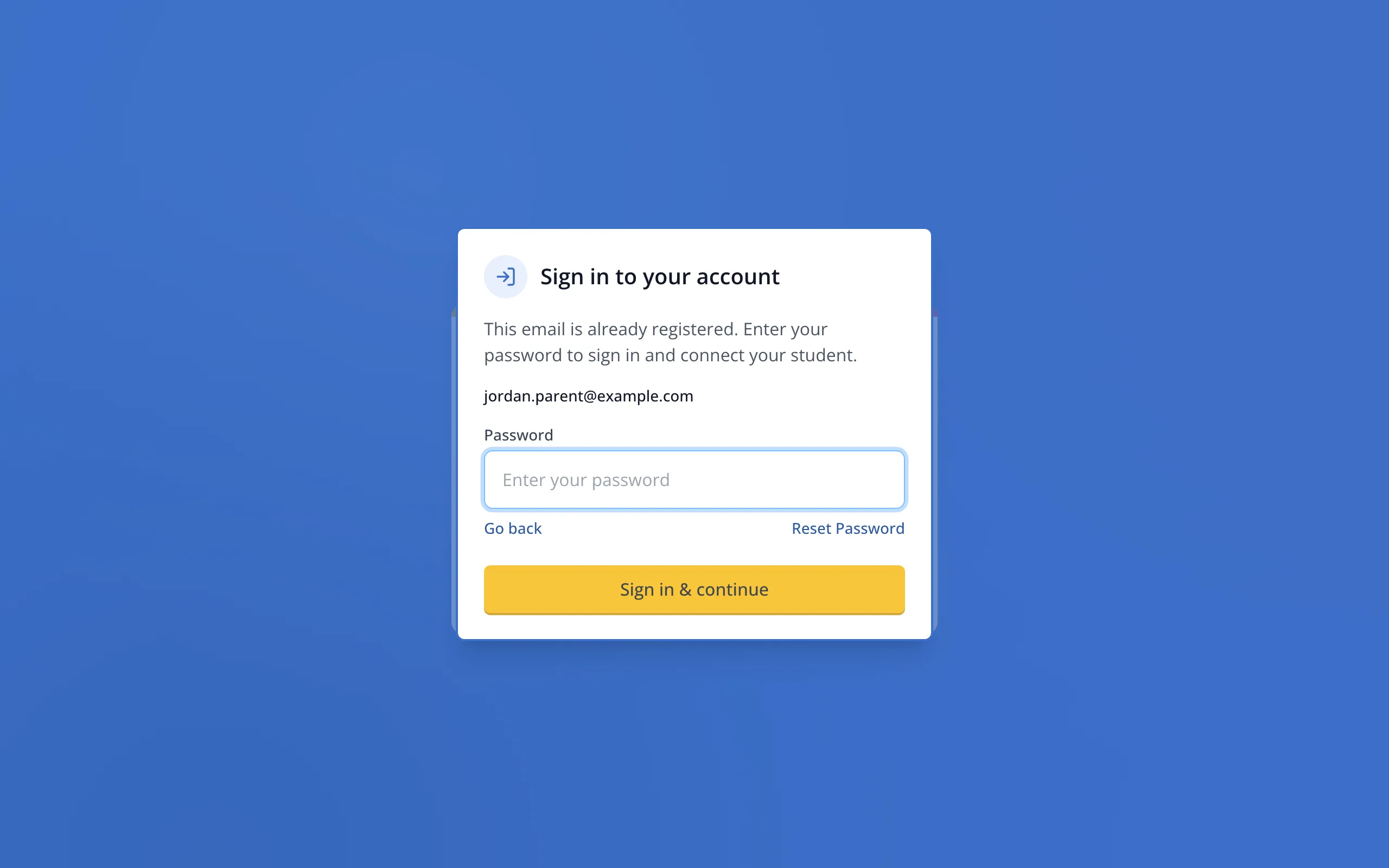
9.Click Sign in & continue. The student will be added to your account.
Was this helpful?