
Turn off a student's login
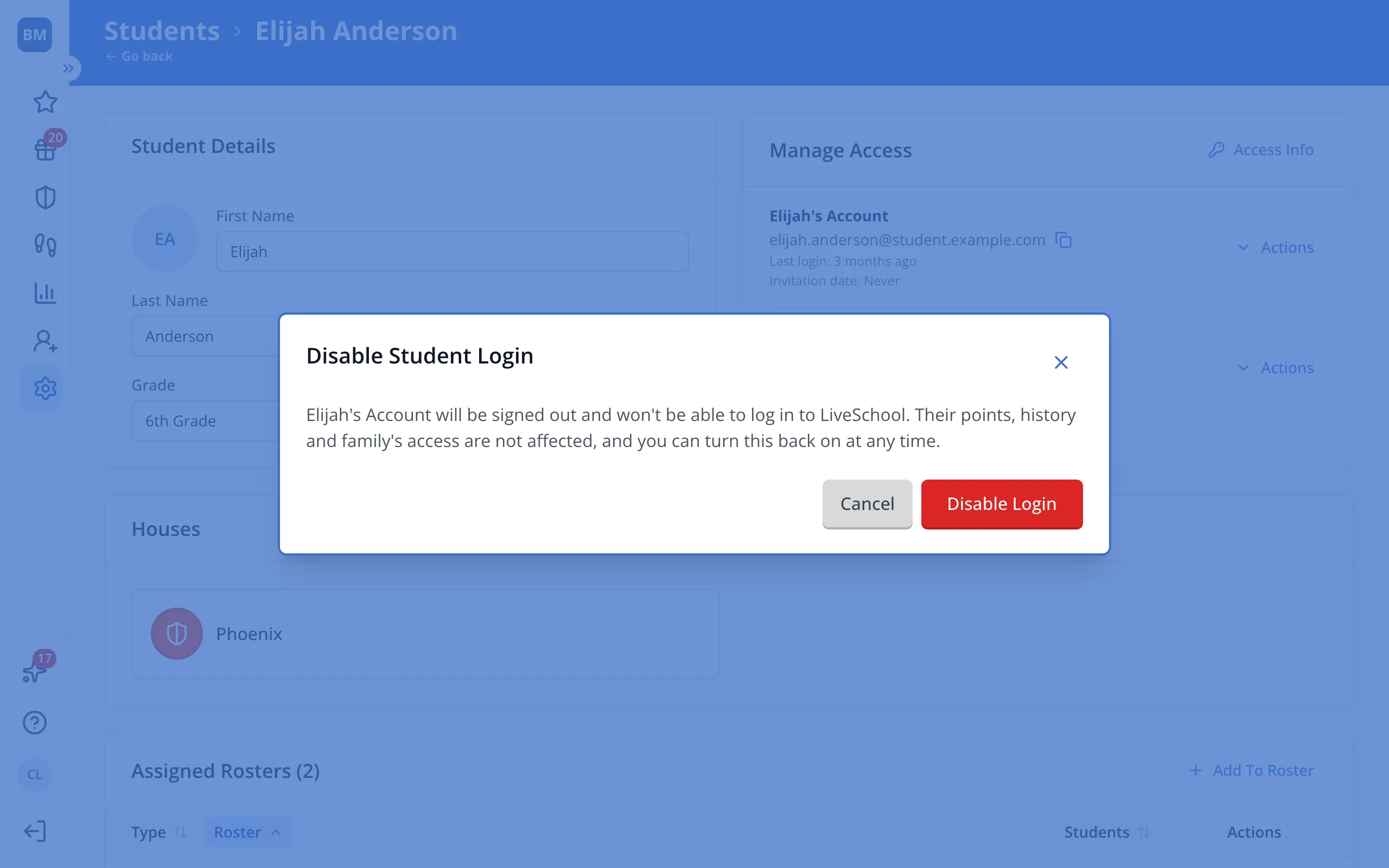
The student is signed out and can't log in. Their points, history and family's access don't change, and you can turn it back on anytime.
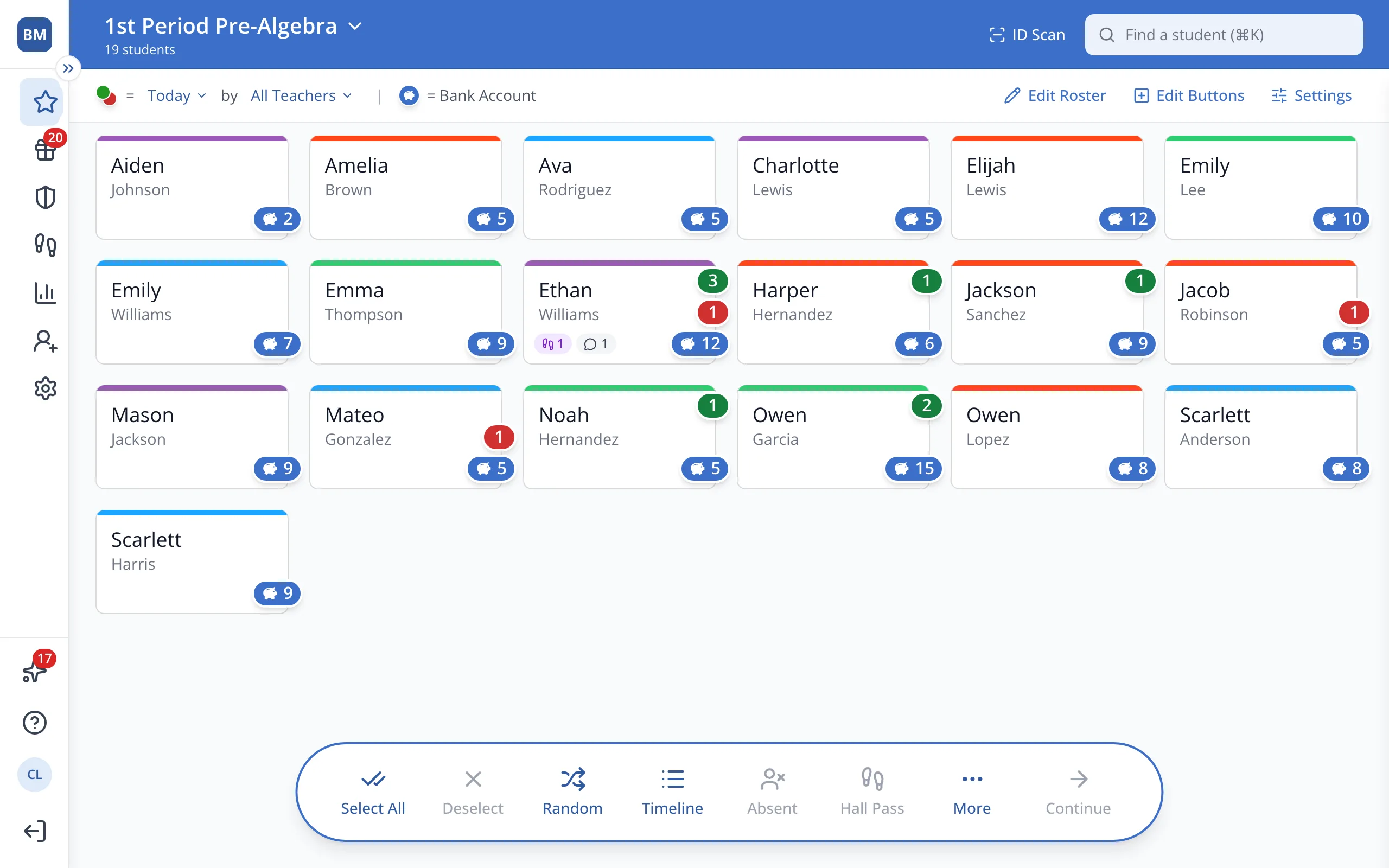
1 / 7In the sidebar, click Setup.
1.In the sidebar, click Setup.
2.Click Students.
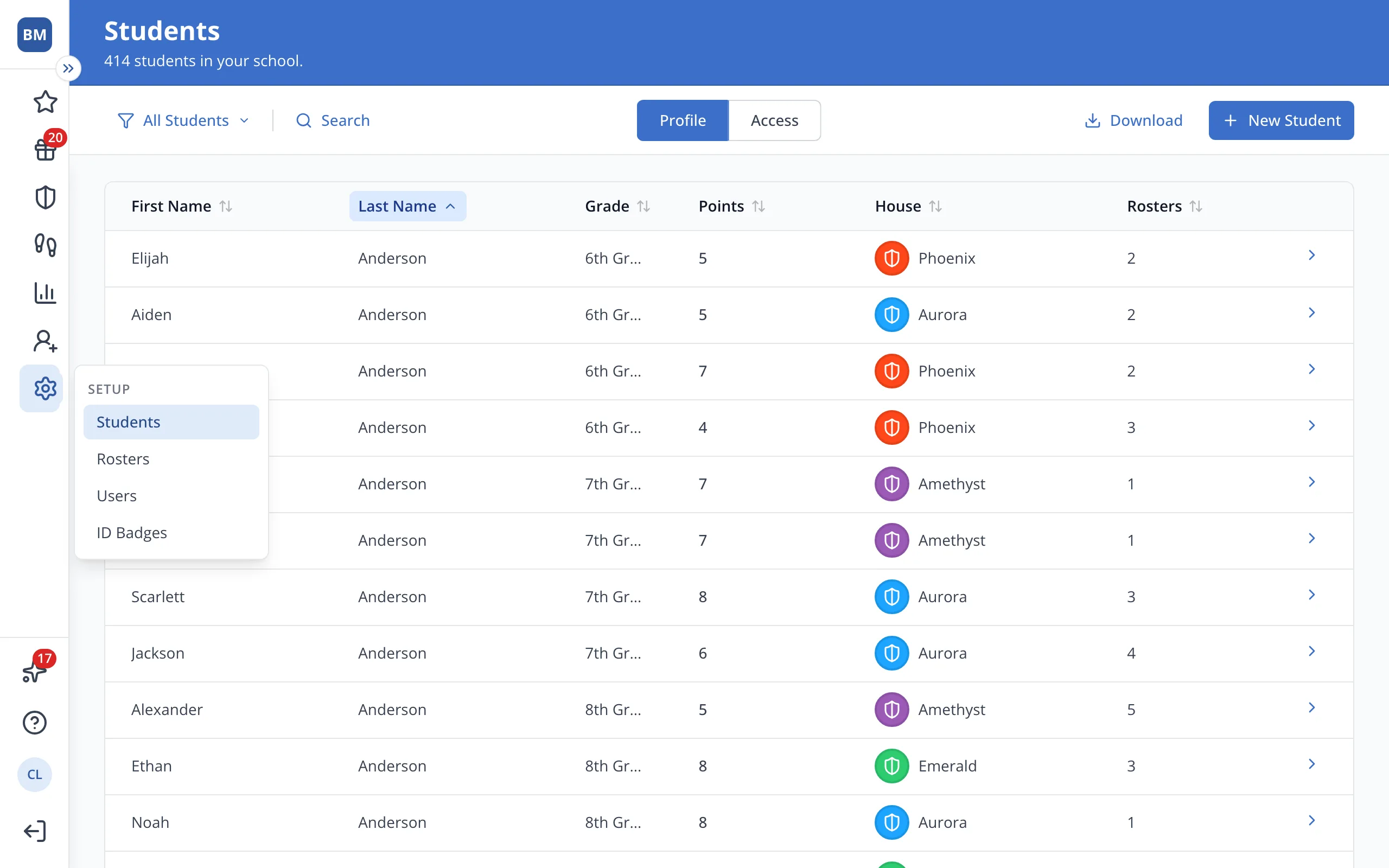
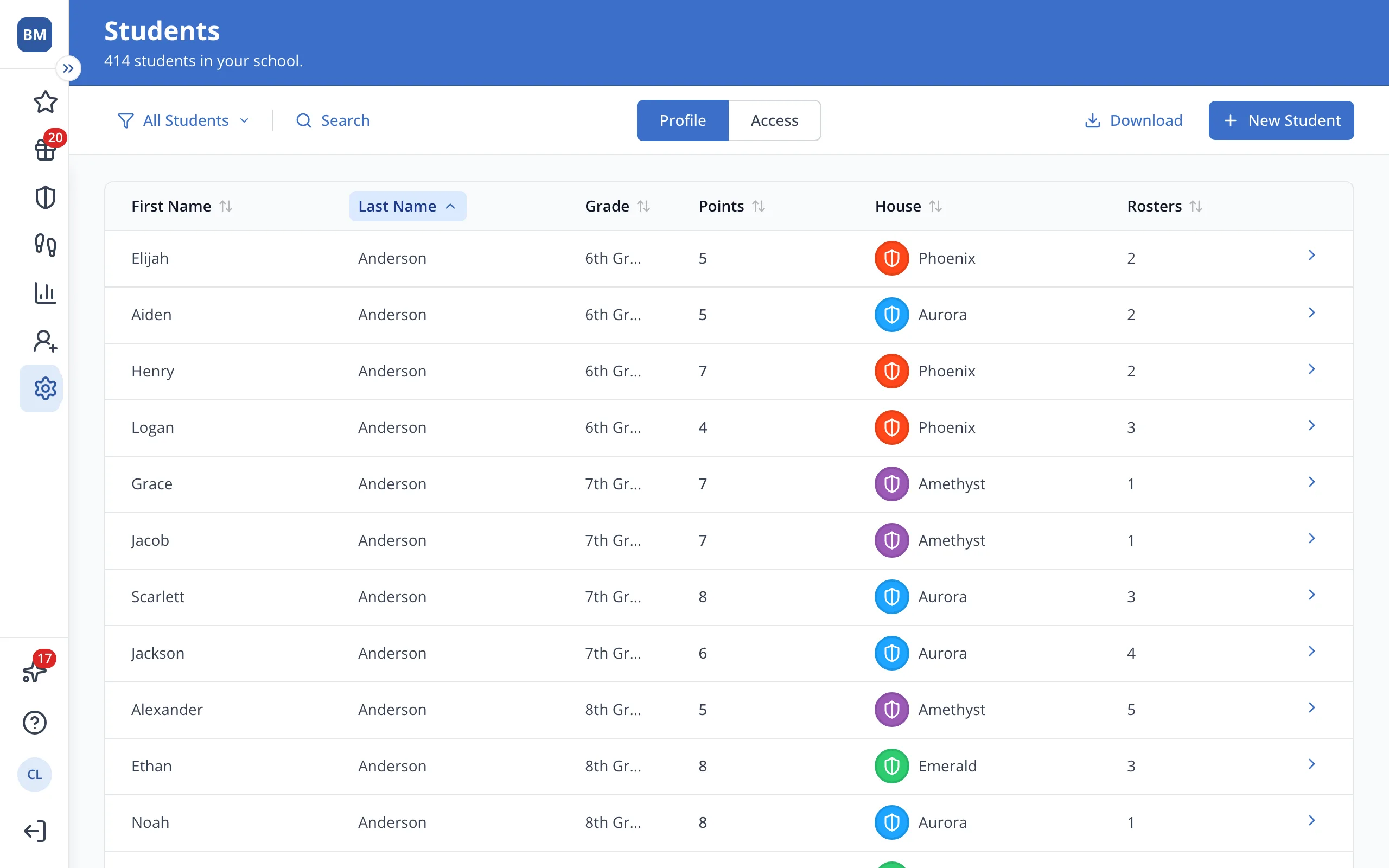
3.Click the student's name.
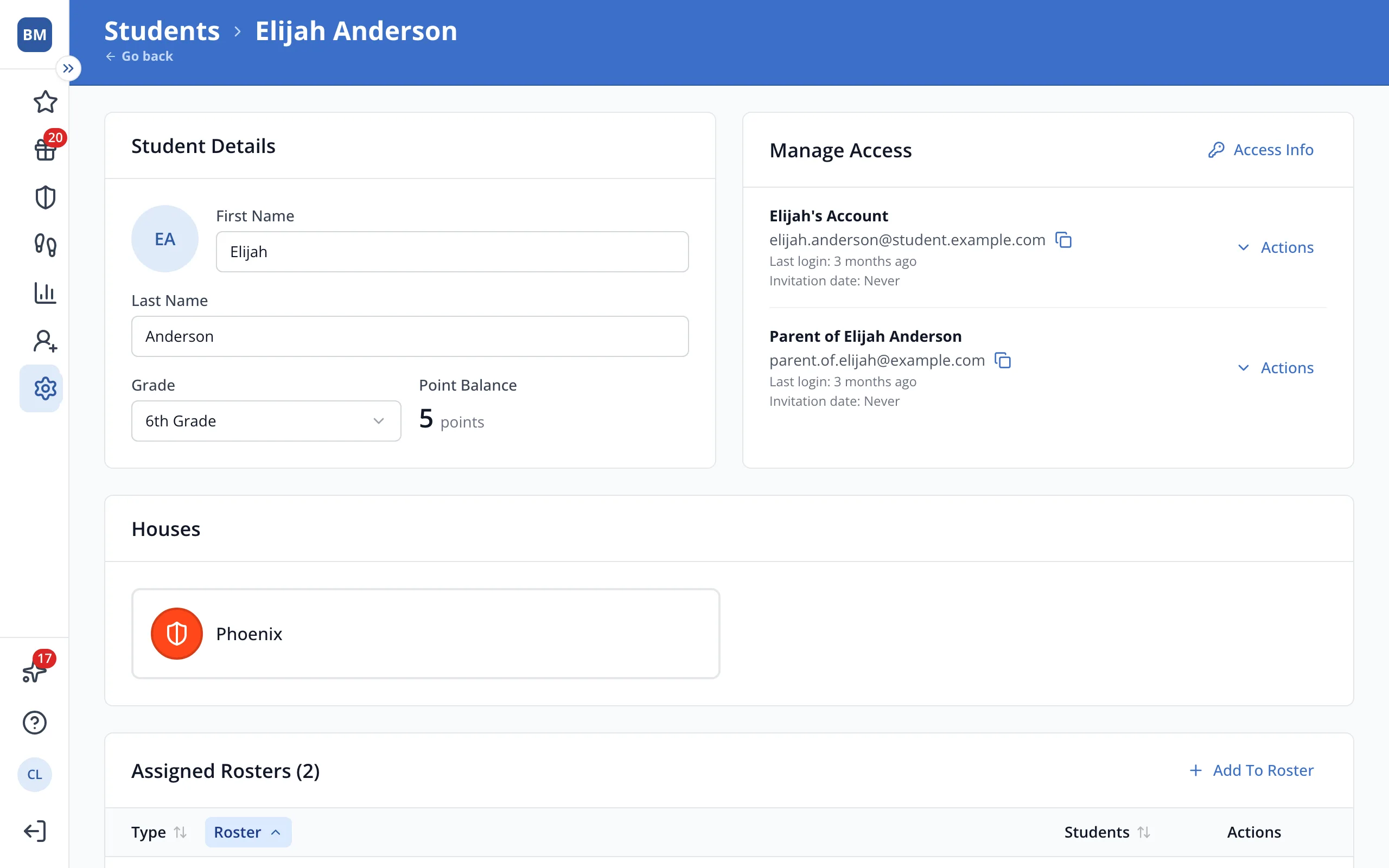
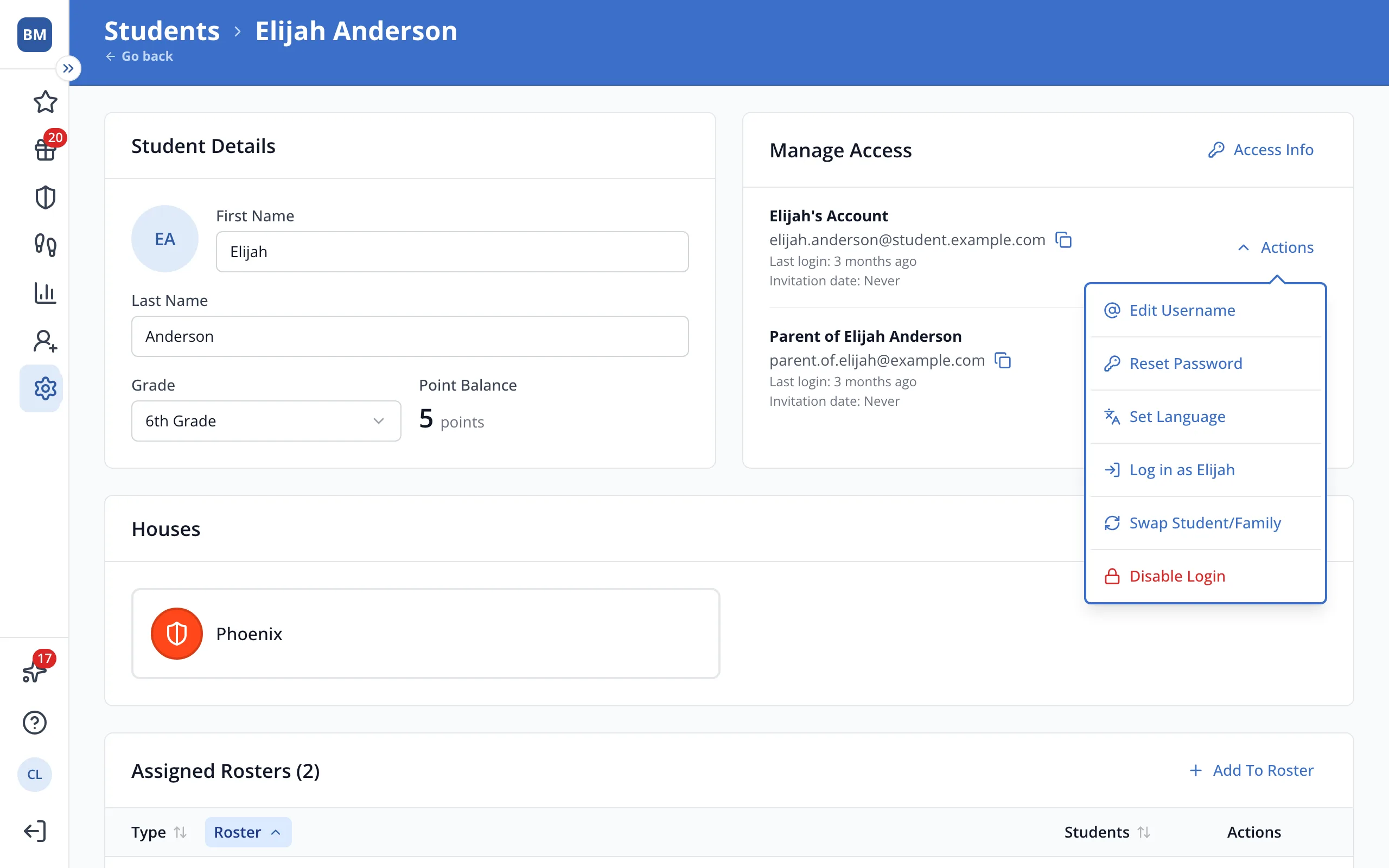
4.In Manage Access, click Actions next to the student's account.
5.Click Disable Login.
6.Click Disable Login to confirm.
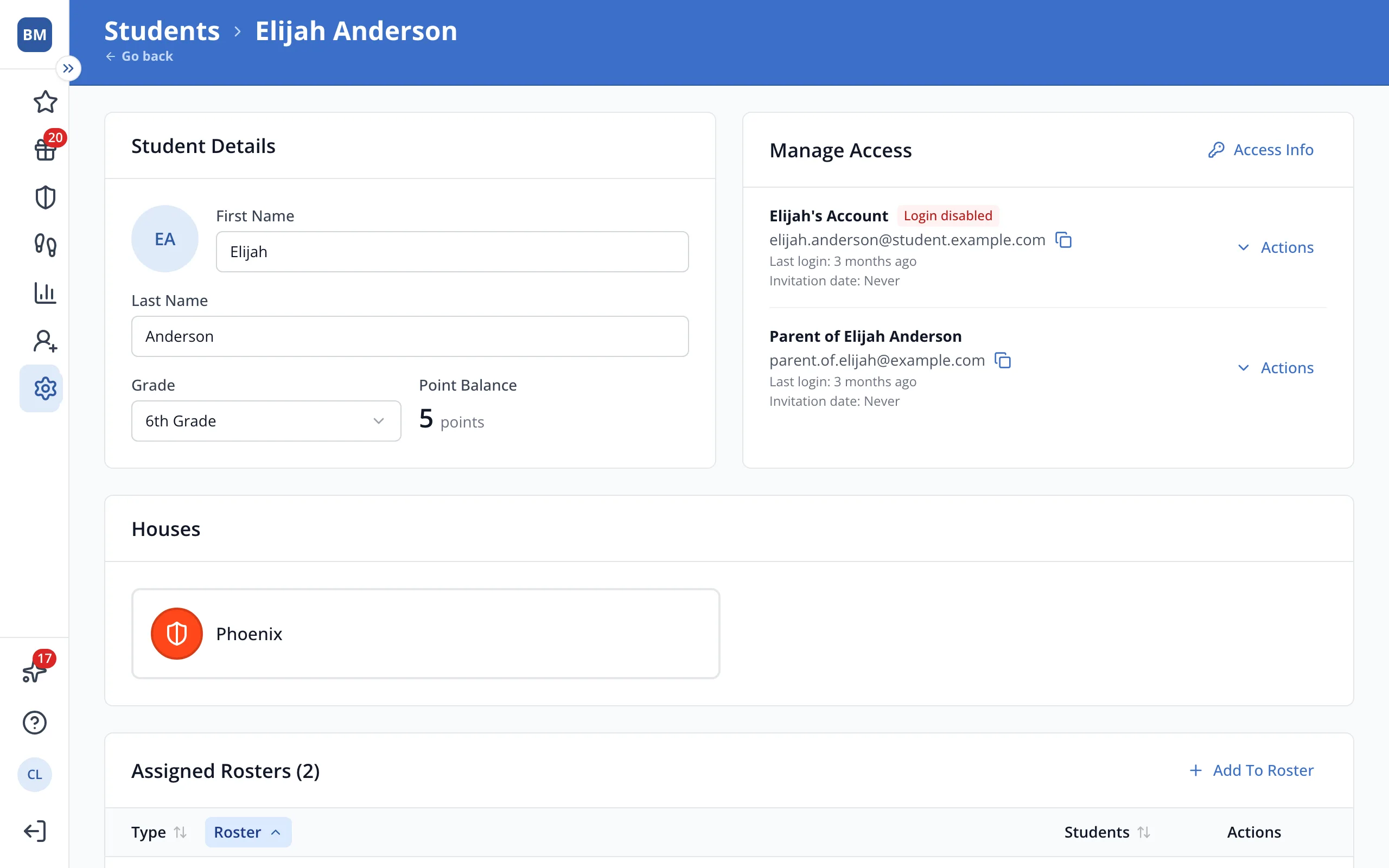
7.To turn it back on, click Actions, then Enable Login.
Was this helpful?