
Remove a family member from a student
Use this when the wrong person is connected to a student. They lose access to that student in their portal.
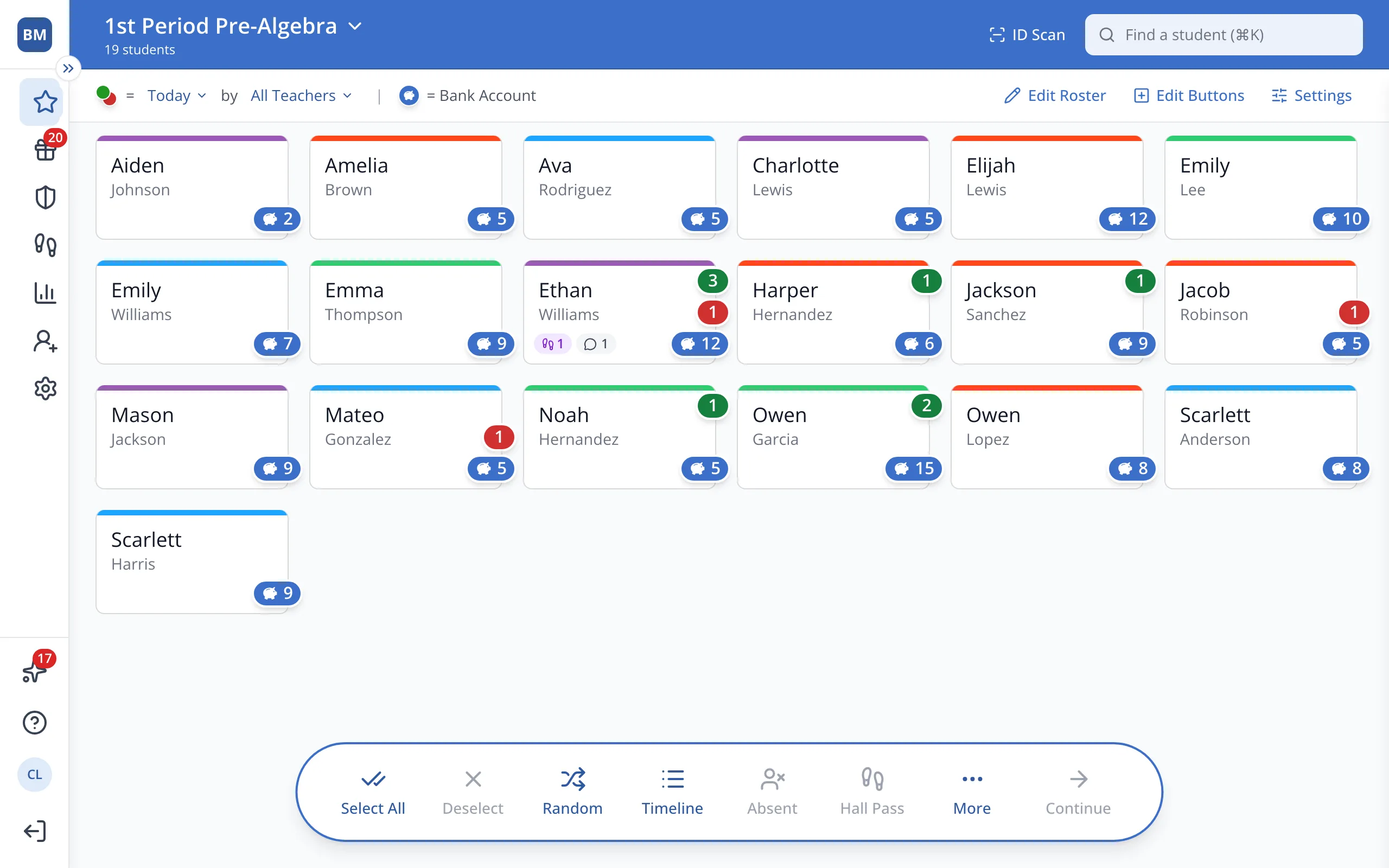
1 / 6In the sidebar, click Setup.
1.In the sidebar, click Setup.
2.Click Students.
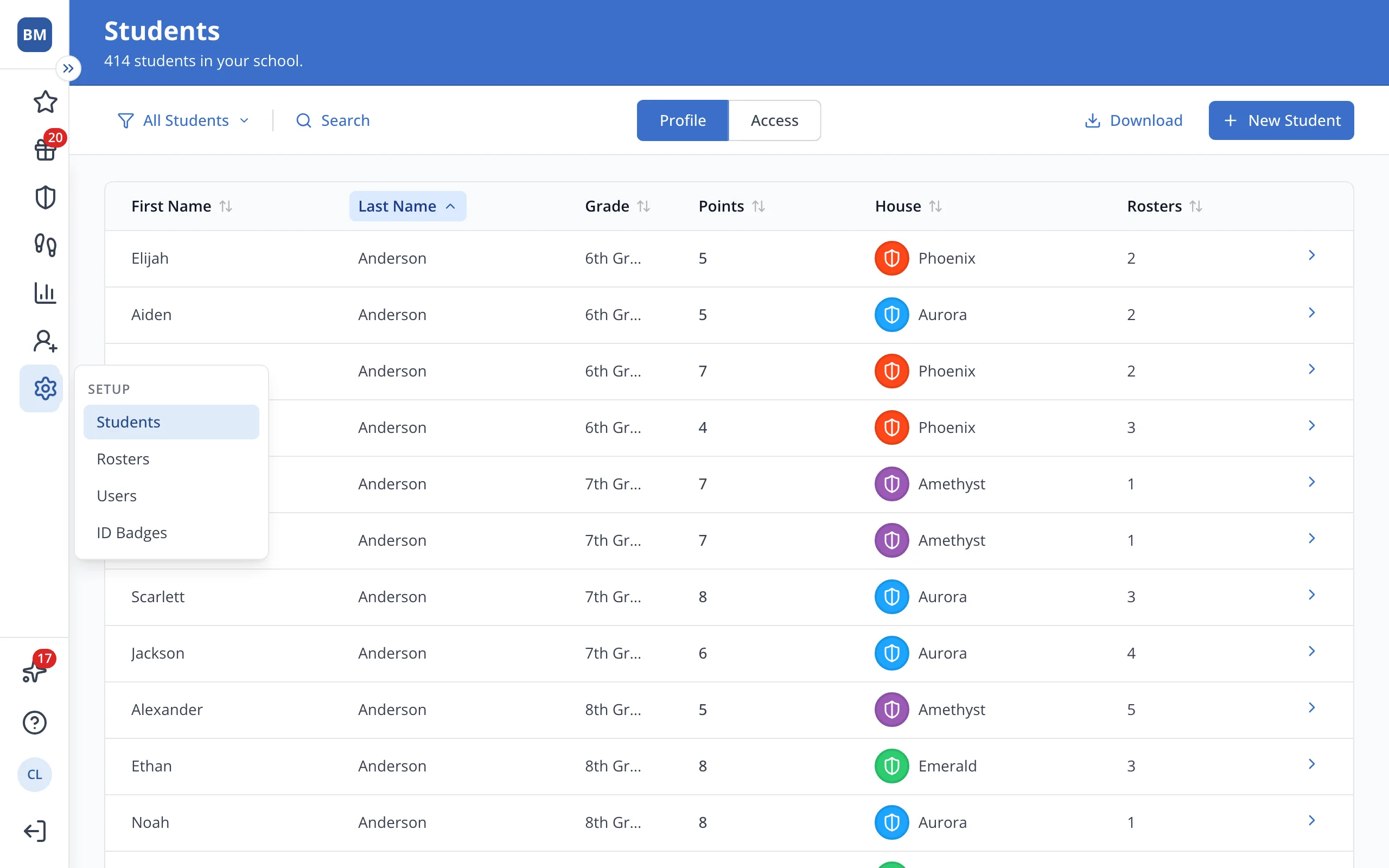
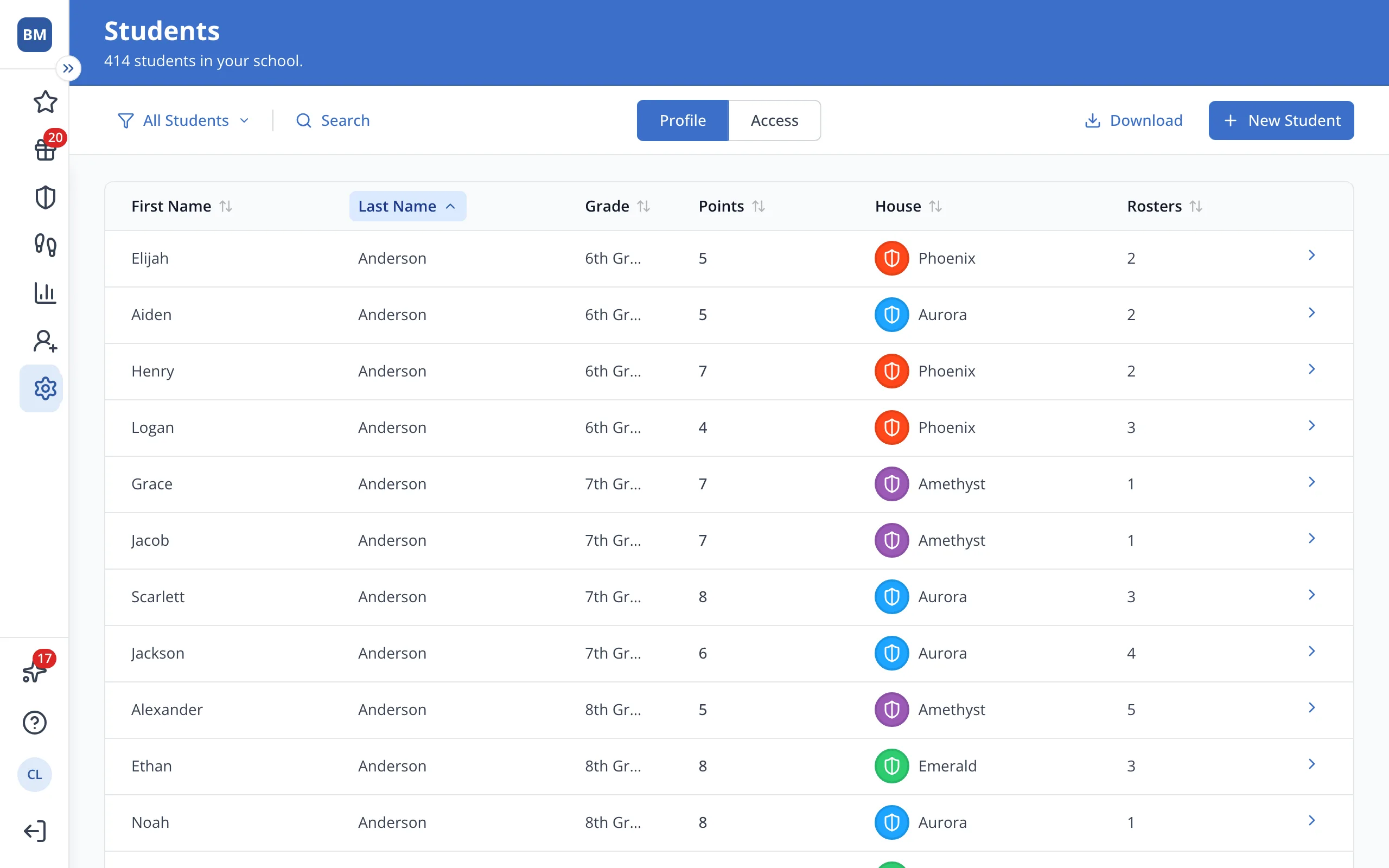
3.Click the student's name.
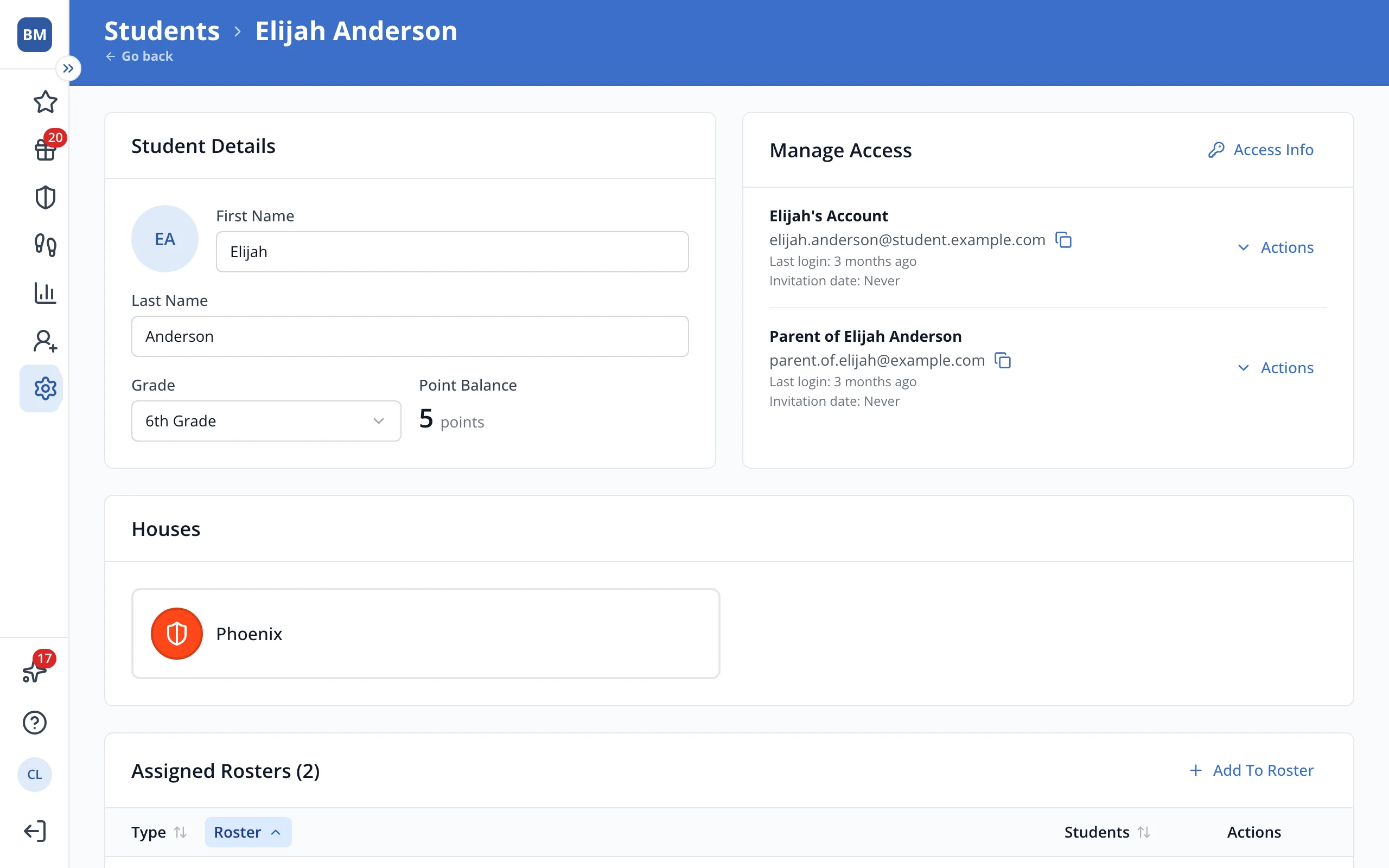
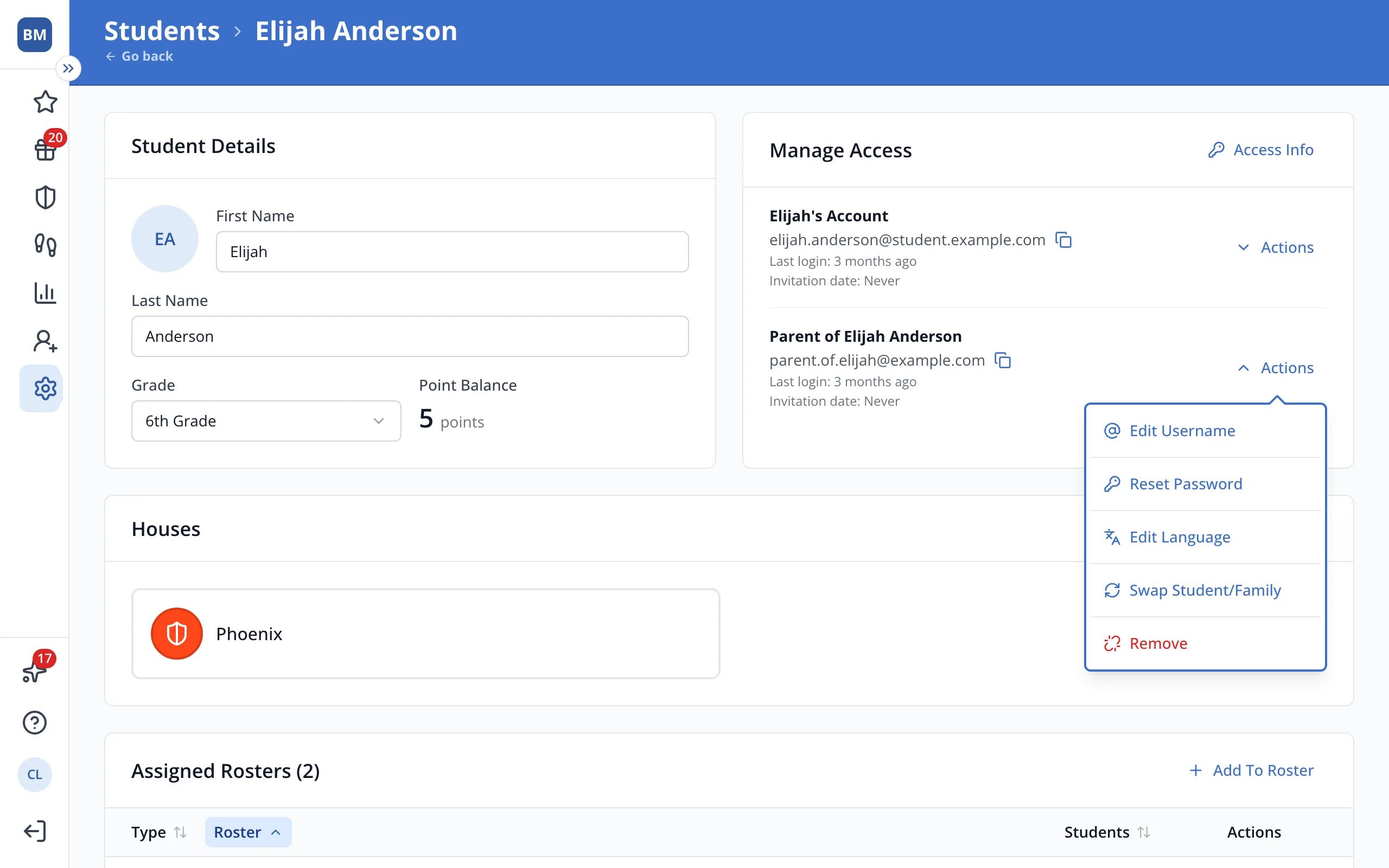
4.In Manage Access, click Actions next to the family member.
5.Click Remove.
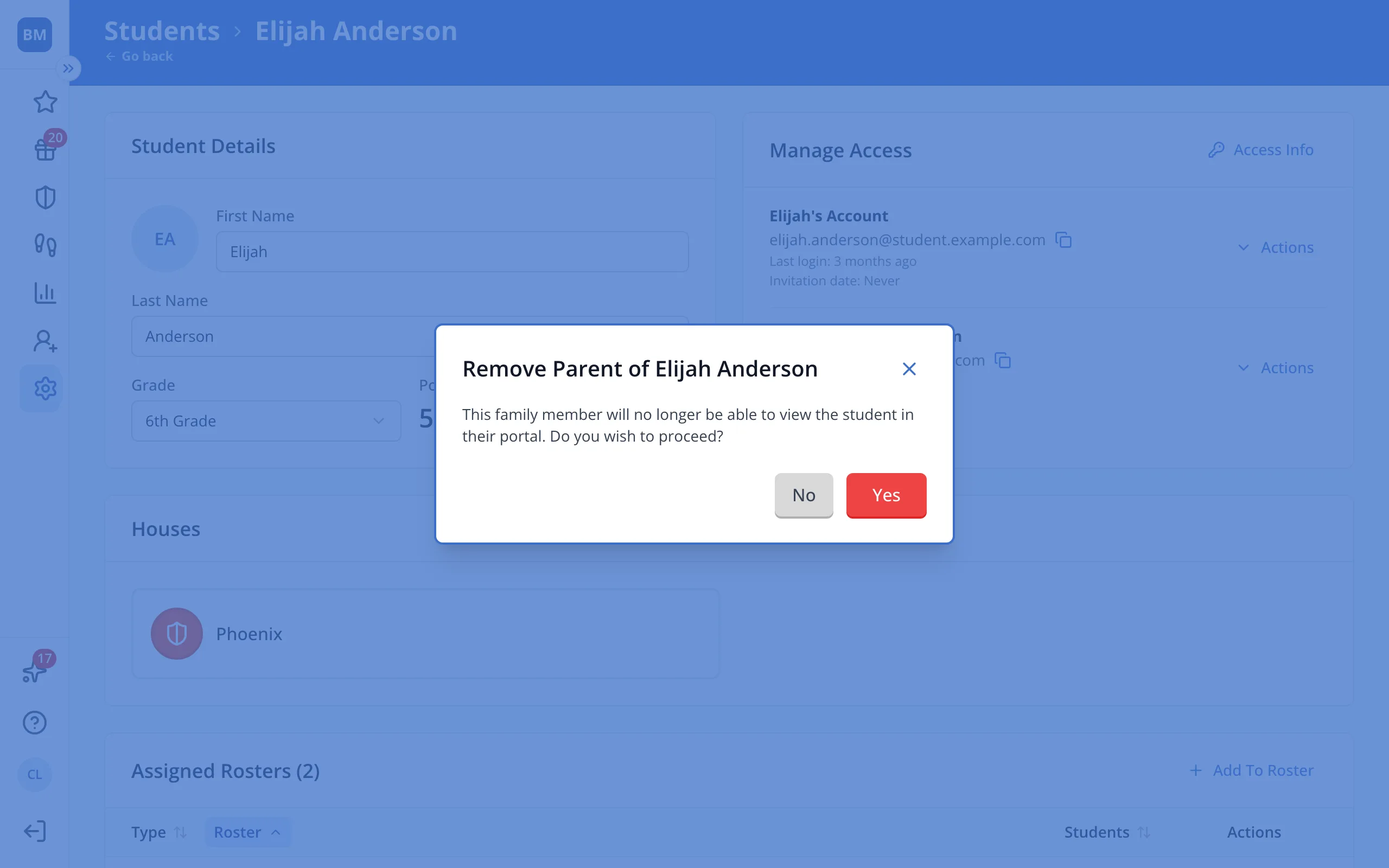
6.Click Yes. The family member will disappear from Manage Access.
Was this helpful?