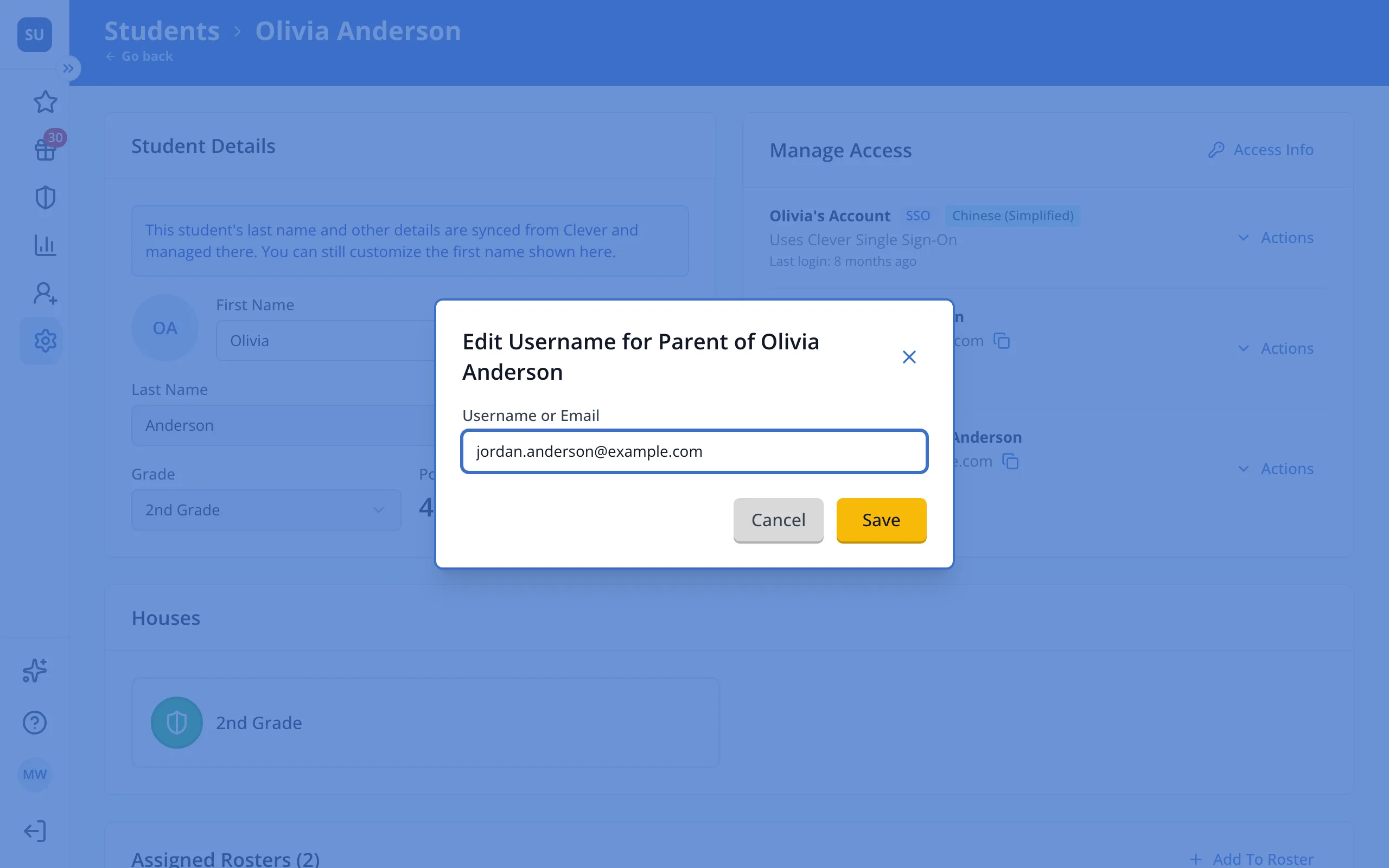
Change a username or email when students sign in with Clever or ClassLink
A student's sign-in comes from Clever or ClassLink, so it can't be changed in LiveSchool, but a family member's username or email can be changed.
Open in LiveSchool
Already signed in? Open this guide inside LiveSchool.
Use the Left and Right arrow keys to move between steps, and Space to play or pause.
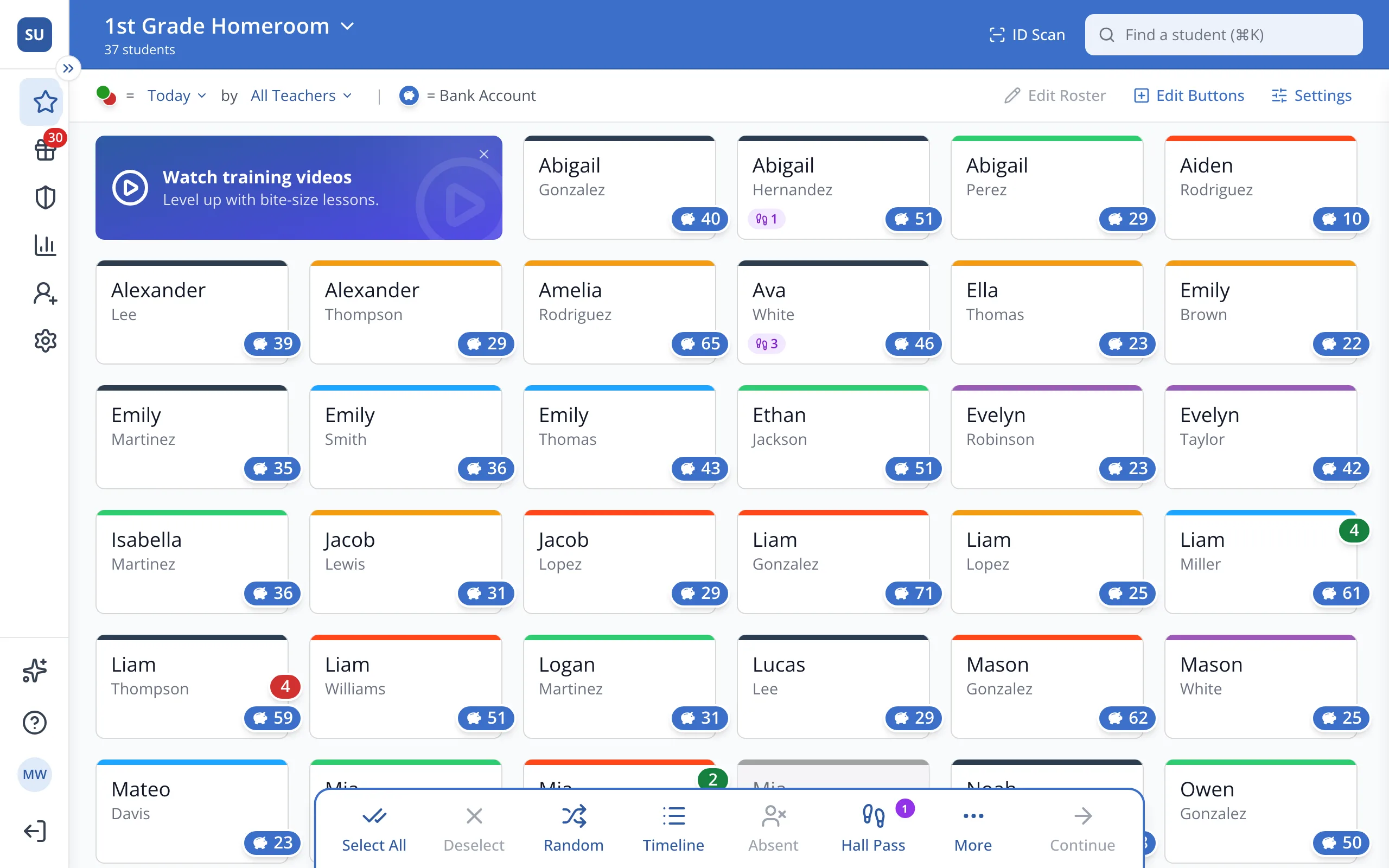
1.In the sidebar, click Setup.
2.Click Students.
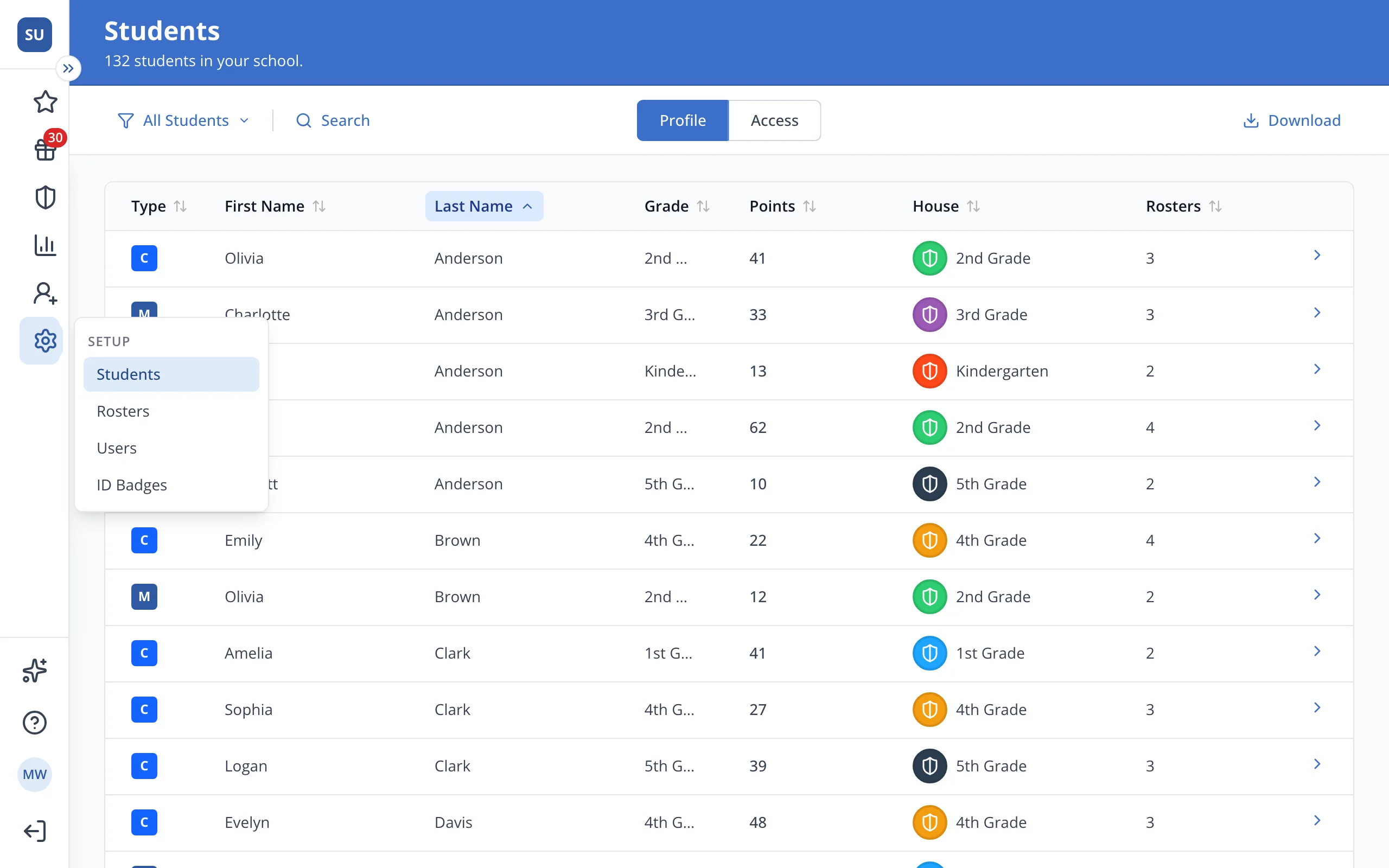
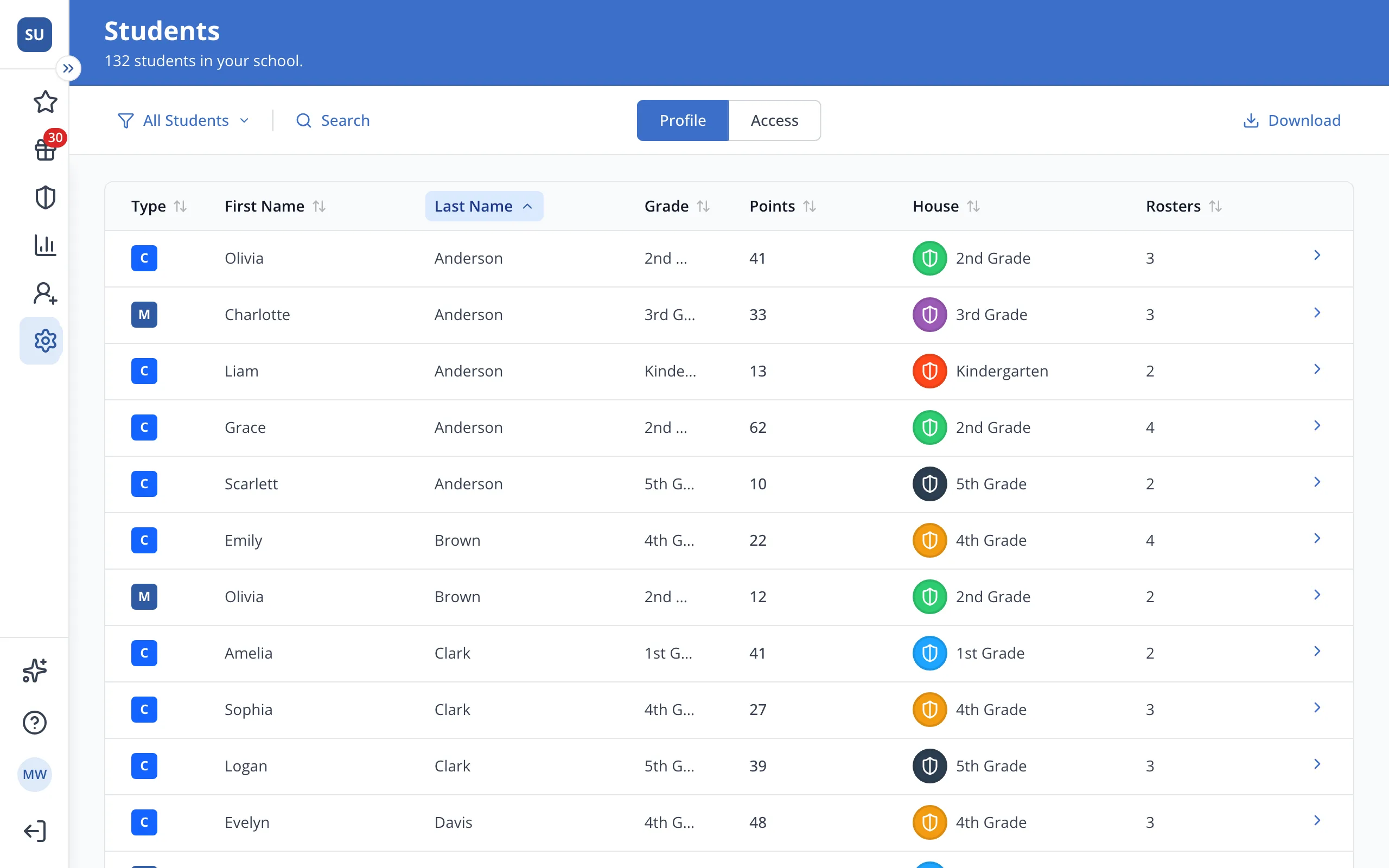
3.Click the student's name.
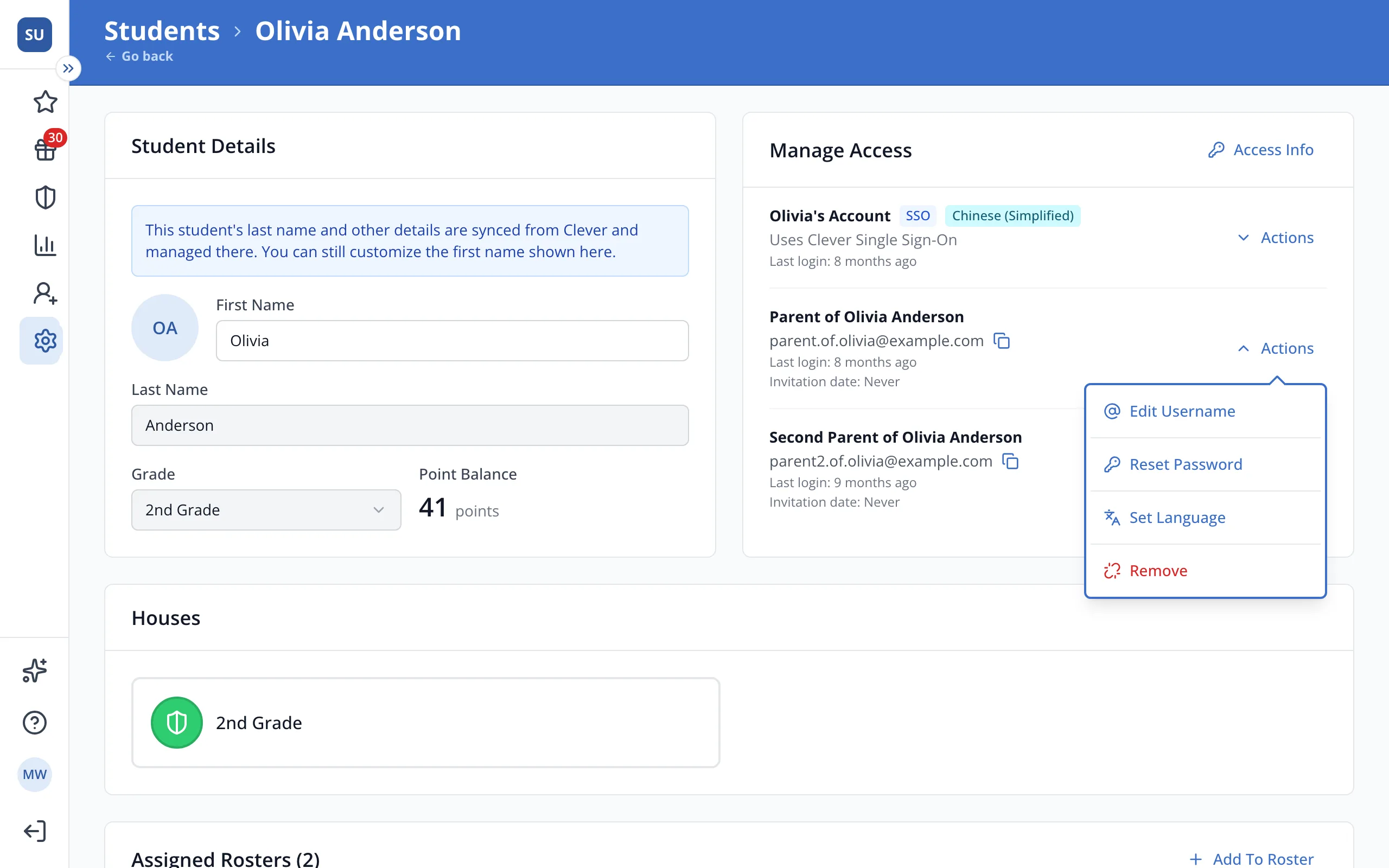
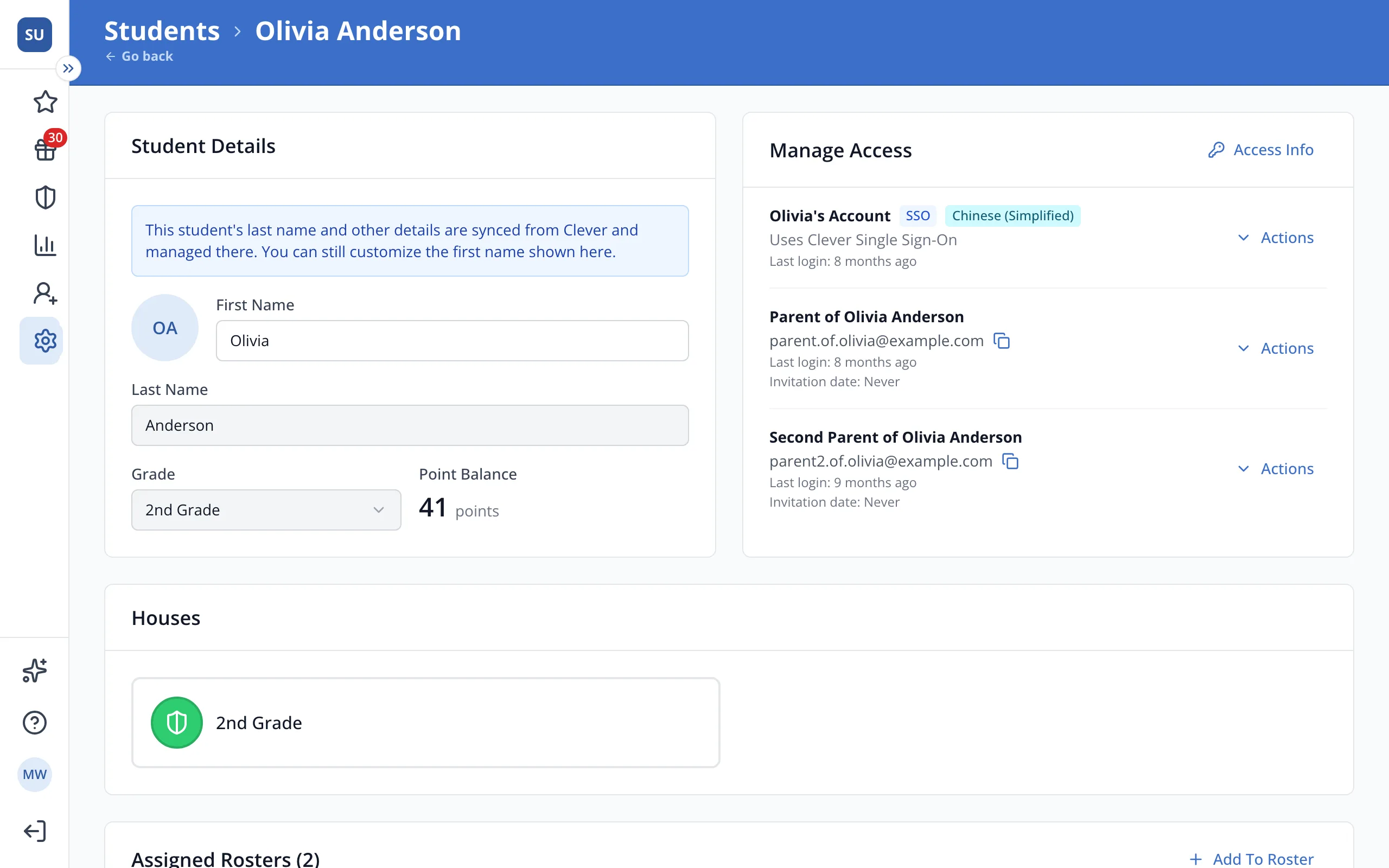
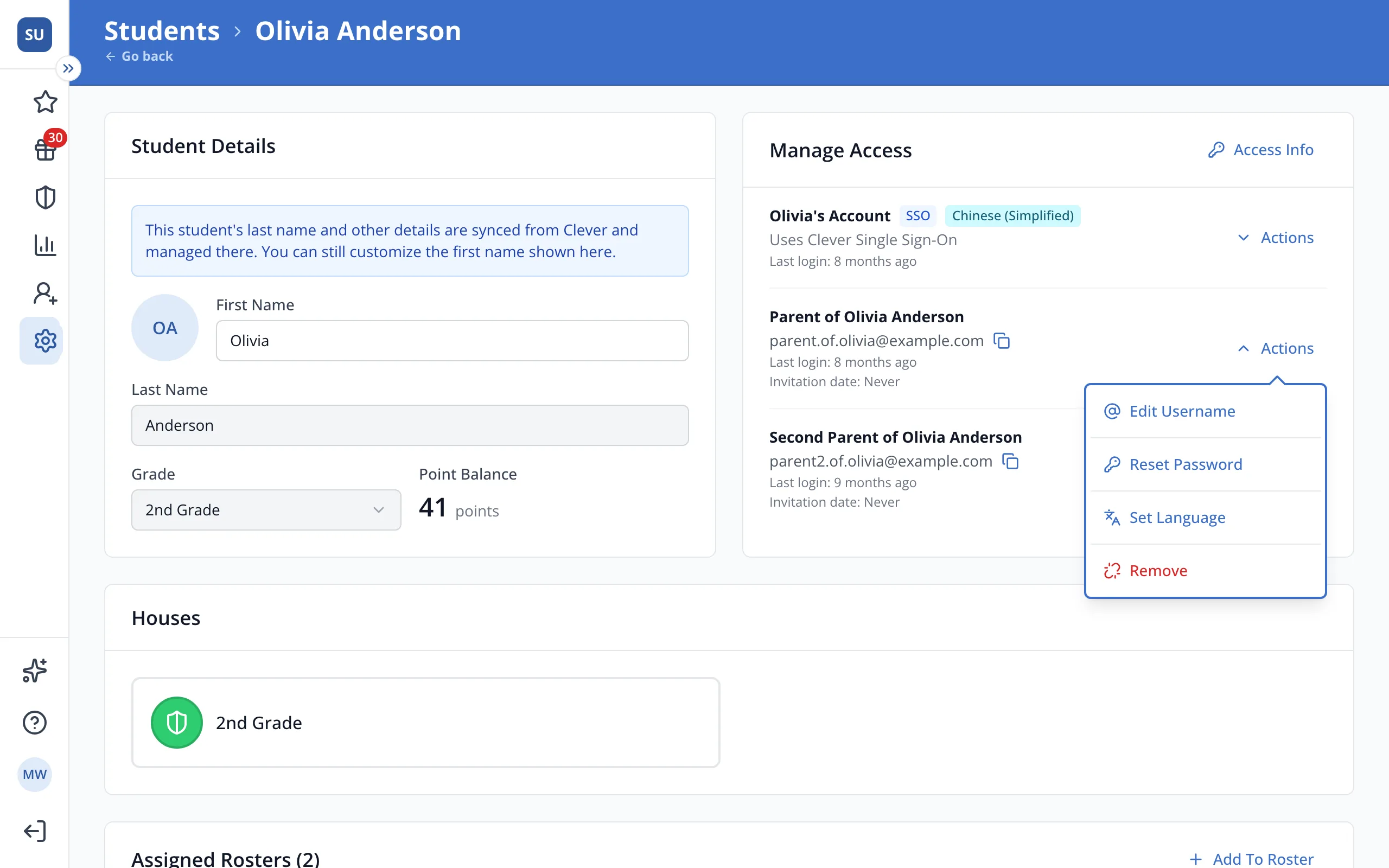
4.A student marked SSO signs in with Clever or ClassLink, so their username is changed there, not in LiveSchool.
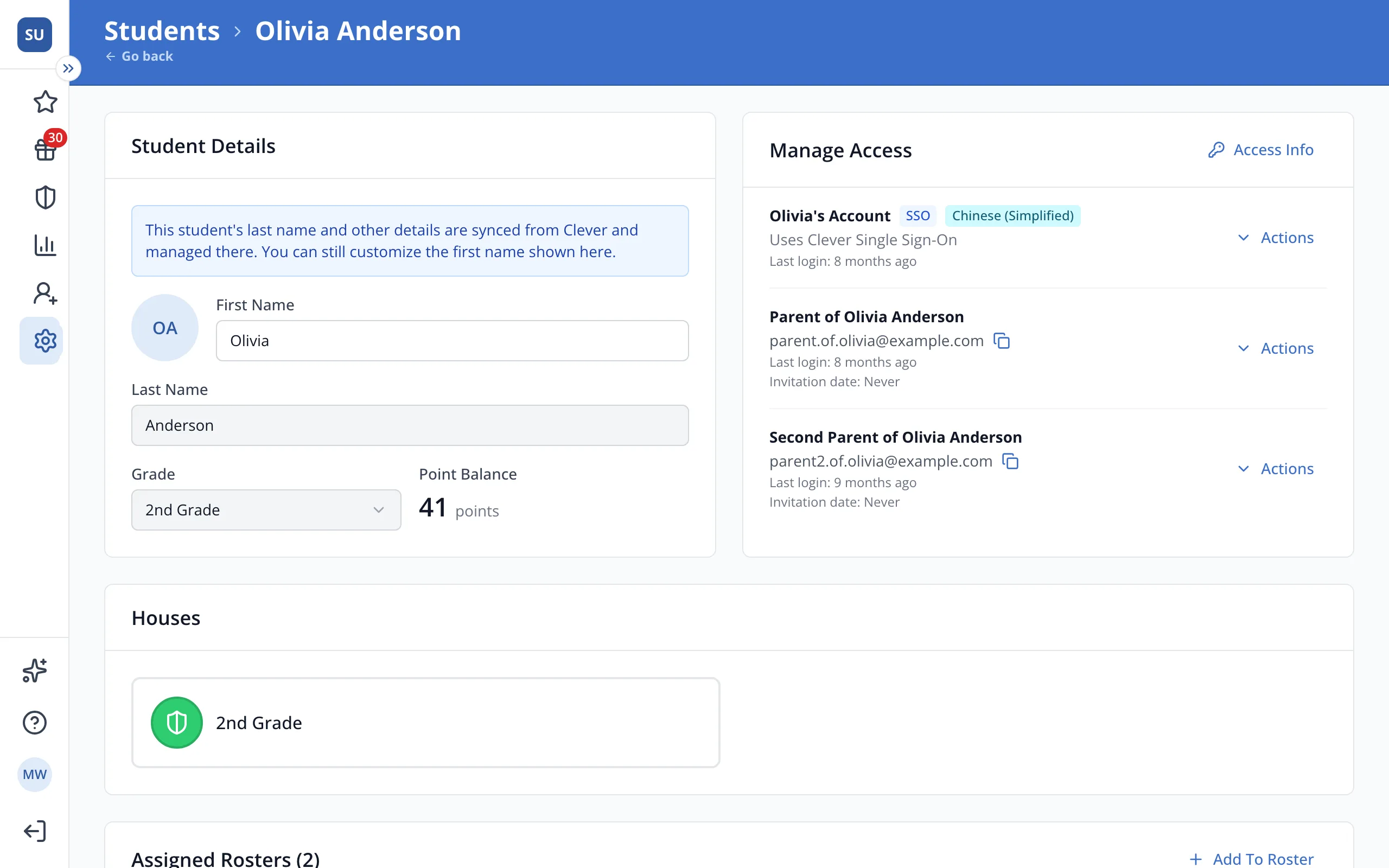
5.Click Actions next to the family member you'd like to change.
6.Click Edit Username.
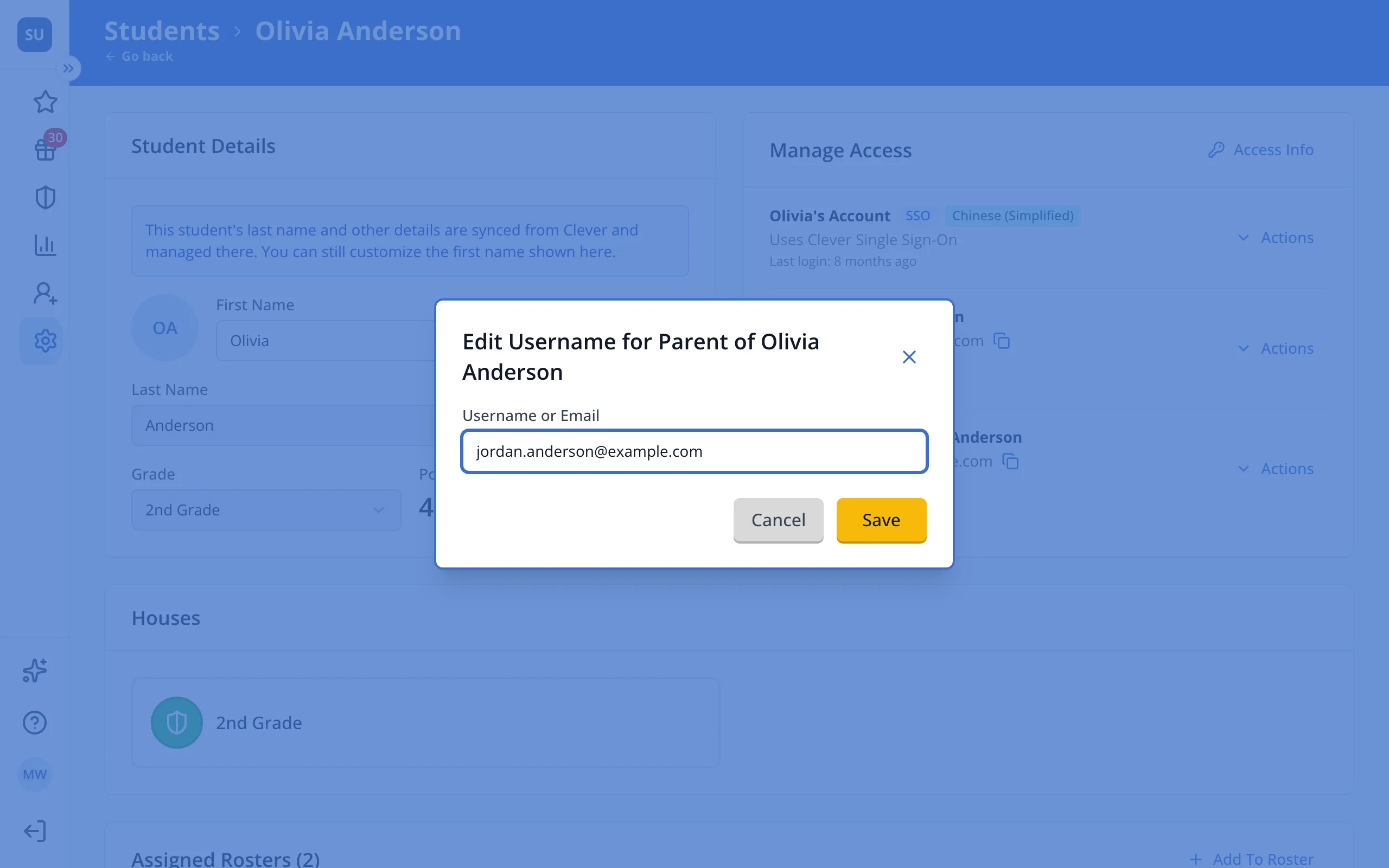
7.Replace the old username or email with the new one.
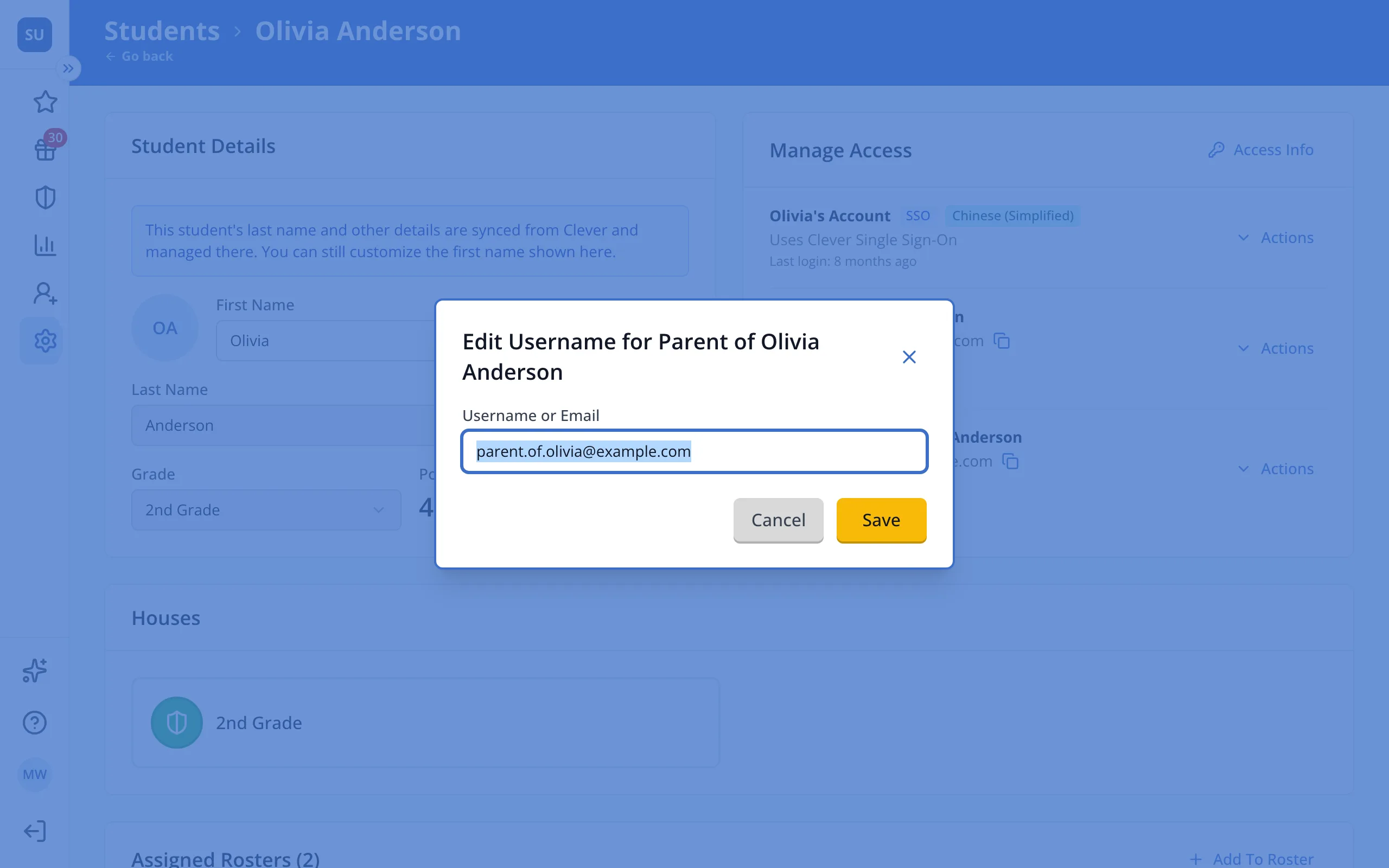
8.Click Save, then let them know their new username.