
Invite additional family members to follow your student
Each student's code can be used for multiple parents/guardians or family members.
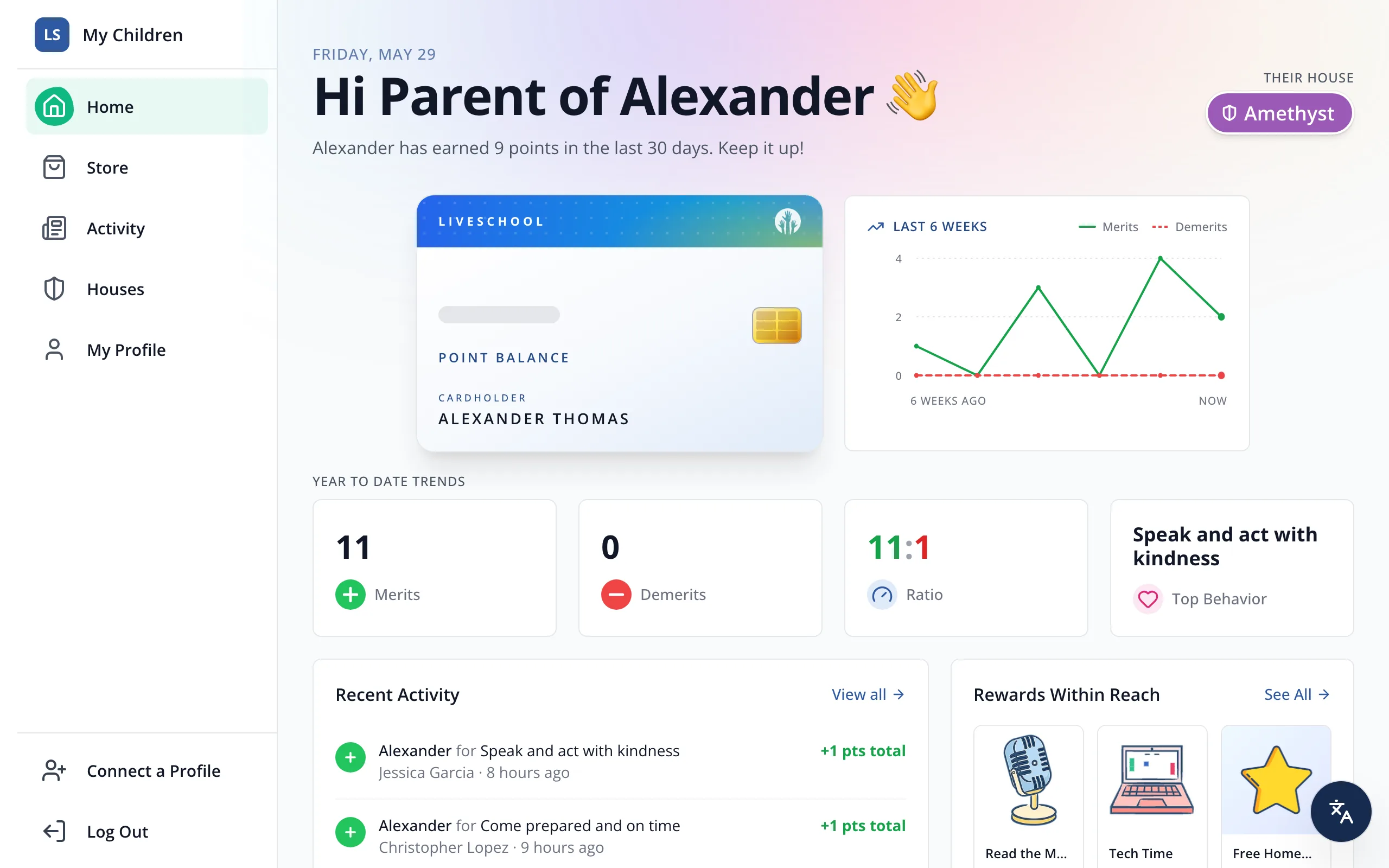
1 / 4In the sidebar, click Connect a Profile.
1.In the sidebar, click Connect a Profile.
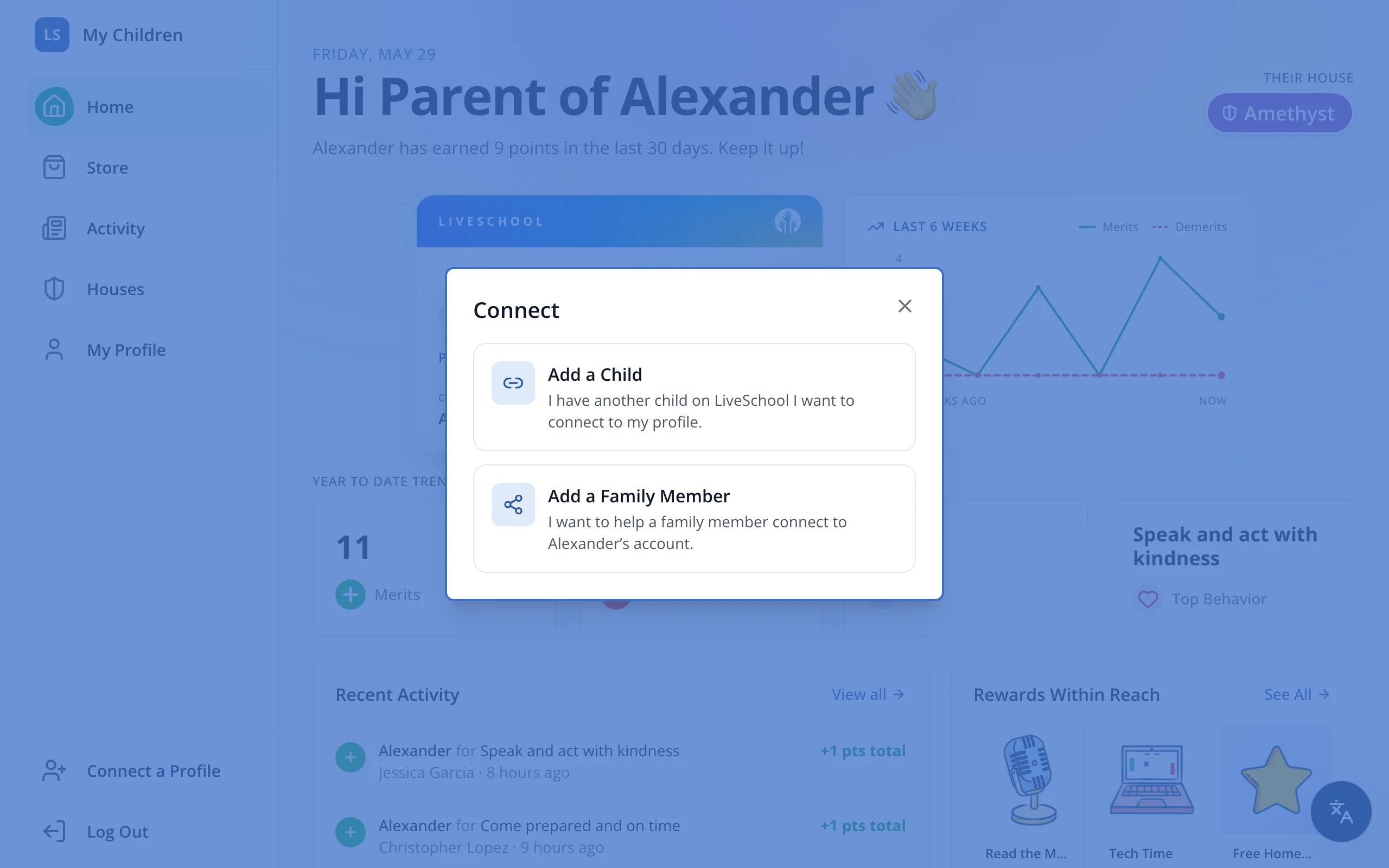
2.Click Add a Family Member.
3.If you have more than one student, choose which one under Choose student.
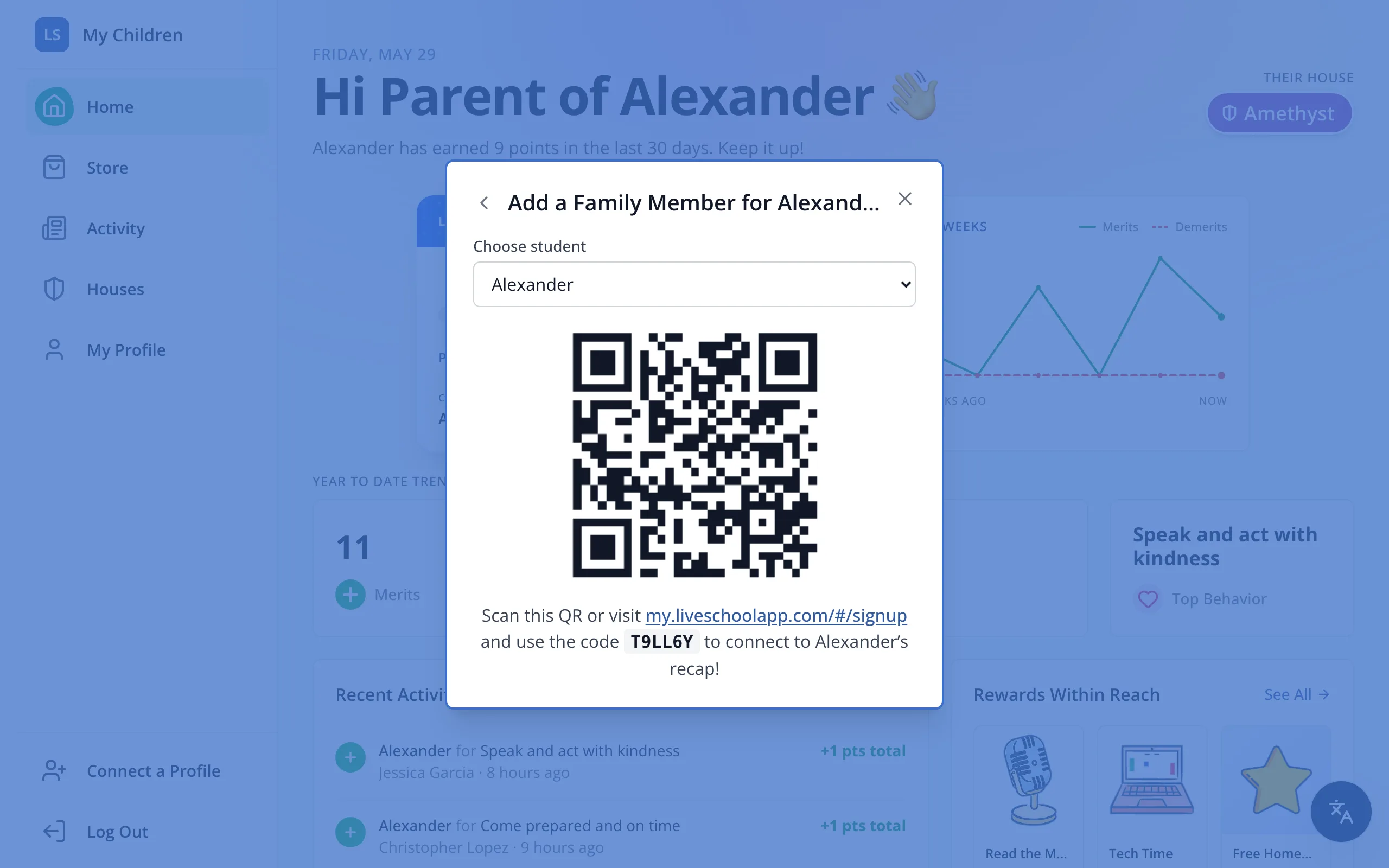
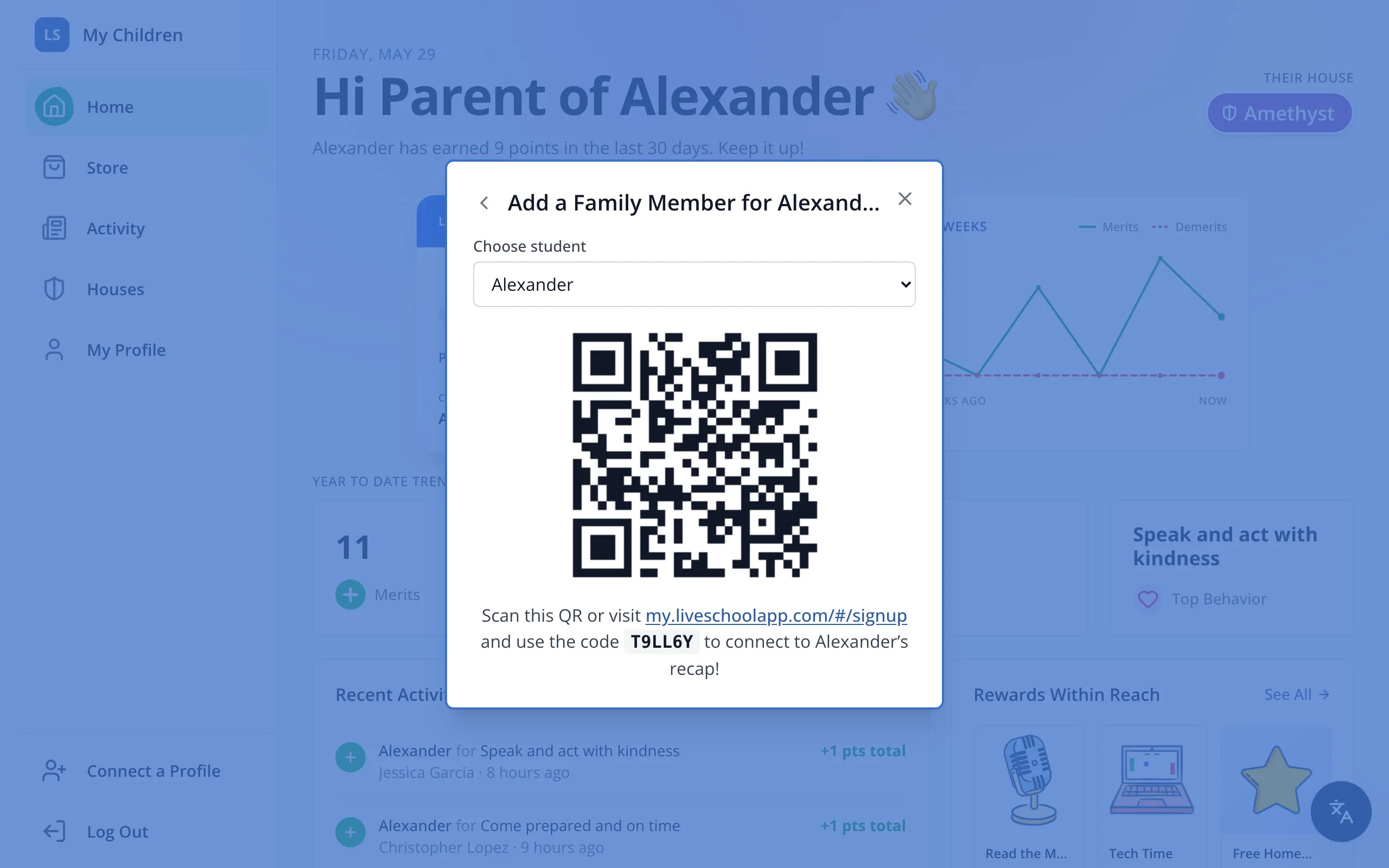
4.Have them scan the QR code, or visit the link and type the code. Then they sign up as a family member.
Was this helpful?