
Set a new password for a non-syncing student or family account
When a student or family member forgets their password and is struggling to set their own, set a password for them from the Student Detail page.
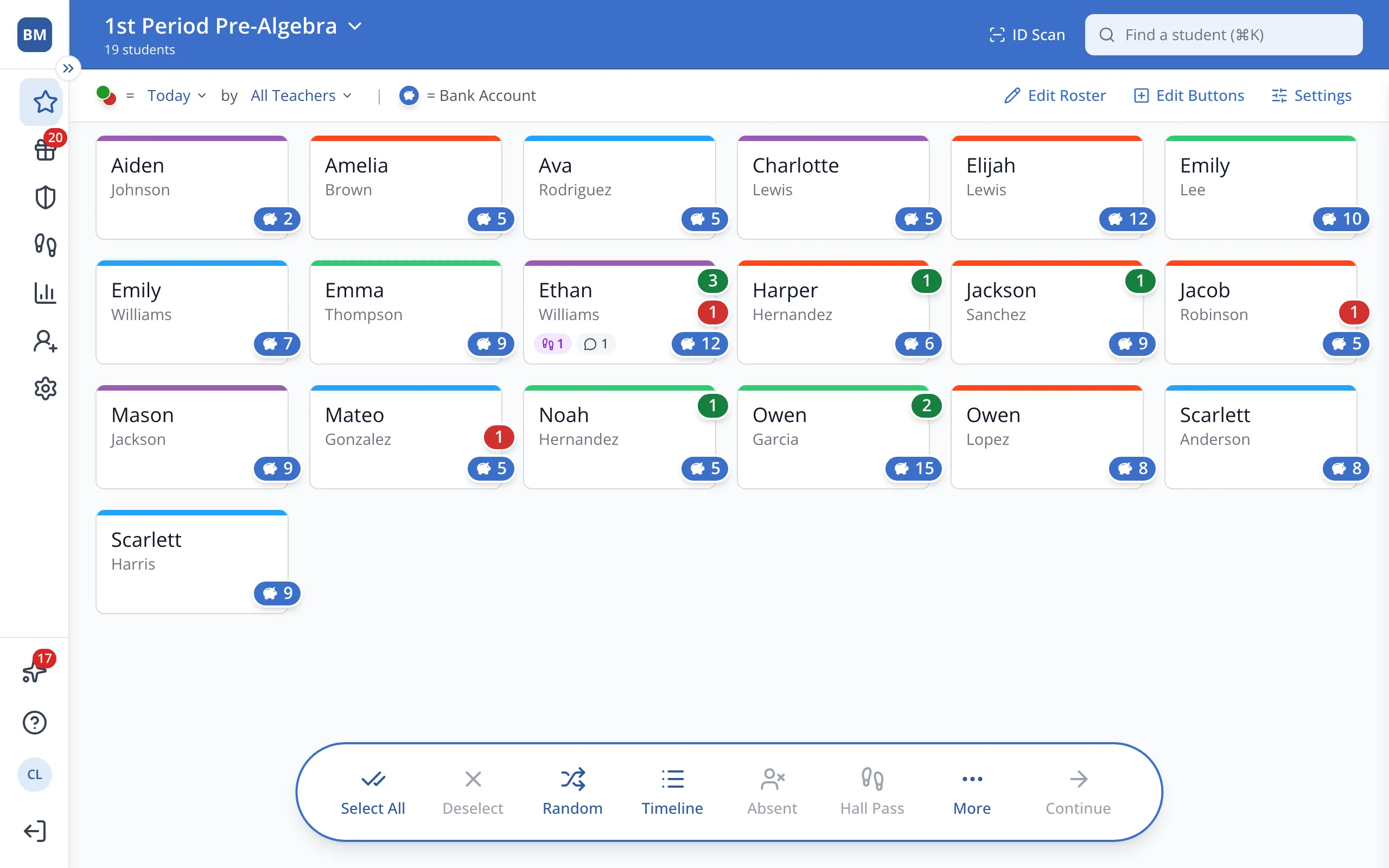
1 / 7In the sidebar, click Setup.
1.In the sidebar, click Setup.
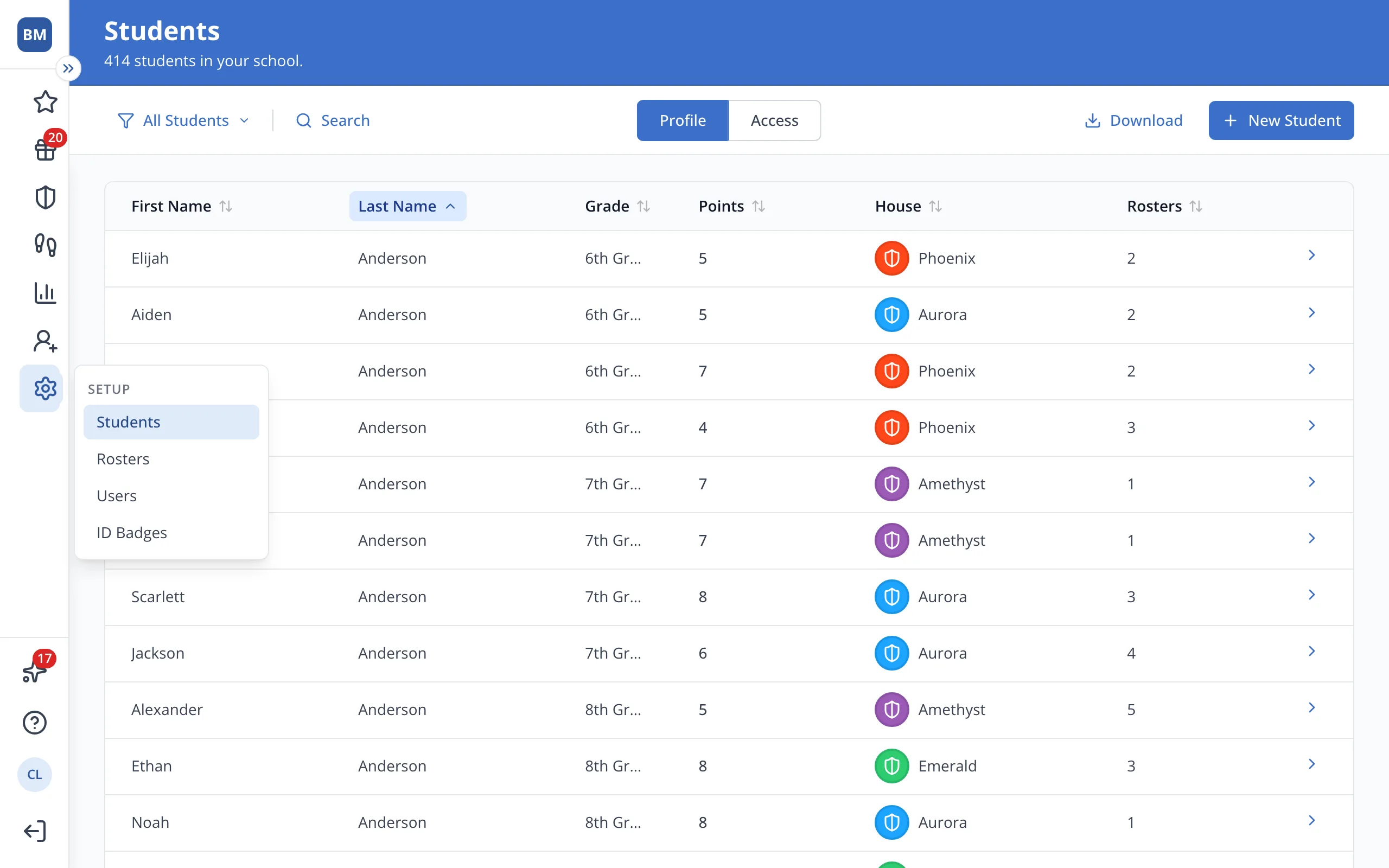
2.Click Students.
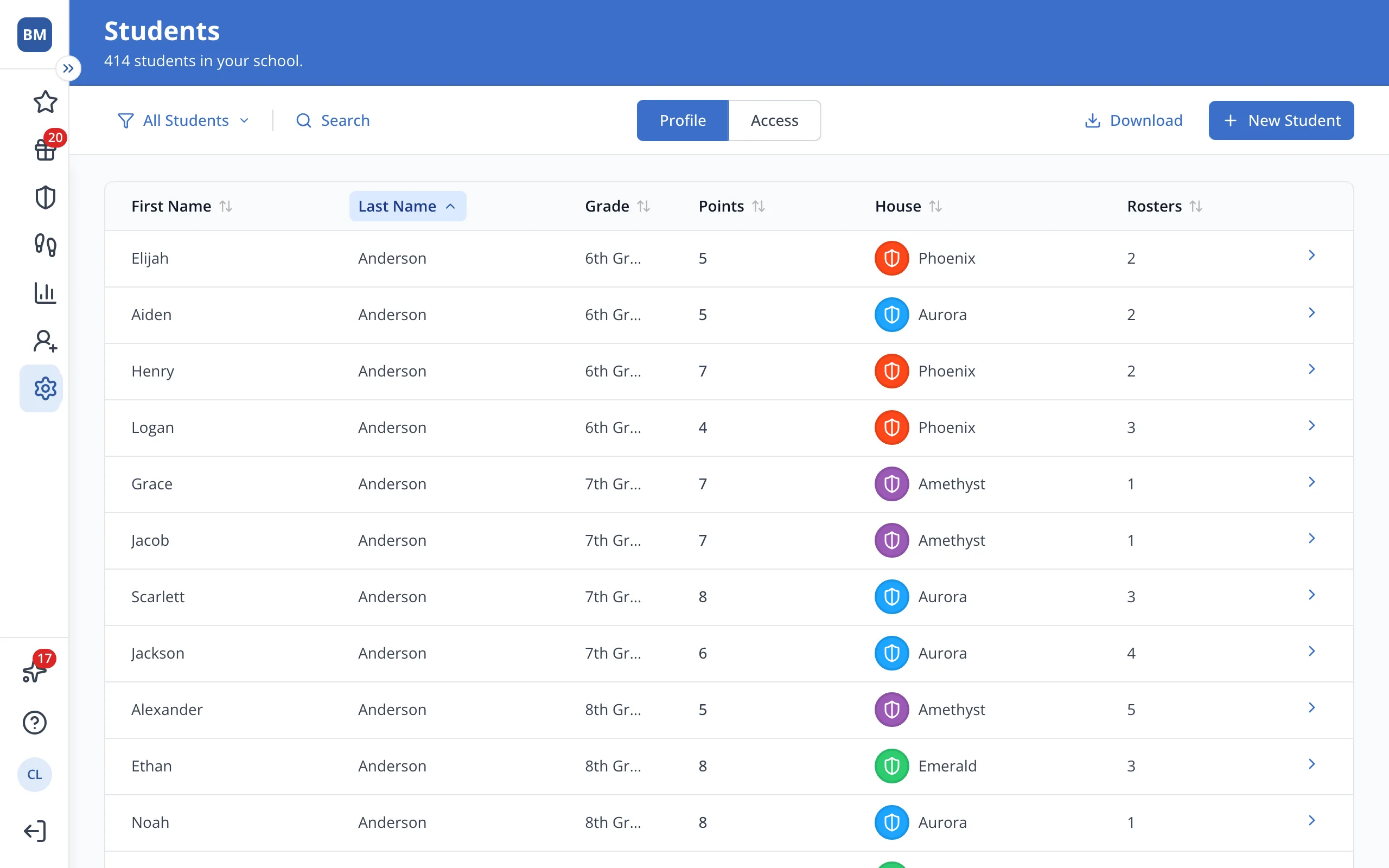
3.Click the student's name.
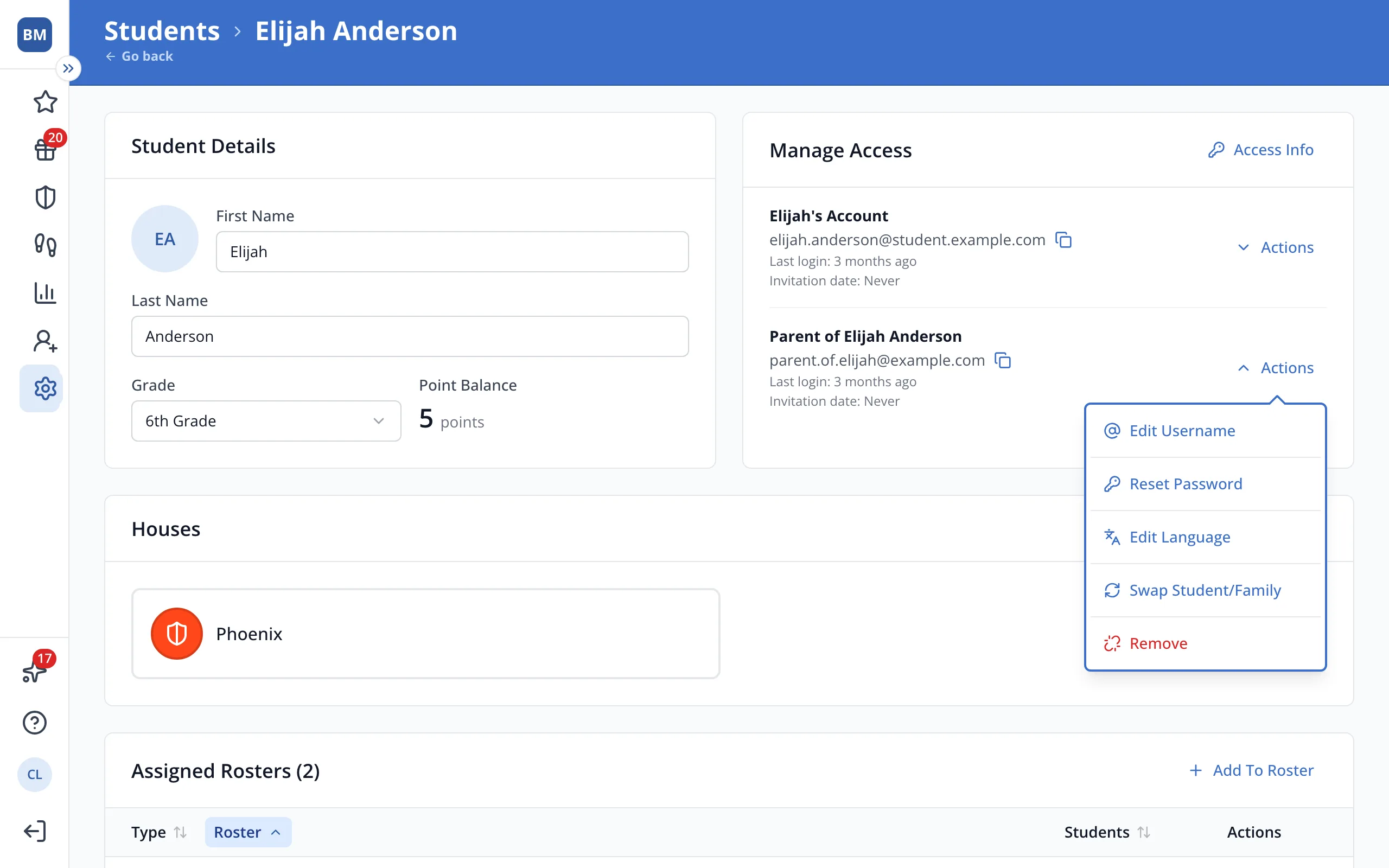
4.In Manage Access, click Actions next to the account that needs a new password.
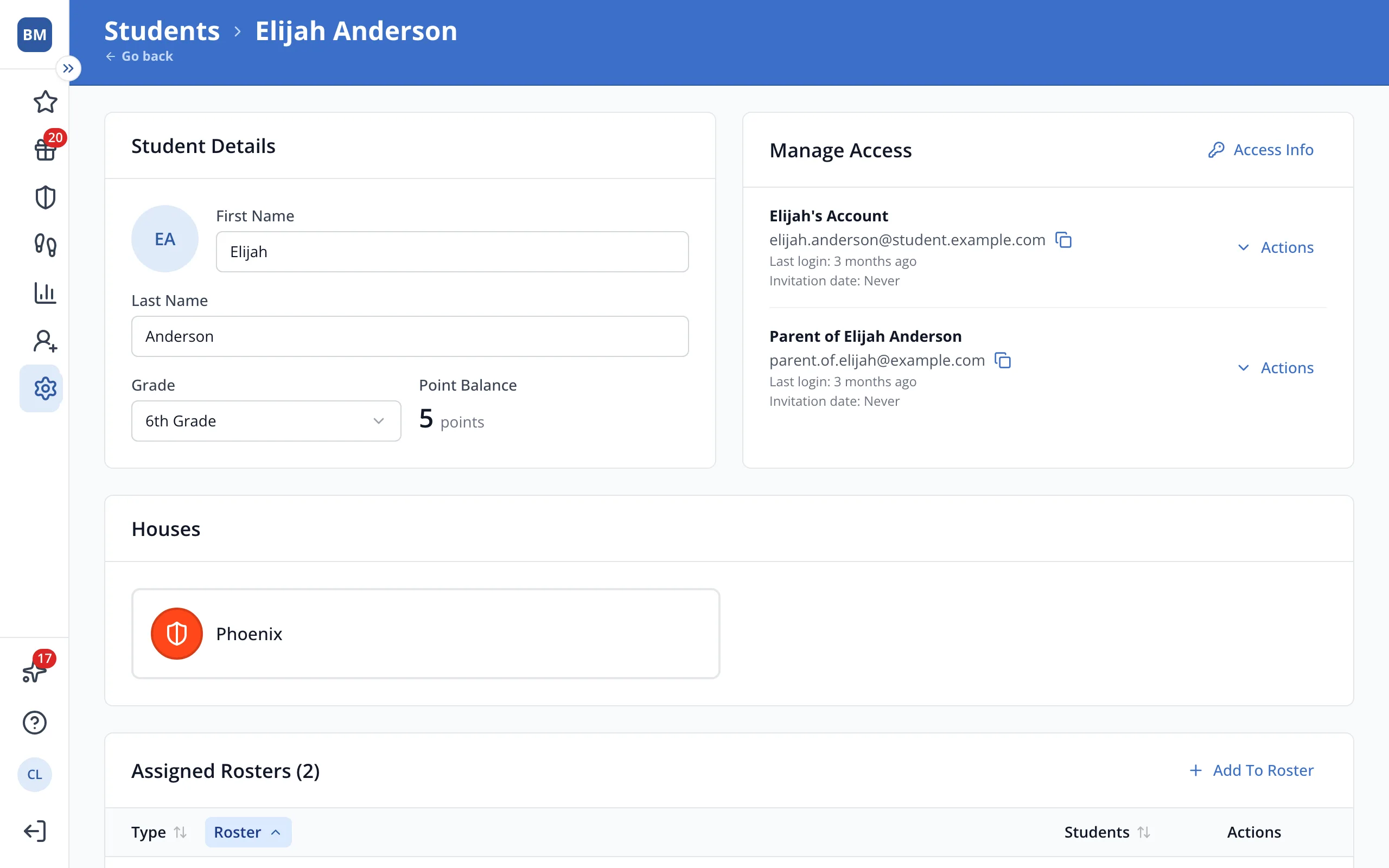
Tip: Reset Password only shows for accounts that have signed up.
5.Click Reset Password.
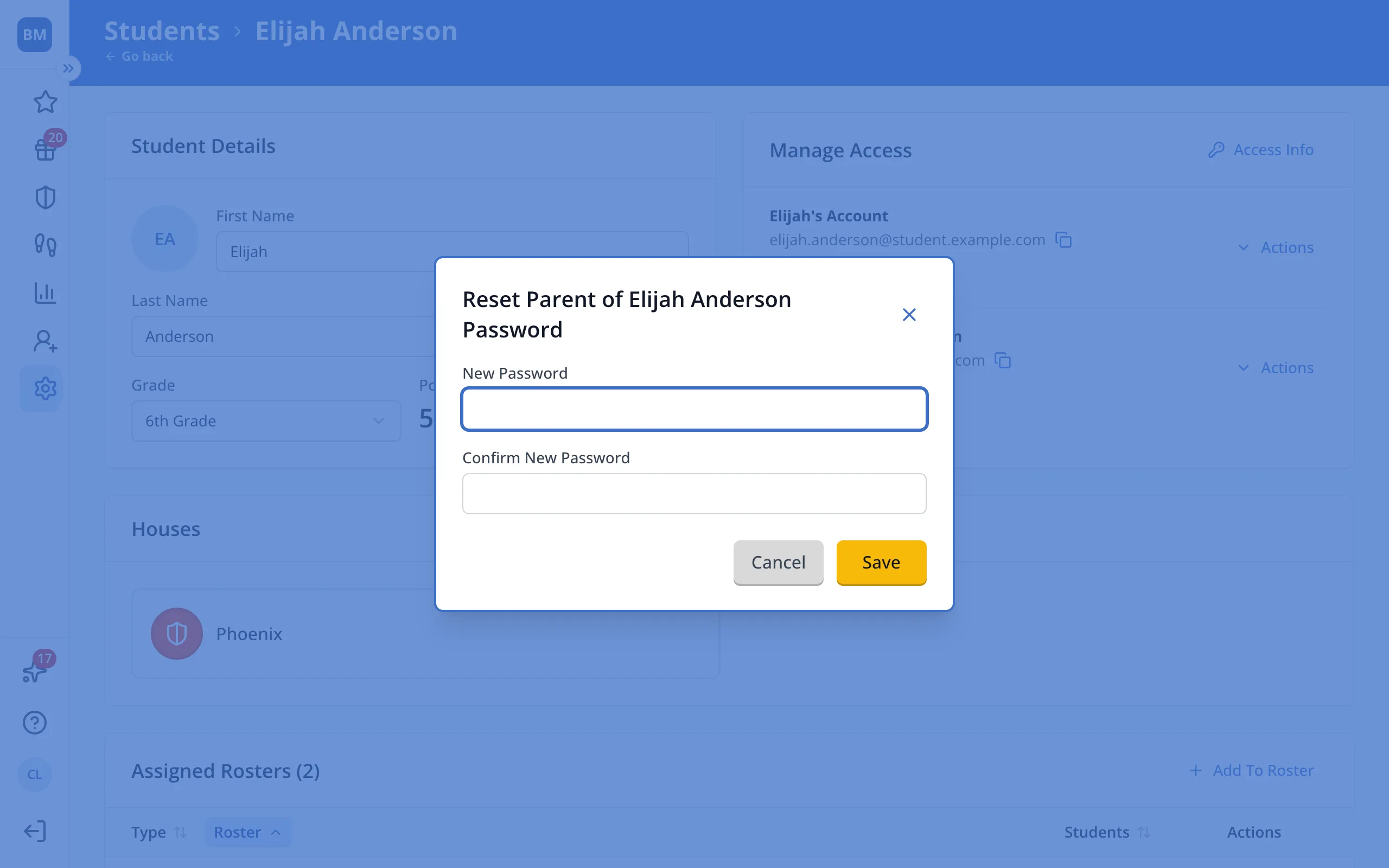
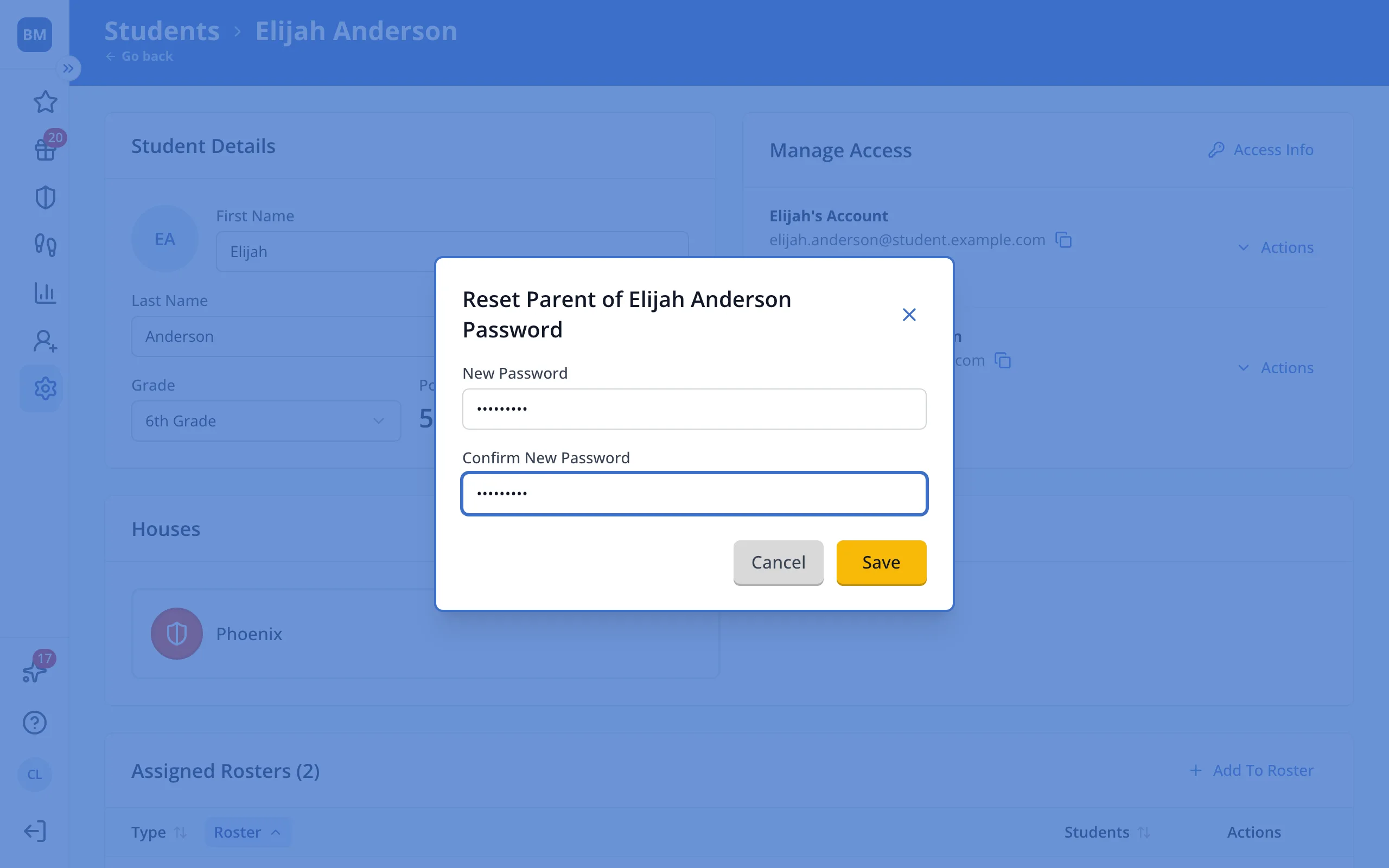
6.Type the new password, then type it again under Confirm New Password.
Tip: Passwords need at least 6 characters.
7.Click Save, then share the new password with the student or family member.
Was this helpful?