
Register your staff email to a parent/guardian account
Claim your student's code with your staff email so that one login opens both your classes and your student's portal.
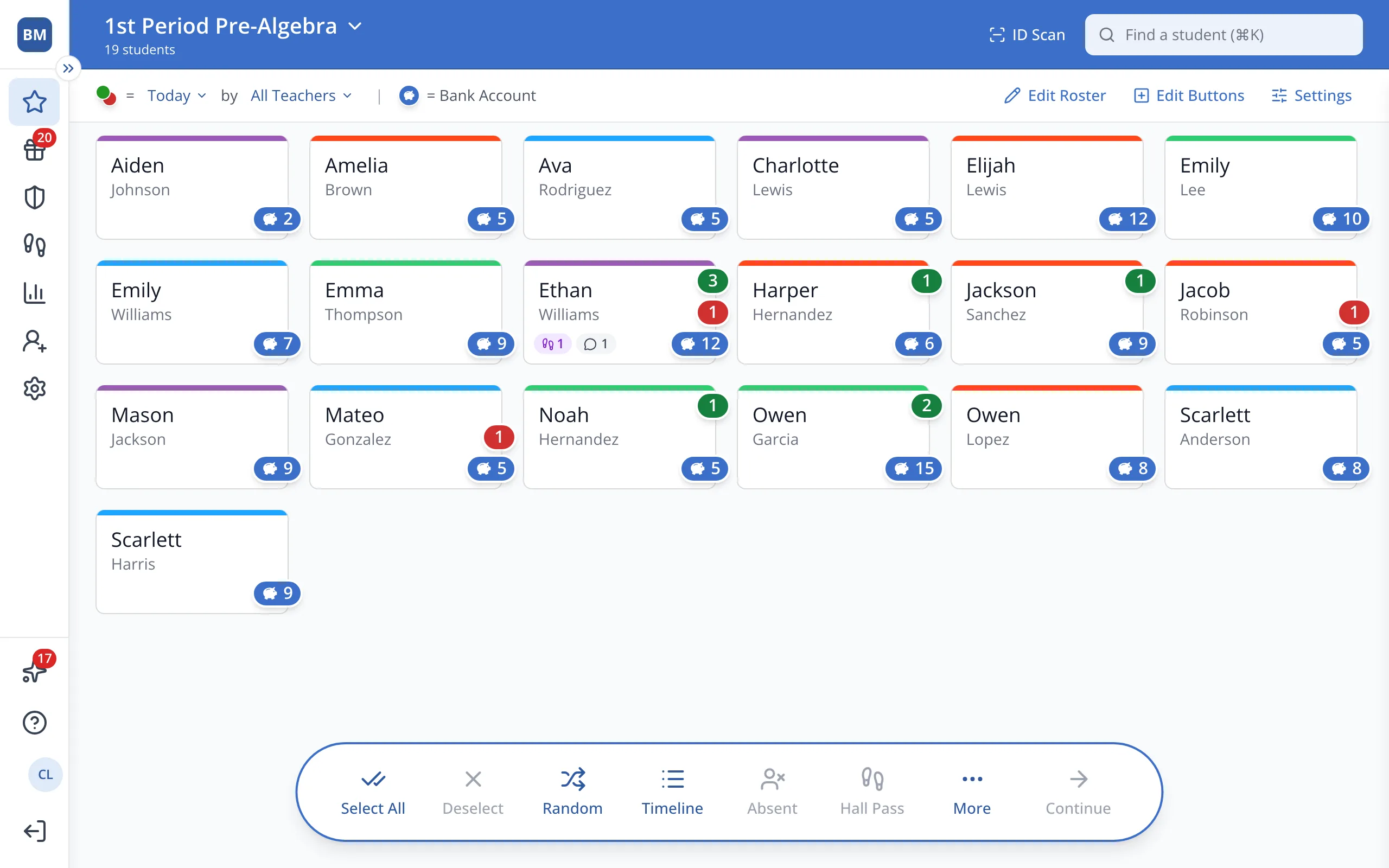
1 / 8At the bottom of the sidebar, click Profile, the circle with your initials.
1.At the bottom of the sidebar, click Profile, the circle with your initials.
2.Click Claim Student Code.
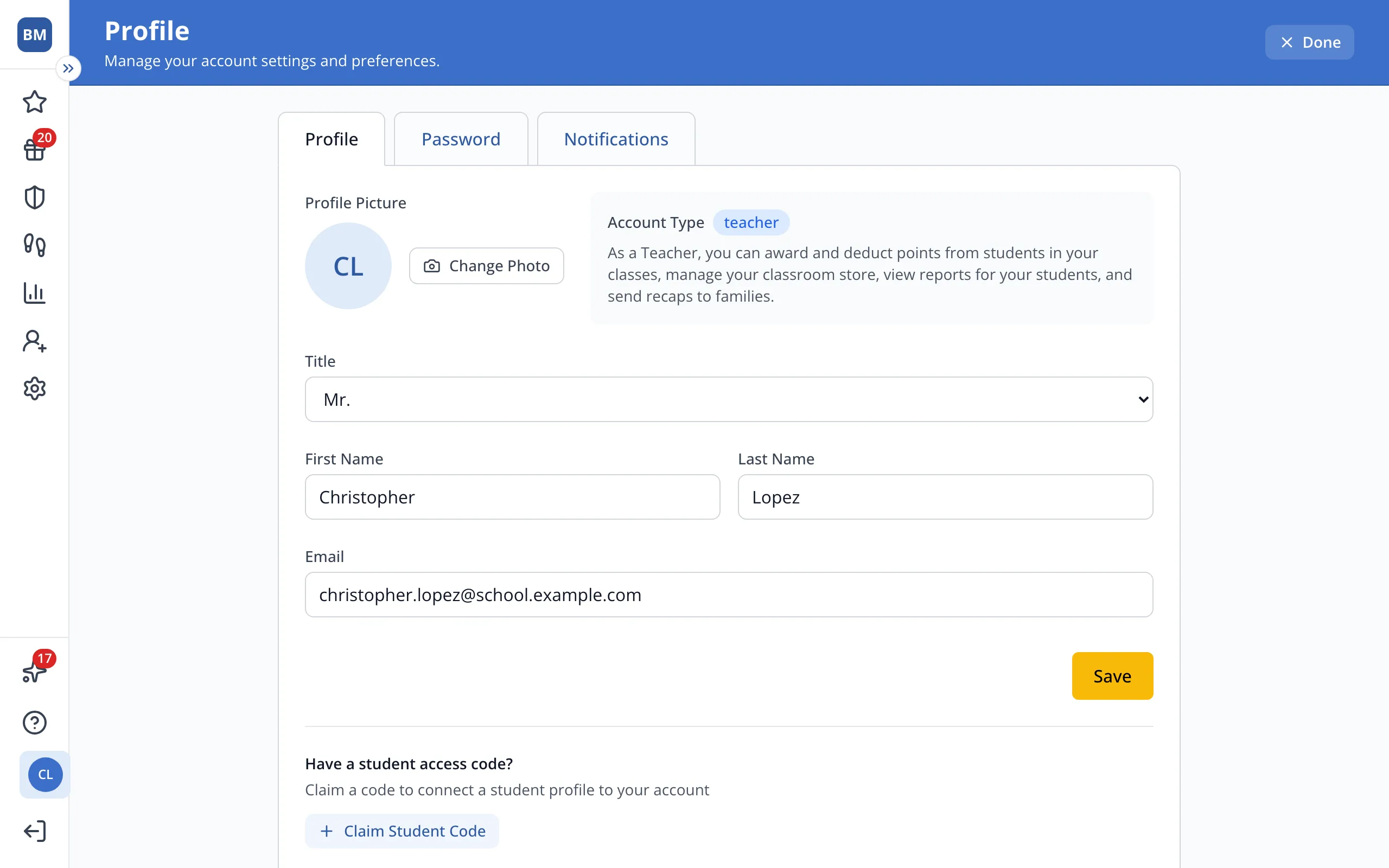
3.Type your student's access code.
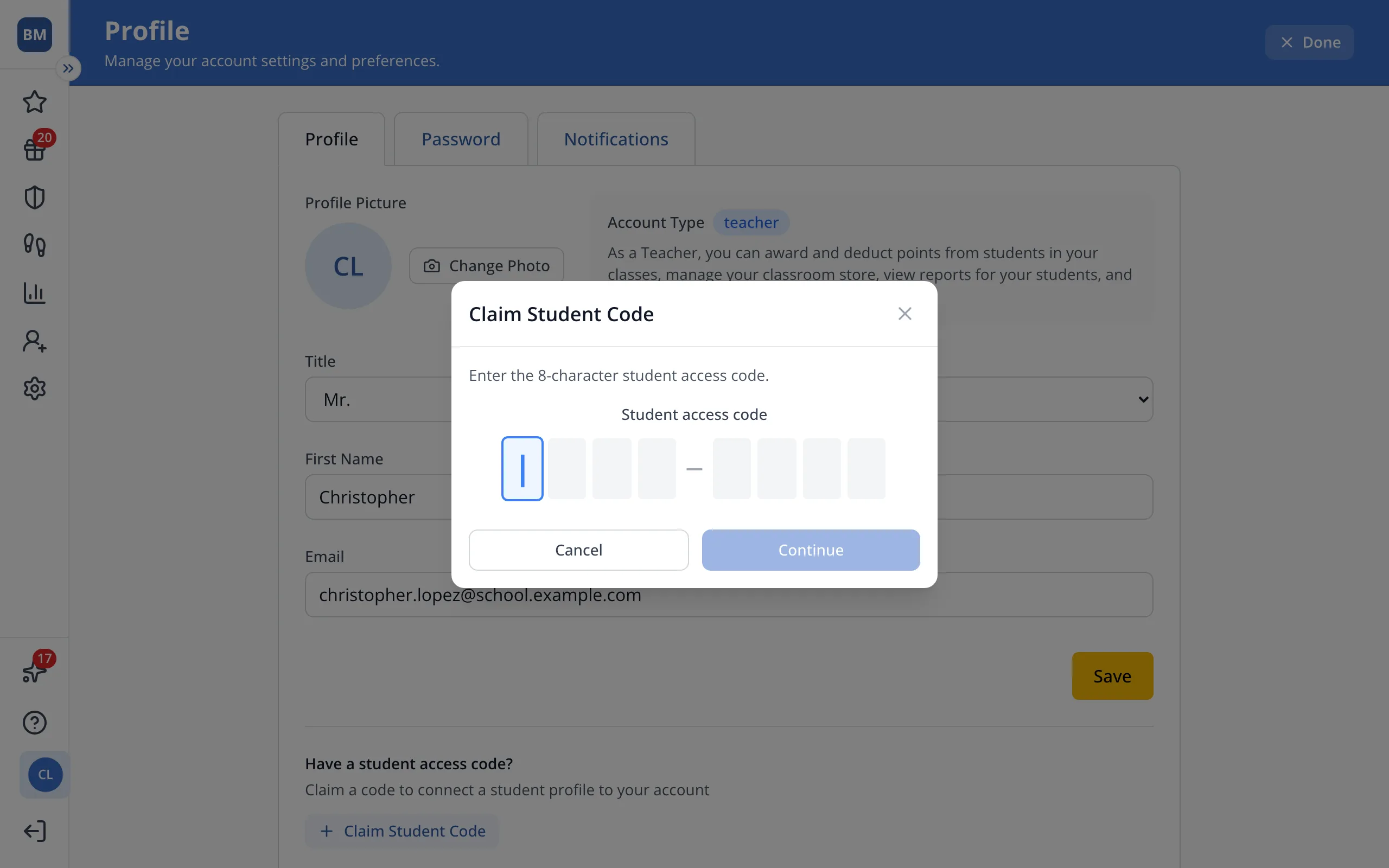
4.Click Continue.
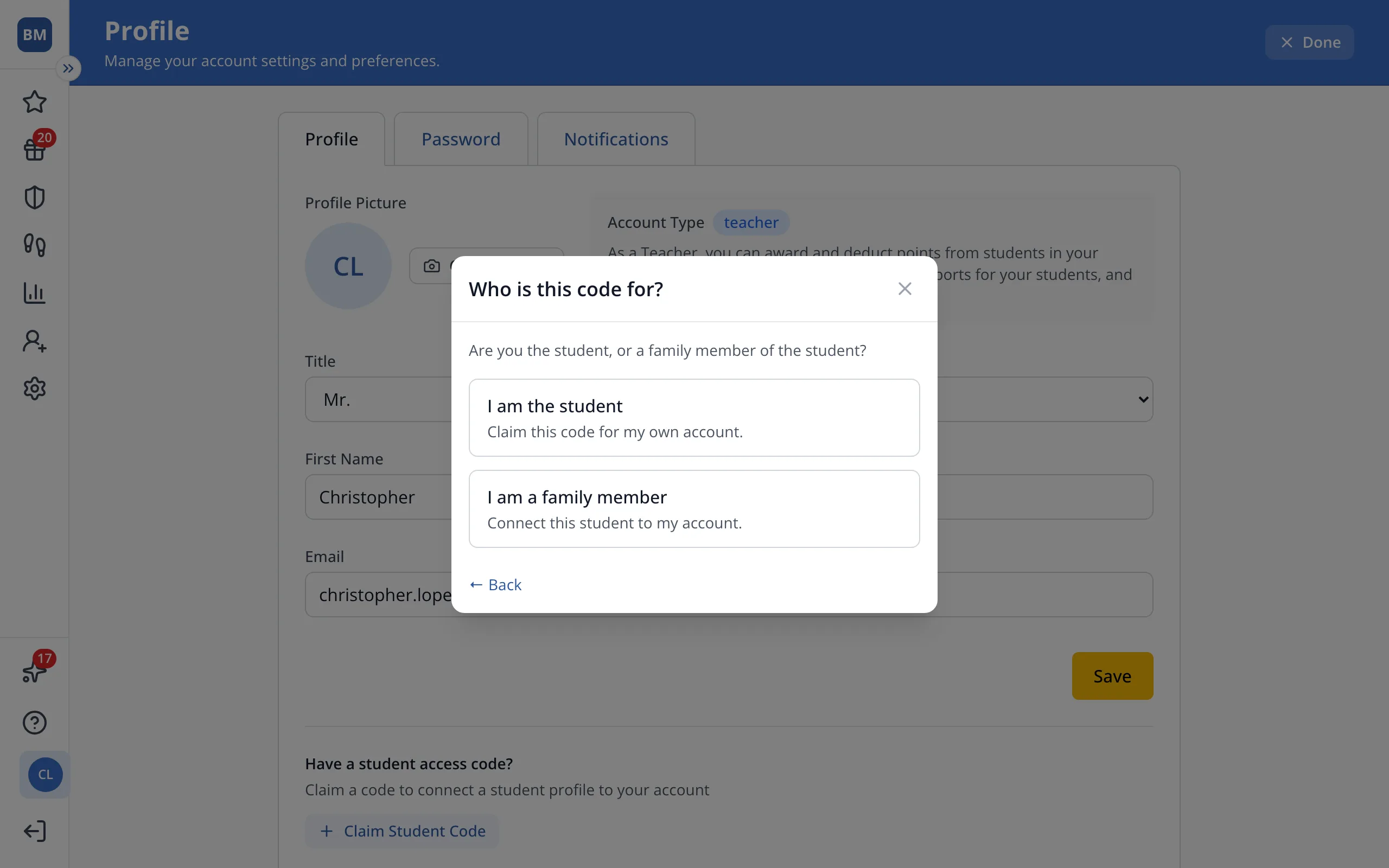
5.Click I am a family member.
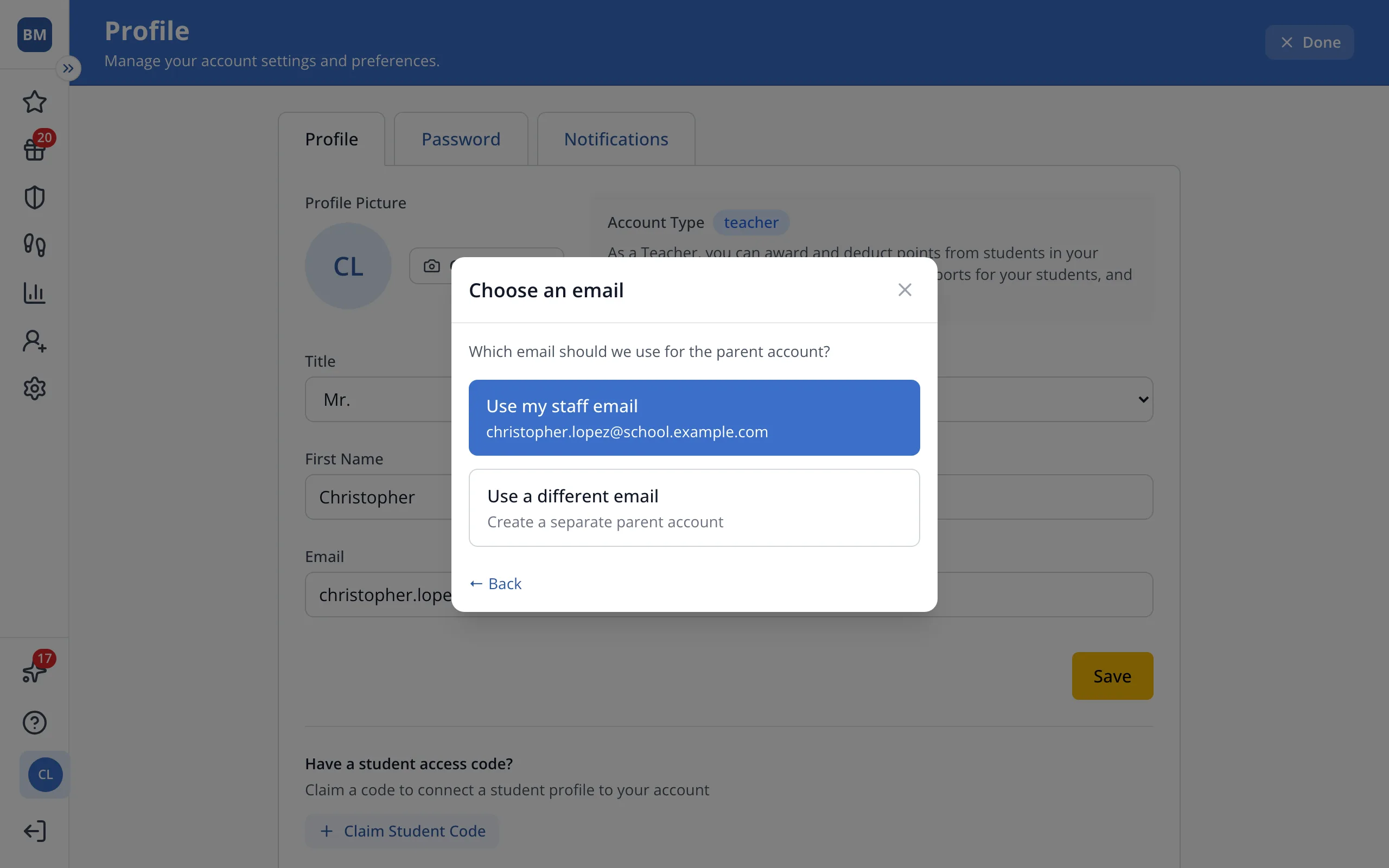
6.Click Use my staff email.
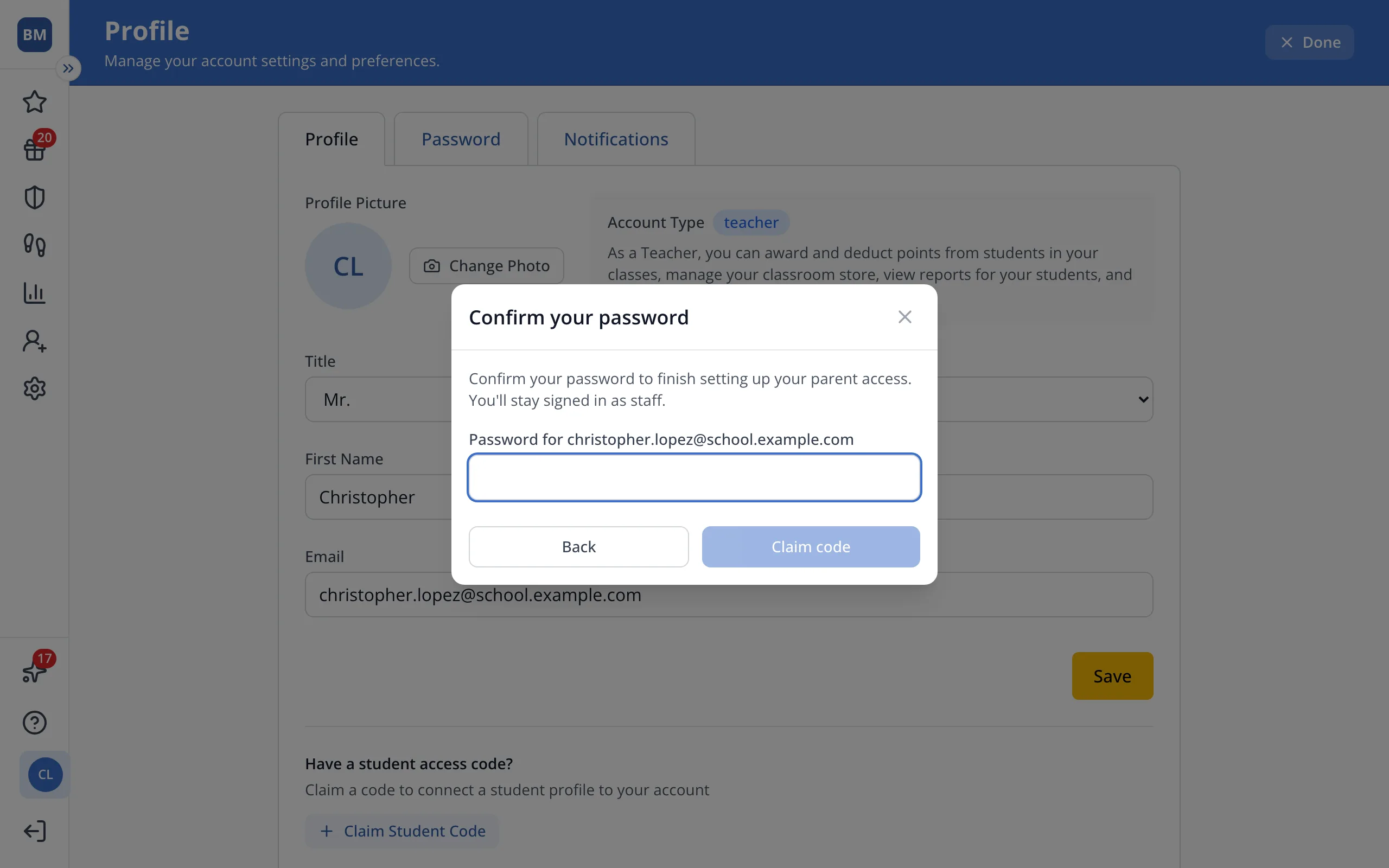
7.If it asks, type your staff password.
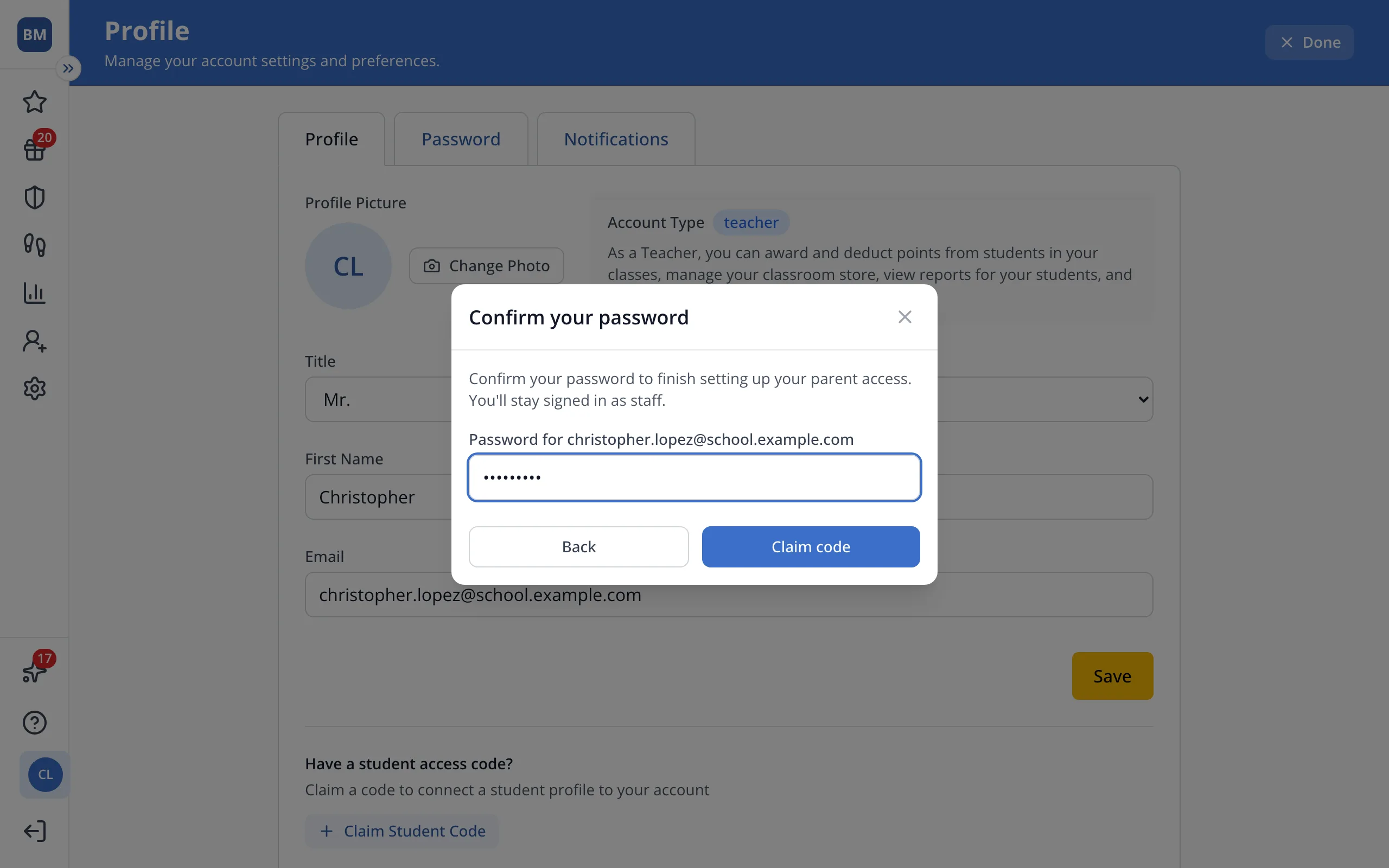
8.Click Claim code. Your student will show under your connected accounts, and you can switch to them from the top of the sidebar.
Was this helpful?