
Fix a family member who signed up as the student
Swapping trades the two usernames, so the parent signs in to the family account and the student to their own.
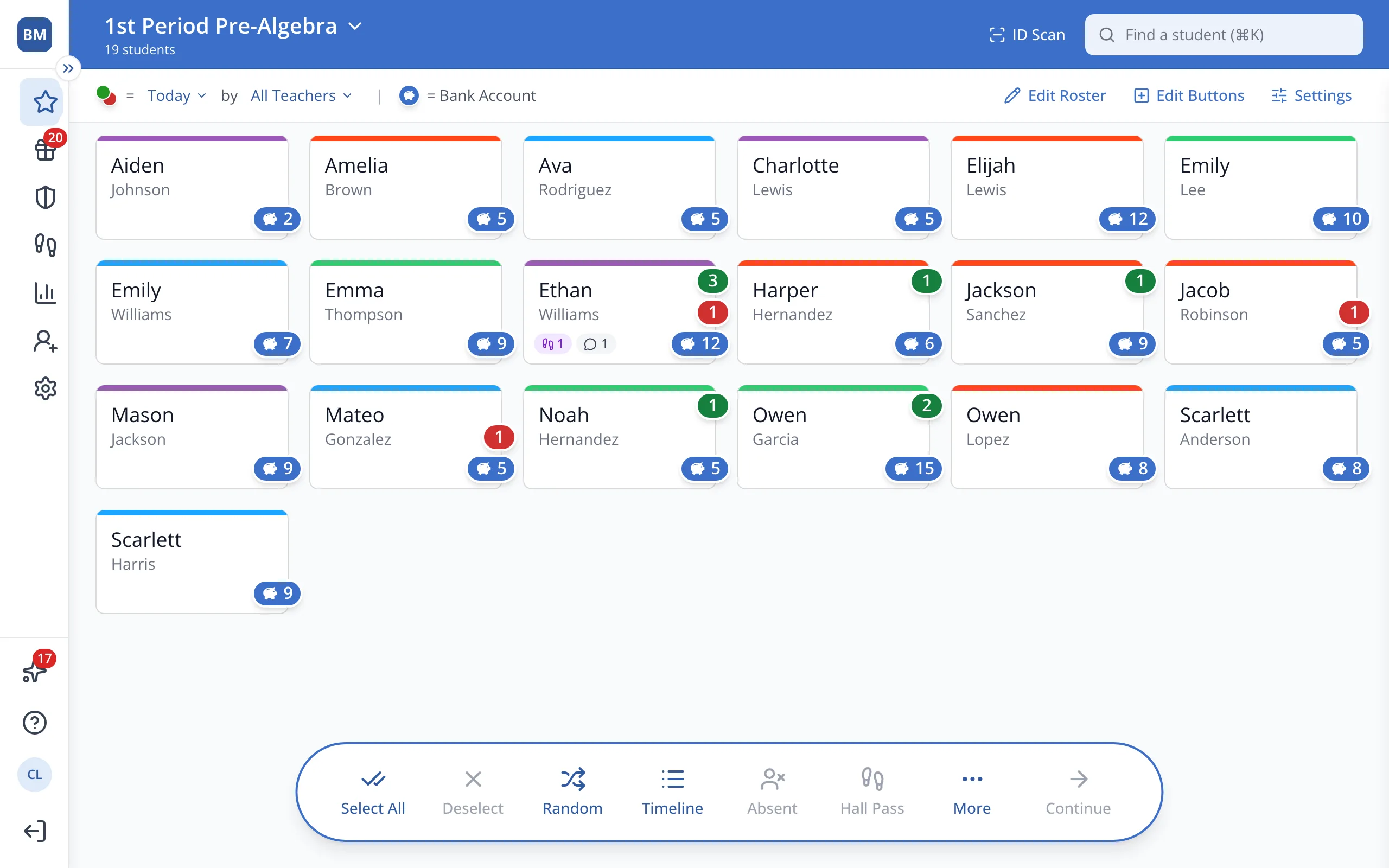
1 / 6In the sidebar, click Setup.
1.In the sidebar, click Setup.
2.Click Students.
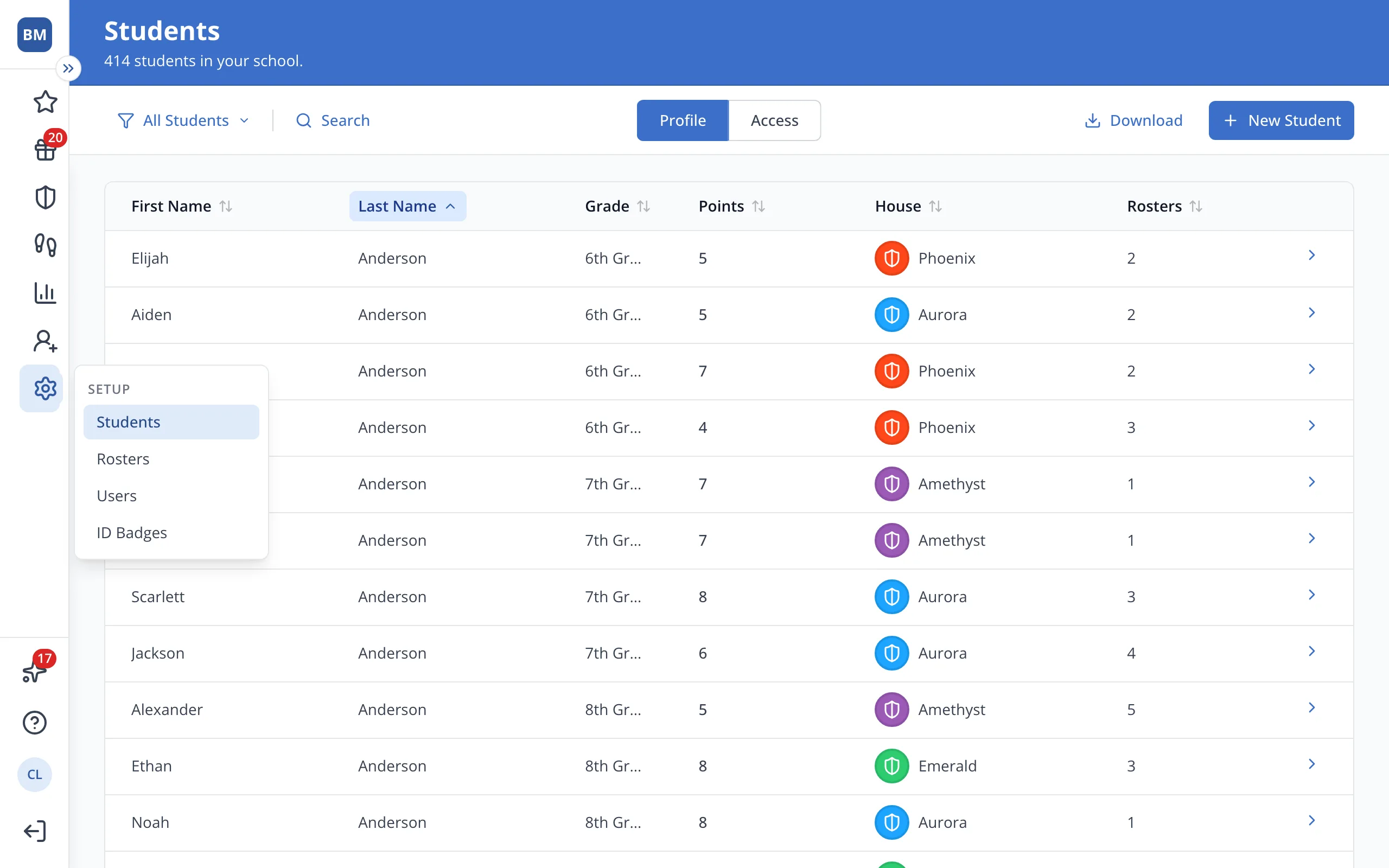
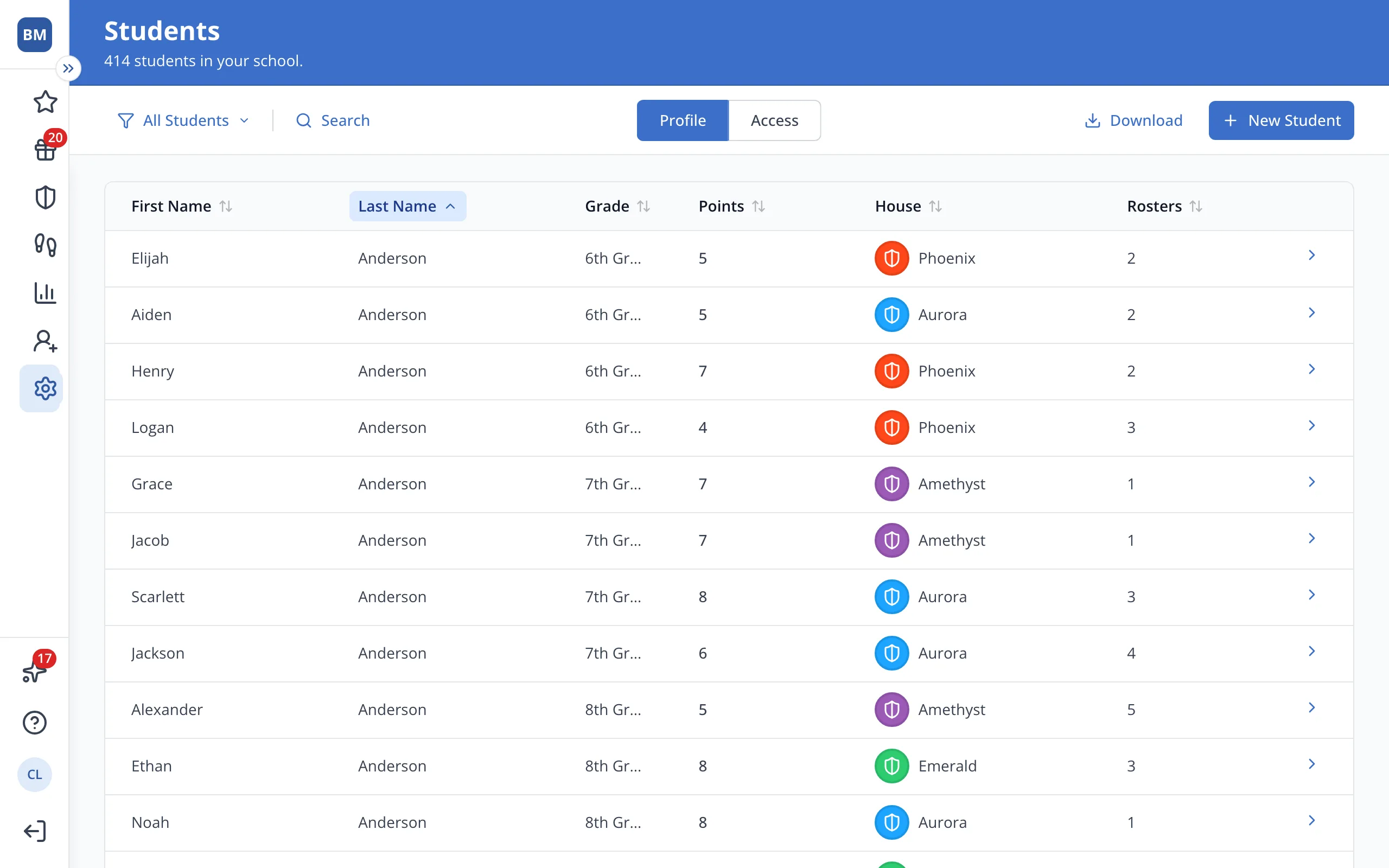
3.Click the student's name.
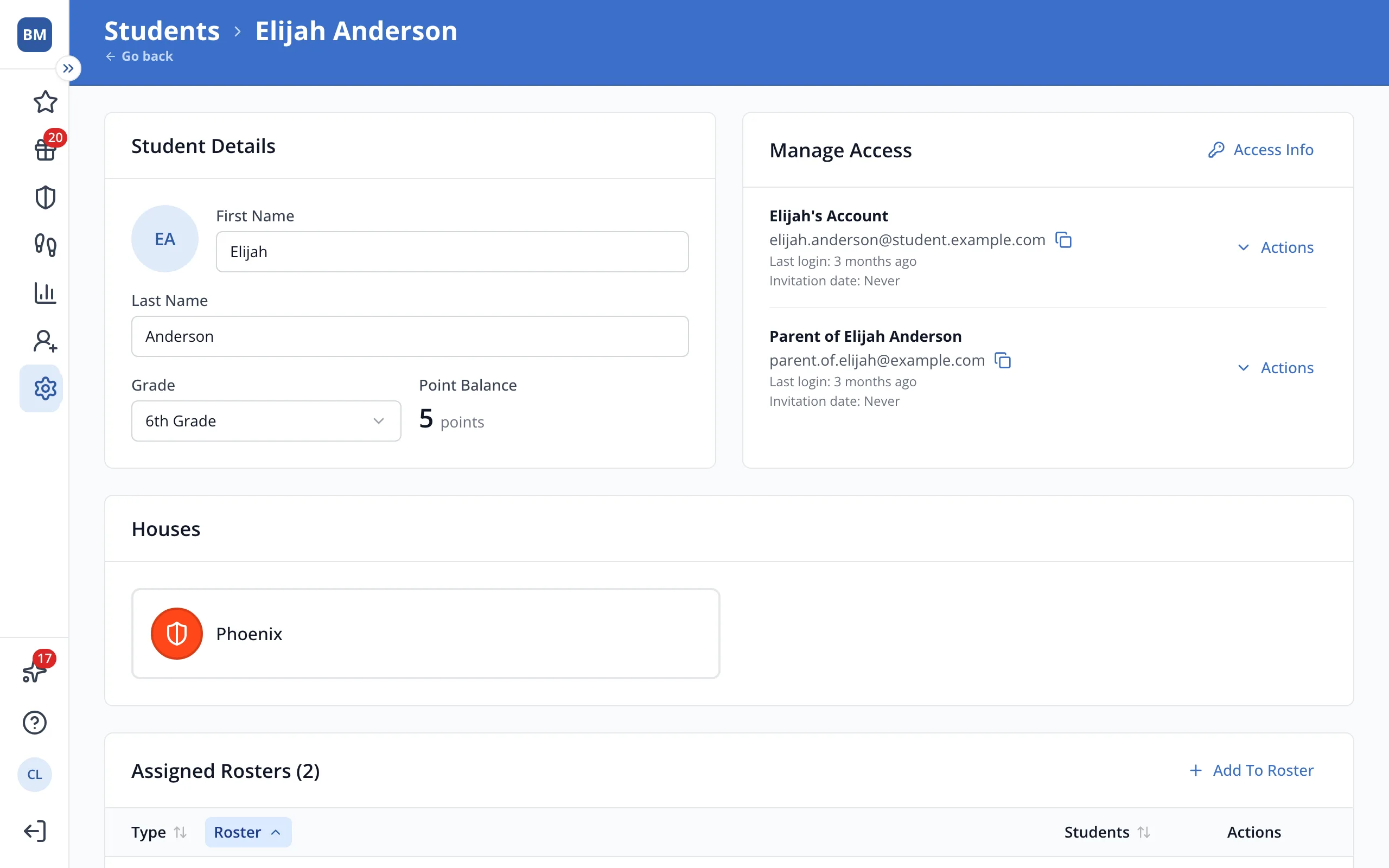
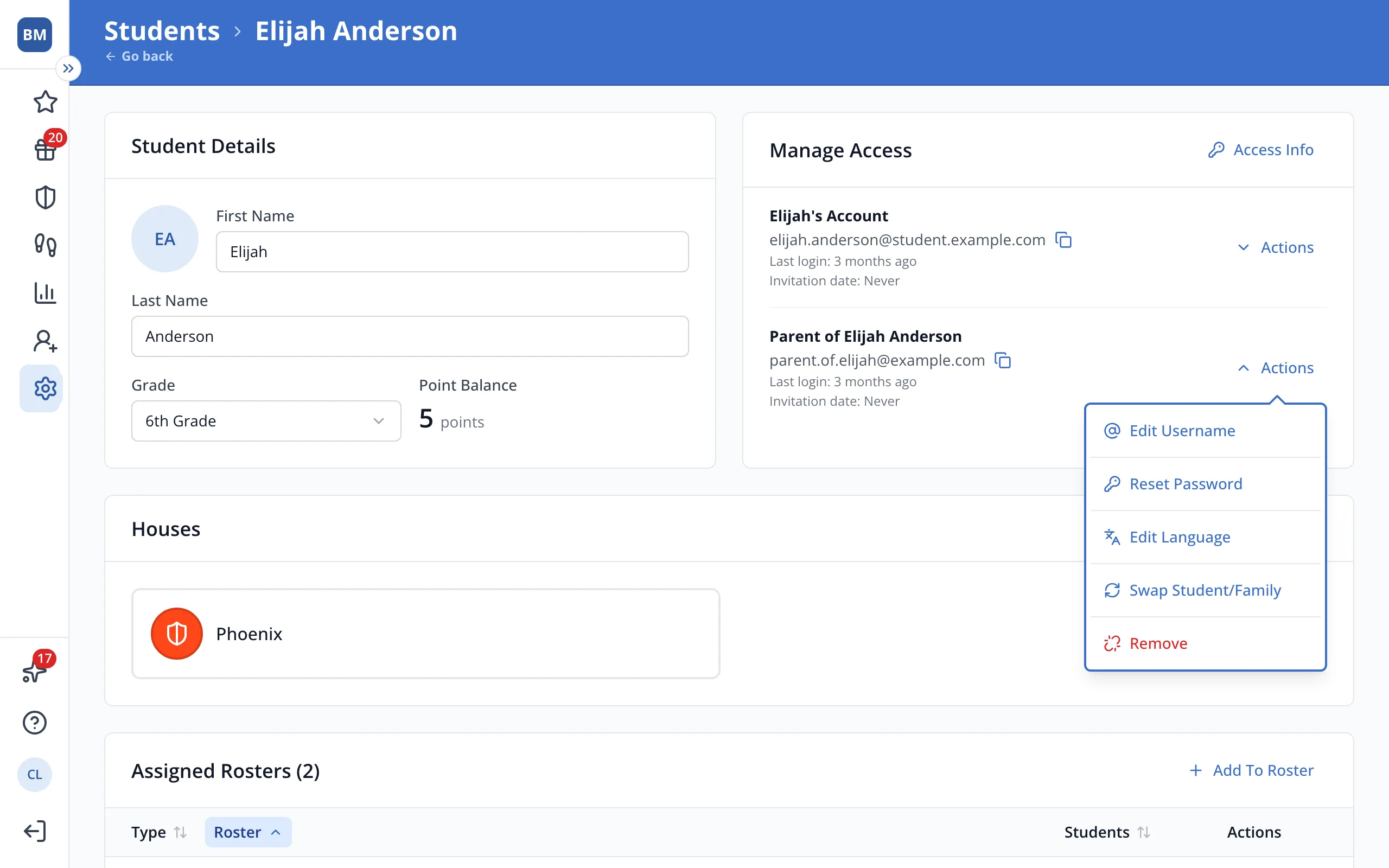
4.In Manage Access, click Actions next to the family account that should belong to the student.
5.Click Swap Student/Family.
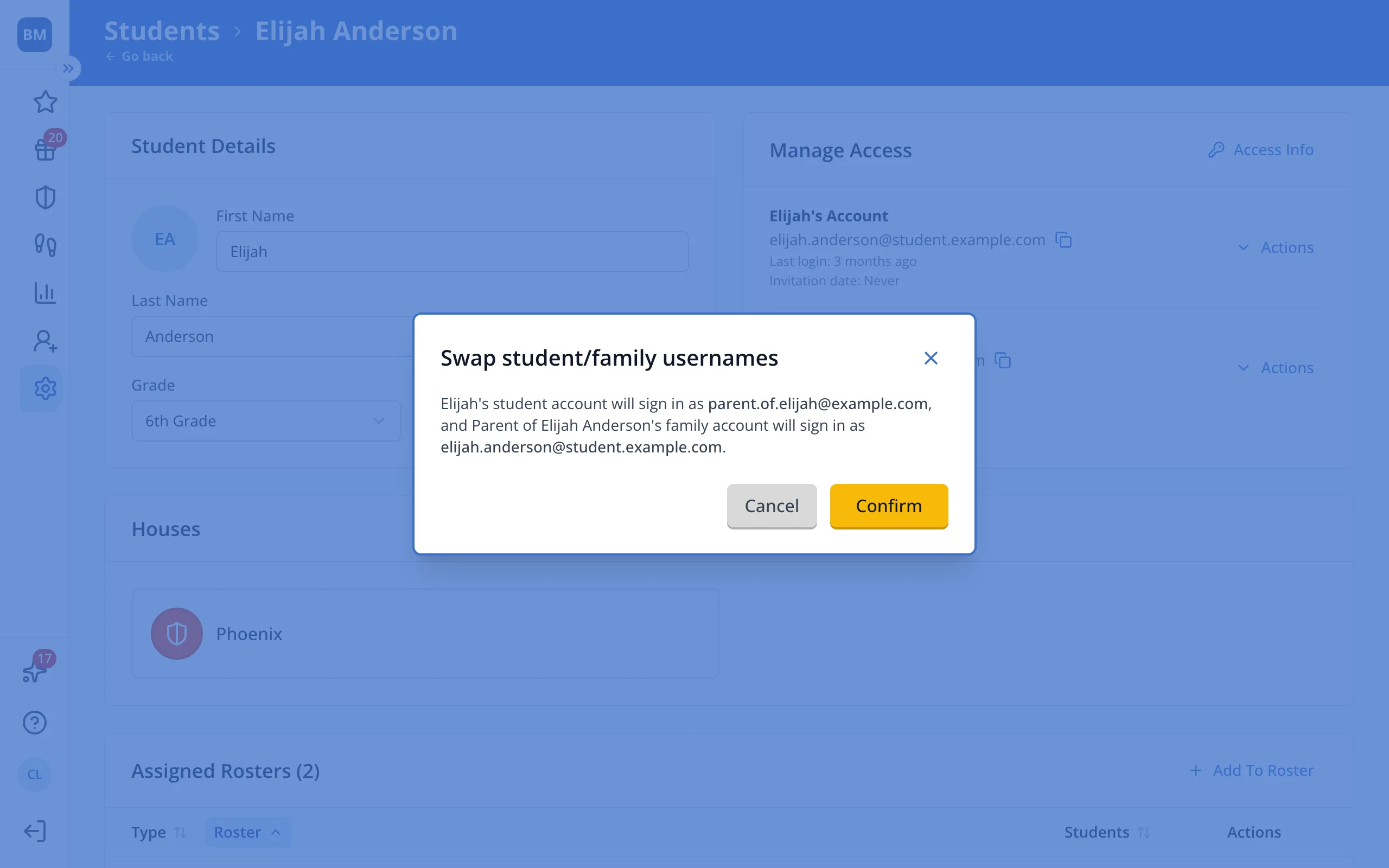
6.Check the new usernames, then click Confirm.
Was this helpful?