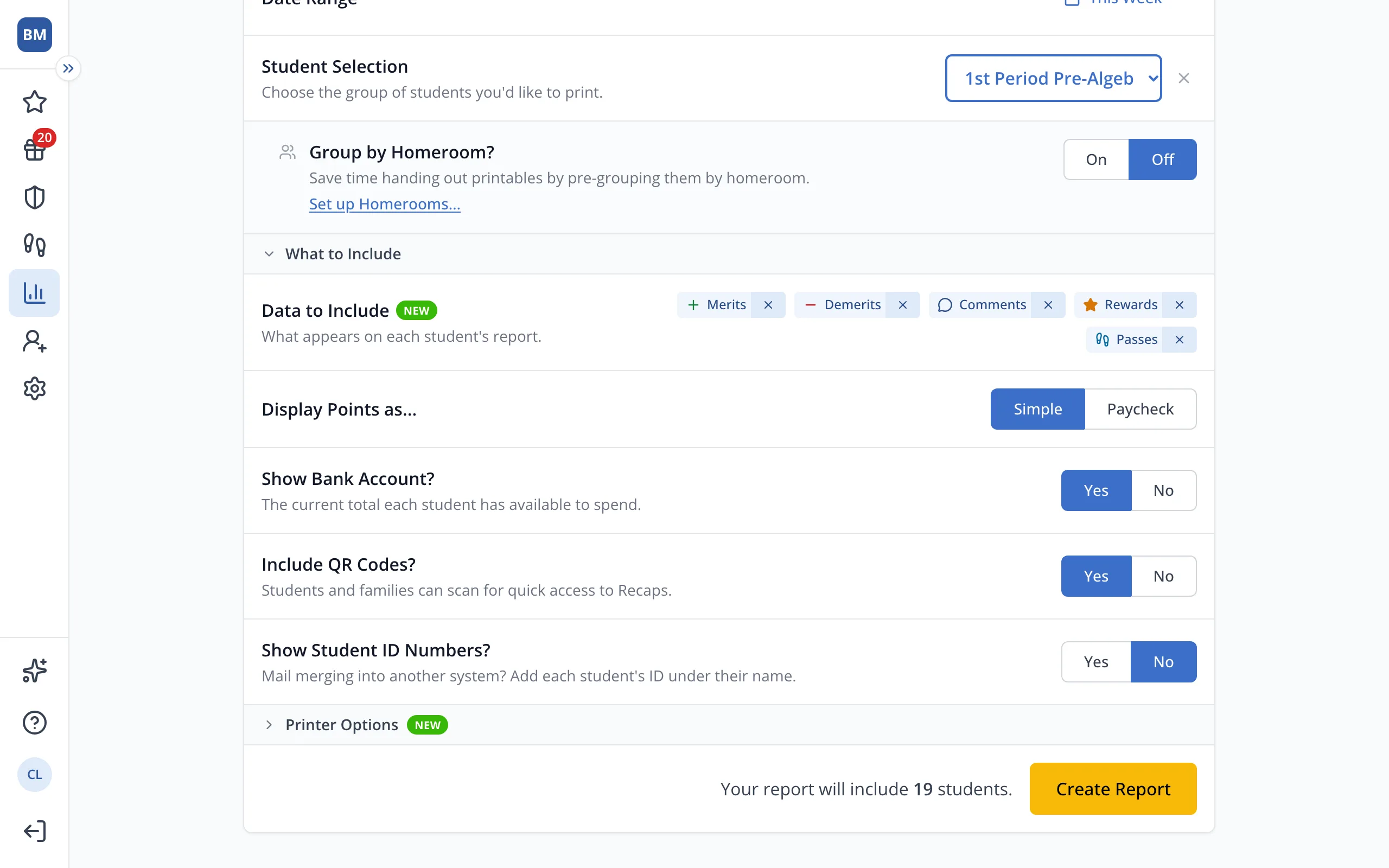
Show each student's bank account on printed reports
The Bank Account is the points each student has available to spend today, which won't change even when the date range is changed.
Open in LiveSchool
Already signed in? Open this guide inside LiveSchool.
Use the Left and Right arrow keys to move between steps, and Space to play or pause.
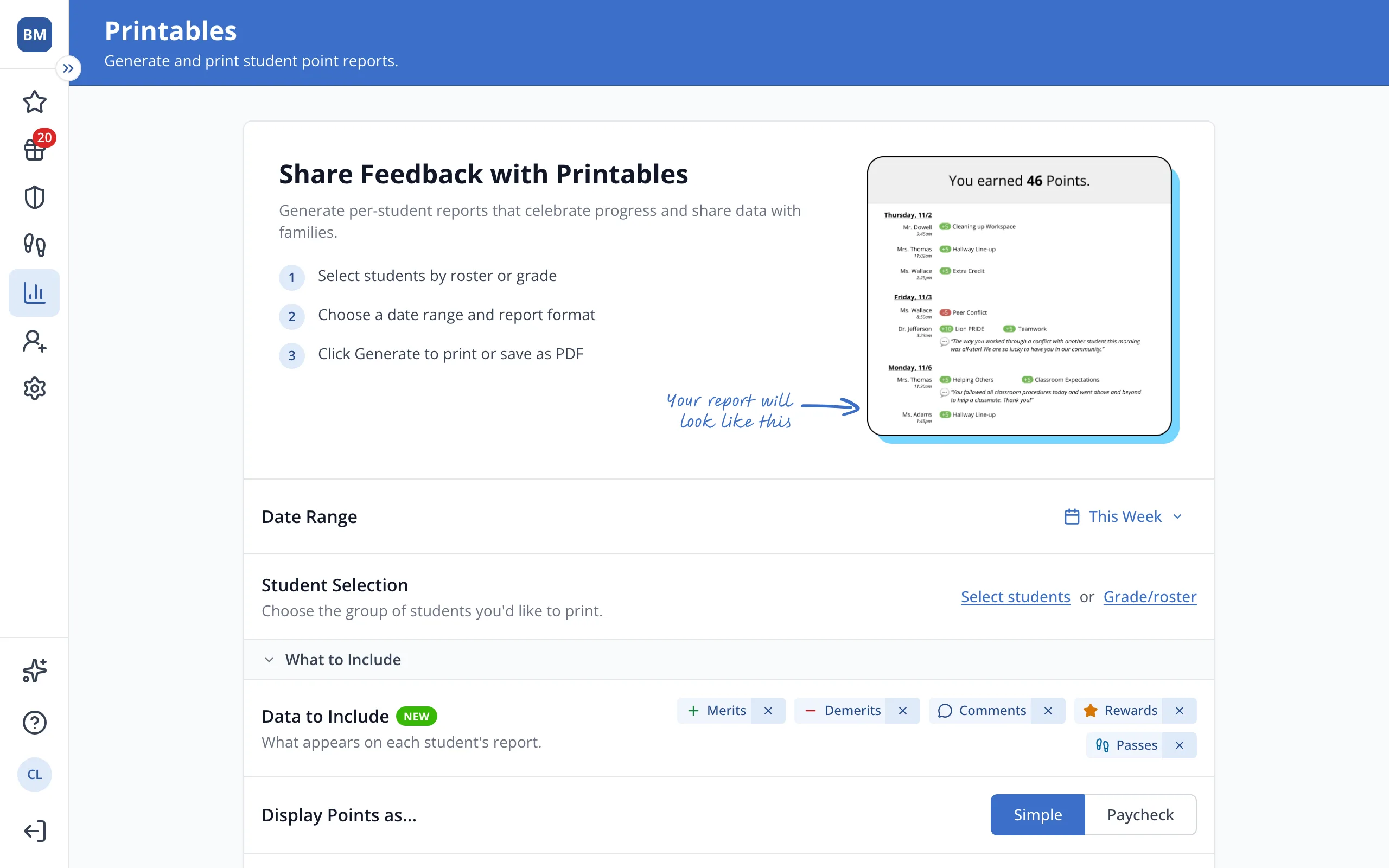
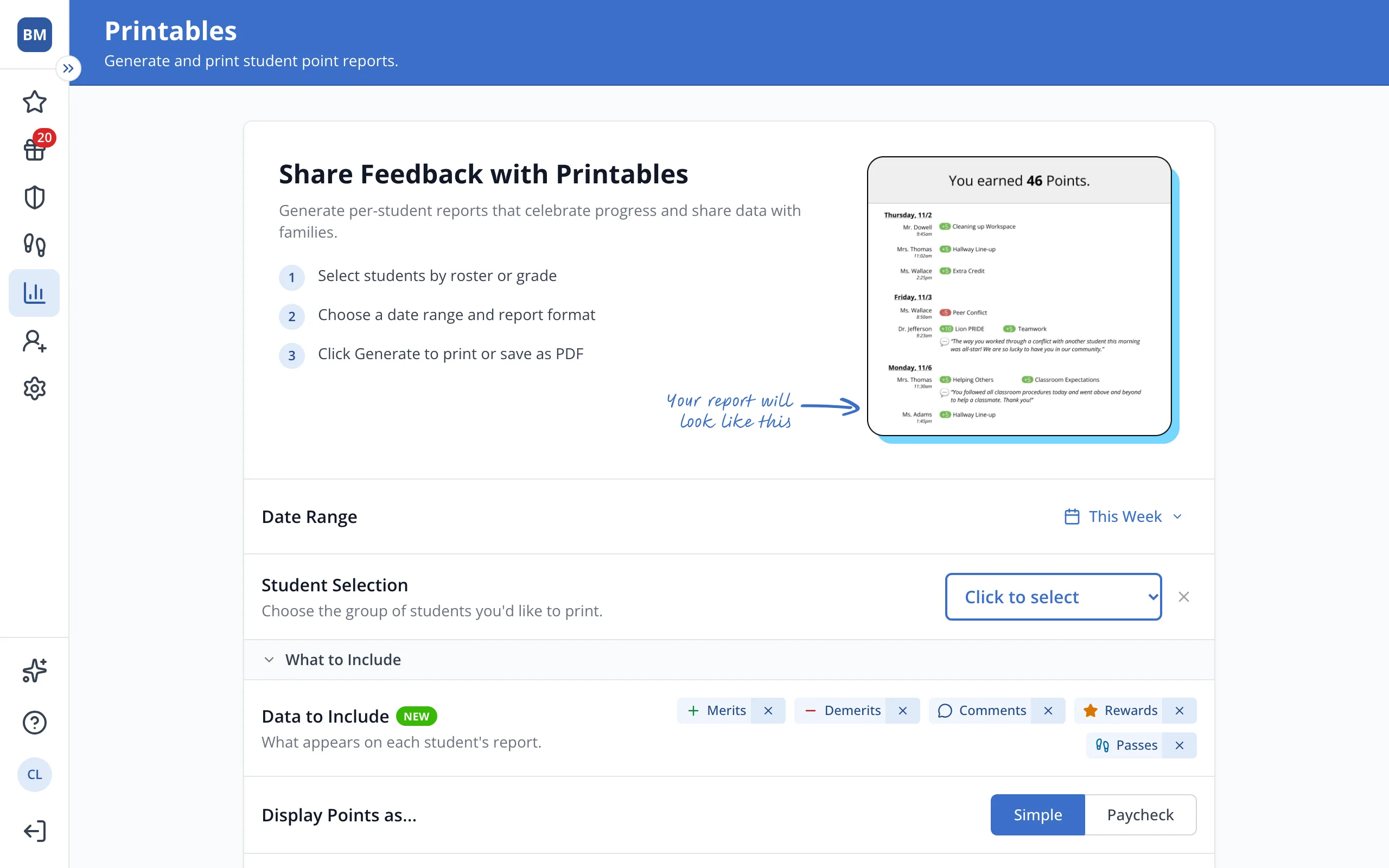
1.On the Printables page under Reports, next to Student Selection, click Grade/roster.
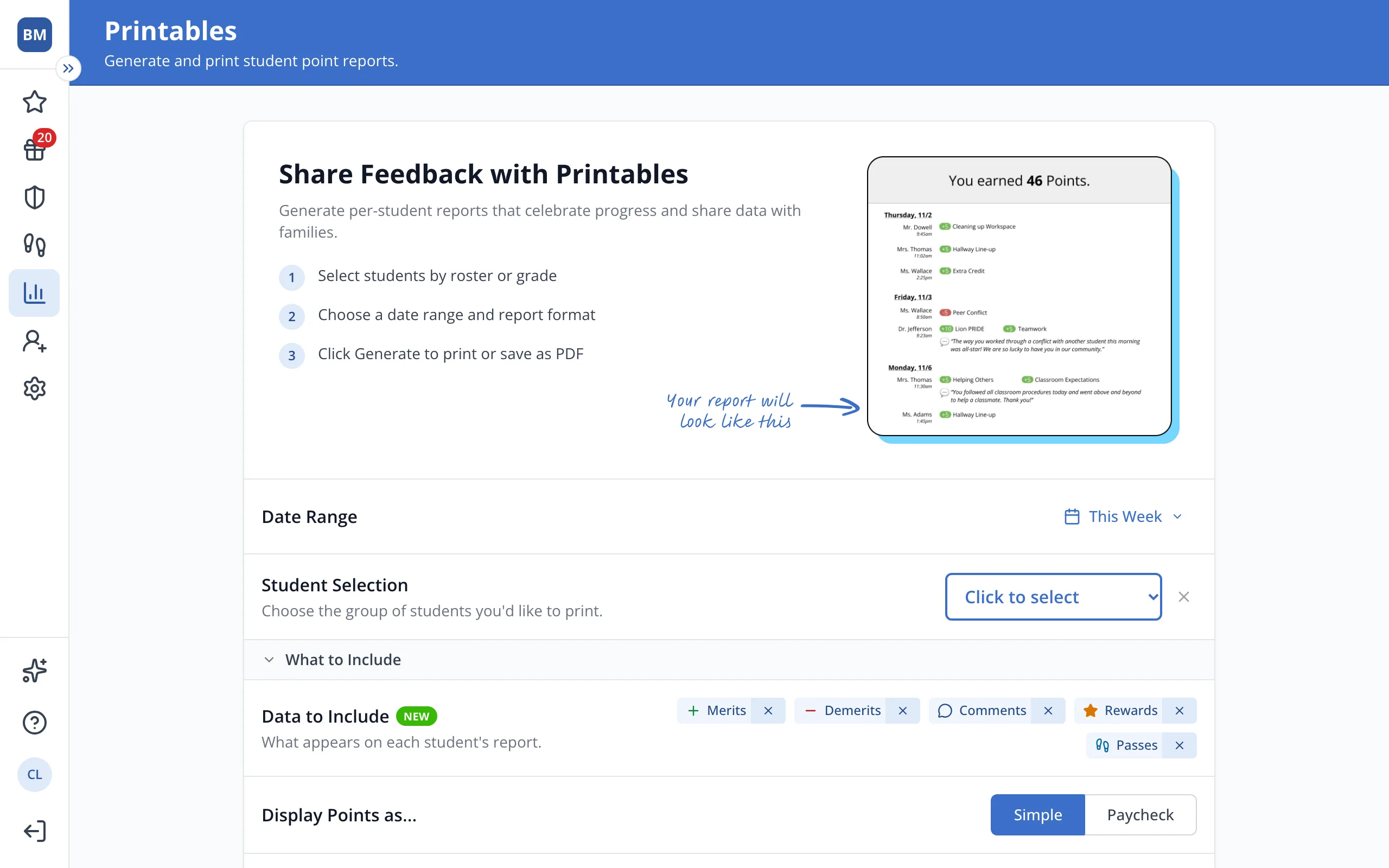
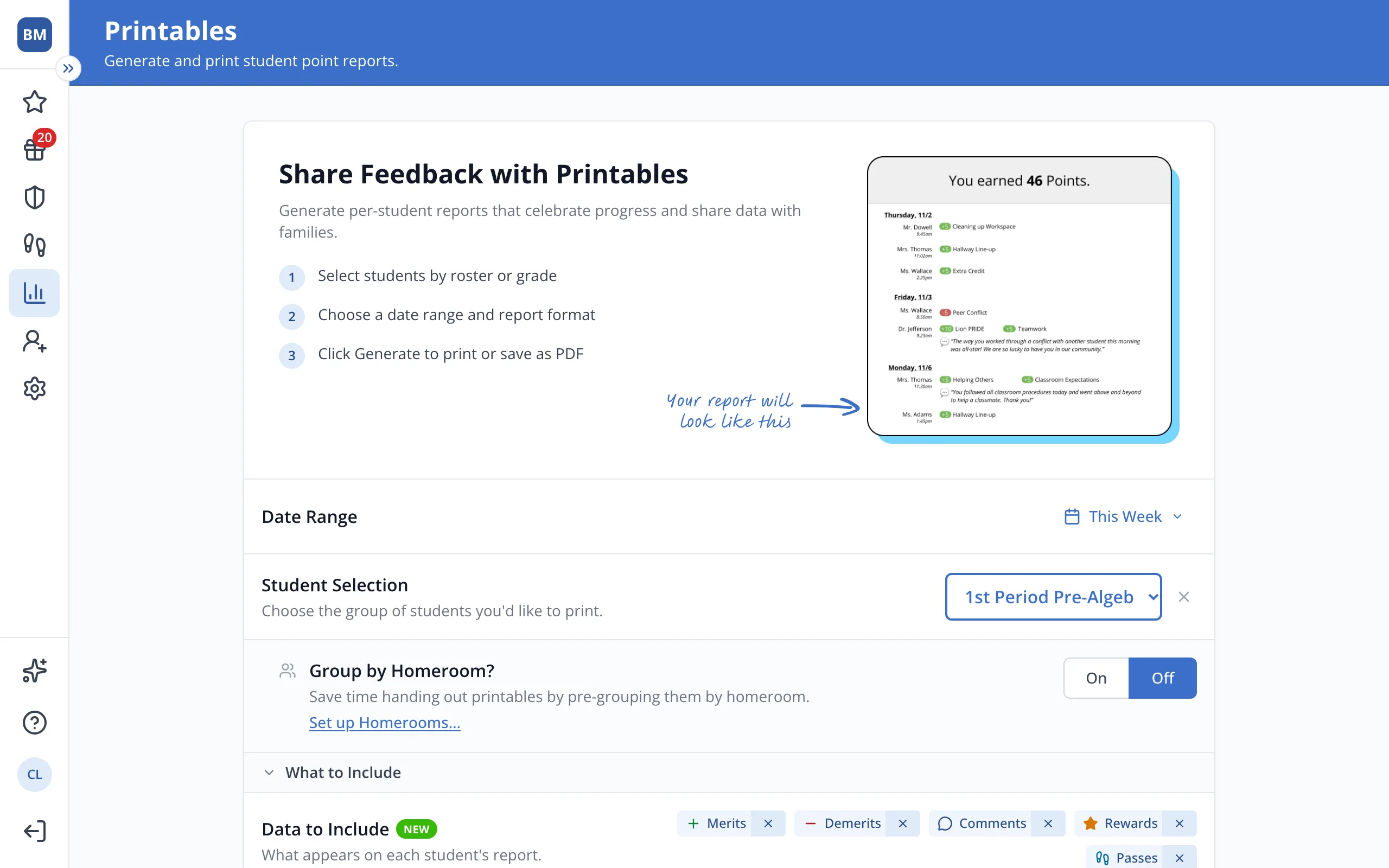
2.Pick the grade or roster you'd like to print.
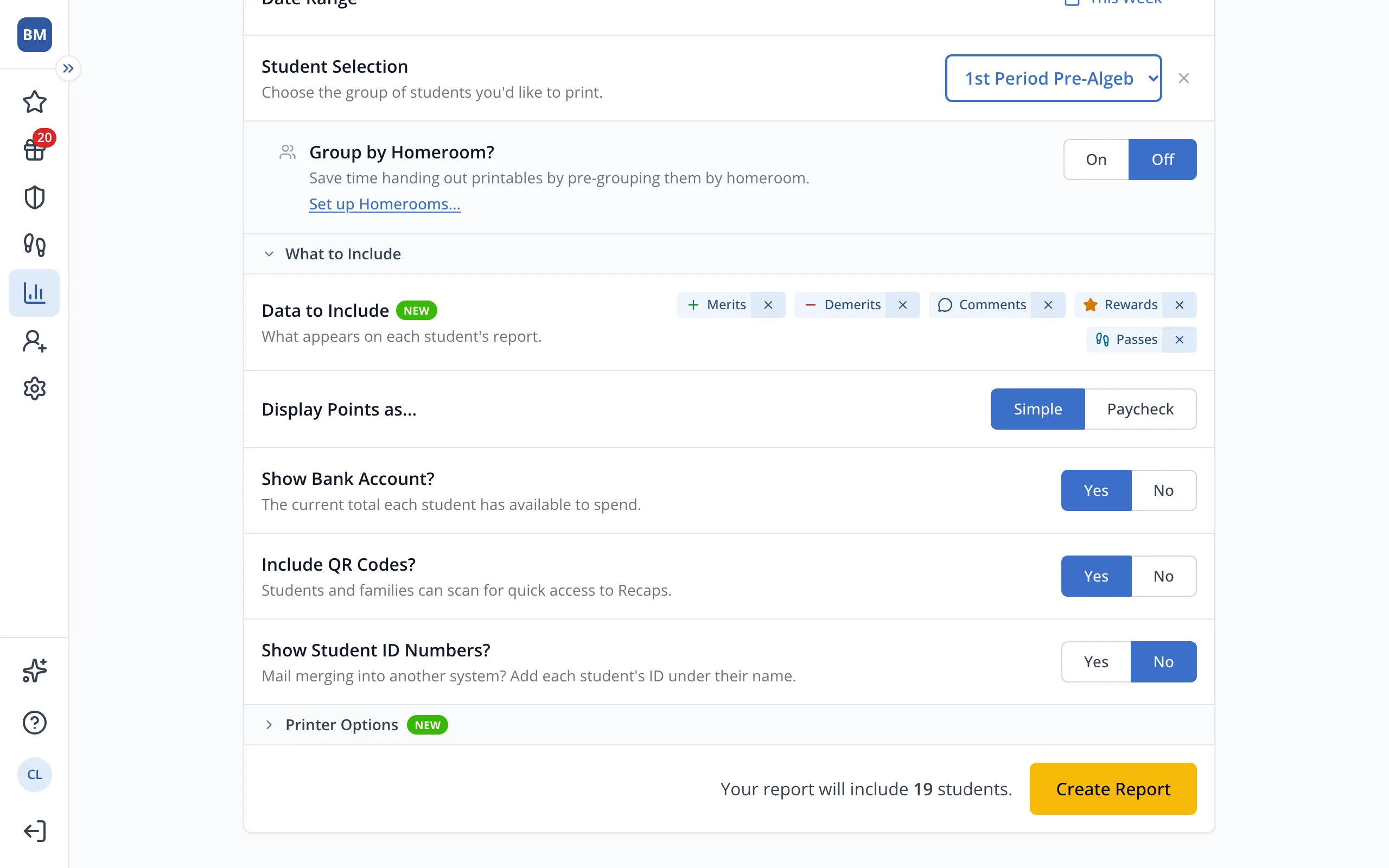
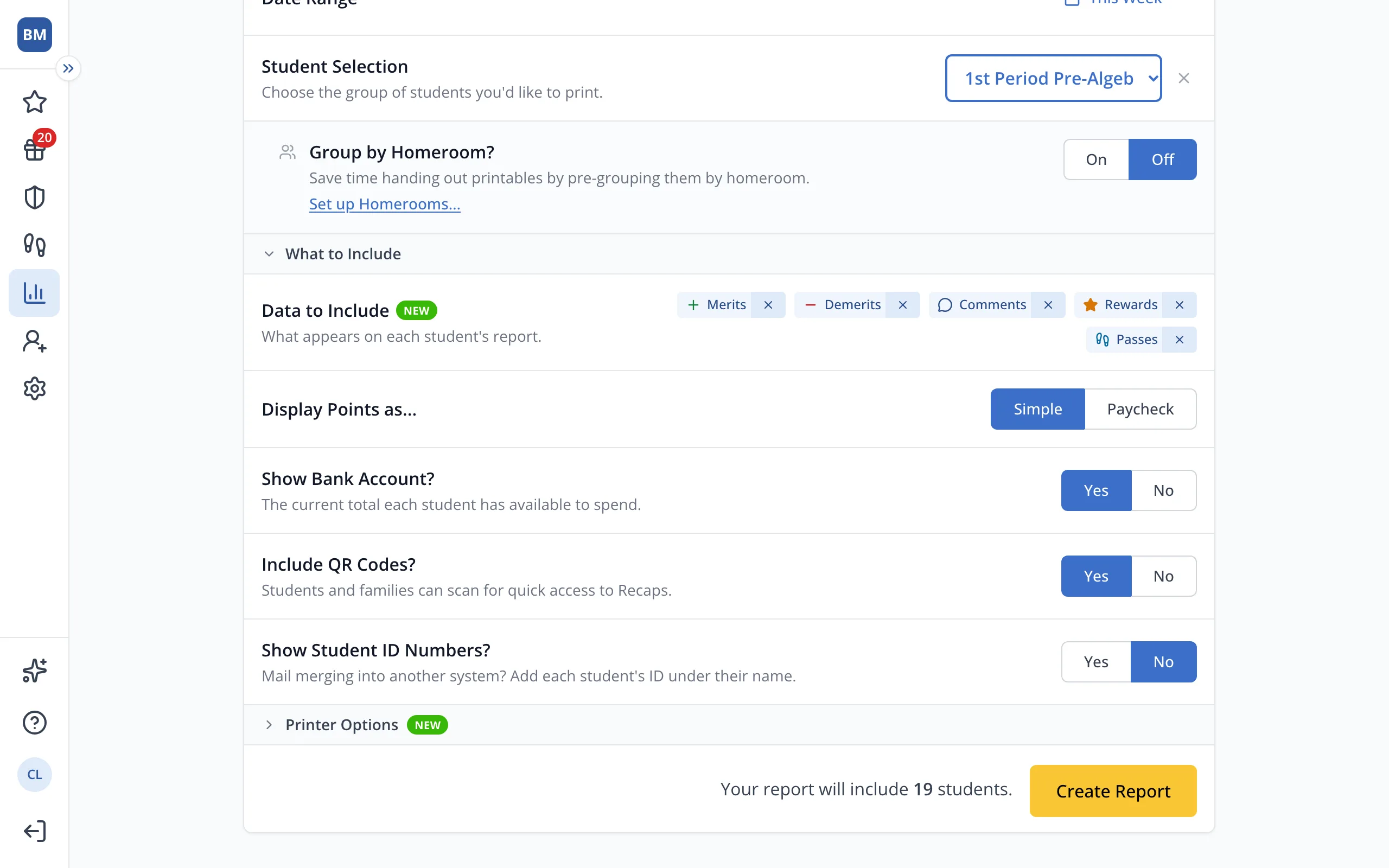
3.Next to Show Bank Account?, click Yes.
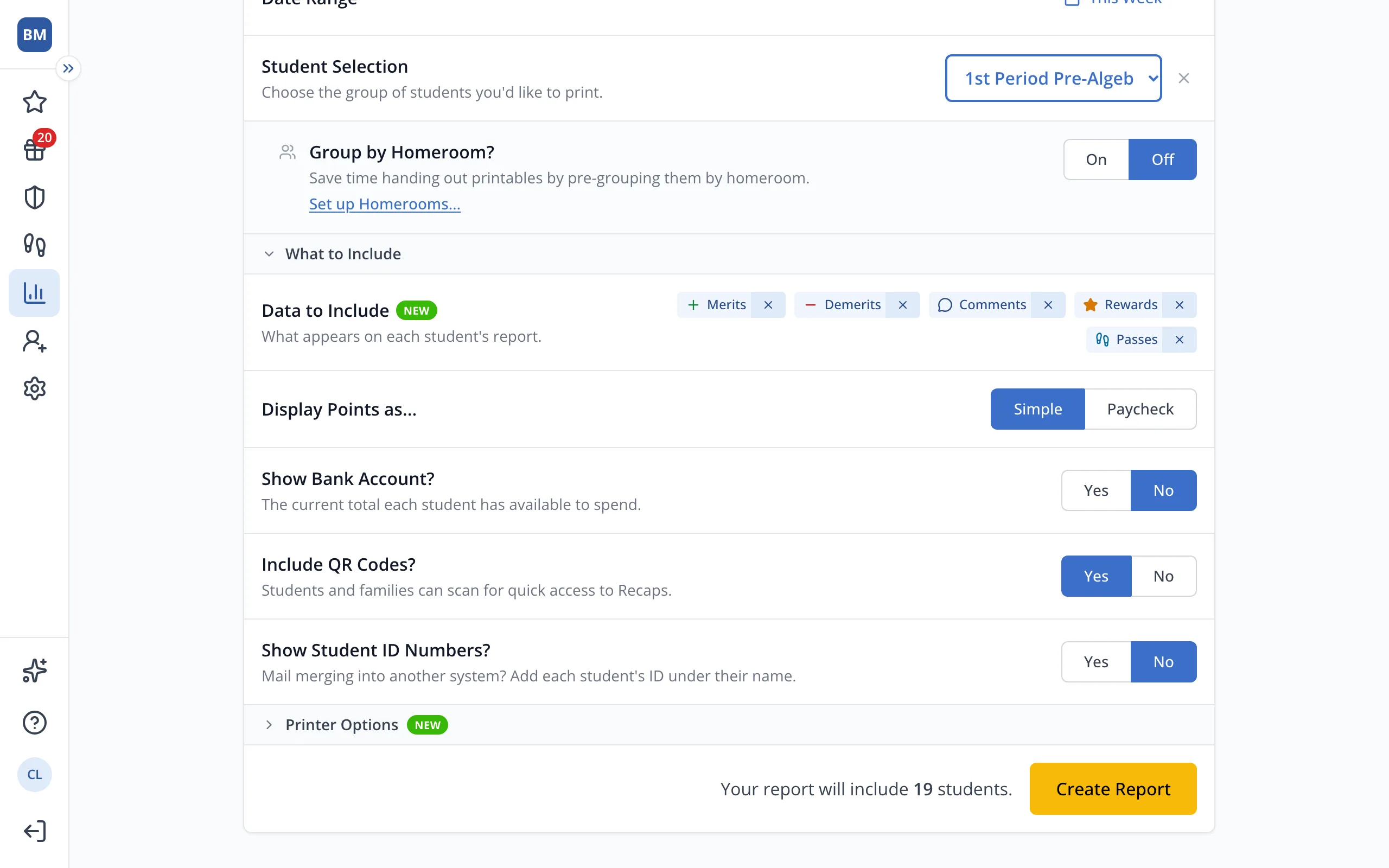
4.Click Create Report. The reports open in a new tab, ready to print or save as a PDF.