Choose what data a printed report includes
Leave off anything families don't need to see, like demerits or comments. Each report needs at least one kind of point, reward or pass.
Open in LiveSchool
Already signed in? Open this guide inside LiveSchool.
Use the Left and Right arrow keys to move between steps, and Space to play or pause.
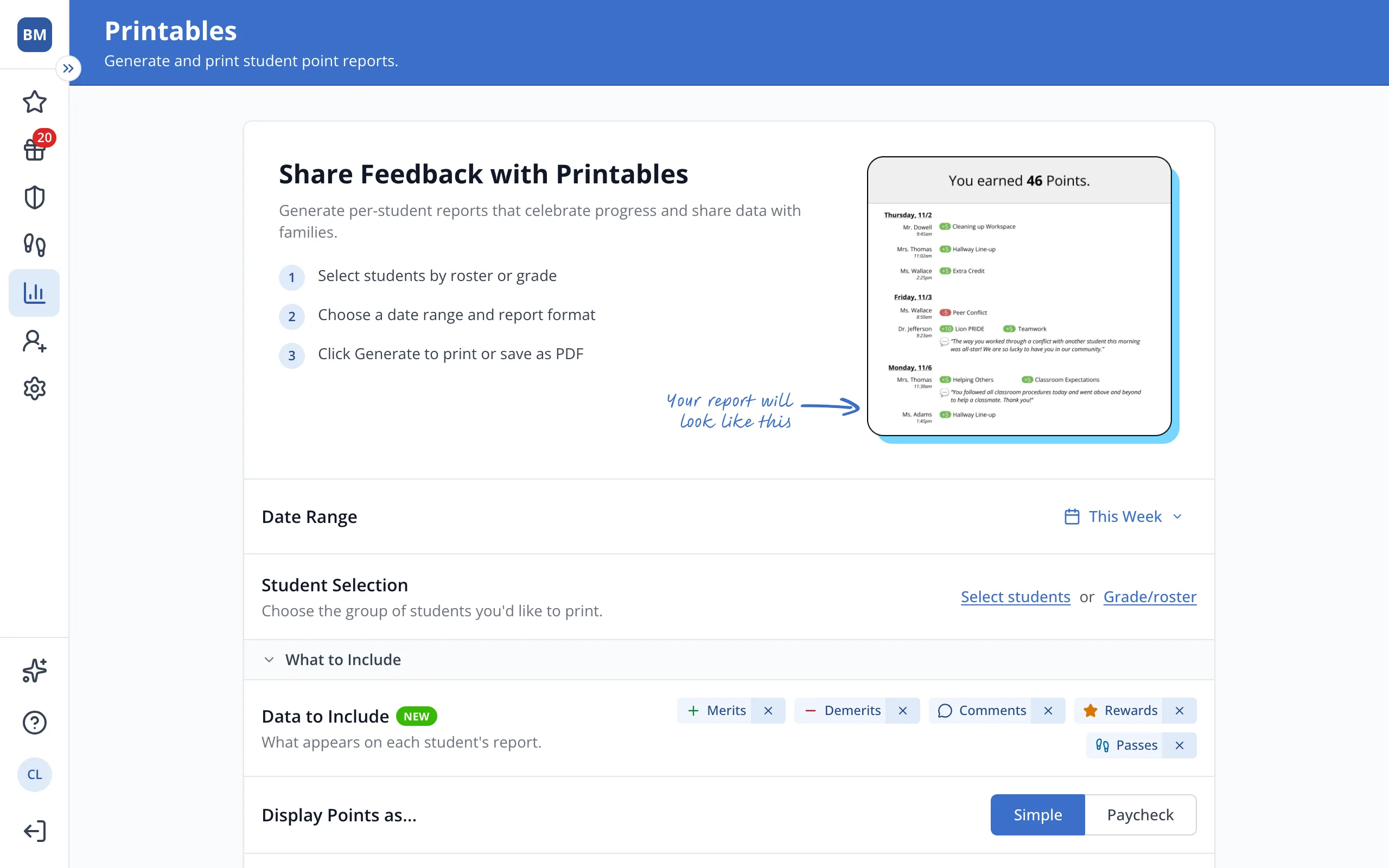
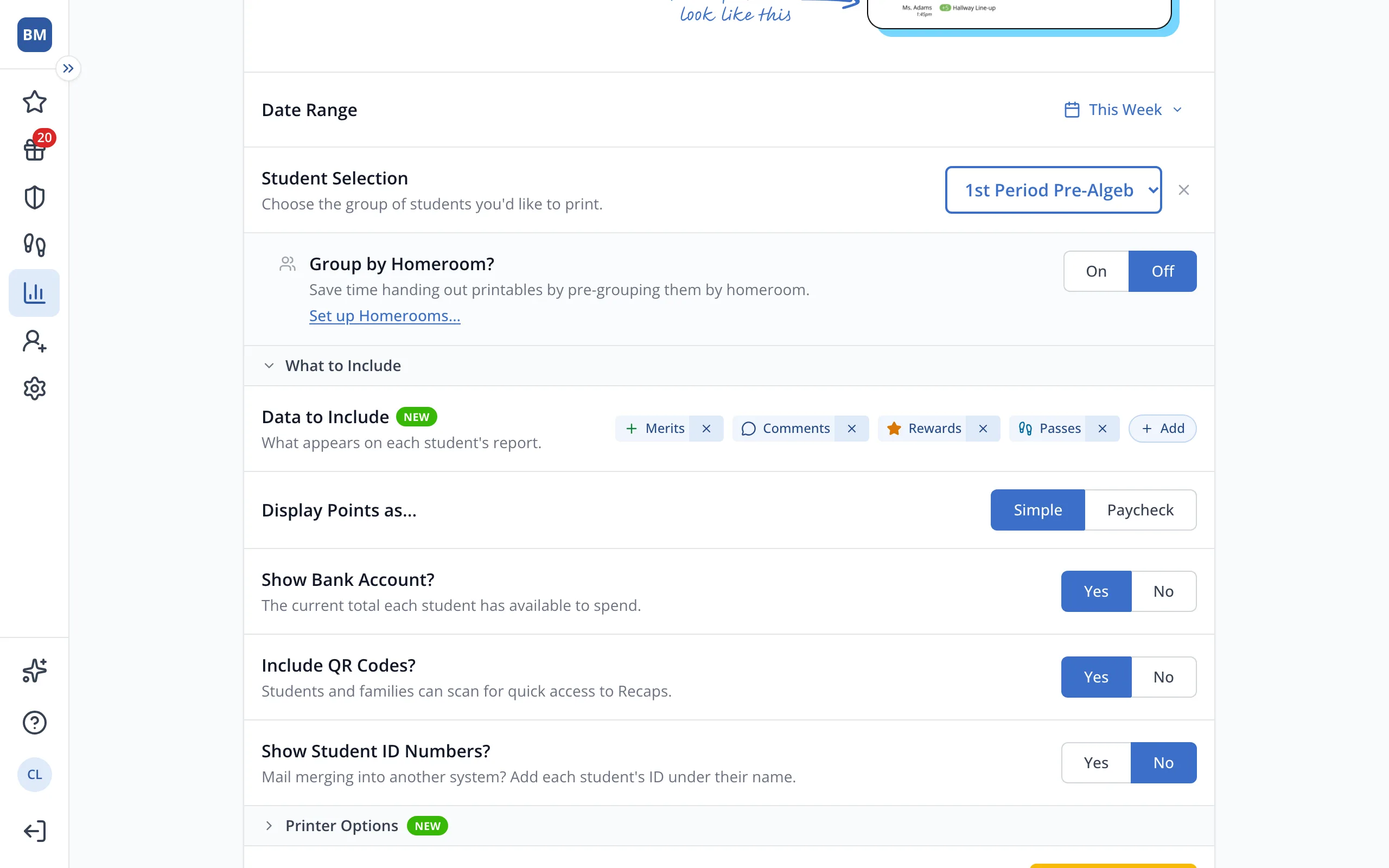
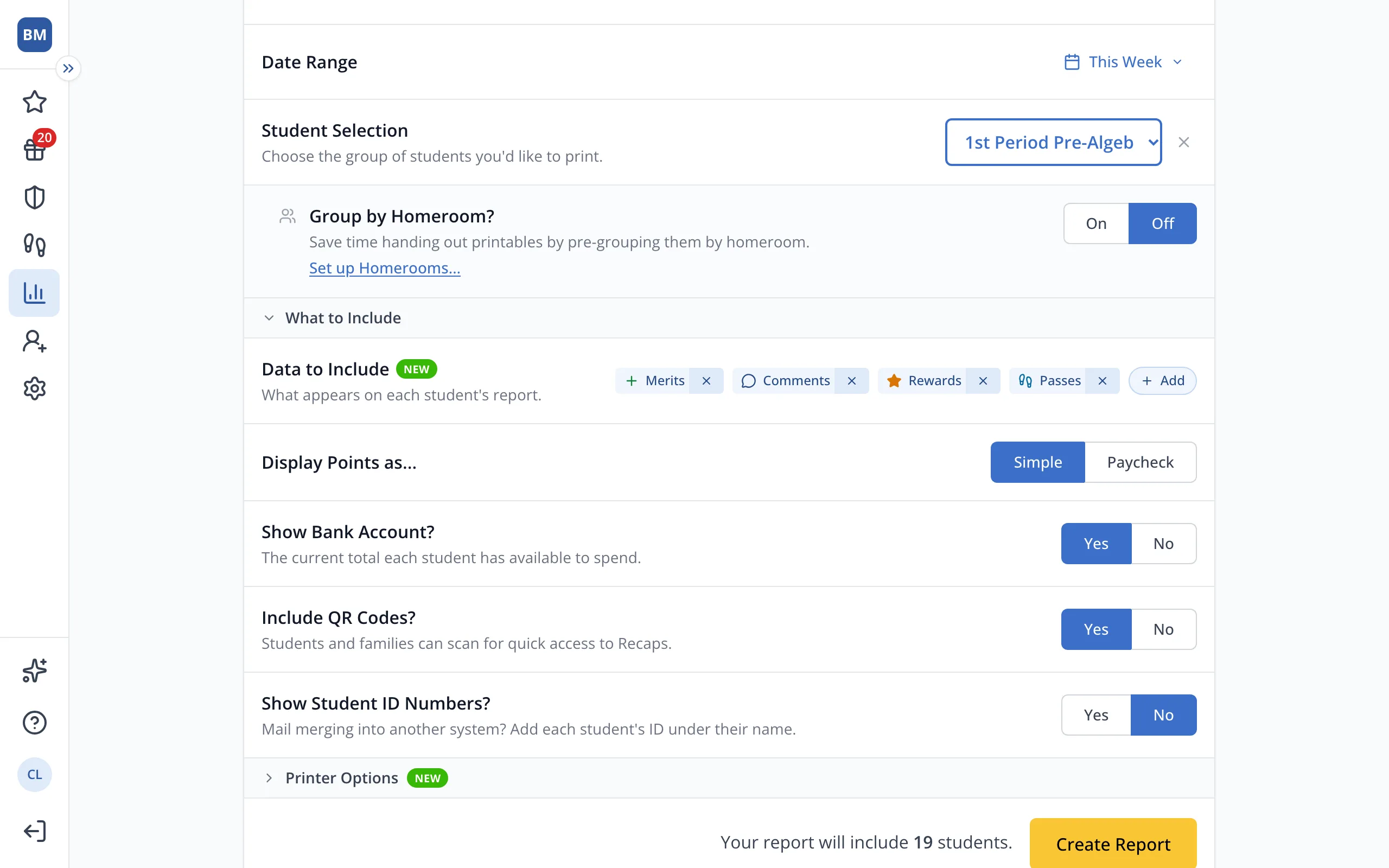
1.On the Printables page under Reports, next to Student Selection, click Grade/roster.
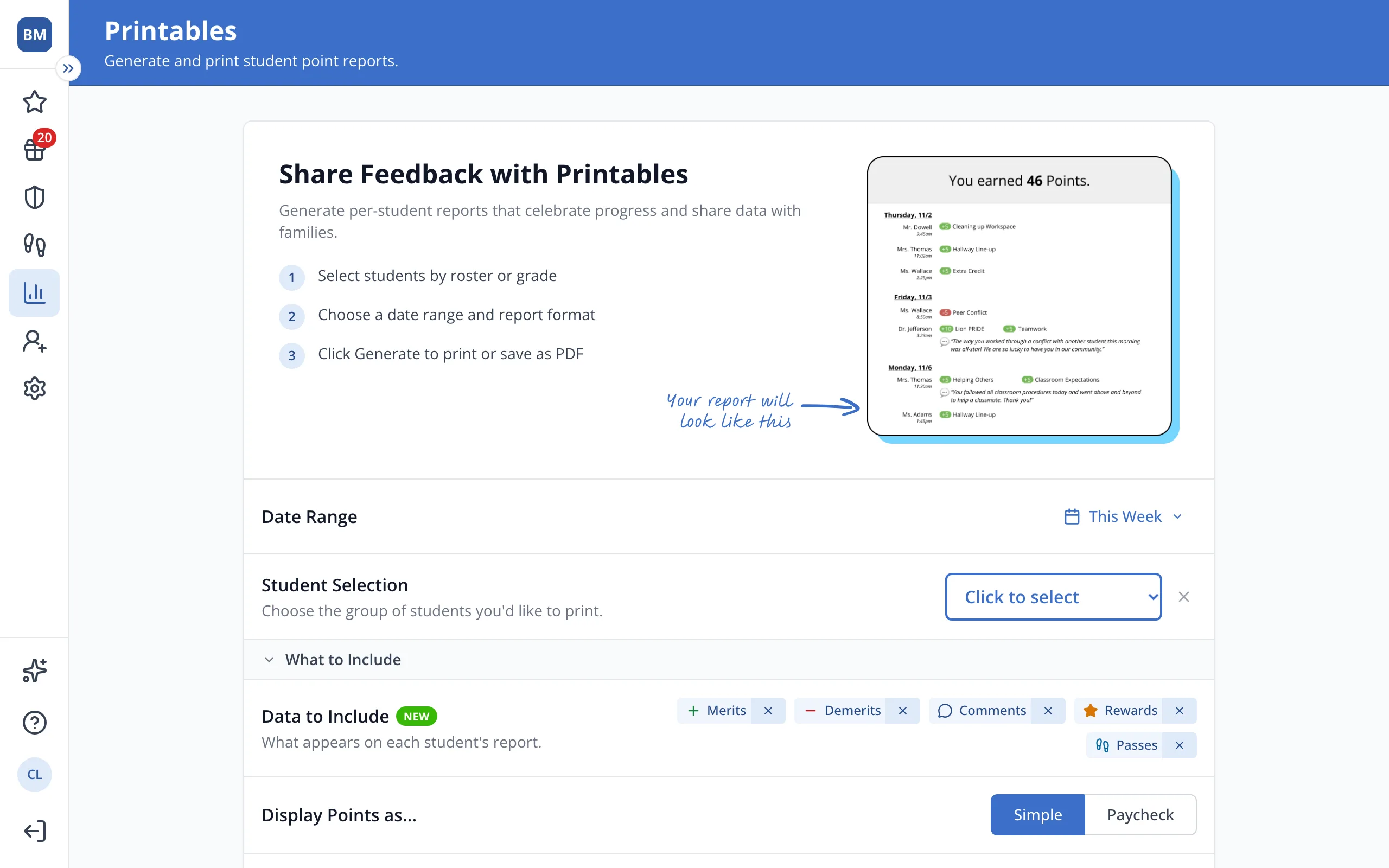
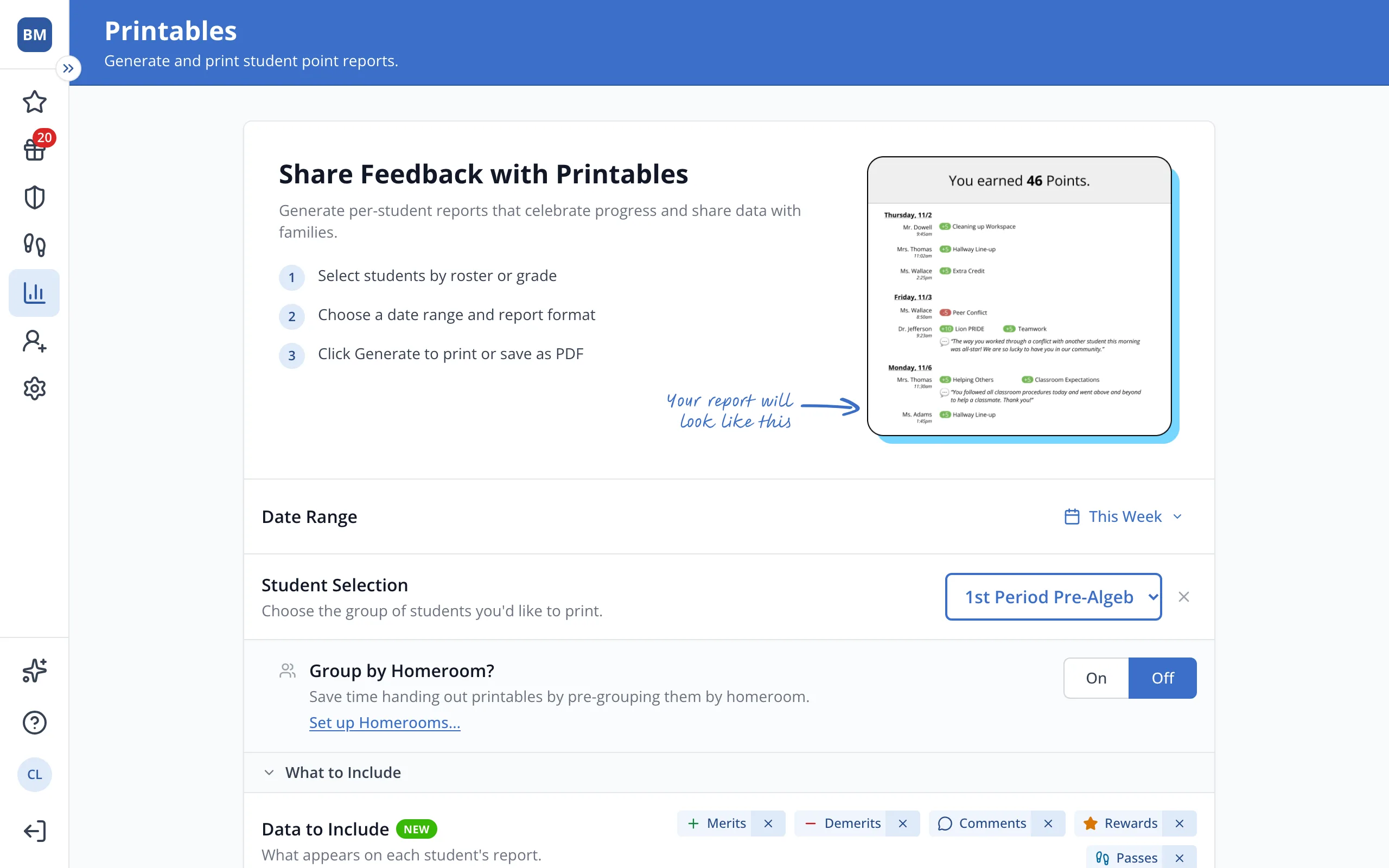
2.Pick the grade or roster you'd like to print.
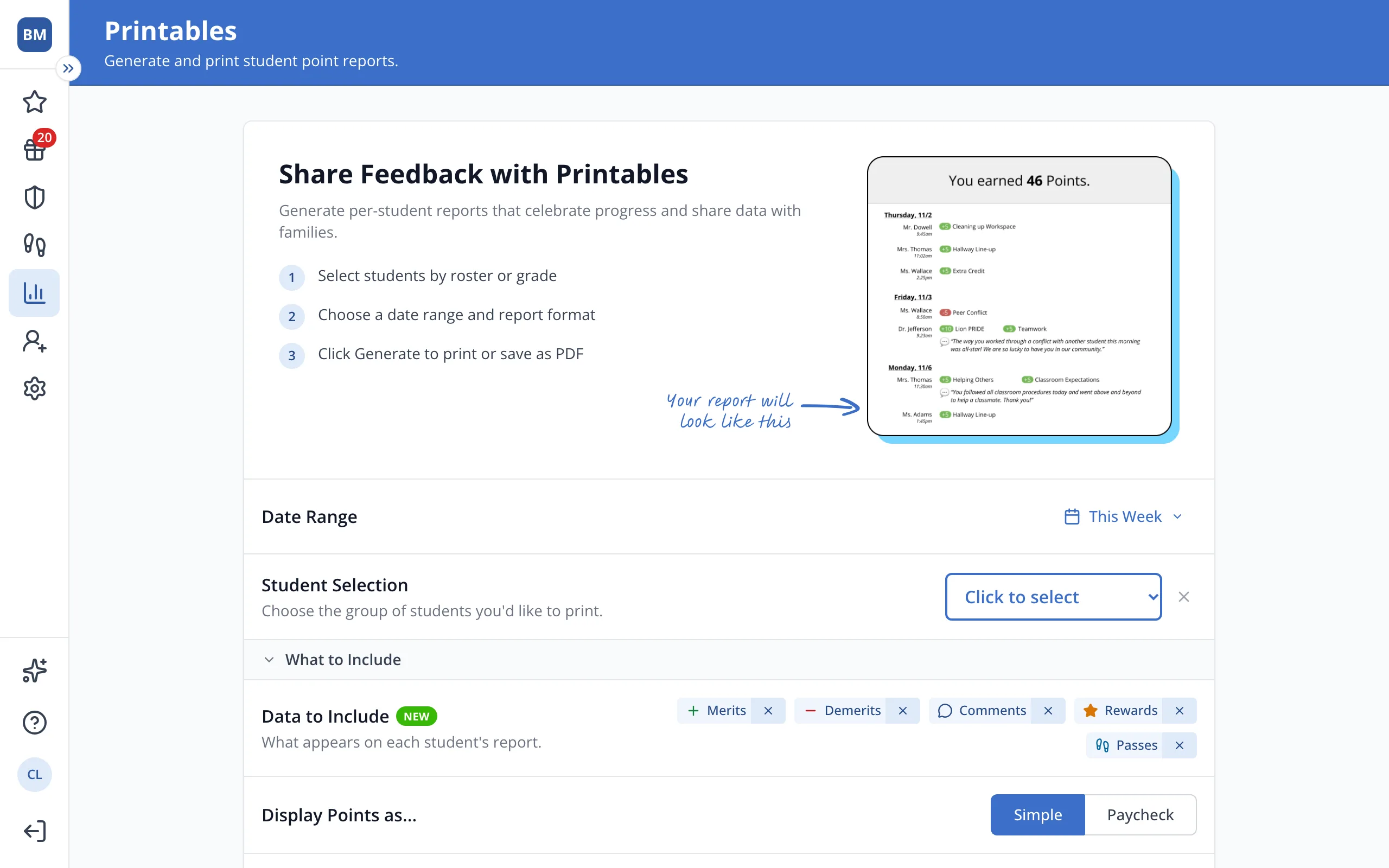
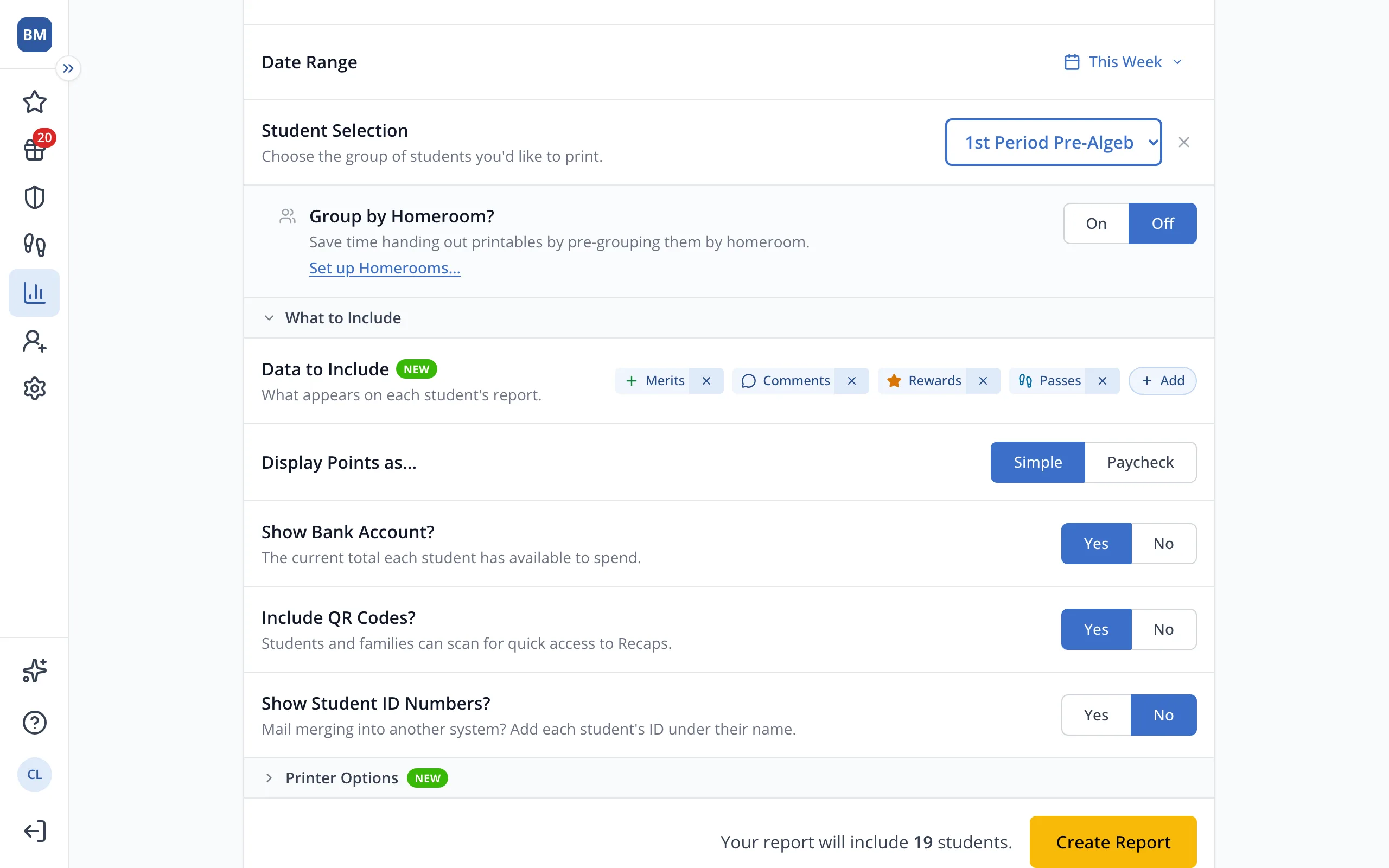
3.Next to Data to Include, click the X next to anything you'd like to leave off, like Demerits.
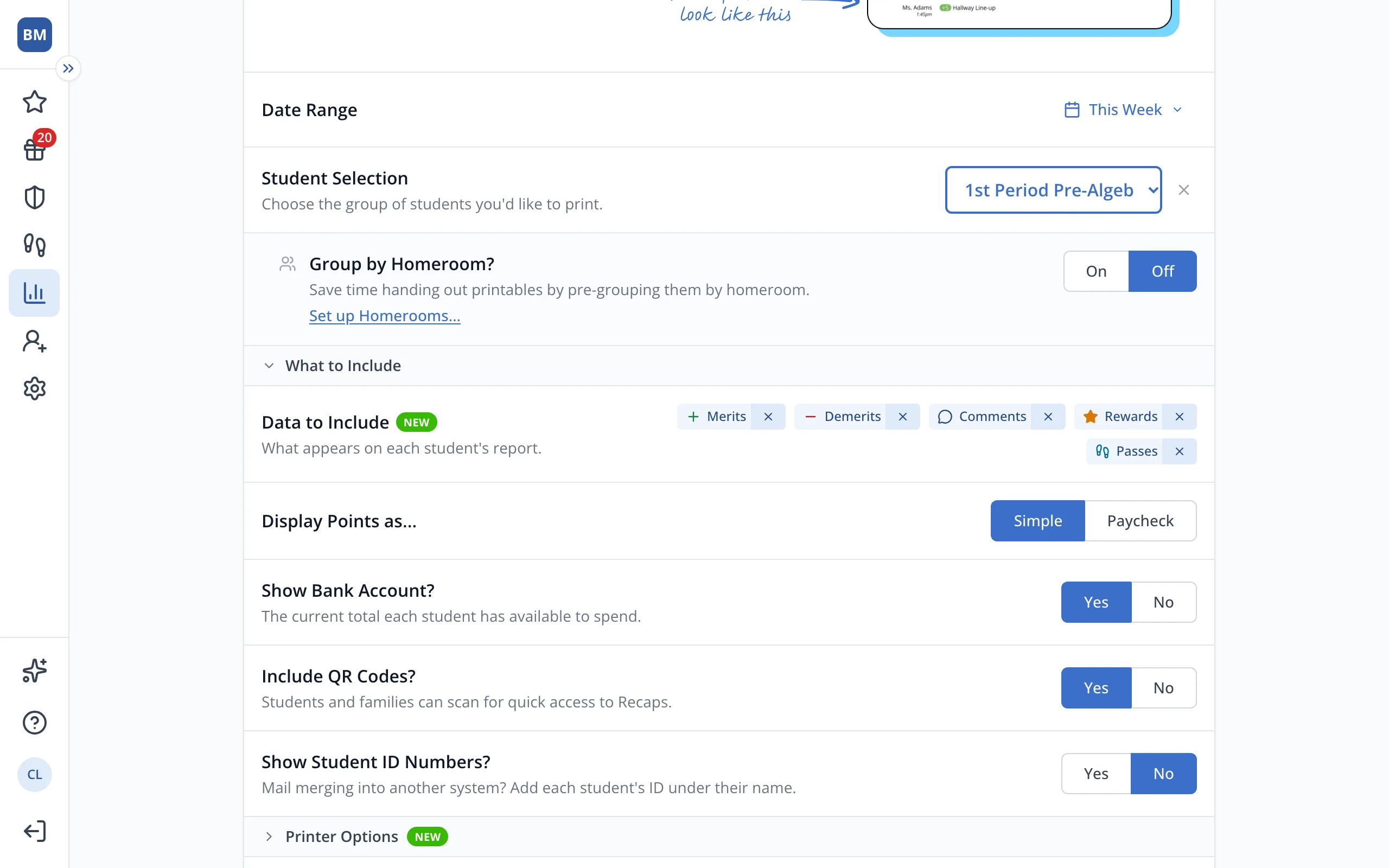
4.Click Add if you'd like to put it back.
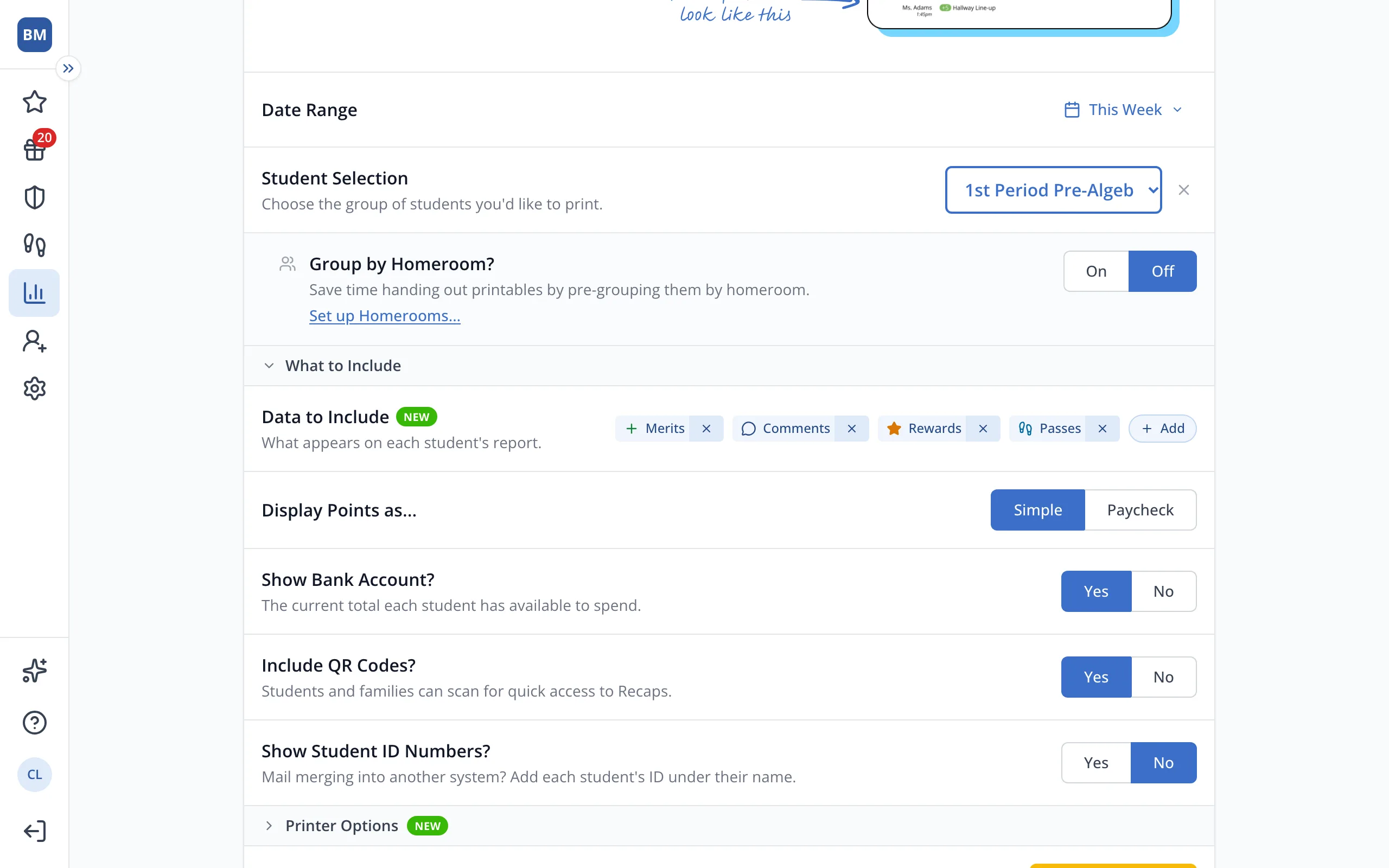
5.Click Create Report. The reports open in a new tab, ready to print or save as a PDF.