
Add or remove students when a roster syncs from Clever or ClassLink
A Clever or ClassLink roster gets its students from your school's records, so student changes are made there and sync to LiveSchool.
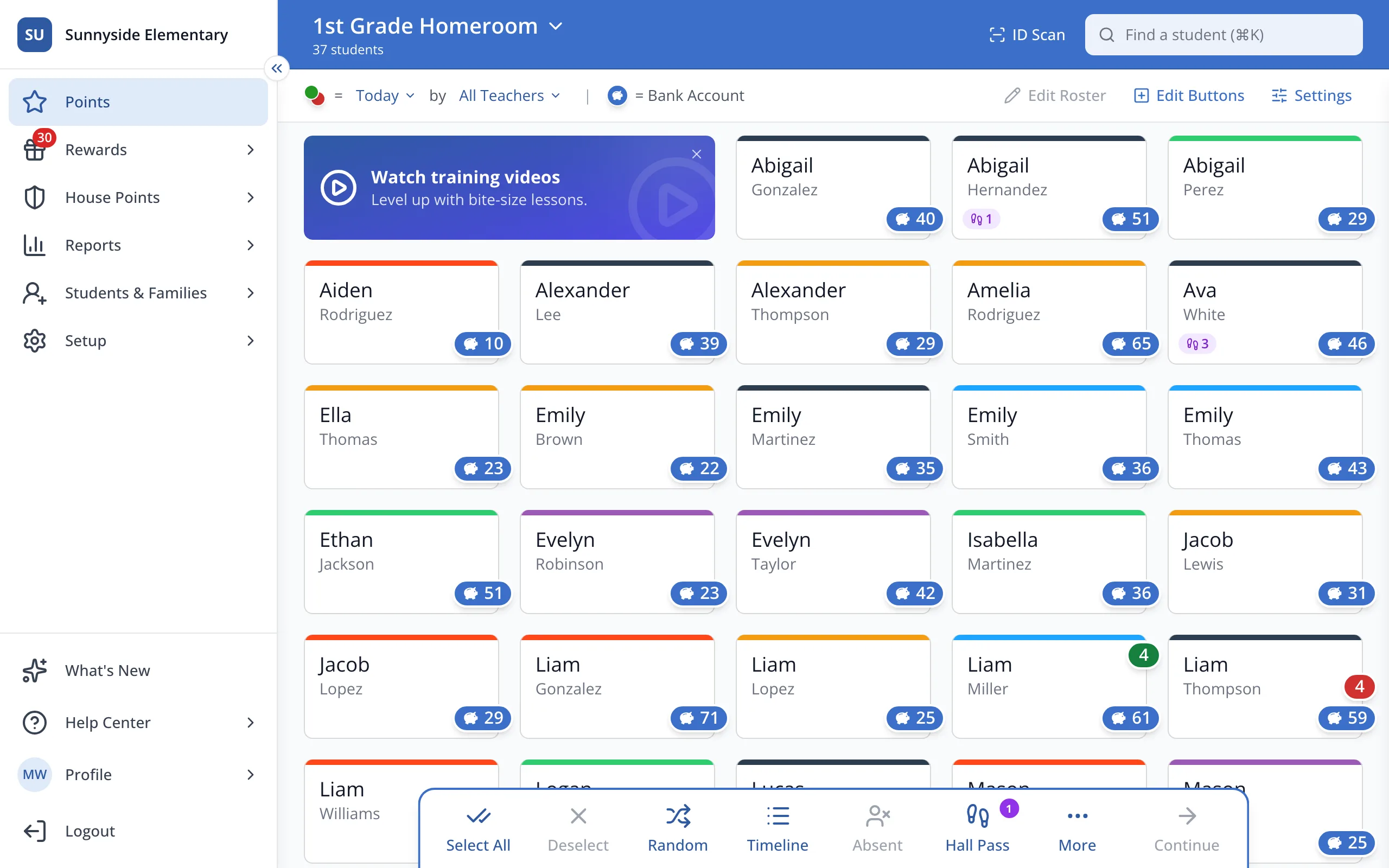
1 / 4In the sidebar, click Setup.
1.In the sidebar, click Setup.
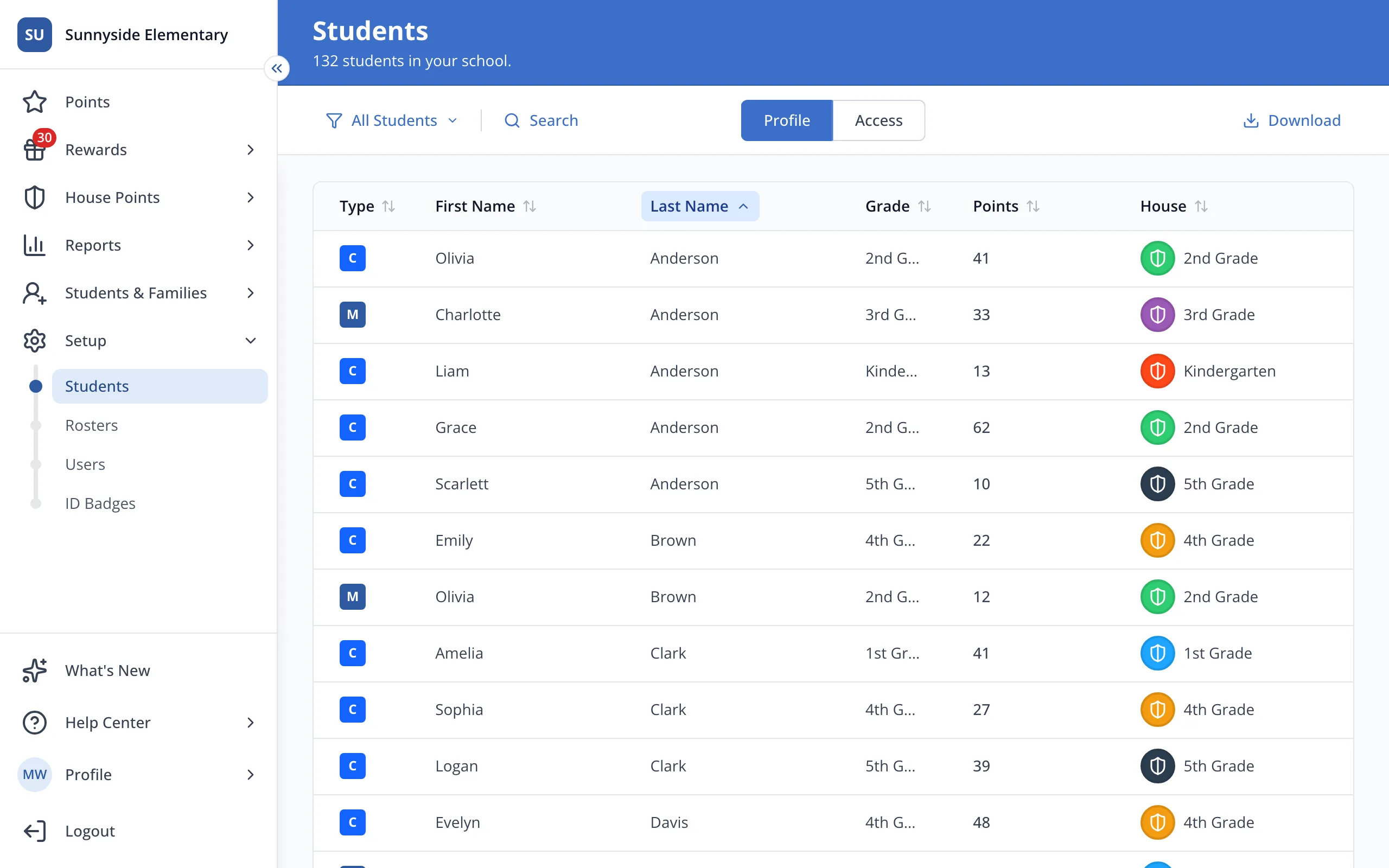
2.Click Rosters.
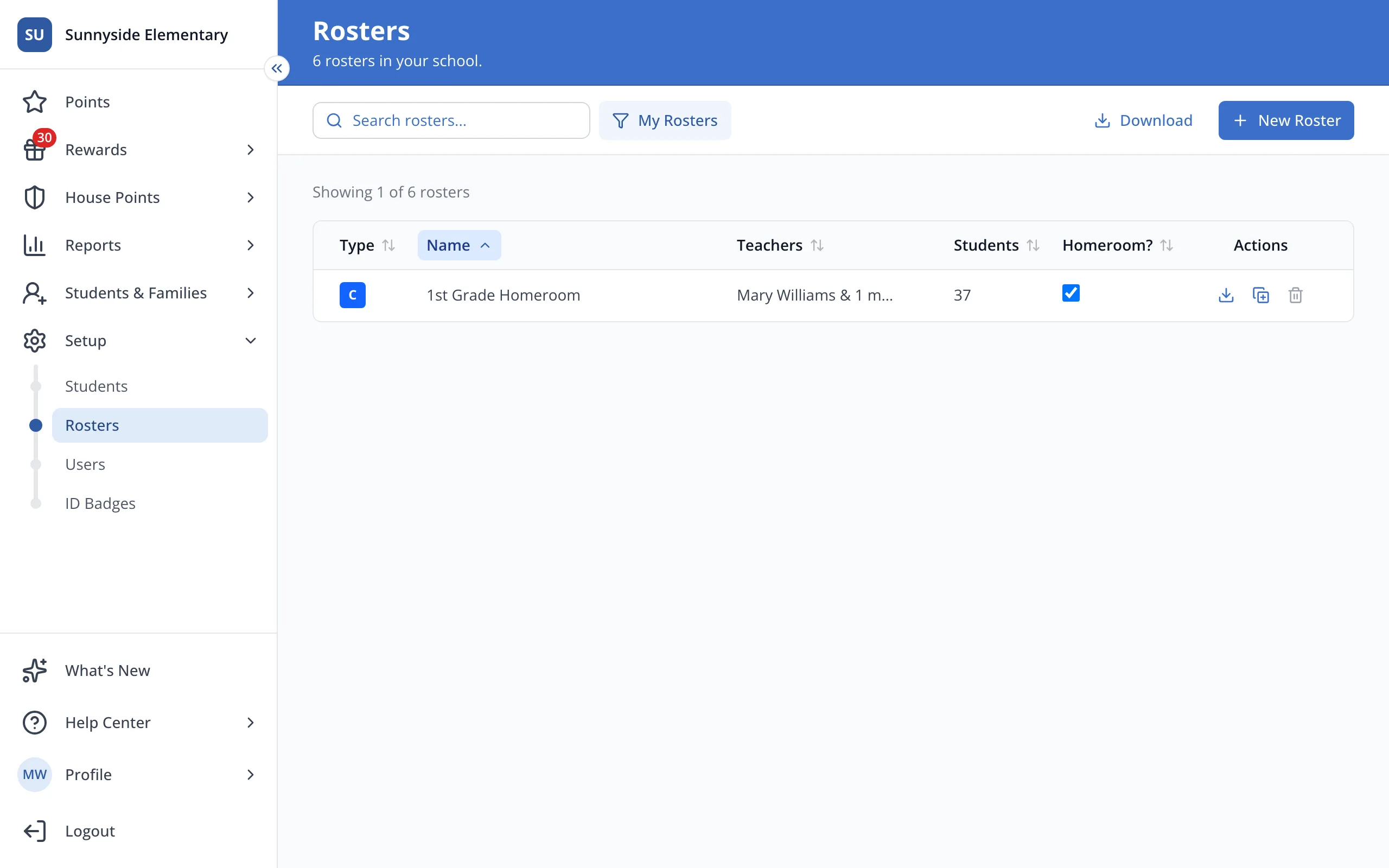
3.Click your roster's name.
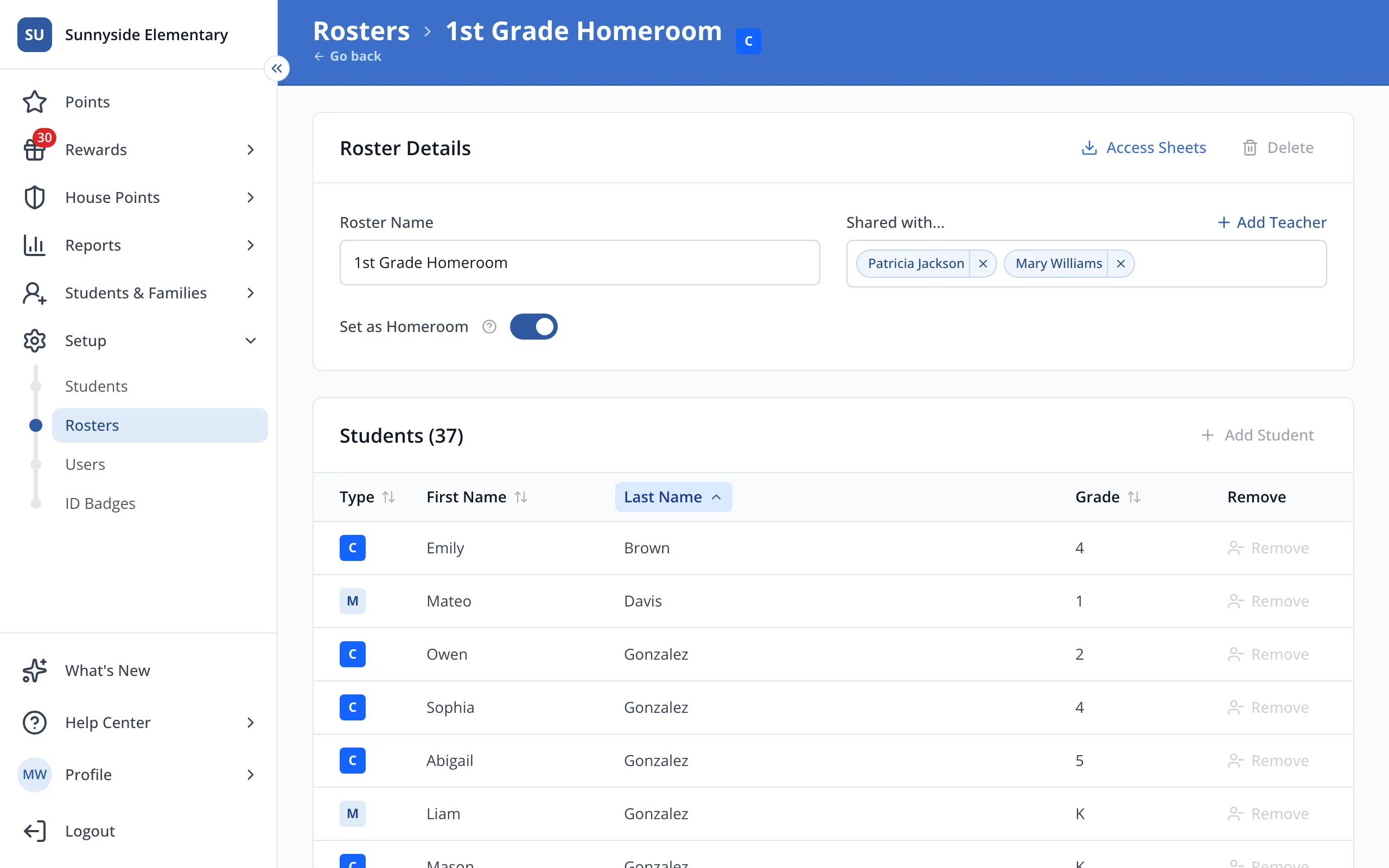
4.Add Student and Remove are greyed out on a synced roster. Ask whoever manages Clever or ClassLink at your school to update the class.
Tip: Need your own version to change? Click Make a copy next to the roster on the Rosters page.
Was this helpful?