
Add another teacher's roster to My Rosters
Have quick access to a class you frequently help right in your Roster Picker.
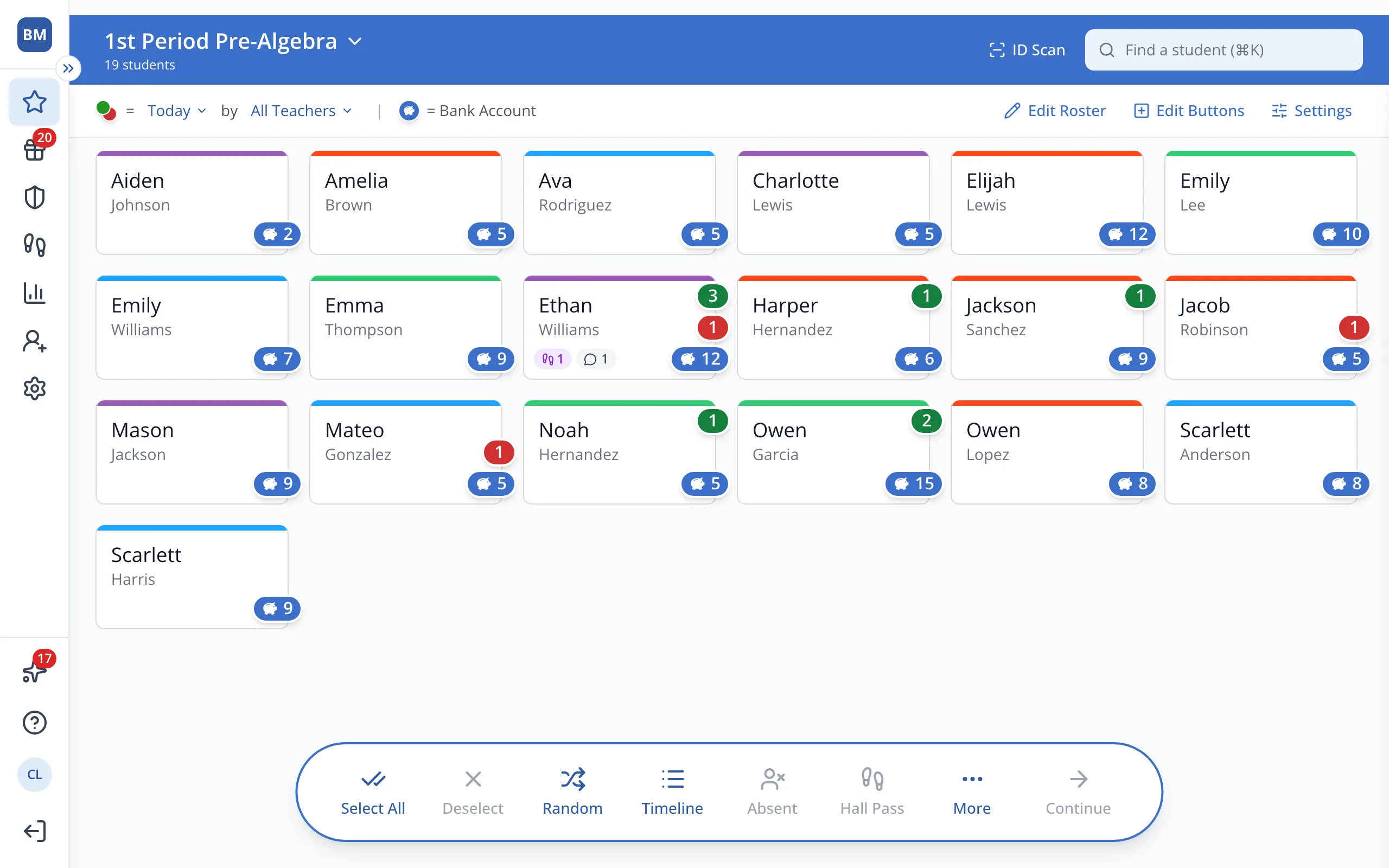
1 / 6At the top of the Points page, click your roster's name.
1.At the top of the Points page, click your roster's name.
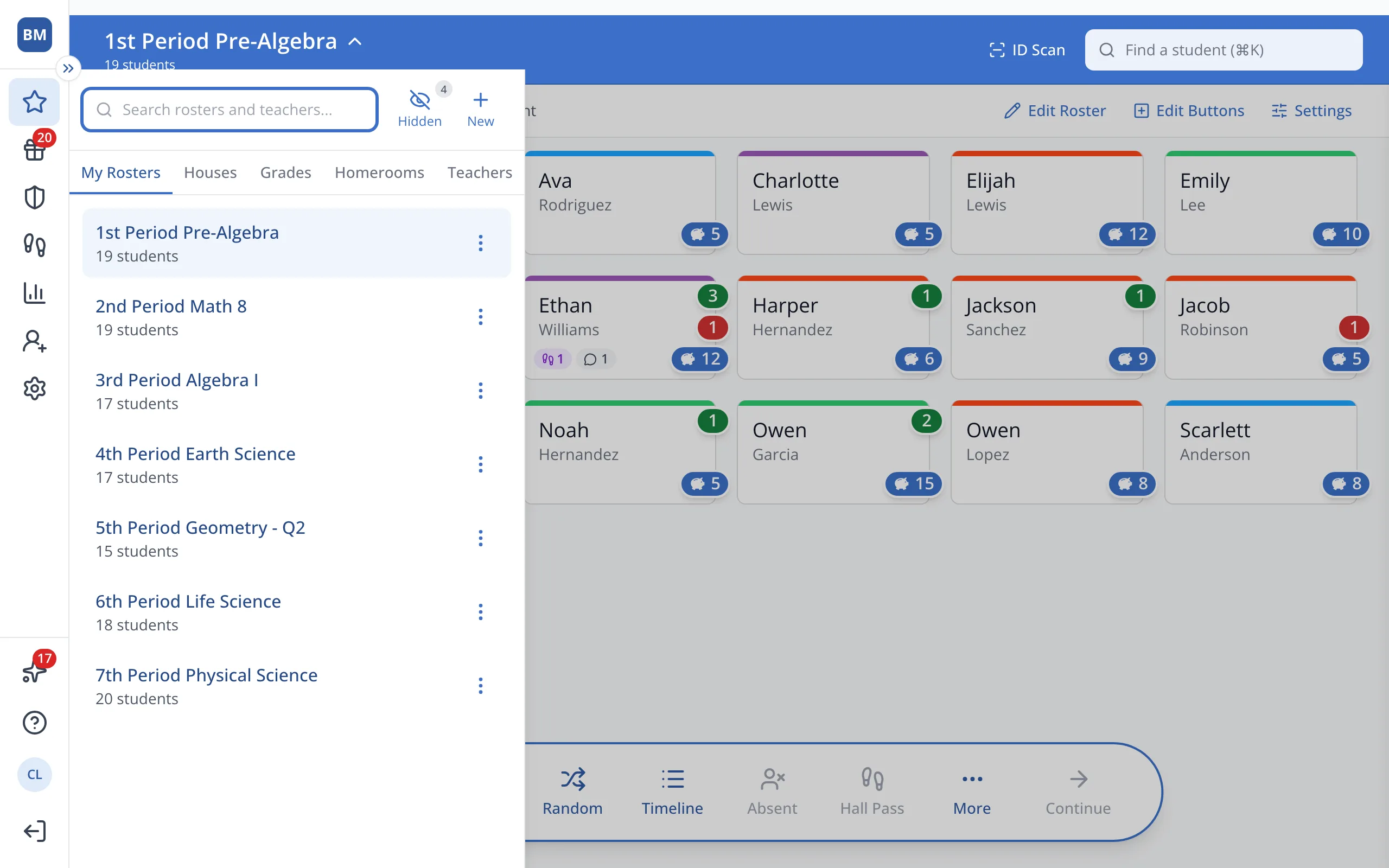
2.Click the Teachers tab.
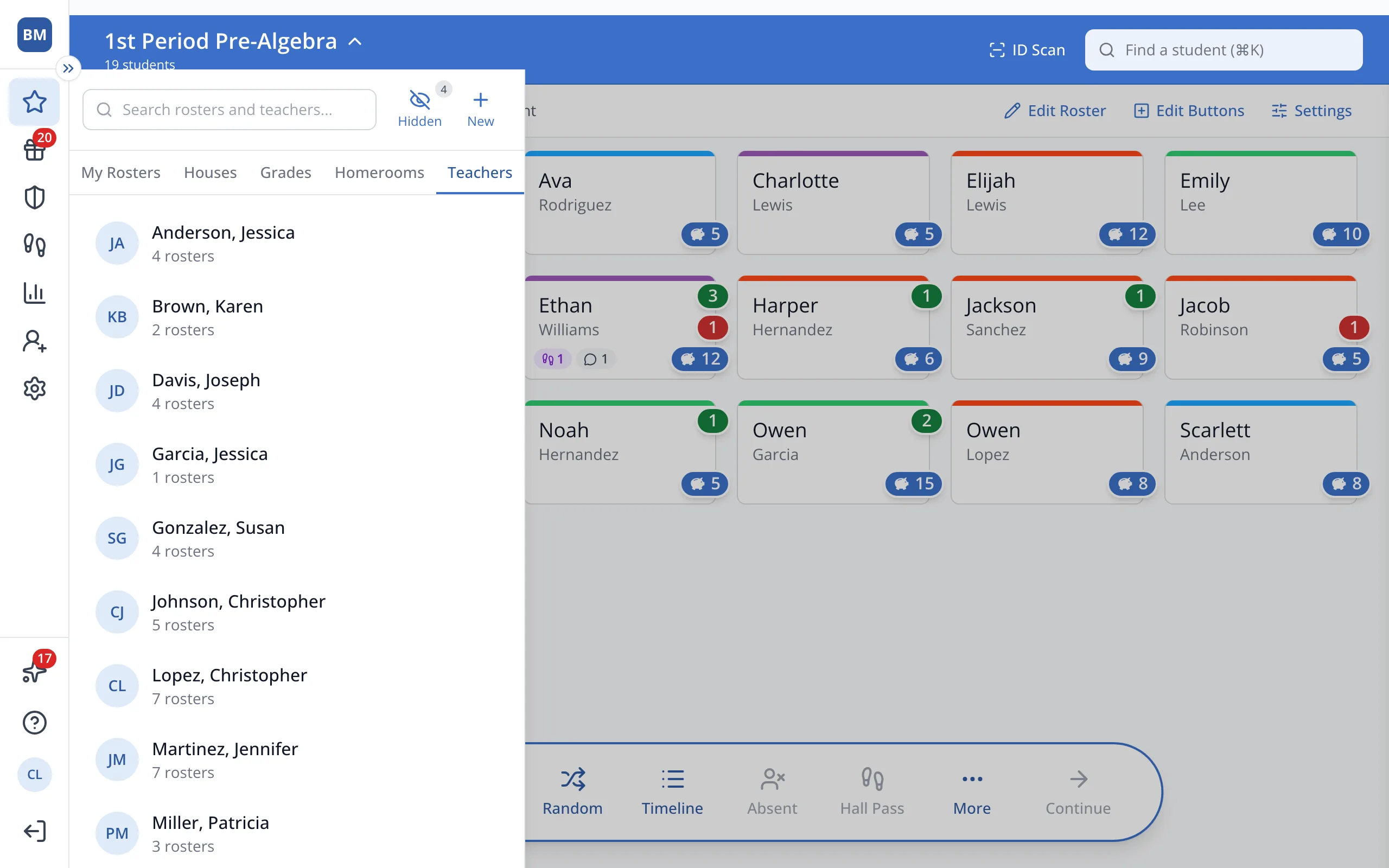
3.Click the teacher whose roster you need.
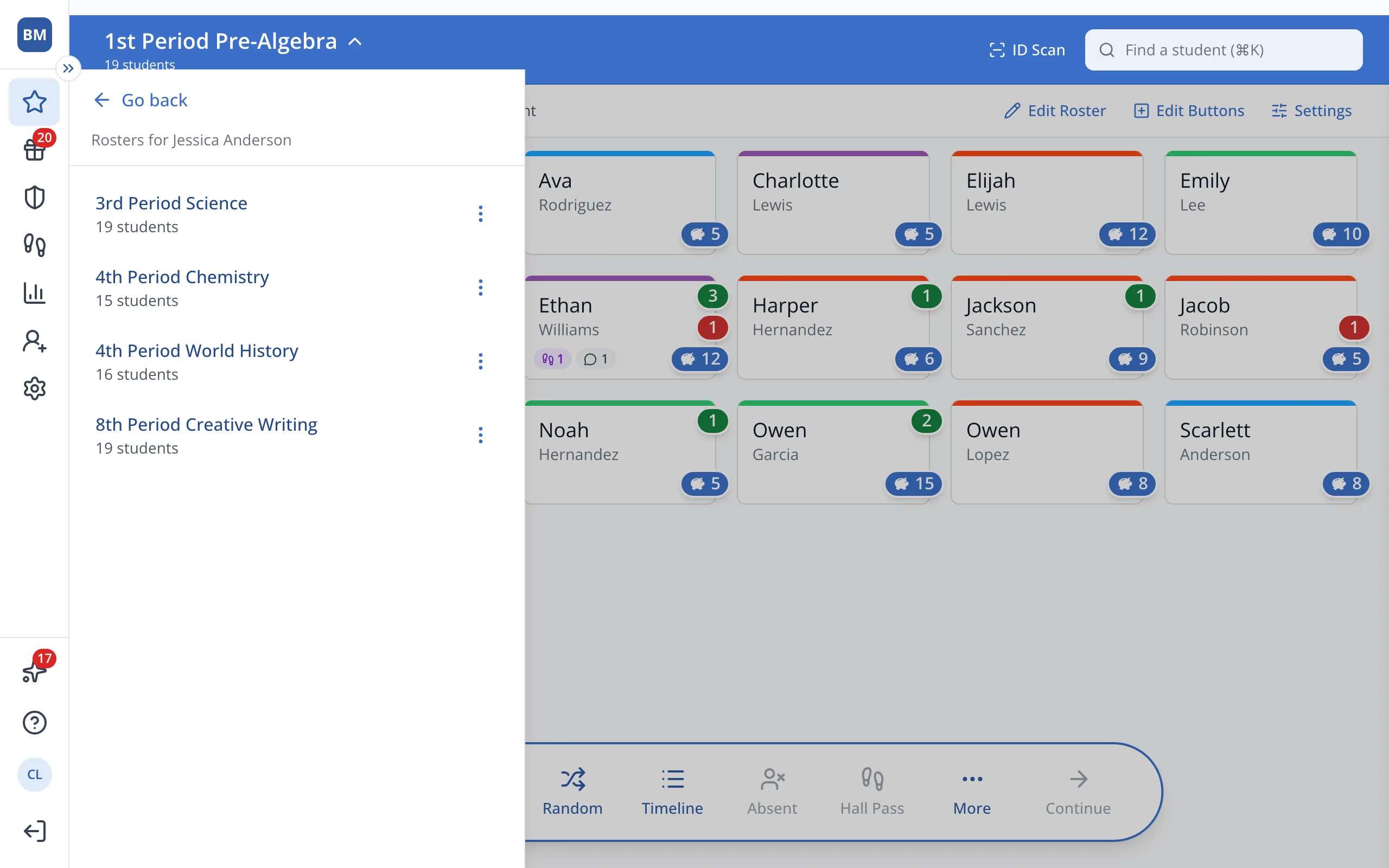
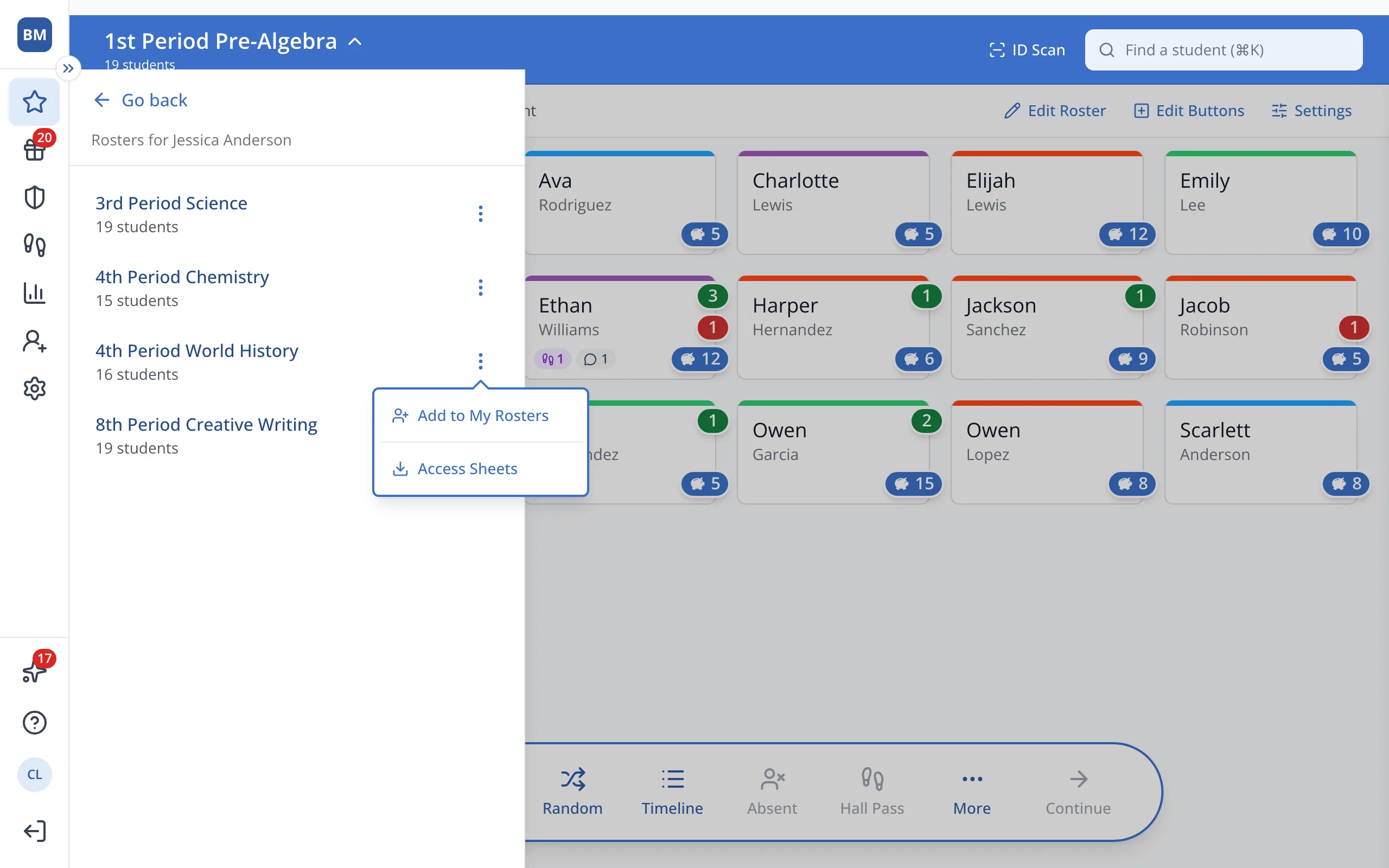
4.Next to the roster you'd like, click the three dots.
5.Click Add to My Rosters.
Was this helpful?