
Share a roster with a co-teacher
Everyone the roster is shared with sees it in My Rosters and can change its students.
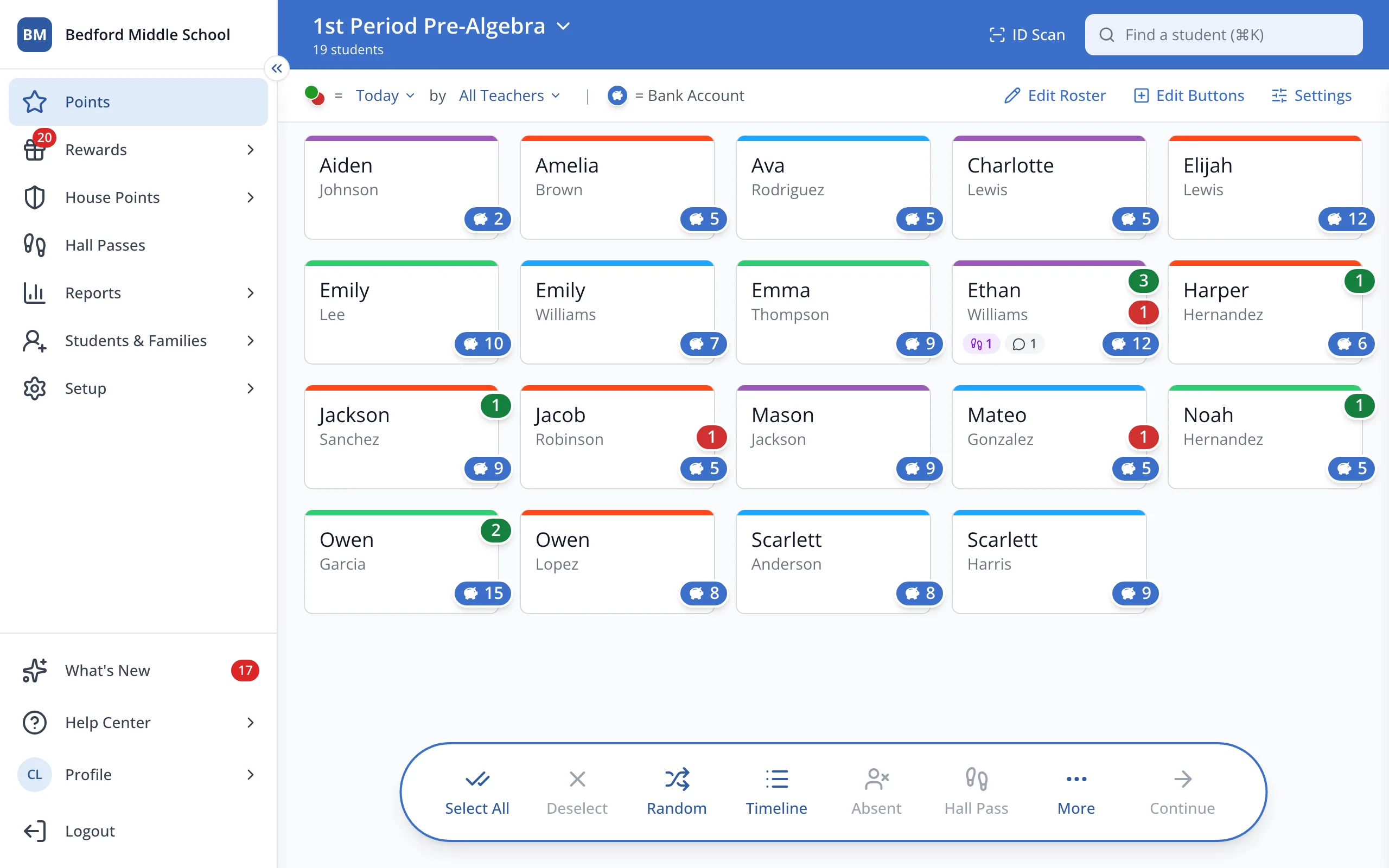
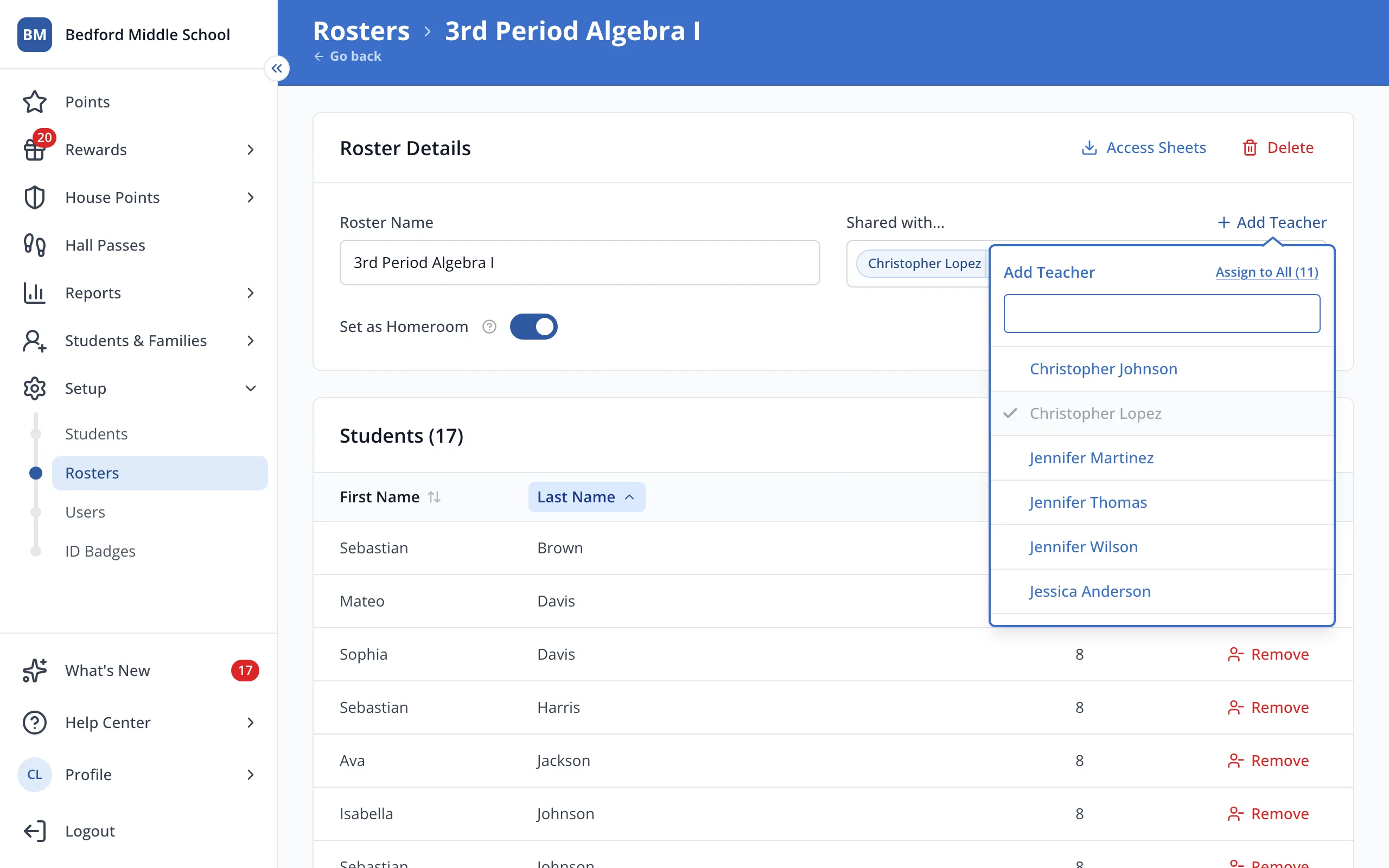
1 / 6In the sidebar, click Setup.
1.In the sidebar, click Setup.
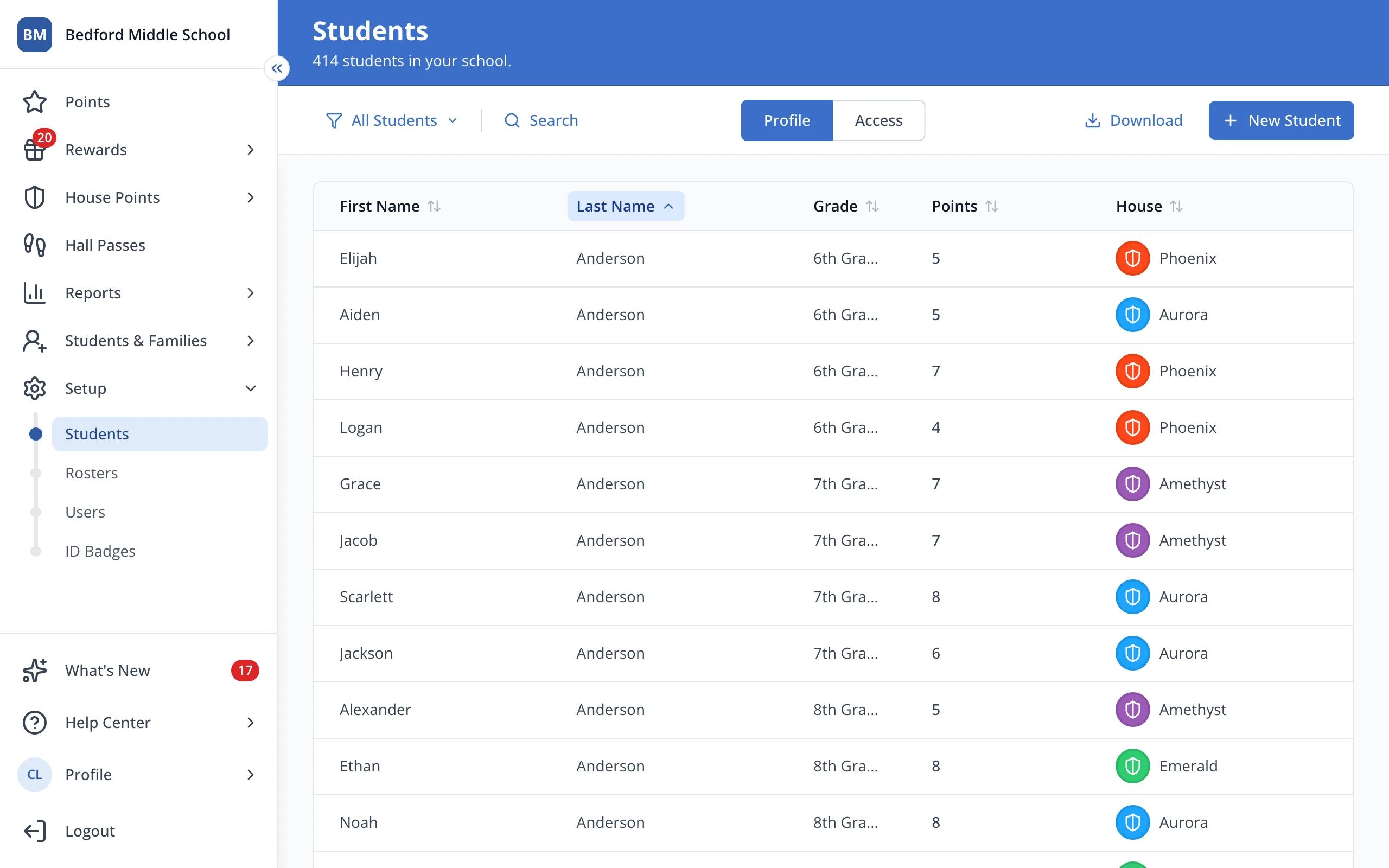
2.Click Rosters.
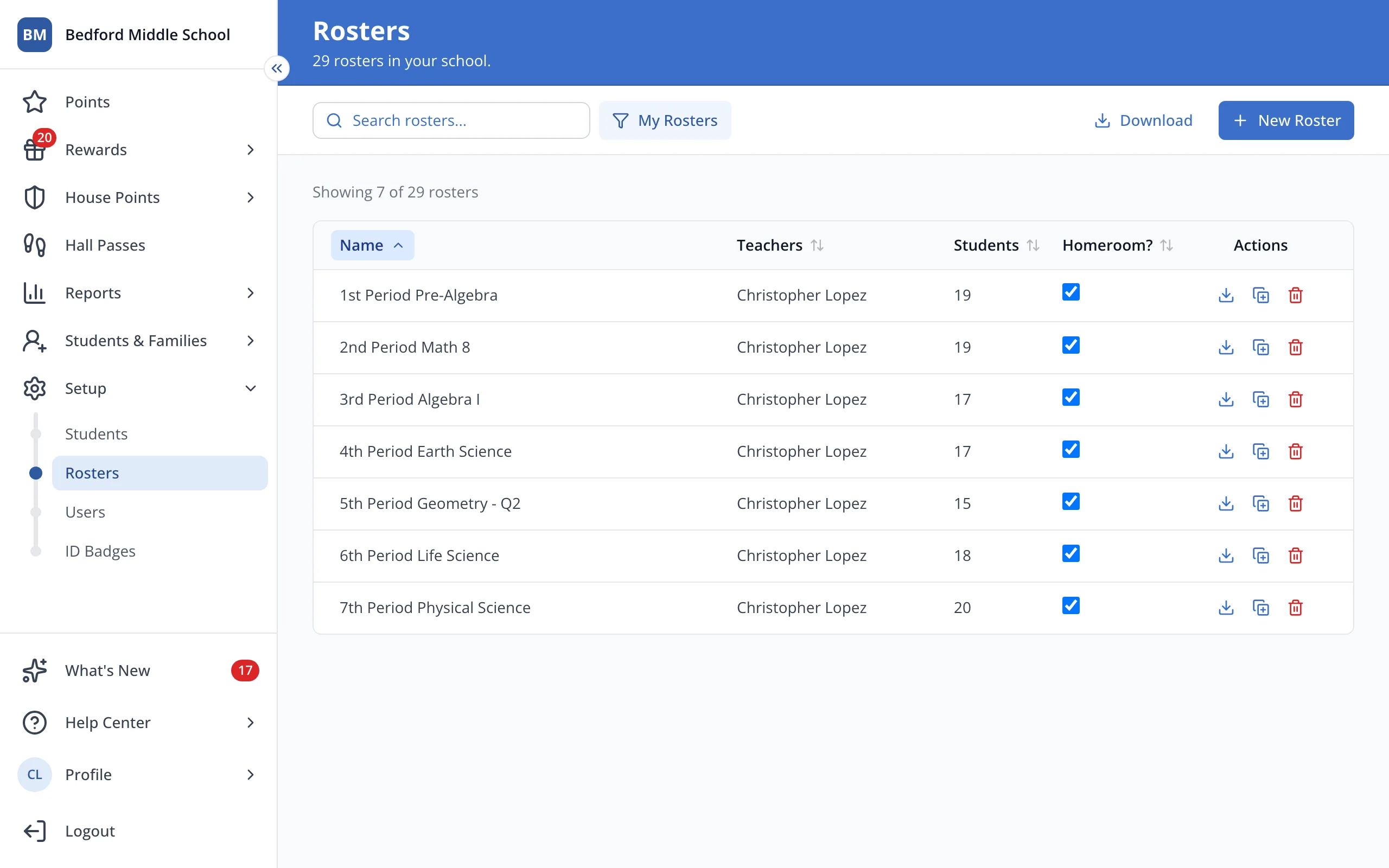
3.Click the roster's name.
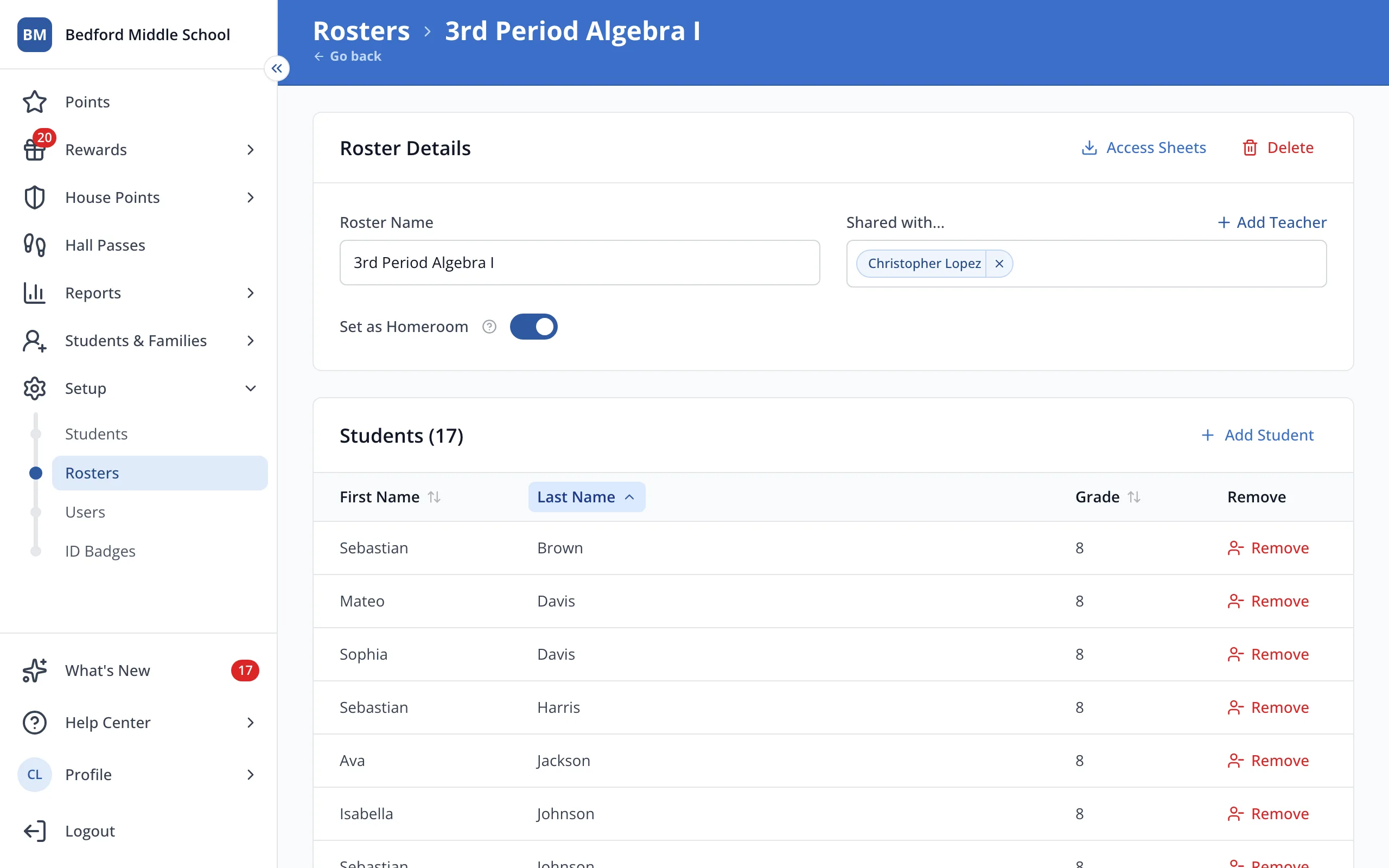
4.Next to Shared with, click Add Teacher.
5.Click the teacher you'd like to share with, then click outside the list to save.
Was this helpful?