
Combine Clever or ClassLink rosters into one roster of your own
Clever and ClassLink rosters can't be merged, but a roster you create can hold the students of several.
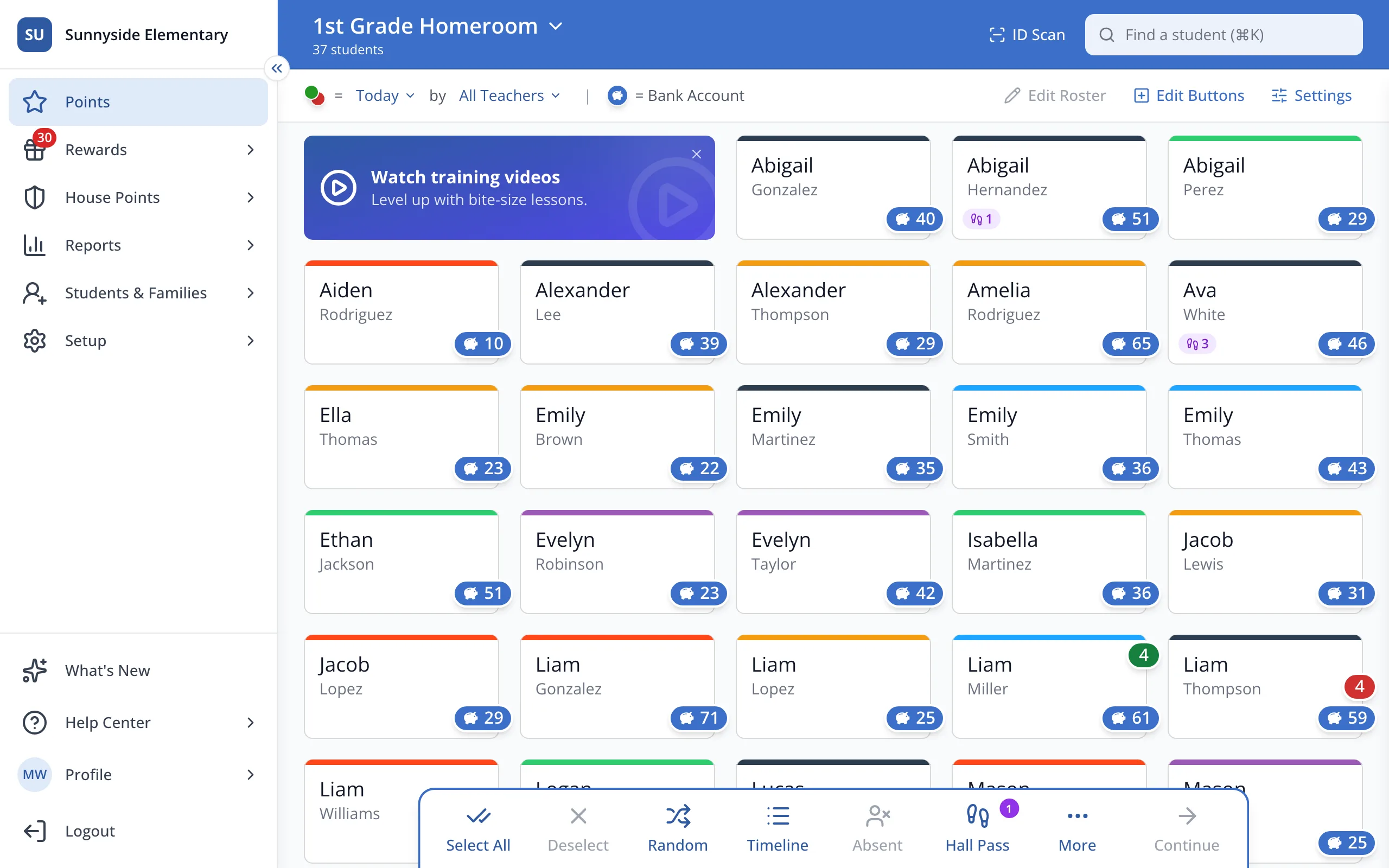
1 / 12In the sidebar, click Setup.
1.In the sidebar, click Setup.
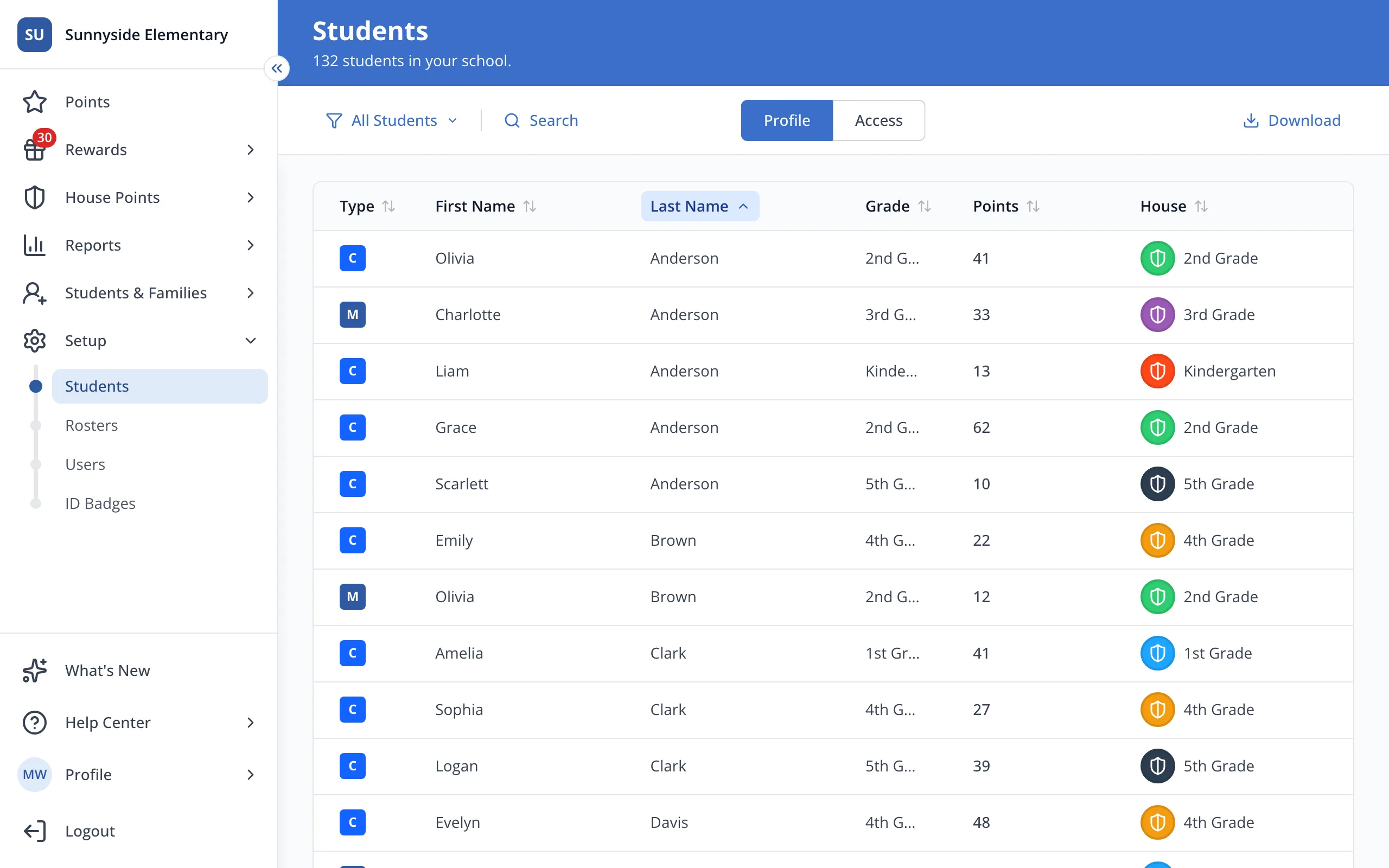
2.Click Rosters.
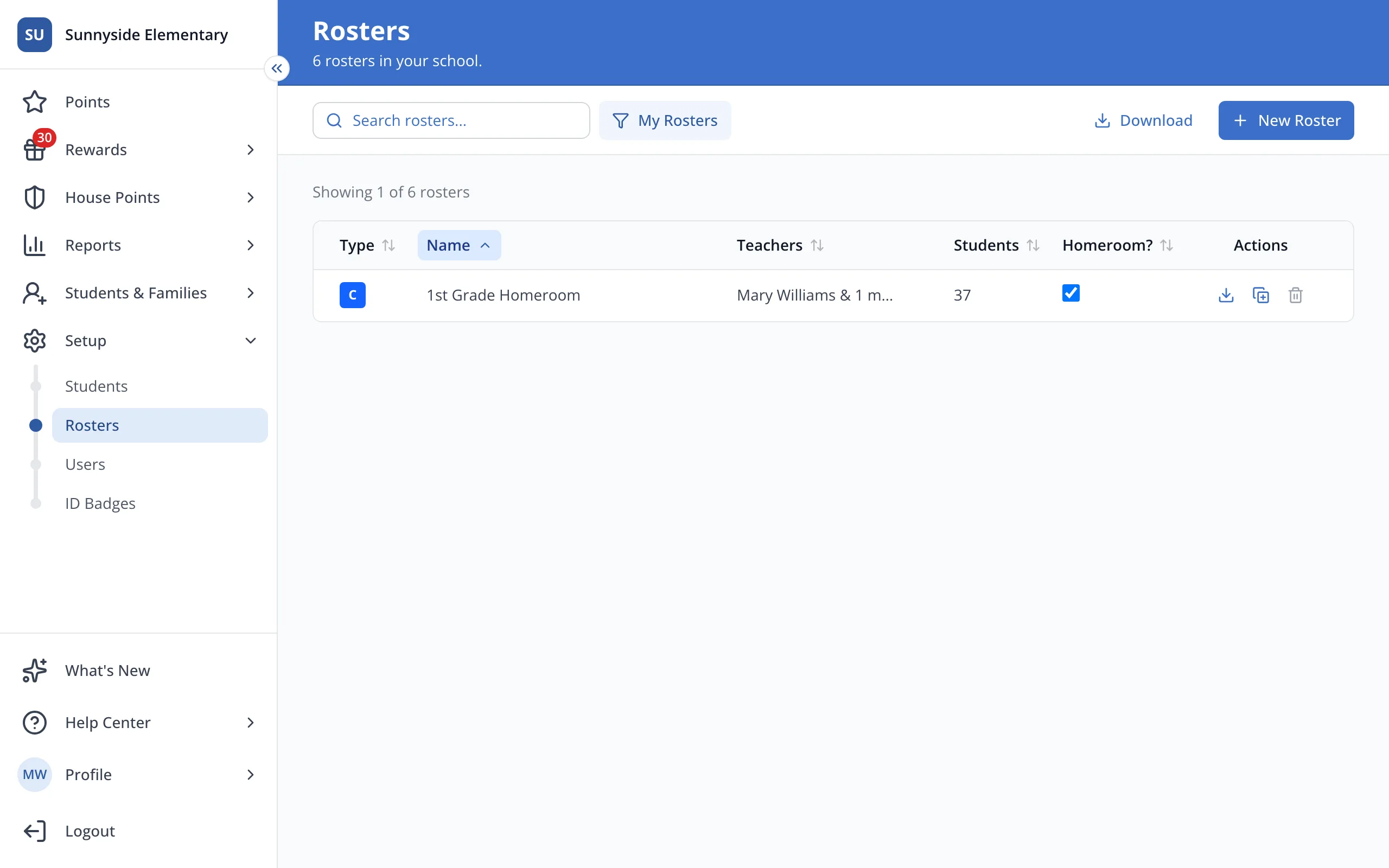
3.Click New Roster.
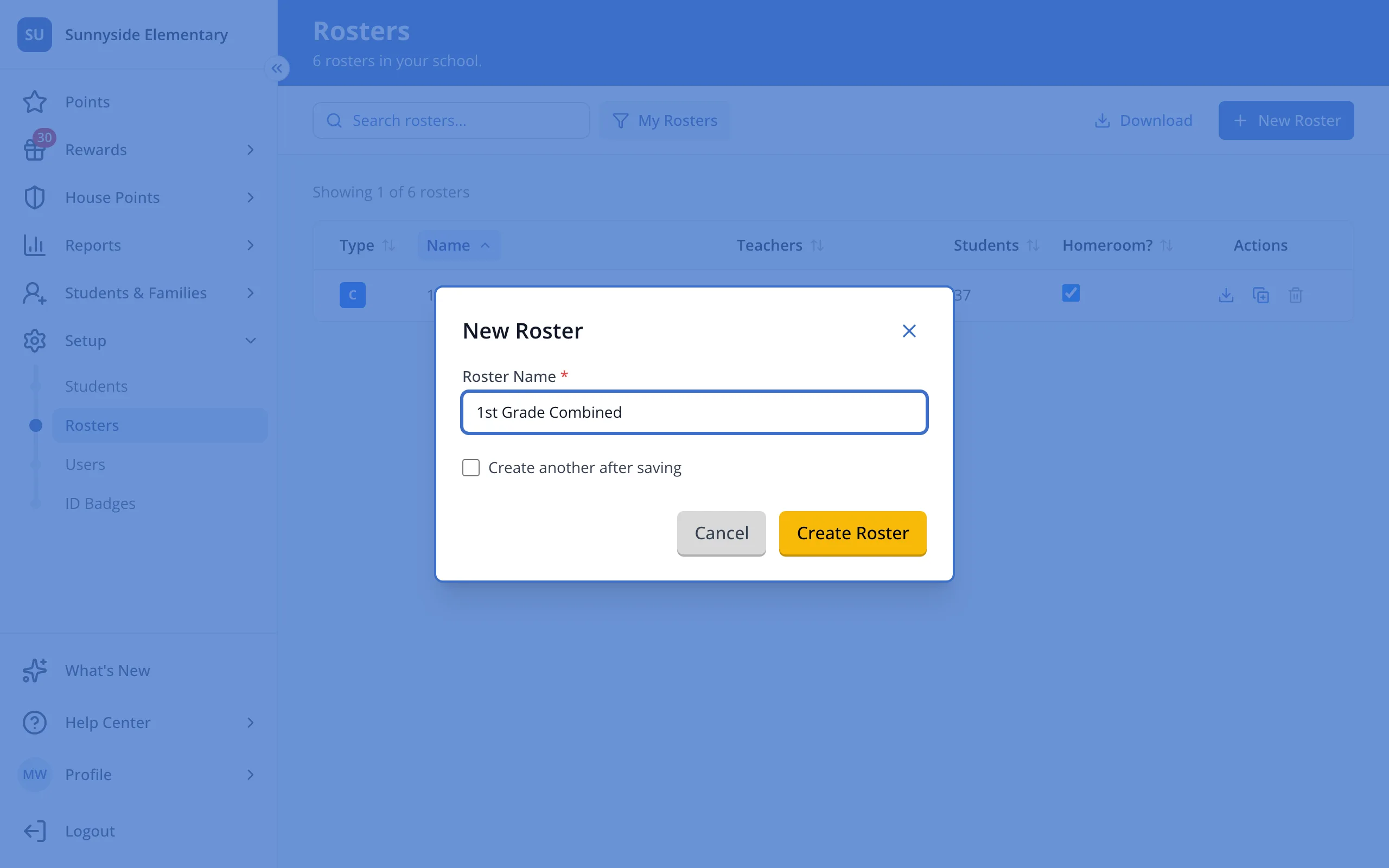
4.Type a name for your combined roster.
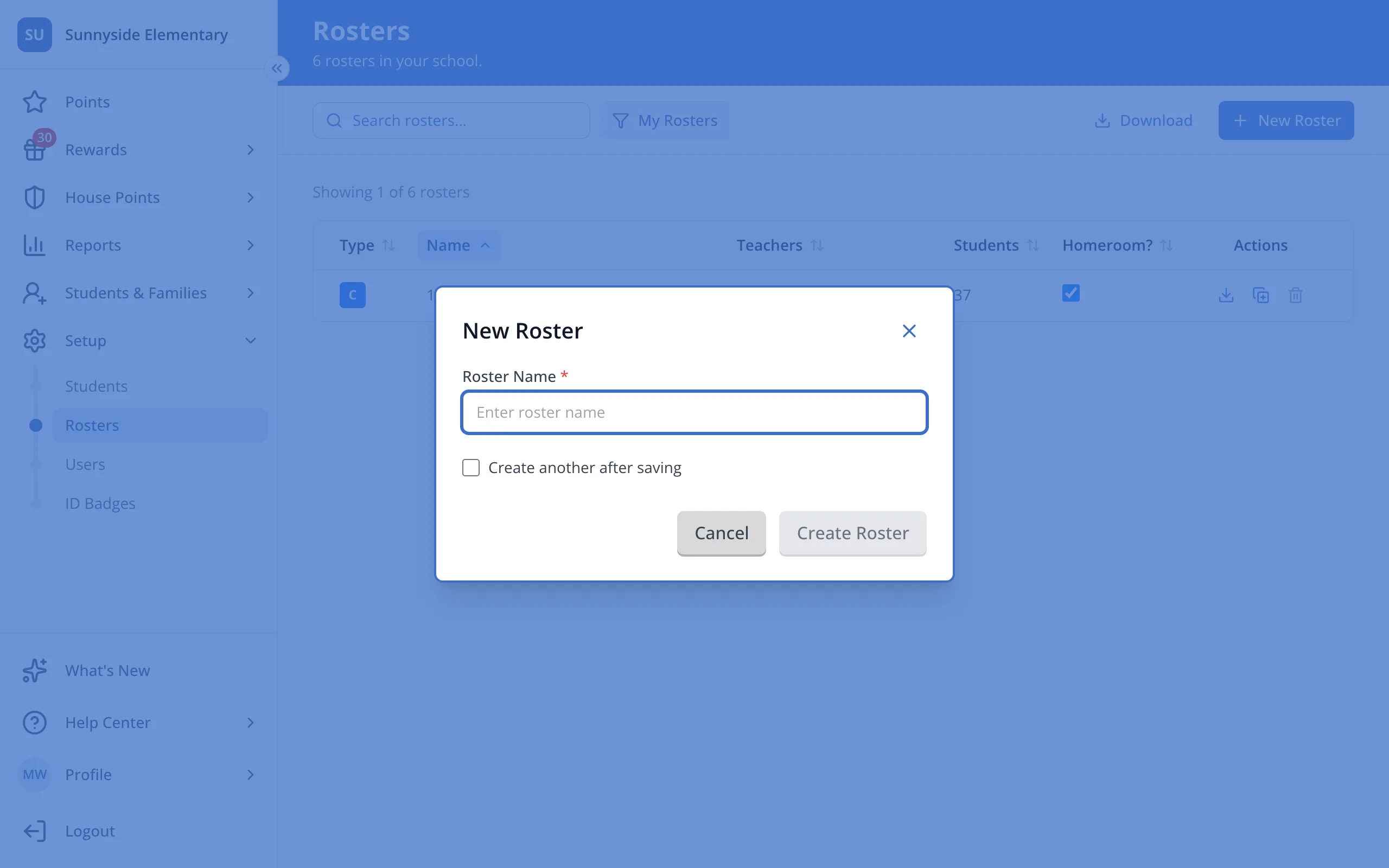
5.Click Create Roster.
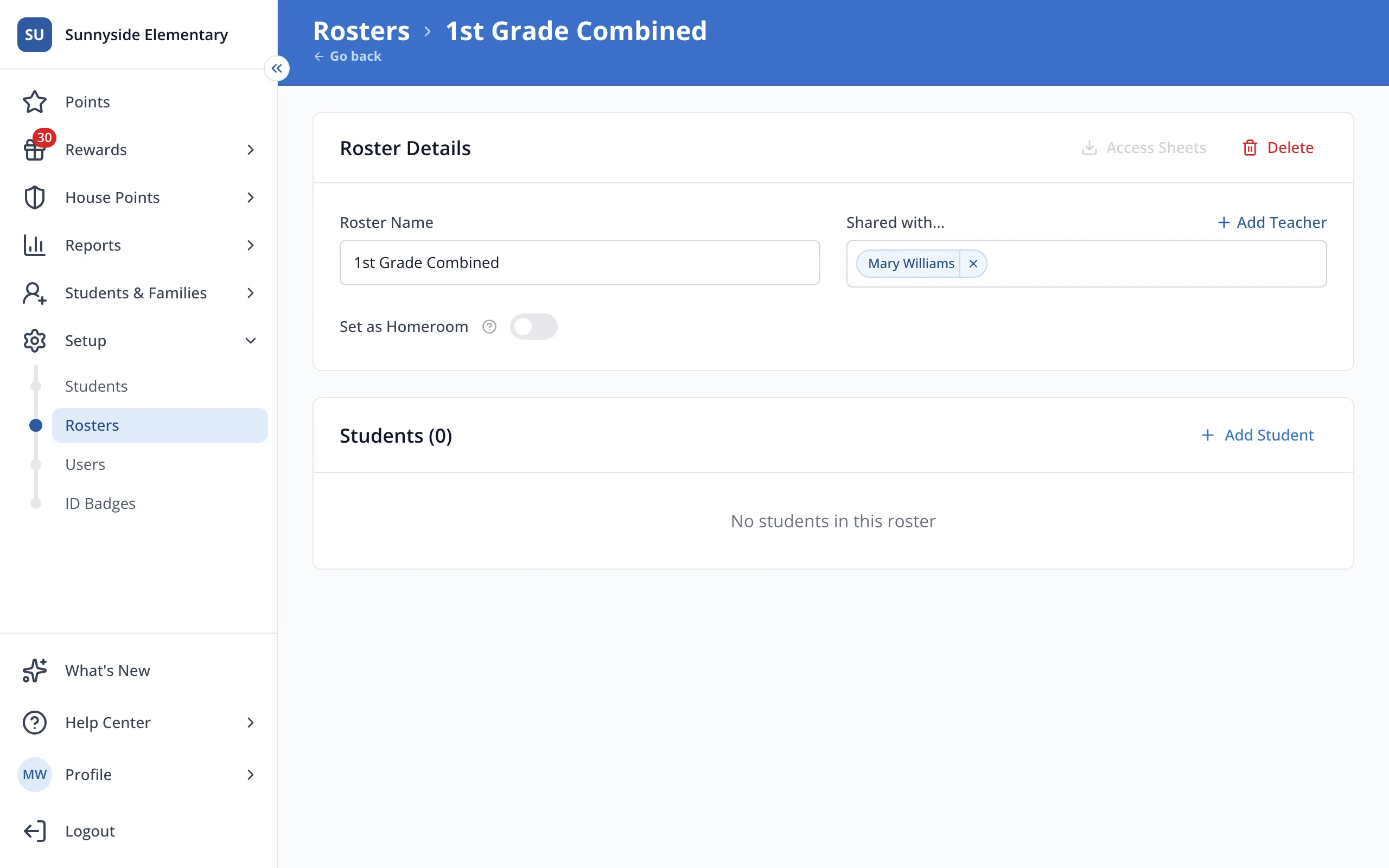
6.Click Add Student.
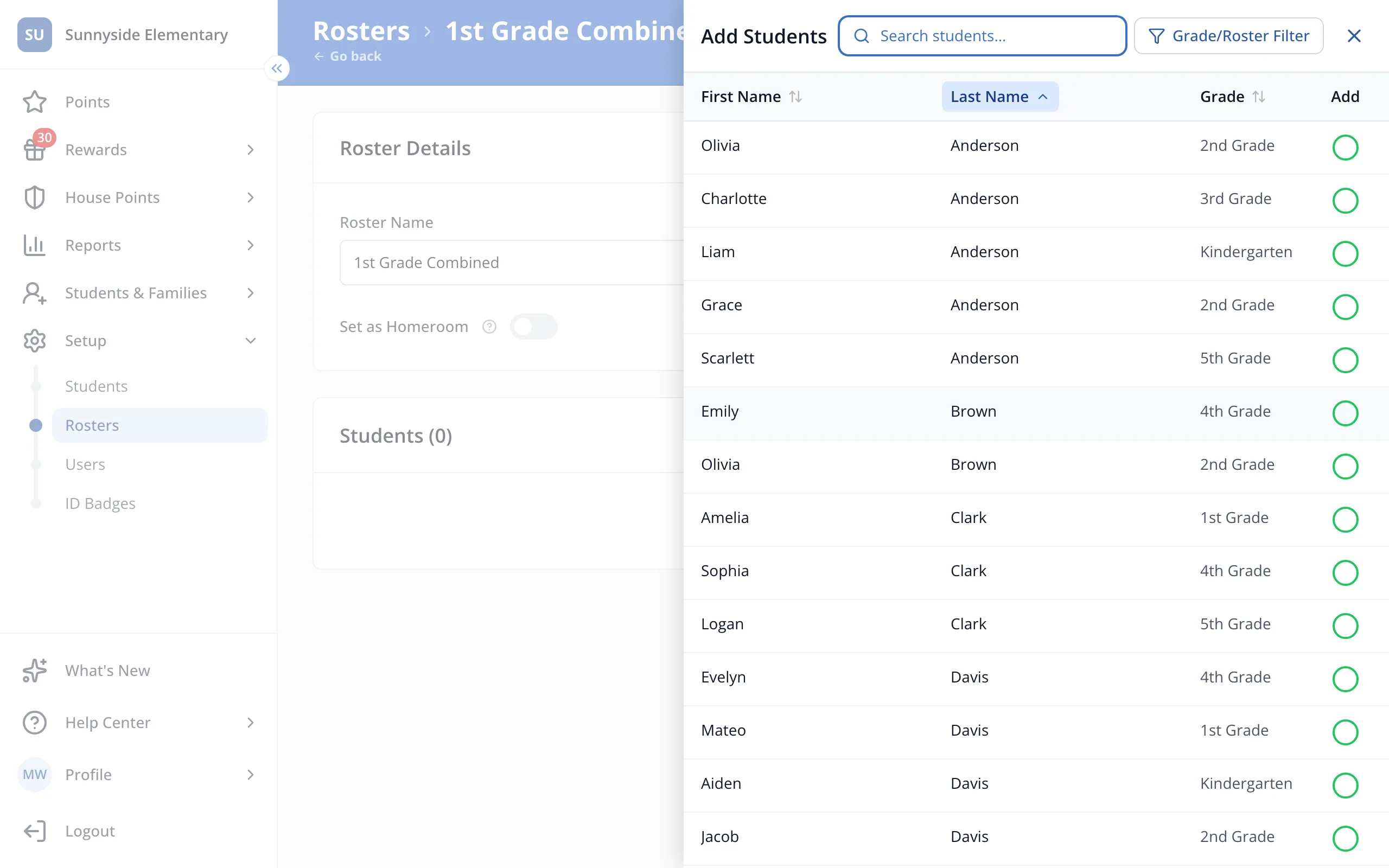
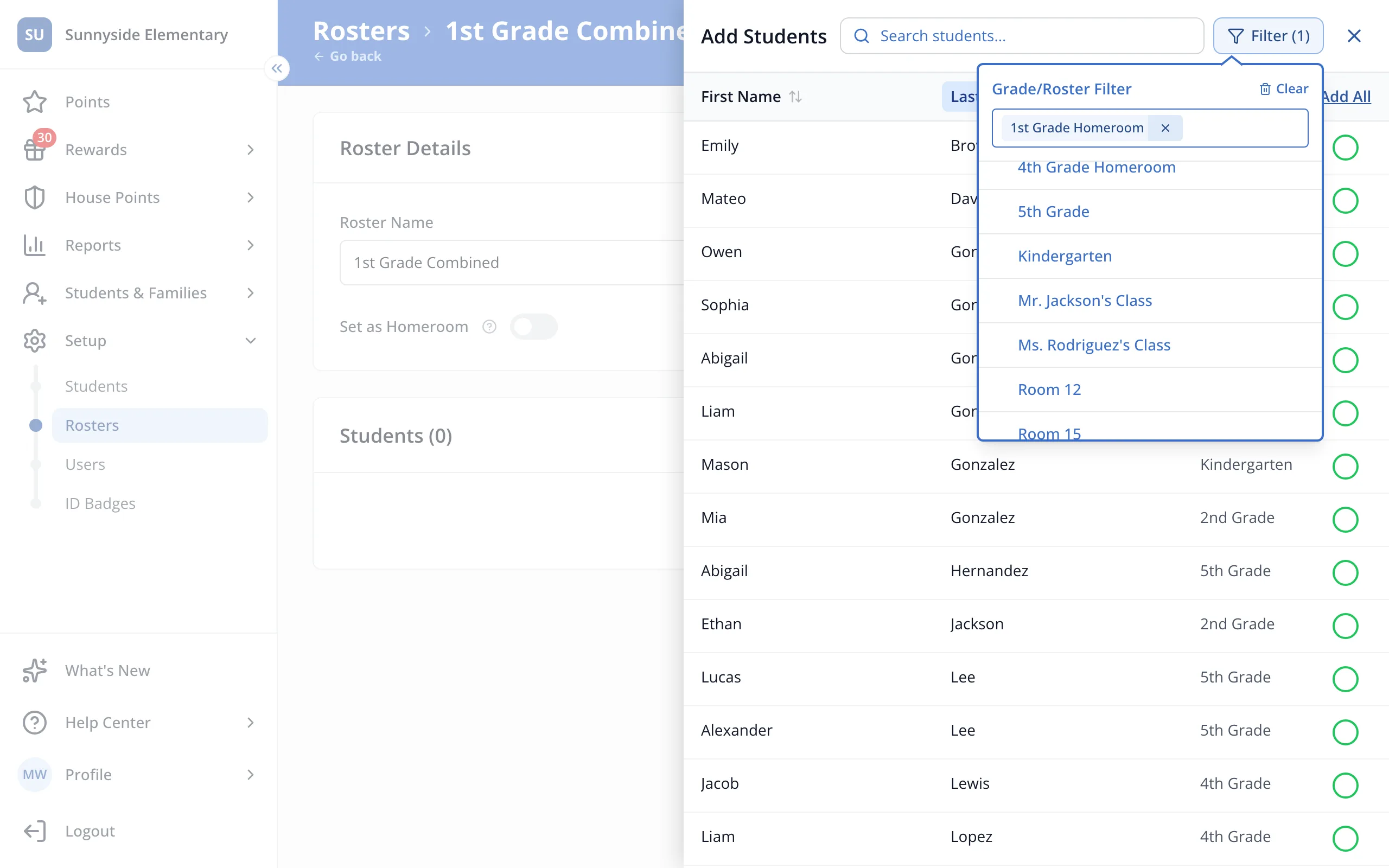
7.At the top of the panel, click Grade/Roster Filter.
8.Click the first roster you'd like to combine.
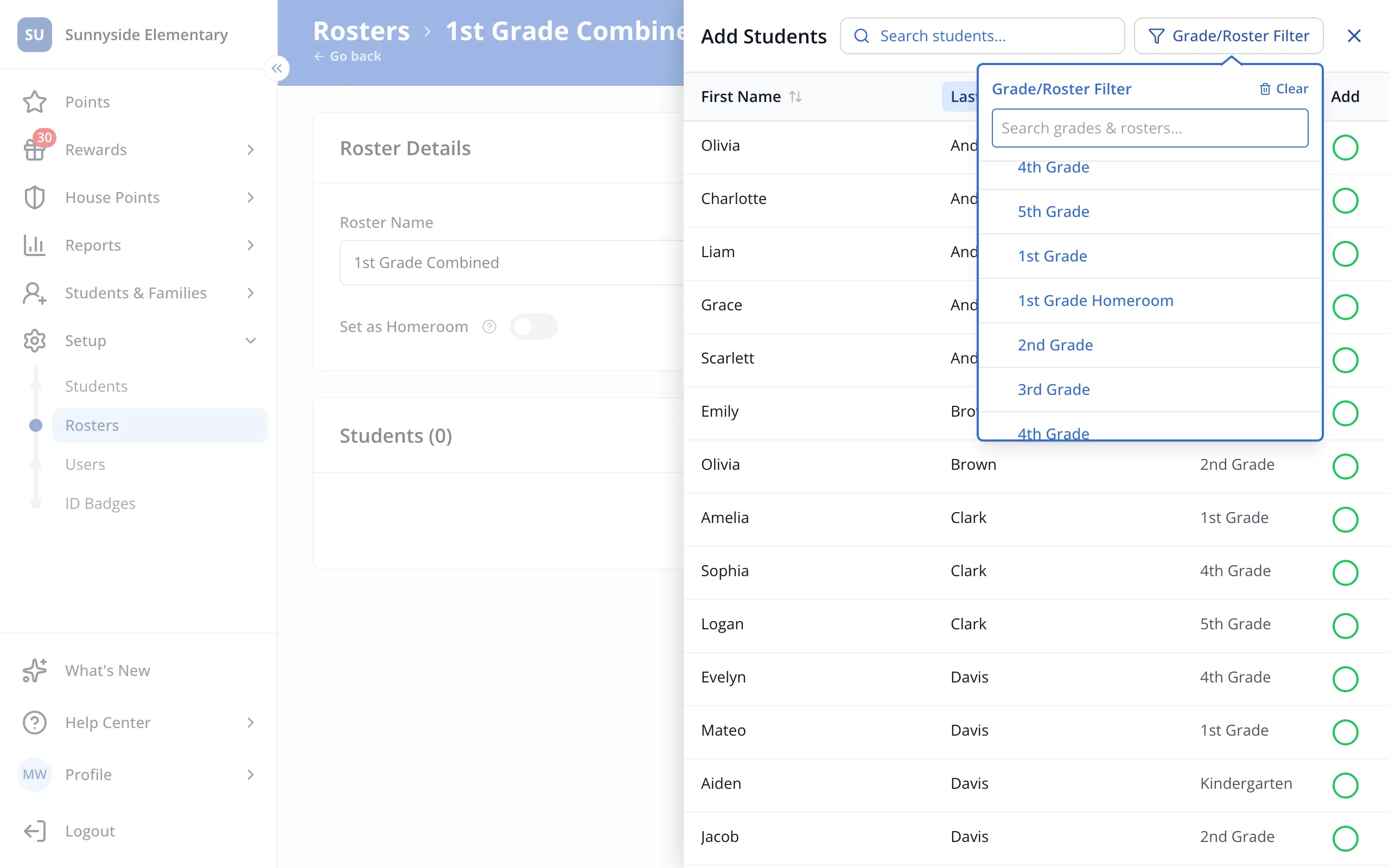
9.Click the other rosters you'd like to combine.
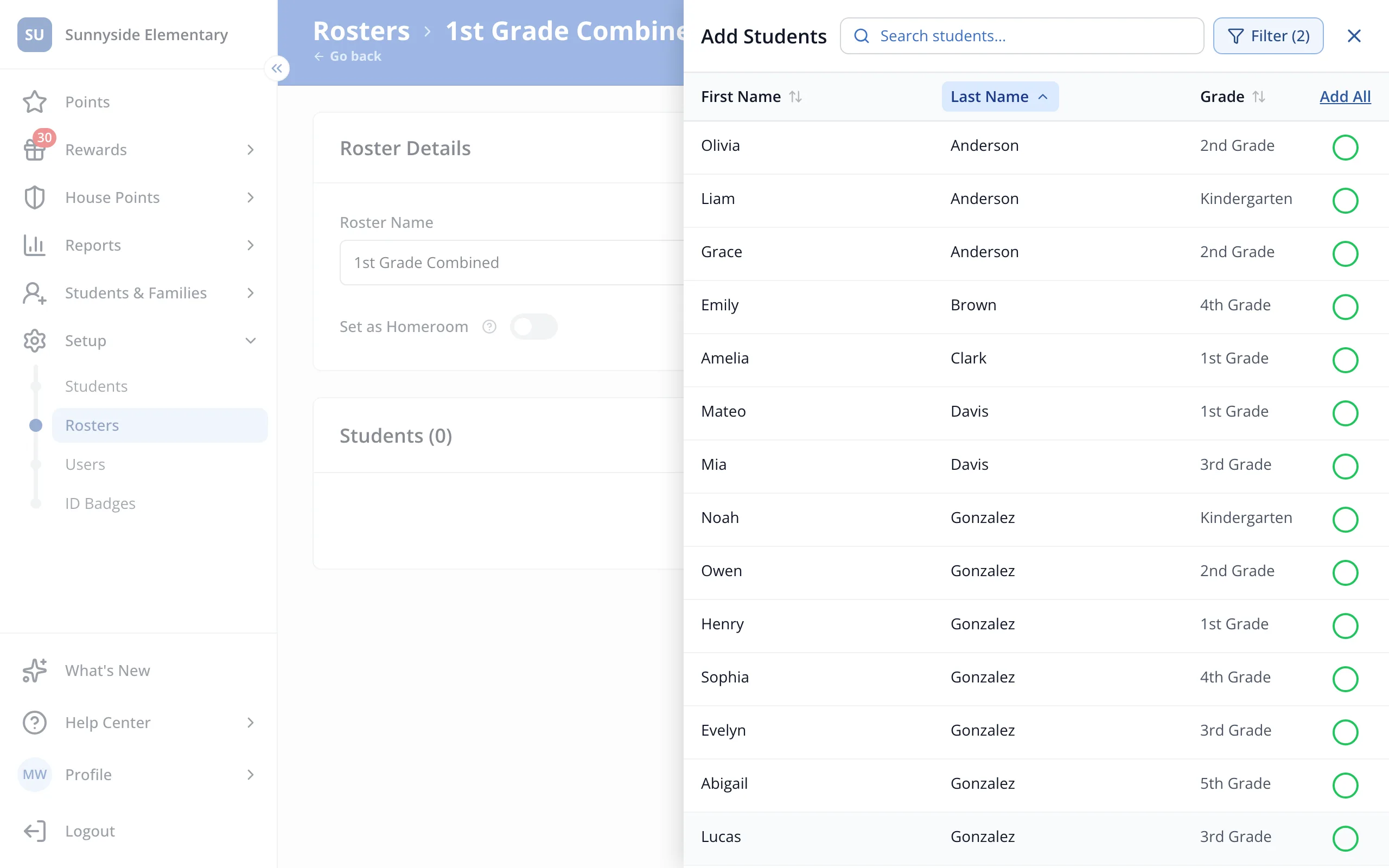
10.Click Add All.
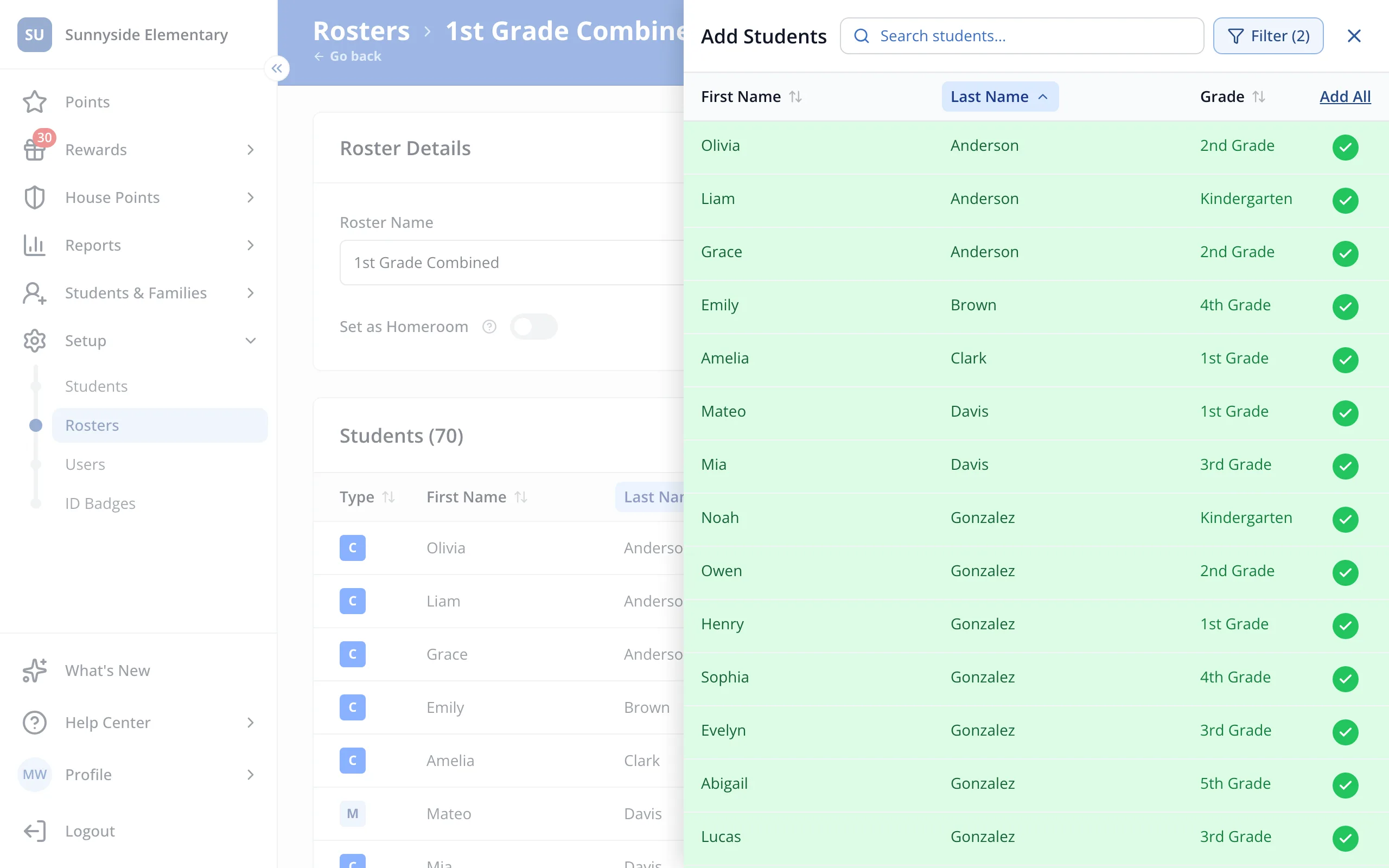
11.You'll see a green check next to each student. Click the X at the top of the panel.
Was this helpful?