
Download a list of every roster
Get a spreadsheet of the names of each roster, along with details about each.
AdminSite Leader
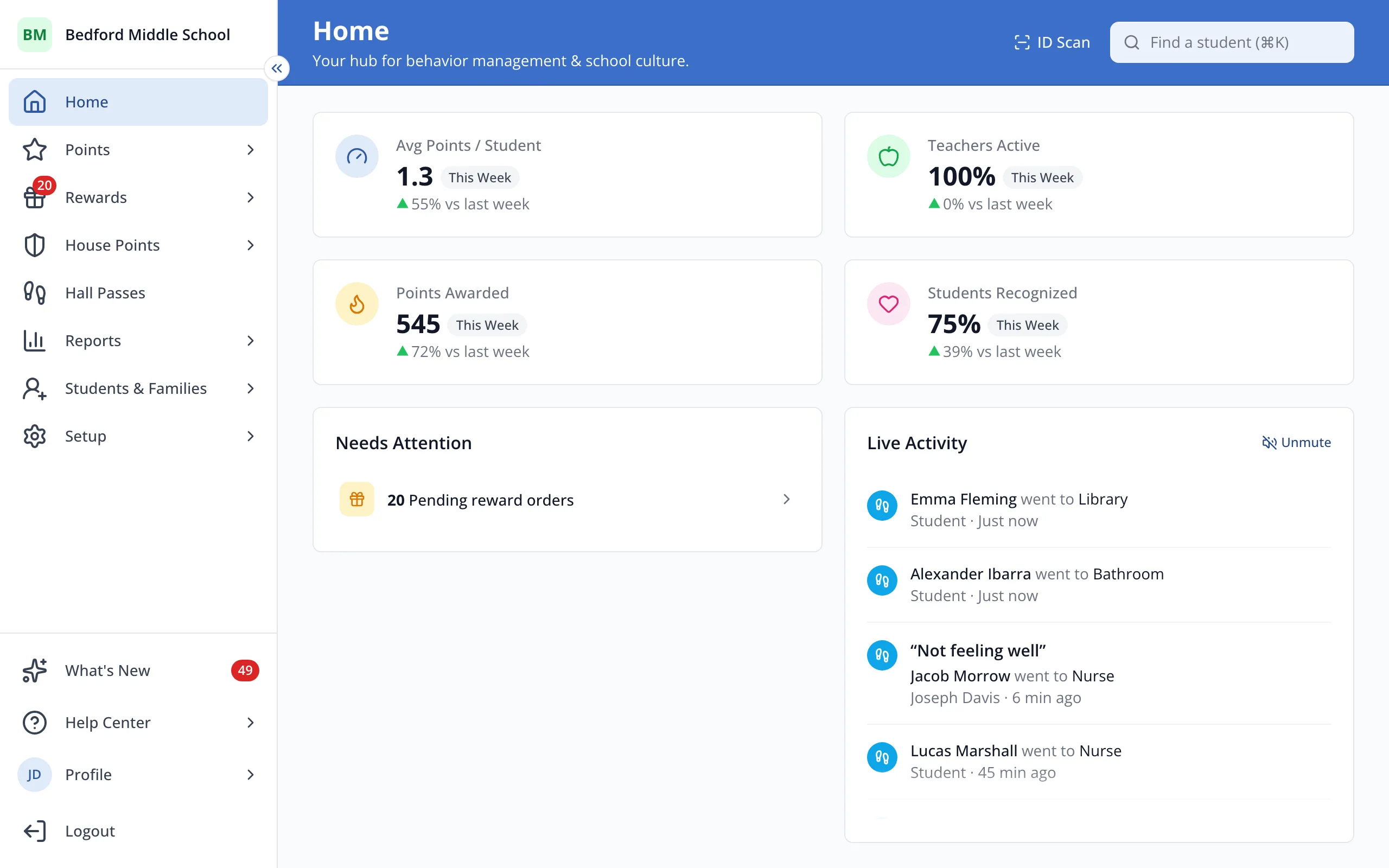
1 / 3In the sidebar, click Setup.
1.In the sidebar, click Setup.
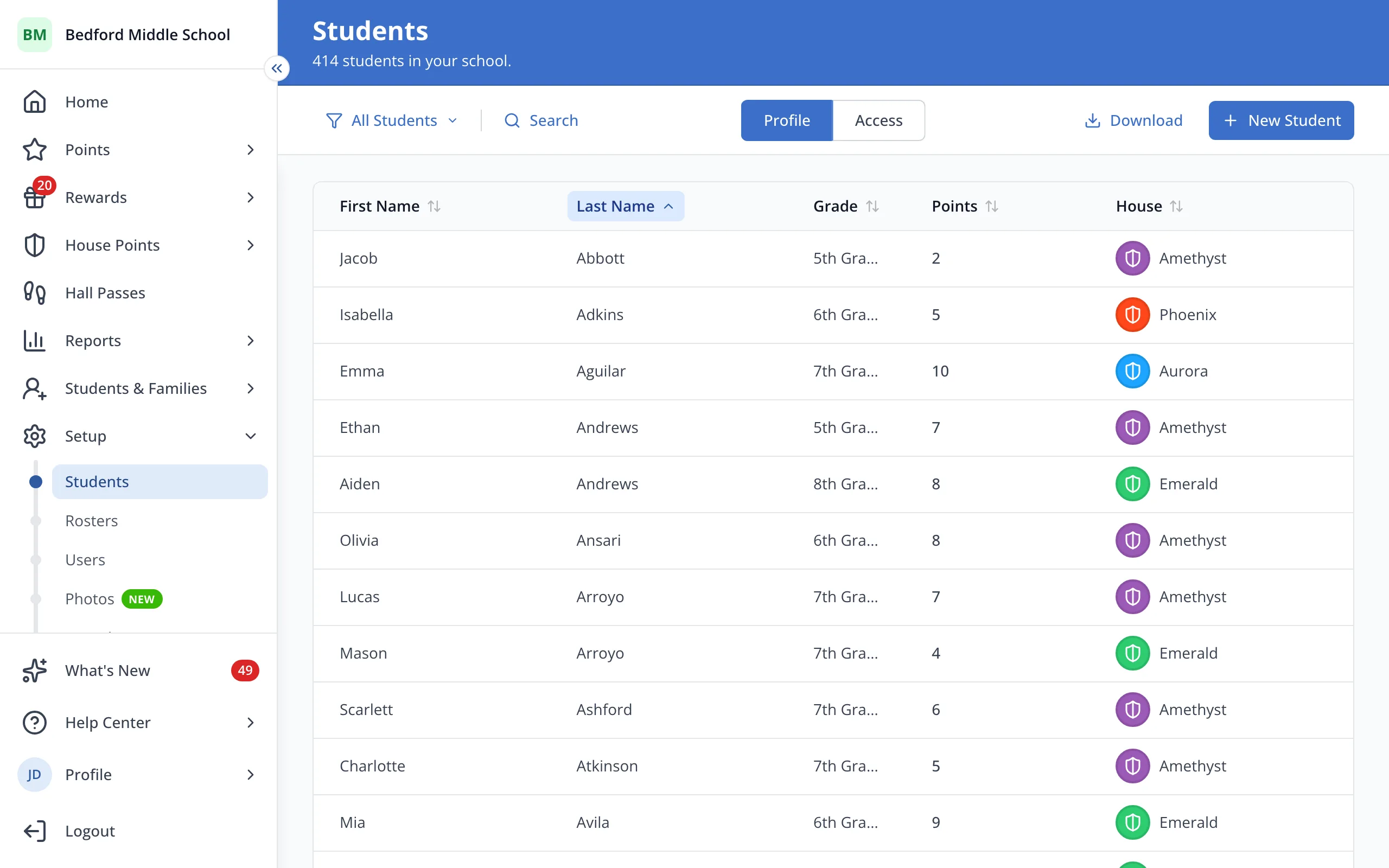
2.Click Rosters.
3.Click Download. The list will download as a spreadsheet.
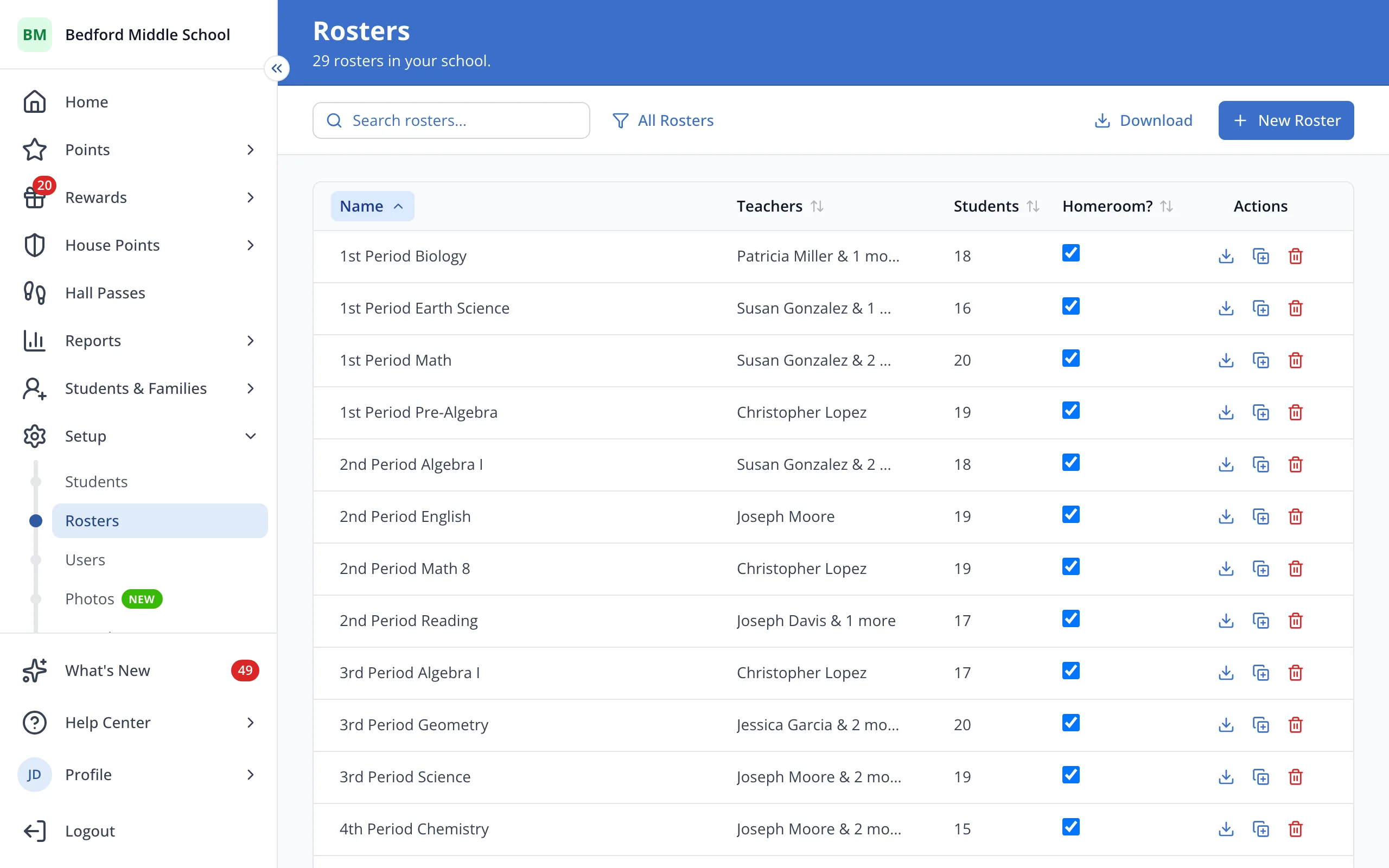
Tip: Search or filter first to download only the rosters on screen.
Was this helpful?