
See every homeroom in your school
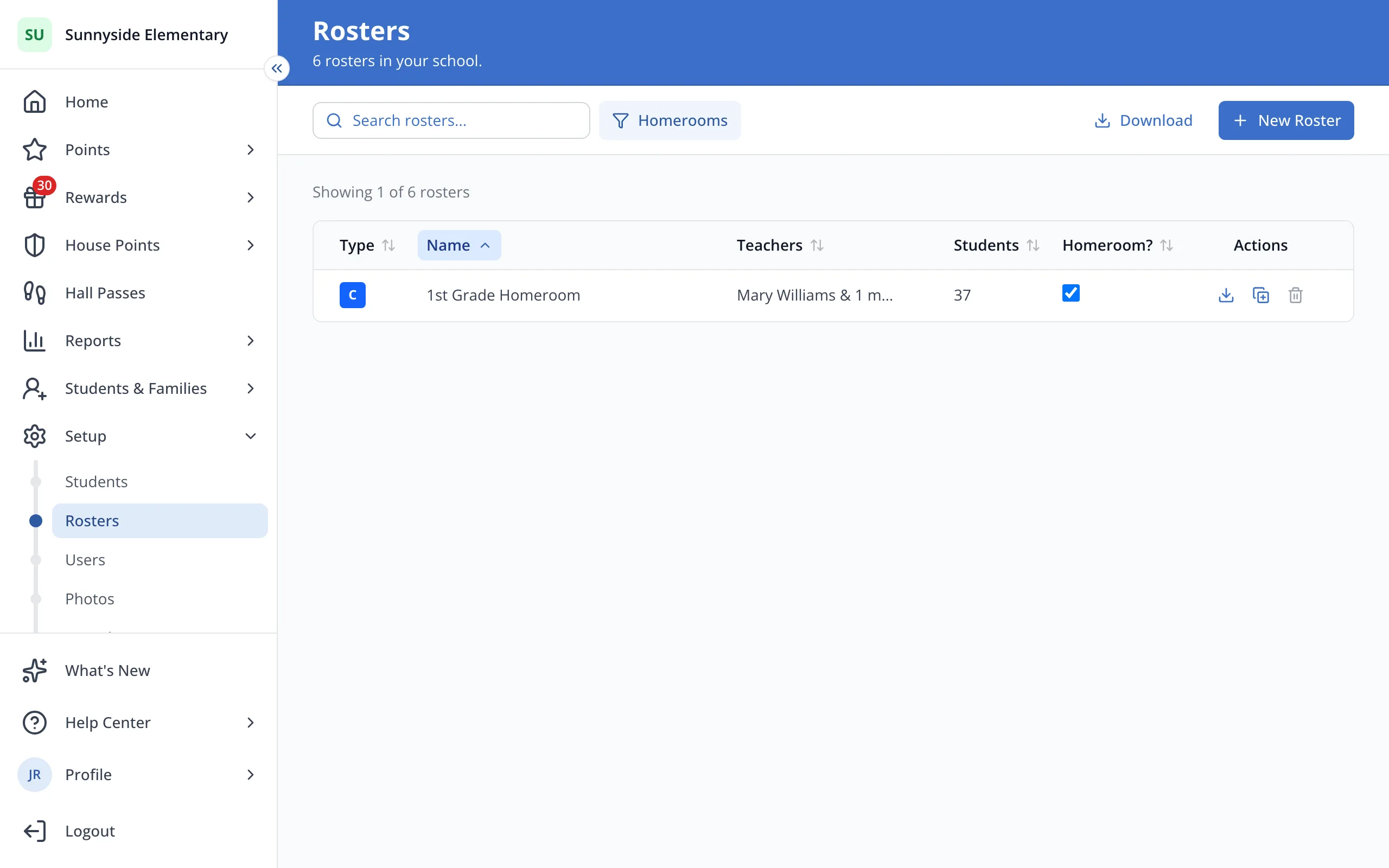
View all rosters that have been identified as a "homeroom" in your site.
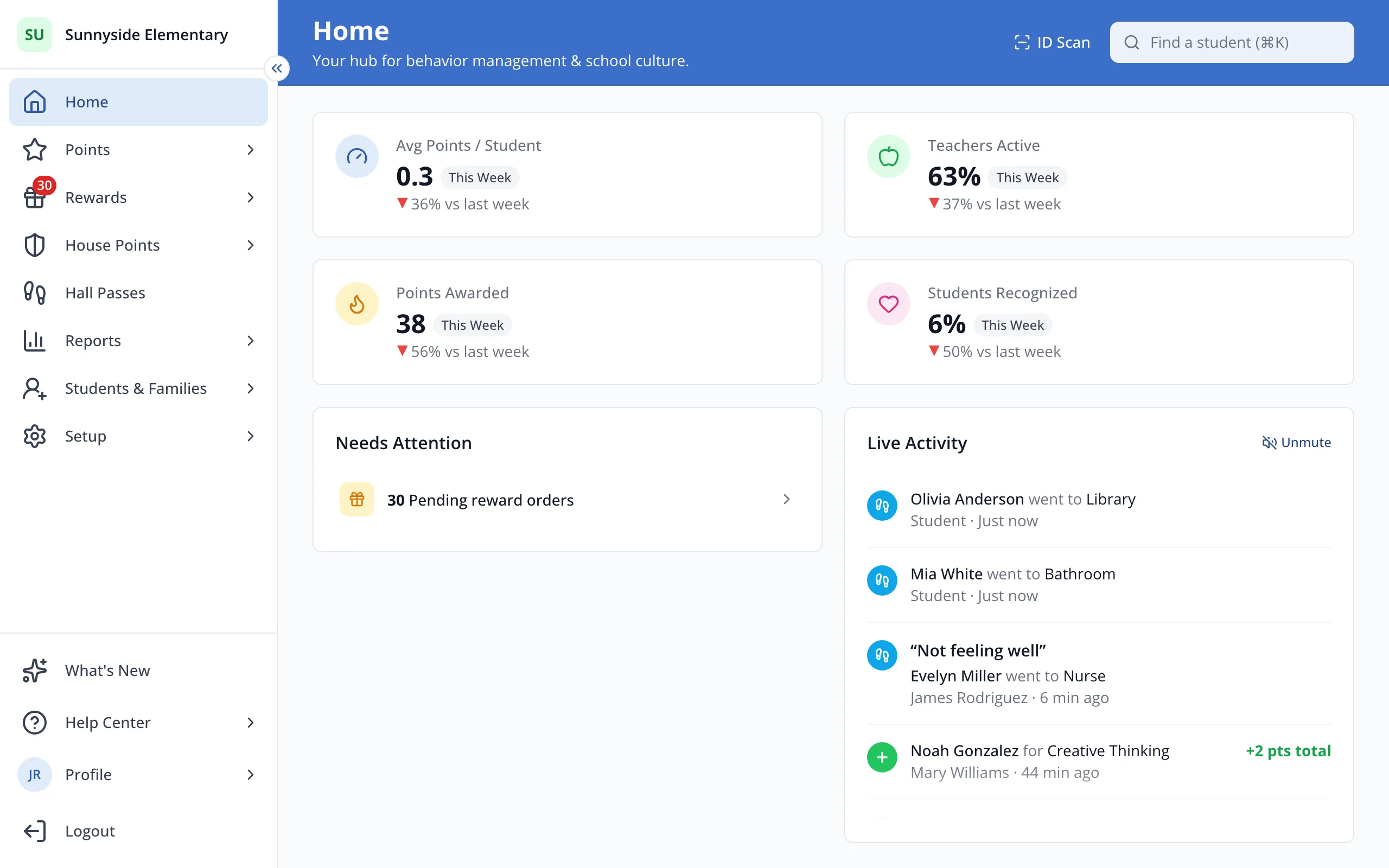
1 / 5In the sidebar, click Setup.
1.In the sidebar, click Setup.
2.Click Rosters.
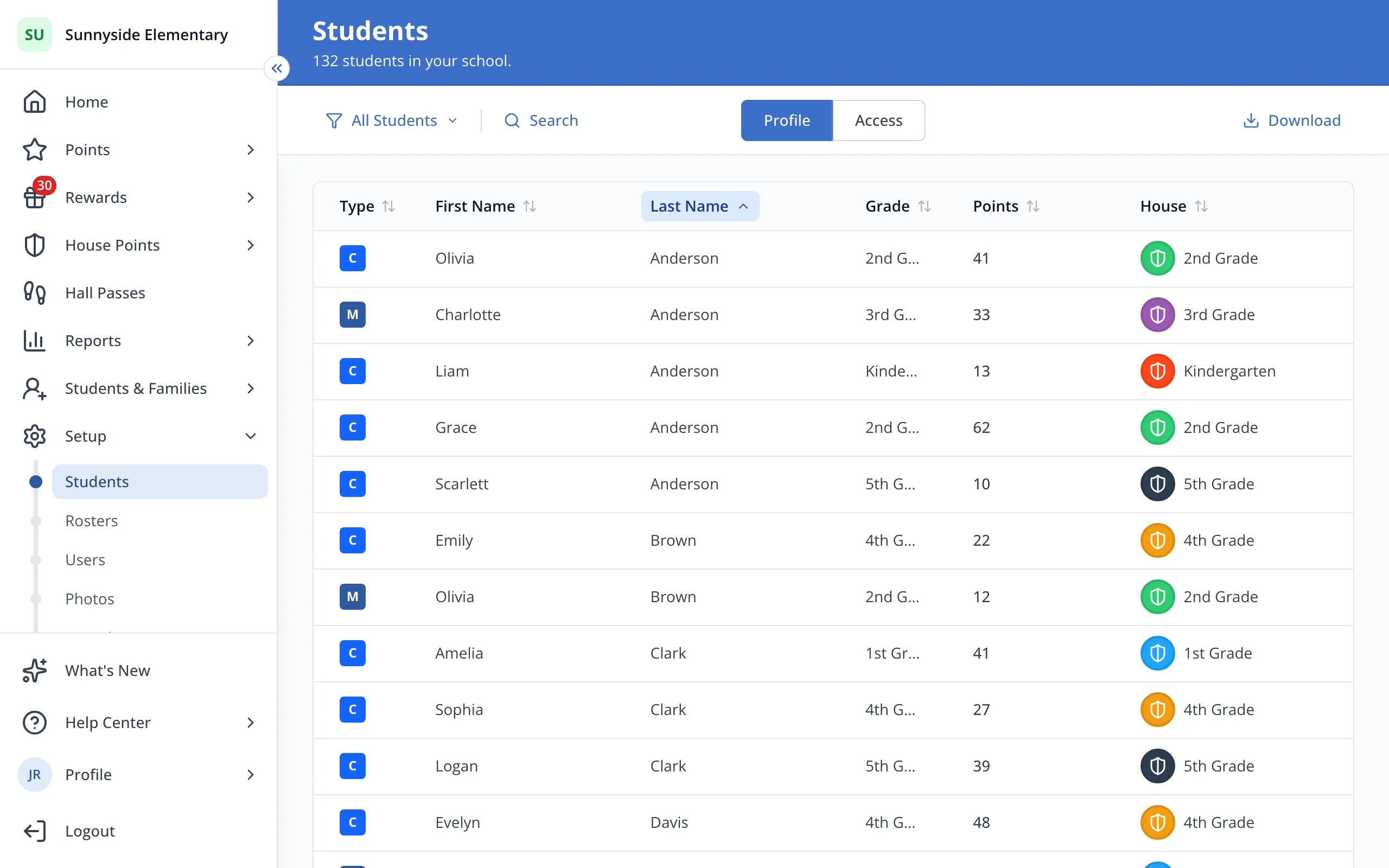
3.Click the filter button, which says All Rosters.
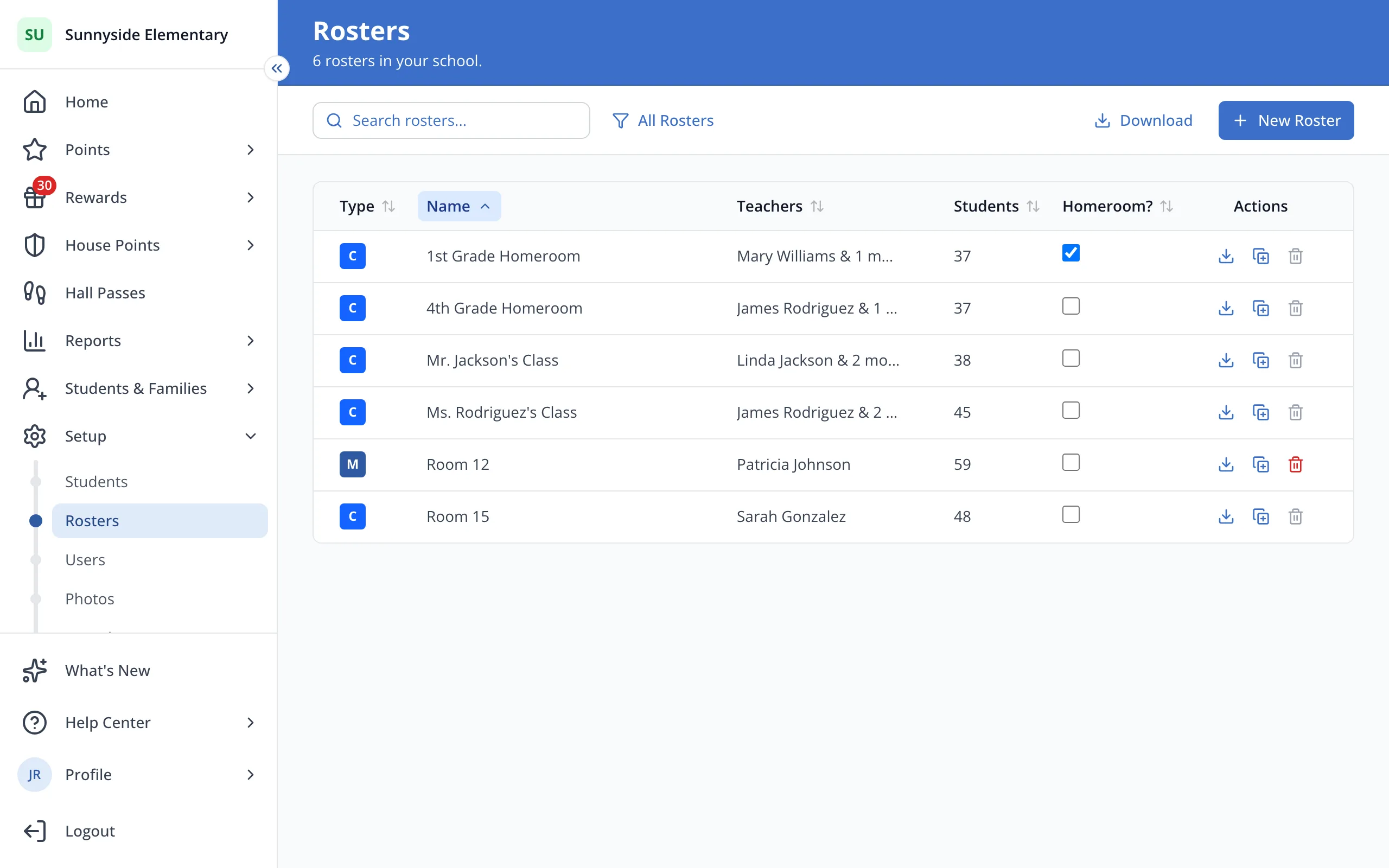
4.Click Homerooms.
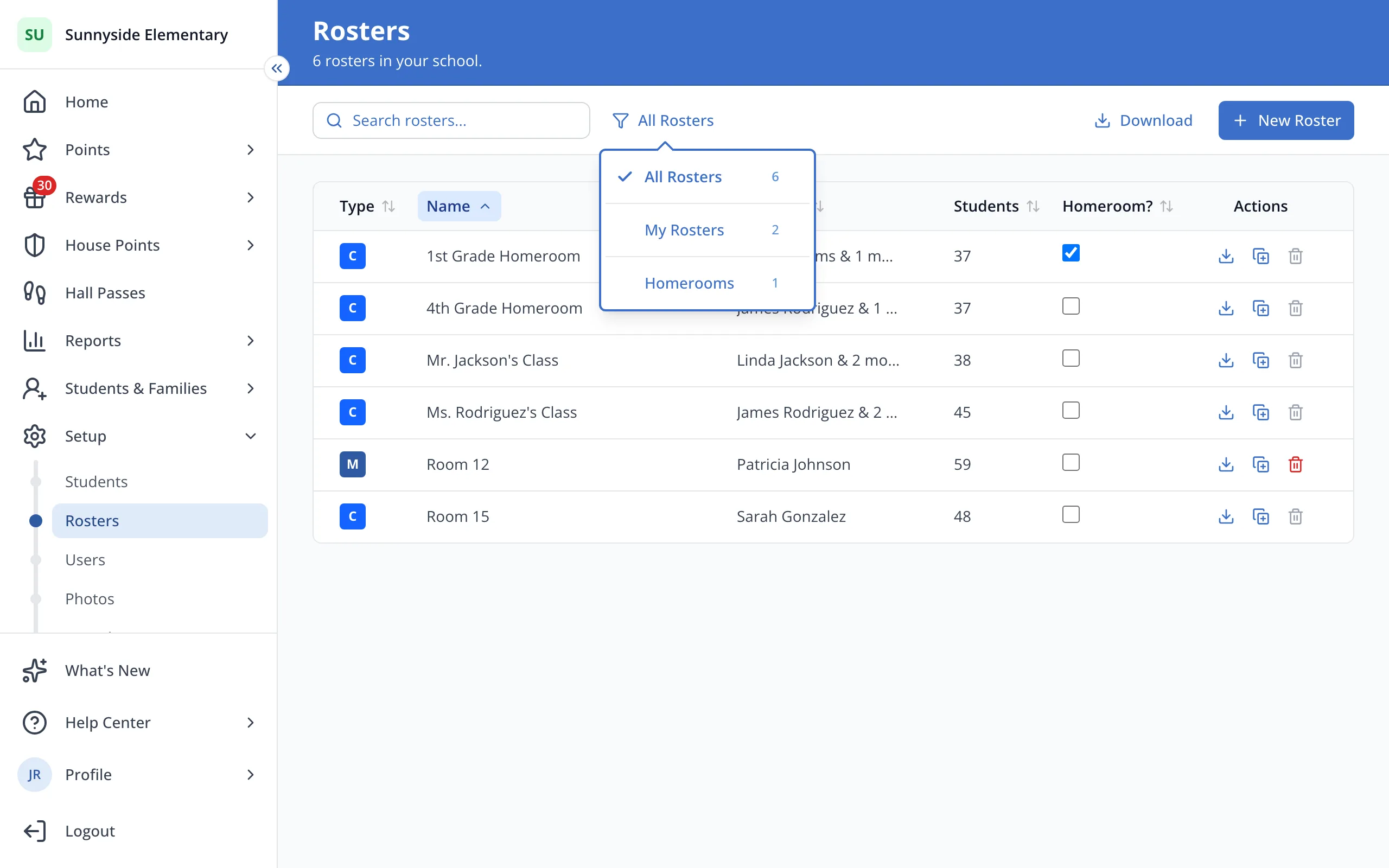
Tip: Homerooms are identified by staff within your building, not by the LiveSchool system. To edit them, check or uncheck the box under "Homeroom?" on the Rosters screen.
5.Click a homeroom's name to see its students and teachers.
Tip: On the Points page, the roster picker's Homerooms tab lists them too.
Was this helpful?