
Move a student between rosters that sync from Clever or ClassLink
Students move between Clever or ClassLink rosters when their class changes in your school's records, then the change syncs here.
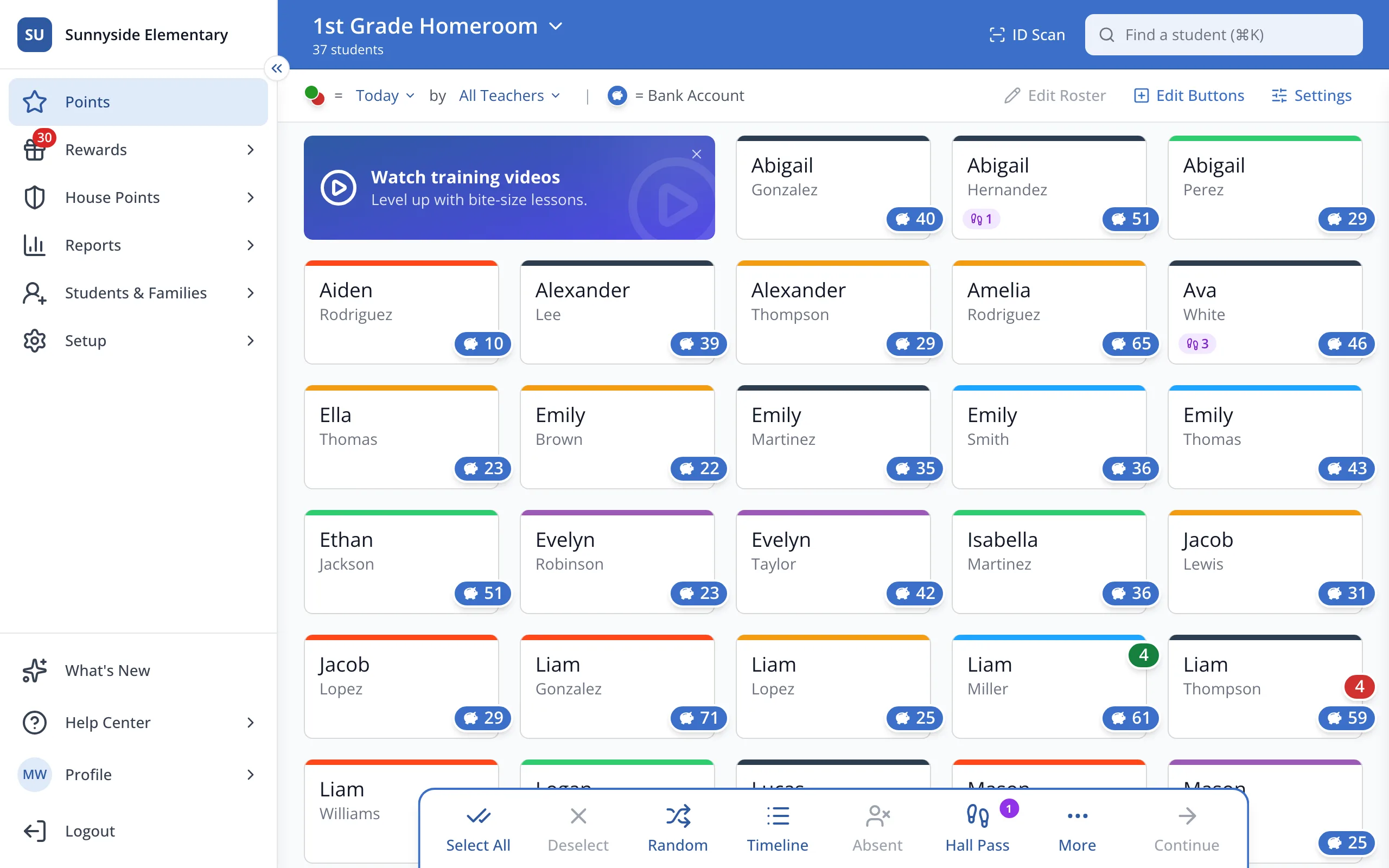
1 / 4In the sidebar, click Setup.
1.In the sidebar, click Setup.
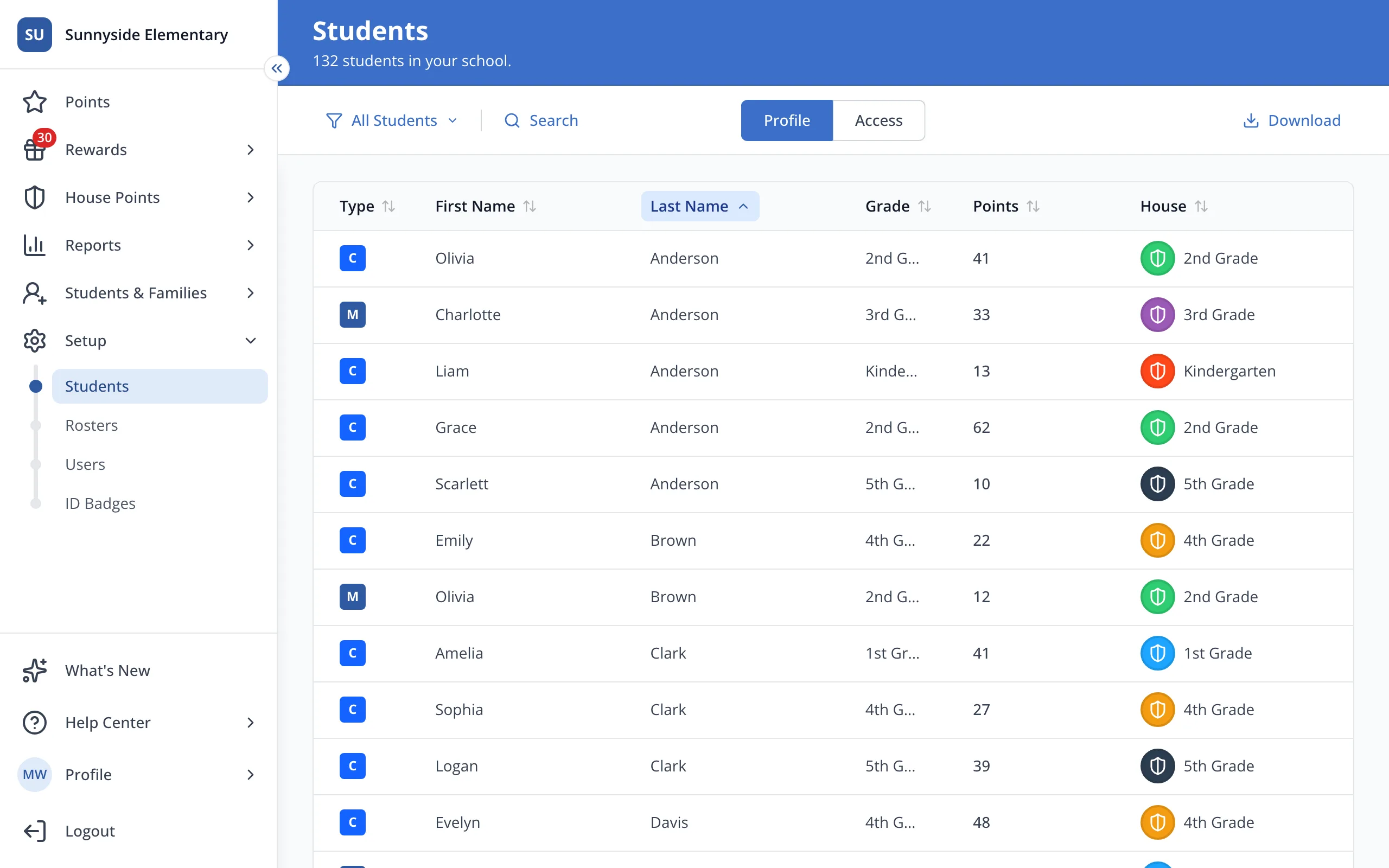
2.Click Rosters.
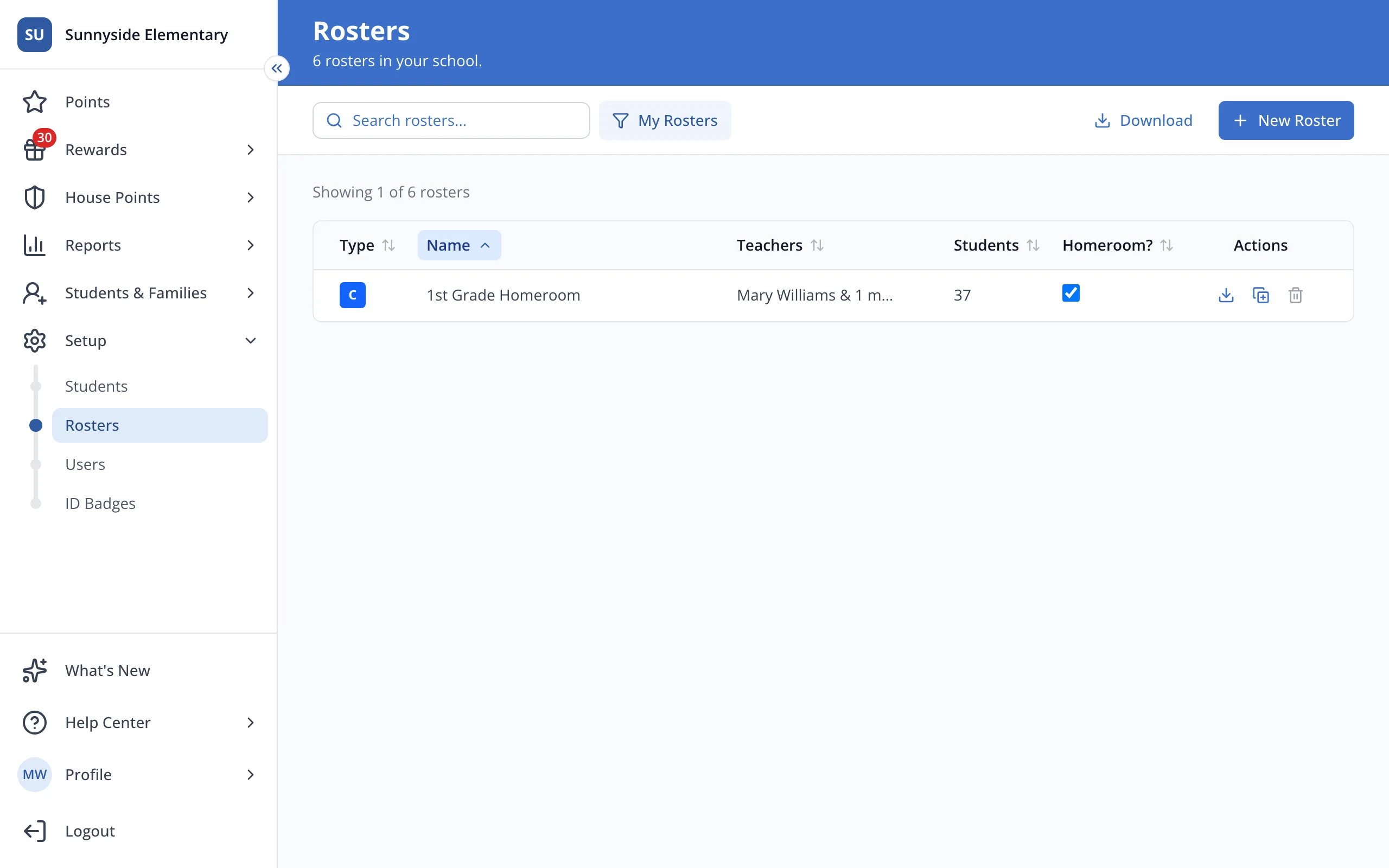
3.Click your roster's name.
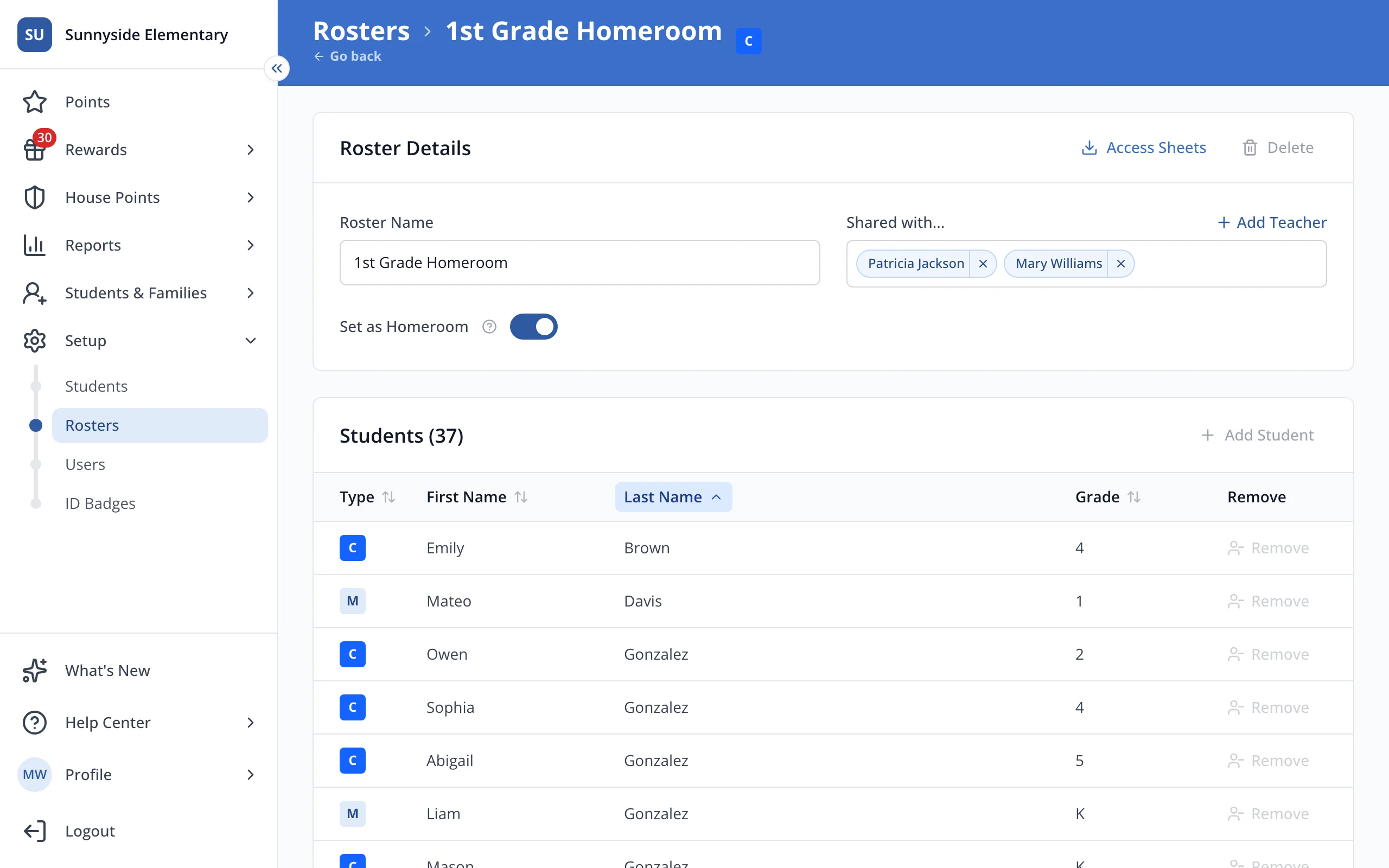
4.Remove is greyed out on a synced roster. Ask whoever manages Clever or ClassLink at your school to change the student's class.
Was this helpful?